
Vanilla Boosted
Keeps the "Minecrafty" feel while adding much more optimisation and new content.
截图


介绍
Why Install This Modpack?
This modpack is able to make Minecraft look amazing while still running smoothly. Mobs look interesting with resource packs that retexture skeletons, zombies and creepers. It adds quality-of-life features like easier farming and faster navigation aswell as custom enchantments that fit in perfectly with vanilla minecraft. The HUD is easier to understand and there is new structures across the world to explore. It also supports playing with friends through the essential mod!
Features
Shaders
The modpack includes many shaders such as:
- BSL Shaders
- Complementary Reimagined
- Solas Shader
- AstraLex Shaders
- Bliss Shaders
- Miniature Shader
- MakeUp – Ultra Fast
- Complementary Unbound
Mob Overhauls
- Fresh Animations – Smooth animations for all vanilla mobs
- Not Enough Animations – Adds third-person animations like eating and map-holding
- New mob textures such as: Bray’s Zombie Overhaul and AL’s Creepers Revamped – Complete mob model redesigns, all with Fresh Animations support
- [EMF] Entity Model Features & [ETF] Entity Texture Features – Allows all custom mob models and textures
- Villager Pickup – (Disabled in 1.1.0) Allows you to pick up villagers to easily transport them anywhere
Exploration
- Dungeons and Taverns – New structures across the world
- Stellarity – Overhauls the End dimension with new biomes
- Voxy – Extends your view distance
- Xaero’s Minimap & Xaero’s World Map – A minimap and full-screen world map for navigation
- Chunky – Lets you pre-generate chunks in your world
Block Tweaks
- Better Ores 3D – Ore gems visually protrude from blocks
- Simple Grass Flowers – Small flowers scattered across grass
- Connectible Chains – (Disabled in 1.1.0 and above) Chains hang and sway between posts
- Bushier Bushes – Denser bush models
- Particle Rain – Visible rain particles
- Elytra Trims & Visual: Armor Trims – Apply and better display armor trims as well as on elytras
- Shelviety – Matches the bookshelf texture with the chiseled bookshelf texture
HUD & UI
- AppleSkin – Shows food saturation and hunger values
- Better Advancements & Advancements Reloaded – A cleaner advancements screen
- BetterF3 – Colour-coded and easy to read debug screen
- Detail Armor Bar Reconstructed – Shows individual armor piece durability in the HUD
- Status Effect Bars – Potion timers are shown as progress bars
- Chat Heads – Player head icons next to chat messages
- 3D Skin Layers – Your outer skin layer rendered in proper 3D
- Animated Loading Screen – Replaces the default Mojang loading screen
Quality of Life
- RightClickHarvest – Right-click to harvest and replant crops instantly
- Forgiving Void – Saves you from void death
- Easy Anvils – Removes “Too Expensive” and reduces anvil costs
- Easy Shulker Boxes – Open shulker boxes without placing them
- Pickup Notifications – Shows a small popup when items are picked up
- Lighty – Highlights blocks where mobs can spawn
- Naturally Trimmed – Mobs spawn wearing trimmed armor
- Zoomify – Adds a zoom key
- Litematica – Schematic tool for planning builds
- Sound Physics Remastered – Realistic reverb and sound occlusion
- Do a Barrel Roll – Changes the movement system with elytra
- All Mob Heads – Every mob has a chance to drop its head
- Advancement Screenshot – Auto-screenshots when you earn an advancement
- Shine – Replaces shaders by adding coloured lighting and bloom to your world
- Punchy! – Adds new first person animations
Performance
- Sodium + Sodium Extra – Core rendering overhaul for more FPS
- Lithium – Optimises game logic
- FerriteCore – Significantly reduces RAM usage
- Entity Culling & More Culling – Skips rendering entities and blocks you can’t see
- ImmediatelyFast – Speeds up GUI and rendering
More Information
If you don’t want to have custom structures you would have to turn off Dungeons and Taverns aswell as Stellerity in Modrinth before you create a world. If you create a world using Terralith, Tectonic and Continents removing those mods may cause issues for that world. Additionally to play with friends you need to sign in with an essential account. This modpack include mods such as Xaero’s World Map, Xaero’s Minimap and Freecam which may not be allowed on some servers. If you want to use shine you will have to disable shaders in video settings.
包含的模组 185 个
 (Bee's) Fancy Crops
 3D皮肤层
 [EMF] Entity Model Features
 [ETF] Entity Texture Features
 Advancement Screenshot
 Advancements Reloaded (AdvancementInfo)
 AL's Creepers Revamped
 AL's Dungeons Boss Bars
 AL's Enderman Revamped x Fresh Animations
 AL's Piglins Revamped x Fresh Animations
 AL's Scorpions & Crabs x Fresh Animations
 AL's Skeletons Revamped
 AL's Skeletons Revamped x Fresh Animations
 AlinLib
 All Mob Heads
 Almost Vanilla Potions
 Animated Loading Screen
 苹果皮
 Architectury API
 Armor Stand Arms
 AstraLex Shaders
BadOptimizations
 BaguetteLib
 Balm
 Better Advancements
 Better Lanterns
 Better Ores 3D
 Better Statistics Screen
 BetterF3
 Bliss Shaders
 Boat Item View
 Bookshelf Inspector
 Bray's Zombie Overhaul x Fresh Animations
 BSL Shaders
 Bushier Bushes
 CalcMod
 Chat Animation [Smooth Chat]
 Chat Heads
 Cherished Worlds
 Chunky
展开全部 185 个
 CICADA
 Clearer Slot Highlight
 Cloth Config API
 Collective
 Complementary Shaders - Reimagined
 Complementary Shaders - Unbound
 Connectible Chains [Fabric]
 Continents
 Continuity
 Controlify (Controller support)
 Controlling
 Cubes Without Borders
 Cut Through
 Dani's Oxidizing Copper Tools
 Delete Worlds To Trash
 Detail Armor Bar Reconstructed
 Do a Barrel Roll
 Drigo 3D Lantern`s x Punchy
 Drodi's Blazes x Fresh Animations
 Drodi's Illagers
 Drodi's Illagers x Fresh Animation
 Dungeons and Taverns
 简易铁砧
 Easy Magic
 Easy Shulker Boxes
 EclipseUI
 Elytra Contrails Mod
 Elytra Trims
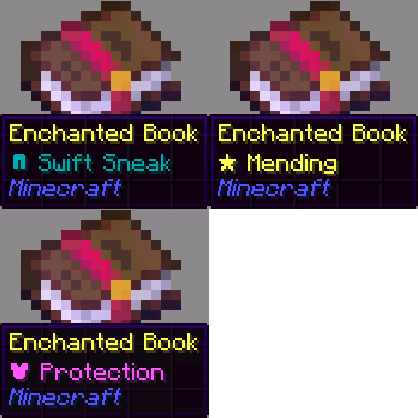 Enchant Icons
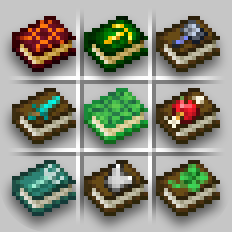 Enchanted Books: Re-covered
 Enchanted Vertical Slabs
 Enchantment Outlines
 Enhanced Cats
 实体剔除
 Essential Mod
 Explosive Enhancement
 Fabric API
 Fabric Language Kotlin
 Fancy Armor Stand Texture pack
 FerriteCore
 Flashback
 Forge Config API Port
 Forgiving Void
 Freecam
 Fresh Animations
 Fresh Buckets
 Fresh Flower Pots
 Fresh Flower Pots: Rotated
 Fresh Flowers and Plants
 Fresh Food
 Fresh Music Discs
 Fyoncle's 3D Trims
 Fzzy Config
 Geckolib
 Glowing 3D Armor
 Glowing 3D Totem
 Horse Expert
 Horseman
 Hyper Punchy
 I Like Vanilla
 ImmediatelyFast
 Immersive Hotbar
 Invis item frame
 Iris Shaders
 JamLib
 Just 3D Potions (Punchy!)
 LibJF
 Lighty
 Litematica
 锂
 Lithostitched
 Lively Turtle Helmet
 Locator Lodestones
 MakeUp - Ultra Fast
 MaLiLib
 Minecarts with Wheels
 Miniature Shader
 模组菜单
 More Culling
 Naturally Trimmed
 No Resource Pack Warnings
 Not Enough Animations
 Notes
 OptiGUI
 Packed Packs
 Paginated Advancements & Custom Frames
 Panorama ScreenMake
 Particle Effects
 Particle Rain
 Particular ✨ Reforged
 PDB3D's Blocky Armor Stands - Arms Version
 Photon Shaders
 Pickup Notifications
 PneumonoCore
 Polymer
 Polytone
 Pop-out Clocks
 Presence Footsteps
 Punchy!
 Punchy! x Tiny Takeover
 Puzzles Lib
 qrafty's Capitalized Font
 Recolourful Containers GUI + HUD
 Reese's Sodium Options
 Refined Buckets
 Refined Torches
 Resourcify
 Respackopts
 Rethinking Voxels
 RightClickHarvest
 Roman Numerals for Enchant Icons
 Scholar
 Searchables
 Shelviety
 Shine
 Simple Datapacks
 Simple Grass Flowers
 钠
 Sodium Extra
 Sodium Shadowy Path Blocks (SSPB)
 Solas Shader
 Sound Physics Remastered
 Spawn Animations
 Status Effect Bars
 Stellarity
 TCDCommons API
 Tectonic
 Terralith
 Text Formatting Everywhere
 Text Placeholder API
 The Roads More Travelled [TRMT]
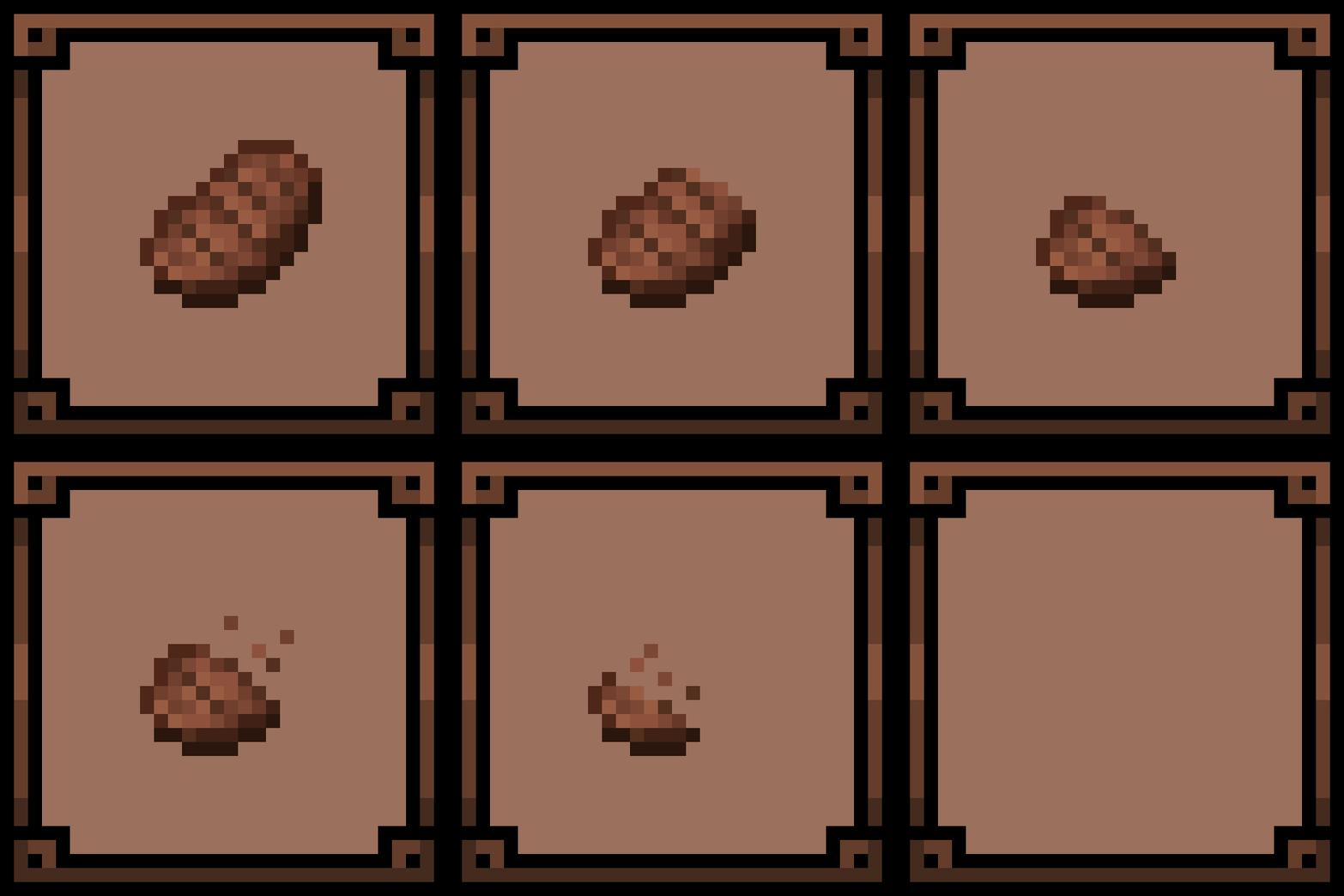 Theone's Eating Animation Pack
 Underlay
 Villager Pickup
 Visual Jukebox
 Visual: Armor Trims
 Visuality
 voxy
 Weskerson's 3D Items
 Weskerson's Torches
 World Play Time
 Xaero的小地图
 Xaero的世界地图
 YetAnotherConfigLib (YACL)
 Zoomify (Zoom)
绿色边框的模组本站有收录,点进去看中文介绍;其余跳转到 Modrinth。
常见问题
Vanilla Boosted 支持哪些 Minecraft 版本?
Vanilla Boosted 基于 Minecraft Java 版 26.2、26.1.2、1.21.11,使用 Fabric 加载器。
Vanilla Boosted 怎么安装?
点本页「前往下载」拿到整合包文件(Modrinth 的是 .mrpack,CurseForge 的是 .zip),在 PCL2 或 HMCL 启动器里选择「导入整合包」,启动器会自动装好 Minecraft、加载器和全部模组。这个整合包有 185 个模组,建议在启动器里给游戏分配 6–8 GB 内存。
Vanilla Boosted 开服需要多大内存?
推荐服务器内存 12 GB。在线人数多、或者建了大量机器和区块加载器时,可以再加 2–4 GB。
怎么和朋友一起玩 Vanilla Boosted?
点本页的「一键开服」,选好配置后会自动安装 Vanilla Boosted 的服务端,几分钟就能开好。把服务器地址发给朋友,大家用同一个版本的整合包连进去就行。
评论
登录后评论和评分