
截图


介绍
Credits
- Vanilla Tweaks: https://vanillatweaks.net/
- Oreville studios:https://orevillestudios.com/
- Pato:https://modrinth.com/user/patovskiz
- not_thefirst:https://modrinth.com/user/not_thefirst
How to Edit Tint Strength
- Open Options
- Open Accessibility settings
- Scroll until you see Glint Strength
- Edit to your liking
How to use polytone config
- Install polytone
- Open Options
- Open Resource Packs
- Apply the pack
- Click the paintbrush icon in the bottom right
- Scroll down and change settings to your liking!
Accessibility
Tixul’s Enchantment Outlines
[CurseForge](https://www.curseforge.com/minecraft/texture-packs/enchantment-outlines) | [Modrinth](https://modrinth.com/resourcepack/glowing-glints)
Compatibility
- [Modefite](https://modrinth.com/mod/modefite-item-definition-backport) required for versions below 1.21.4.
- [Sodium](https://modrinth.com/mod/sodium) compatible!
Sponsored
25% OFF Minecraft Server Hosting!
Use code DANI for 25% off at [Sparked Host](https://billing.sparkedhost.com/aff.php?aff=3073).
About
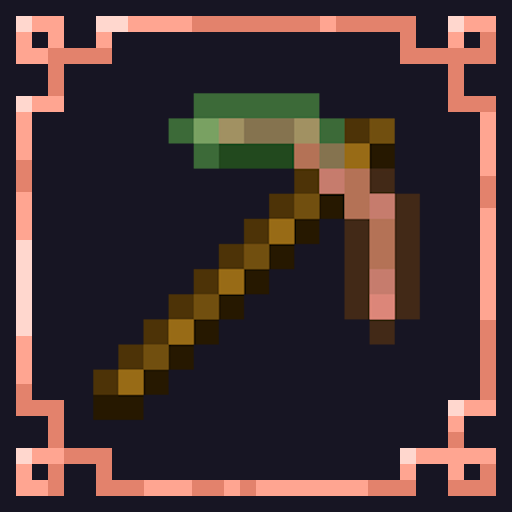
Adds a stylish & vibrant outline to every enchanted tool in-game!
Color them any way! Over 1000 color variations available!*
Variations are created by adjusting Minecraft’s enchantment glint strength slider.
Features
- Polytone configuration options!
- 3D maces and low shields!
- Compatible with Iris shaderpacks that have labPBR!
- Punchy! Compatible!
Other
Feel free to use this project in any modpack published to Modrinth & CurseForge!
Also see [Masky Enchanted Items](https://modrinth.com/resourcepack/maskyenchanteditems)!
Credits
- [Vanilla Tweaks](https://vanillatweaks.net/)
- [Oreville Studios](https://orevillestudios.com/)
- [Pato](https://modrinth.com/user/patovskiz)
- [not_thefirst](https://modrinth.com/user/not_thefirst)
How to Edit Tint Strength
- Open Options.
- Open Accessibility Settings.
- Scroll until you see Glint Strength.
- Adjust the slider to your liking!
How to Use Polytone Config
- Install Polytone.
- Open Options.
- Open Resource Packs.
- Apply the resource pack.
- Click the paintbrush icon in the bottom-right corner.
- Scroll down and change the settings to your liking!

评论
登录后评论和评分