
Eternal Edge
Turn Minecraft into something you can enjoy for eternal with the help of mods and packs to enhance Minecraft. Focuses on Quality of Life, Adventures, Performance, and Visual.
介绍

This modpack aim to turn Minecraft into something you can enjoy for eternal with the help of mods and packs to enhance Minecraft. Focuses on Quality of Life, Adventures, Performance, and Visual.
How to Update
This pack give default mod settings if you don’t have option.txt, shaderpacks/<shader-used>.txt, or config/. If you already have it, this pack respects your options and not override them.
If you want to get the default option between updates, delete your option.txt, shaderpacks/<shader-used>.txt, and config/ first before updates.
You can use your options and update though, but please see the changelog or commit history to see what changed so you can adapt if the options changed.
Mods Used not from Modrinth
包含的模组 246 个,另有 3 个其他文件
 (Bee's) Banner Pattern Clarity
 (Bee's) Fancy Crops
 3D皮肤层
 [EMF] Entity Model Features
 [ETF] Entity Texture Features
 A Good Place
 Advancement Plaques
 AmbientSounds
 Amendments
 Animal Feeding Trough
 Animated Items
 Animatica
 苹果皮
 Architectury API
 Auto Clicker
 Axiom
 Balm
 Betta Click Sound
 Better Archeology
 Better Beds
 Better Boat
 Better Combat
 Better Mount HUD
 Better Statistics Screen
 Better Than Mending
 Better Third Person
 BetterF3
 Blades of Majestica
 BlazeandCave's Advancements Pack
 Blinking Ender Eyes
 Bookshelf
 Bosses of Mass Destruction
 Bridging Mod
 Camerapture
 Cardinal Components API
 Carry On
 Chalk (Fabric)
 Chalk: Colorful Addon
 Charm of Undying
 Chat Heads
展开全部 246 个
 Cheetahs Arsenal
 Cherished Worlds
 Chests Reimagined
 Chococraft
 ChoiceTheorem's Overhauled Village
 CIT Resewn
 Cloth Config API
 Clumps
 Collective
 Combat Roll
 Comforts
 Complementary Shaders - Unbound
 Continuity
 Controlling
 Cool Elytra Roll
 CoroUtil
 CraftPresence
 CreativeCore
 Cristel Lib
 Cubes Without Borders
 Dark GUI Experience+
 DeathLog
 Debugify
 Deeper and Darker
 Default Dark Mode
 Default Dark Mode: Expansion
 Detail Armor Bar
 Disable Custom Worlds Advice
 Discord MC Chat
 Dismount Entity
 遥远的地平线
 Double Doors
 Drodi's Assortments
 Drodi's Illagers
 Drodi's Illagers x Fresh Animation
 Drodi's Villagers
 Drodi's Villagers x Fresh Animations
 Dungeons and Taverns
 Dynamic FPS
 e4mc
 Easy Magic
 Easy Shulker Boxes
 Eating Animation
 Eclectic Trove (Legendary Tooltips)
 Effect Insights
 Elytra Slot
 Embellished Stone (Advancements Plaques)
 EMI
 EMI Enchanting
 EMI Loot
 EMI Ores
 Enchantment Descriptions
 Enhanced Block Entities
 实体剔除
 Even Better Enchants
 Explorify
 Explosive Enhancement
 Fabric API
 Fabric Language Kotlin
 Fantasy 3D Weapons CIT
 Farmer's Delight Refabricated
 FastQuit
 FerriteCore
 First-person Model
 Flashback
 Flow
 Forge Config API Port
 Freecam
 Fresh Animations
 Fresh Moves
 Fzzy Config
 Geckolib
 Glowing Torchflower
 Held Item Info
 Iceberg
 Icon Fresh
 Icon Xaero's
 ImmediatelyFast
 Immersive UI
 ImmersiveThunder
 Indium
 Inventory Profiles Next
 Iris Shaders
 Item Borders
 Item Highlighter
 ItemSwapper
 Jade Addons (Fabric)
 Jade 🔍
 JamLib
 Just Enough Breeding (JEBr)
 Krypton
 LambDynamicLights - Dynamic Lights
 Lectern Overhaul
 Legendary Tooltips
 libIPN
 Litematica
 锂
 Lithostitched
 Mace but 3D
 MaLiLib
 MiniHUD
 MixinTrace
 模组菜单
 Model Gap Fix
 ModernFix
 Moonlight Lib
 More Chat History
 More Culling
 Motschen's Better Leaves
 MRU
 Music Notification
 NetherPortalFix
 NiftyCarts
 No Resource Pack Warnings
 Noisium
 Not Enough Animations
 Nuit
 Nuit Interop
 OptiGUI
 oωo (owo-lib)
 Paginated Advancements & Custom Frames
 Panda's Falling Trees
 PandaLib
 Particle Rain
 Particular ✨
 帕秋莉手册
 Paxi
 Pebble Paths
 Peek
 Pick Up Notifier
playerAnimator
 Polytone
 Presence Footsteps
 Prickle
 Prism
 Puzzles Lib
 Raised
 RAY's 3D Ladders
 RAY's 3D Rails
 Reese's Sodium Options
 Remove Reloading Screen
 Resourceful Config
 Rethoughted Trident
 RightClickHarvest
 RP Renames
 Scribble
 Searchables
 ShatterLib | OctoLib
 Shrimp's Distinct Potions
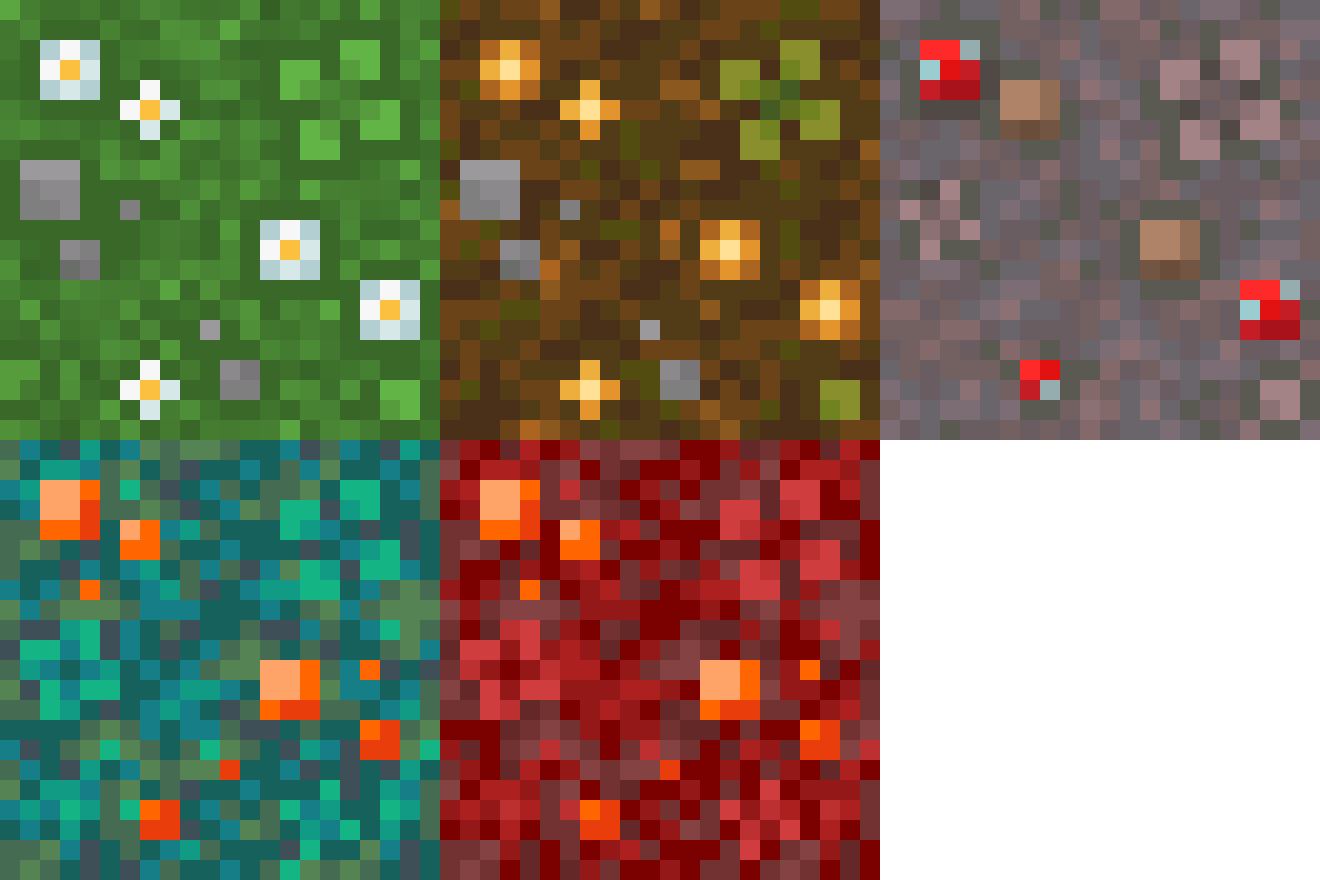 Simple Grass Flowers
 SimplyWalk
 Sit
 Small Ships
 Smarter Farmers (farmers replant)
 Smooth Scrolling
 钠
 Sodium Extra
 Sound Physics Remastered
 Sounds
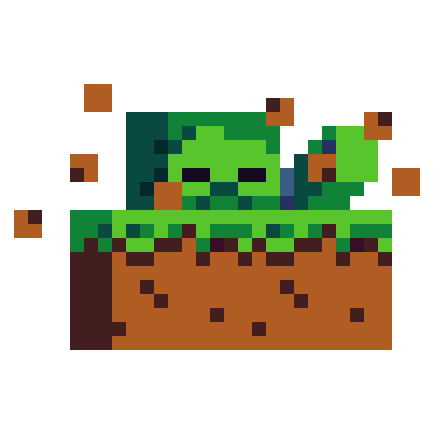 Spawn Animations
 Spryzeen's Knight Armor
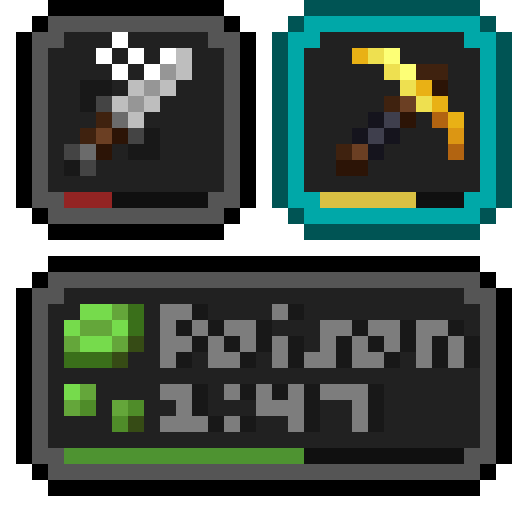 Status Effect Bars
 锦致装饰
 Symbol Chat
 TCDCommons API
 Text Placeholder API
 Teyvat Weapon Collection
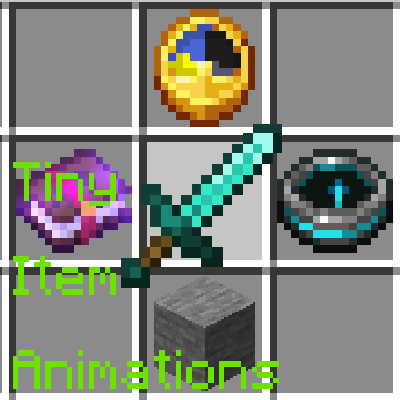 Tiny Item Animations
 Toggle Item Frames
 Towns and Towers
 Trade Cycling
 Trample No More
 Traveler's Backpack
 Trinkets
 Twemoji Visibility
 UniLib
 Vanilla Experience+
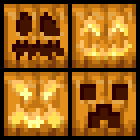 Varied Pumpkins
 Villager Names
 Villager Transportation
 Visual: Armor Trims
 Visuality
 传送石碑
 What Are They Up To (Watut)
 World Play Time
 Xaero的小地图
 Xaero的世界地图
 xali's Enhanced Vanilla
 YDM's Weapon Master
 YetAnotherConfigLib (YACL)
 You're in Grave Danger
 Your Options Shall Be Respected (YOSBR)
 YUNG's API
 YUNG's Better Desert Temples
 YUNG's Better Dungeons
 YUNG's Better End Island
 YUNG's Better Jungle Temples
 YUNG's Better Mineshafts
 YUNG's Better Nether Fortresses
 YUNG's Better Ocean Monuments
 YUNG's Better Strongholds
 YUNG's Better Witch Huts
 YUNG's Bridges
 YUNG's Extras
 Zerotekz's Blades of War 2
 Zoomify (Zoom)
绿色边框的模组本站有收录,点进去看中文介绍;其余跳转到 Modrinth。
常见问题
Eternal Edge 支持哪些 Minecraft 版本?
Eternal Edge 基于 Minecraft Java 版 1.21.1,使用 Fabric 加载器。
Eternal Edge 怎么安装?
点本页「前往下载」拿到整合包文件(Modrinth 的是 .mrpack,CurseForge 的是 .zip),在 PCL2 或 HMCL 启动器里选择「导入整合包」,启动器会自动装好 Minecraft、加载器和全部模组。这个整合包有 246 个模组,建议在启动器里给游戏分配 6–8 GB 内存。
Eternal Edge 开服需要多大内存?
推荐服务器内存 12 GB。在线人数多、或者建了大量机器和区块加载器时,可以再加 2–4 GB。
怎么和朋友一起玩 Eternal Edge?
点本页的「一键开服」,选好配置后会自动安装 Eternal Edge 的服务端,几分钟就能开好。把服务器地址发给朋友,大家用同一个版本的整合包连进去就行。
评论
登录后评论和评分