
截图
介绍
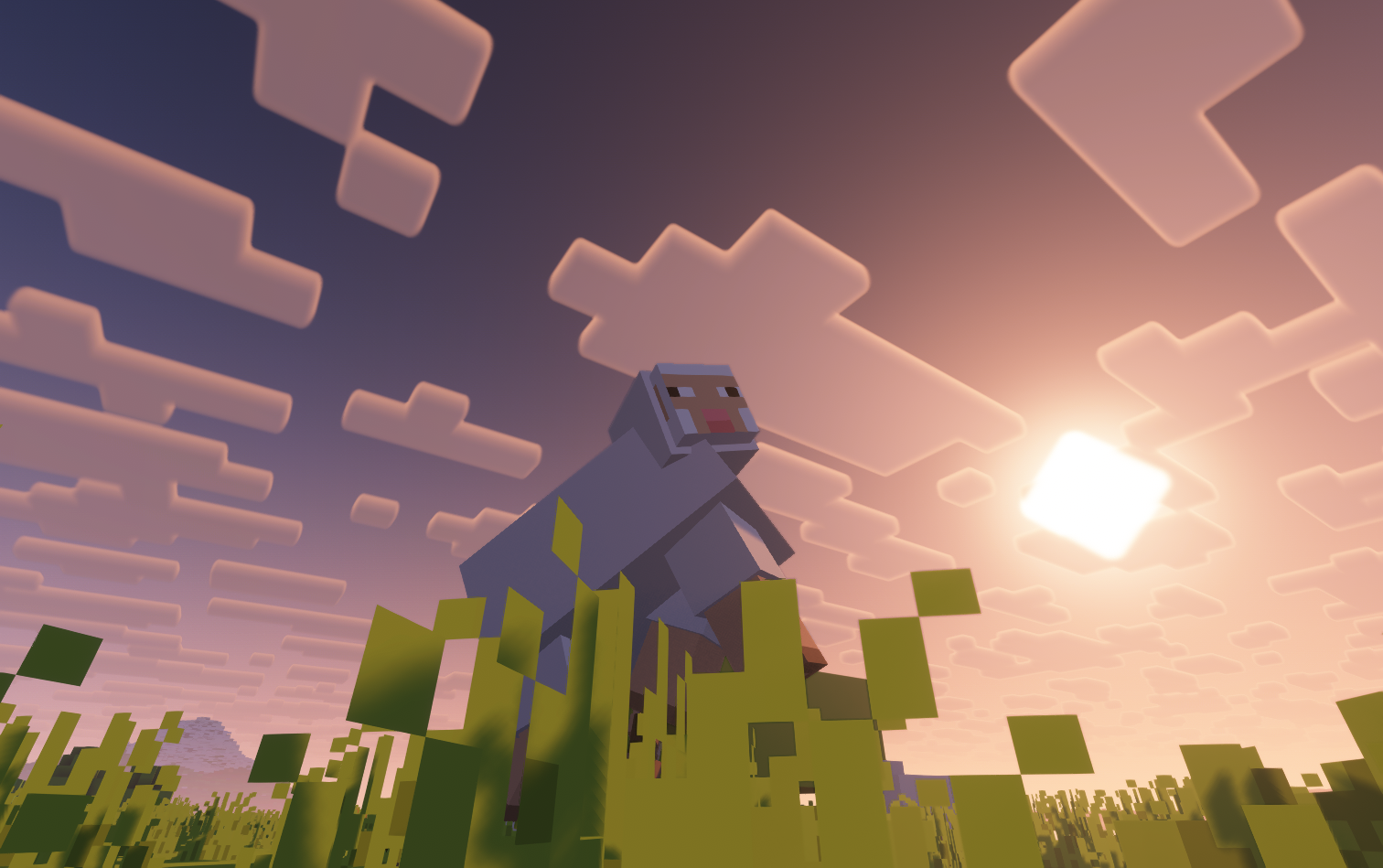
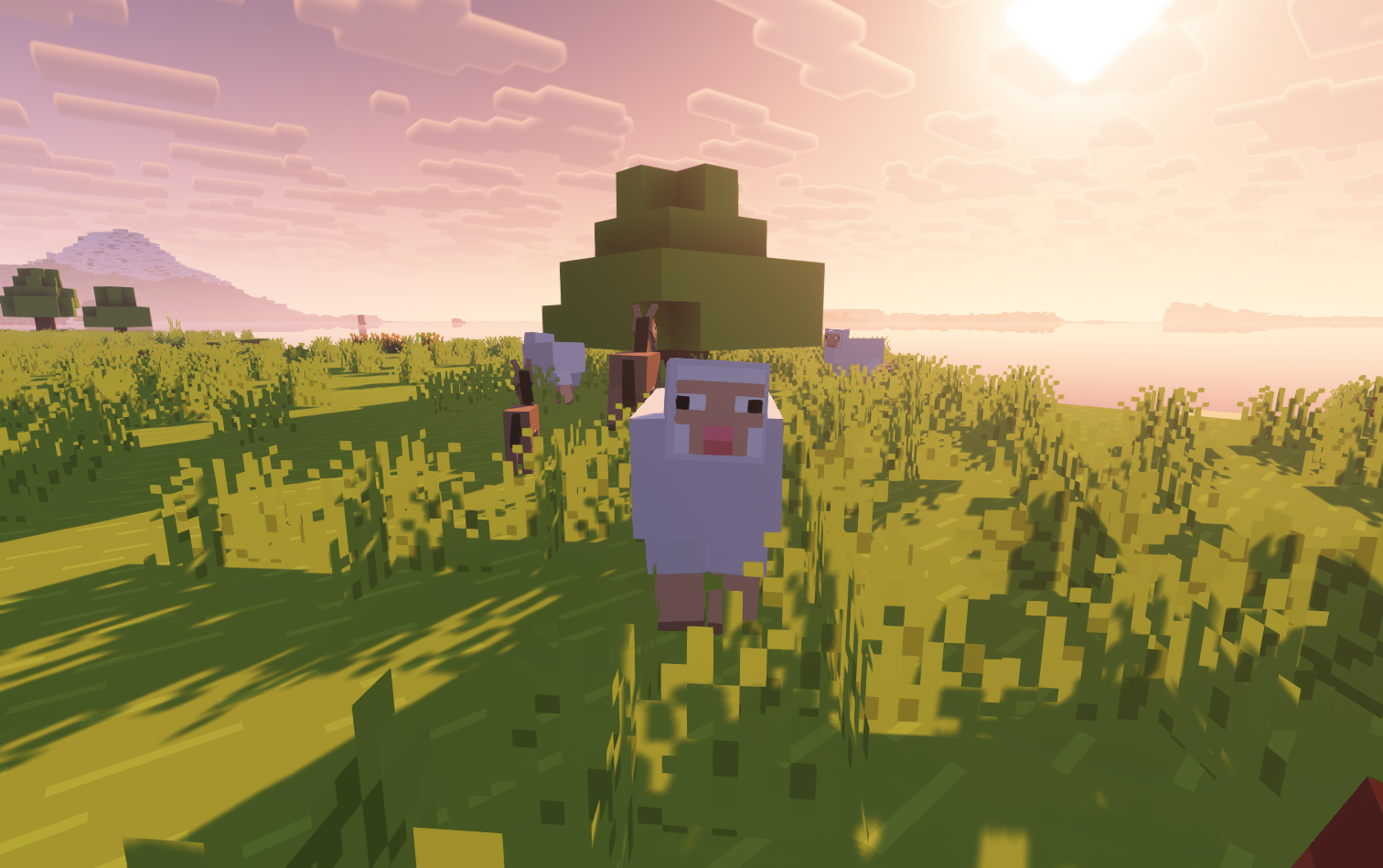
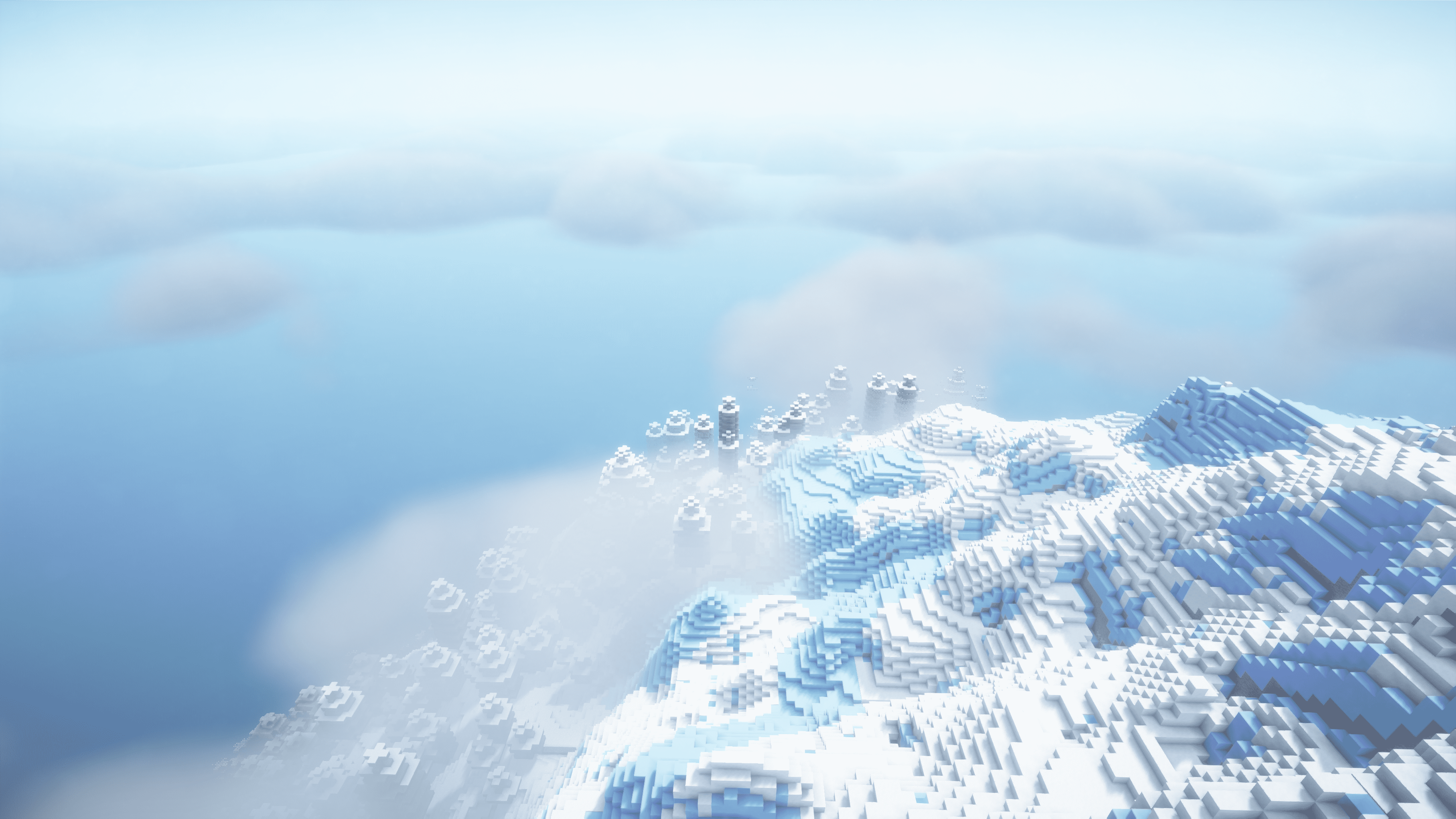
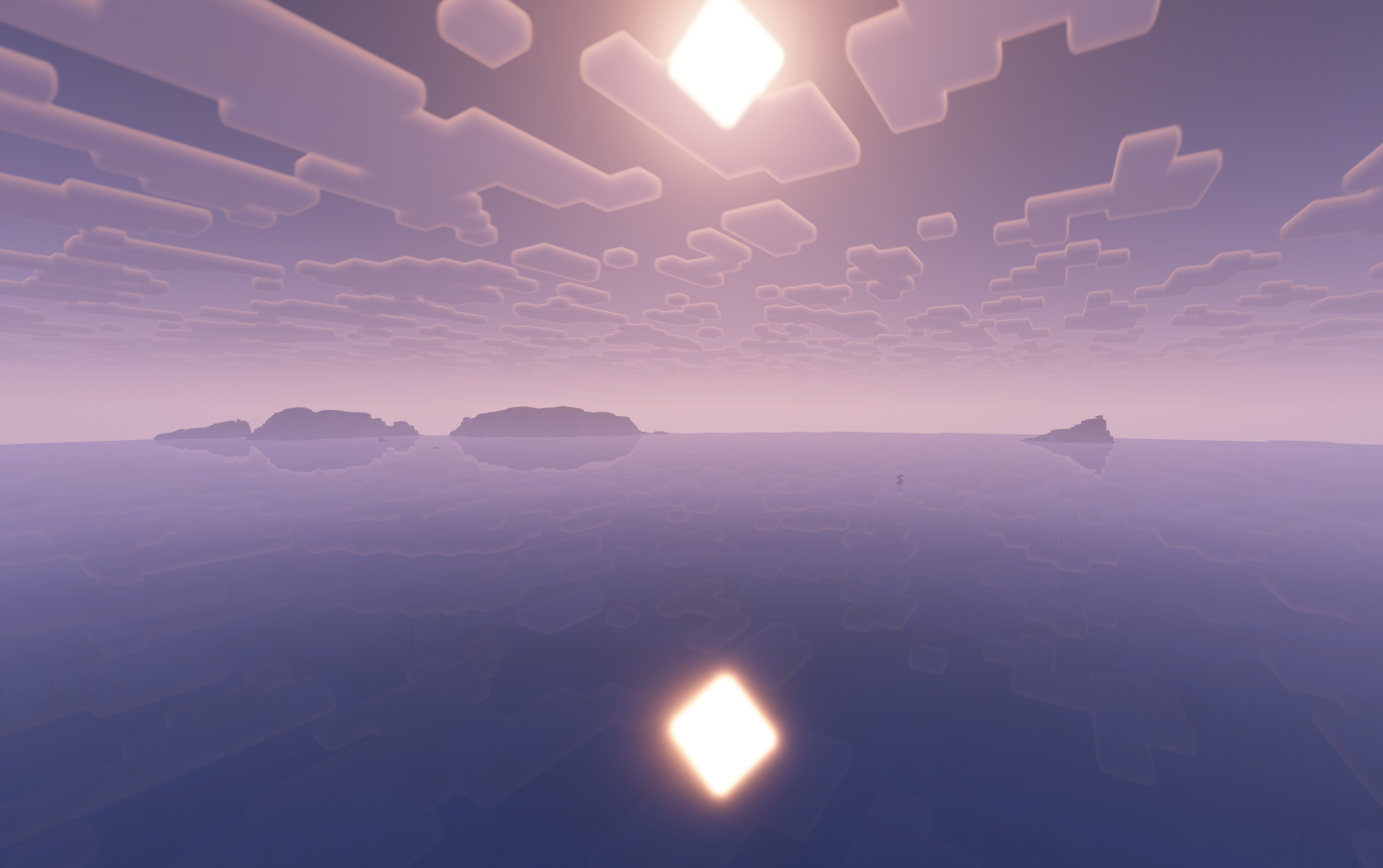
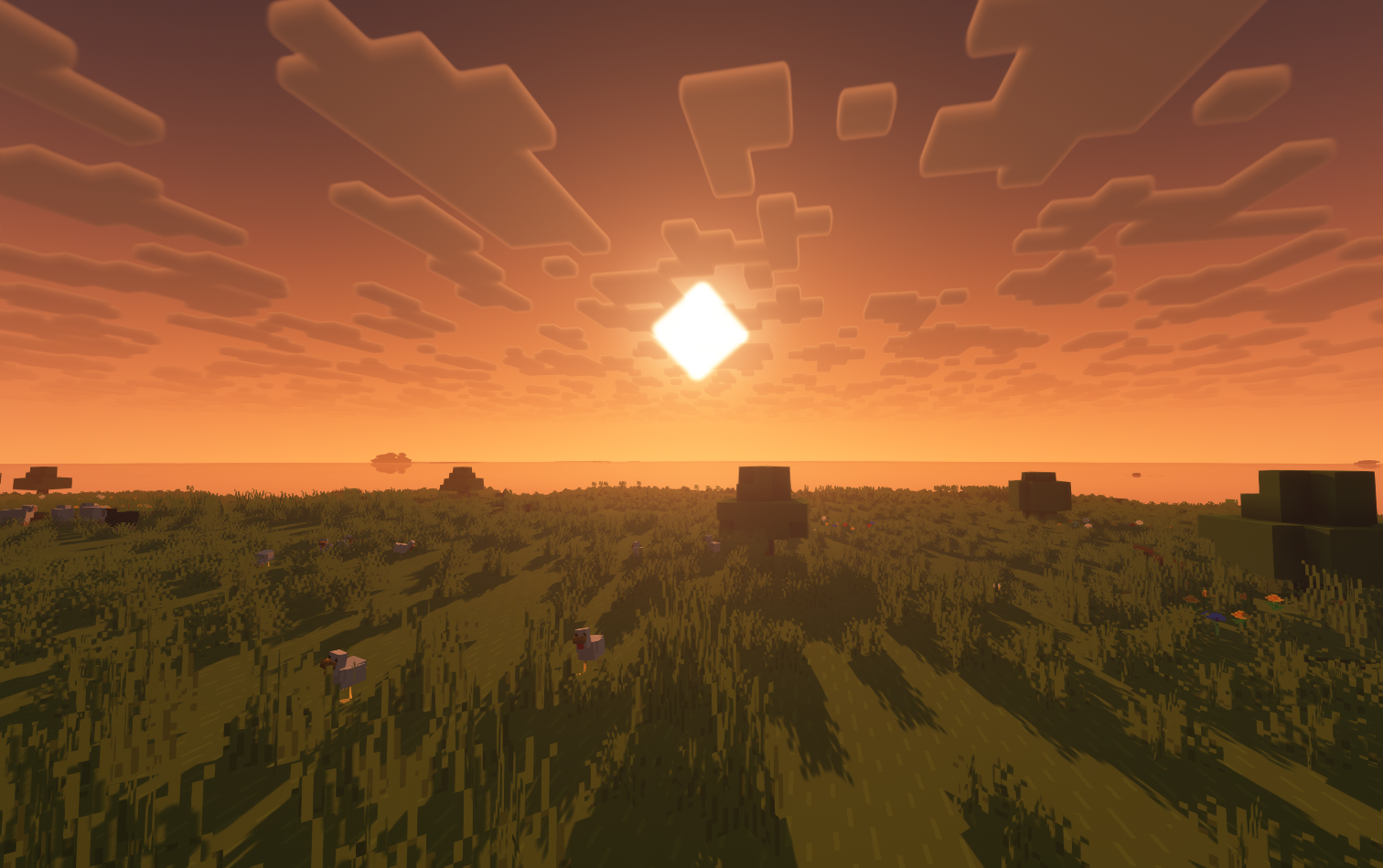
We’ve all seen the vibrant cinematic visuals of the Minecraft trailers created by Element Animations and Brikk Studio. In comparison, the base game’s visuals might seem a little… underwhelming.
This modpack solves that.
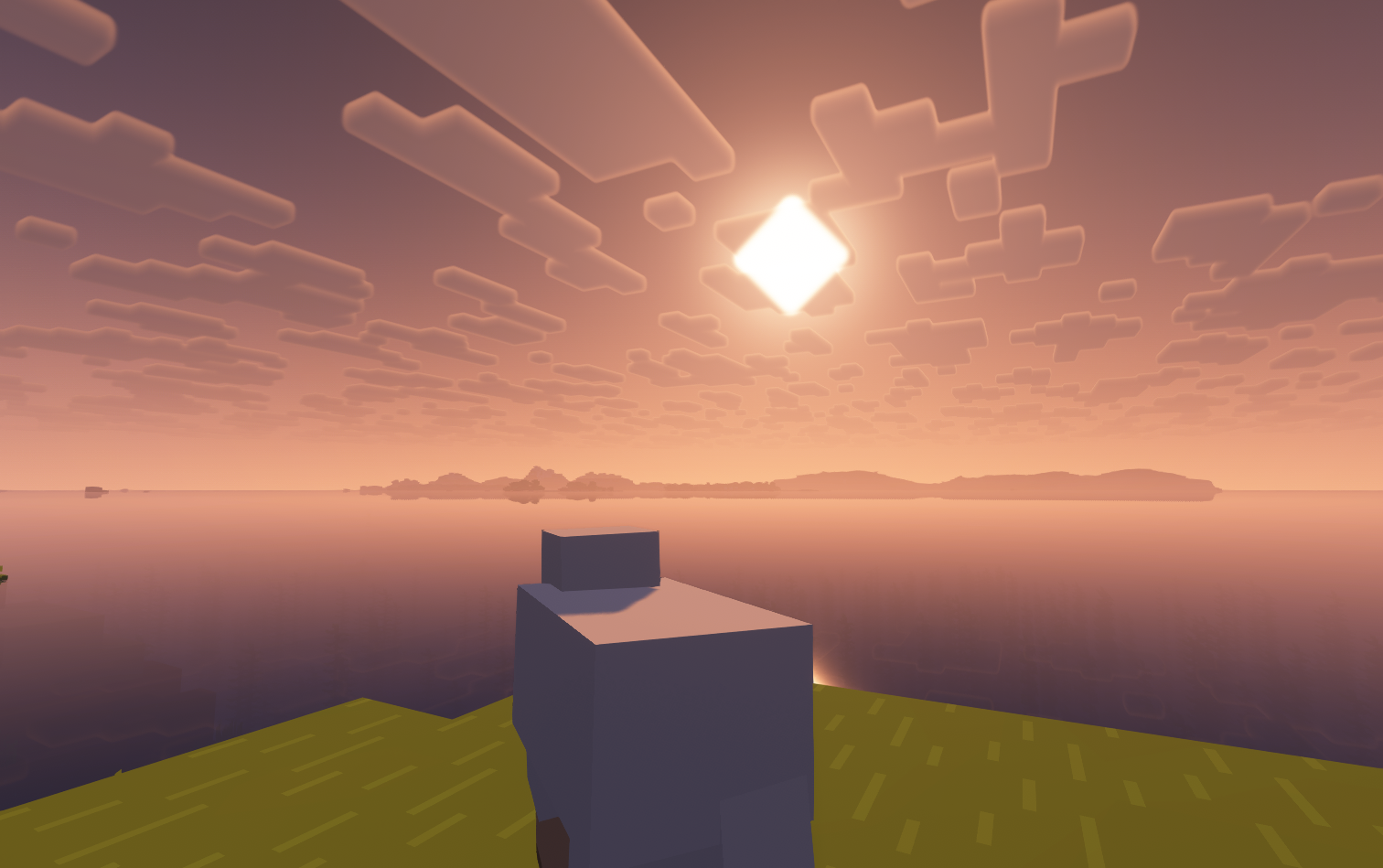
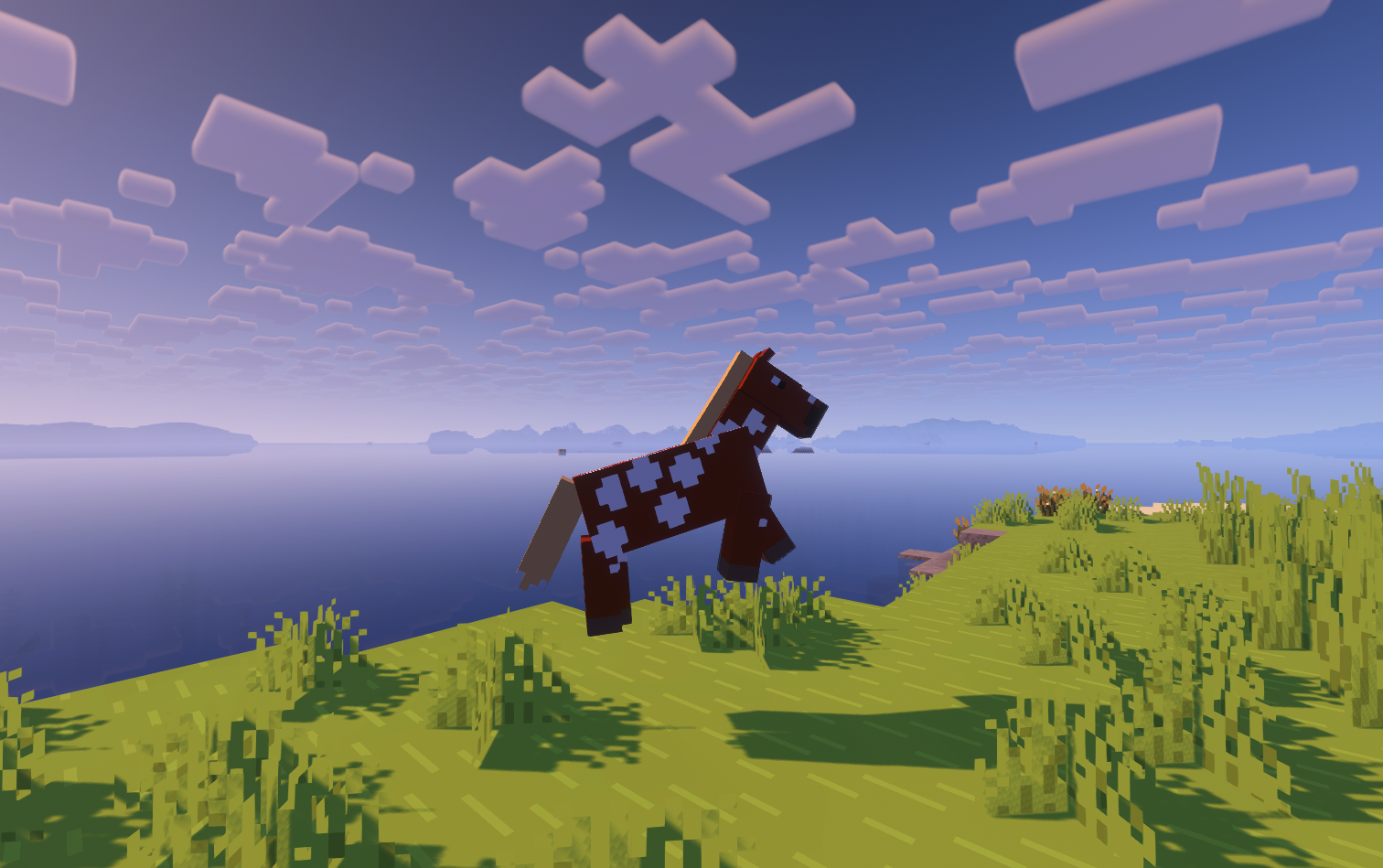
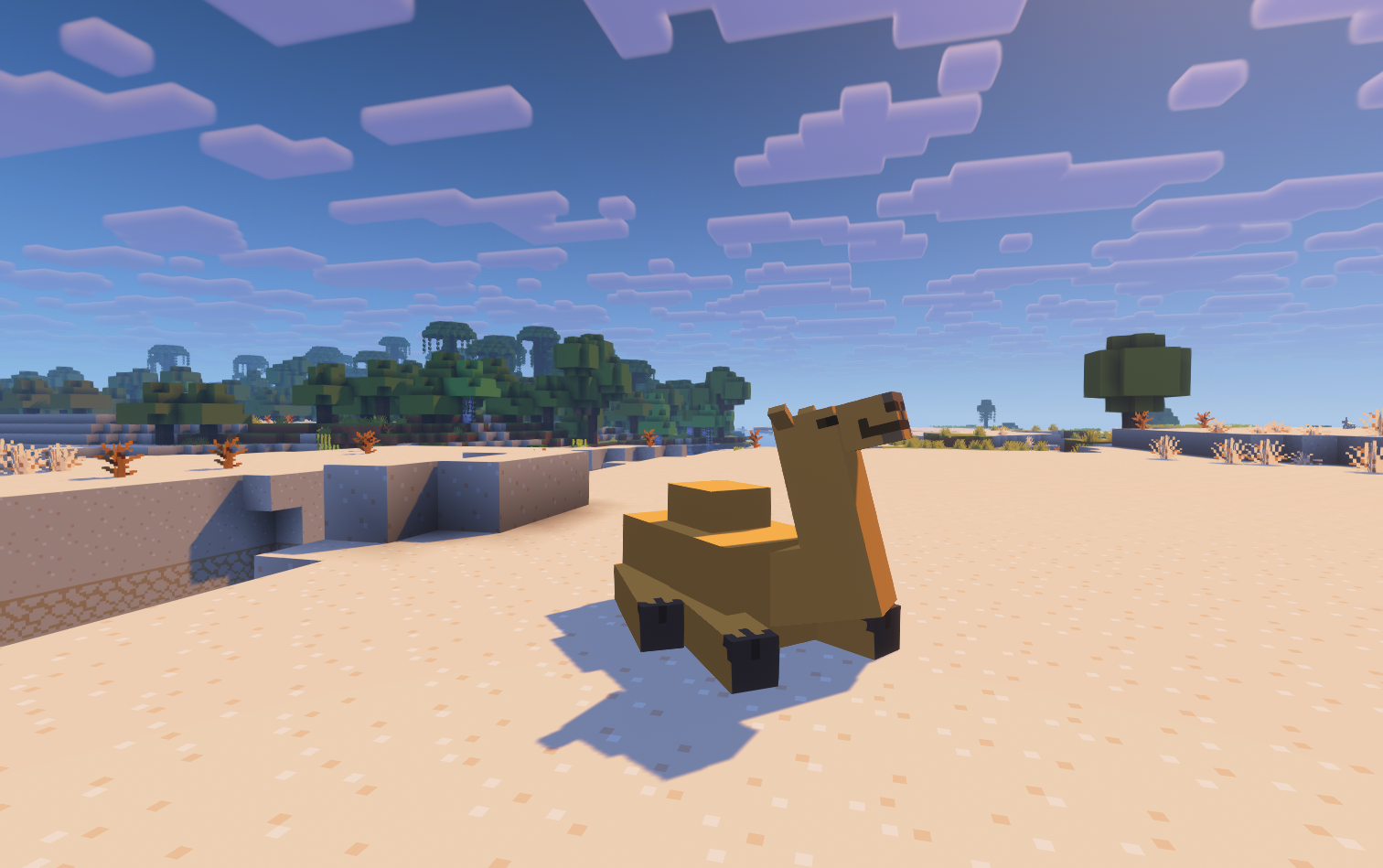
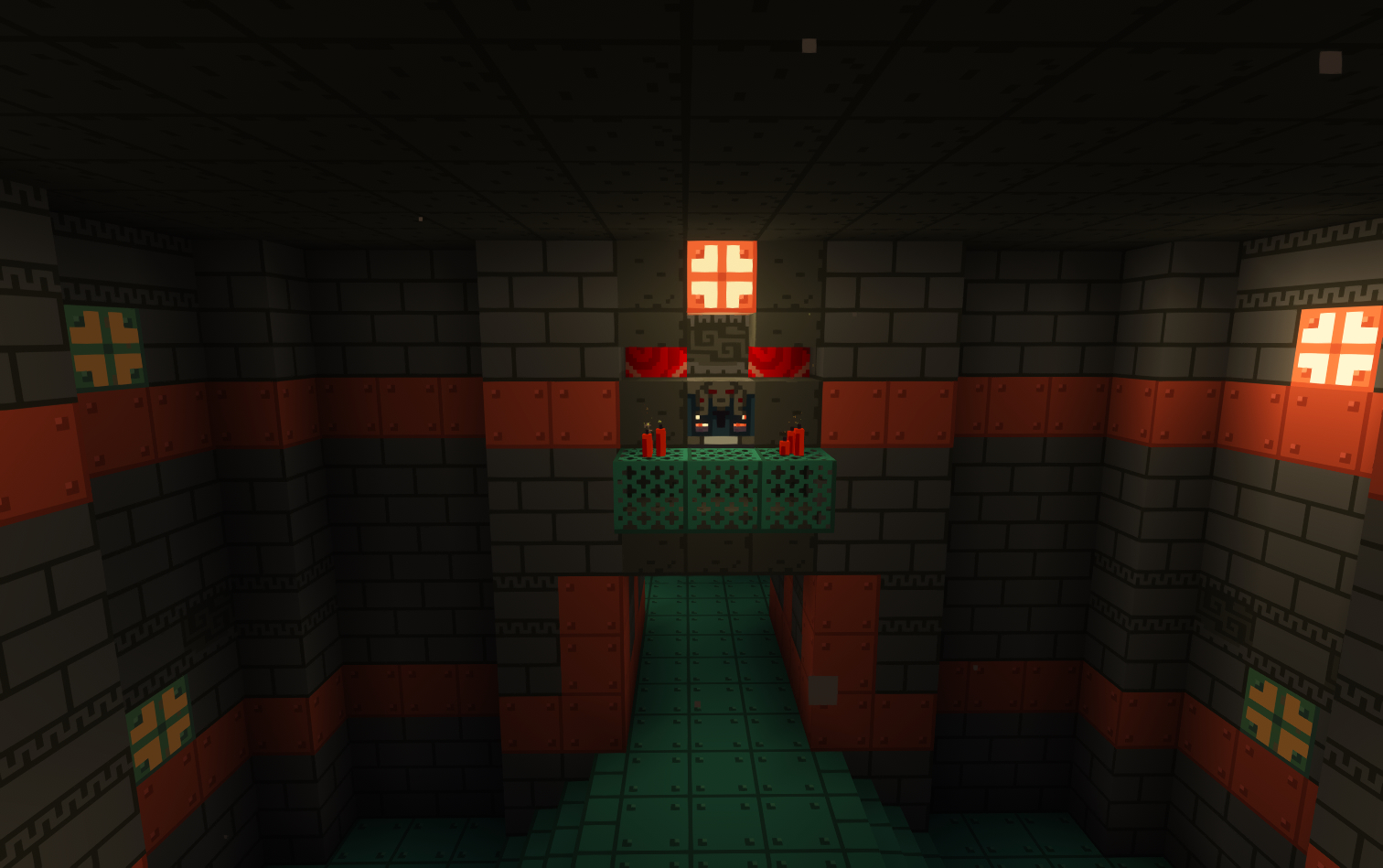
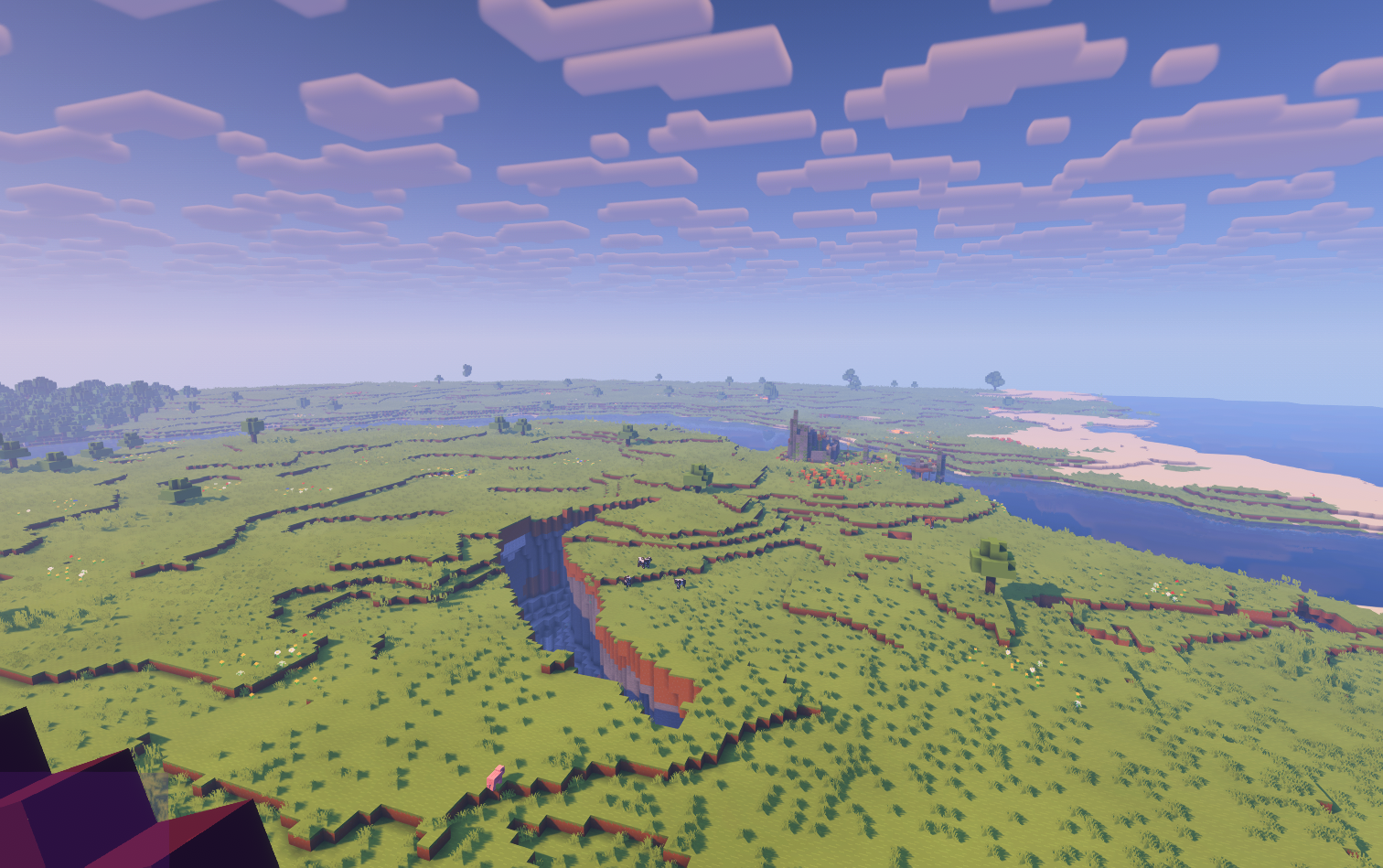
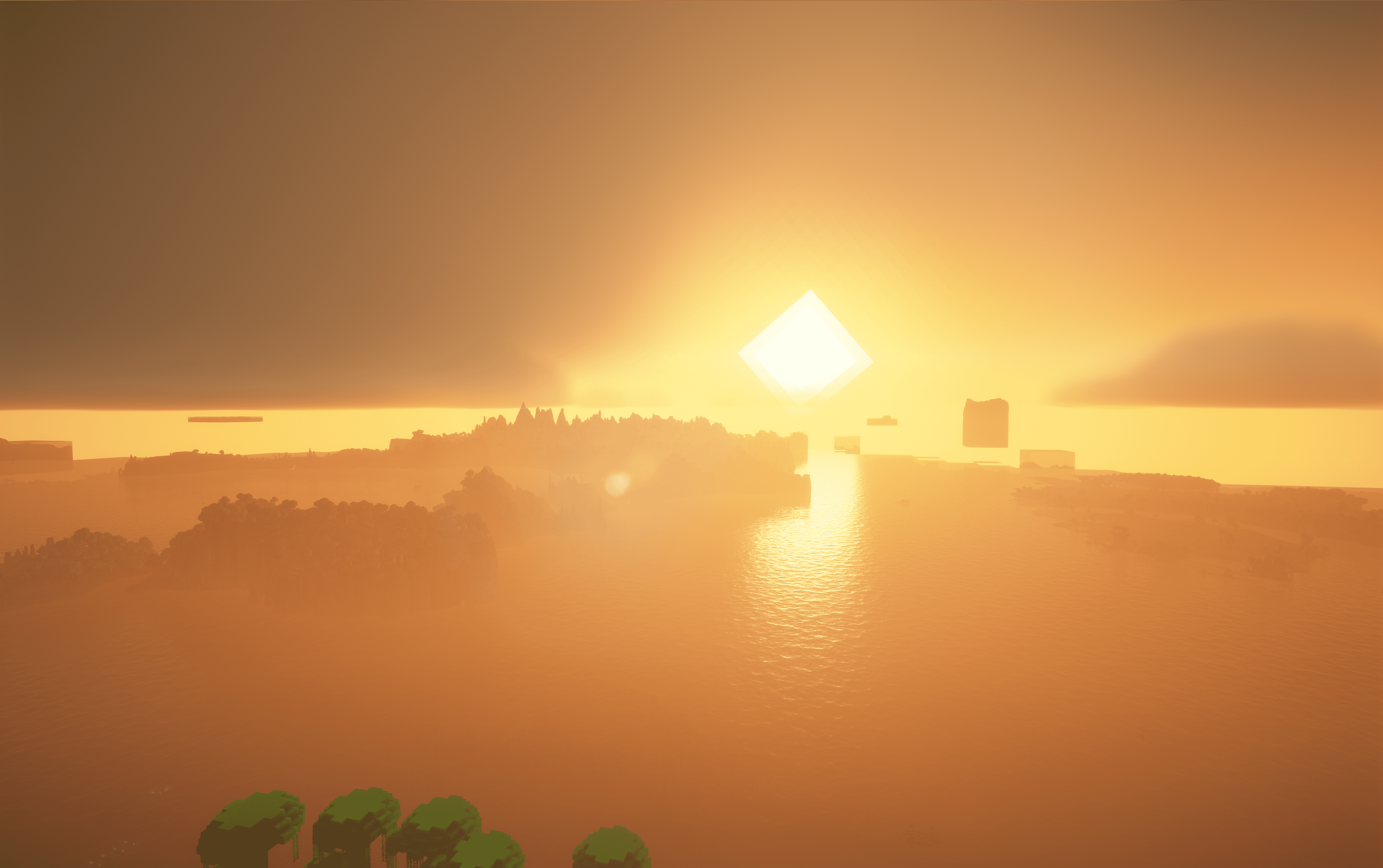
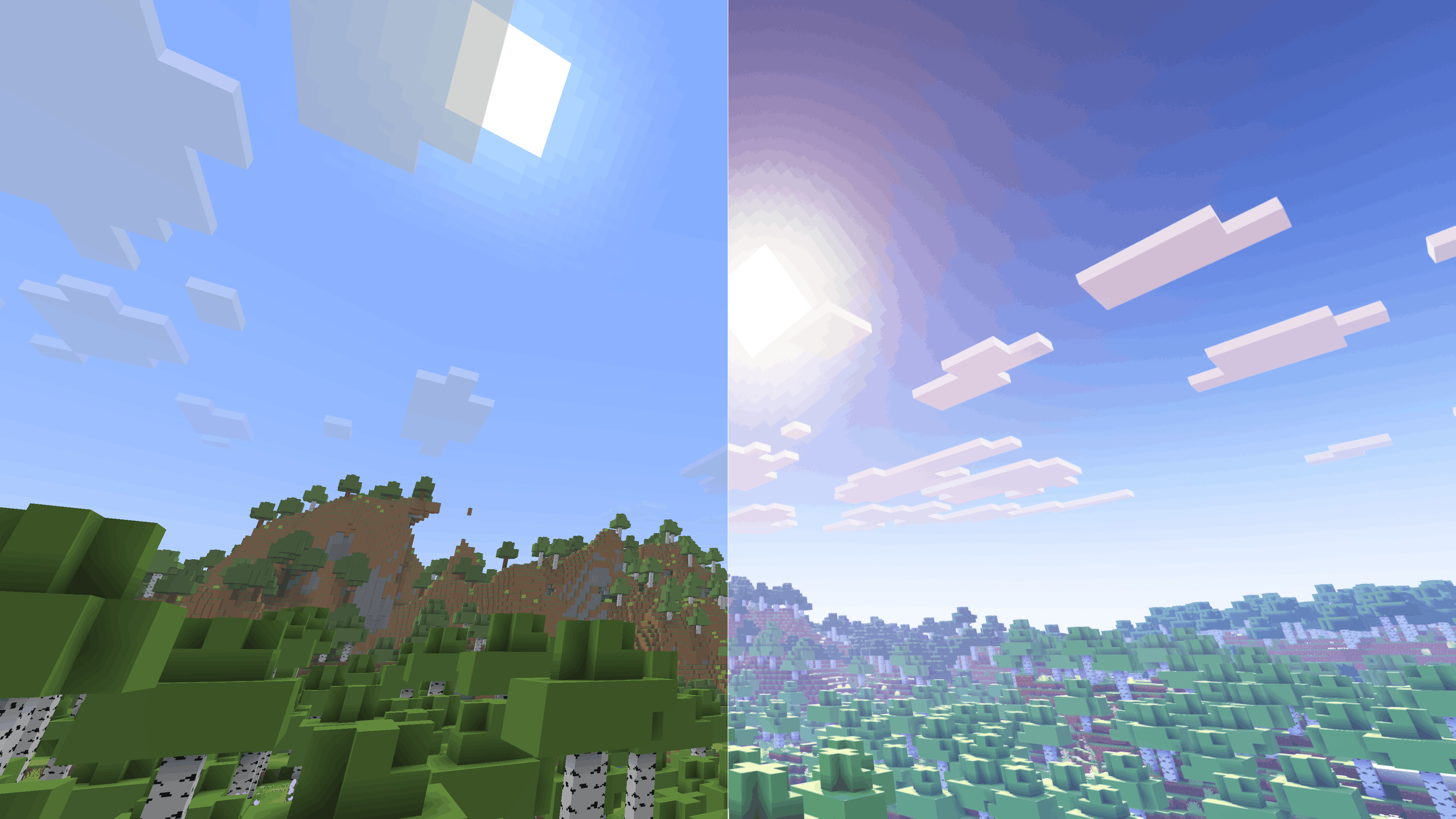
Based on the Fabulously Optimized modpack (check them out here), this winning combination of resource packs, shaders, and mods near-perfectly recreates the aesthetics of the Minecraft cinematic trailers. Here are a few examples:
Thanks to RobotPants’s Bare Bones resource pack, all blocks and entities now have the minimalist, few-colored style of the official trailers and promotional art.
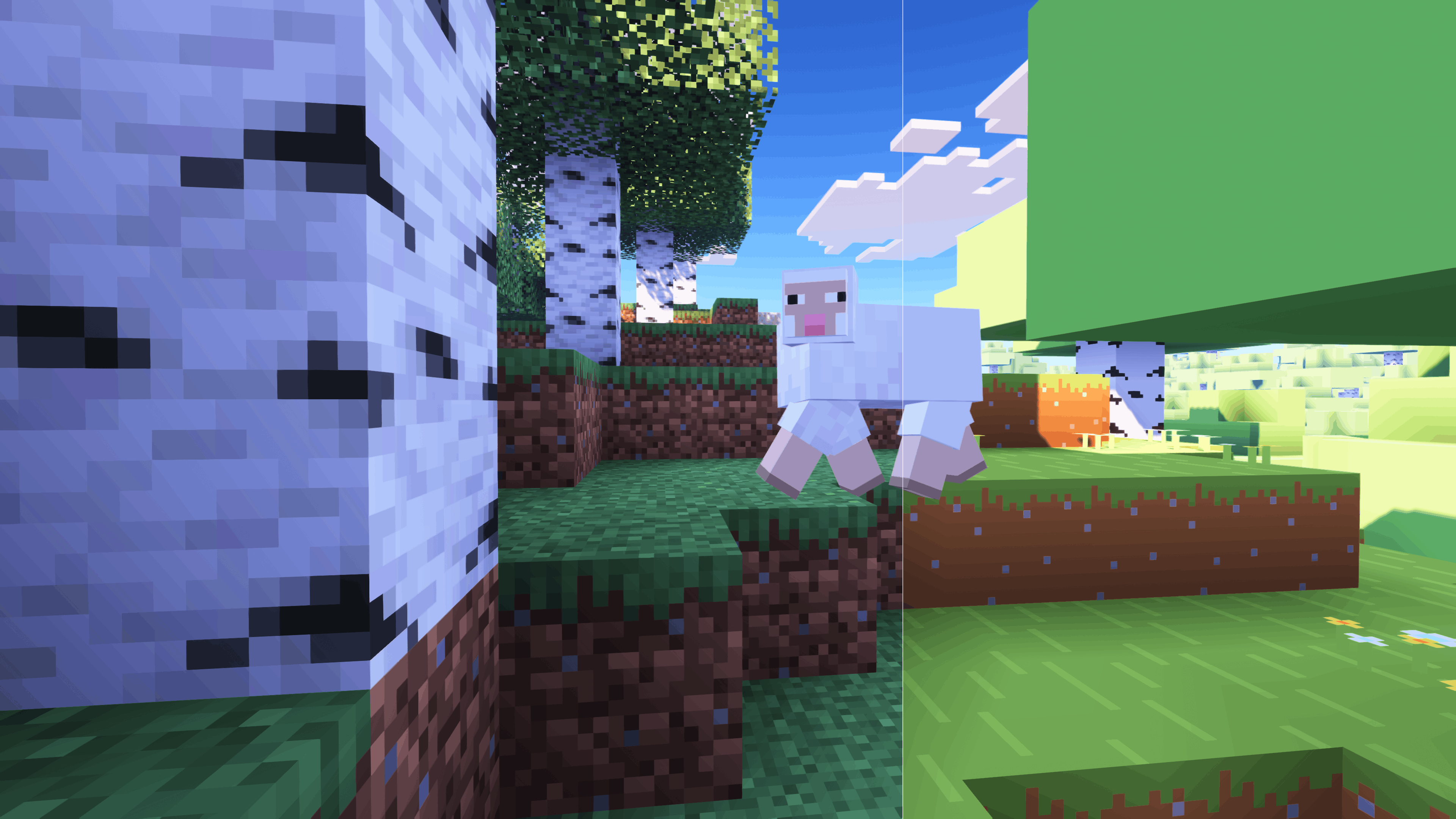
FreshLX‘s Fresh Animations family of resource packs enhances the movements of mobs, objects, and players.
CaptTatsu’s BSL Shaders brings realistic lighting and color to the game.
It is heartbreaking that this description is too short to fit all the mods and resource packs I have included, all of which, no matter how small, make an important contribution to this modpack’s experience. Instead, check out the modlist, which you can access under the Versions tab.
Control Mapping Chart (100% Layout)
This lists the finalized keybinds for the D’s Trailer Style modpack. From verson 1.0.9 and onwards
1. Core Gameplay
| Action | Key |
| — | — |
| Movement | W A S D |
| Jump | Space |
| Sneak | Left Shift |
| Sprint | Left Control |
| Crawl | C |
| Zoom (Zoomify) | Z |
| Inventory | E |
| Pick Item | Middle Mouse |
| Drop Item | Q |
| Hand Swap | F |
| Chat / Command | T / / |
| Advancements | L |
| Social Menu | P |
| Player List | Tab |
2. Visuals & Shaders
| Action | Key |
| — | — |
| Toggle Shaders | O |
| Reload Shaders | R |
| Shader Menu | Y |
| Toggle Perspective | F5 |
| Toggle GUI | F1 |
| Screenshot | F2 |
| Fullscreen | F11 |
| First Person Toggle | F6 |
| View Model GUI | V |
3. Modded Utilities
| Action | Key |
| — | — |
| Jade WAILA | Numpad 0-5 (Profiles 6-9) |
| BetterTab Config | N |
| FancyToasts Config | K |
| Mod Menu | M |
| Zoom Secondary | Numpad - |
| Secondary Footsteps Toggle | U |
| Footsteps Settings | F10 |
| Entity Culling Toggle | F12 |
4. Minecraft F3 Debug Sub-Keys
The following keys correctly trigger their F3 shortcuts
- F3+A: Reload Chunks
- F3+B: Show Hitboxes
- F3+D: Clear Chat
- F3+G: Show Chunk Borders
- F3+H: Show Advanced Tooltips
- F3+P: Toggle Focus Pause
- F3+T: Reload Resource Packs
- F3+L: profiling
- F3+C: Copy Location
- F3+V: Dump Version
5. Intentional Unmapped Keys
The following have been unmapped in the game to remove overlaps:
- Save/Load Toolbar Activators (X and C)
- FBP (Fancy Block Particles): All mod settings/toggles are in pause menu
- Dynamic FPS: All toggles
- ModMenu: Open Menu (Access through pause/main menu)
- LambDynamicLights: Toggle
- OptiGUI: Inspect
- BedrockIfy Settings (Access through options)
- FPS Reducer: GUI
- Spark: All (Use Commands)
包含的模组 249 个,另有 1 个其他文件
 Client Side Noteblocks
 2D Projectiles ➵
 3D皮肤层
 [EMF] Entity Model Features
 [ETF] Entity Texture Features
 Achievements Optimizer
 Allure Emoji Pack
 Almanac
 Alternate Current
 AmbientSounds
 Animated Doors
 Animatica
 苹果皮
 Architectury API
 Armor Stand Arms
 Async Pack Scan
 Audio Engine Tweaks
 Auth Me
 bad packets
BadOptimizations
 Balm
 Banner Flags
 Bare Bones
 Bare Bones Moon Fix
 Bare Bones Patches
 Bare Bones x Eating Animation
 Bare Bones x Fresh Animations
 Bare Bones x Fresh Animations: Objects
 Beautify: Refabricated
 BedrockIfy
 Better Biome Reblend
 Better Block Entities
 Better Combat
 Better Compatibility Checker
 Better Mipmaps
 Better Mount HUD
 Better Ping Display [Fabric]
 Better Selection
 Better Statistics Screen
 Better Tab
展开全部 249 个
 BetterF3
 BetterGrassify
 Blur+
 Boat Item View
 Bobby
 BSL Shaders
 Capes
 Chat Animation [Smooth Chat]
 Chat Heads
 Chat Reporting Helper
 Cherished Worlds
 CICADA
 Cloth Config API
 Clumps
 Clumps
 Collective
 Collision Fix
 Comforts
 Concurrent Chunk Management Engine (Fabric)
 Config Manager
 Continuity
 Controlify (Controller support)
 Controlling
 Crash Assistant
 CrashExploitFixer
 Crawl
 CreativeCore
 Cristel Lib
 Cubes Without Borders
 Cull Leaves
 Cut Through
 Debugify
 Default Dark Mode
 Diagonal Fences
 遥远的地平线
 Do a Barrel Roll
 Drip Sounds
 Durability Tooltip
 Dynamic Crosshair
 Dynamic Crosshair Compat
 Dynamic FPS
 Dynamic Lights
 简易铁砧
 Eating Animation
 Emissive Ores with Frames
 Enchant Icons
 Enchanted Bookshelves
 Enchanter Fix
 Enchantment Descriptions
 实体剔除
 Entity View Distance
 Fabric API
 Fabric Language Kotlin
 Falling Leaves
 Fancy Block Particles - Renewed
 Fancy Door Animations - Hold My Doors
 Fancy Toasts | Better Advancements
 Fancy World Animations [FWA]
 Fast IP Ping
 Fast Server Pings
 FastQuit
 FerriteCore
 First-person Model
 Flashback
 Forge Config API Port
 FPS Reducer
 Fresh Animations
 Fresh Animations: Emissive
 Fresh Animations: Extensions
 Fresh Animations: Objects
 Fresh Animations: Player Extension
 Fresh Skeleton Physics
 FrozenLib
 Fusion (Connected Textures)
 Fzzy Config
 Geckolib
 Geophilic
 Get It Together, Drops!
 GlitchCore
 Glowing Animated Ores
 Hero's Anchor Optimizer
 Huge Structure Blocks
 Idle Tweaks
 ImmediatelyFast
 Immersive Optimization
 Immersive UI
 Inventory Profiles Next
 Iris Shaders
 Jade 🔍
 JamLib
 Konkrete
 Krypton
 KryptonReno's Fabric Patcher
 LambDynamicLights - Dynamic Lights
 Language Reload
 Leaves Be Gone
 Let Me Despawn
 libIPN
 LibJF
 锂
 Lithostitched
 Logarithmic Volume Control
 Lootr
 Main Menu Credits
 Make Bubbles Pop
 Marlow's Crystal Optimizer
 McMouser
 Melody
 Menu Music
 Merl's Official Trailer Textures
 MidnightLib
 MixinTrace
 Mob AI Tweaks
 模组菜单
 More Chat History
 More Culling
 More Mobs
 鼠标微调
 MRU
 NarrusYeetus No Error
 NetherPortalFix
 No Chat Reports
 No Chat Restrictions
 No Resource Pack Warnings
 No Telemetry
 NoisiumForked
 Not Enough Animations
 Noxesium
 OptiGUI
 Overflowing Bars
 Packet Fixer
 Paginated Advancements & Custom Frames
 Particle Core
 Particle Rain
 Particular ✨ Reforged
 Persistent Parrots
 Pick Up Notifier
 Player Animation Library
 Polytone
 Presence Footsteps
 Prickle
 Programmer Art Fix
 Puzzle
 Puzzles Lib
 Quad
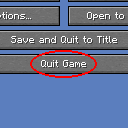 Quit from Game Menu
 Reactive Music
 Rebind Narrator
 Reese's Sodium Options
 Reflex AntiLag
 Remove Reloading Screen
 Resource Pack Overrides
 Resourceful Config
 ResourcePackCached
 Resourcify
 Riding Mouse Fix
 ScalableLux
 Searchables
 Server Pinger Fixer
 Server Resourcepack Checker
 ServerCore
 ShatterLib | OctoLib
 Shield Fixes
 Shulker Box Tooltip
 Shut Up GL Error
 Skeleton AI Fix
 Skyboxify
 Smooth Boot
 Smooth Scrolling
 钠
 Sodium Extra
 Sodium Fullbright
 Sodium Shadowy Path Blocks (SSPB)
 Sound Physics Remastered
 Sounds
 spark
 Spawn Animations
 Spawn Animations Compats
 Stfu
 Stoneworks
 Stormie's Spiders
 Structory
 Structure Layout Optimizer
 Subtle Effects
 SuperMartijn642's Config Lib
 TCDCommons API
 Tectonic
 Tellus
 Terralith
 ThreatenGL
 Towns and Towers
 Trailers Particle
 Trailier Tales
 Translations for Sodium
 Vanilla Refresh
 Variants-CIT
 ViaFabricPlus
 View Model
 Visual Workbench
 Visuality
 Wakes
 WalksyLib
 Wavey Capes
 WorldEdit
 XXL Packets
 Yeetus Experimentus
 YetAnotherConfigLib (YACL)
 Your Options Shall Be Respected (YOSBR)
 Zoomify (Zoom)
绿色边框的模组本站有收录,点进去看中文介绍;其余跳转到 Modrinth。
常见问题
D’s Trailer Style 支持哪些 Minecraft 版本?
D’s Trailer Style 基于 Minecraft Java 版 1.21.11,使用 Fabric 加载器。
D’s Trailer Style 怎么安装?
点本页「前往下载」拿到整合包文件(Modrinth 的是 .mrpack,CurseForge 的是 .zip),在 PCL2 或 HMCL 启动器里选择「导入整合包」,启动器会自动装好 Minecraft、加载器和全部模组。这个整合包有 249 个模组,建议在启动器里给游戏分配 6–8 GB 内存。
D’s Trailer Style 开服需要多大内存?
推荐服务器内存 12 GB。在线人数多、或者建了大量机器和区块加载器时,可以再加 2–4 GB。
怎么和朋友一起玩 D’s Trailer Style?
点本页的「一键开服」,选好配置后会自动安装 D’s Trailer Style 的服务端,几分钟就能开好。把服务器地址发给朋友,大家用同一个版本的整合包连进去就行。
评论
登录后评论和评分