
MoreMods… Update
The modpack is designed for version 1.20.1 and is perfect for playing with friends. If you don't have any friends to play with, don't worry, I don't either (˘・_・˘)
截图

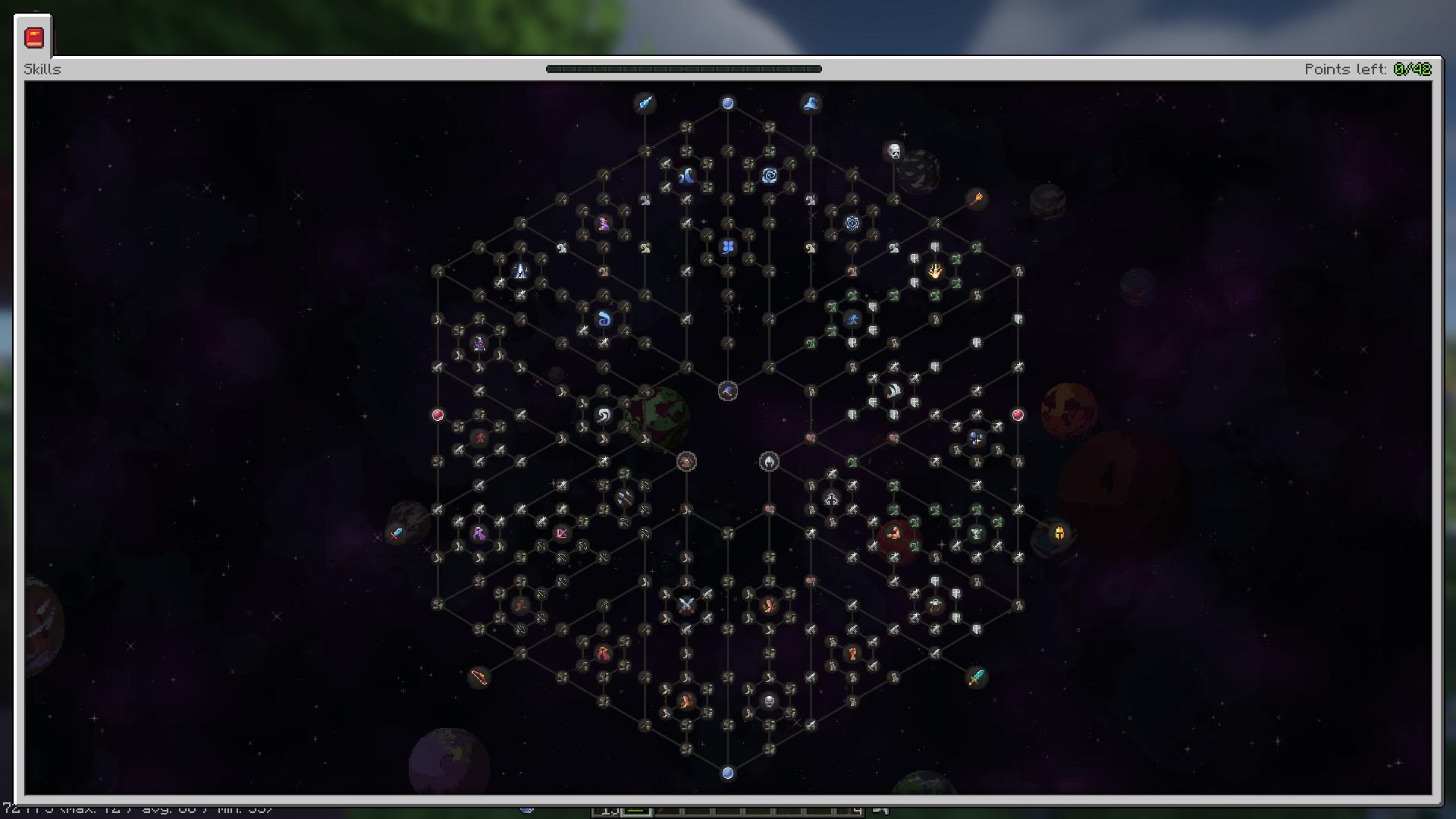
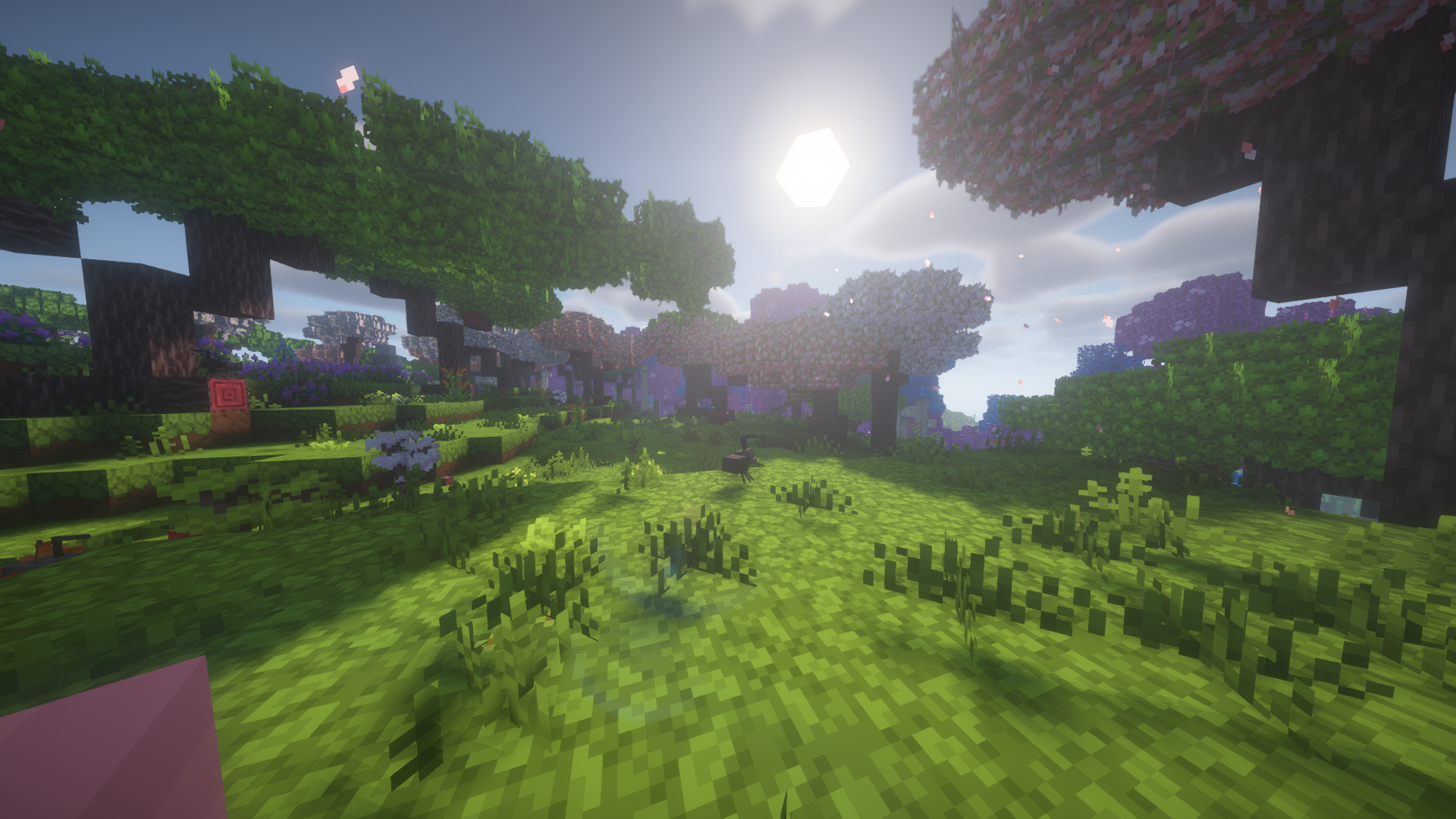
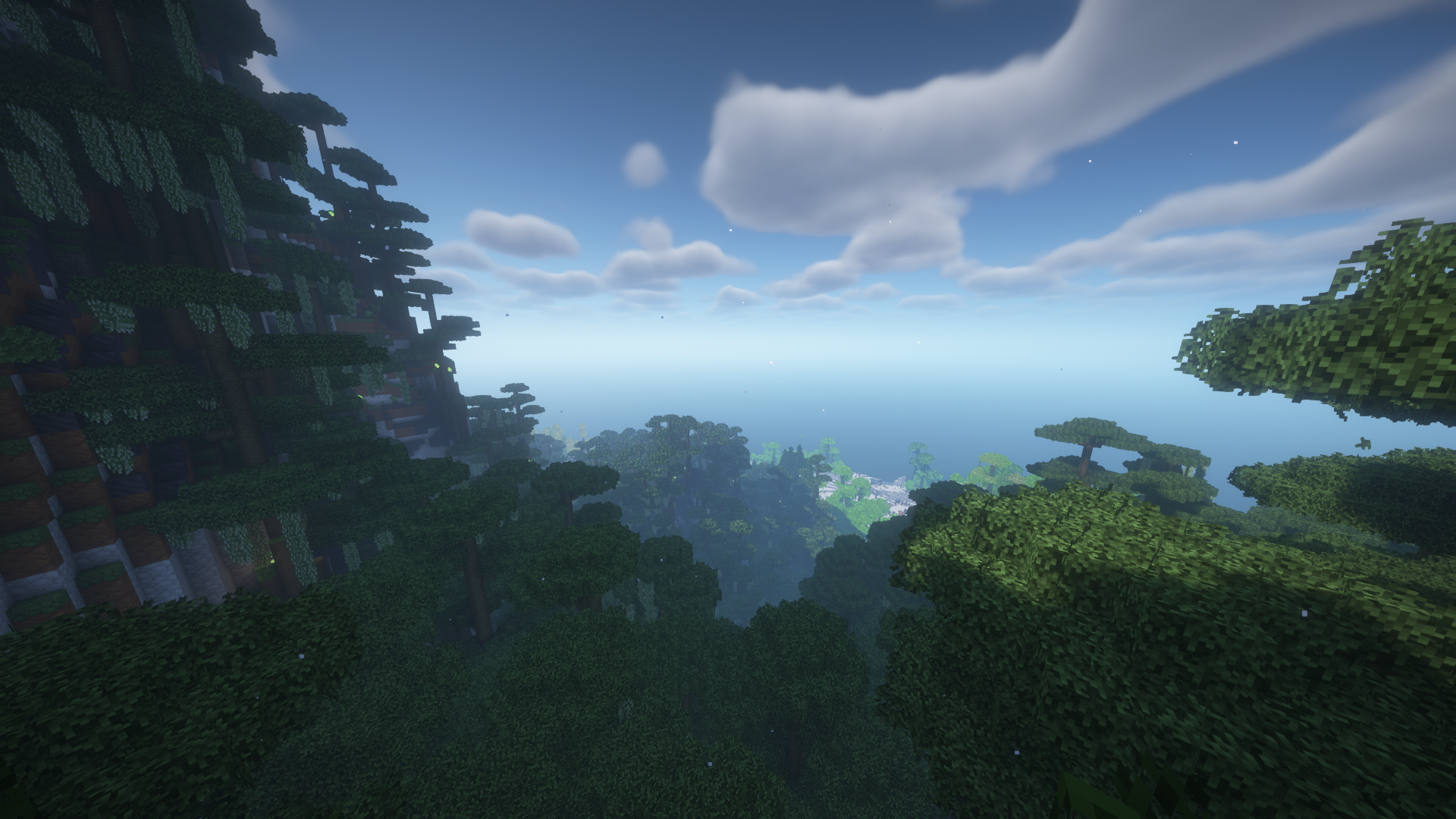
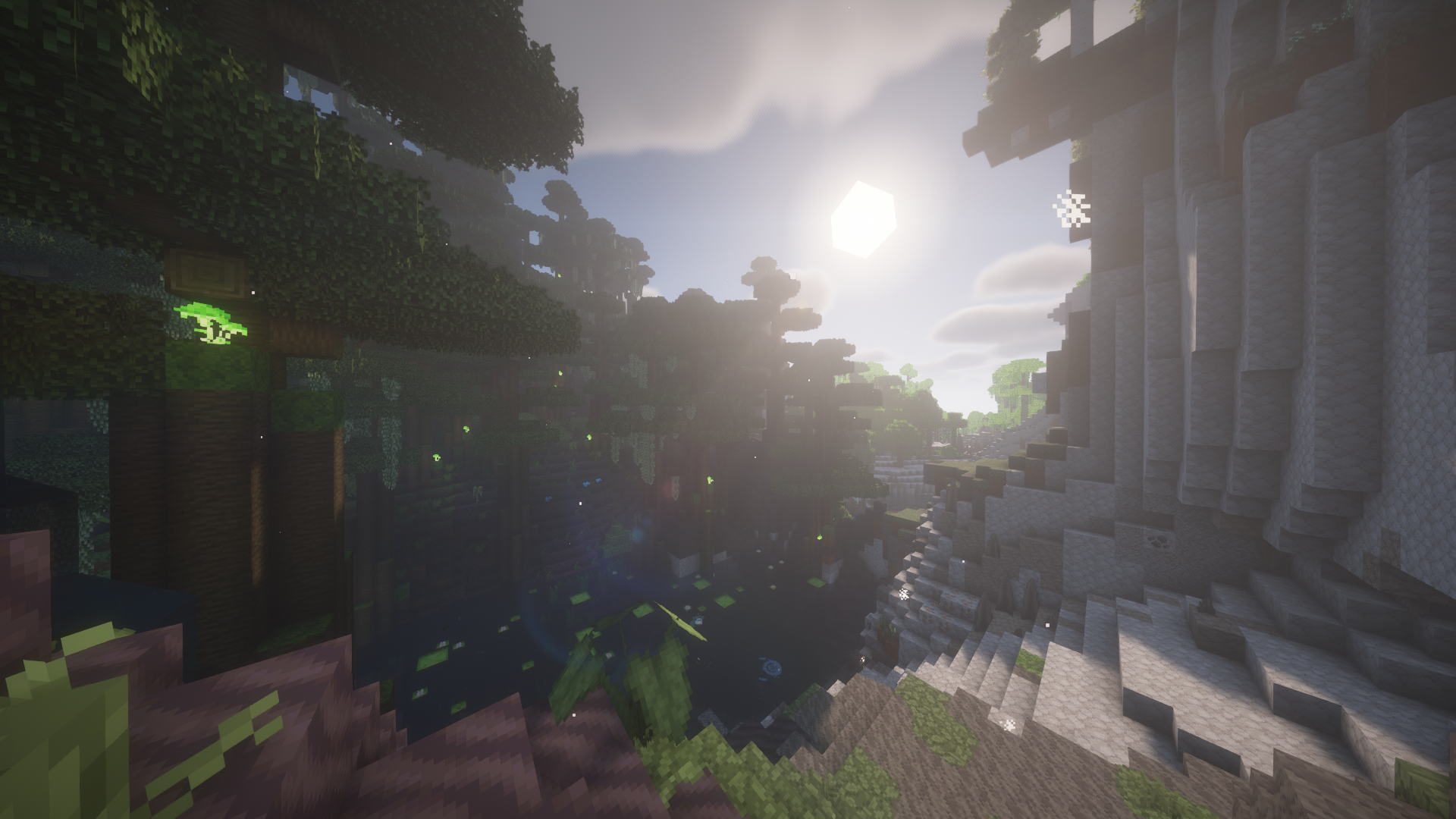
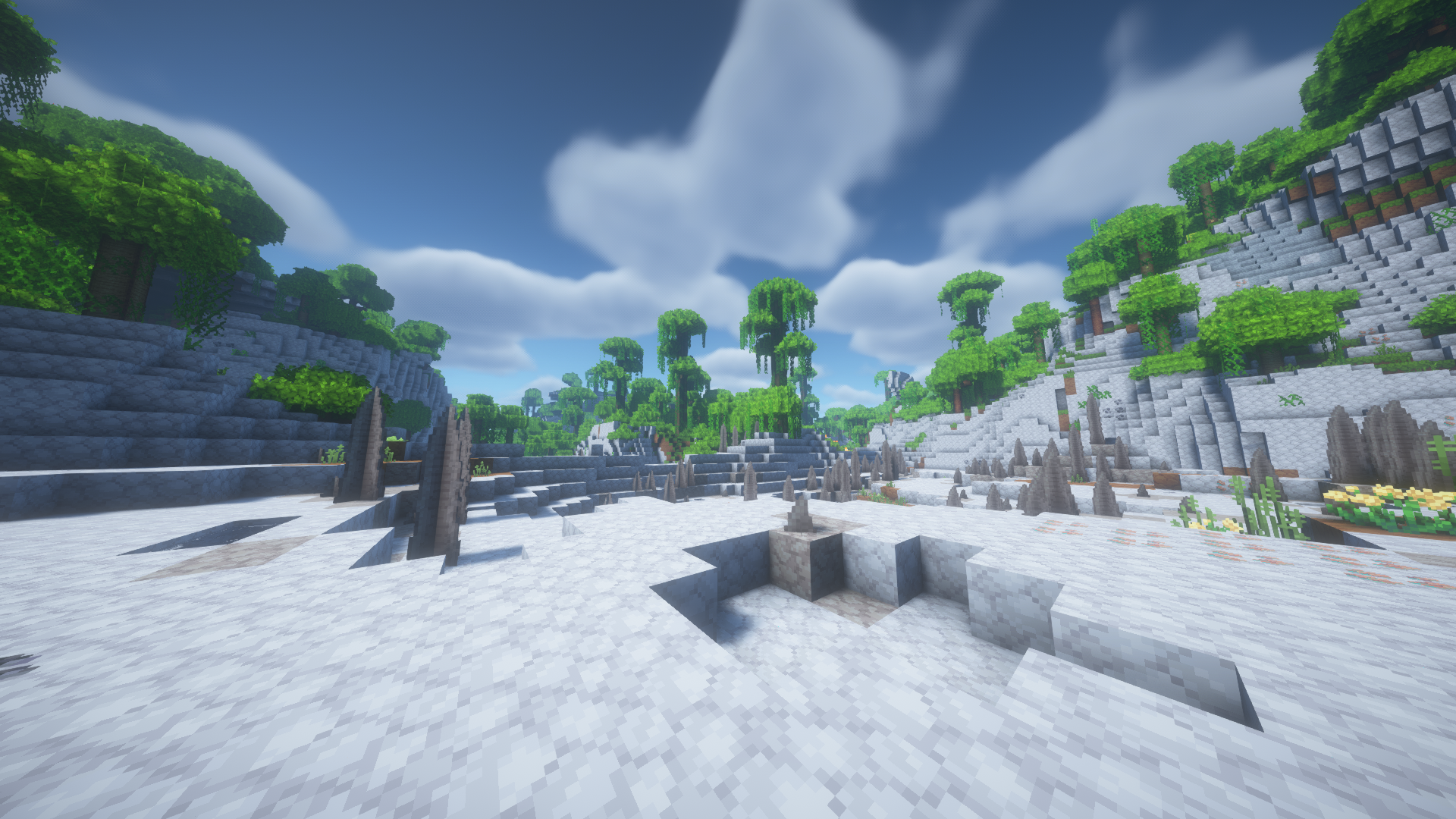
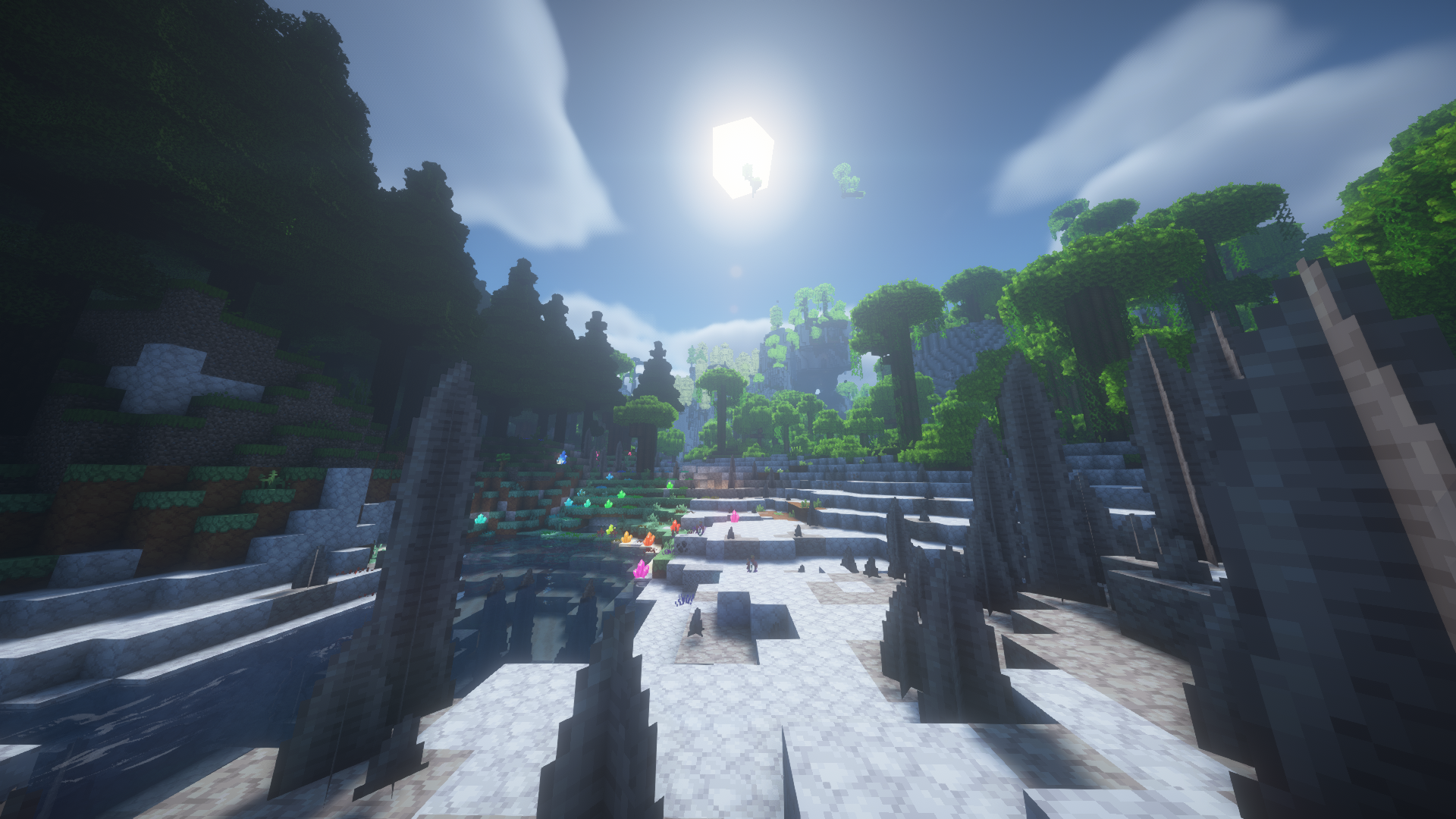
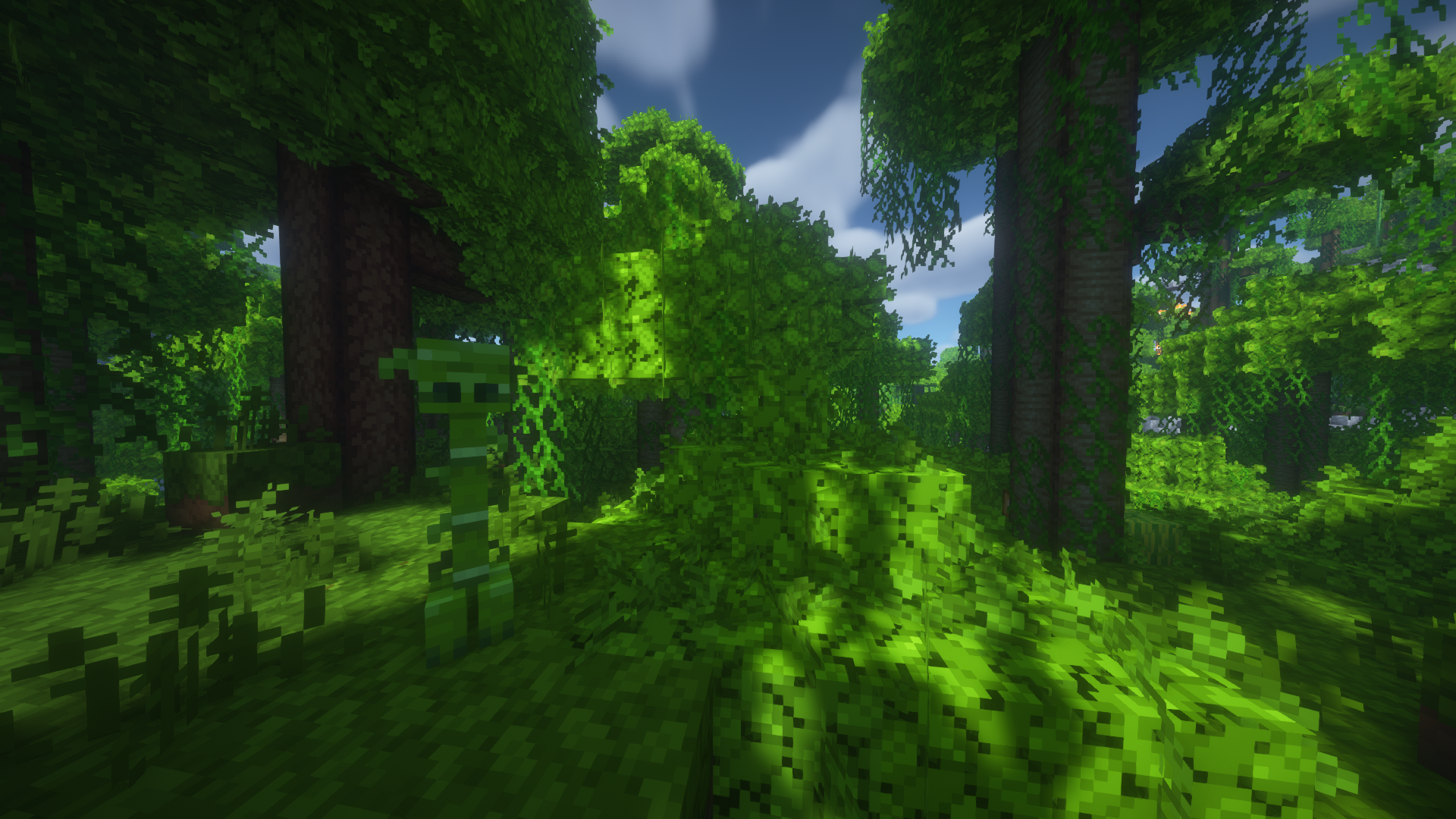
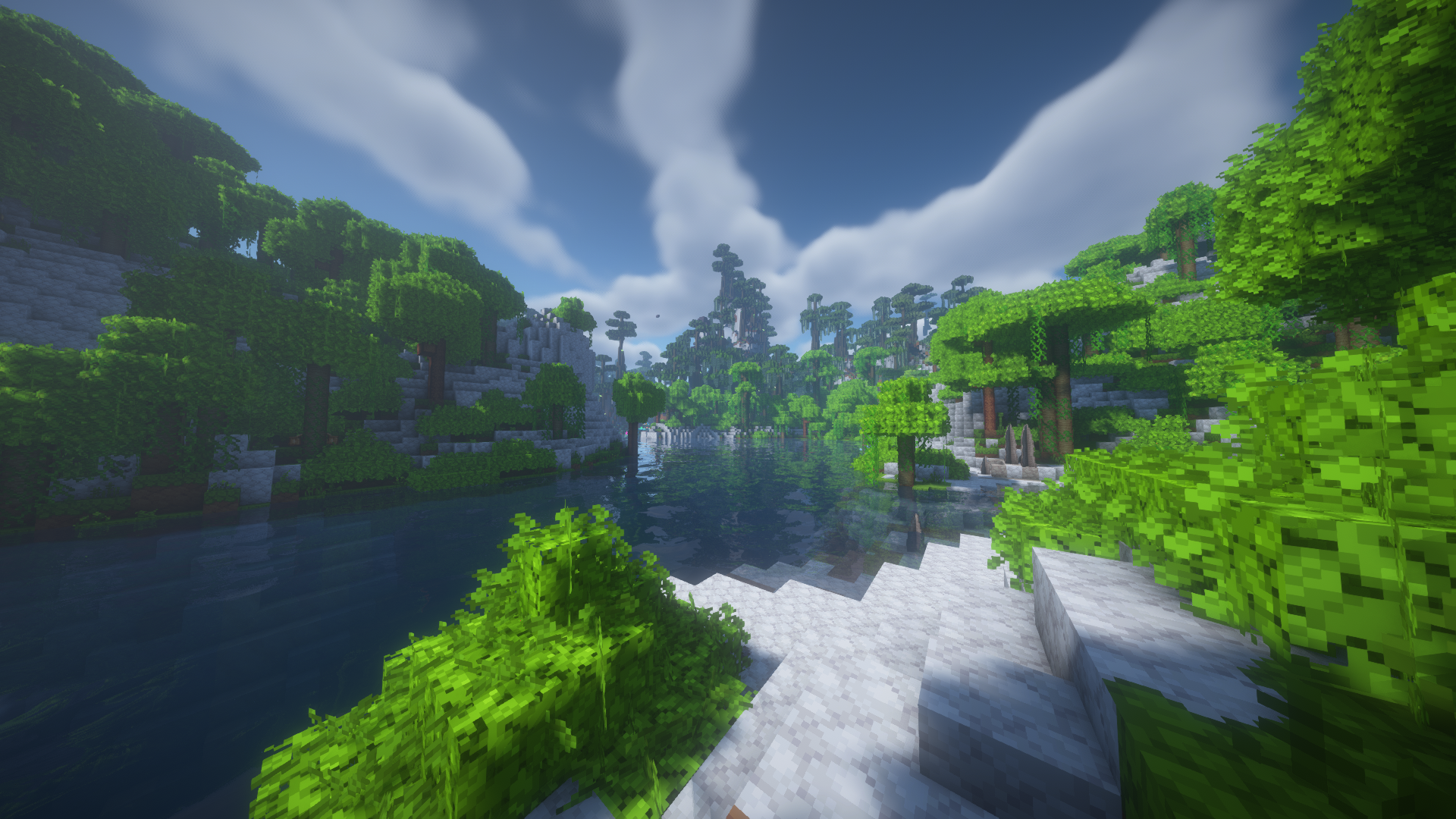
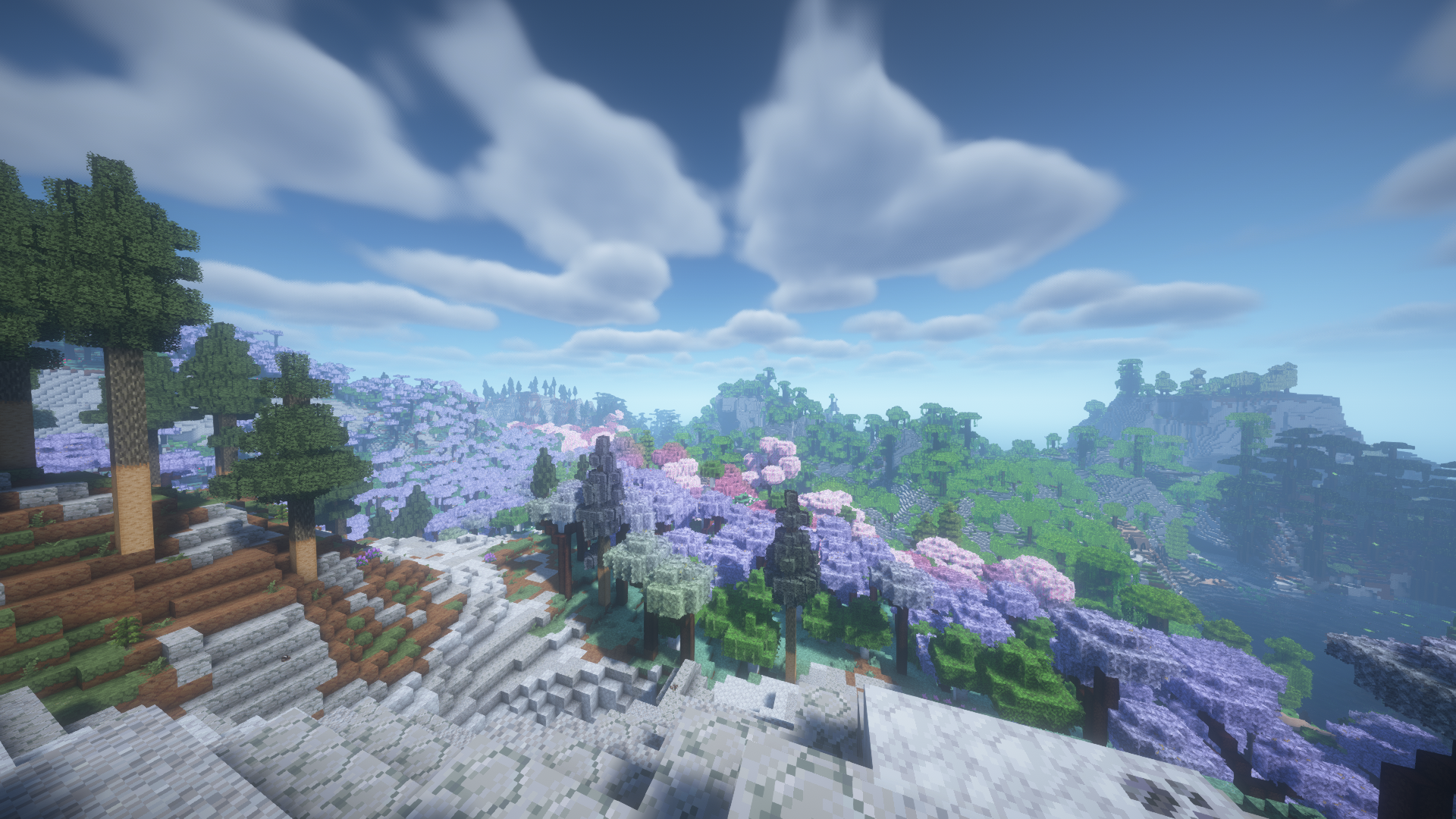
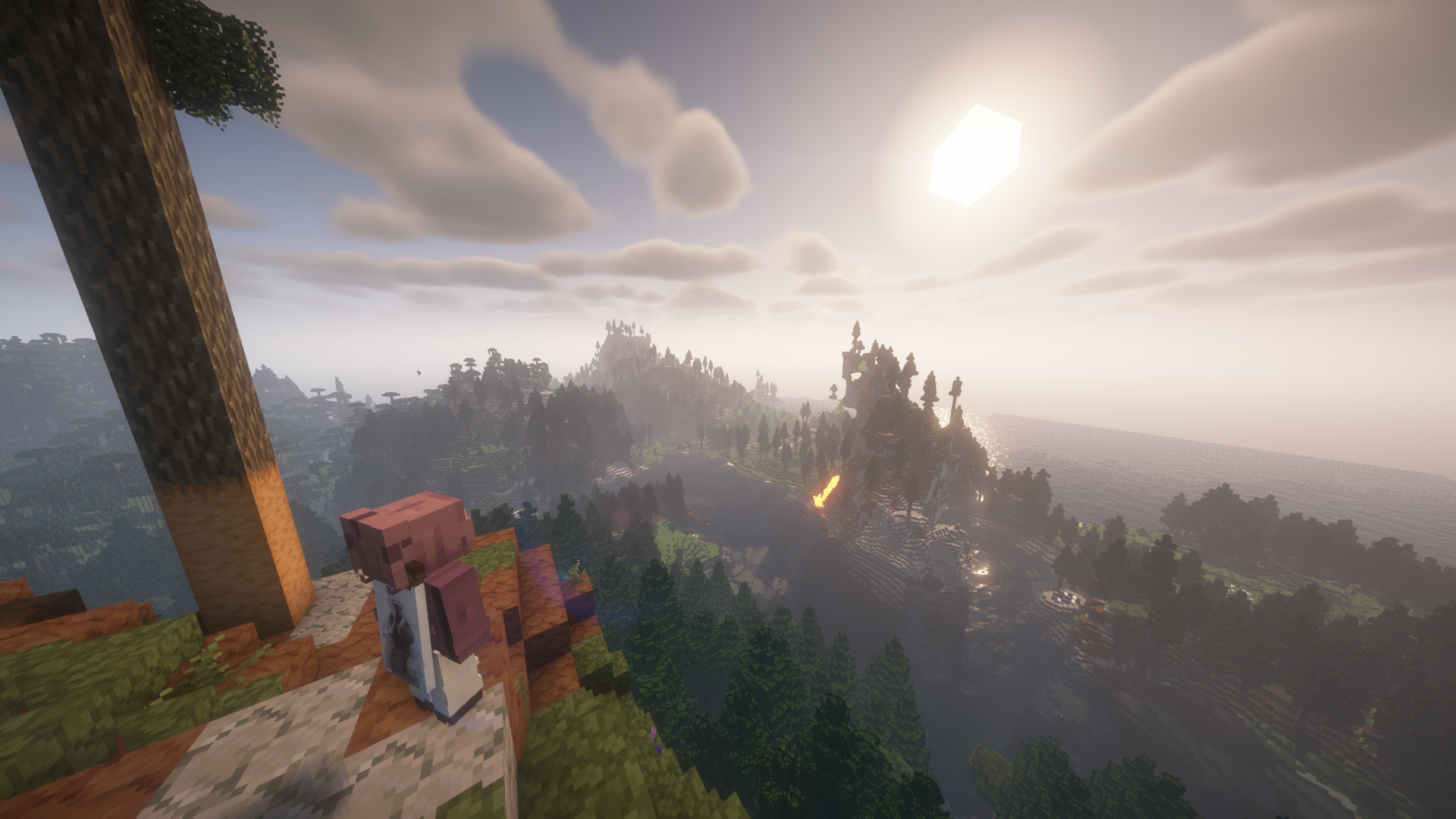
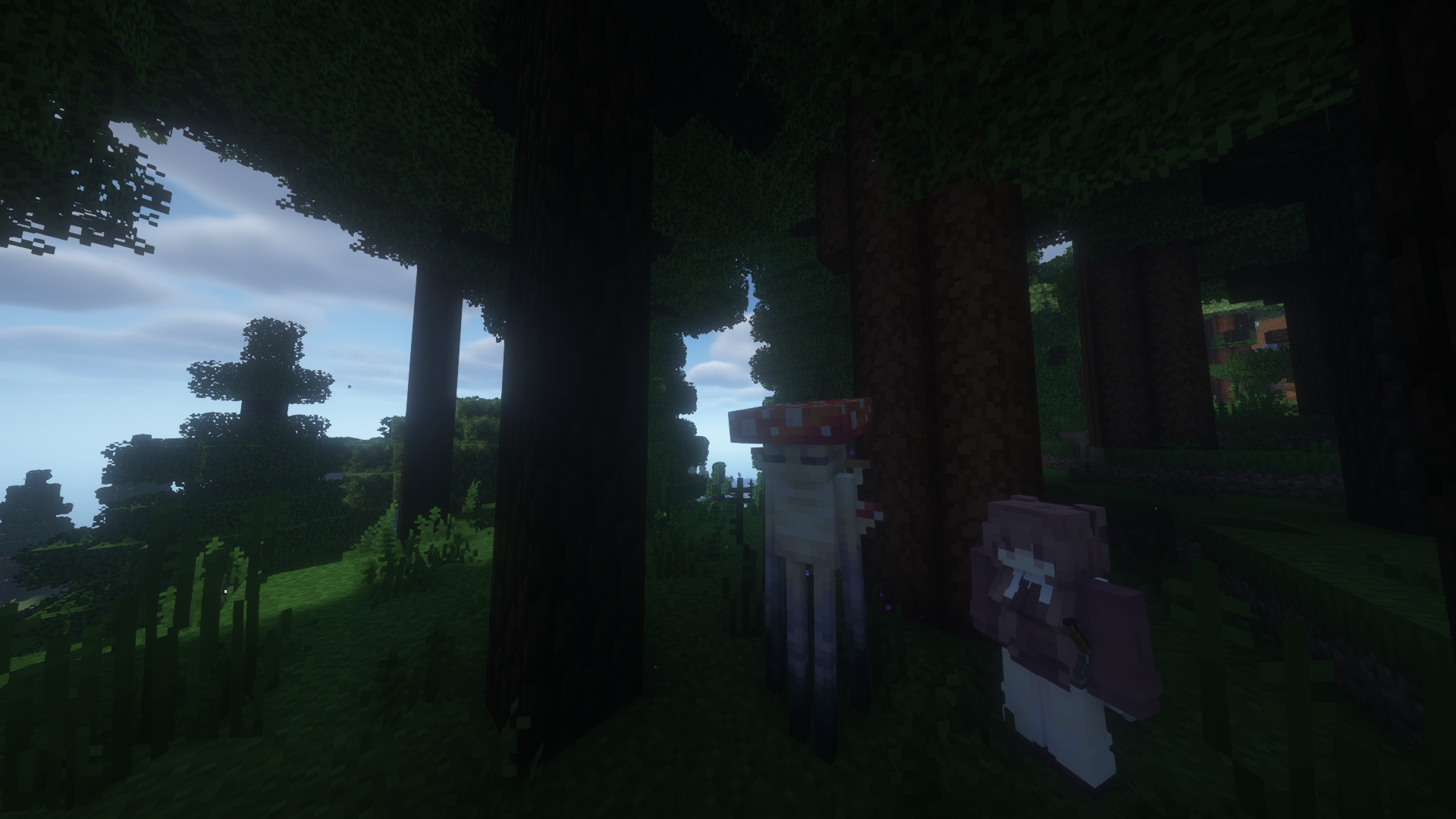
介绍
I am not a programmer and have no experience in creating mods, but I decided to share the modpack that I use to play with my friends.
p.s.
I will add the description, screenshots and settings of some mods later, when I have free time.
Setting up some mods
AudioPlayer

Commands
Run /audioplayer to get general information on how to upload files.
Uploading audio files via URL
Run /audioplayer url “https://example.com/myaudio.mp3” where https://example.com/myaudio.mp3 is the link to your .mp3 or .wav file.
Uploading audio files directly to the server
Copy your .mp3 or .wav file to the audioplayer_uploads folder in your server. Run /audioplayer serverfile “yourfile.mp3” where yourfile.mp3 is the name of the file you put on the server.
Uploading audio files via Filebin
Run /audioplayer filebin and follow the instructions.
Putting custom audio on a music disc
Run /audioplayer musicdisc and hold a music disc in your main hand. Additionally, you can add a custom name and range for the music disc /audioplayer musicdisc “” .
Putting custom audio on a goat horn
Run /audioplayer goathorn and hold a goat horn in your main hand. Additionally, you can add a custom name and range for the goat horn /audioplayer goathorn ” “.
Getting the audio from an existing item
Run /audioplayer id and hold a music disc or a goat horn with custom audio in your main hand.
Signed Paintings
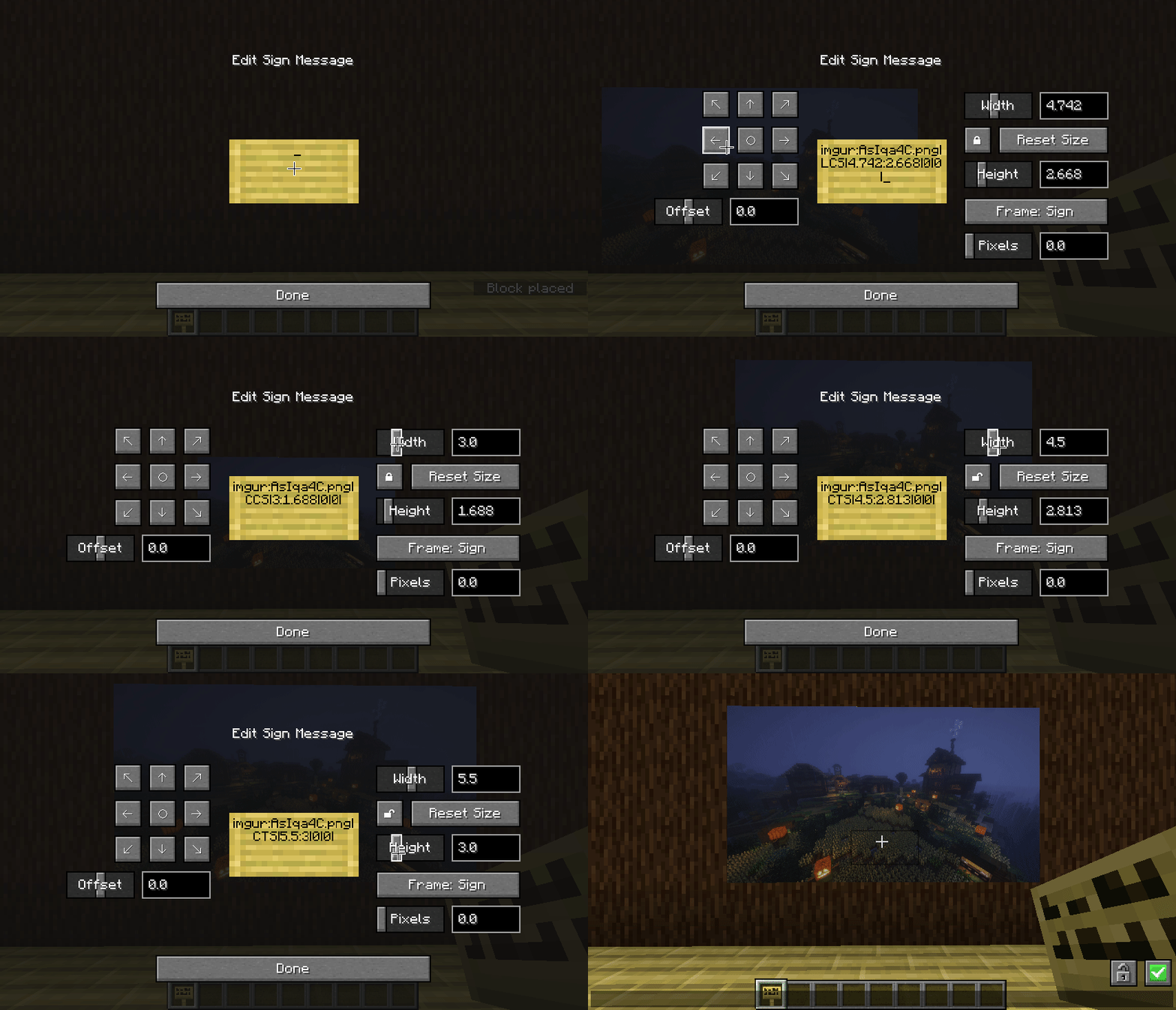
Commands:
/paintings:toggle all|banners|shields|signs – toggles rendering for images
/paintings:toggle culling – makes signs visible from further away, at the cost of worse fps – use this mod instead if you want a bit more control over the distance
/paintings:status all| – gets info about what images are currently loaded
/paintings:upload – upload an image from a url to imgur
if someone is being annoying, you can stop specific links from rendering:
/paintings:block add – blocks a specific image, stopping it rendering
/paintings:block remove all| – unblocks a specific image or all blocked images
/paintings:block list – lists all blocked links
/paintings:block auto – automatically blocks newly loading links
Co-op with voice chat
A quick guide to playing with friends using voice chat.
- Download Radmin VPN from the link.
- In the application, click on “Network”, then “Create a network”. Come up with a name and password for your network.
- Your friends should join this network.
- If you are a server, copy your IP address to Radmin VPN.
- In your world, click “Open to LAN” (or “Start LAN World”).
- Messages will appear in the chat, but you only need the “Port”.
- Participants must enter your IP address (point 4) and port (point 6).
Here’s how it should look (it will be different for you): 26.60.23.154:51105
Is it done!
Bugs? ¯\_(ツ)_/¯
p.s.s.
If there are any problems, I won’t be able to help you))
⠛⠛⣿⣿⣿⣿⣿⡷⢶⣦⣶⣶⣤⣤⣤⣀
⠀⠀⠀⣿⣿⣿⣿⣿⣿⣿⣿⣿⣿⣿⣿⣿⣿⣷⡀
⠀⠀⠀⠉⠉⠉⠙⠻⣿⣿⠿⠿⠛⠛⠛⠻⣿⣿⣇
⠀⠀⢤⣀⣀⣀⠀⠀⢸⣷⡄⠀⣀⣤⣴⣿⣿⣿⣆
⠀⠀⠀⠀⠹⠏⠀⠀⠀⣿⣧⠀⠹⣿⣿⣿⣿⣿⡿⣿
⠀⠀⠀⠀⠀⠀⠀⠀⠀⠛⠿⠇⢀⣼⣿⣿⠛⢯⡿⡟
⠀⠀⠀⠀⠀⠀⠀⠀⠀⠛⠿⠇⢀⣼⣿⣿⠛⢯⡿⡟
⠀⠀⠀⠀⠀⠀⠀⠀⠀⠀⠦⠴⢿⢿⣿⡿⠷⠀⣿
⠀⠀⠀⠀⠀⠀⠀⠙⣷⣶⣶⣤⣤⣤⣤⣤⣶⣦⠃
⠀⠀⠀⠀⠀⠀⠀⠈⣿⣿⣿⣿⣿⣿⣿⣿⣿⡇
⠀⠀⠀⠀⠀⠀⠀⠀⠀⠙⠻⢿⣿⣿⣿⣿⠟⠁
包含的模组 273 个,另有 108 个其他文件
 3D crops Revamped
 [EMF] Entity Model Features
 [ESF] Entity Sound Features
 [ETF] Entity Texture Features
 A Good Place
 Accessories
 Advancement Plaques
 AI Improvements: Performance Tuning
 Almanac
 AmbientSounds
 Amendments
 Amplified Nether
 苹果皮
 Architectury API
 AttributeFix
 BACAP Language Pack
 BackSlot
 BackSlotAddon
BadOptimizations
 Better Archeology
 Better Combat
 Better ModList
 Better Mods Button
 Better Ping Display [Forge/NeoForge]
 BetterF3
 BetterGrassify
 Biome Particle Weather
 超多生物群系
 BlazeandCave's Advancements Pack
 Bookshelf
 Camera Overhaul
 Capes
 Carry On
 cat_jam
 Chat Heads
 Cherished Worlds
 ChoiceTheorem's Overhauled Village
 Chunks fade in
 ClickThrough Plus
 Cloth Config API
展开全部 273 个
 Clumps
 Coastal Waves
 Cobweb
 Collective
 Combat Roll
 Comforts
 Common Network
 Companion 🐕
 Complementary Shaders - Reimagined
 Complementary Shaders - Unbound
 Concurrent Chunk Management Engine (NeoForge)
 Connector Extras
 Continuity
 CoroUtil
 CraftPresence
 Crawl
 机械动力
 Create Crafts & Additions
 CreativeCore
 Creeper Overhaul
 Cubic Sun & Moon
 Cull Leaves
 Curios API
 Cut Through
 Dark Paintings
 Deeper and Darker
 Default Skill Trees
 Diagonal Fences
 Diagonal Walls
 Diagonal Windows
 Dismount Entity
 遥远的地平线
 Do a Barrel Roll
 Double Doors
 Draggable Lists
 Drip Sounds
 Dungeon Difficulty
 Dungeons and Taverns
 Dungeons and Taverns Ancient City Overhaul
 Dungeons and Taverns Nether Fortress Overhaul
 Dungeons and Taverns Ocean Monument Overhaul
 Dungeons and Taverns Stronghold Overhaul
 Dynamic Asset Generator
 Dynamic Crosshair
 Dynamic FPS
 Dynamic Trees
 Easy Magic
 Eating Animation
 EMI
 End Remastered
 End's Delight
 Ender Dragon Fight Remastered
 Ender's Delight
 Enderman Overhaul
 Enhanced Block Entities
 EnhancedVisuals
 实体剔除
 Euphoria Patches
 Excavated Variants
 Expanded Delight
 Explorify
 Explosive Enhancement: Reforged
 Exposure
 ExtraSounds Next
 Fabric API
 Fabric Language Kotlin
 Fall Through Slime
 Fancy Block Particles - Renewed
 农夫乐事
 Fast IP Ping
 Female Gender Mod
 FerriteCore
 First-person Model
 Fish of Thieves
 Fog
 Forge Config API Port
 Forgified Fabric API
 Formations (Structure Library)
 Formations Nether
 Formations Overworld
 Fresh Animations
 Fresh Moves
 Friends&Foes (Forge/NeoForge)
 Friends&Foes - Beekeeper Hut (Forge/NeoForge)
 Friends&Foes - Flowery Mooblooms (Forge/NeoForge)
 Fright's Delight
 Fzzy Config
 Geckolib
 Geophilic
 GlitchCore
 Global Packs
 Golem Overhaul
 Grabby Mobs
 Horse Expert
 HT's TreeChop
 Hysteria Shaders
 Iceberg
 Illager Invasion
 ImmediatelyFast
 Immersive Portals for (Neo)Forge
 Immersive Snow
 Immersive UI
 Inmis
 InmisAddon
 Insanity Shader
 InvMove
 Iris Shaders
 Items Displayed [NeoForge]
 JamLib
 Kiwi 🥝
 Kotlin for Forge
 Krypton
 Ksyxis
 L_Ender's Cataclysm
 LAN World Plug-n-Play (mcwifipnp)
 Language Reload
 Legendary Tooltips
 Let Me Despawn
 Linkart
 Lionfish-API
 Lithostitched
 Load My F***ing Tags
 MidnightLib
 Missing Wilds
 Model Gap Fix
 Modern UI
 ModernFix
 Moonlight Lib
 More Culling
 More Mob Variants
 More Mob Variants x Fresh Animations
 鼠标微调
 MRU
 Mystical Oak Tree
 Nether Chested
 No Realms Button
 Noisium
 Not Enough Animations
 Not Enough Recipe Book [NERB]
 Nyf's Spiders
 OptiGUI
 Overflowing Bars
 oωo (owo-lib)
 Particle Core
 Particular ✨ Reforged
 Passable Foliage 🌳
 Photon Shaders
 Physics Mod
 Pick Up Notifier
 Ping Wheel
 Platform
playerAnimator
 Portfolio
 Presence Footsteps
 Prickle
 Prism
 Pufferfish's Attributes
 Pufferfish's Skills
 Puzzles Lib
 Radium
 RAY's 3D Ladders
 RAY's 3D Rails
 Realistic Bees
 Realistic Fire Spread
 Realm RPG: Fallen Adventurers
 Reese's Sodium Options
 Regions Unexplored
 Remove Reloading Screen
 Replanting Crops
 Resource Pack Overrides
 Resourceful Config
 Resourceful Lib
 Ribbits
 RightClickHarvest
 Rotten Creatures
 Scholar
 Seamless
 静谧四季
 Server Sleep
 ShatterLib | OctoLib
 Shoulder Surfing Reloaded
 Simple Voice Chat
 Sinytra Connector
 Smarter Farmers (farmers replant)
 Snow! Real Magic! ⛄
 Snowy Sniffer
 Snuffles
 钠
 Sodium Extras
 Sodium Options API
 Sodium Options Mod Compat
 Sound Physics Remastered
 Sounds
 Sparse Structures
 Steve's Realistic Sleep
 Stoneworks
 Structure Pool API
 Subtle Effects
 SuperMartijn642's Config Lib
 SuperMartijn642's Core Lib
 锦致装饰
 Supplementaries Squared
 Sword Blocking Mechanics
 TerraBlender
 Terralith
 Terratonic
 Tips
 Too Many Paintings!
 Torch hit!
 意志坚定
 Ube's Delight
 UniLib
 Variants&Ventures
 Visual Workbench
 Visuality: Reforged
 Wavey Capes
 What Are They Up To (Watut)
 XPlus Autofish (Fabric / Forge / NeoForge)
 YetAnotherConfigLib (YACL)
 You Died
 YUNG's API
 YUNG's Better Desert Temples
 YUNG's Better Dungeons
 YUNG's Better End Island
 YUNG's Better Jungle Temples
 YUNG's Better Mineshafts
 YUNG's Better Nether Fortresses
 YUNG's Better Ocean Monuments
 YUNG's Better Strongholds
 YUNG's Better Witch Huts
 YUNG's Bridges
 YUNG's Extras
 Zombie Proof Doors
绿色边框的模组本站有收录,点进去看中文介绍;其余跳转到 Modrinth。
常见问题
MoreMods… Update 支持哪些 Minecraft 版本?
MoreMods… Update 基于 Minecraft Java 版 1.21.1、1.20.1,使用 Fabric / NeoForge 加载器。
MoreMods… Update 怎么安装?
点本页「前往下载」拿到整合包文件(Modrinth 的是 .mrpack,CurseForge 的是 .zip),在 PCL2 或 HMCL 启动器里选择「导入整合包」,启动器会自动装好 Minecraft、加载器和全部模组。这个整合包有 273 个模组,建议在启动器里给游戏分配 6–8 GB 内存。
MoreMods… Update 开服需要多大内存?
推荐服务器内存 12 GB。在线人数多、或者建了大量机器和区块加载器时,可以再加 2–4 GB。
怎么和朋友一起玩 MoreMods… Update?
点本页的「一键开服」,选好配置后会自动安装 MoreMods… Update 的服务端,几分钟就能开好。把服务器地址发给朋友,大家用同一个版本的整合包连进去就行。
评论
登录后评论和评分