
AsaThorr’s QoL Modpack
My daily driver, with various gameplay enhancements, audio and visual upgrades and a nice performance bump.
截图
介绍
AsaThorr’s QoL Modpack
An enhanced way to play Minecraft
This vanilla modpack is my daily driver modpack, as it includes many mods and resource packs designed to enhance user interface, performance and gameplay aspects as simple as graphics and audio.
It was designed with every aspects of Minecraft in mind, such as PvP, building, exploration, or anything that the game allows. _More detailed mod/features list below._
PvP related features :
UI
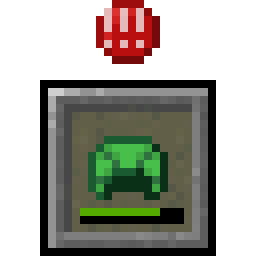
This modpack uses uku’s mods to display armor durability in hotbar, as well as a potion count for gamemodes such as 1.9 diapot and Tier Tagger.
SimpleHUD takes care of FPS and ping display, as its clean look makes it way less obstrusive than Lunar client’s interface for example, with a more fitting look.
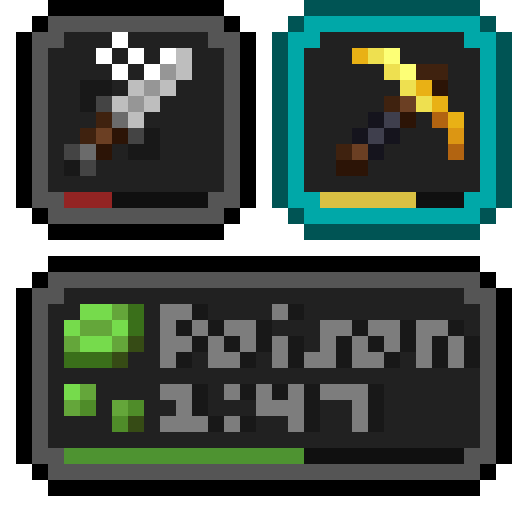
AppleSkin and Status effect bars are also mandatory mods to keep track of your saturation and potion effects.
Some resource packs are also included to get lower shields/fire (less obstrusive than usual), a better crosshair and a transparent inventory.
- My own PvP resource pack is included, check it out at https://modrinth.com/resourcepack/asathorrs-pvp-resource-pack if you want to download it separately.
Rendering
This modpack has access to fullbright, which you can toggle on the press of a button.
Fog is greatly reduced/removed and lava/water/powder snow overlays are removed for a better visibility in bad PvP environments, like recovering a teammate or fighting in lava.
Immersion :
Visual
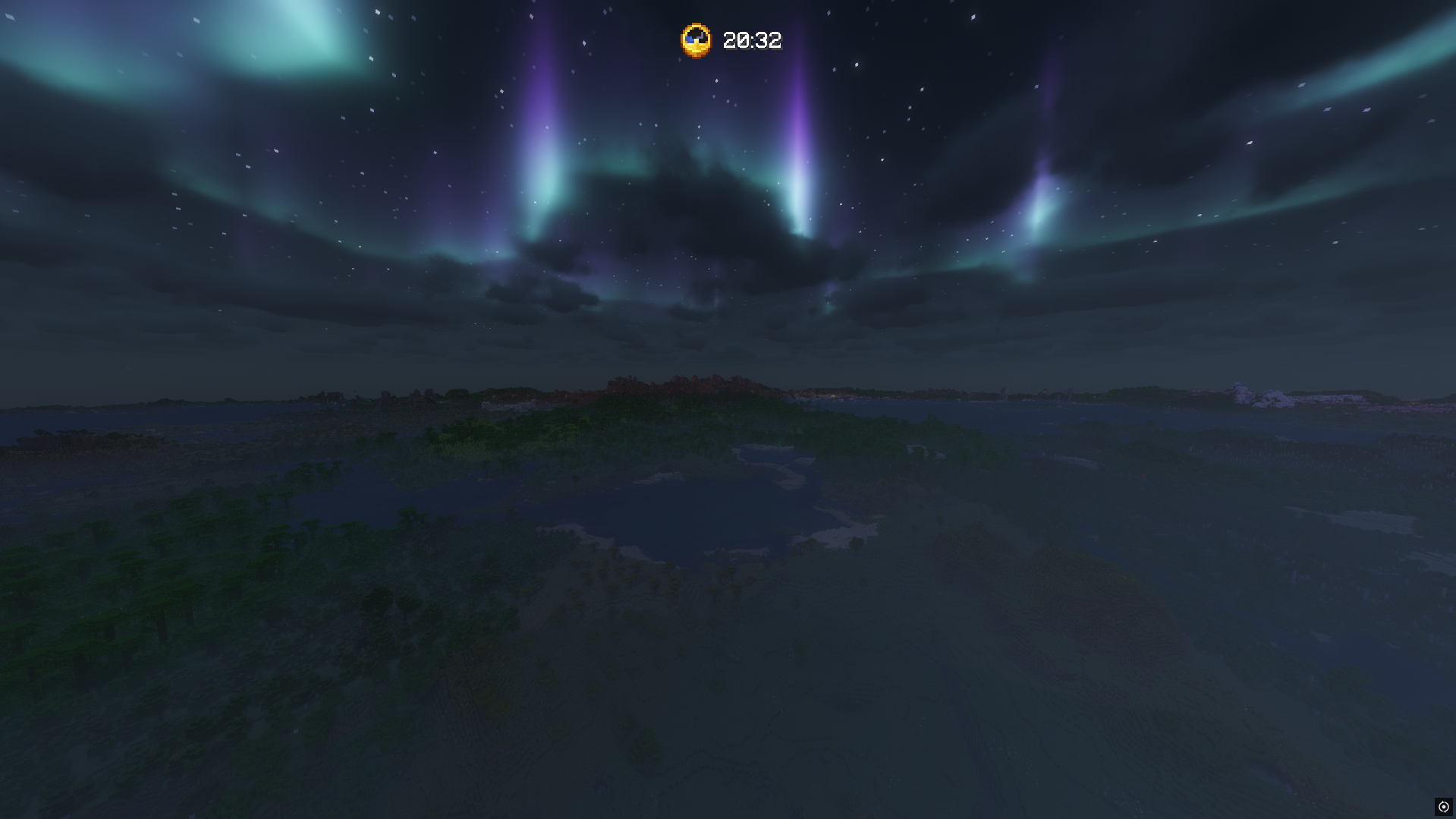
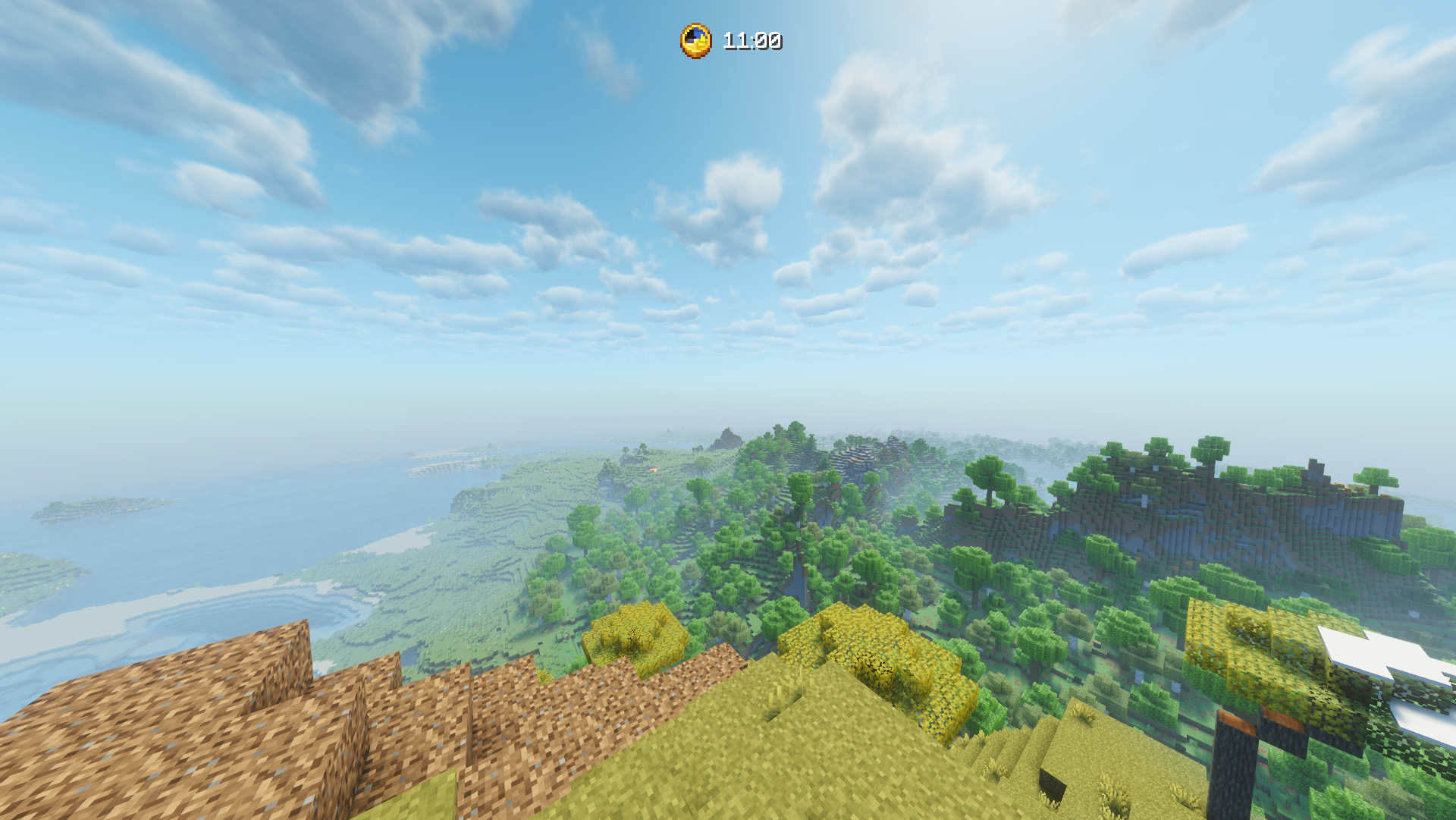
I included my favorite Iris shaders in this modpack, Complementary (both reimagined and unbound, as well as my unbound config, which might be heavy on GPU), Spooklementary, as well as a more cursed/funny one, Bad Apple shaders.
Audio
AmbientSounds mod completely changes the atmosphere by adding an entirely new set of sounds, bringing forests to life and making the game feel a lot more immersive, despite the blocky graphics.
Building tools :
Axiom
This modpack uses axiom, one of the most powerful and complete building tools. Due to recent changes, you may require a license or a whitelist to use it on servers with the mod installed.
Litematica
Litematica is also included, as it is the most widely known and used schematic pasting tool, available on servers such as EarthMC for example. EasyPlaceMode is usable on any server with the plugin/mod installed.
Quality of life :
FreeCam, Perspektive and Zoomify are great tools to help you change your point of view at any point to get an entirely new view of your surrounding, and have been considered as basic utils for years on many clients such as Lunar of Feather.
/!\ Note that FreeCam might not be allowed on some servers as it can be considered as a cheat. Use with caution and read the rules.
The resource pack menu has also been upgraded, with an option to bind one and toggle it thanks to quick resource pack, or browse for more with Resourcify. Remove Reloading Screen also speeds up the process by a noticeable amount, allowing you to play when vanilla Minecraft doesnt allow you to.
Client sided cooldowns have also been optimised thanks to No jump cooldown and No mining cooldown. You will now be able to sprint faster in 2 blocks tunnels without destroying your precious space bar.
Performance :
This Modpack wouldnt exist without Fabulously Optimised, which you can find at https://modrinth.com/modpack/fabulously-optimized
My Experience
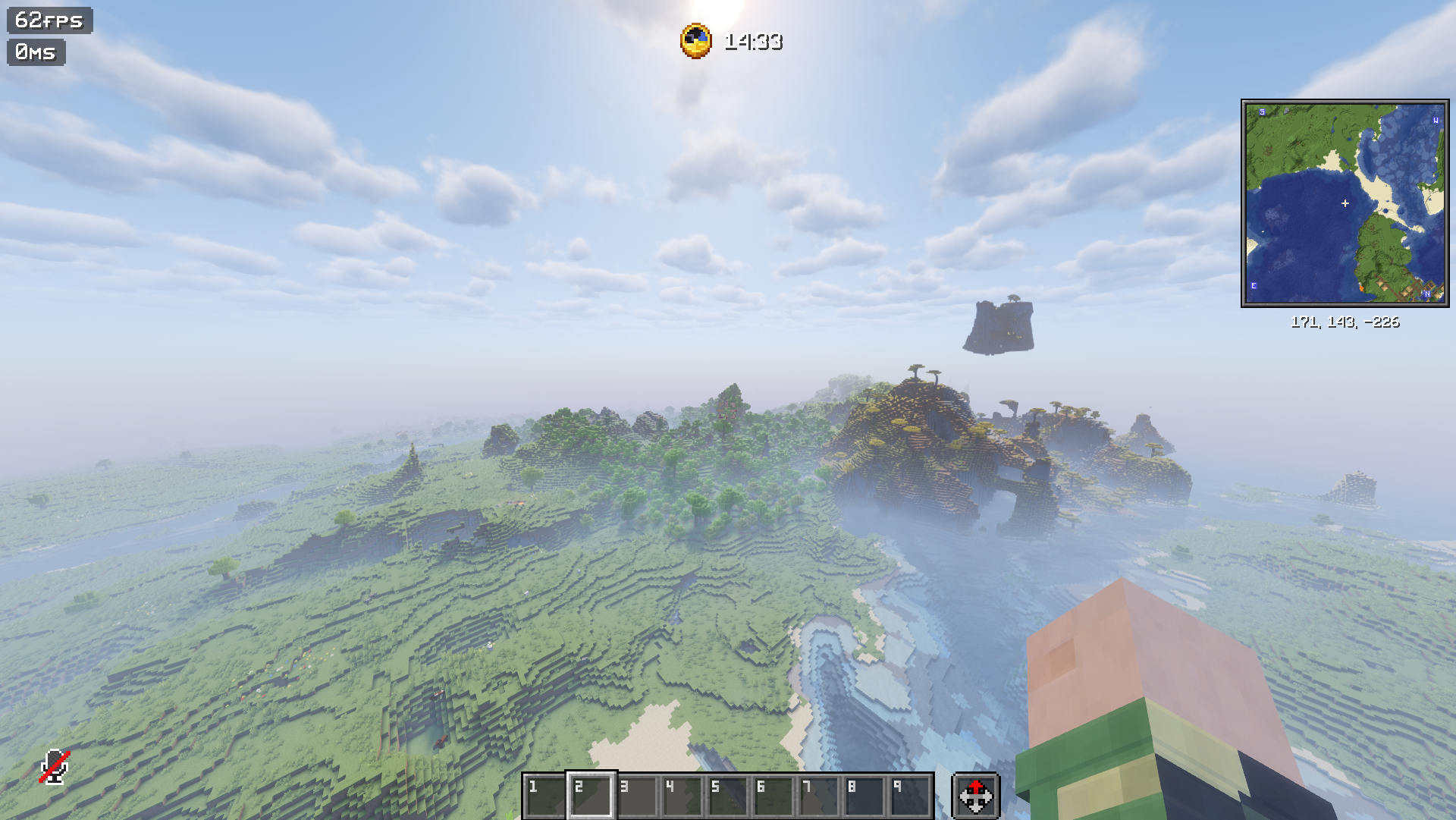
With this modpack, i am able to run the game on 60 fps on 32 vanilla render distance, 2048 voxy render distance, with a heavy shader preset.
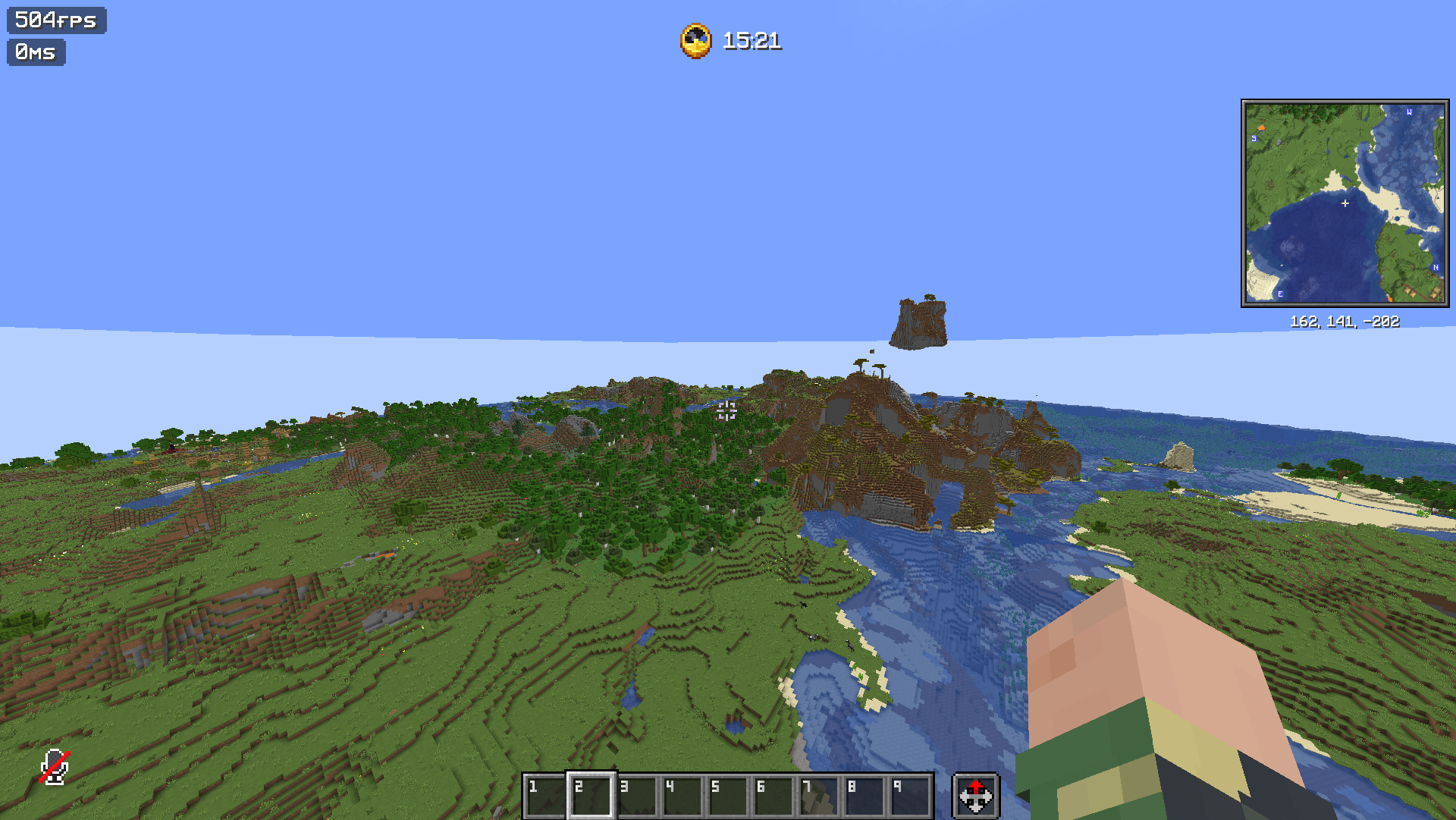
Without shaders, on 12 render distance, i am able to get consistent 500+ fps, nearly 200 with shaders.
Laptop specs used :
- i7 13620H, 115W TDP
- RTX 4070, 80W TGP
- 64GB 5200 MT/s DDR5 ram, 48GB allocated to the game
Tested in 1080p/UHD
包含的模组 172 个,另有 5 个其他文件
 3D皮肤层
 [EMF] Entity Model Features
 [ETF] Entity Texture Features
 Alpha Piscium
 环境音效
 Anvian's Lib
 苹果皮
 Armor Durability Overlay [No Optifine]
 Arrow Ding│箭矢叮
 AsaThorr's PvP Resource pack
 AstraLex Shaders
 Axiom
 Bad Apple Shaders
 Better Block Entities
 Better Mount HUD
 BetterGrassify
 Blue Netherite
 BSL Shaders
 Capes
 Chat Heads
 Chat Notify
 Chat Patches
 Chunky
 Classic Glint
 Clean View
 CleanerF3
 Clear Water/Lava/PowderSnow
 Client Time
 Cloth Config API
 Collective
 Complementary Shaders - Reimagined
 Complementary Shaders - Unbound
 Concurrent Chunk Management Engine (Fabric)
 Continuity
 Controlify (Controller support)
 Controlling
 Coven
 CreativeCore
 Cristel Lib
 Cubes With Borders
展开全部 172 个
 Cubes Without Borders
 Cull Leaves
 Debugify
 Deimos
 Dramatic Skys
 Durability Tooltip
 Dynamic FPS
 e4mc
 Eclipse
 Effect Timer Plus
 Emoji Type
Enhanced Overlay
 实体剔除
 Entity View Distance
 Exordium
 Fabric API
 Fabric Language Kotlin
 Fabrishot
 Fast Trading
 FastQuit
 FerriteCore
 Forge Config API Port
 Freecam
 Fullbright
 Fzzy Config
 Gentler Weather Sounds
 GUI Time
 HeroBot
 ImmediatelyFast
 Infinite Trading
 Iris Shaders
 ItemPhysic Lite
 Ixeris
 Jade 🔍
 LambDynamicLights - Dynamic Lights
 Language Reload
 投影
 锂
 Low Fire One Pixel
 Low Shield
 MaLiLib
 MidnightLib
 MiniHUD
 模组菜单
 More Chat History
 More Culling
 鼠标微调
 Multi Key Bindings
 NebsConfigLib
 No Bat ❌
 No Block Break Particles
 No Cave Ambience
 No Chat Reports
 No Chat Restrictions
 No darkness effect
 No Enchant Glint
 No Fire Overlay
 No Fog
 No Food Eating Particles
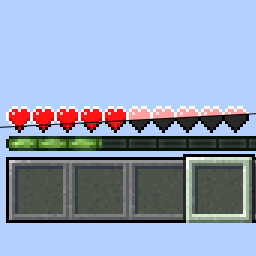 No Heart Blinking
 No Mining Cooldown
 No More Bobber!
 No Pumpkin Blur
 No Resource Pack Warnings
 No Template Netherite Armor Upgrades [PurpurPack]
 No Template Netherite Tool Upgrades [PurpurPack]
 Numbered & Cleaner Hotbar
 Numeral Ping
 OptiGUI
 Packed Packs
 Packet Fixer
 Paginated Advancements & Custom Frames
 Particle Core
 Particle Rain
 Photon Shaders
 PotionCounter
 Presence Footsteps
 Puzzle
 PvP Crosshair
 Reese's Sodium Options
 移除重载屏幕
 ReplayMod
 Resourcify
 Rethinking Voxels
 Sakura PvP
 Searchables
 Shield Statuses
 Shiny Pots
 Show Durability
 Shrimple
 潜影盒提示
 Simple Fog Control
 Simple Voice Chat
 SimpleHUD
 Skyboxify
 Slightly Improved Font (32x)
 Smaller Totem
 钠
 Sodium Core Shader Support
 Sodium Extra
 Sodium Extra Information
 Sodium Fullbright
 Sodium Shadowy Path Blocks (SSPB)
 Solas Shader
 Spooklementary
 Spotify Controller
 Status Effect Bars
 Stop Unloading My Resourcepacks [SUMR]
 SuperMartijn642's Config Lib
 Text Placeholder API
 Tier Tagger
 Trade Cycling
 Transparent GUI and HUD
 uku's Armor HUD
 ukulib
 Vanilla Connected Glass
 Vanilla Mashup (PBR)
 Variants-CIT
 Very Many Players (Fabric)
 ViaFabricPlus
 voxy
 WalksyLib
 Who am I?
 William Wythers' Overhauled Overworld
 wWaypoints
 Xaero Zoomout
 Xaero的小地图
 Xaero的世界地图
 XK Redstone Display
 YetAnotherConfigLib (YACL)
 Your Options Shall Be Respected (YOSBR)
 Zoomify (Zoom)
左侧绿标的模组本站有收录,点进去看中文介绍;其余跳转到 Modrinth。
常见问题
AsaThorr’s QoL Modpack 支持哪些 Minecraft 版本?
AsaThorr’s QoL Modpack 基于 Minecraft Java 版 1.21.11、1.21.8,使用 Fabric 加载器。
AsaThorr’s QoL Modpack 怎么安装?
点本页「前往下载」拿到整合包文件(Modrinth 的是 .mrpack,CurseForge 的是 .zip),在 PCL2 或 HMCL 启动器里选择「导入整合包」,启动器会自动装好 Minecraft、加载器和全部模组。这个整合包有 172 个模组,建议在启动器里给游戏分配 6–8 GB 内存。
AsaThorr’s QoL Modpack 开服需要多大内存?
推荐服务器内存 12 GB。在线人数多、或者建了大量机器和区块加载器时,可以再加 2–4 GB。
怎么和朋友一起玩 AsaThorr’s QoL Modpack?
点本页的「一键开服」,选好配置后会自动安装 AsaThorr’s QoL Modpack 的服务端,几分钟就能开好。把服务器地址发给朋友,大家用同一个版本的整合包连进去就行。
AsaThorr 的其他作品
查看全部 → AsaThorr’s PvP Resource pack
我制作中的PvP资源包,包含短剑、更好的水晶和图腾、剑上的视觉击退效果,以及更多内容!
Sakura PvP
Sakura PvP 是一款粉色主题的 PvP 资源包,包含多种界面实用功能,并采用灰度环境,带来“仿佛自带自瞄”的体验。推荐用于 NethPot。

Console minigames background music
将部分背景音乐替换为 Legacy 4J 版中的其他曲目。

L4J
重现并改编深受喜爱的 Legacy 4J 主机版 Minecraft,基于 Legacy4J 模组制作。
评论
登录后评论和评分