
截图

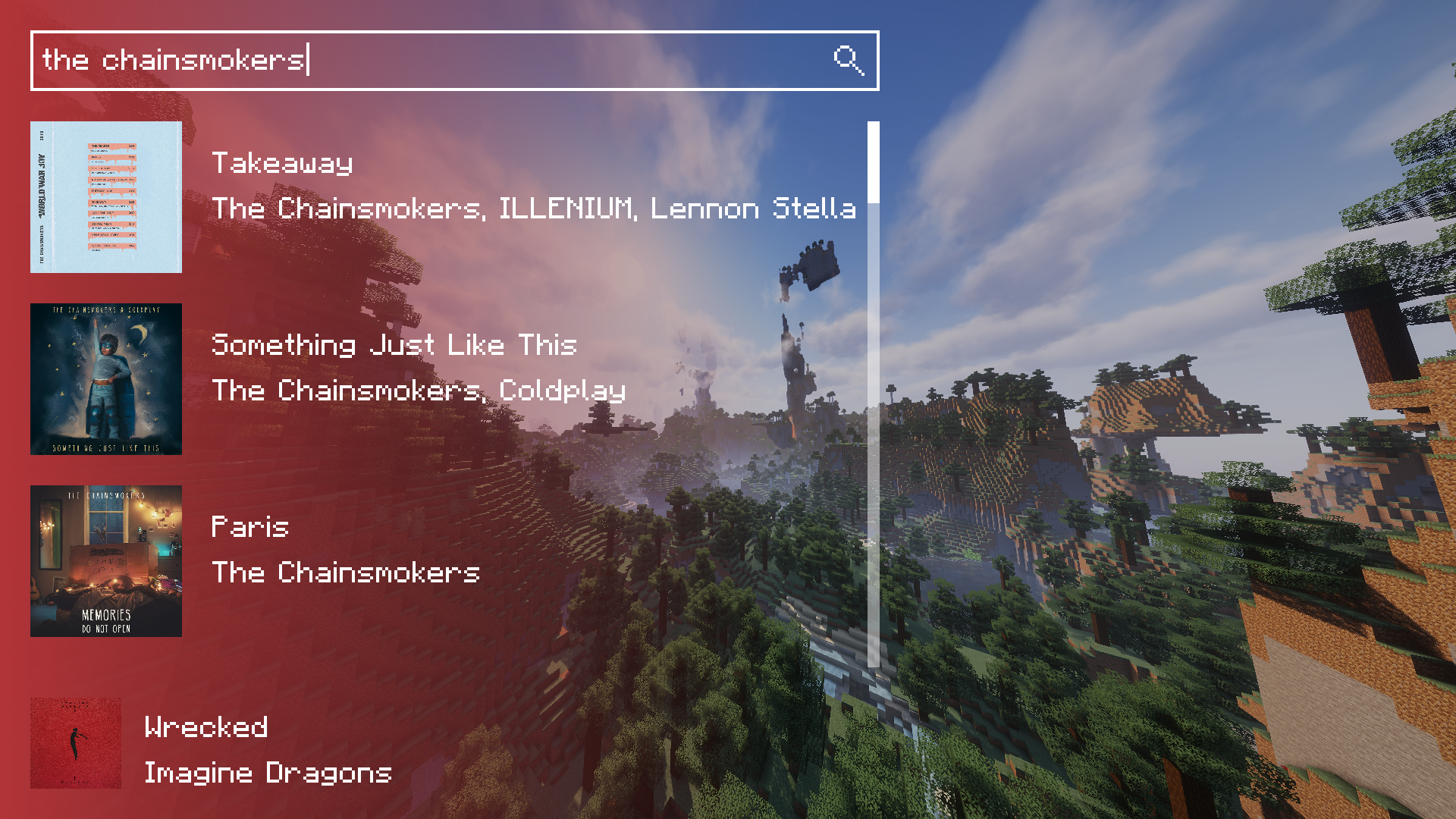
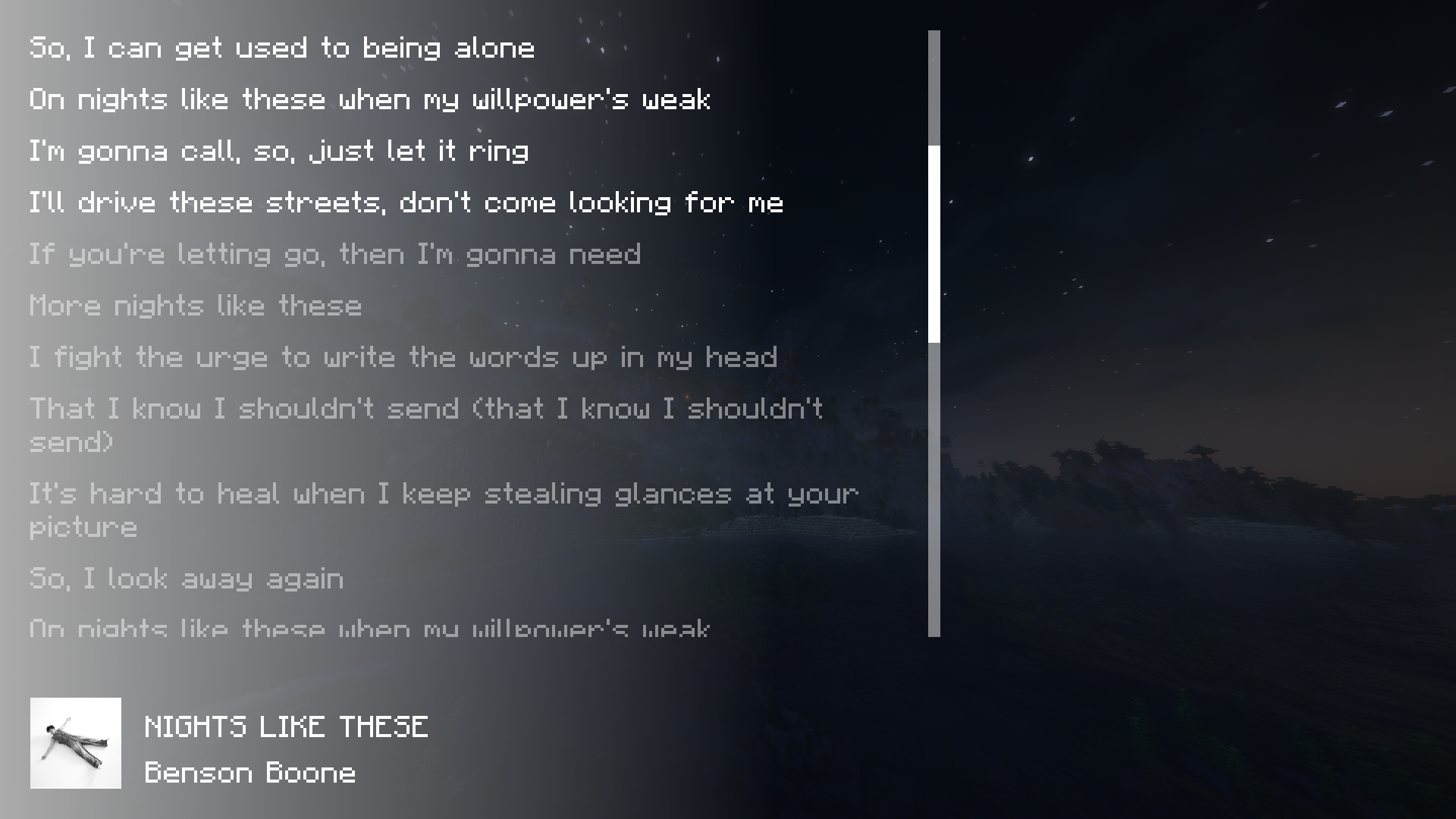
介绍
Keep Andriod Open! — Sign the petition
Control your spotify playback without alt-tabbing. You need Spotify Premium for this mod to be functional.
If you found bugs, please report to issue tracker on GitHub!
Features
- View what you are playing
- Resume / Pause your song
- Skip to next song
- Listen to previous song (again)
- Seek to wanted position
- Search for a song
- View synced lyrics (Thank you LRCLIB!)
Applied Picture
How to set up
Follow official wiki on creating app. Set Redirect URI to http://127.0.0.1:25566/callback. Press Z to show pop up with button that redirects you to setup page. On the bottom of the page, there are inputs for Client ID and Client Secret. Paste Client ID and Client Secret you got from creating app into input. Sign in normally. After this, you may press Z again to control your playback.
Future plans
- Ability to view queue
Easier setup(Impossible since April 15, 2025, see blog post from Spotify)- #28: Volume control
- #23: System Media for free account or pre-setup
- #14: Mini Player
- #14: Like and dislikes
常见问题
Spotify Controller 支持哪些 Minecraft 版本?
Spotify Controller 支持 Minecraft Java 版 1.21–26.3,共 17 个版本,可用的加载器:Fabric。下载时注意选择和你游戏版本一致的文件。
Spotify Controller 怎么安装?
先用 PCL2 或 HMCL 启动器安装对应版本的 Fabric,再把下载的 .jar 文件放进游戏目录的 mods 文件夹,重新启动游戏即可。开启了版本隔离的,mods 文件夹在 versions/版本名 下面。运行环境:仅客户端。
评论
登录后评论和评分