
截图
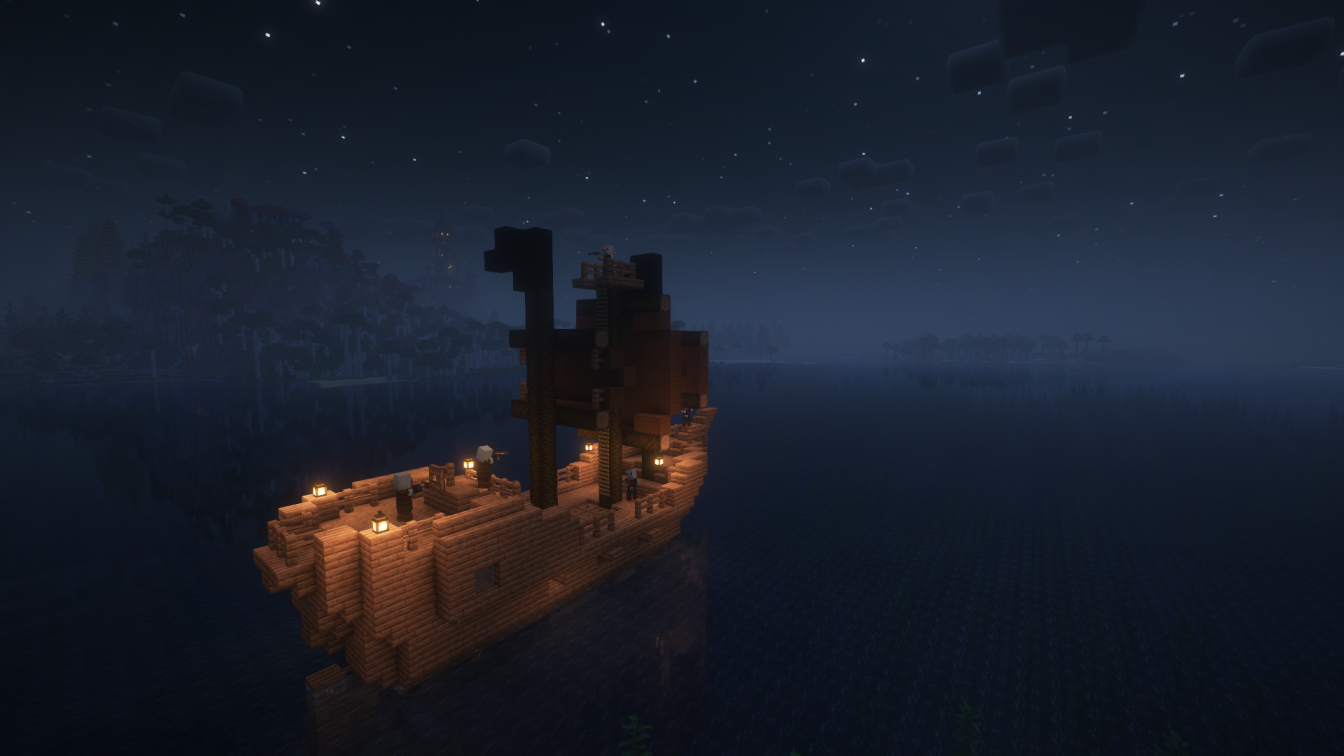
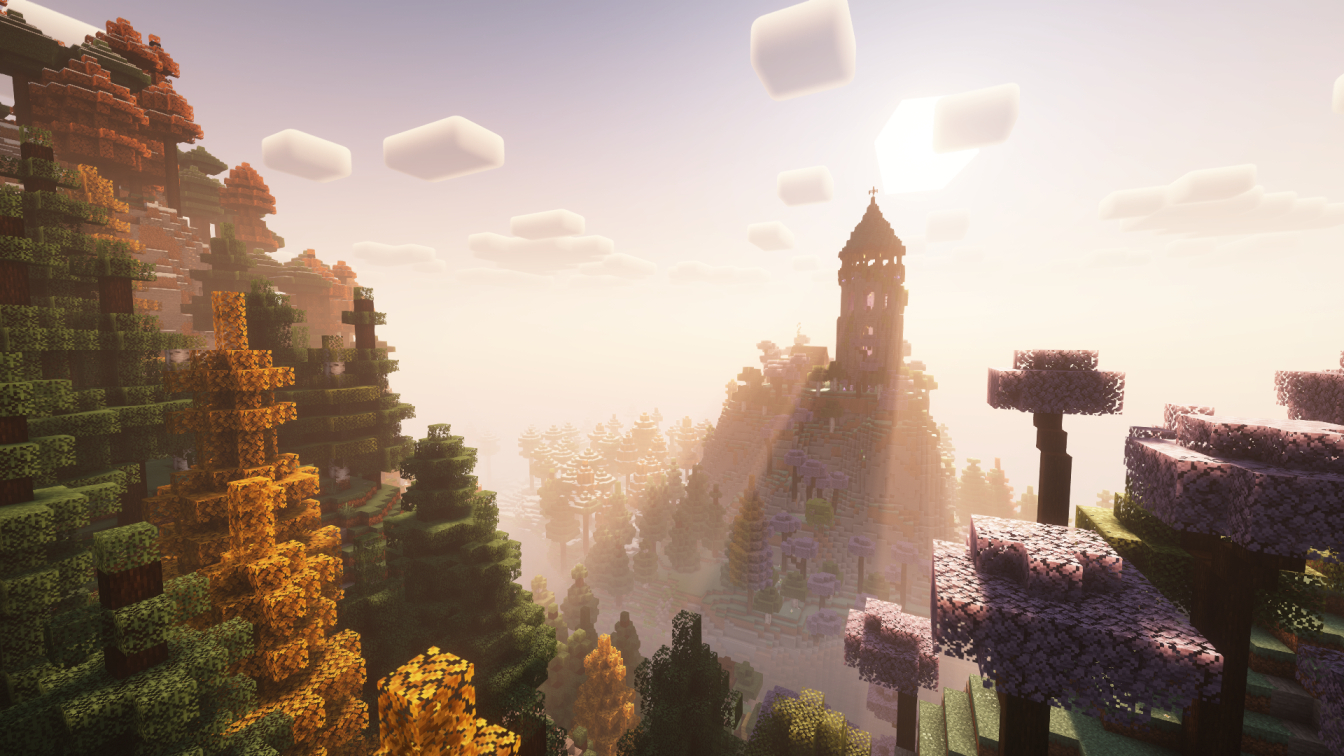
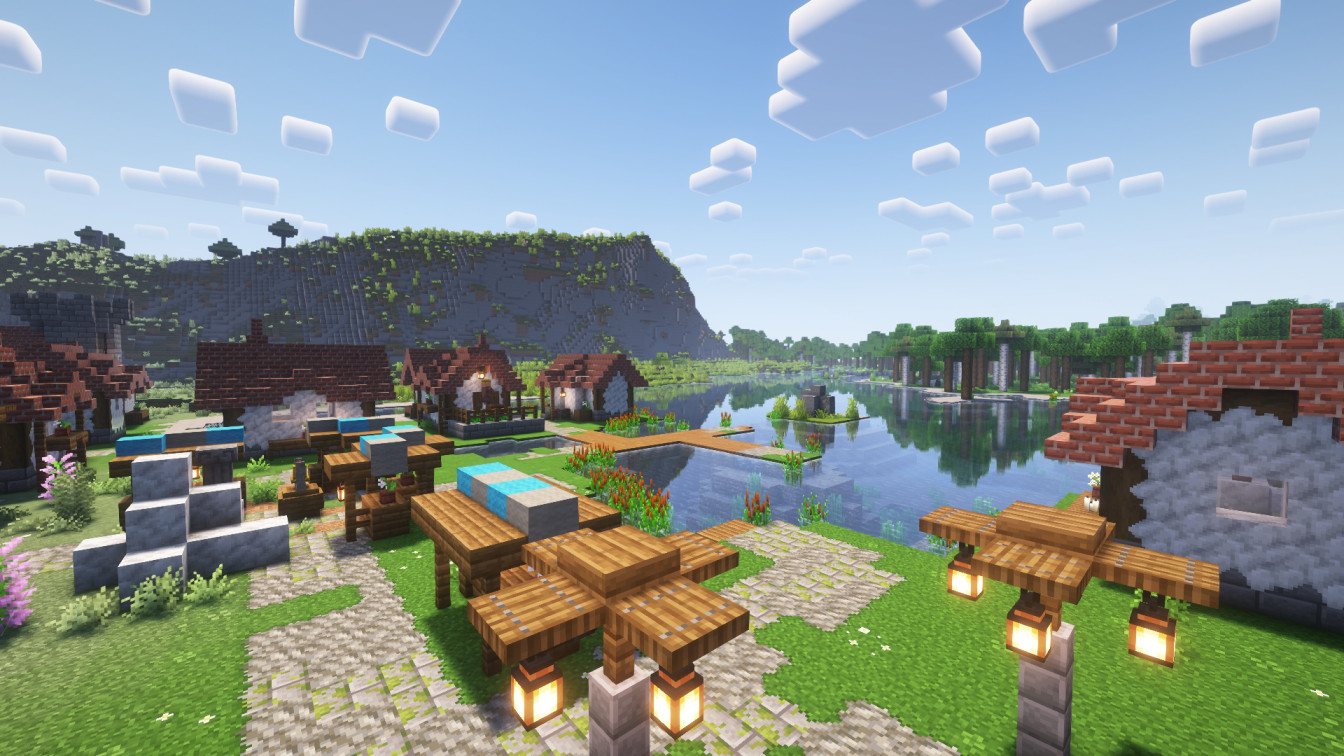
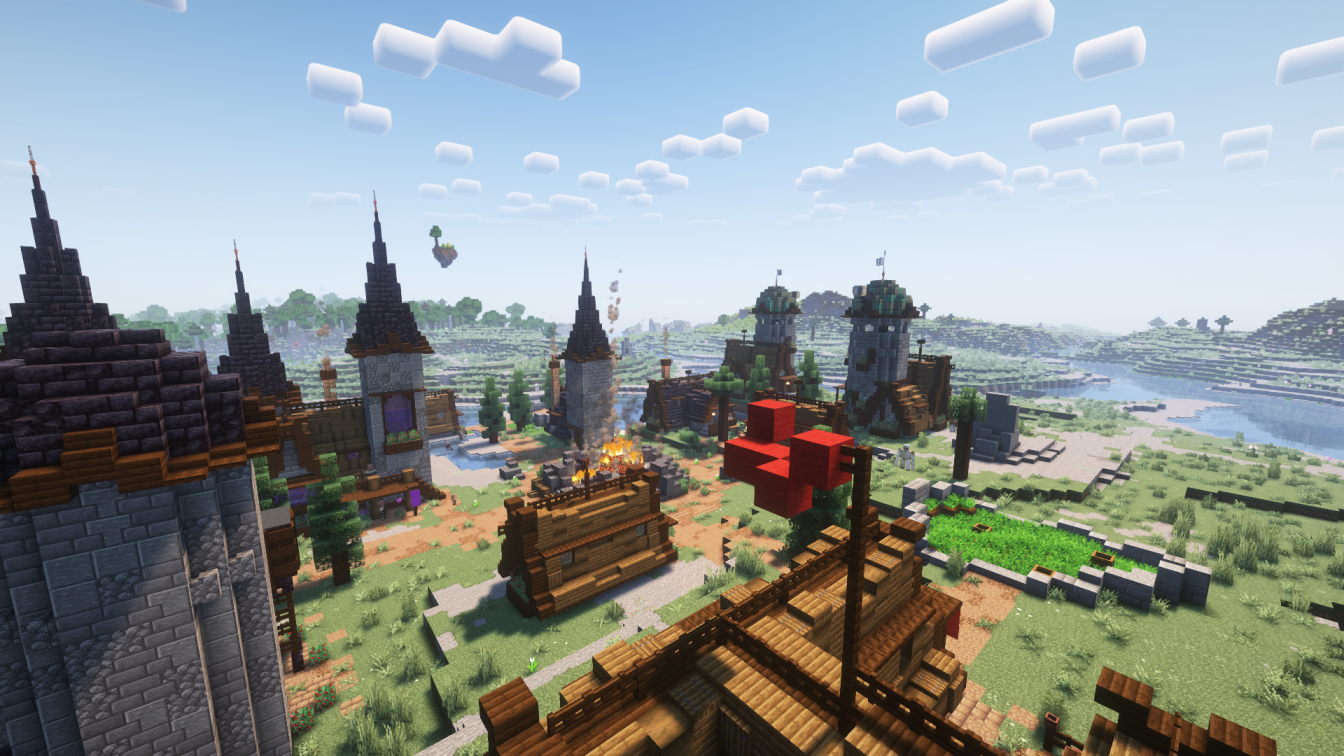
介绍

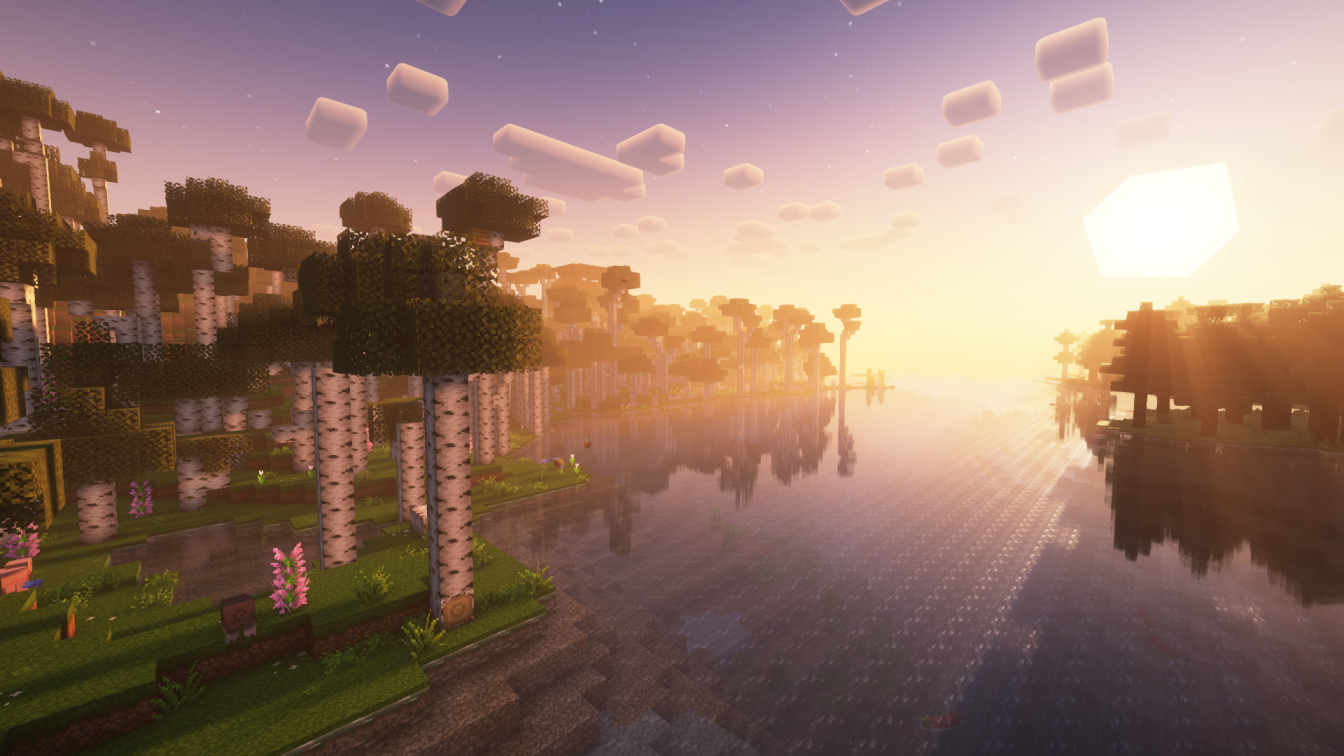
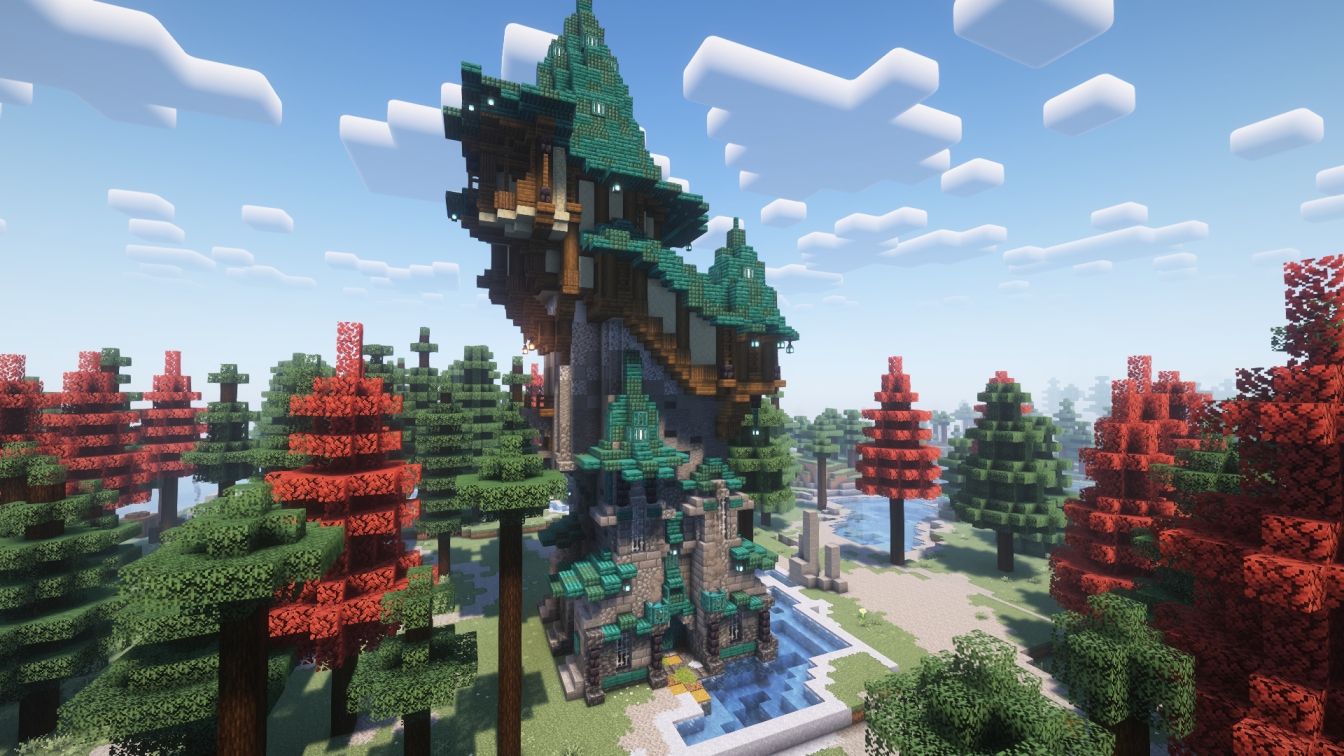
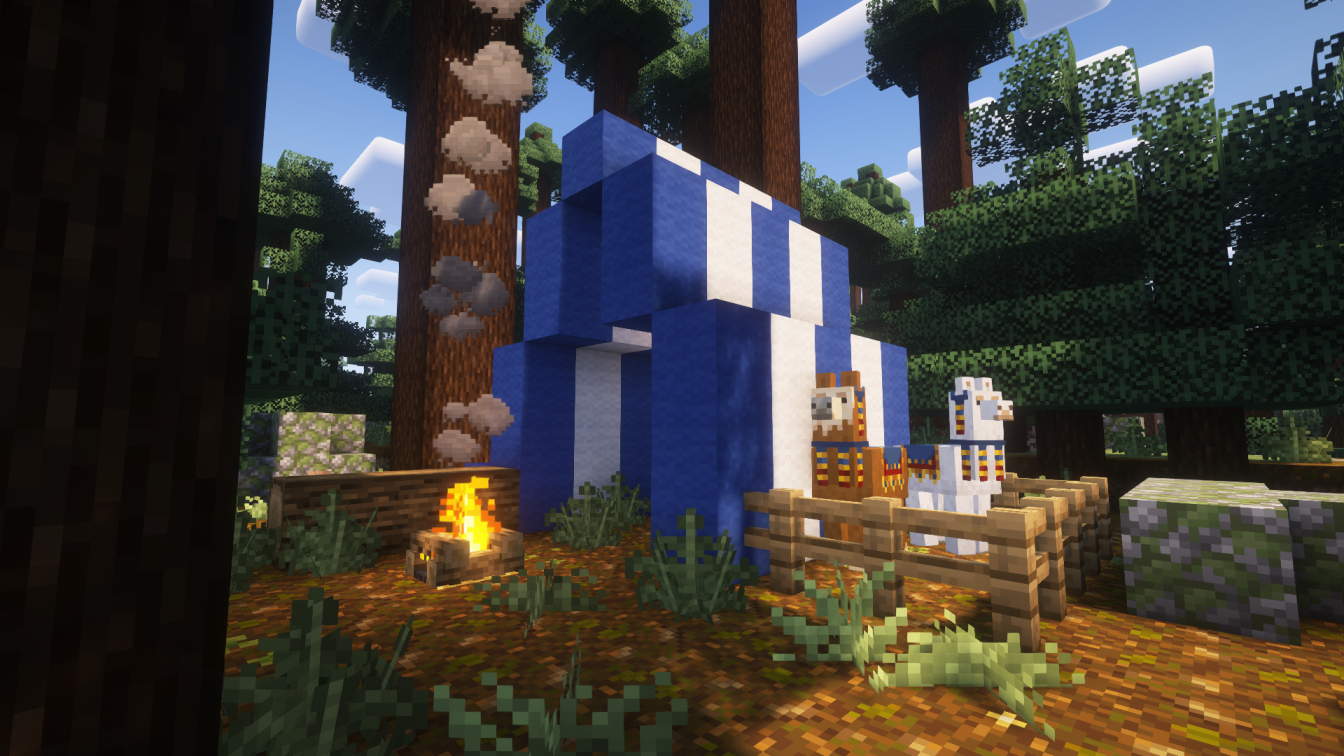
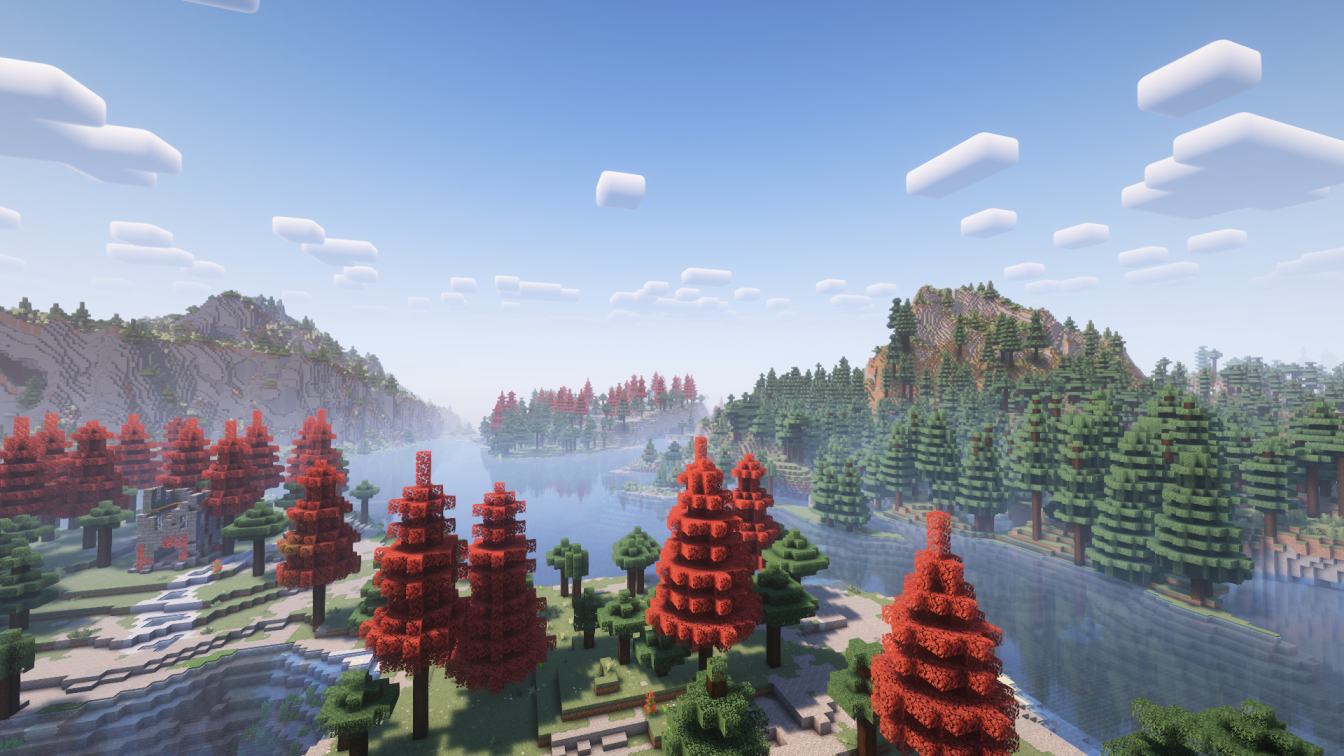
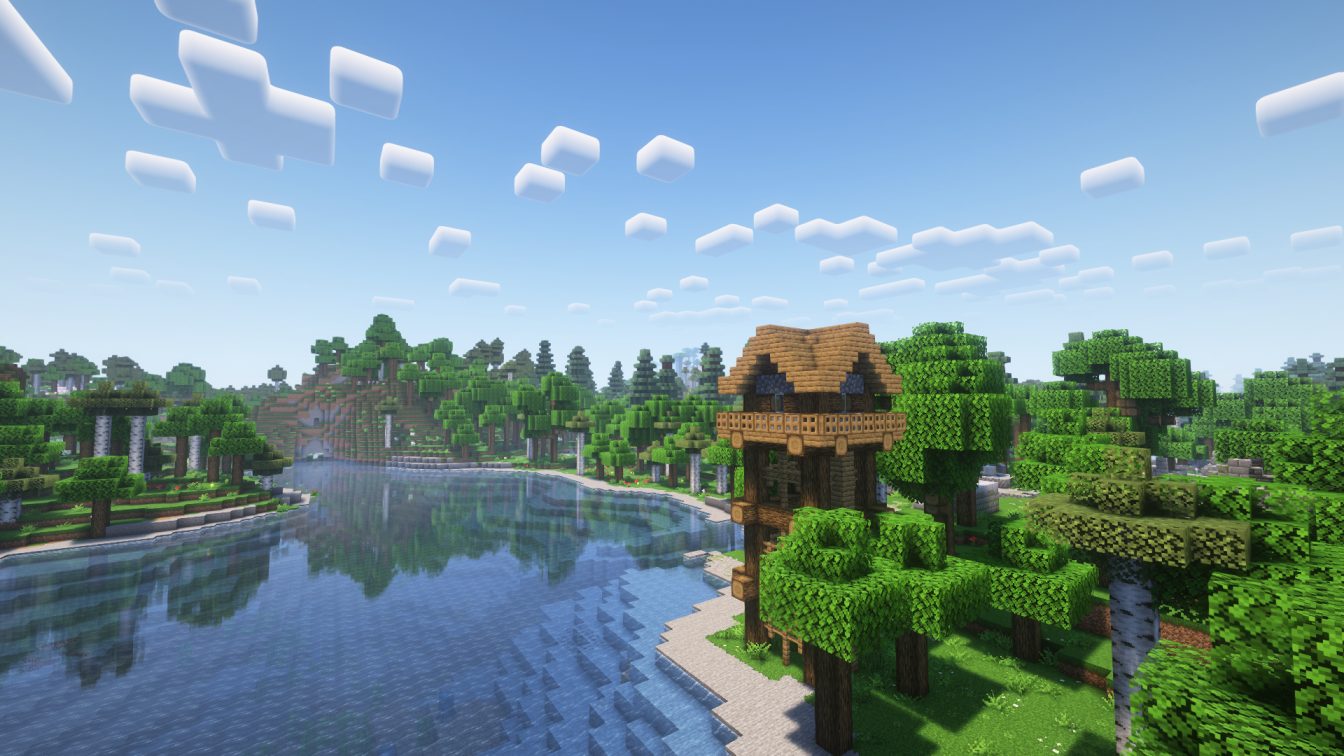
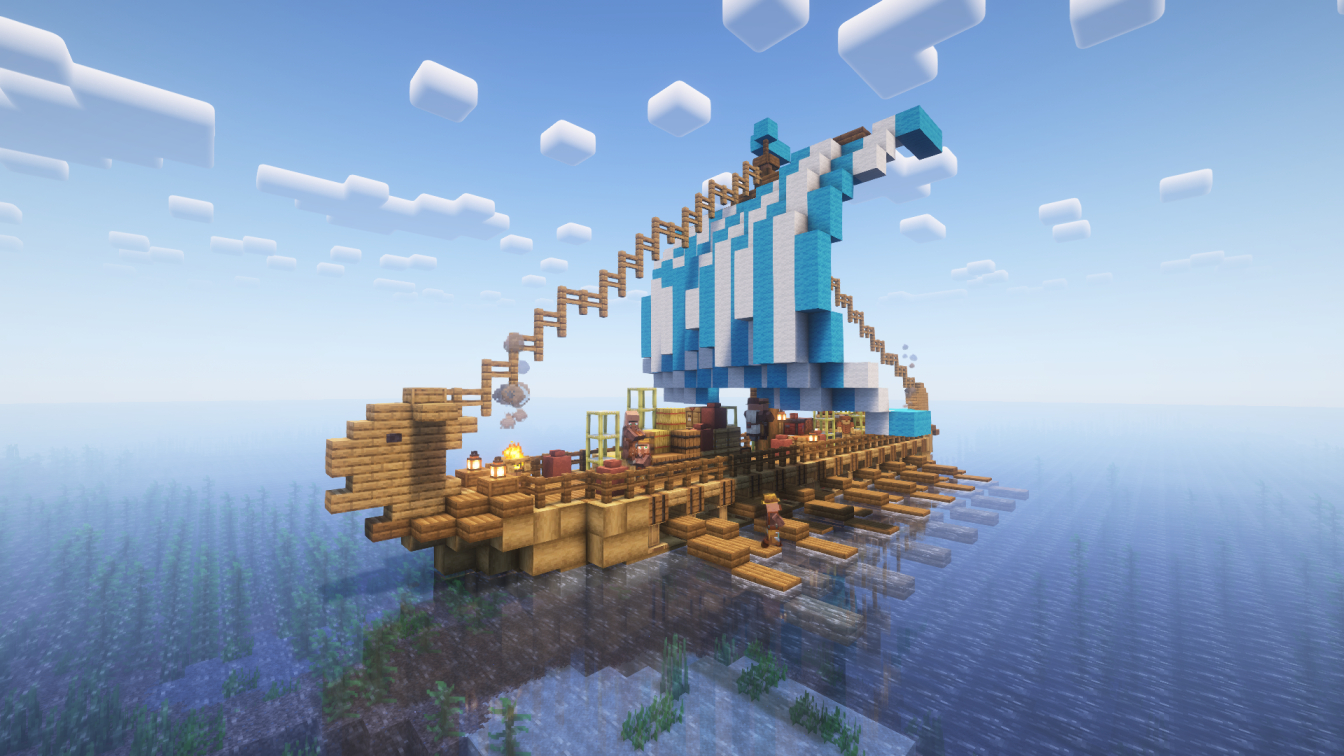
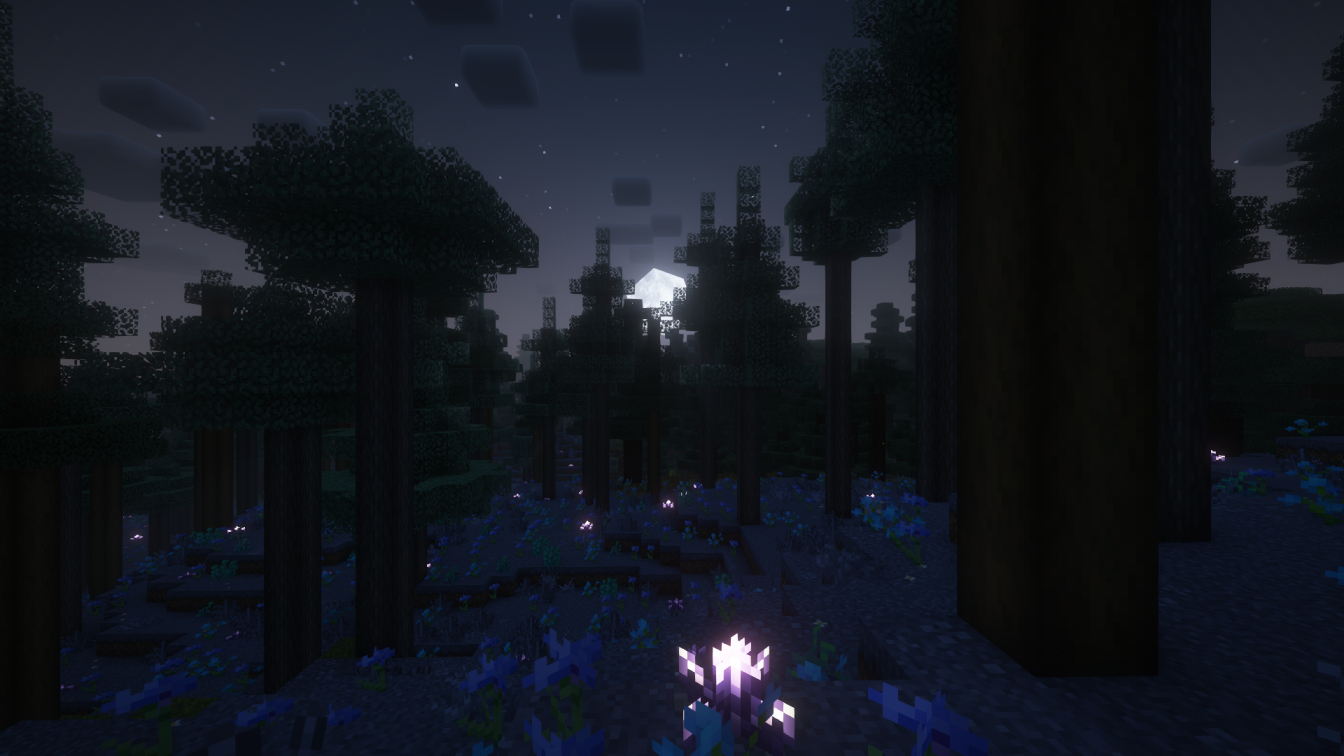
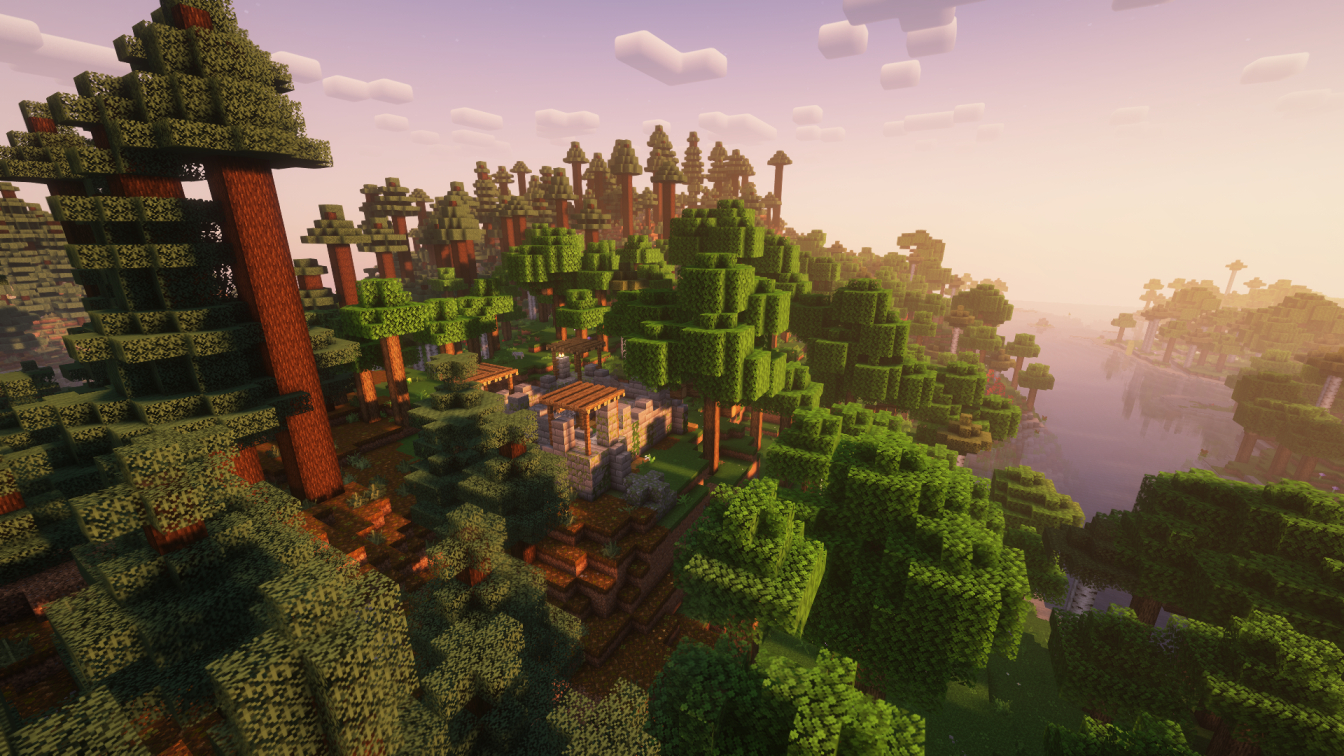
A minecraft modpack to make the game more fascinating than ever, it includes new structures, textures and features.
- ✨ Additions – New possibilities within the game
- A world generation system that makes the terrain more realistic and stunning, also adds new biomes
- Added a body temperature system, with related clothes and items
- New ambient sounds and immersive footsteps
- A dynamic lighting system
- A seasons system
- New ranged weapons, which can also be used by skeletons and illagers
- A lot more…
- 🏛 Structures – new small and large structures, more complex and stunning villages and vanilla structures
- New Small and large structures where you can find loot, including floating islands and new villager houses and pillager outposts.
- Villages are now of many more types, larger, more complex and more beautiful.
- Most of the vanilla structures like the jungle temple, desert pyramid, mansion, nether and end fortresses are now modernized
- 🧱 Texture/animations – immersive animation and textures that modify most of the assets present in the game
- New animations for most mobs and the character
- A major texture pack that modifies all objects in the game, this also includes the graphics of objects from the inventory and the recreation of some objects in 3D
- Fully redesigned game interface, simpler and more stunning
- New visual aspects
- Other small texture packs that tweak the game for the better…
- 🔧 Functions – new features, interface and performance improvements
- Ability to host an online world and invite your friends, even playing with mods
- Change the skin from the game
- Use controller
- More…
❔Can’t change person perspective | Mouse side buttons are the default for changing it
❔When using an assembled ship or airship some blocks appear invisible |
Go to Options–Video Settings–Performance and disable “Use Block Face Culling”
❔How do I disable automatic book addition to my inventory when I create a new world? | Go to Mods and search for “Mythic Charms” then click on the Configure icon, now you can configure the mod and disable “Give Charmicon on the first world load”
❔The animation when I go up the ladders is broken | Go to Mods and search for “NotEnoughAnimations” then click on the Configure icon, now you can configure the mod and disable “Ladder Animation”
❔If you want to change nametags settings go to Essential settings
包含的模组 236 个,另有 3 个其他文件
 (Bee's) Fancy Crops
 [EMF] Entity Model Features
 [ETF] Entity Texture Features
 A Good Place
 AdoraBuild: Structures
 AL's Boss Rush
 AL's Boss Rush x Fresh Animations
 AL's Creepers Revamped
 AmbientSounds
 Amendments
 Animatica
 Antique Trading Ship
 Architectury API
 Armor Stand Poses
 ATi Structures - Vanilla Edition
 Attack Through Grass
 Auditory Continued
 AutoTag
 AzureLib Armor
 Balm
 Beans Backpacks (Legacy)
 Better End Cities Vanilla
 Better Statistics Screen
 Blur+
 Bounced
 丰饶
 Bundle Recipe
 Camps. Castles. Carriages.
 Campsite Structures
 Cave Dust
 Chat Animation [Smooth Chat]
 Chat Heads
 Cherished Worlds
 Chunks fade in
 CICADA
 CIT Resewn
 Cloth Config API
 Cobweb
 Collective
 Colourful containers Dark Mode GUI
展开全部 236 个
 Combat Roll
 Comfortable Campfires
 Comforts
 Complementary Shaders - Reimagined
 Concurrent Chunk Management Engine (Fabric)
 Continuity
 Controlify (Controller support)
 Controlling
 Cool Rain
 Copper Age Backport
 CoroUtil
 Craftable Name Tag
 Craftable Name Tag
 Crawl
 CreativeCore
 Cristel Lib
 Crops Love Rain
 Customizable Elytra
 Default Options
 Deltabox Lib
 Do a Barrel Roll
 Door Knocking
 Dungeons and Taverns
 Dungeons and Taverns Ancient City Overhaul
 Dungeons and Taverns Pillager Outpost Overhaul
 Dynamic Lights
 Easy Shulker Boxes
 EasyShieldBreak
 Effective
 Enchant Icons
 Enhanced Block Entities
 实体剔除
 EnvironmentZ
 Essential Mod
 Even Better Enchants
 Explorify
 Explosive Enhancement
 F.M.R.P
 Fabric API
 Fabric Language Kotlin
 Fabric potions
 FerriteCore
 First-person Model
 Fishing Real
 Flow
 Forge Config API Port
 Fragmentum
 Fresh Animations
 Fresh Animations: Emissive
 Fresh Animations: Objects
 Fresh Animations: Player Extension
 Fresh Textures
 Fresh Waystones Texture
 Friends&Foes (Fabric/Quilt)
 Friends&Foes - Beekeeper Hut (Fabric/Quilt)
 Friends&Foes - Flowery Mooblooms (Fabric/Quilt)
 funcy's more wandering trader trades
 Fzzy Config
 Gallant Gauntlets
 Geckolib
 Geophilic
 GlitchCore
 Glowing Torchflower
 Guard Villagers (Fabric/Quilt)
 Horse Buff
 Icons
 ImmediatelyFast
 Immersive Hotbar
 Immersive structures
 Immersive UI
 Incendium Legacy
 Indium
 Iris Shaders
 JamLib
 Kambrik
 Katters Structures
 Kiwi 🥝
 LambDynamicLights - Dynamic Lights
 LeadRecipeBackport
 Lighty
 Litematica
 锂
 Lodestone Update Backport
 Luki's Grand Capitals
 Make Bubbles Pop
 MaLiLib
 Memory Leak Fix
 MNS - Moog's Nether Structures
 Mobs Always Drop
 模组菜单
 Model Gap Fix
 ModernFix
 Moog's Structure Lib (moogs_structures)
 Moonlight Lib
 More Culling
 More Mob Variants
 More Mob Variants x Fresh Animations
 MRU
 MSS - Moog's Soaring Structures
 Music Delay Remover (Infinite Music)
 Musket Mod
 MVS - Moog's Voyager Structures
 Mythic Charms
 Naturalist
 Nimble
 No End Crystals
 No Night Vision Flickering
 No Resource Pack Warnings
 Noisium
 Not Enough Animations
 Nullscape
 Nyf's Spiders
 OptiGUI
 oωo (owo-lib)
 Pale Garden Backport: The Garden Awakens
 Particle Effects
 Particle Rain
 帕秋莉手册
 Philips Ruins
 Pillager Caravans
playerAnimator
 Pommel - Held Item Models
 Presence Footsteps
 Profundis: Nine New Quality Cave Biomes
 Puzzles Lib
 qrafty's Capitalized Font
 qraftyfied: STRUCTURES
 QvRealistic
 RAY's 3D Ladders
 RAY's 3D Rails
 Realistic Campfires
 Reese's Sodium Options
 Remove Stardust Labs Intro Message
 RightClickHarvest
 Saddle Backport
 Sawmill
 Sawmill House
 Searchables
 Semos Animations Lib
 静谧四季
 ShatterLib | OctoLib
 Simple 3D Chain
 Simple Grass Flowers
 Simple Voice Chat
 Smooth Gui
 Smooth Scrolling
 Smooth Swapping
 Sneaky NameTag
 Snow! Real Magic! ⛄
 钠
 Sodium Extra
 Soul Fire'd
 Sparse Structures
 Spell Engine
 Spell Power Attributes
 Steve's Realistic Sleep
 Structory
 Structory: Towers
 Subtle Effects
 锦致装饰
 TCDCommons API
 TerraBlender
 Terralith
 Text Placeholder API
 Thief
 ThreadTweak
 Tidal Towns
 Toggle Item Frames
 Tool Trims
 Towns and Towers
 Trade Cycling
 Trek
 Trinkets
 Unwrecked Ships
 Very Many Players (Fabric)
 Villager Leads
 Villager Talk
 Visual Workbench
 Visual: Armor Trims
 Vocal Villagers
 Voice Chat Interaction
 传送石碑
 What Are They Up To (Watut)
 Wild west structures
 YetAnotherConfigLib (YACL)
 YUNG's API
 YUNG's Better Desert Temples
 YUNG's Better Dungeons
 YUNG's Better End Island
 YUNG's Better Jungle Temples
 YUNG's Better Mineshafts
 YUNG's Better Nether Fortresses
 YUNG's Better Ocean Monuments
 YUNG's Better Strongholds
 YUNG's Better Witch Huts
 YUNG's Bridges
绿色边框的模组本站有收录,点进去看中文介绍;其余跳转到 Modrinth。
常见问题
MC Plus 支持哪些 Minecraft 版本?
MC Plus 基于 Minecraft Java 版 1.20.1,使用 Fabric 加载器。
MC Plus 怎么安装?
点本页「前往下载」拿到整合包文件(Modrinth 的是 .mrpack,CurseForge 的是 .zip),在 PCL2 或 HMCL 启动器里选择「导入整合包」,启动器会自动装好 Minecraft、加载器和全部模组。这个整合包有 236 个模组,建议在启动器里给游戏分配 6–8 GB 内存。
MC Plus 开服需要多大内存?
推荐服务器内存 12 GB。在线人数多、或者建了大量机器和区块加载器时,可以再加 2–4 GB。
怎么和朋友一起玩 MC Plus?
点本页的「一键开服」,选好配置后会自动安装 MC Plus 的服务端,几分钟就能开好。把服务器地址发给朋友,大家用同一个版本的整合包连进去就行。
评论
登录后评论和评分