
截图


介绍
What’s Trailer-Like?
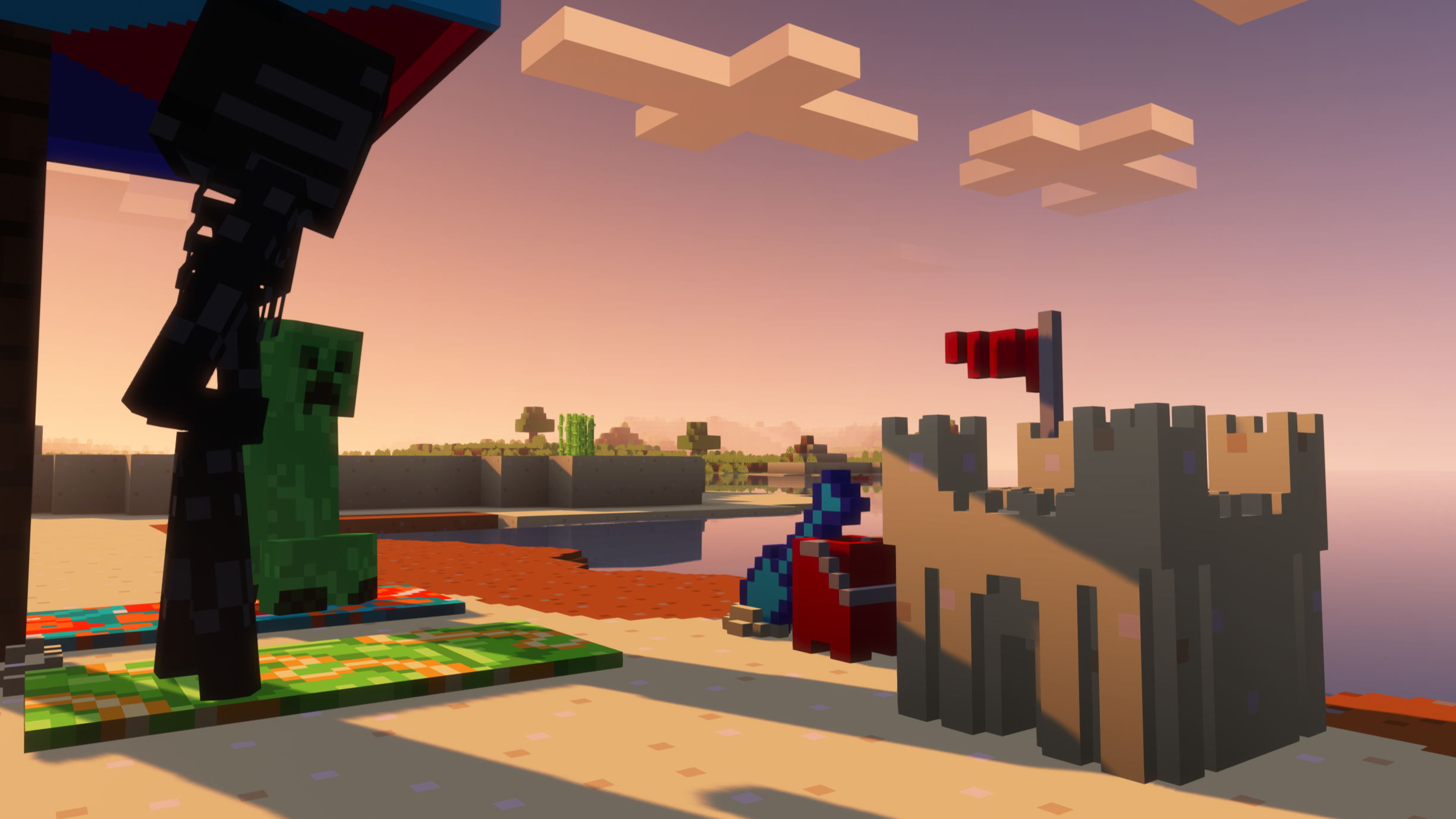
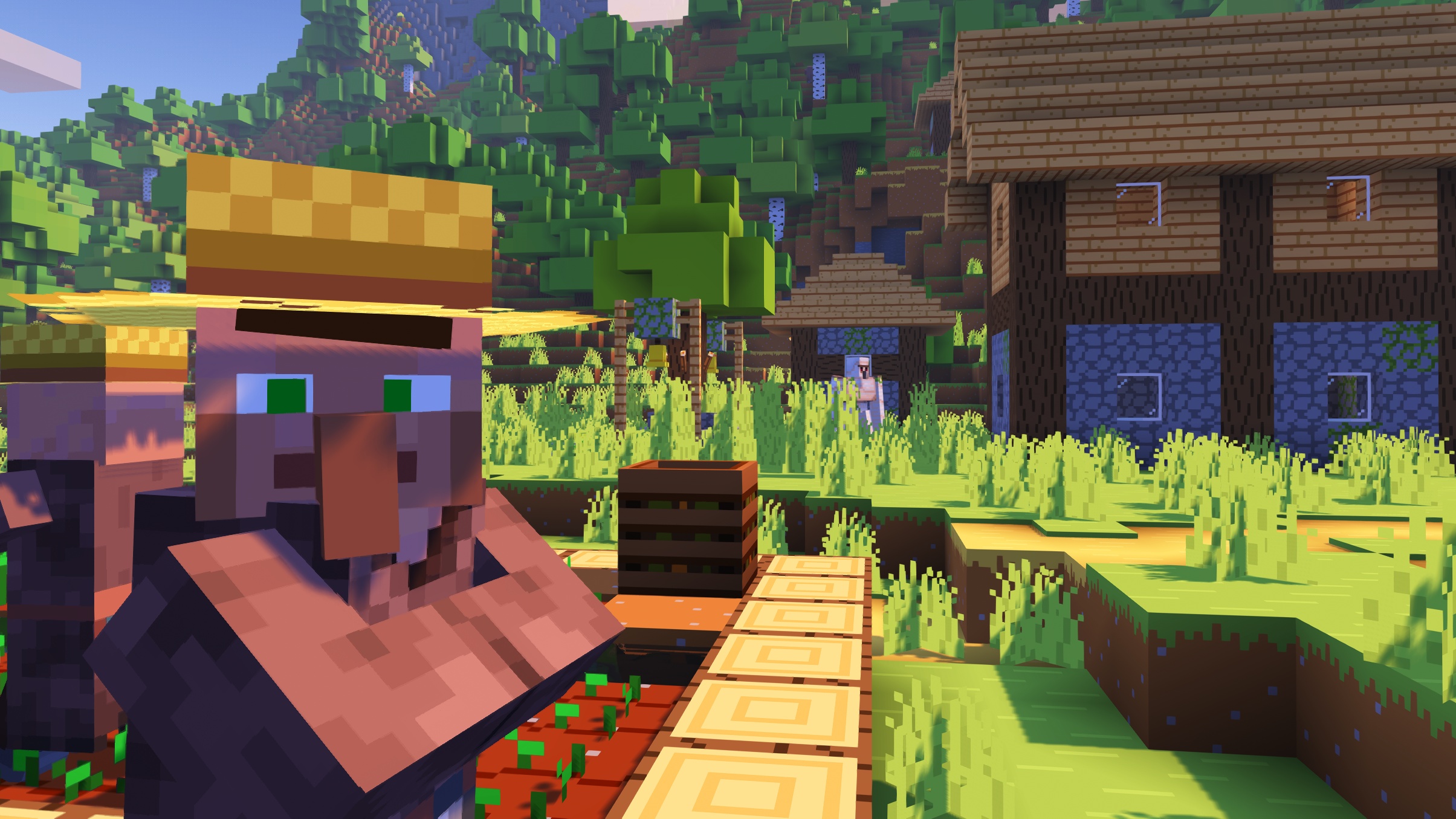
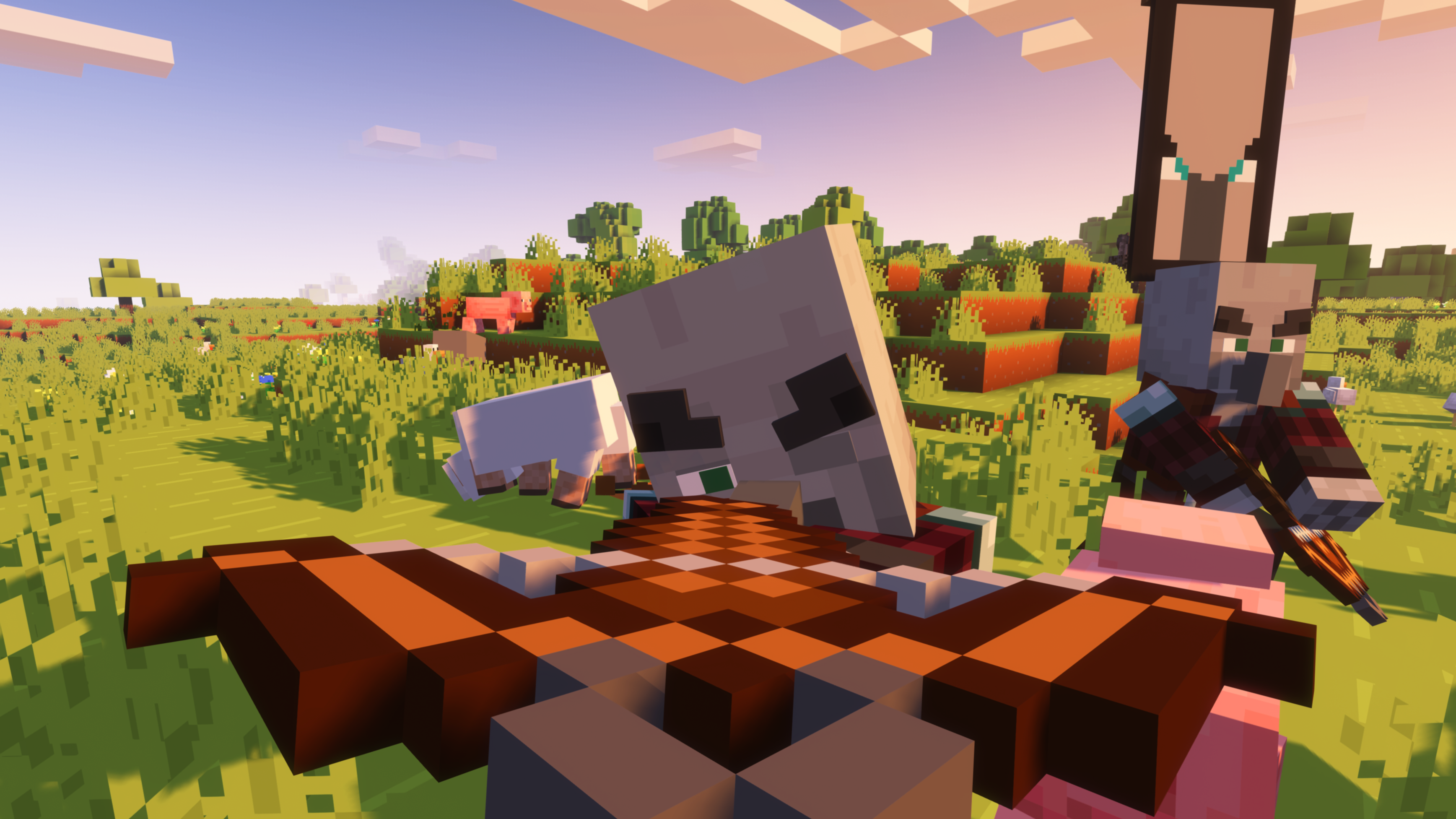
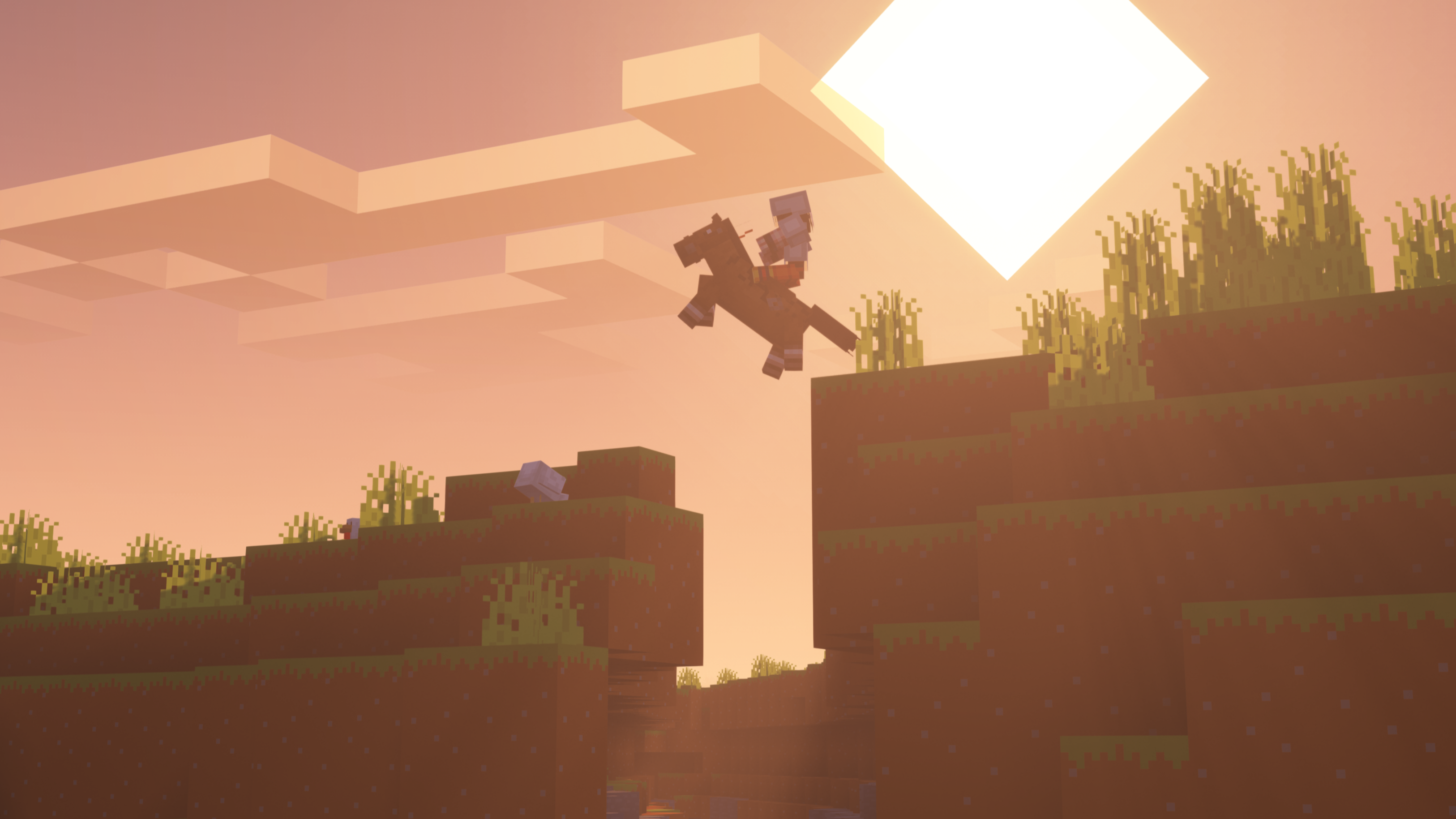
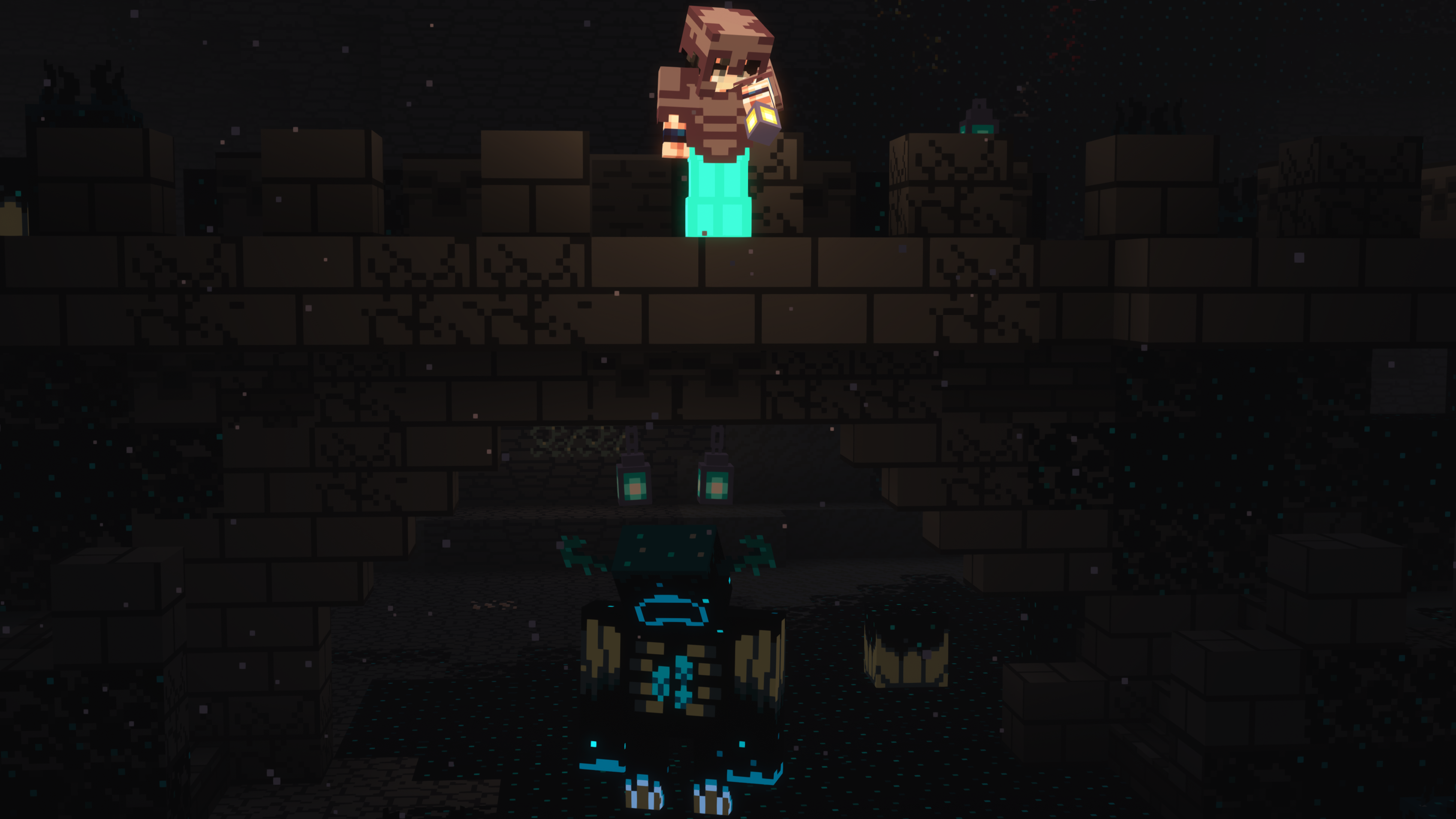
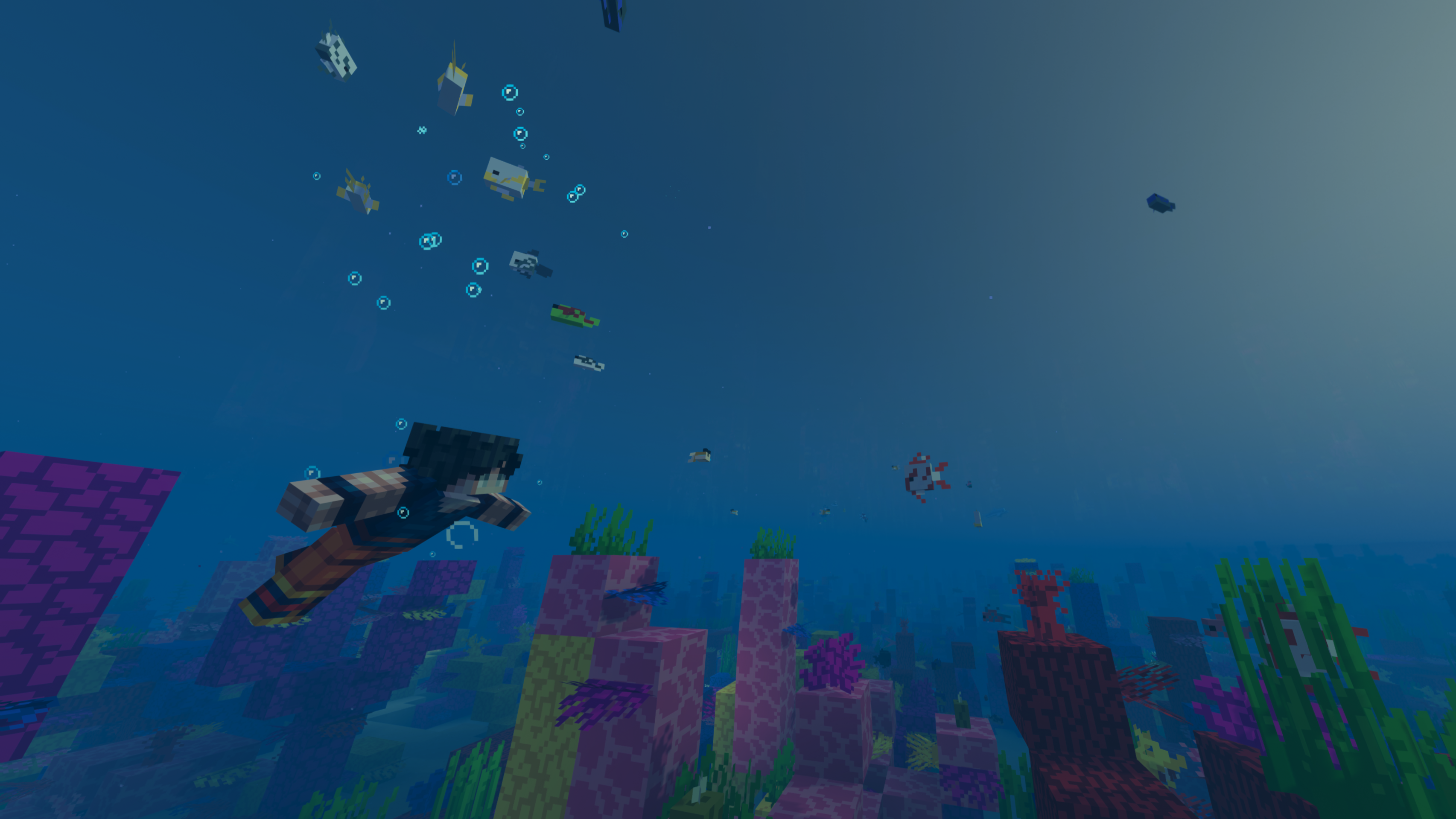
Trailer-Like is essentially a modpack that makes Minecraft look as good as the Update trailers while still maintaining a stable framerate.

Why would I need it?
Have you ever watched a Minecraft Update trailer and thought: “If only Minecraft looked this good“?\
I have, but I was also worried about performance since my PC struggles to run Vanilla Minecraft.\
Trailer-Like was made with balance in mind, meaning you get decent quality without completely destroying your FPS.
What’s in it?
This modpack is filled with many performance mods like “Sodium”, “Lithium”, “Indium” and “Starlight”.\
These mods make the game run smoother than ever without losing any functionality you’d get by using performance mods like OptiFine or other Forge mods.\
In addition to performance mods, I’ve included mods which add quality-of-life improvements such as “Additional Blocks: Vertical Edition”, “Ambient Sounds”, “Fresh Animations”, “Better Combat”, “Bits And Chisels”, “Shoulder Surfing Reloaded”, “Iris Shaders” and much more.
These improvements make the game more exciting to play and experiment with, all in a much more immersive experience, while keeping the Vanilla Minecraft style and feel.
What about Multiplayer?
First, make sure the server is running on the same Minecraft version as the modpack (1.20.1).\
If you’re trying to join a public server that doesn’t have this modpack installed then you won’t be able to play, but if the server uses the same exact mods from this modpack everything should work.\
I do NOT suggest playing on servers that shouldn’t support this modpack (provided you can even join one) as it gives you an unfair advantage over other players and will get you banned.
If you want to play with your friends while using this modpack, you can make your own public LAN server and share it to your friends by doing the following: (thanks to the mod “e4mc”)
- Make sure everyone is using the same exact mods on the same Minecraft version;
- Create and join a Singleplayer world or join an already existing one;
- Press “Open to LAN” and change settings according to your preferences;
- Click on “Start LAN World” and copy the domain that appears in the chat;\
(An example of a correct domain would be: “example-example.de.e4mc.link”)
- Share the domain to your friends and you’ll be able to play together!
If you don’t want your LAN server to be public then you can press “Click here to stop” (which is right next to the domain address in the chat) to stop sharing it.\
This means that only players who are in your same LAN will be able to join your server.
What if I wanted to see a showcase before getting the modpack?
Here’s a video I made to showcase some of the mods. (1440p 60fps)
Any issues?
The only issue I’ve encountered so far is that the mouse takes a few seconds to realize you’ve entered a world, meaning you can move around but it’ll take a small amount of time before you can move your mouse. I’m looking for a fix, but in the meantime a temporary solution would be to open and close a menu (like the Minecraft Capes settings by pressing “J” on your keyboard) and you should be good to go.\
–Issue fixed in version 1.1.0.
A small but annoying visual glitch still happens in both versions of the modpack: “naturally” generated doors (in villages, strongholds, etc..) are invisible until you get close enough. In addition to that, when interacting with a door, there’s a chance that the animation stops before the door is fully open/closed and it gets stuck until the textures/chunks are reloaded or someone interacts with the door again.
DISCLAIMER
I have not made any of the mods in this modpack, they have all been downloaded from the Modrinth App.\
I do not take any responsibility if you get banned when using this modpack in a server that shouldn’t support it, some mods provide an unfair advantage and will get you banned.\
You can customize this modpack by adding or removing mods if you’d like, but I do not take any responsibility if your game does not work after removing mods or adding mods that were not included in the modpack.\
(to customize a modpack simply go to the modpack’s options and unlock it, but remember that some mods depend on others in order to work.)
包含的模组 135 个,另有 1 个其他文件
 Client Side Noteblocks
 3D皮肤层
 [EMF] Entity Model Features
 [ETF] Entity Texture Features
 Additional Blocks: Vertical Edition
 AmbientSounds
 Animated Doors
 Animatica
 苹果皮
 Architectury API
 Async Locator
 Audio Engine Tweaks
 BactroMod
 bad packets
 Balm
 Bare Bones
 Bare Bones x Fresh Animations
 Barebones Bossbars
 Better Beds
 Better Combat
 Better Flame Particles
 Better Mount HUD
 Bits And Chisels
 Blur+
 BSL Shaders
 Capes
 Cave Dust
 Centered Crosshair
 Chunks fade in
 CIT Resewn
 Clean F3
 Cloth Config API
 Collective
 Concurrent Chunk Management Engine (Fabric)
 Continuity
 CreativeCore
 DashLoader
 Debugify
 Default Dark Mode
 Drip Sounds
展开全部 135 个
 Durability Tooltip
 Dynamic FPS
 e4mc
 Eating Animation
 Elytra Physics
 Enhanced Block Entities
 实体剔除
 Exordium
 Fabric API
 Fabric Language Kotlin
 Fadeless
 Falling Leaves
 砍树
 Fast Paintings
 FastAnim
 Faster Random
 FastQuit
 FerriteCore
 Forge Config API Port
 FPS Reducer
 Fresh Animations
 Global Packs
 Highlight
 Iceberg
 ImmediatelyFast
 Indium
 InvMove
 Iris Shaders
 Item Highlighter
 LambDynamicLights - Dynamic Lights
 Language Reload
 Lantern Up Head
 lazy-language-loader
 LazyDFU
 LibJF
 LiLaC
 锂
 Main Menu Credits
 Make Bubbles Pop
 Memory Leak Fix
 MidnightLib
 MinecraftCapes
 MixinTrace
 模组菜单
 Model Gap Fix
 ModernFix
 Monsters in the Closet
 Moonlight Lib
 More Chat History
 More Culling
 MRU
 No Resource Pack Warnings
 No Telemetry
 Noisium
 Not Enough Animations
 Noxesium
 Nuit
 Nuit Interop
 Nyf's Spiders
 OptiGUI
 Packet Fixer
 Paginated Advancements & Custom Frames
 Particle Rain
playerAnimator
 Presence Footsteps
 Puzzle
 Puzzles Lib
 Quilt Kotlin Libraries (QKL)
 Quilted Fabric API (QFAPI) / Quilt Standard Libraries (QSL)
 Reese's Sodium Options
 REI物品管理器
 Server Pinger Fixer
 Shoulder Surfing Reloaded
 Shulker Box Tooltip
 Skip Transitions
 Snow
 钠
 Sodium Extra
 Sodium Shadowy Path Blocks (SSPB)
 spark
 Spawn Animations
 Starlight (Fabric)
 SuperMartijn642's Config Lib
 ThreadTweak
 Too Many Players
 ToolTipFix
 Translations for Sodium
 Video Tape
 Visuality
 Wakes
 Wavey Capes
 XXL Packets
 YetAnotherConfigLib (YACL)
 Your Options Shall Be Respected (YOSBR)
 Zoomify (Zoom)
绿色边框的模组本站有收录,点进去看中文介绍;其余跳转到 Modrinth。
常见问题
Trailer-Like 支持哪些 Minecraft 版本?
Trailer-Like 基于 Minecraft Java 版 1.20.1,使用 Fabric 加载器。
Trailer-Like 怎么安装?
点本页「前往下载」拿到整合包文件(Modrinth 的是 .mrpack,CurseForge 的是 .zip),在 PCL2 或 HMCL 启动器里选择「导入整合包」,启动器会自动装好 Minecraft、加载器和全部模组。这个整合包有 135 个模组,建议在启动器里给游戏分配 4–6 GB 内存。
Trailer-Like 开服需要多大内存?
推荐服务器内存 12 GB。在线人数多、或者建了大量机器和区块加载器时,可以再加 2–4 GB。
怎么和朋友一起玩 Trailer-Like?
点本页的「一键开服」,选好配置后会自动安装 Trailer-Like 的服务端,几分钟就能开好。把服务器地址发给朋友,大家用同一个版本的整合包连进去就行。
评论
登录后评论和评分