
Crafters Optimisations + QOL
All of the optimisation mods I found on here + many QOL mods to improve the overall experience
截图
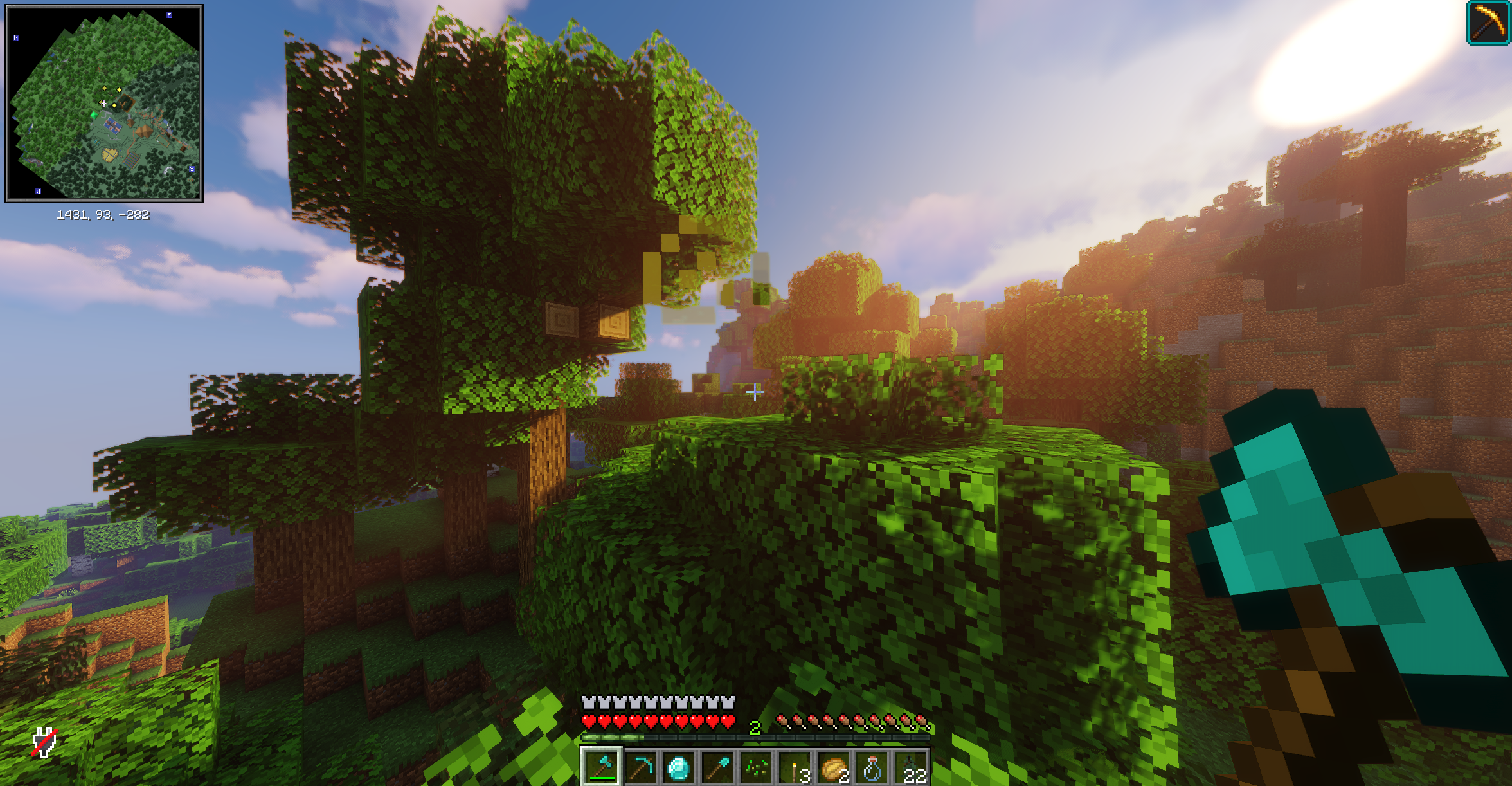
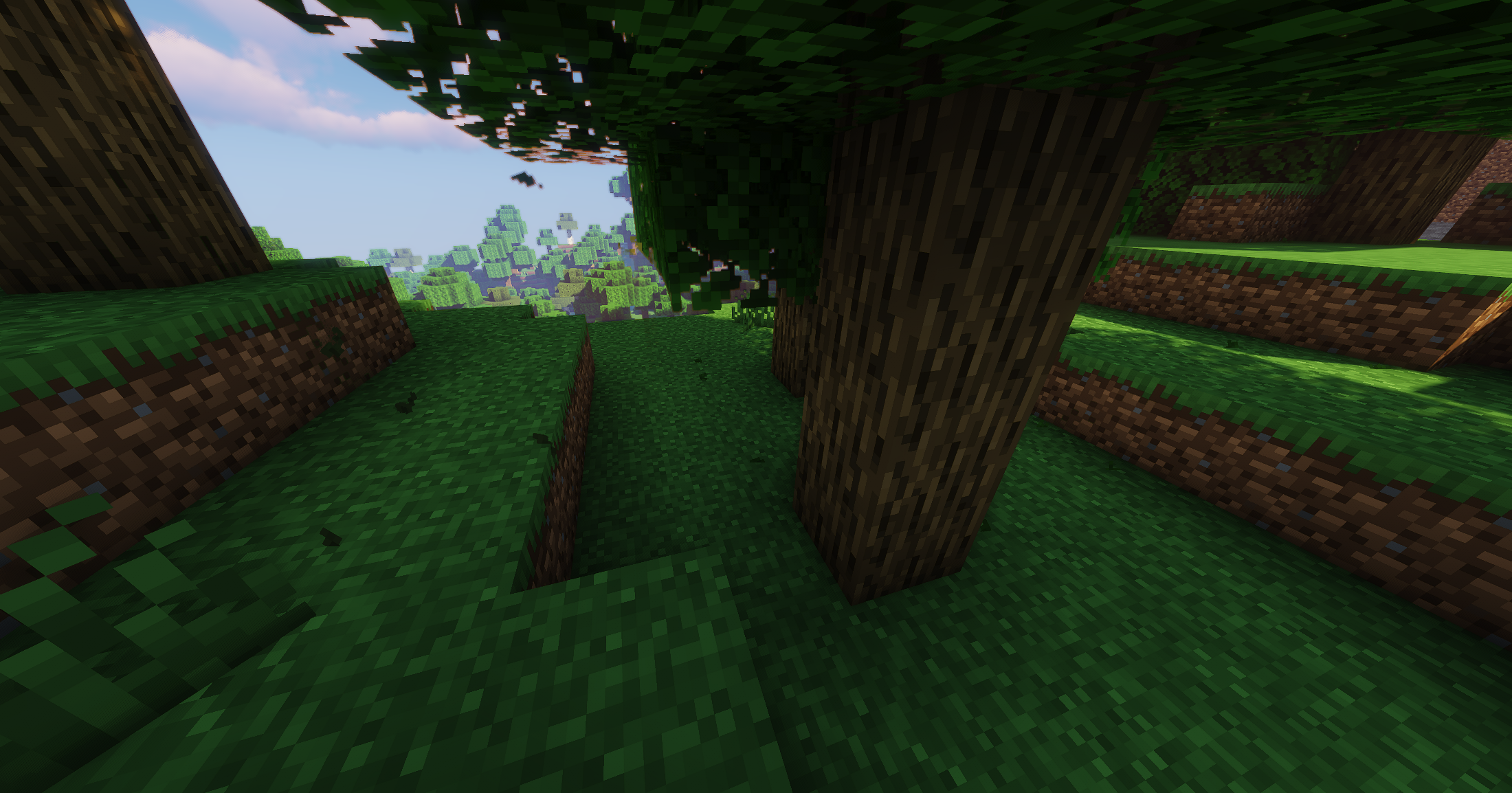
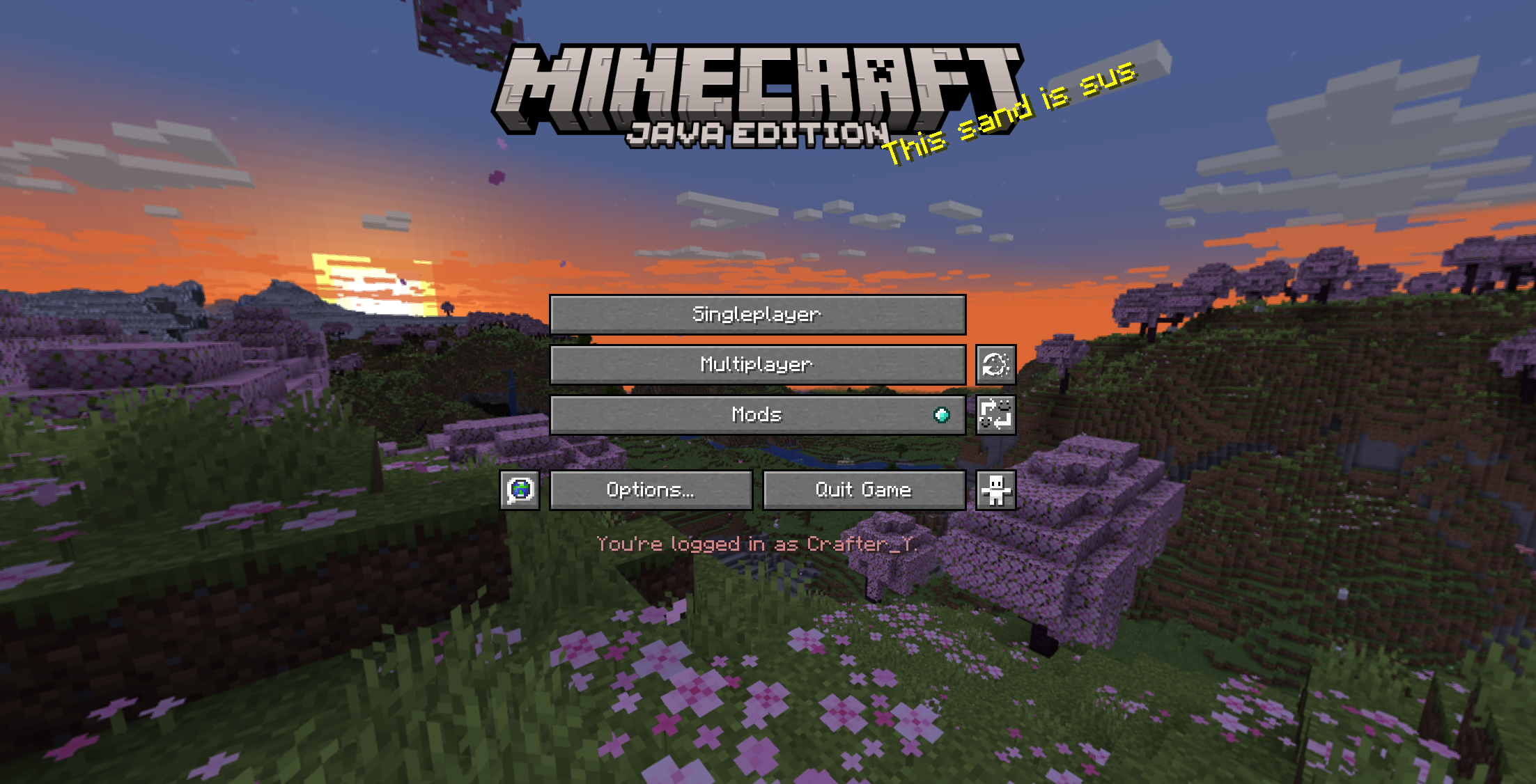

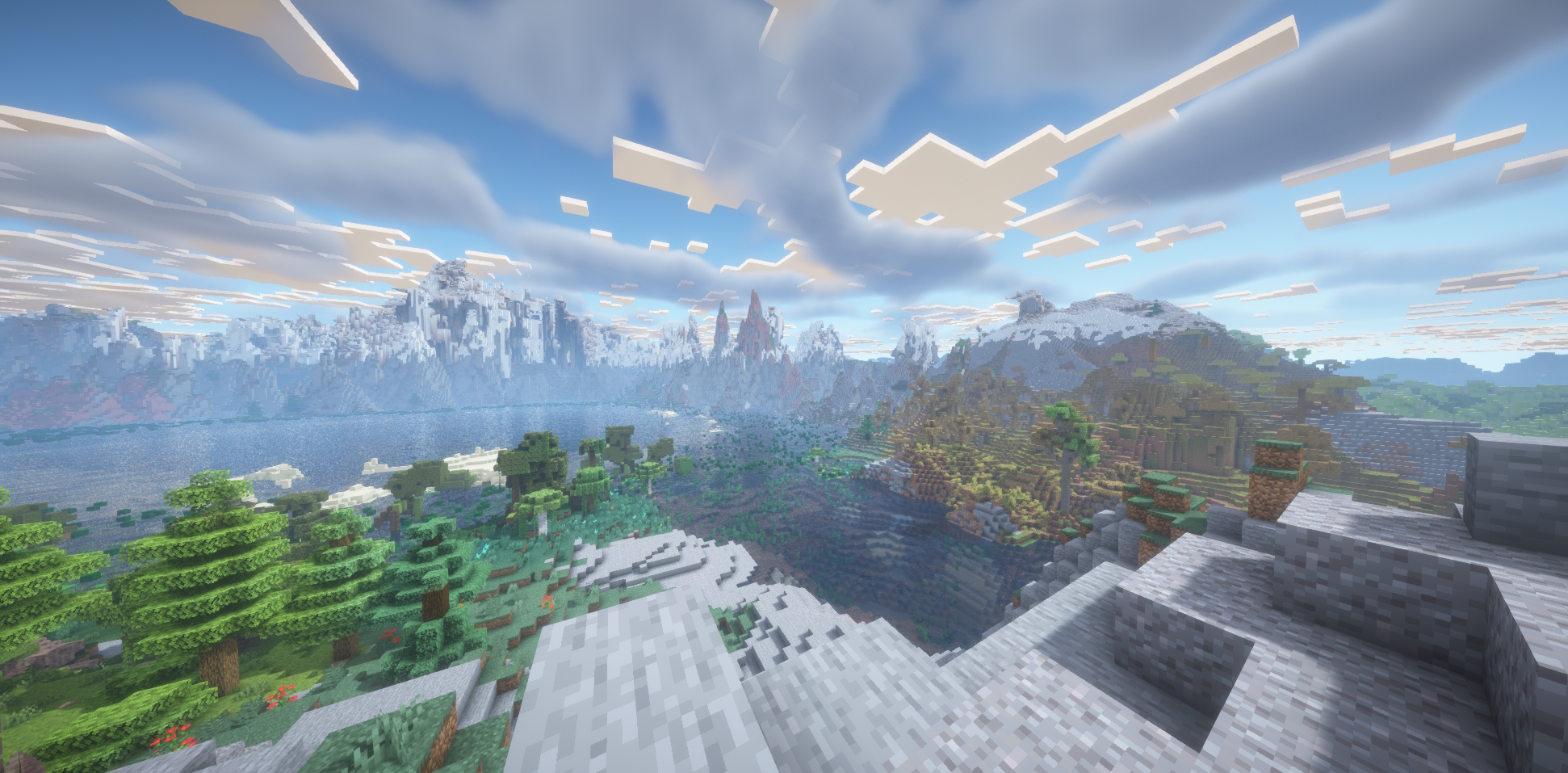
介绍
This modpack contains to key categories of mods: Performance optimisations and quality of life (QOL).
This is not a typical modpack: You can use it to play on most online vanilla servers. It simply improves the client. It contains a lot of mods that I find useful for playing on public minecraft servers. But caution: some servers might deny using a minimap, so be aware of that!
CAUTION: 4GB RAM is mandatory to run!
Instance > Settings > Java and memory > Custom memory allocation => 4096
The modpack contains mods for:
- Litematica: To work with schematics
- Iris: for Shaders
- Performance mods
- ViaFrabricPlus: To be able to join on servers on lower versions
- Simple Voice Chat
- REI: The mod you know, where you can see every crafting recipe in the inventory
- Distant Horizons (powerhungry but an insane quality improvement)
and many, many more…..
包含的模组 113 个
 3D皮肤层
 [EMF] Entity Model Features
 [ETF] Entity Texture Features
 AmbientSounds
 苹果皮
 Architectury API
 Auth Me
 Balm
 Better Mount HUD
 Better Ping Display [Fabric]
 更好的统计信息界面
 BetterF3
 Bliss Shaders
 Bobby
 BSL Shaders
 Capes
 Chat Animation [Smooth Chat]
 Cherished Worlds
 Chest Tracker
 Cloth Config API
 Complementary Shaders - Reimagined
 Complementary Shaders - Unbound
 Concurrent Chunk Management Engine (Fabric)
 Continuity
 Controlling
 Crafting Tweaks
 CraftPresence
 CreativeCore
 Cubes Without Borders
 Dark Loading Screen
 Debugify
 遥远的地平线
 Durability Tooltip
 Dynamic FPS
 e4mc
 Enhanced Block Entities
 实体剔除
 Exposa Shaders
 Fabric API
 Fabric Language Kotlin
展开全部 113 个
 Faithful 64x
 Falling Leaves
 Fast IP Ping
 FerriteCore
 Forge Config API Port
 Gamma Utils (Fullbright)
 Iceberg
 ImmediatelyFast
 In-Game Account Switcher
 Indium
 Inventory Profiles Next
 InvMove
 Iris Shaders
 Jade 🔍
 Krypton
 LambDynamicLights - Dynamic Lights
 Language Reload
 libIPN
 Litematica
 锂
 Longer Chat History
 Make Bubbles Pop
 MaLiLib
 Memory Leak Fix
 Miniature Shader
 模组菜单
 Model Gap Fix
 ModernFix
 More Chat History
 More Culling
 MRU
 No Resource Pack Warnings
 No Telemetry
 Noisium
 Not Enough Animations
 Not Enough Crashes
 Noxesium
 Packet Fixer
 Pick Up Notifier
 Presence Footsteps
 Prism
 Puzzles Lib
 Reese's Sodium Options
 Remove Reloading Screen
 Resourcify
 REI物品管理器
 Screenshot to Clipboard
 Searchables
 Shulker Box Tooltip
 Simple Voice Chat
 钠
 Sodium Extra
 Sodium Shadowy Path Blocks (SSPB)
 Solas Shader
 Sound Physics Remastered
 Sounds
 spark
 Status Effect Bars
 SuperMartijn642's Config Lib
 TCDCommons API
 TerraBlender
 ThreadTweak
 Title Fixer
 UniLib
 Very Many Players (Fabric)
 ViaFabricPlus
 Visuality
 Wavey Capes
 Xaero的小地图
 Xaero的世界地图
 YetAnotherConfigLib (YACL)
 Your Options Shall Be Respected (YOSBR)
 Zoomify (Zoom)
左侧绿标的模组本站有收录,点进去看中文介绍;其余跳转到 Modrinth。
常见问题
Crafters Optimisations + QOL 支持哪些 Minecraft 版本?
Crafters Optimisations + QOL 基于 Minecraft Java 版 1.21.4、1.20.4,使用 Fabric 加载器。
Crafters Optimisations + QOL 怎么安装?
点本页「前往下载」拿到整合包文件(Modrinth 的是 .mrpack,CurseForge 的是 .zip),在 PCL2 或 HMCL 启动器里选择「导入整合包」,启动器会自动装好 Minecraft、加载器和全部模组。这个整合包有 113 个模组,建议在启动器里给游戏分配 4–6 GB 内存。
Crafters Optimisations + QOL 开服需要多大内存?
推荐服务器内存 12 GB。在线人数多、或者建了大量机器和区块加载器时,可以再加 2–4 GB。
怎么和朋友一起玩 Crafters Optimisations + QOL?
点本页的「一键开服」,选好配置后会自动安装 Crafters Optimisations + QOL 的服务端,几分钟就能开好。把服务器地址发给朋友,大家用同一个版本的整合包连进去就行。
评论
登录后评论和评分