
Client-Enhanced
A client-side Minecraft modpack that overhauls and modernizes the experience
截图
介绍


by nickesc — GitHub | Modrinth
Overview


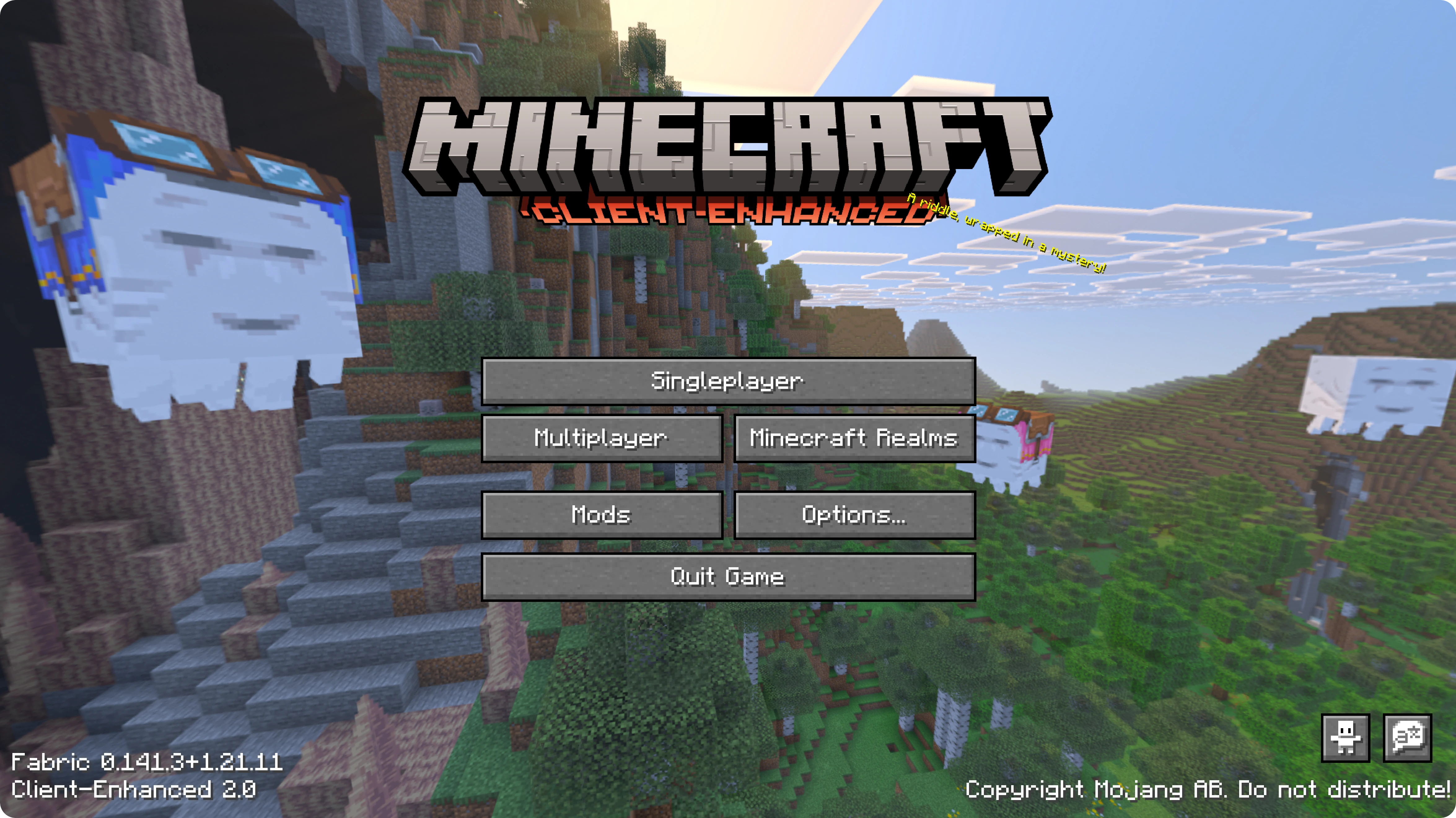
_Client-Enhanced_ is an overhaul of the current Minecraft client. Its goal is to keep the game feeling as close to Vanilla as possible while adding a number of enhancements designed to improve quality of life, visuals, performance, multiplayer, and more.
When you play using _Client-Enhanced_, you will only be playing with client-side mods. Nothing adds blocks, items, or new gameplay mechanics. And using this modpack, you should still be able to play on Vanilla servers with friends who aren’t using it.

Caution: _Client-Enhanced_ is not guaranteed to be compatible with all multiplayer servers. Some mods may be flagged by anti-cheat plugins and result in a ban.
_DO NOT_ connect to a server with _Client-Enhanced_ unless you know the mods in this modpack are permitted on that server.
The sections below cover the major features, but are not exhaustive. For full content lists, see the Mod List, Shader Pack List, and Resource Pack List.
Visuals
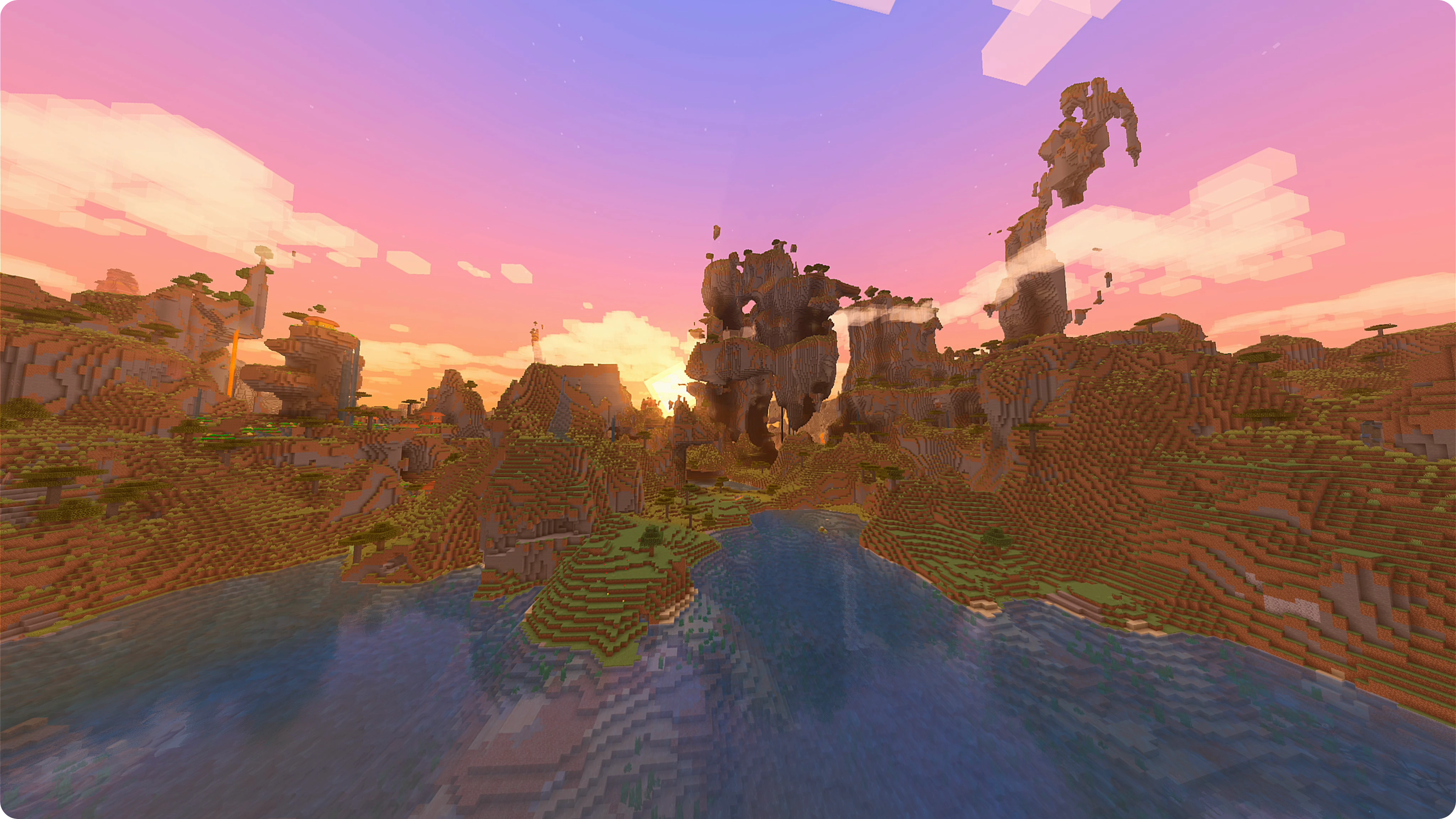
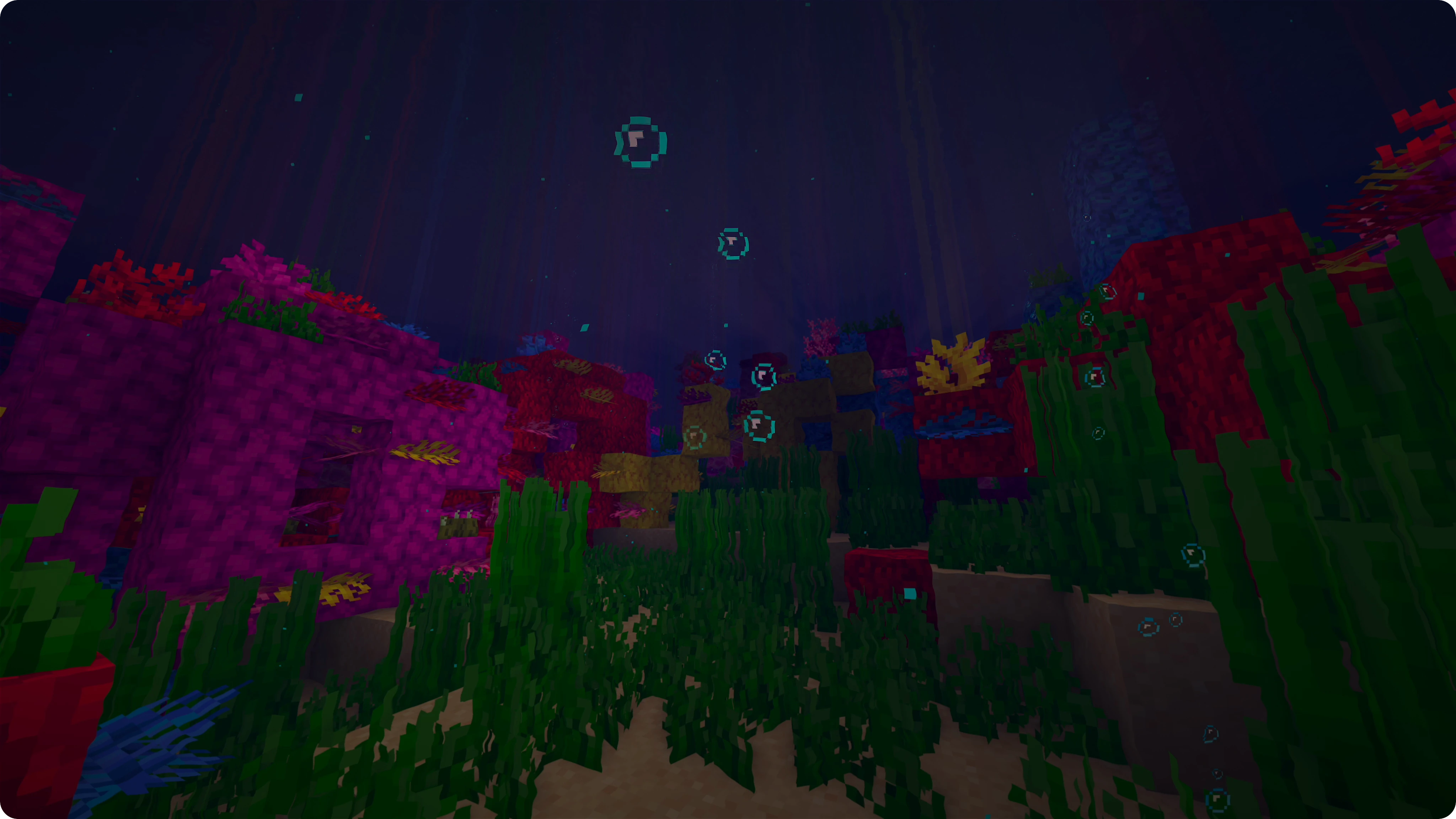
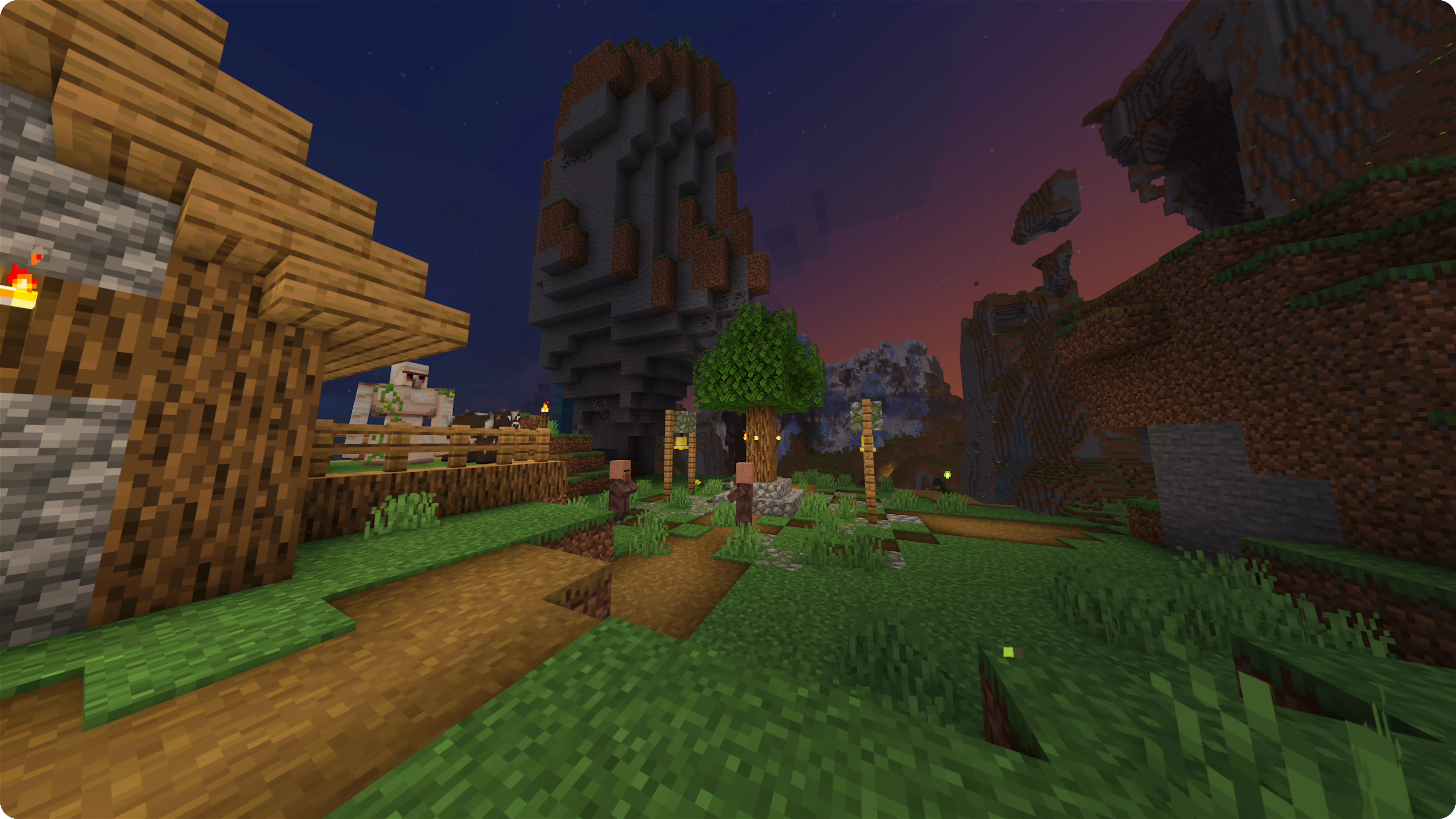
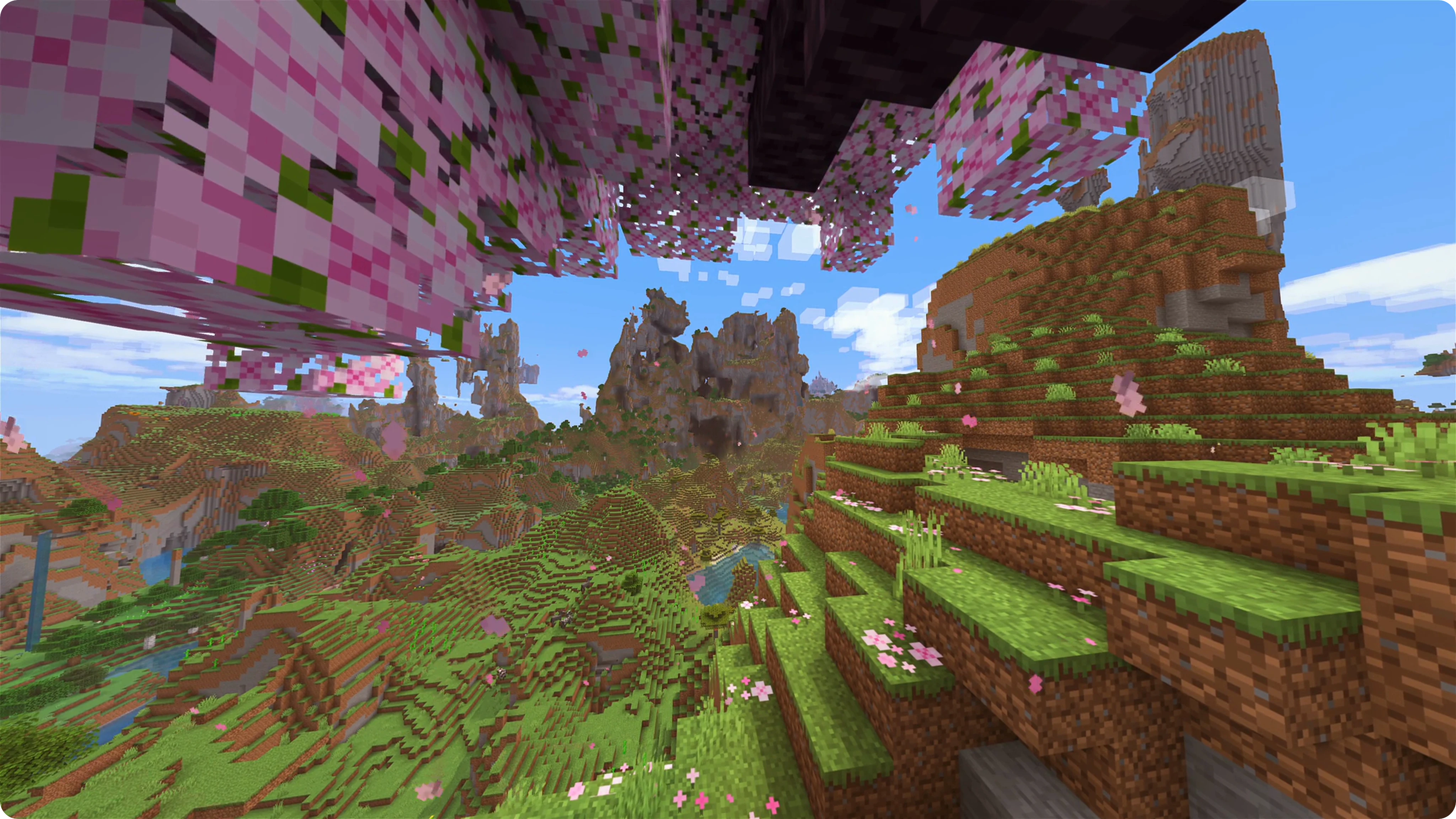
Shaders are supported through _Iris_, with _I Like Vanilla_ as the default, which overhauls lighting, shadows, and atmosphere while still looking like the Minecraft you know and love.
_Camera Overhaul_ adds more weight and movement to the camera, making it tilt, sway, and bob realistically as you move. _Shoulder Surfing Reloaded_ reworks third-person into an over-the-shoulder perspective. A freecam mode is also available, which lets you detach the camera entirely.
Effects and particles are improved, with tons of new and improved particle effects for blocks, entities, and interactions.
Resource packs like _Nautilus 3D_ and _Fresh Animations_ add 3D detail to block models and more expressive movement to entities. Other packs update the user interface, tweak how things are rendered, and more.


Enhancements
_Controlify_ adds controller support and elytra flight controls are reworked with more natural pitch-and-roll behavior.
The sound engine is overhauled — audio now reacts to the environment with reverb, echo, and occlusion thanks to _Sound Physics Remastered_ — and new sound effects have been added throughout the game.
Proximity chat, through _Simple Voice Chat_, and player emotes are available on supported servers. _ViaFabricPlus_ lets you connect to servers running other Minecraft versions.
_Capes_, _Ears_, _Show Me Your Skin!_, and _Female Gender Mod_ add character customization options, from skin details to player model changes.


HUD and User Interface
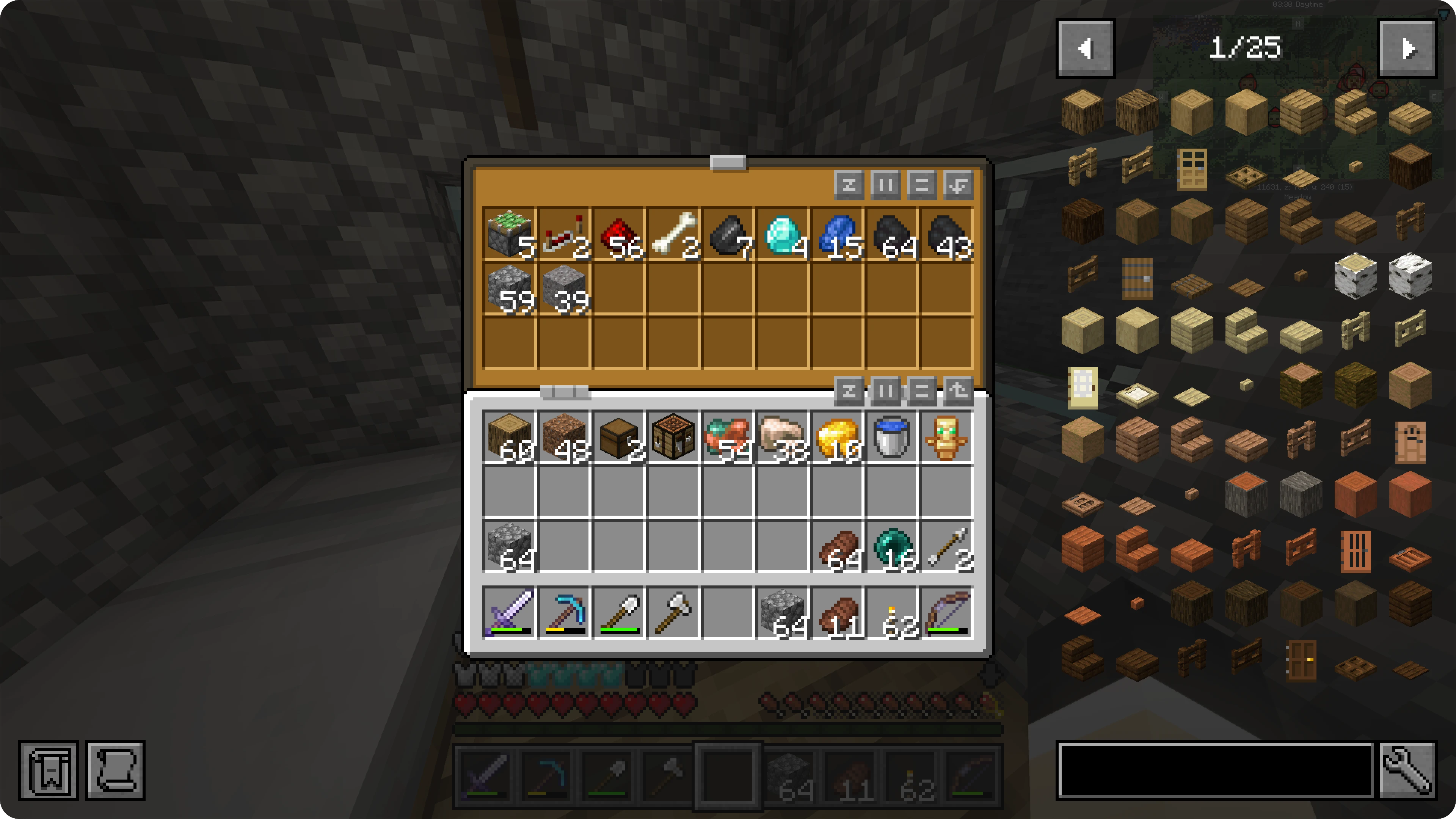
_Jade_ shows block and entity information when you look at something, including container previews. The crosshair will also change based on what you’re targeting and what you’re holding.
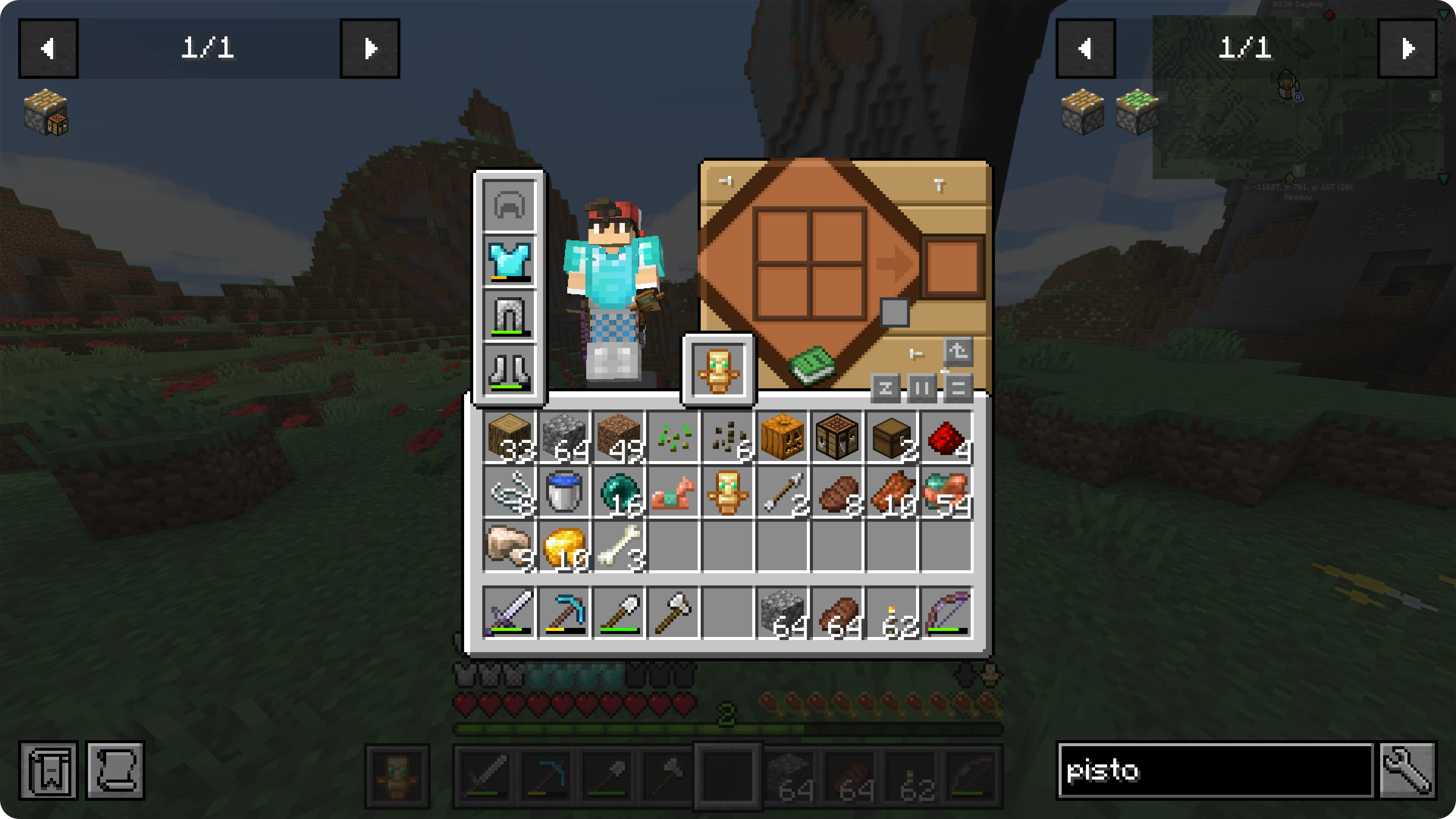
_Just Enough Items_ adds item and recipe lookup in your inventory, and sort buttons in inventory and chest screens make organizing items easier.
_JourneyMap_ adds a minimap and full-screen map with waypoints, synced to the server when supported.
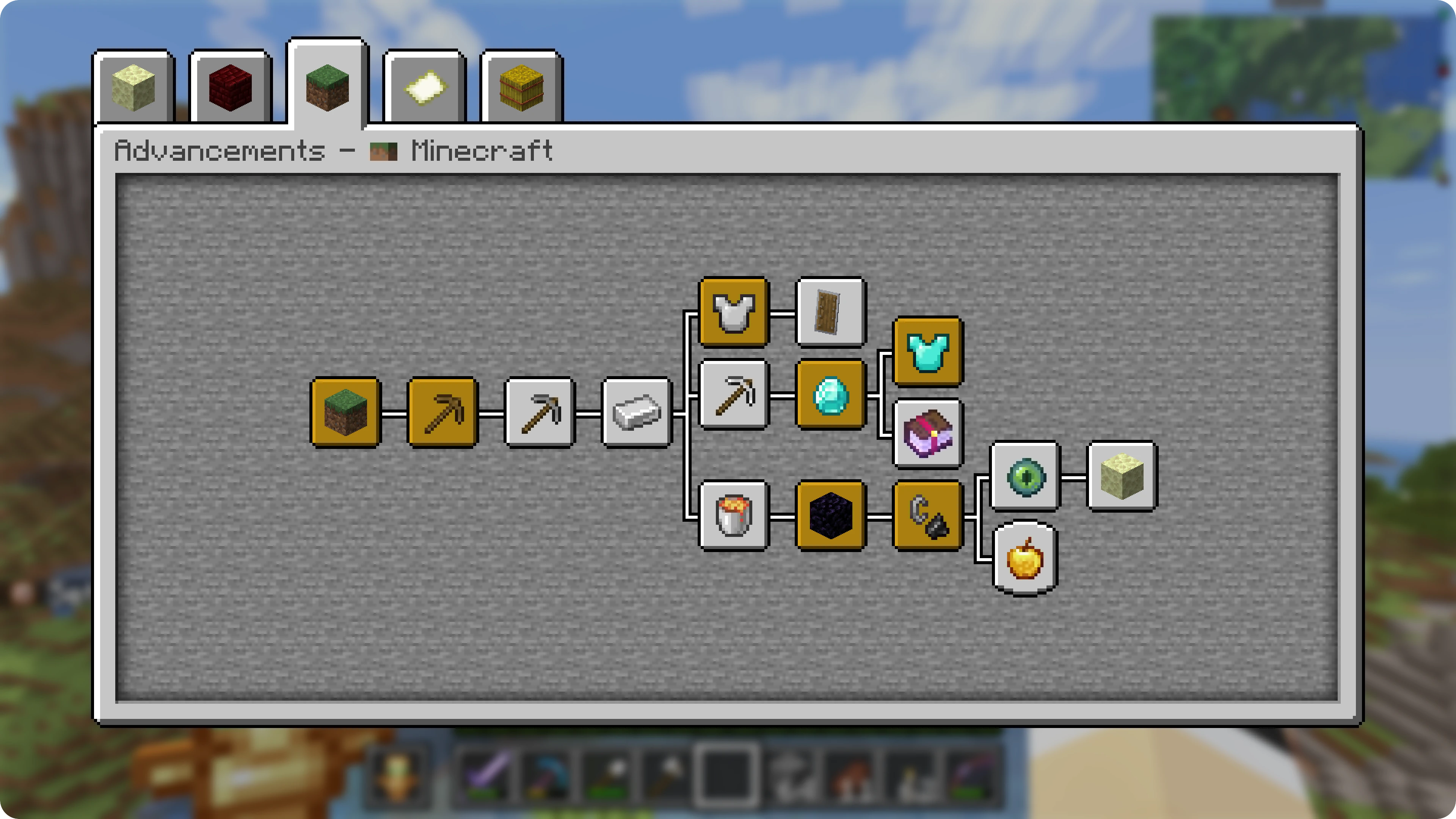
The Achievement, Statistics, and Command Block screens have cleaner layouts and provide additional information.


Optimization and Fixes
_Sodium_ replaces the rendering engine with a much faster one, and mods like _Lithium_, _FerriteCore_, _ModernNetworking_ fix performance issues and bugs and make optimizations across the base game.


Optional Features
Resource Packs
Quite a few resource packs are included, and you can select between four preset profiles in the Resource Pack menu:
Enhanced— all recommended packsVanilla-Like— drops packs that make significant changesVanilla— only the necessary packsEnhanced - Shader Alternative
The Enhanced - Shader Alternative profile is a version of the Enhanced profile that uses Core Shaders. It is only recommended if you have performance issues with standard shaders.
To have finer control over all packs, including regularly required and hidden ones, select No Profile.
Shaders
Client-Enhanced uses the _I Like Vanilla_ shader by default. Press O to open the Shader Pack menu, where you can also select _Miniature Shader_ for lower-end machines. Other shaders are enabled automatically in the Nether and End.
_Dimension Based Shader Switch_ enforces shader selection per dimension. Shaders will reset to defaults on world reload (death, dimension change, etc.). To use a different shader that persists across reloads, change it in the _Dimension Based Shader Switch_ config via Mod Menu.
To turn off shaders entirely, use the Shader Pack menu or press K.
Hotkeys
Several enhancements can be toggled with hotkeys:
- Pressing K will toggle camera changes, including shaders
- Pressing J will toggle many HUD elements, including the minimap and block ID
- Pressing L will toggle a couple backend changes like sign click-through and some render culling
Keybinds
Default keybinds (can be customized in the Controls menu):


License
_Client-Enhanced_ is released under the LGPL-3.0 License. For more information, see the LICENSE file.



包含的模组 206 个,另有 1 个其他文件
 1.21.6 Panorama with Shaders
 3D皮肤层
 [EMF] Entity Model Features
 [ESF] Entity Sound Features
 [ETF] Entity Texture Features
 Accurate Pumpkin Blur
 苹果皮
 Architectury API
 Auth Me
 Axolotl Buckets
 bad packets
BadOptimizations
 Balm
 Better Advancements
 Better Block Entities
 Better Clouds
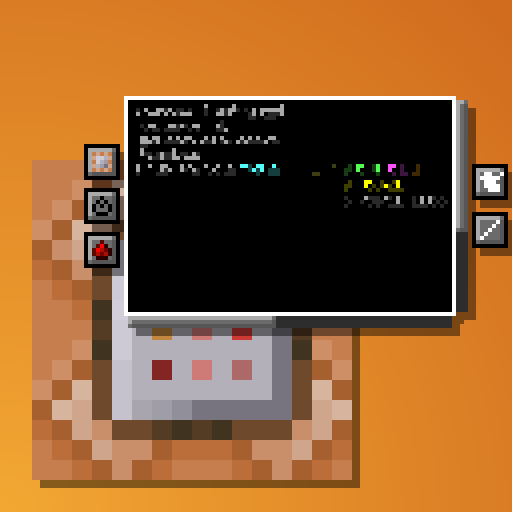 Better Command Block UI
 Better Flame Particles
 Better Mount HUD
 Better Ping Display [Fabric]
 Better Statistics Screen
 Camera Overhaul
 Capes
 Chase the Skies
 Chat +
 Chat Animation [Smooth Chat]
 Chat Heads
 Chat Notify
 Chat Patches
 Chat Reporting Helper
 Chat Signing Hider
 Chunky
 CICADA
 ClickThrough Plus
 Client Tweaks
 Cloth Config API
 Clumps
 Collective
 Compact Help Command
 Concurrent Chunk Management Engine (Fabric)
展开全部 206 个
 Consumable Optimizer
 Continuity
 Controlify (Controller support)
 Controlling
 Cool Rain
 CraftPresence
 CTR VCR
 Cubes Without Borders
 Current Game Music Track
 Cursors Extended
 Cut Through
 Dark Loading Screen
 Debugify
 Detail Armor Bar Reconstructed
 Dimension Based Shader Switch
 Do a Barrel Roll
 Drip Sounds
 Durability Tooltip
 Dynamic Crosshair
 Dynamic Crosshair Compat
 Dynamic FPS
 Ears
 Effect Insights
 Elytra Physics
 Emotecraft
 实体剔除
 Even Better Enchants
 Explosive Enhancement
 Fabric API
 Fabric Language Kotlin
 Fancy Toasts | Better Advancements
 FancyMenu
 Fast IP Ping
 Female Gender Mod
 FerriteCore
 Forge Config API Port
 Freecam
 Fresh Animations
 Fresh Animations: Classic Horses
 Fresh Animations: Details
 Fresh Animations: Emissive
 Fresh Animations: Objects
 Fresh Animations: Player Extension
 Fresh Animations: Spiders
 Fzzy Config
 Gentler Weather Sounds
Hardcover
 Health Indicators
 I Like Vanilla
 Icons
 ImmediatelyFast
 Improved Sign Editing
 Inventory Profiles Next
 Iris Shaders
 Ixeris
 Jade 🔍
 旅行地图
 JourneyMap Web Map
 JourneyMap Waypoint Syncing (JMWS)
 Just Enough Breeding (JEBr)
 JEI物品管理器
 Just Enough Professions (JEP)
 Konkrete
 LambDynamicLights - Dynamic Lights
 Language Reload
 libIPN
 LibJF
 Lighty
 锂
 Lively Turtle Helmet
 Low Fire
 Low Shield
 MacOS Input Fixes
 Make Bubbles Pop
 MaLiLib
 MapFrontiers
 McQoy
 Melody
 MidnightLib
 Miniature Shader
 模组菜单
 Modern Networking
 ModernFix-mVUS
 More Culling
 More JourneyMap Waypoints
 MRU
 Natural Waters
 Nautilus 3D
 NetherPortalFix
 No Chat Reports
 No Telemetry
 Not Enough Animations
 Not Enough Crashes
 Noxesium
 OptiGUI
 Overflowing Bars
 oωo (owo-lib)
 Packed Packs
 Packet Fixer
 Particle Core
 Particle Effects
 Particle Interactions
 Particle Rain
 Particular ✨ Reforged
 Peek
 Persistent Inventory Search
 Player Animation Library
 Polytone
 Presence Footsteps
 Puzzle
 Puzzles Lib
 Raise Sound Limit Simplified
 Raised
 Recolourful Containers GUI + HUD
 Recolourful Containers GUI + HUD (DARK)
 Reese's Sodium Options
 ReShaded
 Resourcify
 Respackopts
 RetroVision
 ScalableLux
 Scribble
 Searchables
 Server Pinger Fixer
 Shoulder Surfing Reloaded
 Show Me Your Skin!
 Simple Item Editor
 Simple Voice Chat
 Skyboxify
 Smaller Totem
 Smooth Gui
 Smooth Scrolling
 Smooth Swapping
 钠
 Sodium Core Shader Support
 Sodium Extra
 Sodium Shadowy Path Blocks (SSPB)
 Sound Controller
 Sound Physics Remastered
 Sounds
 Status Effect Bars
 Subtle Effects
 SuperMartijn642's Config Lib
 Tag Translations for JEI
 Talking Heads
 TCDCommons API
 Text Placeholder API
 Theone's Eating Animation Pack
 ThreadTweak
 Title Fixer
 Totem Bar
 Translations for Sodium
 Undopia 3D Ladder
 UniLib
 ViaFabricPlus
 Visuality
 VisualKeys
 Visuals
 Voice Chat - Global Spectator Chat
 Voice Chat Interaction
 WalksyLib
 Wavey Capes
 YDM's Weapon Master
 YetAnotherConfigLib (YACL)
 Your Options Shall Be Respected (YOSBR)
 Zoomify (Zoom)
绿色边框的模组本站有收录,点进去看中文介绍;其余跳转到 Modrinth。
常见问题
Client-Enhanced 支持哪些 Minecraft 版本?
Client-Enhanced 基于 Minecraft Java 版 1.21.11,使用 Fabric 加载器。
Client-Enhanced 怎么安装?
点本页「前往下载」拿到整合包文件(Modrinth 的是 .mrpack,CurseForge 的是 .zip),在 PCL2 或 HMCL 启动器里选择「导入整合包」,启动器会自动装好 Minecraft、加载器和全部模组。这个整合包有 206 个模组,建议在启动器里给游戏分配 6–8 GB 内存。
Client-Enhanced 开服需要多大内存?
推荐服务器内存 12 GB。在线人数多、或者建了大量机器和区块加载器时,可以再加 2–4 GB。
怎么和朋友一起玩 Client-Enhanced?
点本页的「一键开服」,选好配置后会自动安装 Client-Enhanced 的服务端,几分钟就能开好。把服务器地址发给朋友,大家用同一个版本的整合包连进去就行。
评论
登录后评论和评分