
介绍
中文介绍正在准备中,下面暂时显示原文。
This client side Fabric mod hides all things related to chat signing.
It hides:
- The
Chat messages can't be verifiedtoast message when joining a server or opening the chat - The chat preview warning screen when joining a server for the first time
- The small color indicators next to chat messages
- The red circle next to unsigned chat messages
This mod does not remove any signatures or prevent other players from reporting you. It is purely visual!
It is strongly recommended that you only use this mod on private servers you trust.
For all other cases you should use No Chat Reports!
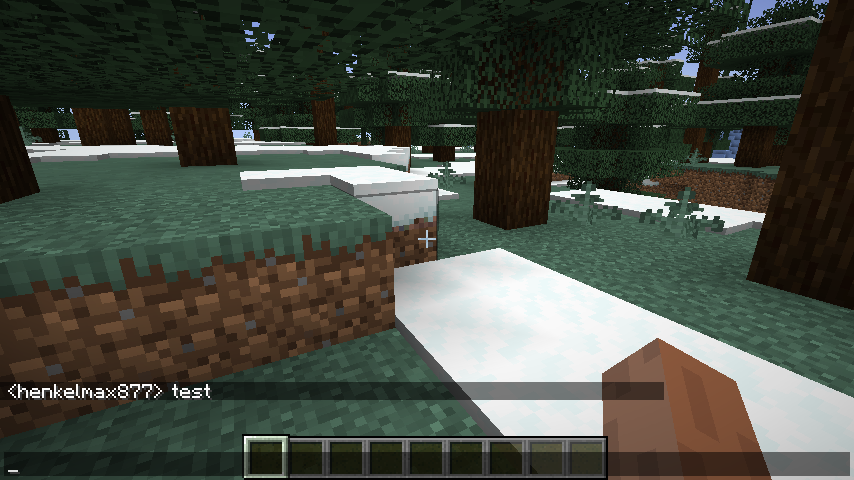
Screenshots
When joining a new server for the first time
Without the mod

With the mod
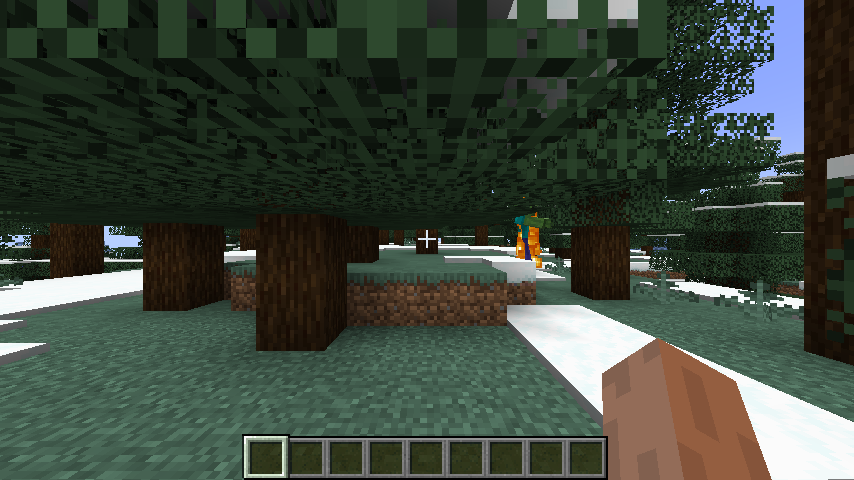
When joining a new server
Without the mod
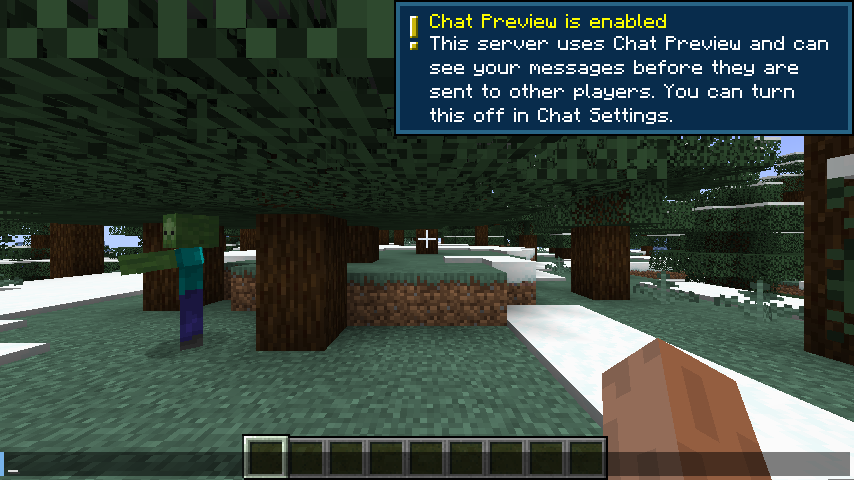
With the mod
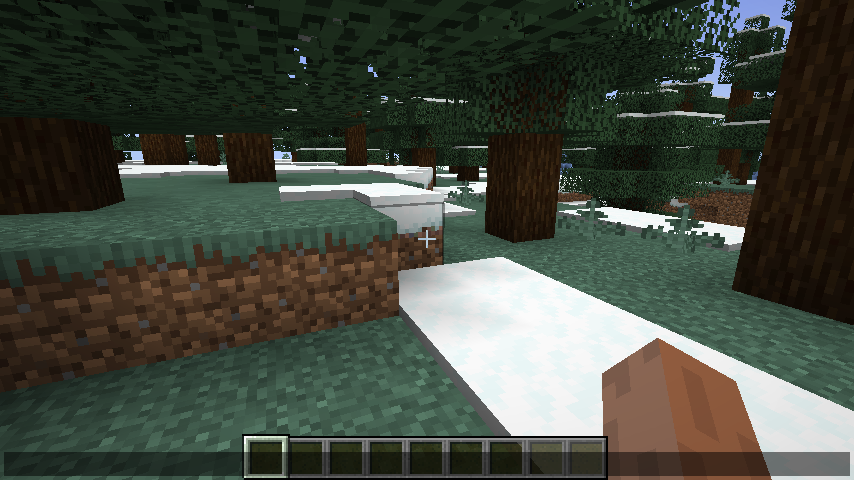
Sending or receiving a chat message
Without the mod
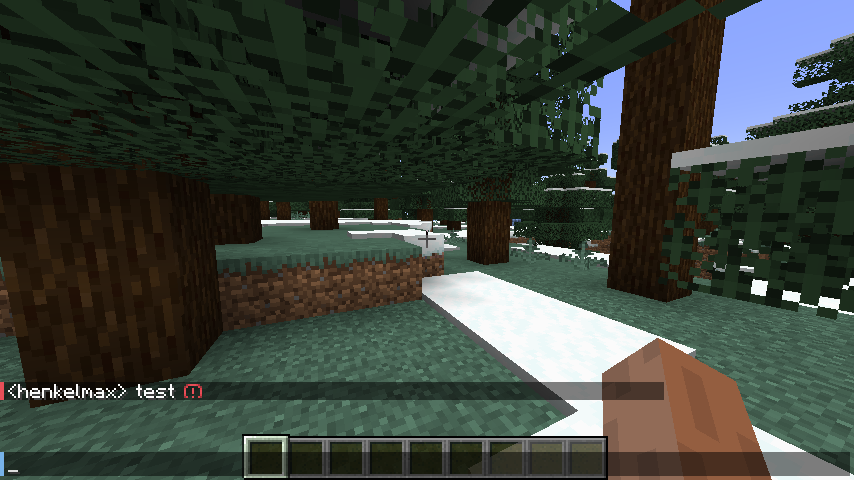
With the mod
常见问题
Chat Signing Hider 支持哪些 Minecraft 版本?
Chat Signing Hider 支持 Minecraft Java 版 1.19.2–26.3,共 27 个版本,可用的加载器:Fabric / Quilt。下载时注意选择和你游戏版本一致的文件。
Chat Signing Hider 怎么安装?
先用 PCL2 或 HMCL 启动器安装对应版本的 Fabric / Quilt,再把下载的 .jar 文件放进游戏目录的 mods 文件夹,重新启动游戏即可。开启了版本隔离的,mods 文件夹在 versions/版本名 下面。运行环境:仅客户端。
henkelmax 的其他作品
查看全部 →
Sound Physics Remastered
by henkelmax
一个通过方块实现逼真声音衰减、混响和吸收效果的 Minecraft 模组。
2.1亿
13 天前
Modrinth · CurseForge

Simple Voice Chat
by BreadLoaf, Stridey 等
Minecraft里能用的语音聊天!
2.1亿
今天
Modrinth · CurseForge
Corpse
by henkelmax
再也不怕丢物品了!
1.4亿
12 天前
CurseForge · Modrinth

GraveStone Mod
by henkelmax
死亡时会放置一块墓碑,里面存放你的物品栏物品。
1.1亿
1 个月前
Modrinth · CurseForge
评论
登录后评论和评分