
Rascal Modpack
A carefully crafted modpack for those seeking a deeper, more lively Minecraft experience.
截图
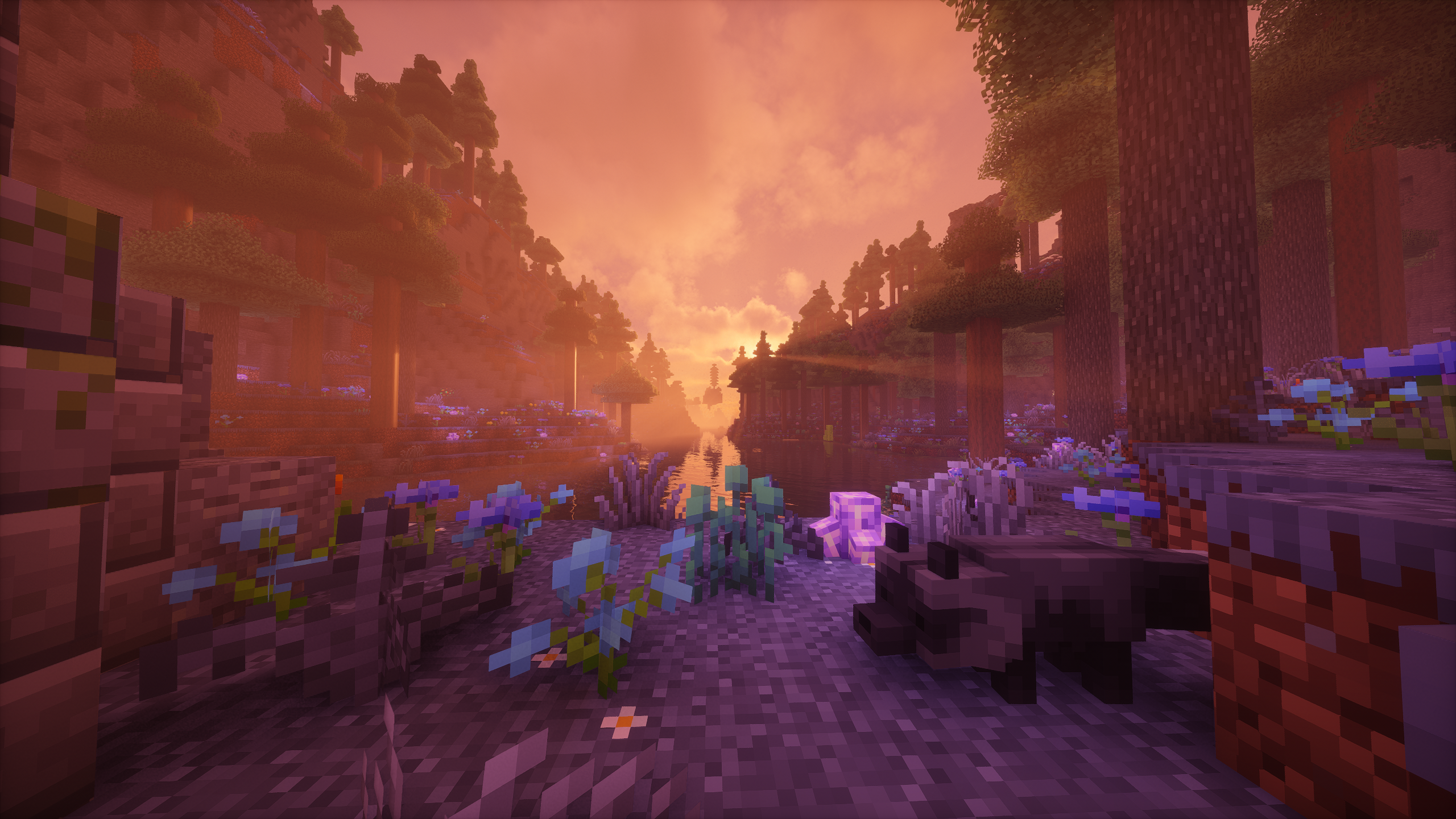

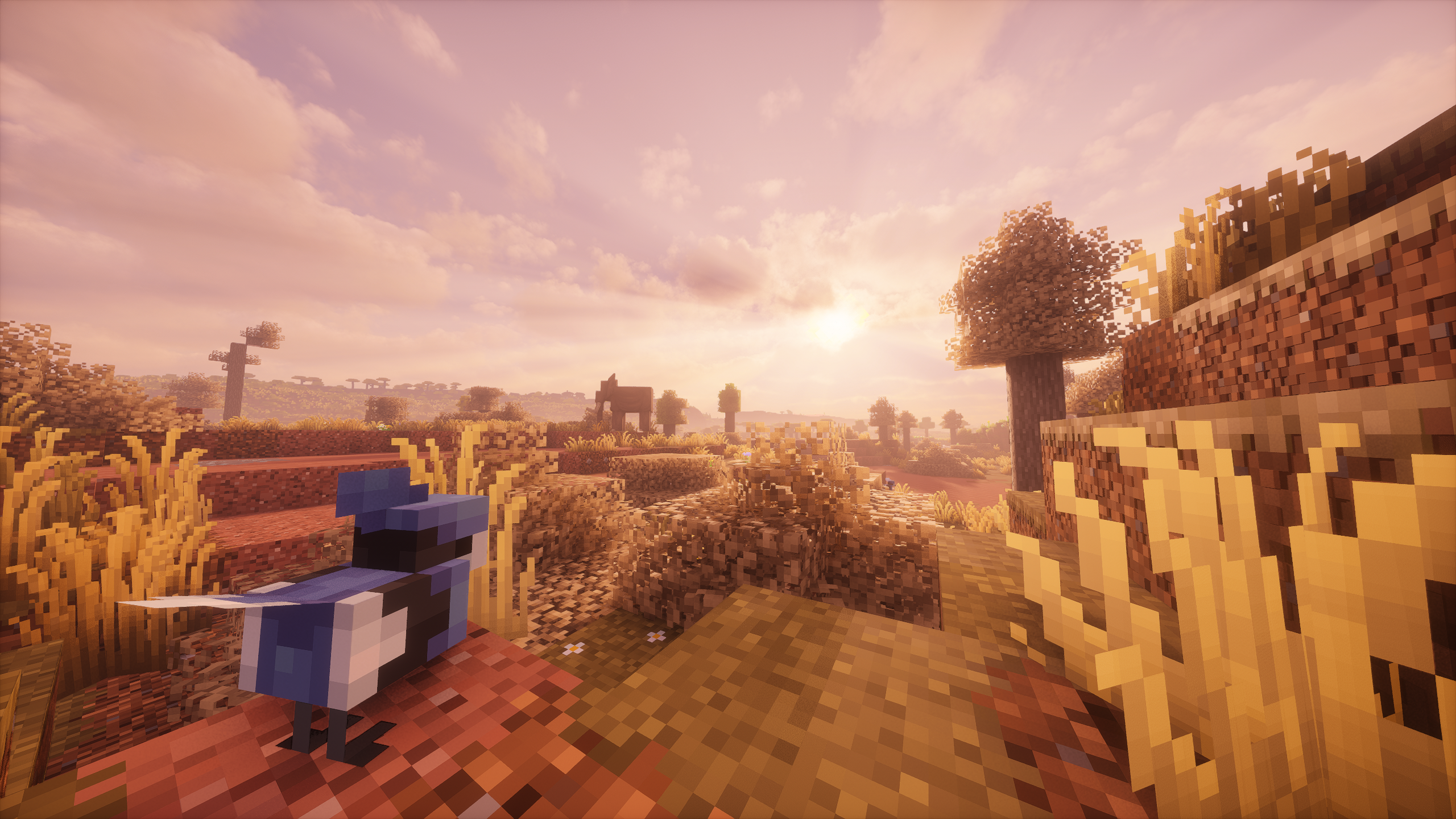
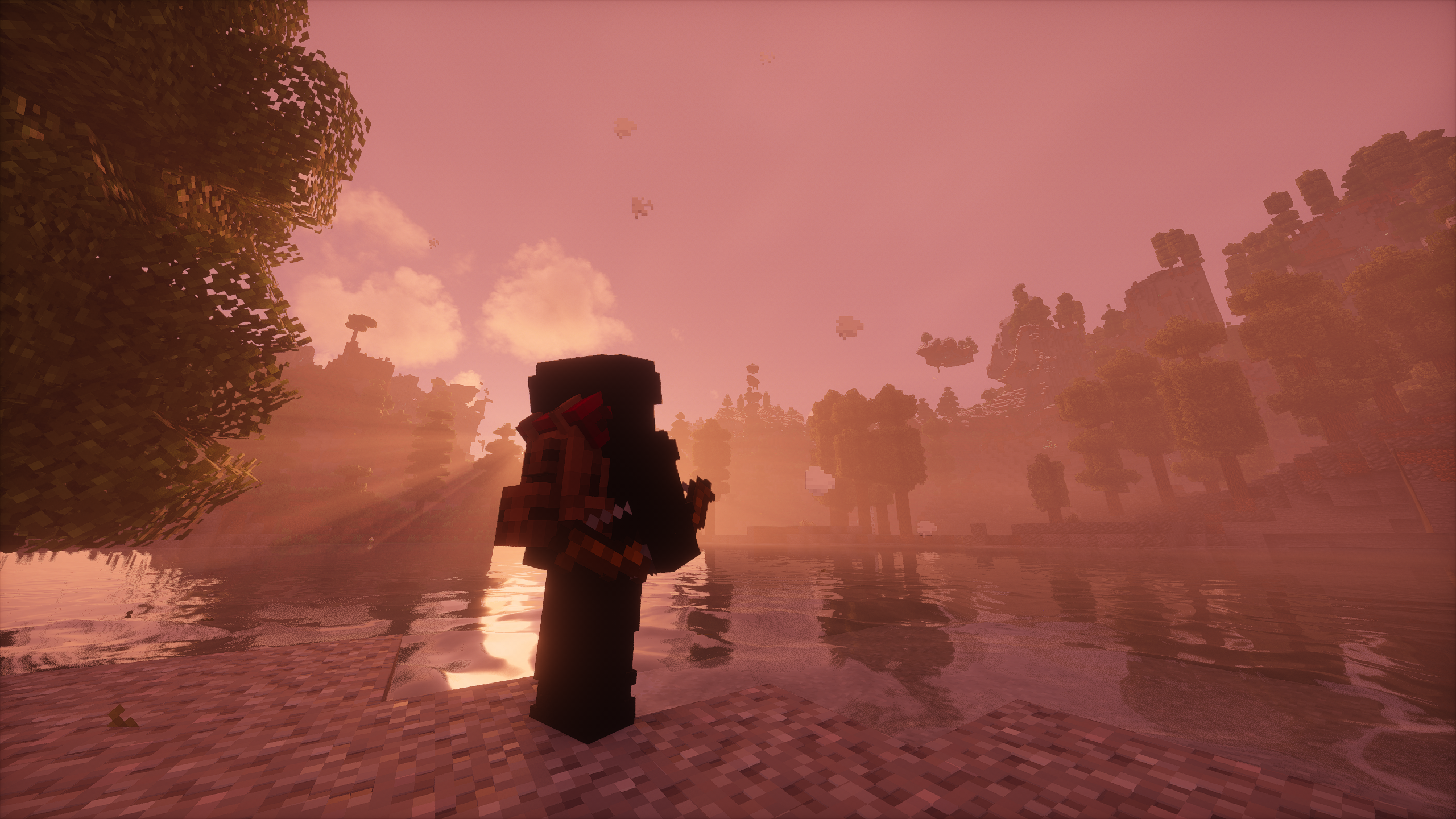
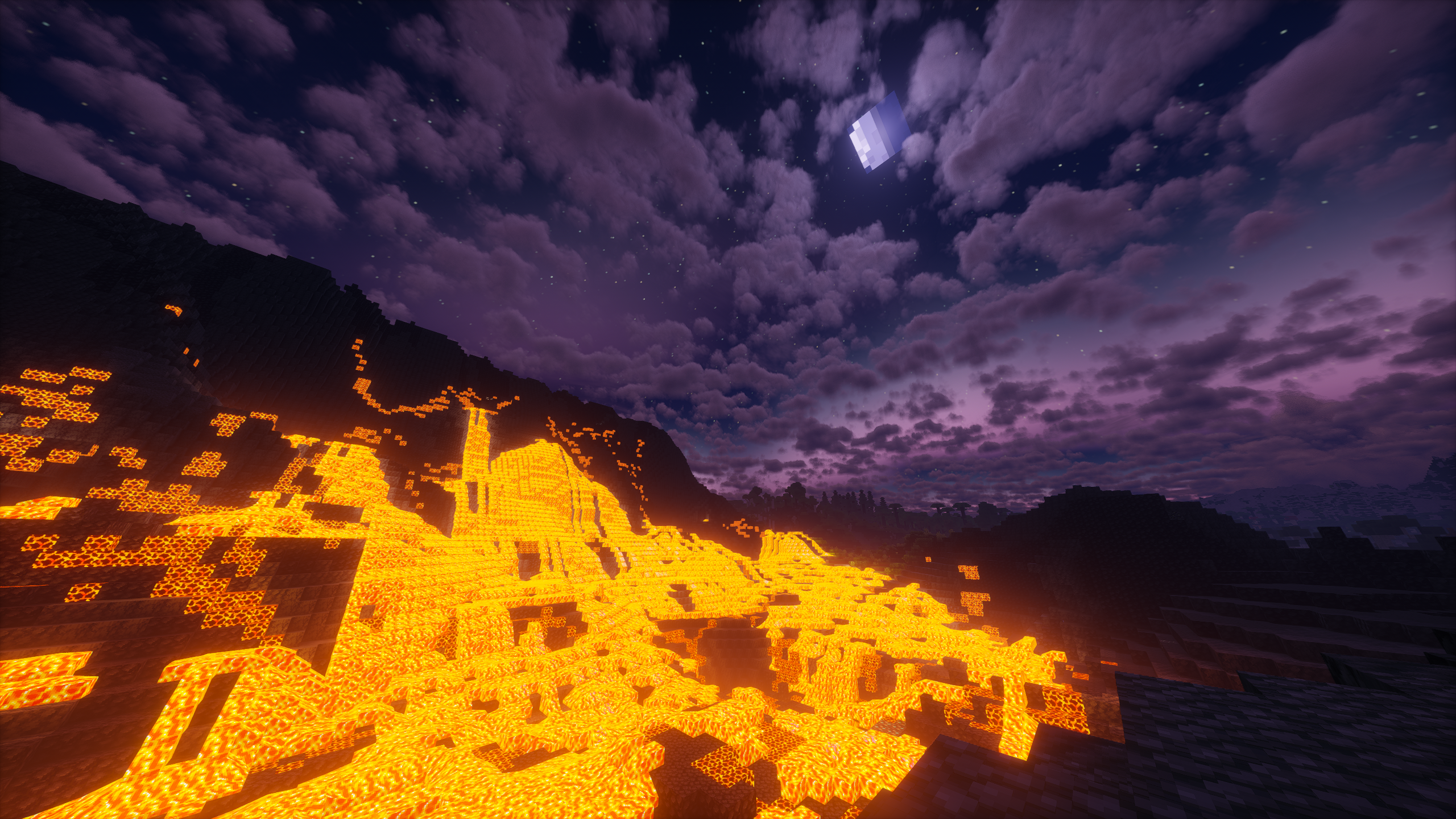
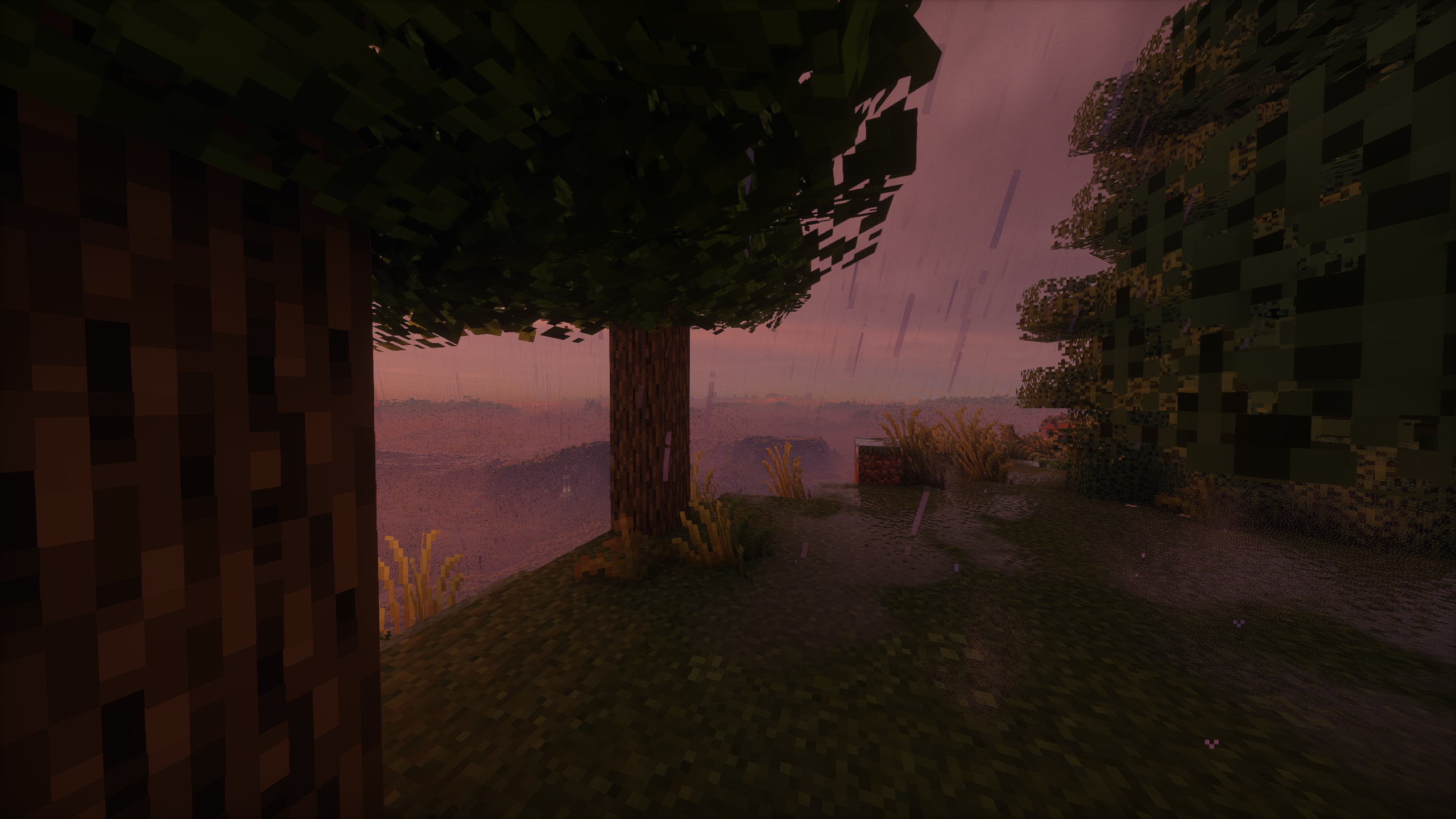
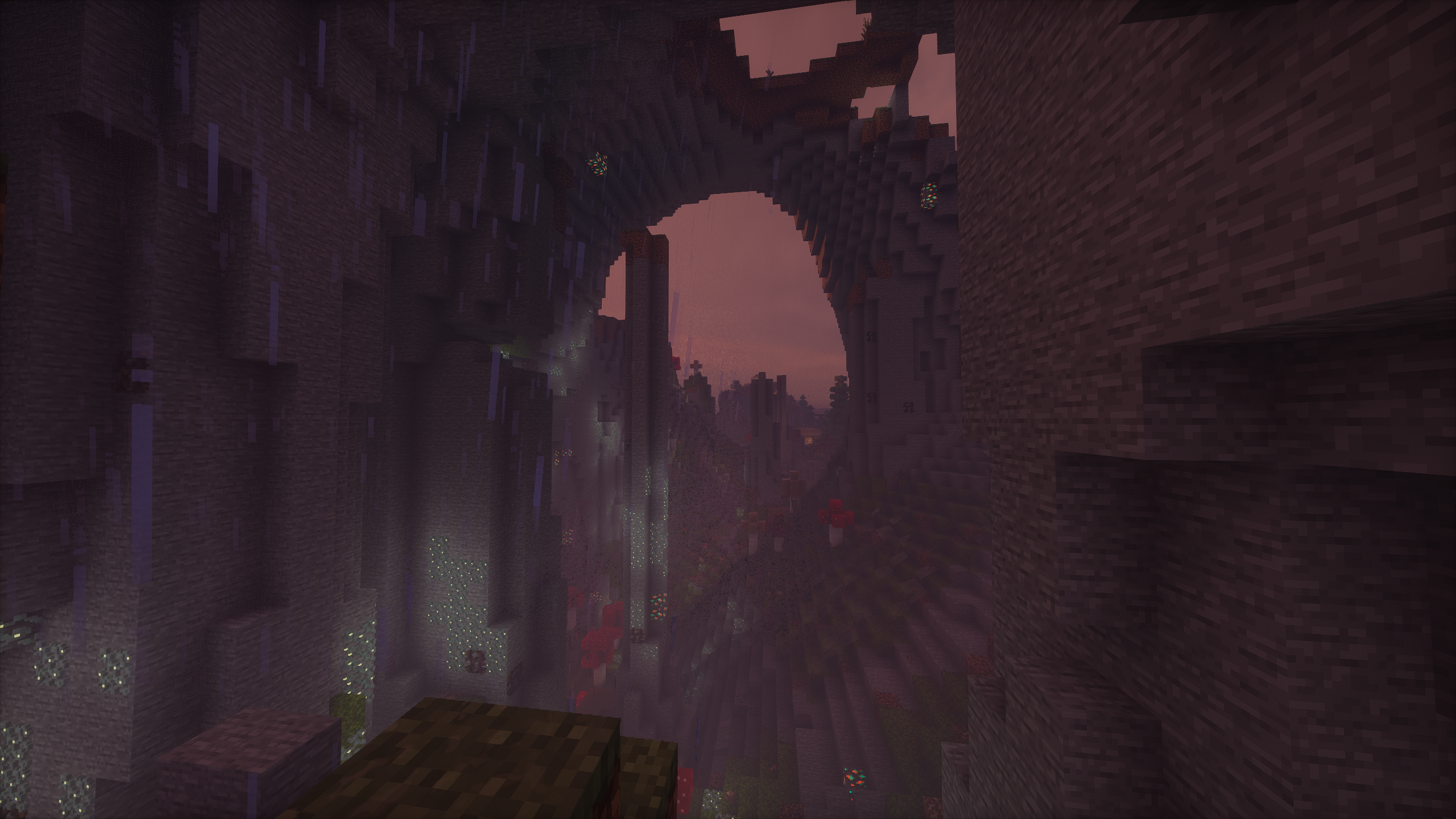
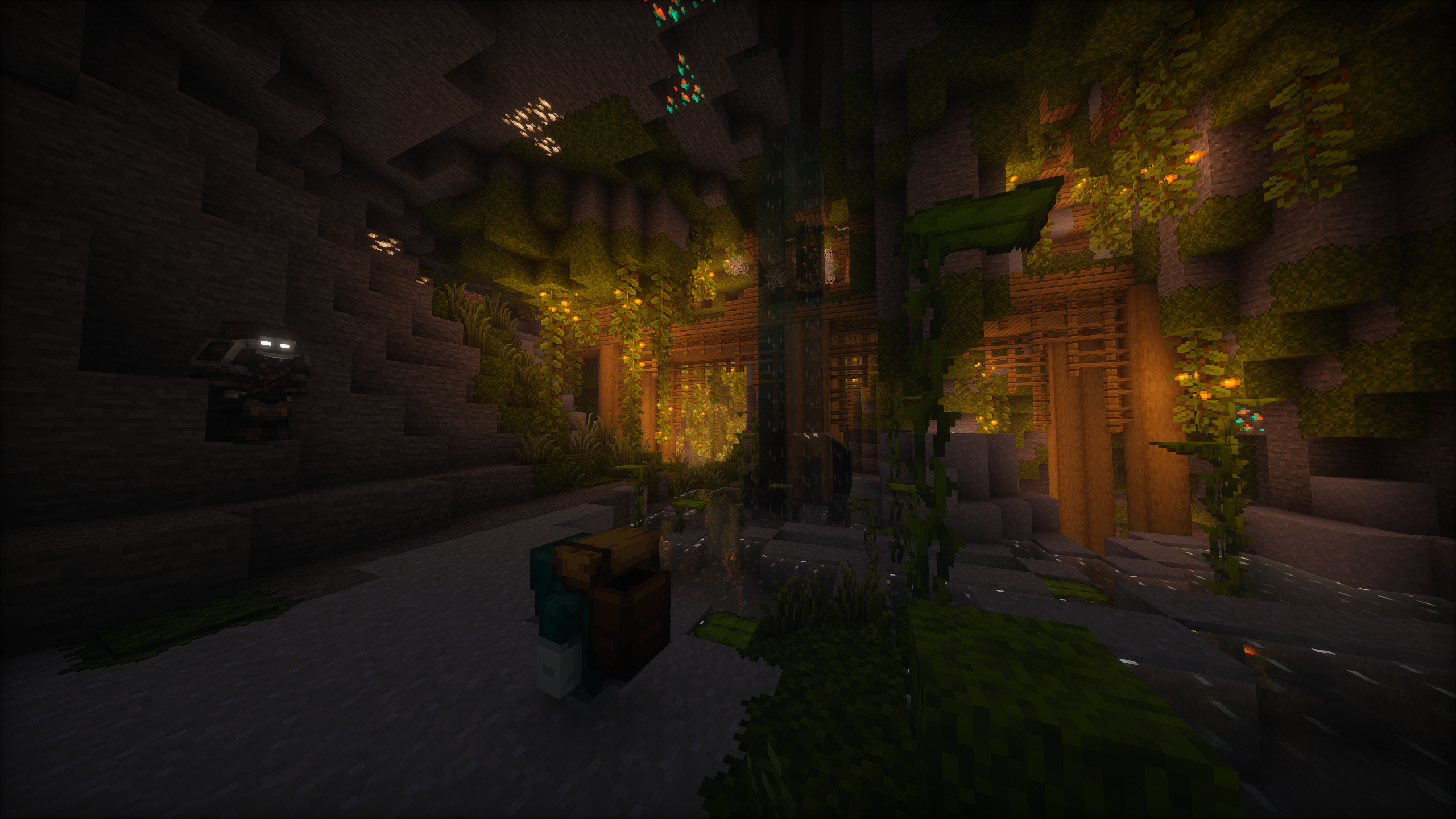
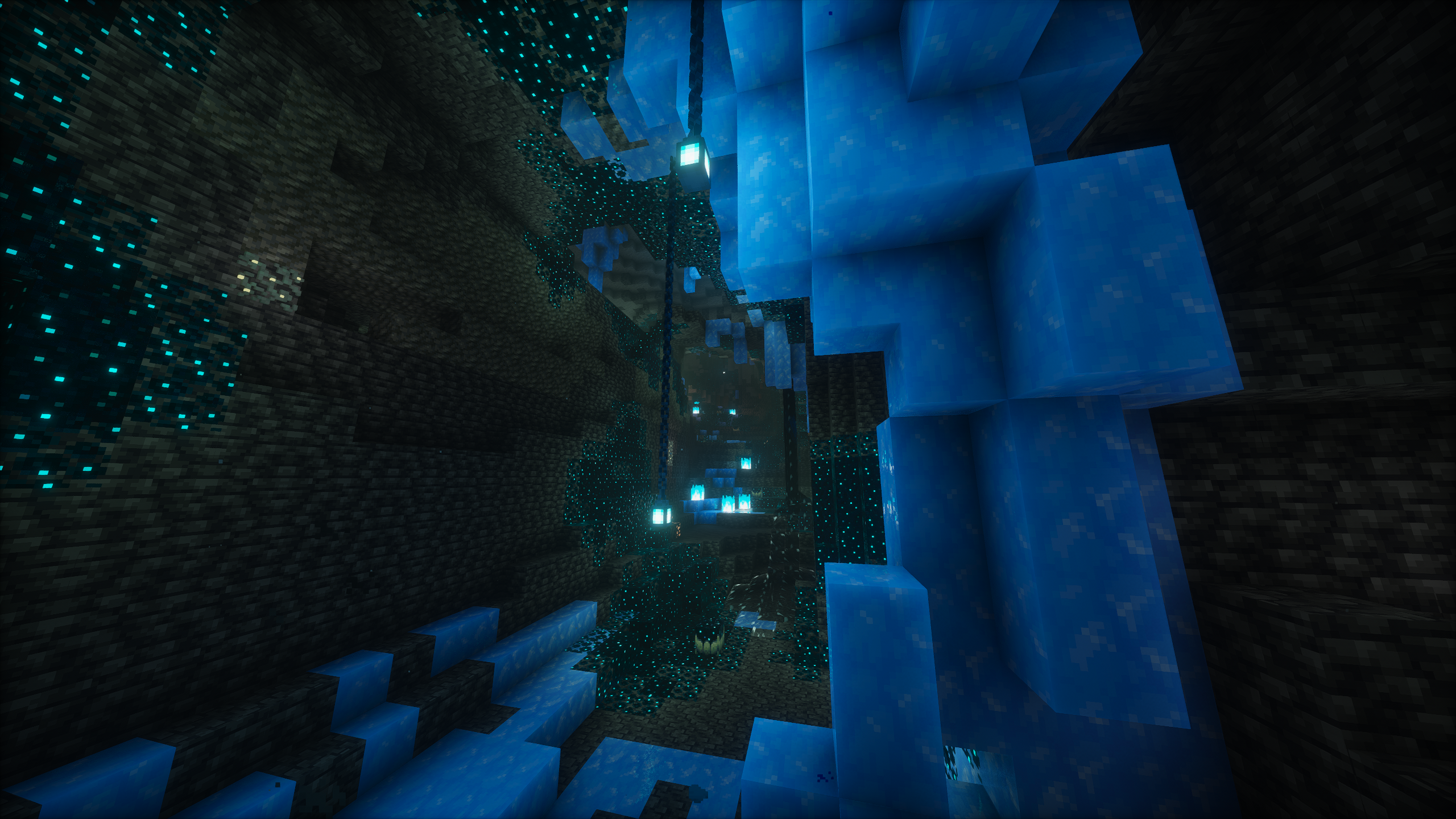
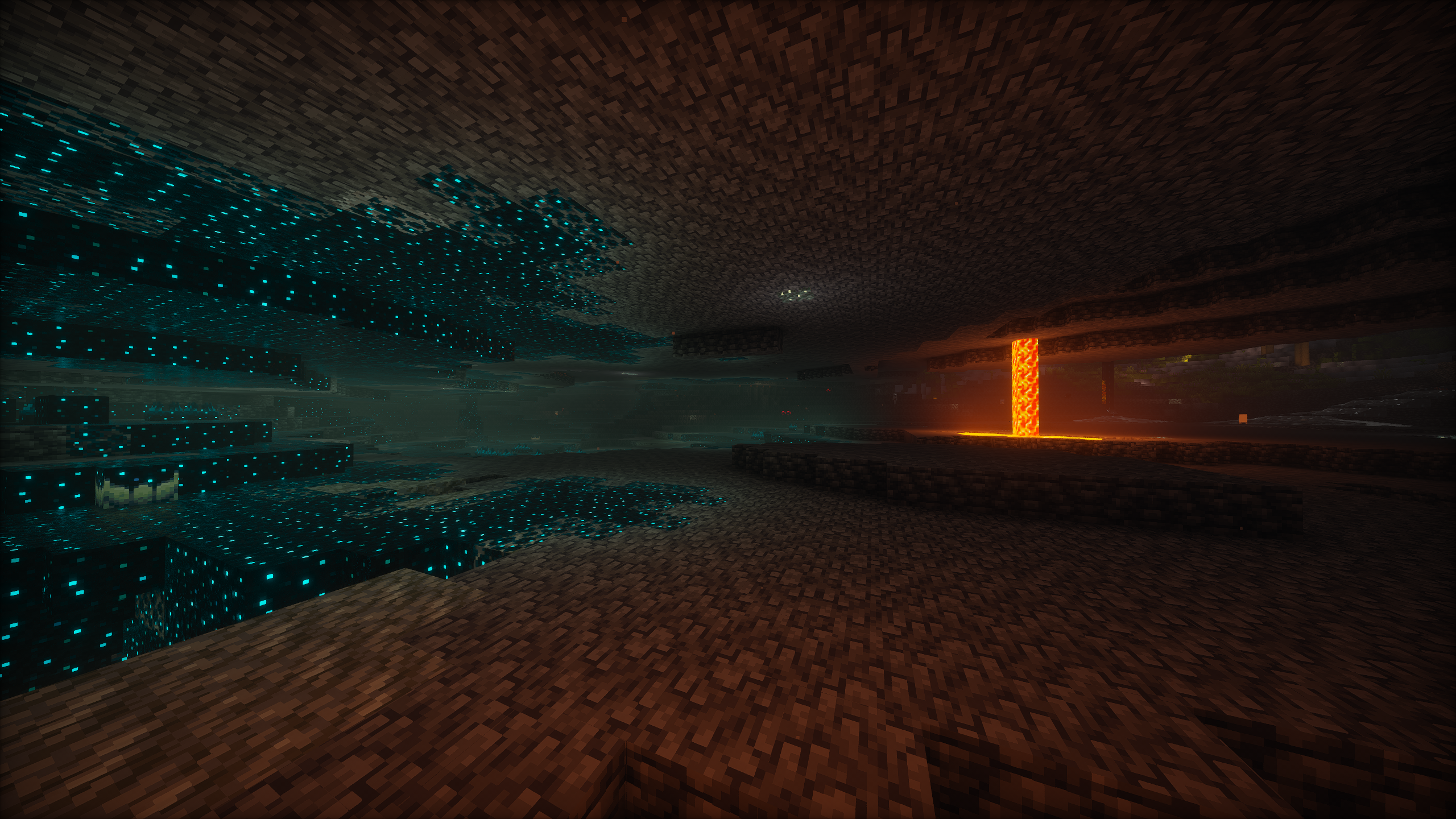
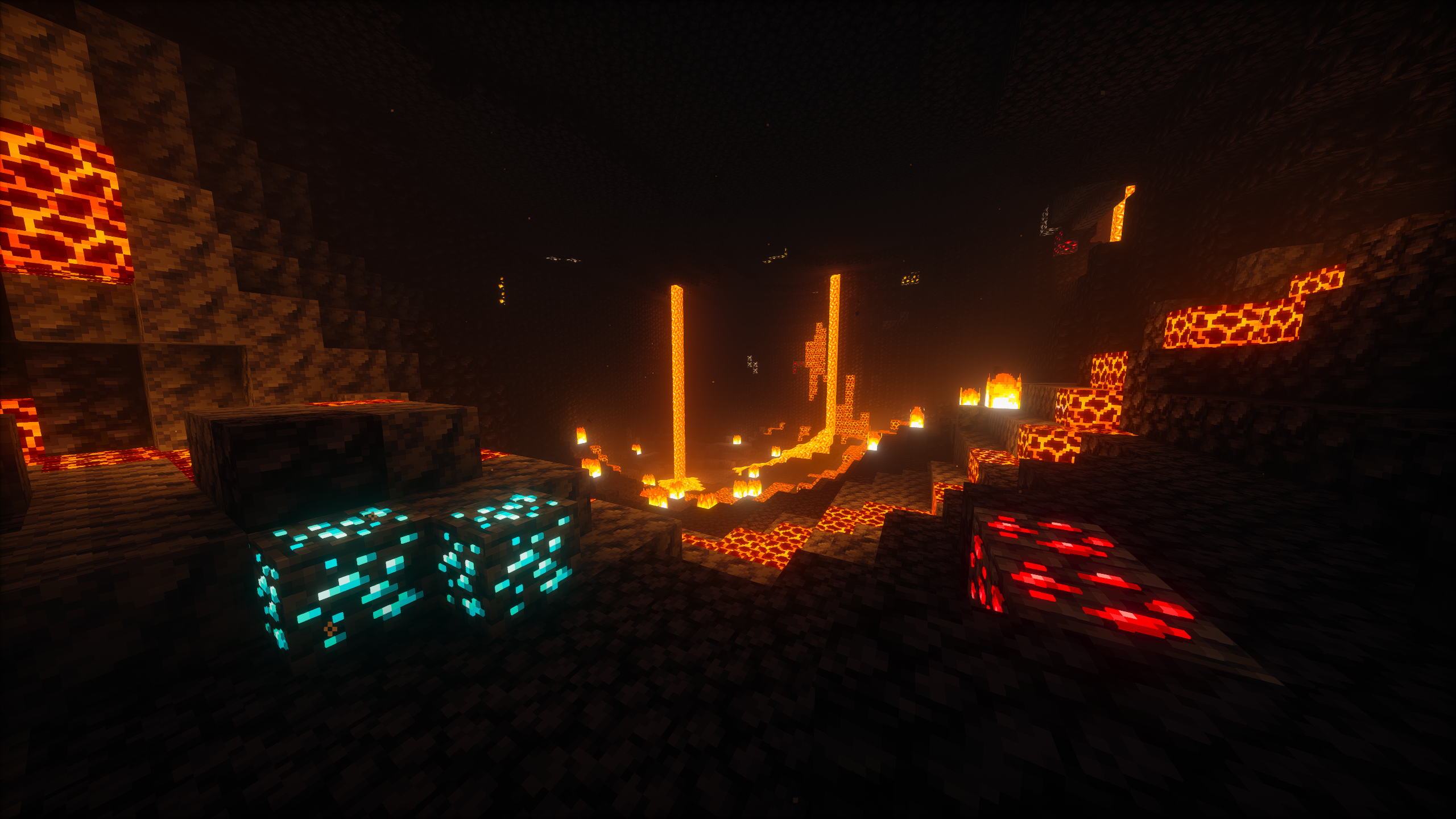
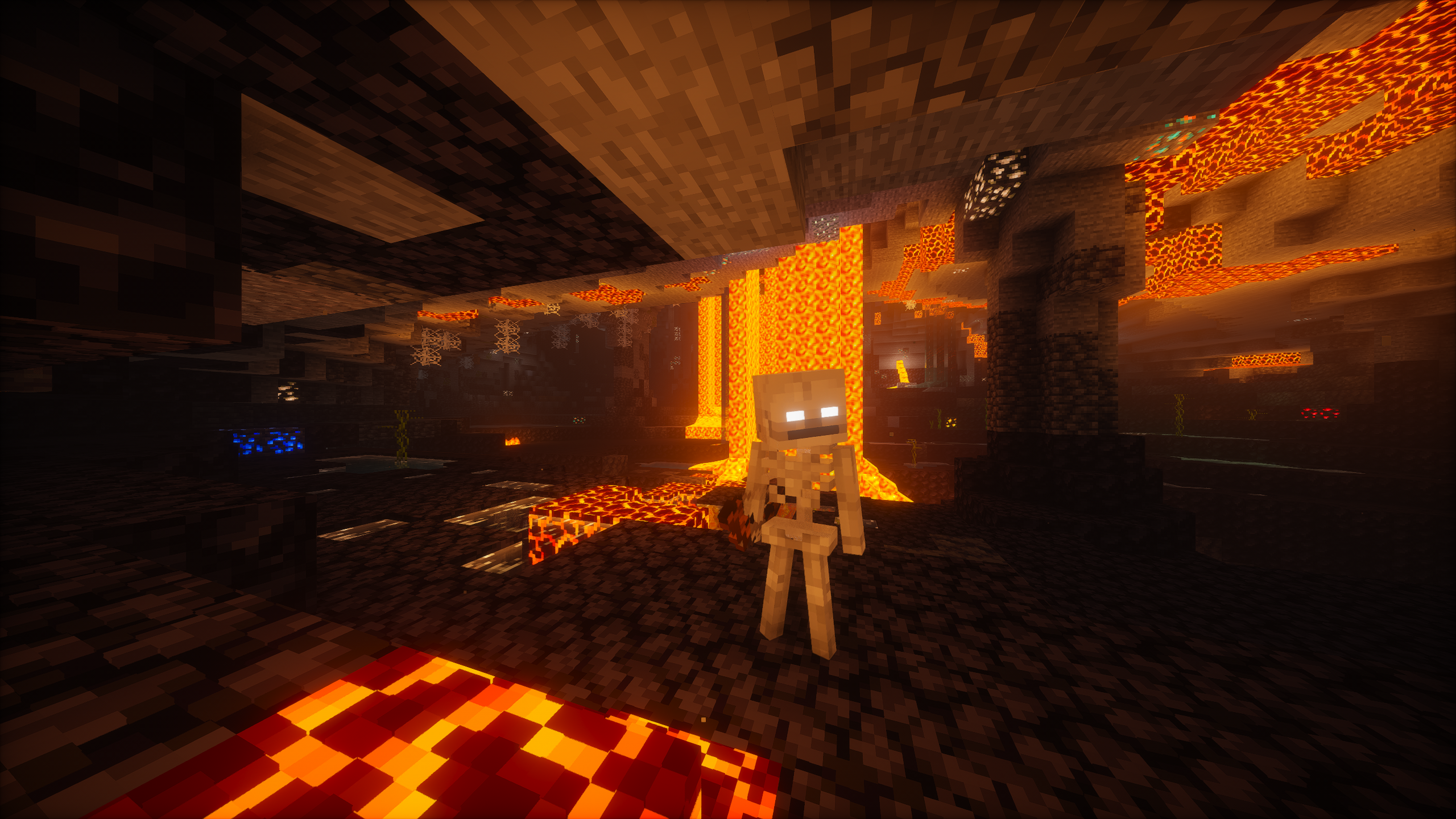
介绍




Rascal modpack is a vanilla-plus pack aiming to enhance the Minecraft experience. It was designed with gameplay, balance, quality of life, and performance in mind. It was crafted with passion and I hope that you enjoy it.
Features
Here are some of the major features included in this modpack:
- A new immersive experience in a world that feels alive
- Greatly enhanced visuals – even without the shaders
- Overhauled sound system
- Terralith world generation
- Overhauled existing structures
- Plenty of new structures, wildlife, and biomes
- Backpacks
- Waystones
- Vanity armor slots
- Vanilla-friendly minimaps
- Interactive item physics
- Expanded farming and cooking
- Wide selection of new furniture and building blocks
- Experience storage (at a cost)
- Numerous quality of life features
A full list of mods are credited here and here for resource packs.
Guide
A written guide is available to help players orient themselves with basic gameplay mechanics and explore the best features in this modpack. It is highly recommended to utilize the guide.
Installation
Modrinth App
If you don’t know what you’re doing, use this method.
- Install the latest version of the Modrinth App.
- Navigate to “Discover content” on the left-hand bar and search for “Rascal Modpack” and install it.
- In your instance settings, manually set your memory allocation to at least 8 GiB. You can also set a default for all instances in your general Modrinth settings, if you don’t want to do this every time.
- Launch the game. Shaders will be disabled by default but can be accessed with
CTRL+Owhile in a world.
Other launchers
- Using another launcher that supports Modrinth packfiles (
.mrpack). If you’re using a launcher doesn’t support.mrpackfiles, you must manually build the packfiles. - Download the latest release of the packfiles from Modrinth. Then, create a new Minecraft instance in your launcher by importing the packfiles.
- In your instance settings, manually set your memory allocation to at least 8 GiB.
- Launch the game. Shaders will be disabled by default but can be accessed with
CTRL+Owhile in a world.
Build guide
A platform independent build guide for those looking to run a server instance.
- Clone Rascal Modpack on your system and swap to the desired branch:
git checkout [branch]. - Install packwiz following their installation guide.
- Run
packwiz mr exportto generate Modrinth packfiles (.mrpack). - Alternatively, run
packwiz cf exportto generate packfiles with.jarfiles. - Drop the contents of the
overridesfolder into your instance.
Support
Please refer to the FAQ for help. For suggestions and bug reports, please submit an issue.
包含的模组 208 个,另有 4 个其他文件
 3D皮肤层
 [EMF] Entity Model Features
 [ETF] Entity Texture Features
 Additional Structures
 Advancement Plaques
 Allay in a Bottle
 AmbientSounds
 Amplified Nether
 Antique Atlas 4
 AntiXray
 苹果皮
 Architectury API
 Artisan's Armory | Equipment Overhaul
 Assembled Legendary Tooltips
 AttributeFix
 Auditory Continued
 Bad Wither No Cookie - Reloaded
 Balm
 Beautify: Refabricated
 Better Capes
 Better Days
 Better Flame Particles
 Better Ladders
 Better Ping Display [Fabric]
 Better Smithing Table
 BetterF3
 Blur+
 Boat Break Fix
 Bobby
 Bookshelf
 Camera Overhaul
 Capitalized Font
 Cherished Worlds
 Chests Reimagined
 ClickThrough Plus
 Cloth Config API
 Cobweb
 Collective
 Comforts
 Comforts Modernized
展开全部 208 个
 Companion 🐕
 Continuity
 Cool Rain
 CoroUtil
 CreativeCore
 Creeper Healing
 Cristel Lib
 Debugify
 Disable Custom Worlds Advice
 Dismount Entity
 遥远的地平线
 Drip Sounds
 dronko's alternative Bushy Leaves
 Durability Tooltip
 Dynamic Fire Overlay
 简易铁砧
 Easy Magic
 Easy Shulker Boxes
 Eating Animation
 Eclectic Trove (Legendary Tooltips)
 Elytra Trims
 Elytra Trinket
 EMI
 EMI Addon: Extra Mod Integrations
 EMI Enchanting
 EMI Loot
 EnhancedVisual Pixelated
 EnhancedVisuals
 实体剔除
 Explosive Enhancement
 Exposure
 Fabric API
 Fabric Language Kotlin
 Falling Leaves
 Farmer's Delight Refabricated
 First-person Model
 Forge Config API Port
 Fresh Animations
 Fresh Waystones Texture
 Friends&Foes (Fabric/Quilt)
 Fzzy Config
 Gentler Weather Sounds
 Geophilic
 Gravestones
 GUI Clock
 GUI Compass
 Handcrafted
 HerdsPanic
 Iceberg
 ImmediatelyFast
 Immersive Armors
 ImmersiveThunder
 Inmis
 InmisAddon
 Iris Shaders
 Kiwi 🥝
 LambDynamicLights - Dynamic Lights
 Language Reload
 Lanostry's foxes
 Lanostry's foxes x Fresh animations
 Lavender
 Leave My Bars Alone
 Legacy Crunch
 Legendary Tooltips
 锂
 Lodestone Update Backport
 Longer Chat History
 Make Bubbles Pop
 MasterCutter
 MidnightLib
 模组菜单
 Model Gap Fix
 ModernFix
 Monkey Utils
 Moonlight Lib
 MoreLeads
 MRU
 自然指南针
 Necronomicon API
 NetherPortalFix
 Nicer Portals
 NiftyCarts
 Night Lights
 No Chat Reports
 No Enderman Grief
 No Shield Delay
 No Telemetry
 Noisium
 Not Enough Animations
 Nullscape
 Os' Colorful Grasses
 oωo (owo-lib)
 Packet Fixer
 Particle Core
 Particle Rain
 Particular ✨
 Photon Shaders
 Plushie Buddies
 PneumonoCore
 Polymorph
 Presence Footsteps
 Prickle
 Prism
 Puzzles Lib
 Rascal's Field Guide
 RAY's 3D Ladders
 Rebind Narrator
 Remove Stardust Labs Intro Message
 Resource Pack Overrides
 Resourceful Config
 Resourceful Lib
 Scaffolding Drops Nearby
 Shearable Vines
 Shield Fixes
 Shoulder Surfing Reloaded
 Simple Grass Flowers
 SleepWarp (Updated)
 Slime Amulet
 Smarter Farmers (farmers replant)
 Smooth Scrolling
 Snow! Real Magic! ⛄
 钠
 Soul Fire'd
 Sound Physics Remastered
 Sounds
 spark
 SPBR-BlockEmission
 SPBR-Farmer's Delight
 SPBR-GlowingOre
 Spyglass Improvements
 Status Effect Bars
 Stefan's Enchanted Books
 Stonecutter Damage
 Stoneworks
 Styled Nicknames
 SuperMartijn642's Config Lib
 Surveyor Map Framework
 Surveystones
 Terralith
 Tidal Towns
 Tiny Item Animations
 Tips
 ToolTipFix
 Towns and Towers
 Trade Cycling
 Tree Harvester
 Trinkets
 Trowel
 Vanilla Mashup (PBR)
 Visuality
 Void Totem
 Wavey Capes
 传送石碑
 What Are They Up To (Watut)
 xali's Potions
 YetAnotherConfigLib (YACL)
 YUNG's API
 YUNG's Better Desert Temples
 YUNG's Better Dungeons
 YUNG's Better End Island
 YUNG's Better Jungle Temples
 YUNG's Better Mineshafts
 YUNG's Better Nether Fortresses
 YUNG's Better Ocean Monuments
 YUNG's Better Strongholds
 YUNG's Better Witch Huts
 YUNG's Bridges
 YUNG's Extras
绿色边框的模组本站有收录,点进去看中文介绍;其余跳转到 Modrinth。
常见问题
Rascal Modpack 支持哪些 Minecraft 版本?
Rascal Modpack 基于 Minecraft Java 版 1.21.1、1.20.1,使用 Fabric 加载器。
Rascal Modpack 怎么安装?
点本页「前往下载」拿到整合包文件(Modrinth 的是 .mrpack,CurseForge 的是 .zip),在 PCL2 或 HMCL 启动器里选择「导入整合包」,启动器会自动装好 Minecraft、加载器和全部模组。这个整合包有 208 个模组,建议在启动器里给游戏分配 6–8 GB 内存。
Rascal Modpack 开服需要多大内存?
推荐服务器内存 12 GB。在线人数多、或者建了大量机器和区块加载器时,可以再加 2–4 GB。
怎么和朋友一起玩 Rascal Modpack?
点本页的「一键开服」,选好配置后会自动安装 Rascal Modpack 的服务端,几分钟就能开好。把服务器地址发给朋友,大家用同一个版本的整合包连进去就行。
评论
登录后评论和评分