
Mystic Client
This is an all in one client for people that like insane optimizations and beautiful gameplay.
截图

介绍
Mystic Client is a highly optimized and user-friendly Minecraft client, designed to deliver smooth gameplay and top-notch performance without compromising on quality. Whether you’re a seasoned player or just starting out, Mystic Client provides an enhanced experience with a clean interface and fast load times.
Features:
Performance Optimization: Enjoy lag-free gameplay on all systems, thanks to carefully tuned performance enhancements.
User-Friendly Interface: Intuitive and easy to navigate, perfect for both new players and veterans.
High-Quality Graphics: Crisp visuals and optimized settings ensure a beautiful experience, even on lower-end machines.
Seamless Mod Compatibility: Mystic Client works flawlessly with popular mods and resource packs.
Maximize your Minecraft experience with Mystic Client, the perfect balance of performance and quality.
I DO NOT OWN ANY OF THESE MODS, ALL RIGHTS RESERVED TO THE CREATORS OF THE MODS
包含的模组 120 个,另有 2 个其他文件
 Client Side Noteblocks
 3D皮肤层
 [EMF] Entity Model Features
 [ETF] Entity Texture Features
 Achievements Optimizer
 苹果皮
 Architectury API
 Async Pack Scan
BadOptimizations
 Balm
 BedrockIfy
 Better Mount HUD
 Better Ping Display [Fabric]
 Better Statistics Screen
 BetterF3
 Bobby
 Capes
 Carpet
 Carpet AMS Addition
 Chat Animation [Smooth Chat]
 Chat Heads
 Cherished Worlds
 Chunks fade in
 Chunky
 Clean F3
 Client Tweaks
 Cloth Config API
 Collective
 Collision Fix
 Concentration
 Concurrent Chunk Management Engine (Fabric)
 Continuity
 CraftPresence
 Cull Leaves
 Debugify
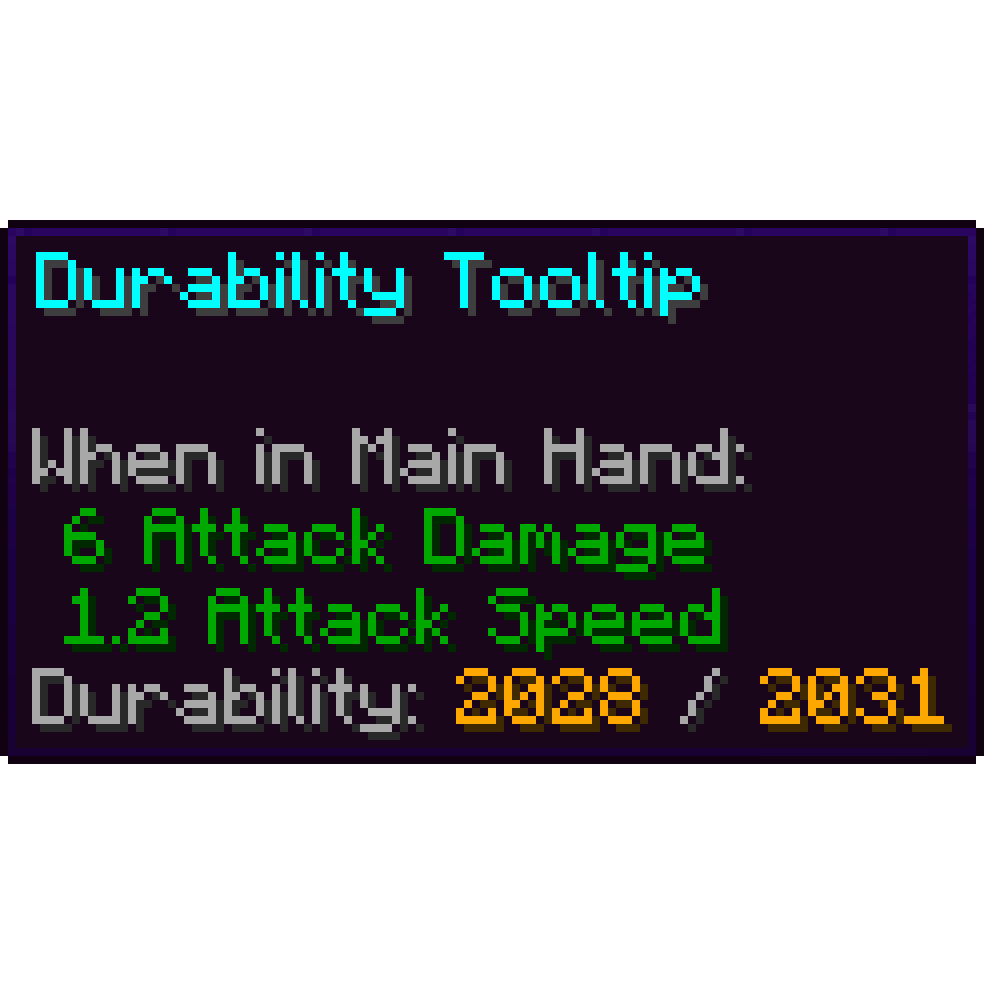 Durability Tooltip
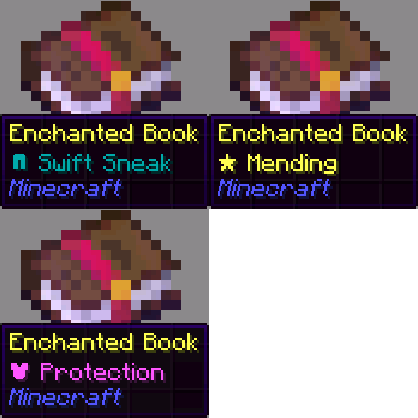 Enchant Icons
 Enhanced Attack Indicator
 Enhanced Block Entities
 实体剔除
展开全部 120 个
 Essential Dark Pack
 Essential Mod
 Fabric API
 Fabric Language Kotlin
 FancyMenu
 Fast IP Ping
 FastQuit
 FerriteCore
 FeyTweaks
 Forge Config API Port
 FPS Reducer
 Freecam
 Fresh Animations
 Fzzy Config
 Gamma Utils (Fullbright)
 GPUBooster
 Idle Boost
 ImmediatelyFast
 Indium
 Iris Shaders
 Jade 🔍
 旅行地图
 JourneyMap Integration
 Keybind Fix Updated
 Konkrete
 Krypton
 Ksyxis
 lazy-language-loader
 LibJF
 Litematica
 锂
 MacOS Input Fixes
 MaLiLib
 Melody
 MidnightLib
 模组菜单
 Model Gap Fix
 ModernFix
 More Chat History
 More Culling
 鼠标微调
 No Chat Reports
 Noisium
 Not Enough Recipe Book [NERB]
 Noxesium
 Nuit
 OptiGUI
 Packet Fixer
 Particle Core
 Pick Up Notifier
 Puzzles Lib
 Reese's Sodium Options
 Remove Reloading Screen
 ReplayMod
ResourceHack
 Resourcify
 REI物品管理器
 ScalableLux
ServerAddressSpaceFix
 ServerCore
 ShatterLib | OctoLib
 Shrimple
 Shulker Box Tooltip
 SmoothMenu Refabricated
 钠
 Sodium Extra
 Sodium Extra Information
 Sodium Shadowy Path Blocks (SSPB)
 spark
 SuperMartijn642's Config Lib
 TCDCommons API
 Text Placeholder API
 ThreadTweak
 Timestamp Chat
 Too Much XP (TME)
 UniLib
 Very Many Players (Fabric)
 ViaFabricPlus
 Video Tape
 YetAnotherConfigLib (YACL)
绿色边框的模组本站有收录,点进去看中文介绍;其余跳转到 Modrinth。
常见问题
Mystic Client 支持哪些 Minecraft 版本?
Mystic Client 基于 Minecraft Java 版 1.21.1、1.21,使用 Fabric 加载器。
Mystic Client 怎么安装?
点本页「前往下载」拿到整合包文件(Modrinth 的是 .mrpack,CurseForge 的是 .zip),在 PCL2 或 HMCL 启动器里选择「导入整合包」,启动器会自动装好 Minecraft、加载器和全部模组。这个整合包有 120 个模组,建议在启动器里给游戏分配 4–6 GB 内存。
Mystic Client 开服需要多大内存?
推荐服务器内存 12 GB。在线人数多、或者建了大量机器和区块加载器时,可以再加 2–4 GB。
怎么和朋友一起玩 Mystic Client?
点本页的「一键开服」,选好配置后会自动安装 Mystic Client 的服务端,几分钟就能开好。把服务器地址发给朋友,大家用同一个版本的整合包连进去就行。


评论
登录后评论和评分