
RedBed Client
a client modpack that packs alot of best client mods for best performance and more tweaked gameplay!
截图
介绍



About:
This is a client modpack that contains a lot of mods that makes game beautiful and gives more performance, and some tweaks that make the gameplay easier and smoother.
Such as:
- Smoother Animations
- Gameplay tweaks
- Bugs Fix
- More Abilities
- More Sound FXs
- More Advanced HUDs – GUIs
- More Customizeable Contents for Video Settings and Gameplay!
How to Use?
This is a very simple modpack, you just need to import the .mrpack into your launcher.
Remember to view some of the options like video settings, because maybe some the options that sets inside this modpack, it’s not your taste!
Usable Features!
Keybinds
- You can sort your inventory where you point your mouse while you press the key “Mouse Middle Button”
- To change your perspecitve you need to press key “V”
- Sneak and sprint keys Swiped, Sprint Is “Left Shift” and Sneak is “Left Ctrl”
- Want a more qualified screenshot? the key “F9” takes screenshots about 4K resolution (old not in 1.21.5 pack)
- Auto Clicker inside game! you don’t need anymore to use F3 + T for your farms to use auto click, you can now auto click with the key [I] on your keyboard, first you need to config the auto clicker with key [O]
- The Hotbar it doesn’t loop anymore, if you want to disable it for looping hotbar, you need to press [-], Close to the “0” key. (old, not in 1.21.5 pack)
Features!
- Now you can install Resource packs or datapack and worlds easier inside the game! There is a button shaped cross, you can update your packs with the button Next to the cross button too! (Resourcify Mod)
- Now you can bridge easier without looking on block and sneaking! (Bridging Mod)
- You can zoom and zoom out spyglass with mouse scroll! (Spyglass Improvments)
- chunks can have animations, if you want to set your own chunk animation loading, you can go inside Video Settings – Chunk fading, every possible option for chunks loading and animating them is there!
- Playing java with controller? Of course, no problem you can connect your controller to your pc, and you can set up your controller inside “Controls… – Controller Settings”, Before, be sure you have already installed it’s drivers, if it’s not, it’s possbile the game dosen’t recognise your controller.
Screenshots


##

And a BIG thank you for mods that used inside this Modpack!
包含的模组 167 个,另有 3 个其他文件
 [EMF] Entity Model Features
 [ESF] Entity Sound Features
 [ETF] Entity Texture Features
 Ambient Environment
 AmbientSounds
 苹果皮
 Architectury API
 Armor Chroma for Fabric
 Auto Clicker
Auto Sprint Fix
 Axolotl Bucket Variants
 Balm
 Better "Add Server"
 Better Command Block UI
 Better Selection
 Better Statistics Screen
 Better Tab
 BetterF3
 Blur+
 Boat Item View
 Bobby
 Bridging Mod
 Camera Overhaul
 Cave Dust
 Chat Animation [Smooth Chat]
 Chat Heads
 Chat Patches
 Cherished Worlds
 Chunks fade in
 Chunky
 CICADA
 ClickThrough Plus
 Client Sort
 Client Tweaks
 ClientHarvest
 Cloth Config API
 Collective
 Complementary Shaders - Reimagined
 Concurrent Chunk Management Engine (Fabric)
 Continuity
展开全部 167 个
 Controlify (Controller support)
 Cool Rain
 CreativeCore
 Cursors Extended
 Cut Through
 DarkTitleBar
 Debugify
 Disable Double Tap to Sprint
 Disable Insecure Chat Toast
 Do a Barrel Roll
 Draggable Lists
 Drip Sounds
 Drippy Loading Screen
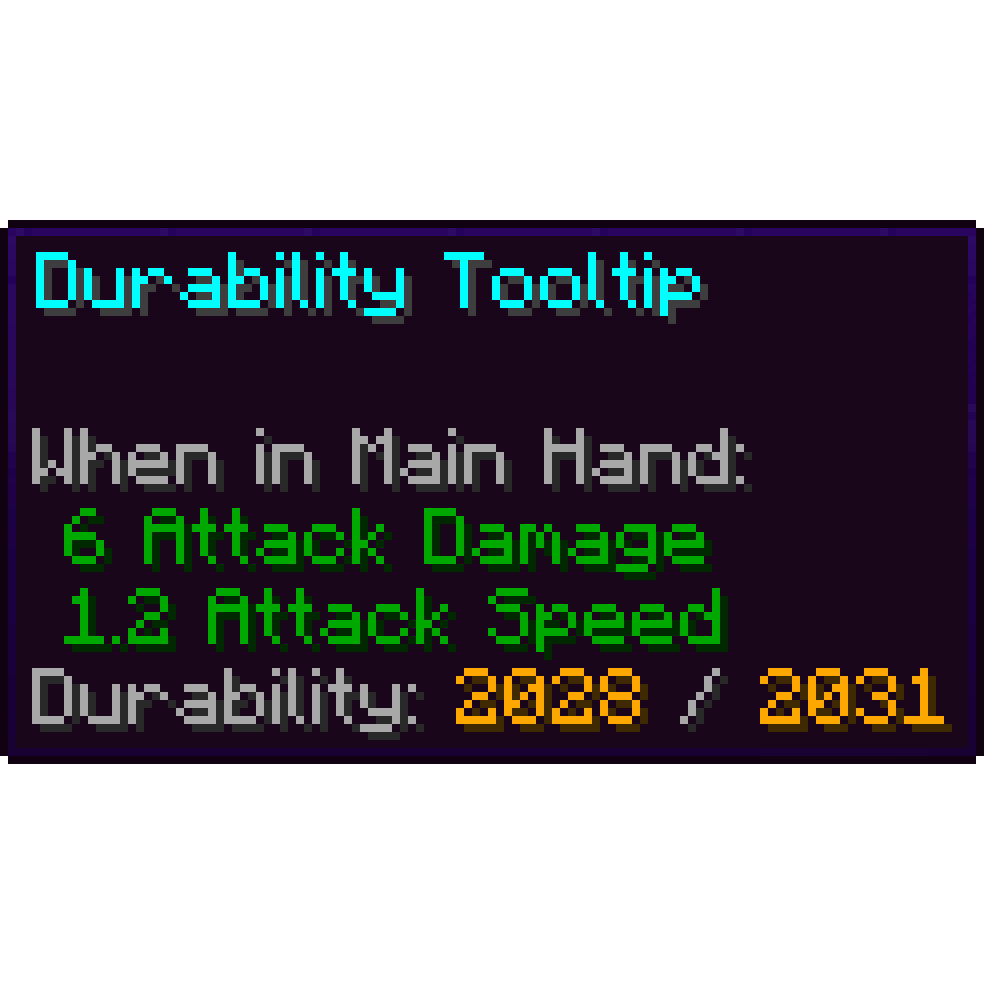 Durability Tooltip
 Dyed
 Dynamic Crosshair
 Dynamic FPS
 ECL (Easy Chunk Loader)
 Effectual
 Enchant Icons Colorless
 Enchantment Level Cap Indicator
 Enchantment Outline
 实体剔除
 Entity View Distance
 Explosive Enhancement
 Fabric API
 Fabric Language Kotlin
 Falling Leaves
 FancyMenu
 Fast IP Ping
 FerriteCore
 Fishing Rod Fix
 Fluid Void Fading
 Fog
 Foggy Pale Garden (FPG)
 Food Effect Tooltips [Fabric / NeoForge]
 Forge Config API Port
 FPS Reducer
 Fresh Animations
 Fresh Moves
 Fresh Music Discs
 Fzzy Config
 Handful
 Highlight
 Hold My Items
 Idwtialsimmoedm
 IllagerBlabber
 Immersive Hotbar
 Immersive Water
 Iris Shaders
 Item Descriptions
 Item interactions mod
 Konkrete
 Krypton
 Ksyxis
 LambDynamicLights - Dynamic Lights
 Language Reload
 Leave My Bars Alone
 libIPN
 锂
 Make Bubbles Pop
 Melody
 Minepedia
 模组菜单
 Model Gap Fix
 More Chat History
 More Culling
 More Cursors
 鼠标微调
 MRU
 Name Pain
 No Chat Reports
 Not Enough Animations
 Not Enough Crashes
 OptiGUI
 Paginated Advancements & Custom Frames
 Particle Core
 Particle Effects
 Particle Rain
 Particle Tweaks
 Pling
 Polytone
 Puzzle
 Puzzles Lib
 Raised
 Reactive Music
 Reese's Sodium Options
 Resource Pack Overrides
 Resourcify
 Scoreboard Overhaul
 Scribble
 Seamless
 Server Pinger Fixer
 Shoulder Surfing Reloaded
 Shulker Box Tooltip
 Simple Voice Chat
 Smooth Gui
 Smooth Night
 Smooth Scrolling
 Smooth Skies
 钠
 Sodium Core Shader Support
 Sodium Extra
 Sodium Shadowy Path Blocks (SSPB)
 Sound Physics Remastered
 Sounds
 SplashScreen
 Spyglass Improvements
 Subtle Effects
 Suggestion Tweaker
 SuperMartijn642's Config Lib
 Symbol Chat
 TCDCommons API
 Text Placeholder API
 ThreadTweak
 Tiny Item Animations
 Title Fixer
 Transparent Entities
 Universal Shortcuts (Ctrl A fix)
 Vistas
 Visuality
 Volume Fix
 VTDownloader
 World Host
 World Play Time
 YDM's Weapon Master
 YetAnotherConfigLib (YACL)
绿色边框的模组本站有收录,点进去看中文介绍;其余跳转到 Modrinth。
常见问题
RedBed Client 支持哪些 Minecraft 版本?
RedBed Client 基于 Minecraft Java 版 1.21.5、1.21.4,使用 Fabric 加载器。
RedBed Client 怎么安装?
点本页「前往下载」拿到整合包文件(Modrinth 的是 .mrpack,CurseForge 的是 .zip),在 PCL2 或 HMCL 启动器里选择「导入整合包」,启动器会自动装好 Minecraft、加载器和全部模组。这个整合包有 167 个模组,建议在启动器里给游戏分配 6–8 GB 内存。
RedBed Client 开服需要多大内存?
推荐服务器内存 12 GB。在线人数多、或者建了大量机器和区块加载器时,可以再加 2–4 GB。
怎么和朋友一起玩 RedBed Client?
点本页的「一键开服」,选好配置后会自动安装 RedBed Client 的服务端,几分钟就能开好。把服务器地址发给朋友,大家用同一个版本的整合包连进去就行。
评论
登录后评论和评分