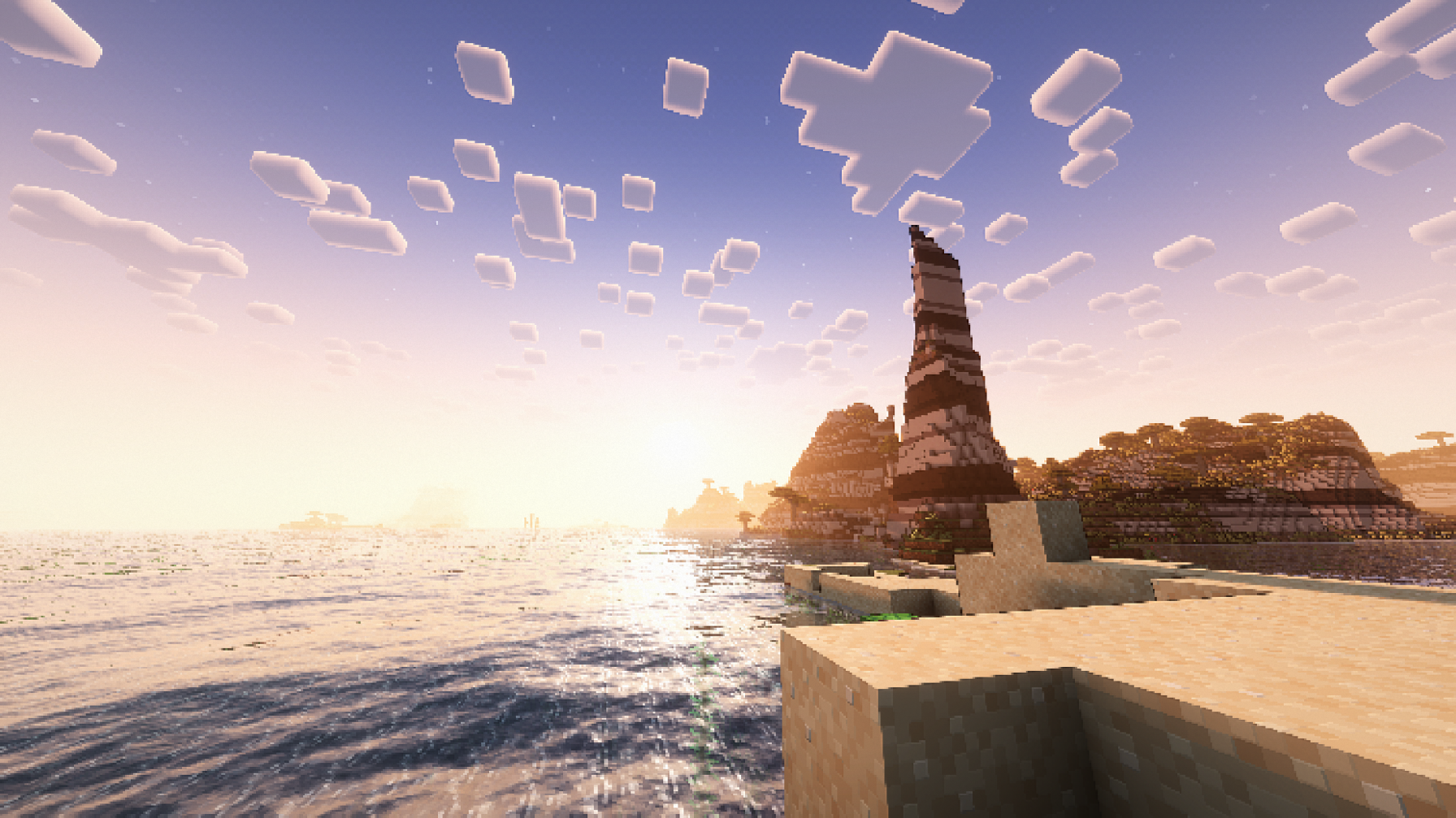
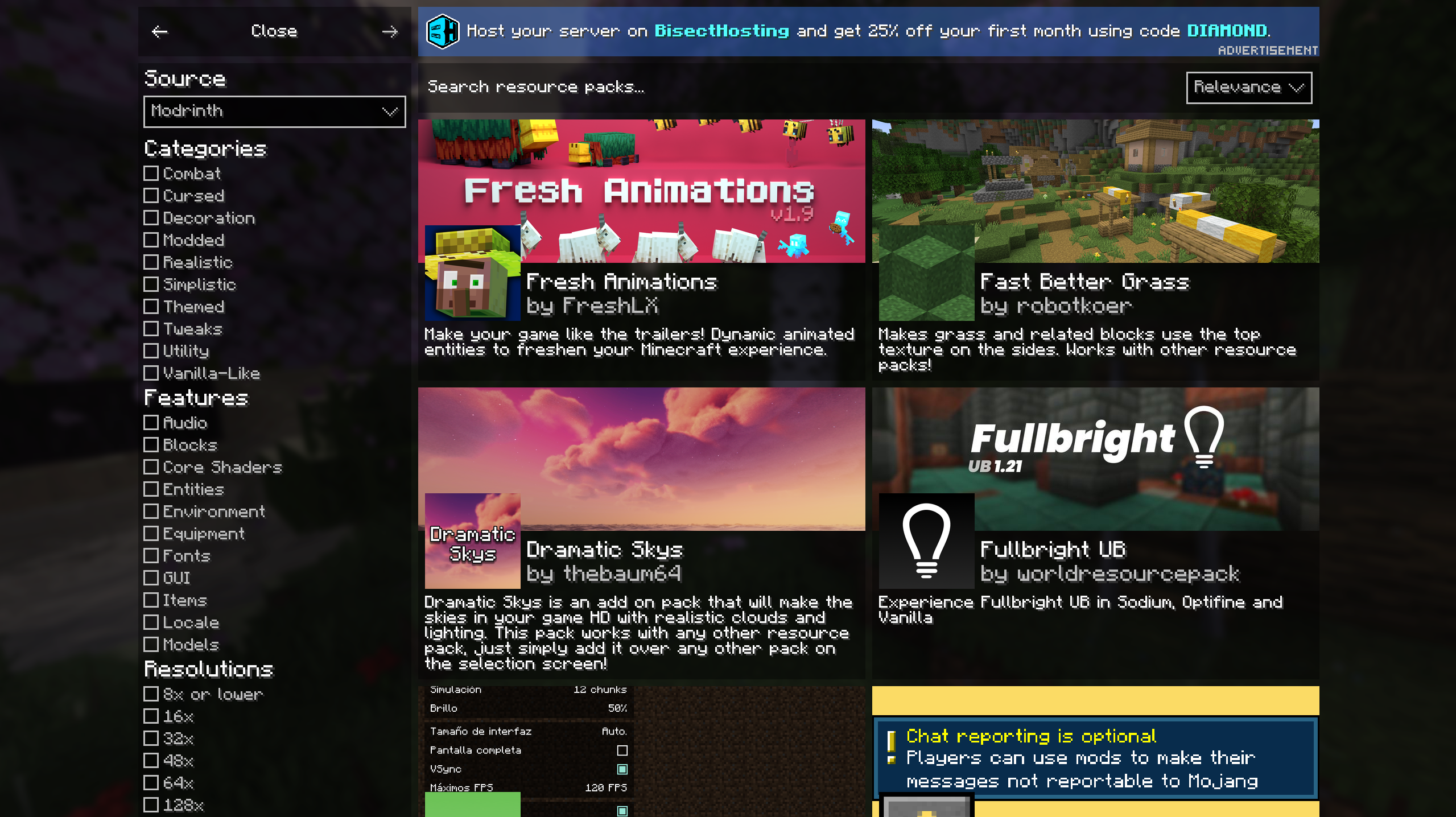
截图
介绍
中文介绍正在准备中,下面暂时显示原文。
The All in One Kit for Minecraft
An Optimized modpack made for QoL with the ability to aid content creation
Typical performance 3-4 times faster than vanilla
Note: if a bar apears at the top of the screen in menus click CTRL + ALT + C to hide it.
A list of of key mods is as follows:
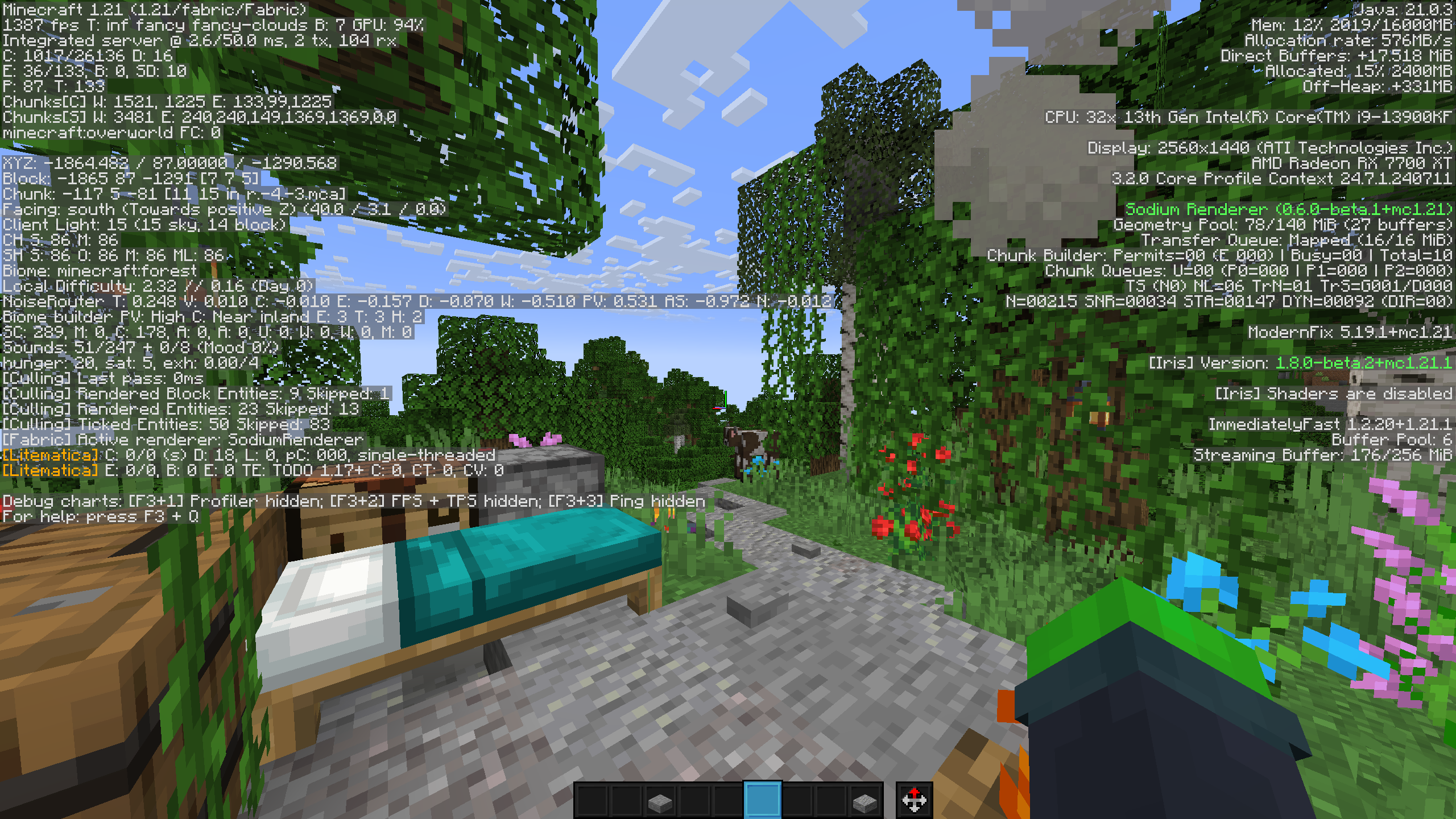
- Flashback (record and replay gameplay but better than Replay mod)
- Axiom (The ultimate tool for builders, use right shift to open menu, only for worlds with cheats)
- Freecam (Let’s you fly around freely, use with descretion)
- Litematica (Make and use blueprints for builds)
- ViaFabricPlus (Let’s you connect to every version a server is on)
- e4mc (Makes Lan worlds also give a link that lets anyone connect)
- Zoomify (Adds a zoom like the spyglass)
- Capes (Let’s you use capes from any mod that has one)
- Gamma Utils (Pretty much fullbright)
- Inventory Profiles Next (Auto replace tools, sort inventories and much more)
- Jade (Find out what you’re looking at)
- Sounds + Sound Phyisics Remasted (Greatly Enchances the Minecraft audio experiance)
- Isometrics (Make an isometric render of an area)

Feel free to DM on Discord and ask questions or ask for help, really anything.
包含的模组 155 个,另有 1 个其他文件
 (Bee's) Fancy Crops
 [EMF] Entity Model Features
 [ETF] Entity Texture Features
 Alternate Current
 苹果皮
 Architectury API
 AstraLex Shaders
 Athena
 Auth Me
 Axiom
BadOptimizations
 Balm
 Bare Bones
 Better Advancements
 Better Animations
 Better Mount HUD
 Better Statistics Screen
 Better Tab
 Better Third Person
 BetterF3
 Bloop Shaders
 Blur+
 Boat Item View
 Bobby
 BSL Shaders
 Camera Utils
 Capes
 Carpet
 Carpet Extra
 Chat Animation [Smooth Chat]
 Chat Heads
 Chunky
 CICADA
 Cloth Config API
 Collective
 Complementary Shaders - Reimagined
 Complementary Shaders - Unbound
 Continuity
 Controlify (Controller support)
 Controlling
展开全部 155 个
 CraftPresence
 Dark Loading Screen
 Default HD Sun and Moon
 Detail Armor Bar
 Do a Barrel Roll
 Dramatic Skys
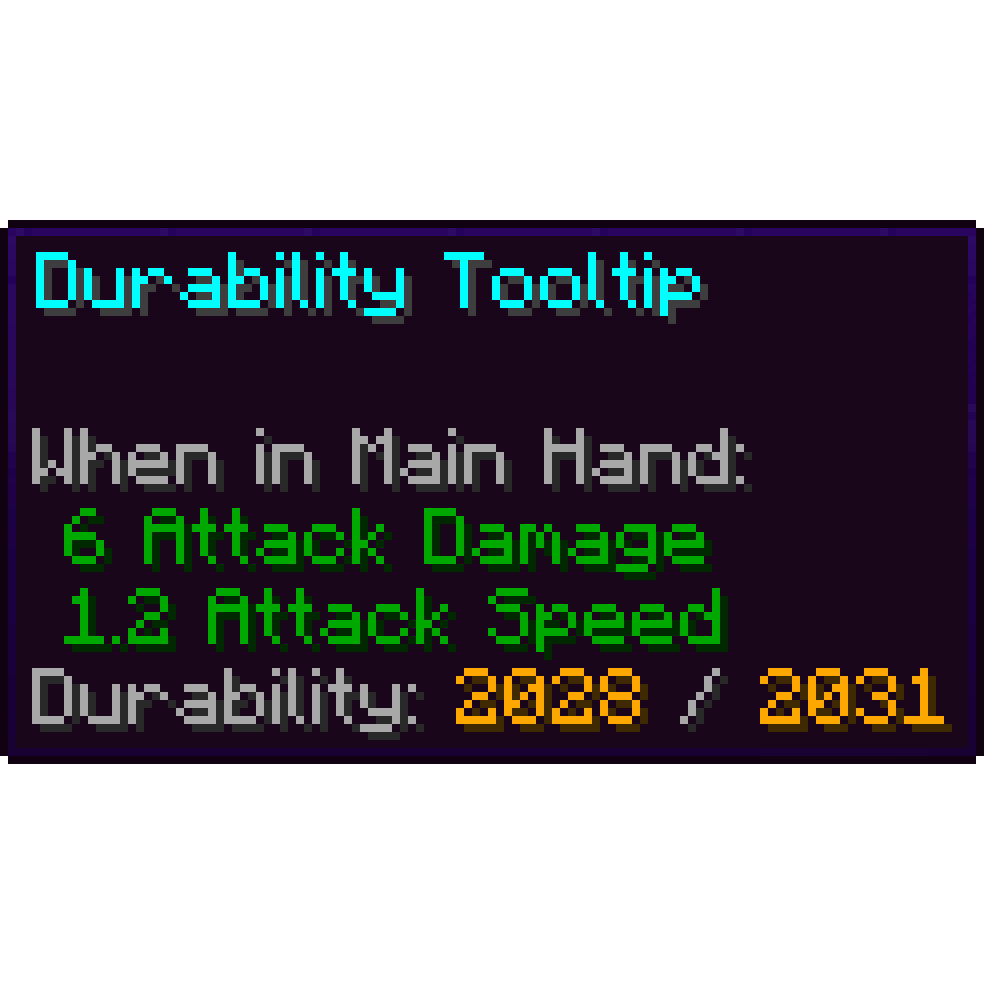 Durability Tooltip
 Dynamic Crosshair
 Dynamic FPS
 e4mc
 Enhanced Block Entities
 实体剔除
 Entity View Distance
 Euphoria Patches
 Even Better Enchants
 Explosive Enhancement
 Fabric API
 Fabric Language Kotlin
 Fabrishot
 Falling Leaves
 FancyMenu
 Fast IP Ping
 FastQuit
 FerriteCore
 Flashback
 Freecam
 Fresh Animations
 Fresh Moves
 Gamma Utils (Fullbright)
 ImmediatelyFast
 Immersive UI
 ImmersiveThunder
 Inventory Profiles Next
 Iris Shaders
 Isometric Renders
 Jade 🔍
 Just Enough Breeding (JEBr)
 KleeSlabs
 Konkrete
 Krypton
 Ksyxis
 Language Reload
 lazy-language-loader
 libIPN
 Litematica
 锂
 Low Fire
 Low Shield
 MaLiLib
 Melody
 Miniature Shader
 MiniHUD
 模组菜单
 Model Gap Fix
 ModernFix
 More Chat History
 More Culling
 Motschen's Better Leaves
 鼠标微调
 MRU
 No Chat Reports
 No Resource Pack Warnings
 Noble Shaders
 Noisium
 Not Enough Animations
 Not Enough Crashes
 Noxesium
 OptiGUI
 Optimum Realism
 OrthoCamera
 oωo (owo-lib)
 Palladium
 Patrix 32x
 Pegasus Shaders
 Photon Shaders
 Presence Footsteps
 Prime's HD Textures FREE [32x]
 Prism
 Redstone Tweaks
 Reese's Sodium Options
 Resourcify
 Rethinking Voxels
 REI物品管理器
 Scoreboard Overhaul
 Searchables
 ShatterLib | OctoLib
 Shrimple
 Shulker Box Tooltip
 Simple Grass Flowers
 Sit
 钠
 Sodium Extra
 Sodium Extras
 Sodium Options API
 Sodium Options Mod Compat
 Solas Shader
 Sound Physics Remastered
 Sounds
 spark
 Status Effect Bars
 SuperMartijn642's Config Lib
 Talk Balloons
 TCDCommons API
 Text Placeholder API
 ToadLib
 TxniLib
 UltimaCraft PBR
 UniLib
 Unique Dark
 Vectorientation
 ViaFabricPlus
 Visuality
 Wavey Capes
 YetAnotherConfigLib (YACL)
 Zoomify (Zoom)
绿色边框的模组本站有收录,点进去看中文介绍;其余跳转到 Modrinth。
常见问题
Creator Toolkit 支持哪些 Minecraft 版本?
Creator Toolkit 基于 Minecraft Java 版 1.21.4、1.21,使用 Fabric 加载器。
Creator Toolkit 怎么安装?
点本页「前往下载」拿到整合包文件(Modrinth 的是 .mrpack,CurseForge 的是 .zip),在 PCL2 或 HMCL 启动器里选择「导入整合包」,启动器会自动装好 Minecraft、加载器和全部模组。这个整合包有 155 个模组,建议在启动器里给游戏分配 6–8 GB 内存。
Creator Toolkit 开服需要多大内存?
推荐服务器内存 12 GB。在线人数多、或者建了大量机器和区块加载器时,可以再加 2–4 GB。
怎么和朋友一起玩 Creator Toolkit?
点本页的「一键开服」,选好配置后会自动安装 Creator Toolkit 的服务端,几分钟就能开好。把服务器地址发给朋友,大家用同一个版本的整合包连进去就行。

评论
登录后评论和评分