
截图



介绍

Vanilla+ • Client-side • Fabric • FPS Boost • QoL • Fresh Animations • Complementary Shaders
Supports Minecraft 1.21.1 → 26.2 • Formerly known as “Simply Vanilla”
✨ Why Everleaf ?
Everleaf keeps 100% of the vanilla gameplay and feel, and improves everything around it: performance, visuals, sounds, and comfort.
No new items, no new mechanics just Minecraft at its best.
- 🚀 Massive FPS boost : Sodium, Lithium, C2ME, FerriteCore and many more performance mods, all pre-configured.
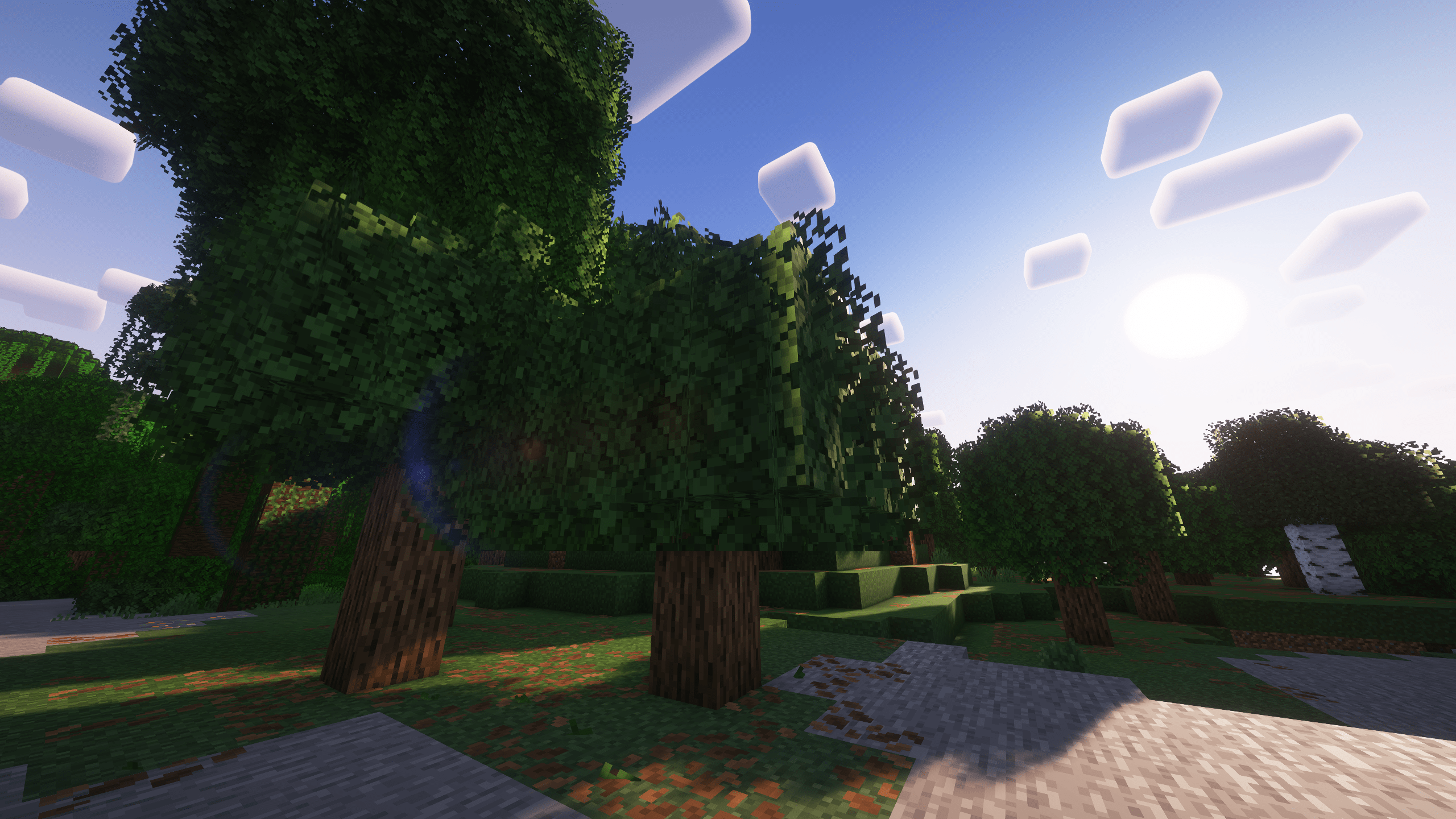
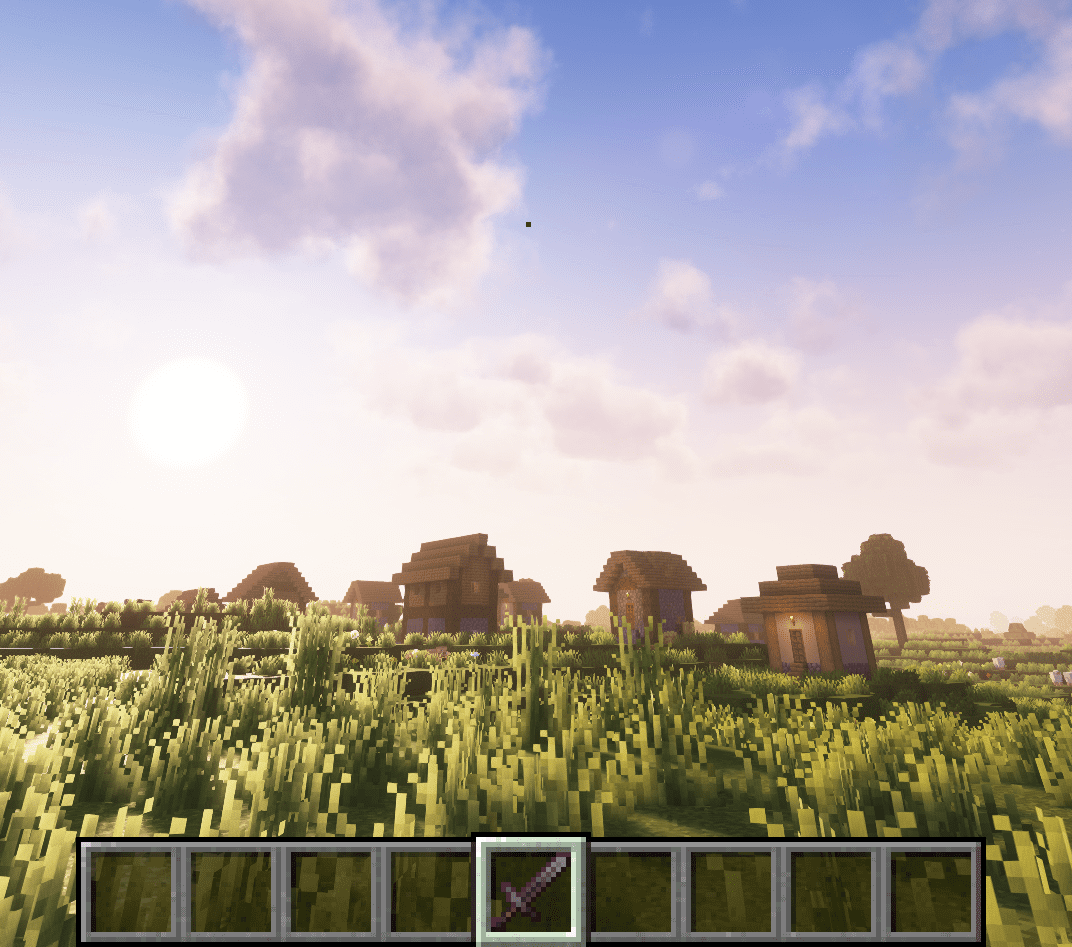
- 🌅 Shaders ready to go : Complementary Reimagined & Unbound come pre-installed with Iris.
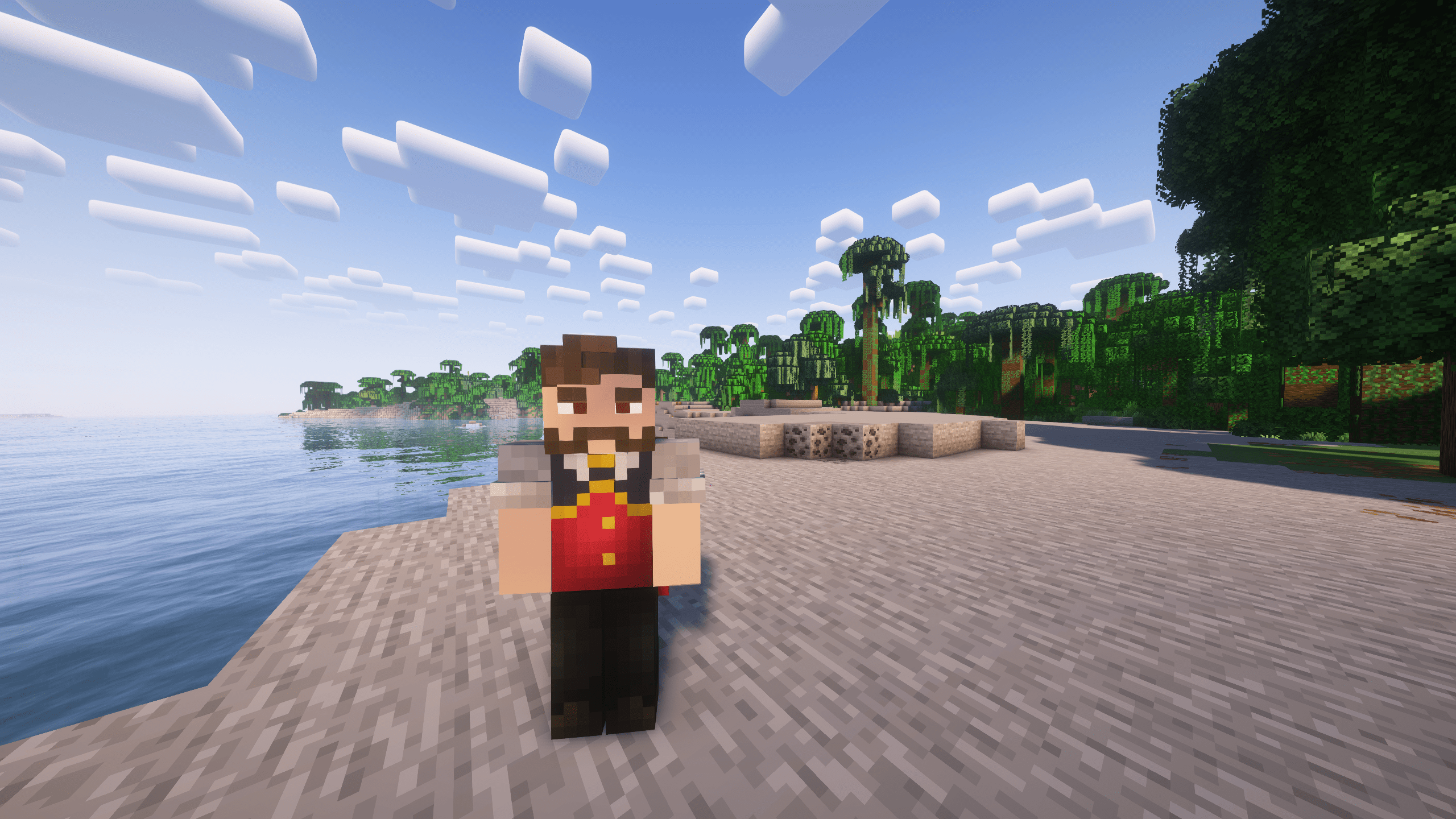
- 🎬 A world that feels alive : Fresh Animations, falling leaves, realistic sounds & echoes (Sound Physics, Presence Footsteps, AmbientSounds), subtle particles and 3D details.
- 🧰 Quality of life everywhere : zoom (Zoomify), Jade, AppleSkin, better chat, mouse tweaks, shulker box tooltips, borderless fullscreen, and much more.
- 🏗️ Builder friendly : Litematica + Printer, Freecam and Gamma Utils included.
- 🌐 Works on every server : the pack is fully client-side: join vanilla servers, Realms and SMPs normally, with extended render distance (Bobby) and chat privacy (No Chat Reports).
📥 Installation
Get the Modrinth App, search for Everleaf and click Install and that’s it ! → Or import the .mrpack file into the Modrinth App !
Recommended : allocate 4 GB of RAM or more !
Note : 6 GB of RAM for a comfortable experience with shaders.
🌅 To enable the shaders:
Options → Video Settings → Shader Packs → select a Complementary shader → Done.
Playing on a low-end PC ? Simply keep shaders off because the performance mods alone already give you far more FPS than vanilla.
🔎 What’s inside
🍃 Mod list for Minecraft 26.2 :
🧩 Included mods
- Ambient Environment
- Ambient Sounds
- AppleSkin
- Armor Hider
- Bad Optimizations
- Balm
- Better Grassify
- Better Mount HUD
- Better Stats
- Blur
- Bobby
- C2ME
- Capes
- Chat Animation
- Chat Heads
- Chunky
- Cicada Lib
- Client Tweaks
- Cloth Config
- Clumps
- Collective
- Continuity
- Controlling
- Cool Rain
- CreativeCore
- Cull Leaves
- Cubes Without Borders
- Debugify
- Default Options
- Dynamic FPS
- Elytra-Chestplate Swapper
- Entity Culling
- Entity Model Features
- Entity Texture Features
- Entity View Distance
- Euphoria Patcher
- Fabric API
- Fabric Language Kotlin
- Falling Leaves
- Fast IP Ping
- FerriteCore
- Forge Config API Port
- FPS Reducer 2
- FreeCam
- Fzzy Config
- Gamma Utils
- Iris Shaders
- Item Scroller
- Jade
- LambDynamicLights
- LibJF
- Litematica
- Litematica Printer
- Lithium
- Locator Heads
- Longer Chat History
- MaLiLib
- Make Bubbles Pop
- Marlow’s Crystal Optimizer
- MidnightLib
- Mod Menu
- More Chat History
- More Culling
- Mouse Tweaks
- MRU
- Nether Portal Fix
- No Chat Reports
- No Telemetry
- Not Enough Animations
- OptiGUI
- Placeholder API
- Presence Footsteps
- Puzzle
- RSLS
- ScalableLux
- Searchables
- ServerCore
- Server Pinger Fixer
- Shoulder Surfing
- Shulker Box Tooltip
- Skin Layers 3D
- Sodium
- Sodium Extra
- Sound Physics Remastered
- Sounds
- Spark
- STFU
- TCD Commons
- Tooltip Scroll
- Visuality
- VMP
- Wavey Capes
- Yet Another Config Lib (YACL) v3
- Zoomify
🎨 Resource Packs
- (Bee’s) Fancy Crops
- 3D Ladders
- Better Crosshair Enhanced
- Blocky 3D Rails
- Eating Animation
- Fresh Animations and extensions
- Fresh Flower Pots
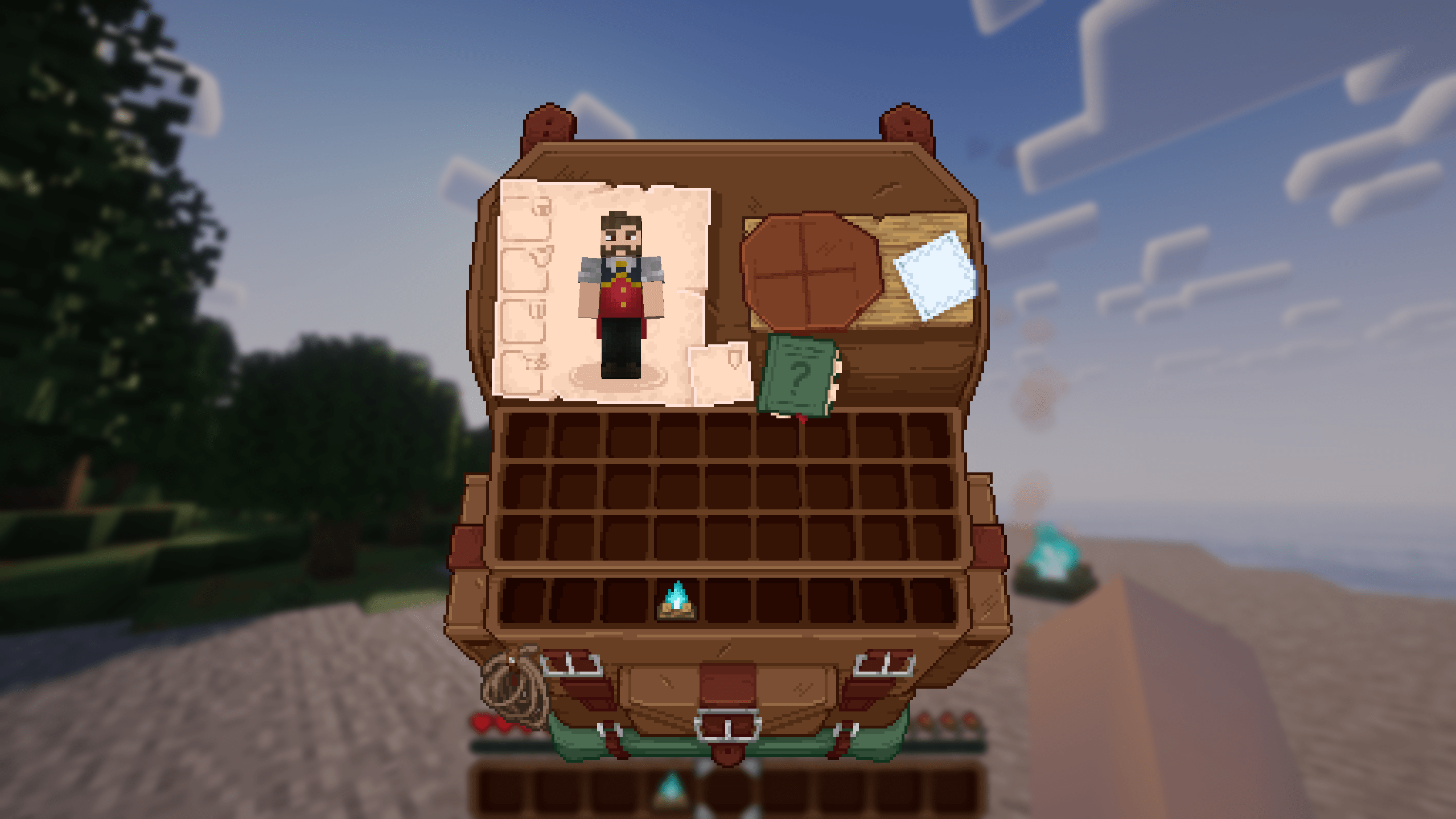
- Immersive Interfaces
- Low on Fire
- Low Shield
- Mace but 3D
- Motschen’s Better Leaves
- PDB3D’s Blocky Armor Stands
- Vanilla Connected Glass
- Vanilla Connected Textures
- Weskerson’s Torches
🌅 Shaders
- Complementary Shaders – Reimagined (r5.8.1)
- Complementary Shaders – Unbound (r5.8.1)
❓ FAQ
Will this change my worlds or my gameplay?
No, your saves stay 100% vanilla-compatible and you can remove the pack at any time and keep playing normally.
Can I use it on multiplayer servers?
Yes ! Everything is client-side, so it works on virtually any server, Realm or SMP.
Can I add my own mods?
Of course, the pack is a great base, you can add any Fabric mod compatible with your Minecraft version.
💚 Credits
All credit goes to the amazing authors of the mods, resource packs and shaders included, so please support their work!
⛏️ Thanks for playing Everleaf!
🍸 Check my other works!
Get a Better Crosshair ! with Better Crosshair Enhanced (already included in Everleaf!)

包含的模组 123 个,另有 5 个其他文件
 Invisible Item Frames
 (Bee's) Fancy Crops
 3D Ladders
 3D Skin Layers
 [EMF] Entity Model Features
 [ETF] Entity Texture Features
 Ambient Environment
 AmbientSounds
 苹果皮
 Armor Hider
BadOptimizations
 BaguetteLib
 Balm
 Better F1 Reborn
 Better GUI
 Better Mount HUD
 Better Statistics Screen
 BetterGrassify
 Blocky 3D Rails
 Blur+
 Bobby
 Capes
 Chat Animation [Smooth Chat]
 Chat Heads
 Chunky
 CICADA
 Cloth Config API
 Clumps
 Collective
 Complementary Shaders - Reimagined
 Complementary Shaders - Unbound
 Concurrent Chunk Management Engine (Fabric)
 Continuity
 Controlling
 Cool Rain
 Crash Assistant
 CreativeCore
 Debugify
 Default Options
 Dynamic FPS
展开全部 123 个
 Eating Animation Resource Pack
 Elytra/Chestplate Swapper
 Enchantment Descriptions
 实体剔除
 Entity View Distance
 Eunomia
 Euphoria Patches
 Fabric API
 Fabric Language Kotlin
 Falling Leaves
 Fast IP Ping
 FerriteCore
 Forge Config API Port
 FPS Reducer
 Freecam
 Fresh Animations
 Fresh Animations: Creepers
 Fresh Animations: Details
 Fresh Animations: Emissive
 Fresh Animations: Extensions
 Fresh Animations: Objects
 Fresh Animations: Quivers
 Fresh Flower Pots
 Fzzy Config
 Gamma Utils (Fullbright)
 Iceberg
 ImmediatelyFast
 Iris Shaders
 Item Borders
 Item Scroller
 Krypton
 LambDynamicLights - Dynamic Lights
 LibJF
 Litematica
 Litematica Printer
 锂
 Locator Heads
 Longer Chat History
 Low On Fire
 Low Shield
 Mace but 3D
 Make Bubbles Pop
 MaLiLib
 Marlow's Crystal Optimizer
 MidnightLib
 模组菜单
 More Chat History
 More Culling
 Motschen's Better Leaves
 鼠标微调
 MRU
 NetherPortalFix
 No Telemetry
 Not Enough Animations
 OptiGUI
 Packet Fixer
 Particular ✨ Reforged
 PDB3D's Blocky Armor Stands - Arms Version
 Presence Footsteps
 Prickle
 Prism
 Reese's Sodium Options
 ScalableLux
 Searchables
 Server Pinger Fixer
 ServerCore
 Shoulder Surfing Reloaded
 Shulker Box Tooltip
 钠
 Sodium Extra
 Sound Physics Remastered
 Sounds
 spark
 Stfu
 TCDCommons API
 Text Placeholder API
 Vanilla Connected Glass
 Vanilla Connected Textures
 Very Many Players (Fabric)
 Visuality
 Wavey Capes
 Weskerson's Torches
 YetAnotherConfigLib (YACL)
绿色边框的模组本站有收录,点进去看中文介绍;其余跳转到 Modrinth。
常见问题
Everleaf 支持哪些 Minecraft 版本?
Everleaf 支持 Minecraft Java 版 1.21.1–26.3,共 11 个版本,可用的加载器:Fabric。下载时注意选择和你游戏版本一致的文件。
Everleaf 怎么安装?
点本页「前往下载」拿到整合包文件(Modrinth 的是 .mrpack,CurseForge 的是 .zip),在 PCL2 或 HMCL 启动器里选择「导入整合包」,启动器会自动装好 Minecraft、加载器和全部模组。这个整合包有 123 个模组,建议在启动器里给游戏分配 4–6 GB 内存。
Everleaf 开服需要多大内存?
推荐服务器内存 12 GB。在线人数多、或者建了大量机器和区块加载器时,可以再加 2–4 GB。
怎么和朋友一起玩 Everleaf?
点本页的「一键开服」,选好配置后会自动安装 Everleaf 的服务端,几分钟就能开好。把服务器地址发给朋友,大家用同一个版本的整合包连进去就行。


评论
登录后评论和评分