
Robert’s Modpack
Amazing quality of life with slightly better than vanilla performance (1.21.3 alpha!)
截图


介绍
Latest version – 1.21.1 – 1.0
###
Latest 1.21 version – 1.2 release!
Latest 1.20.6 version – 2.7!
THE OPTIMIZATION RELEASE IS OUT!
1.21.3 coming soon…
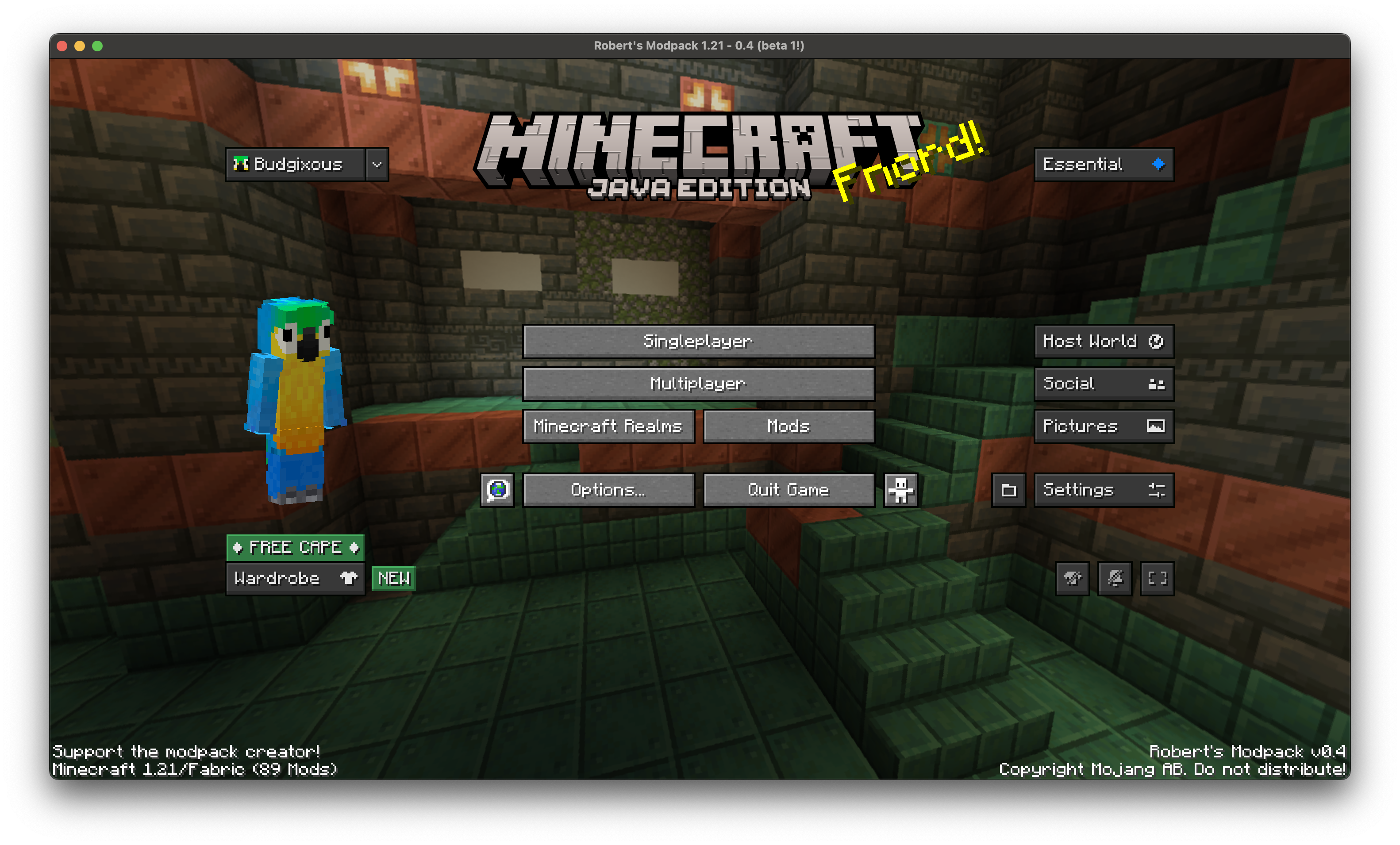
This modpack is designed to be a balance between QoL and performance. These mods were hand picked over many hours, and don’t change vanilla mechanics. I tried to not go too far on the QoL, and I think in my opinion, other than maybe some performance improvements, this modpack is around good-perfect for players who like playing vanilla minecraft but want it to be a little nicer.
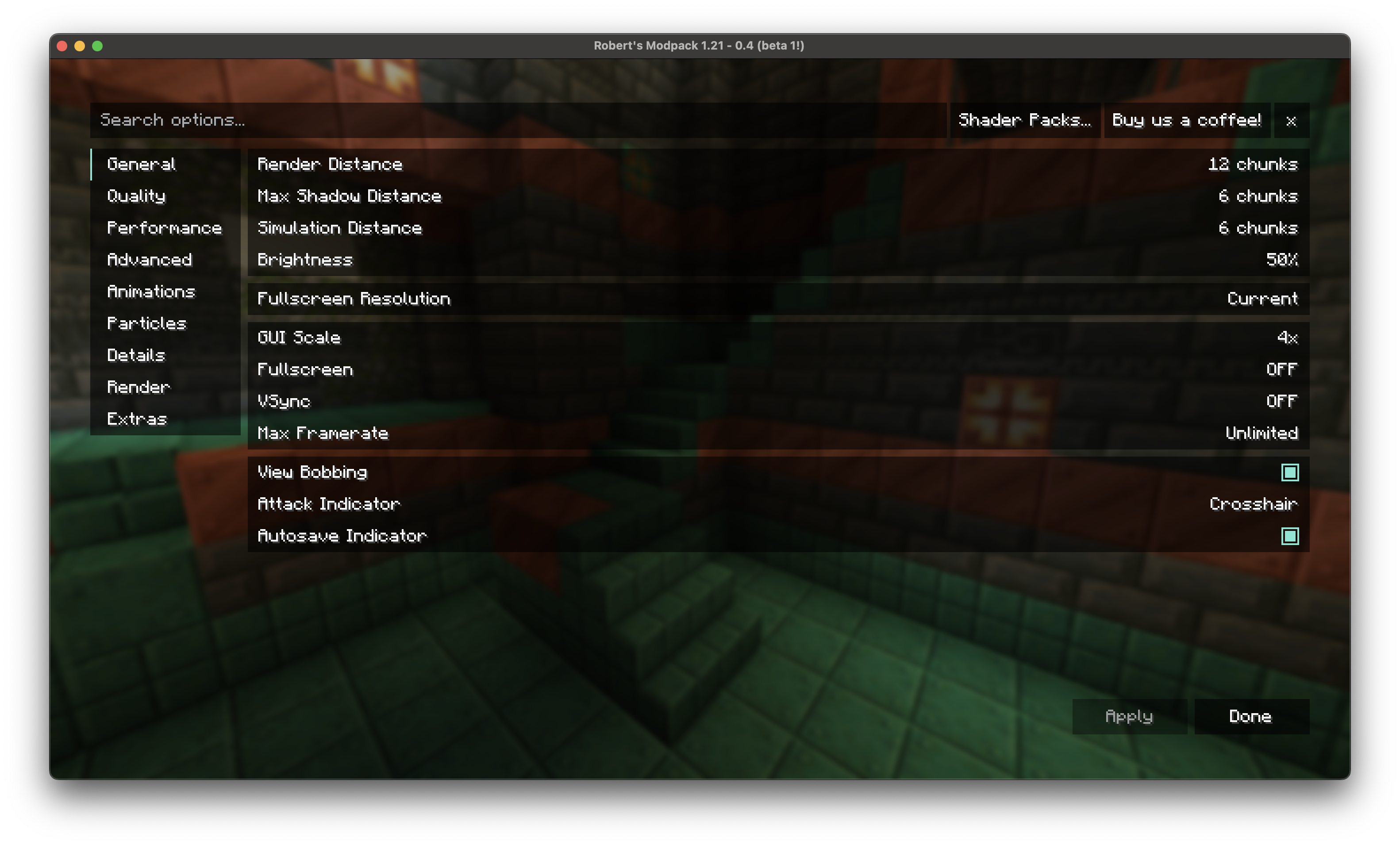
It’s designed to work straight out of the box, with everything including shaders, updated animations and zoom ready to go!
Confirmed to work on “macOS` and `Windows“. Join the discord server to report any crashes!
Try blow up some tnt :3
Get Started
Big thanks to Simply Optimized because I used some of the config files to optimize significantly.
First, you can check resource packs to see all the good stuff I added! You can turn them on or off
If you go to the Mod Menu, you can configure the mod “Bobby” to let you turn up the render distance as much as you want!
There are some chat changes which you can see by sending a message. You also get a built in calculator (Chat Calc mod)
There are some built in shaders which you can access by pressing o (Iris Mod). Shaders basically make your game look more realistic with lighting.
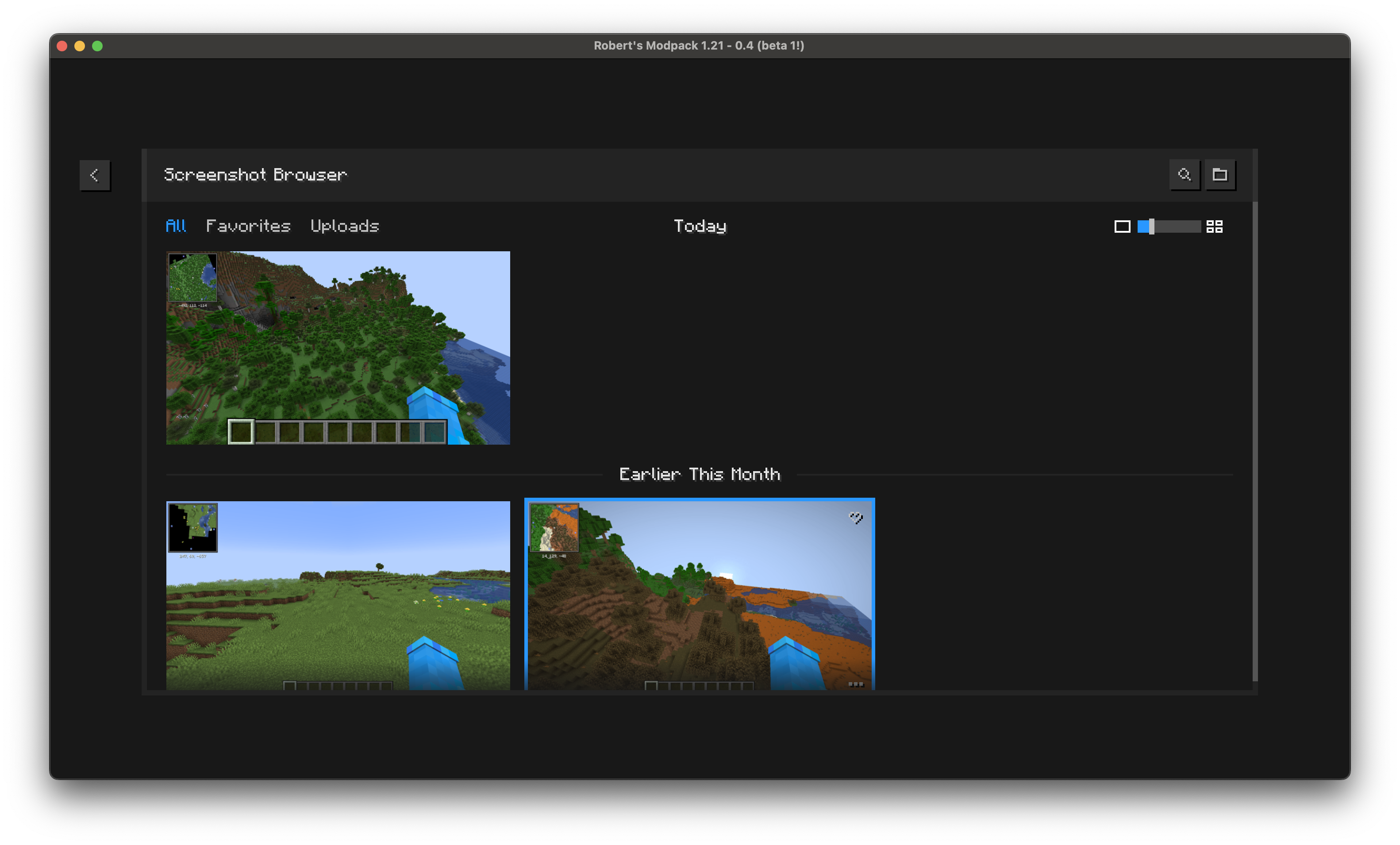
Essentials mod you can access in the pause menu and allows you to message minecraft friends who also use essentials! You also get a screenshot manager.
JEI allows you to easily see crafting or smelting recipes while using their tables
Jade lets you know what the block you’re looking at is with a little tooltip at the top of your screen
Appleskin lets you see how much hunger and hearts you will go up by when holding food, and lets you see some usually hidden hunger info.
Press G to toggle being able to see in the dark
You have a minimap. Open it in fullscreen by pressing M. You can make waypoints, which are like markers that you can always see by pressing B.
This is only the basics. There is much more, which you can find out by looking around in the Mods Menu
Versioning system
-.
x is the current minecraft version
y is the modpack major version
z is the modpack minor version
Major versions are released either every few minor versions, or when a big change to the modpack occurs
Minor versions are released every time a small change happens, such as the config changes or a few mods are added/removed
The version number is reset every time I support a new minecraft version
包含的模组 107 个,另有 2 个其他文件
 3D Default
 3D皮肤层
 [EMF] Entity Model Features
 [ETF] Entity Texture Features
 Advancement Plaques
 AmbientSounds
 苹果皮
 Architectury API
 Axiom
BadOptimizations
 Balm
 Bare Bones
 Better Mount HUD
 Better Statistics Screen
 BetterF3
 Bobby
 BSL Shaders
 Chat Calc
 Chat Heads
 Chat Patches
 Chat Reporting Helper
 Cloth Config API
 Clumps
 Collective
 Complementary Shaders - Reimagined
 Concurrent Chunk Management Engine (Fabric)
 Continuity
 Craftify
 Crafting Tweaks
 CraftPresence
 CreativeCore
 Cubes Without Borders
 Custom Window Title
 Cut Through
 Debugify
 Default Dark Mode
 Default HD 128x
 Dynamic Crosshair
 Dynamic FPS
 Eating Animation
展开全部 107 个
 实体剔除
 Essential Mod
 Explosive Enhancement
 Fabric API
 Fabric Language Kotlin
 Fabrishot
 Falling Leaves
 Fast Better Grass
 FastQuit
 FerriteCore
 Forge Config API Port
 Fresh Animations
 Full Brightness Toggle
 Iceberg
 ImmediatelyFast
 Indium
 Iris Shaders
 Jade 🔍
 kennytvs-epic-force-close-loading-screen-mod-for-fabric
 Language Reload
 Litematica
 锂
 MacOS Input Fixes
 Main Menu Credits
 MaLiLib
 MidnightControls
 MixinTrace
 模组菜单
 Model Gap Fix
 Monsters in the Closet
 More Culling
 New Glowing Ores
 No Chat Reports
 Noisium
 Not Enough Animations
 OptiGUI
 Packet Fixer
 Programmer Art Continuation Project
 Puzzles Lib
 Reese's Sodium Options
 Remove Reloading Screen
 REI物品管理器
 Roundista - LabPBR
 Searchables
 Server Pinger Fixer
 Shulker Box Tooltip
 Simple Voice Chat
 钠
 Sodium Extra
 Sodium Extra Information
 Sound Physics Remastered
 spark
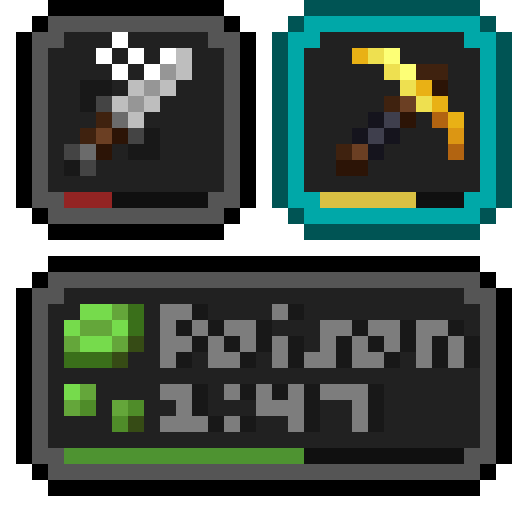 Status Effect Bars
 Super Duper Vanilla
 TCDCommons API
 Text Placeholder API
 ThreadTweak
 Translations for Sodium
 UniLib
 Very Many Players (Fabric)
 ViaFabricPlus
 Wavey Capes
 WorldEdit
 Xaero的小地图
 Xaero的世界地图
 YetAnotherConfigLib (YACL)
 Your Options Shall Be Respected (YOSBR)
绿色边框的模组本站有收录,点进去看中文介绍;其余跳转到 Modrinth。
常见问题
Robert’s Modpack 支持哪些 Minecraft 版本?
Robert’s Modpack 支持 Minecraft Java 版 1.20–1.21.3,共 5 个版本,可用的加载器:Fabric。下载时注意选择和你游戏版本一致的文件。
Robert’s Modpack 怎么安装?
点本页「前往下载」拿到整合包文件(Modrinth 的是 .mrpack,CurseForge 的是 .zip),在 PCL2 或 HMCL 启动器里选择「导入整合包」,启动器会自动装好 Minecraft、加载器和全部模组。这个整合包有 107 个模组,建议在启动器里给游戏分配 4–6 GB 内存。
Robert’s Modpack 开服需要多大内存?
推荐服务器内存 12 GB。在线人数多、或者建了大量机器和区块加载器时,可以再加 2–4 GB。
怎么和朋友一起玩 Robert’s Modpack?
点本页的「一键开服」,选好配置后会自动安装 Robert’s Modpack 的服务端,几分钟就能开好。把服务器地址发给朋友,大家用同一个版本的整合包连进去就行。
RobertHehe 的其他作品
查看全部 →
Cleaner Menu
Cleans up the minecraft title screen

Modpack Core
Modpack utilities to brand your modpack and display new update availability

Juice Shop Modpack
You think Minecraft is boring? Well this is designed to overhaul the vanilla experience! Designed for Juice Shop SMP
评论
登录后评论和评分