
Modpack Core
Modpack utilities to brand your modpack and display new update availability
截图


介绍
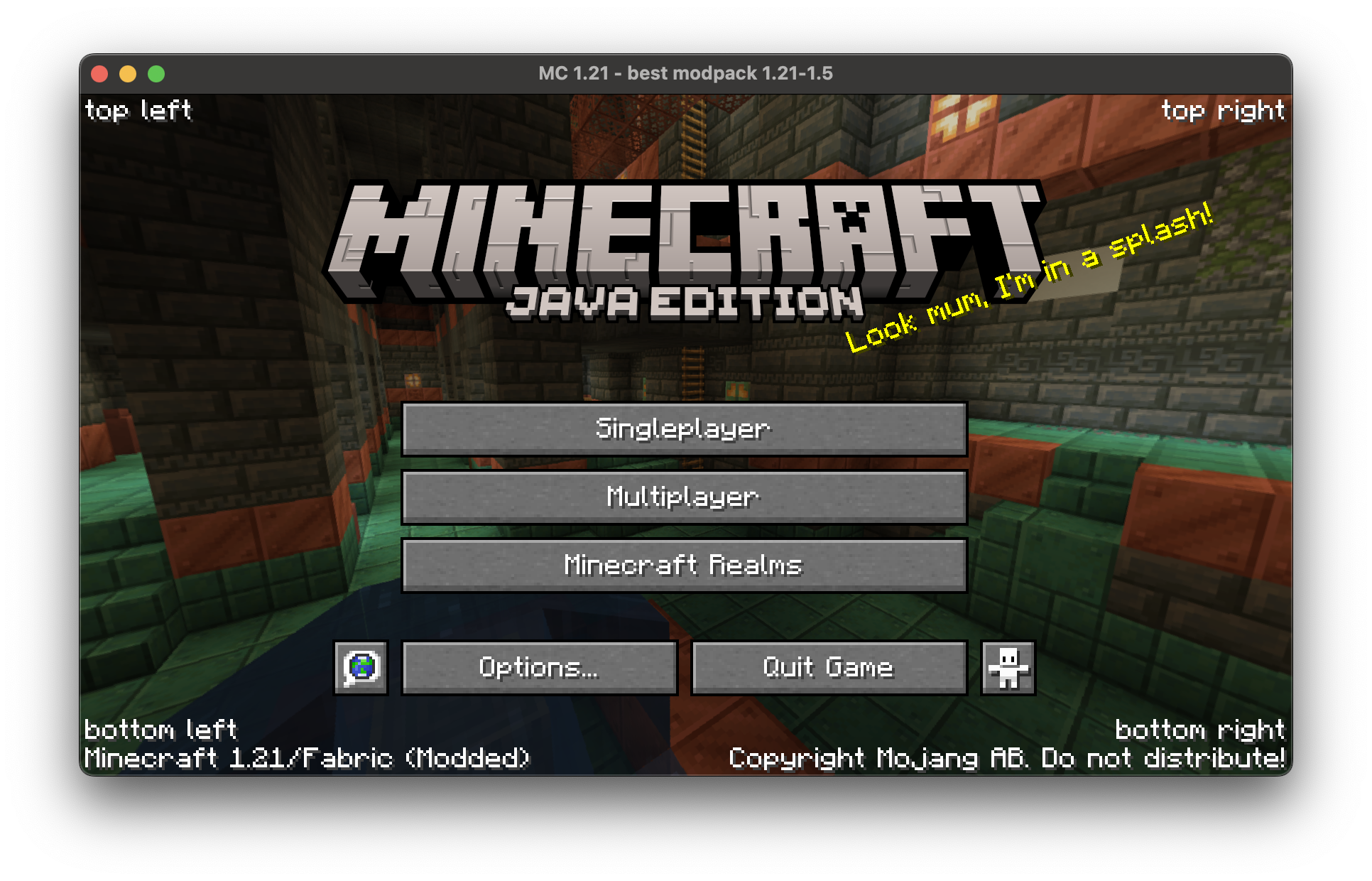
A mod designed for modpack creators to use. Allows for an easy branding system, consisting of changing the window title and adding translatable texts in the screen corner.
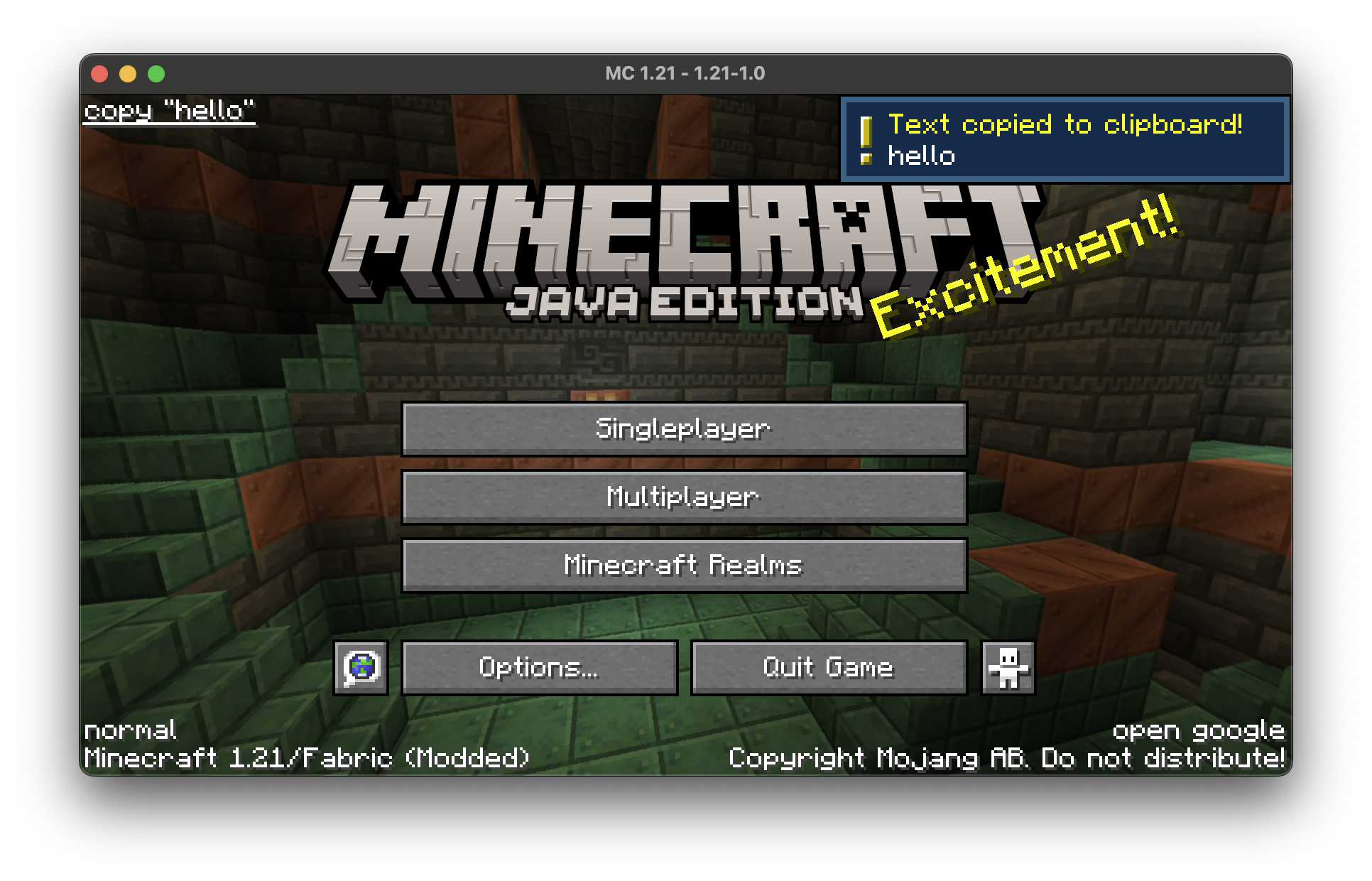
You can add text into the corners of the minecraft title screen or pause menu.
You can make the text open url’s, or copy stuff to clipboard if you want.
You can also change the window title to whatever you want
You can make it detect new versions of your modpack (checks a website for the given new version string) and if it’s detected shows a special menu
A basic variable system is supported
- MAKING SELF REFERENCING VARIABLES MAY CRASH THE GAME
Replaces isxander’s main menu credits and customwindowtitle
NO SUPPORT FOR CONTROLIFY
text groups have 4 elements
text value – text
what action to perform – action
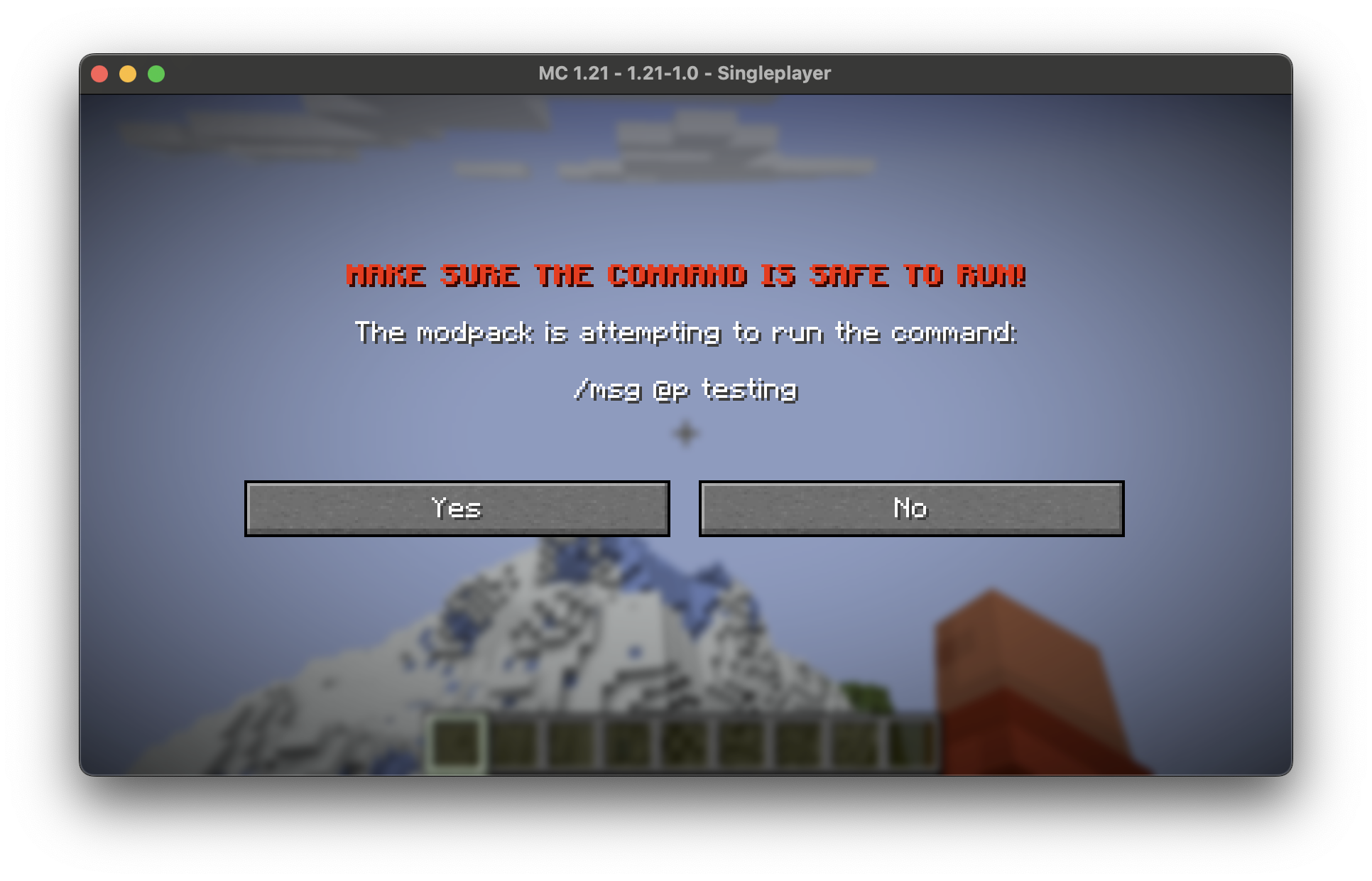
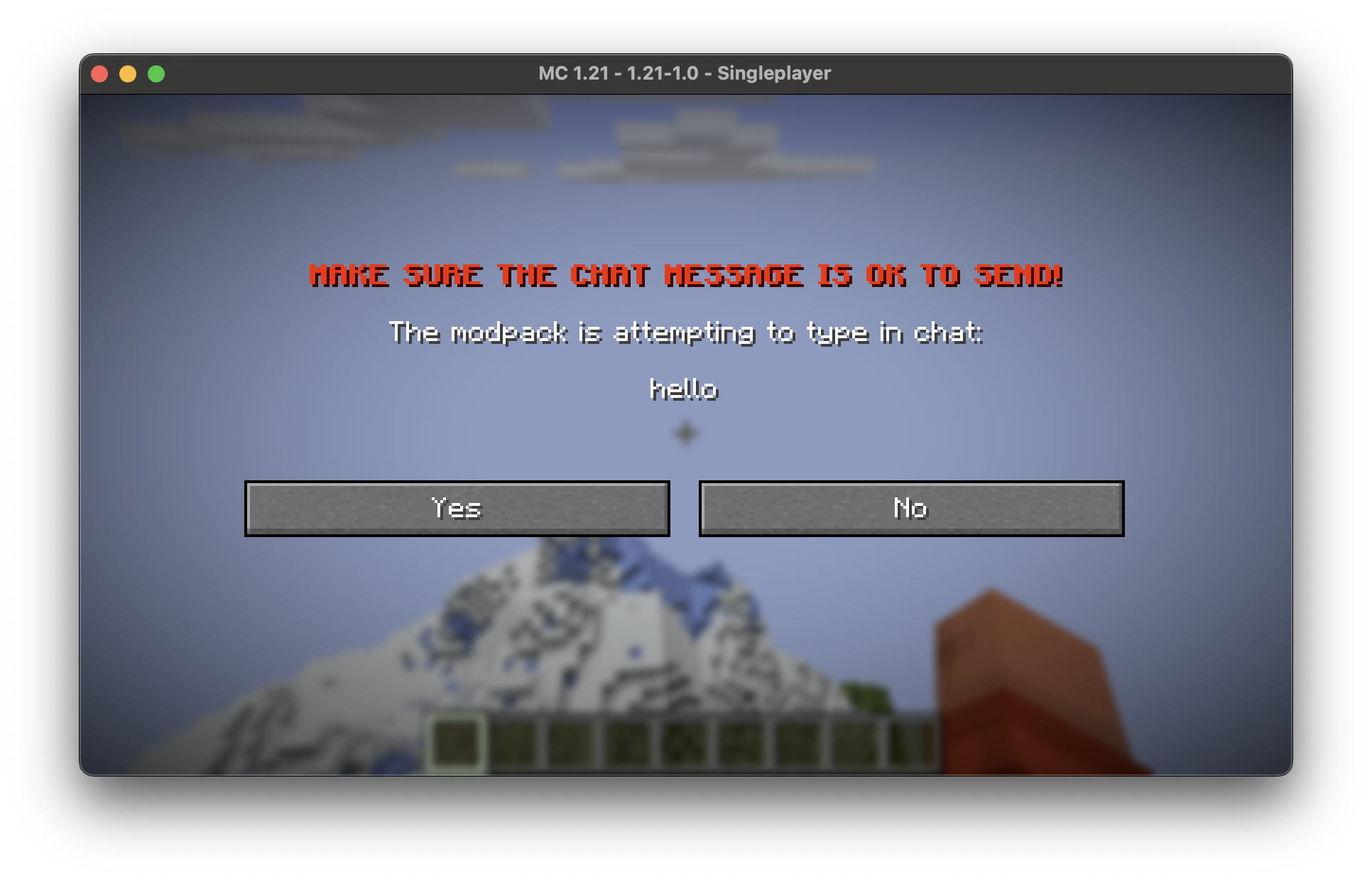
there are 3 actions:
openurl
copy
chat
metadata for the action – data
e.g. what url to open
color of the text – the hex value
e.g. FFFFFF for white
Config
{
  "simple": {
    "modpack_version": "{mcversion}-1.0",
    "next_version": "{mcversion}-1.1",
    "modpack_name": ""
  },
  "titles": {
    "ending_style": "{titles.window_title} - {ending}",
    "window_title": "Minecraft {mcversion}*"
  },
  "pause_menu": {
    "top_left": {
      "text": "",
      "color": "808080"
    },
    "top_right": {
      "text": "",
      "color": "808080"
    },
    "bottom_left": {
      "text": "",
      "color": "808080"
    },
    "bottom_right": {
      "text": "",
      "color": "808080"
    }
  },
  "title_screen": {
    "top_left": {
      "text": ""
    },
    "top_right": {
      "text": ""
    },
    "bottom_left": {
      "text": ""
    },
    "bottom_right": {
      "text": ""
    }
  },
  "modpack_version_checker": {
    "text_to_look_for": "{simple.modpack_name} {simple.next_version}",
    "run_check": false,
    "new_version": "{simple.next_version}",
    "new_version_msg": "A new version of {simple.modpack_name} is available!",
    "url_to_check": "https://modrinth.com/modpack/my-modpack/versions",
    "download_website": "{modpack_version_checker.url_to_check}"
  }
}
常见问题
Modpack Core 支持哪些 Minecraft 版本?
Modpack Core 支持 Minecraft Java 版 1.20.5–1.21,共 3 个版本,可用的加载器:Fabric。下载时注意选择和你游戏版本一致的文件。
Modpack Core 怎么安装?
先用 PCL2 或 HMCL 启动器安装对应版本的 Fabric,再把下载的 .jar 文件放进游戏目录的 mods 文件夹,重新启动游戏即可。开启了版本隔离的,mods 文件夹在 versions/版本名 下面。运行环境:仅客户端。
RobertHehe 的其他作品
查看全部 →
Robert’s Modpack
Amazing quality of life with slightly better than vanilla performance (1.21.3 alpha!)

Cleaner Menu
Cleans up the minecraft title screen

Juice Shop Modpack
You think Minecraft is boring? Well this is designed to overhaul the vanilla experience! Designed for Juice Shop SMP
评论
登录后评论和评分