
Outerworlds
An exploration focused modpack with dungeons, structures and more than 100+ biomes while having stunning visuals and good performance!
截图

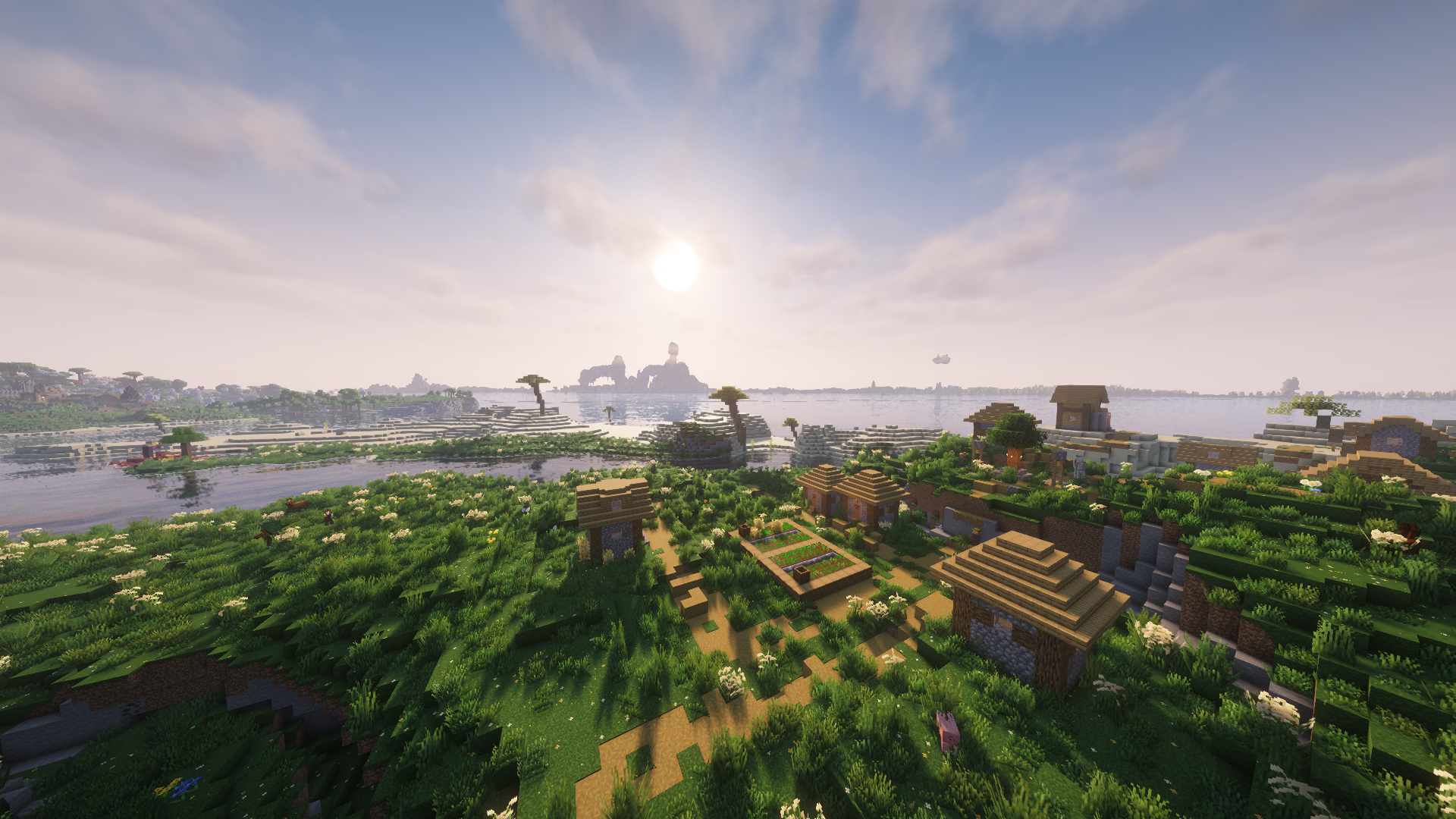
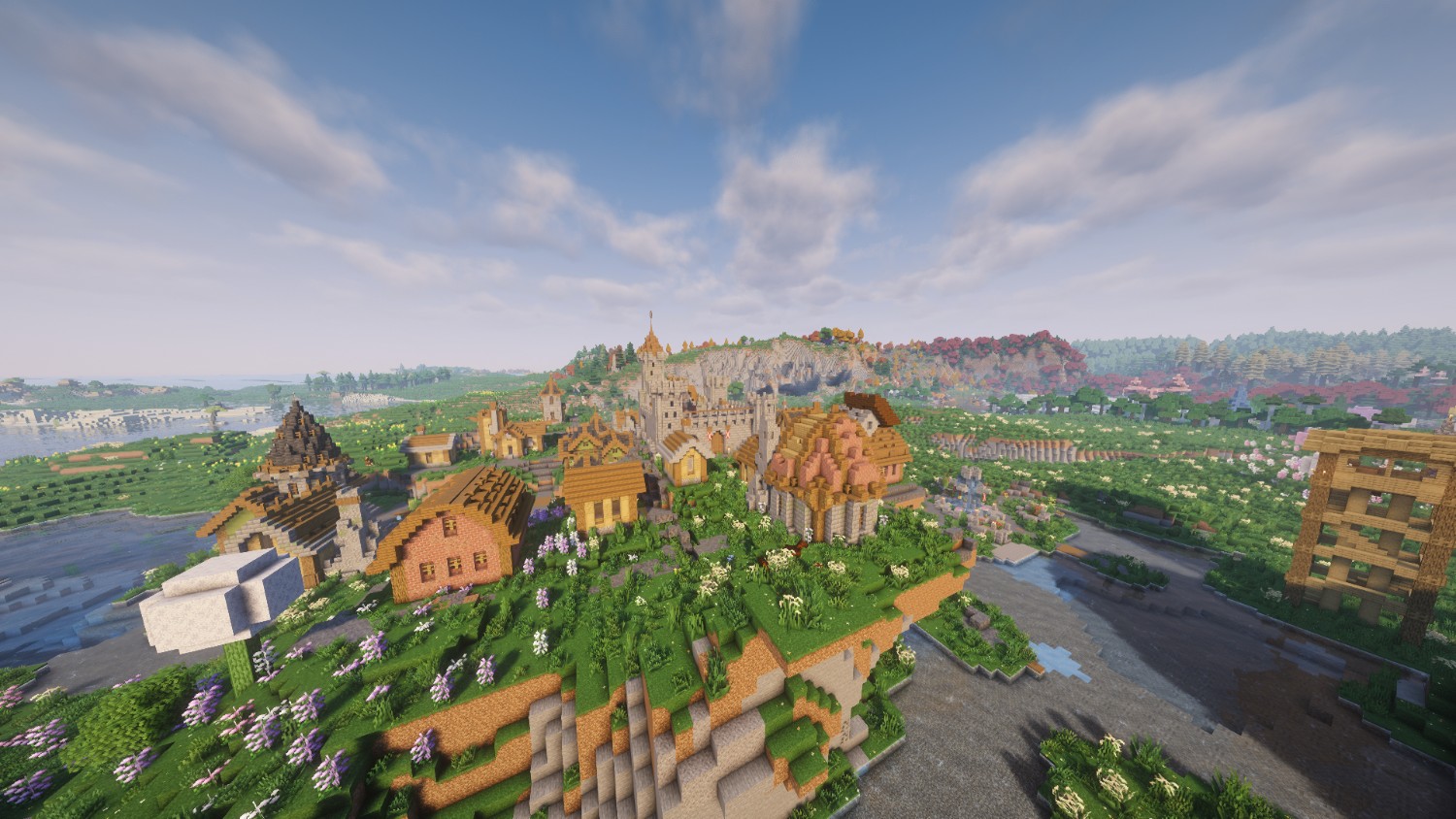
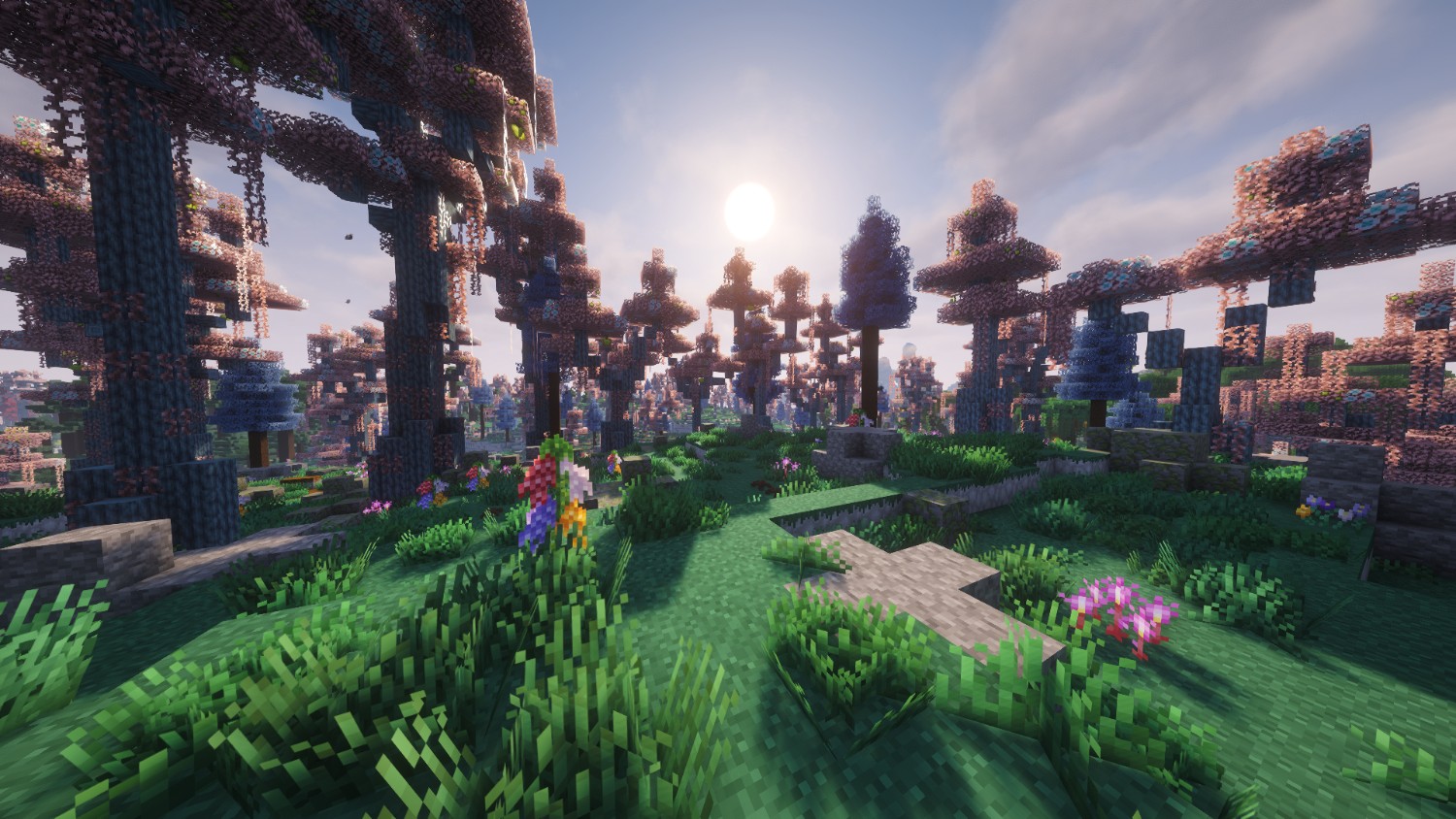
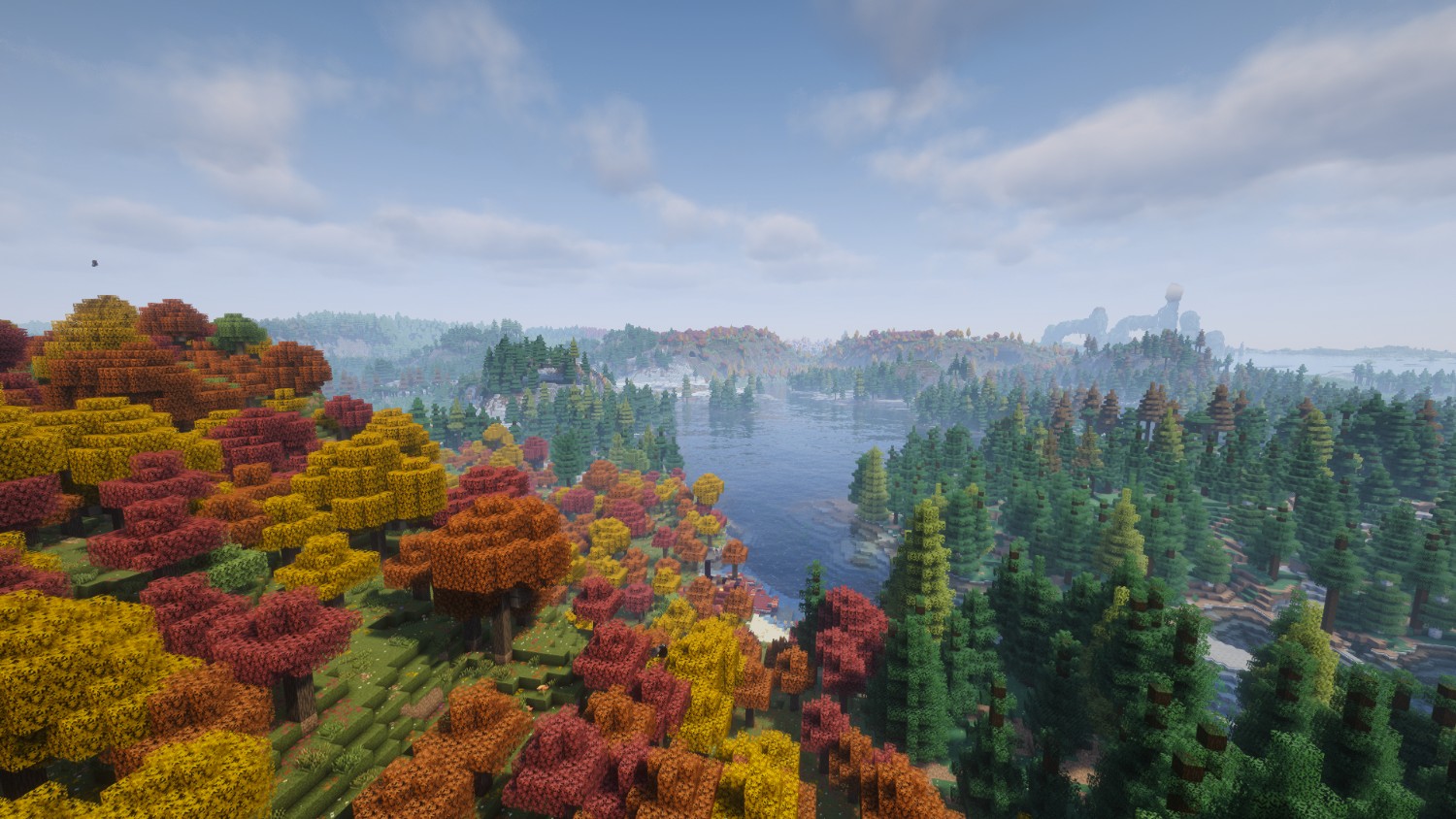
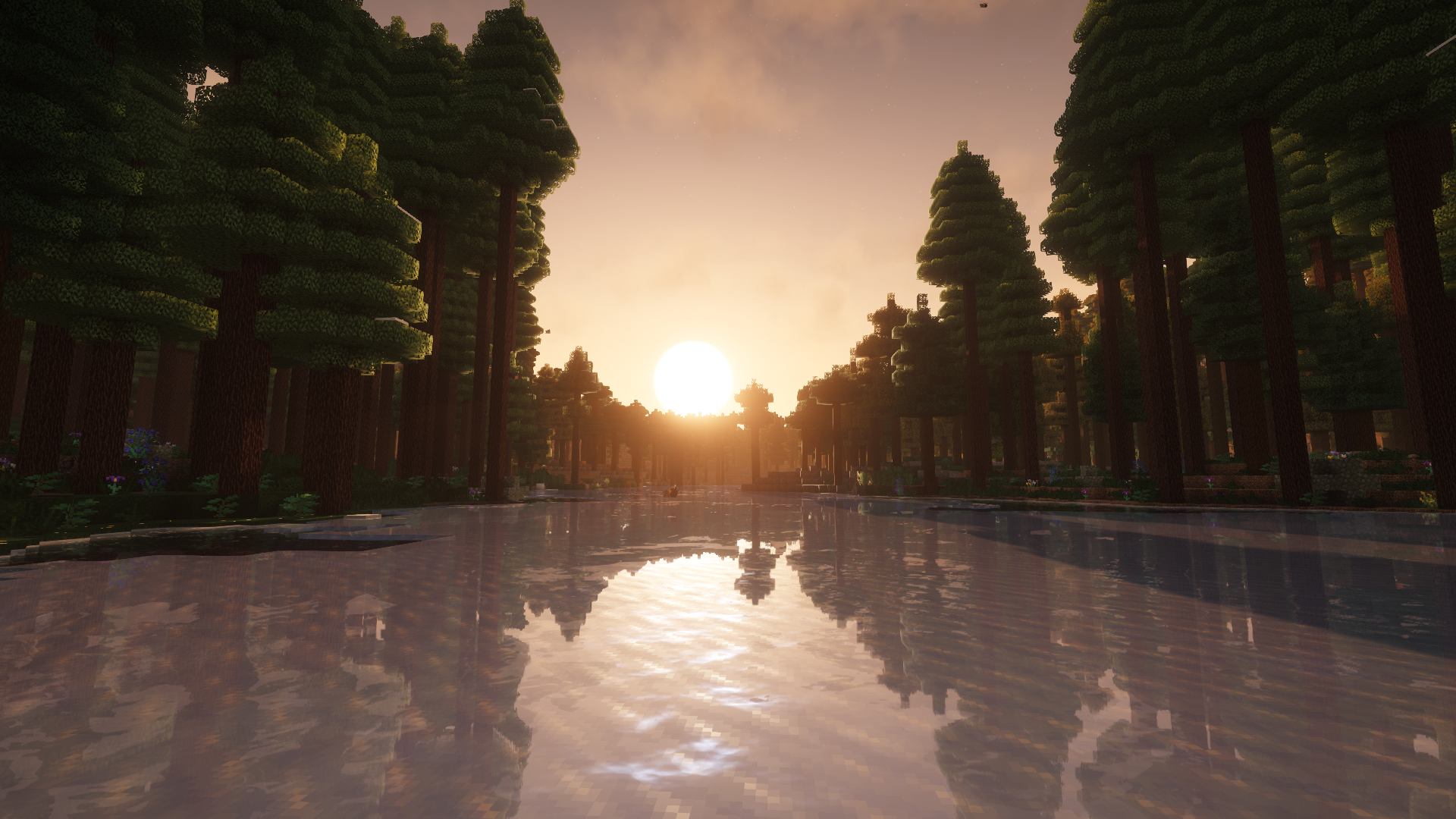
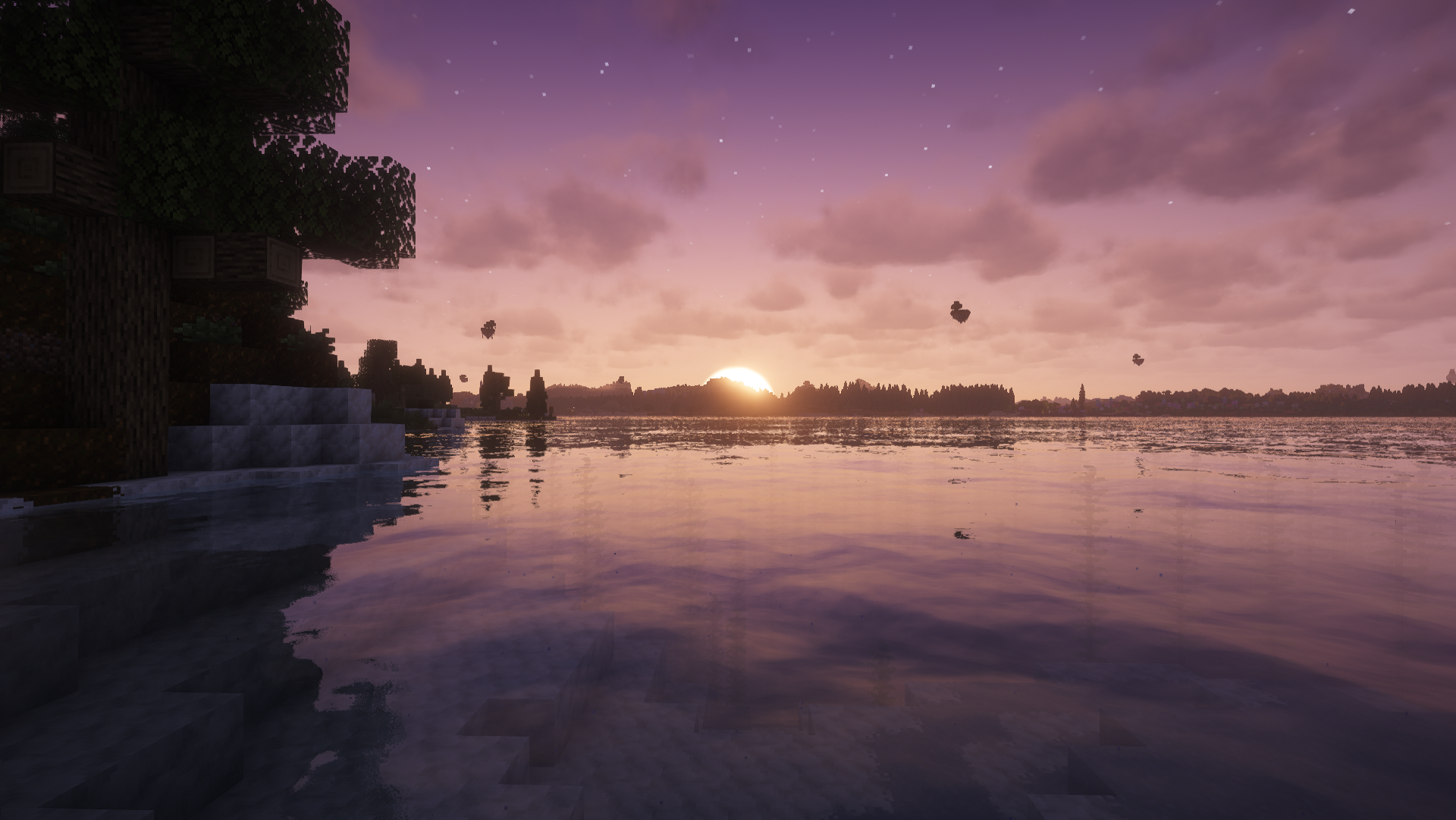

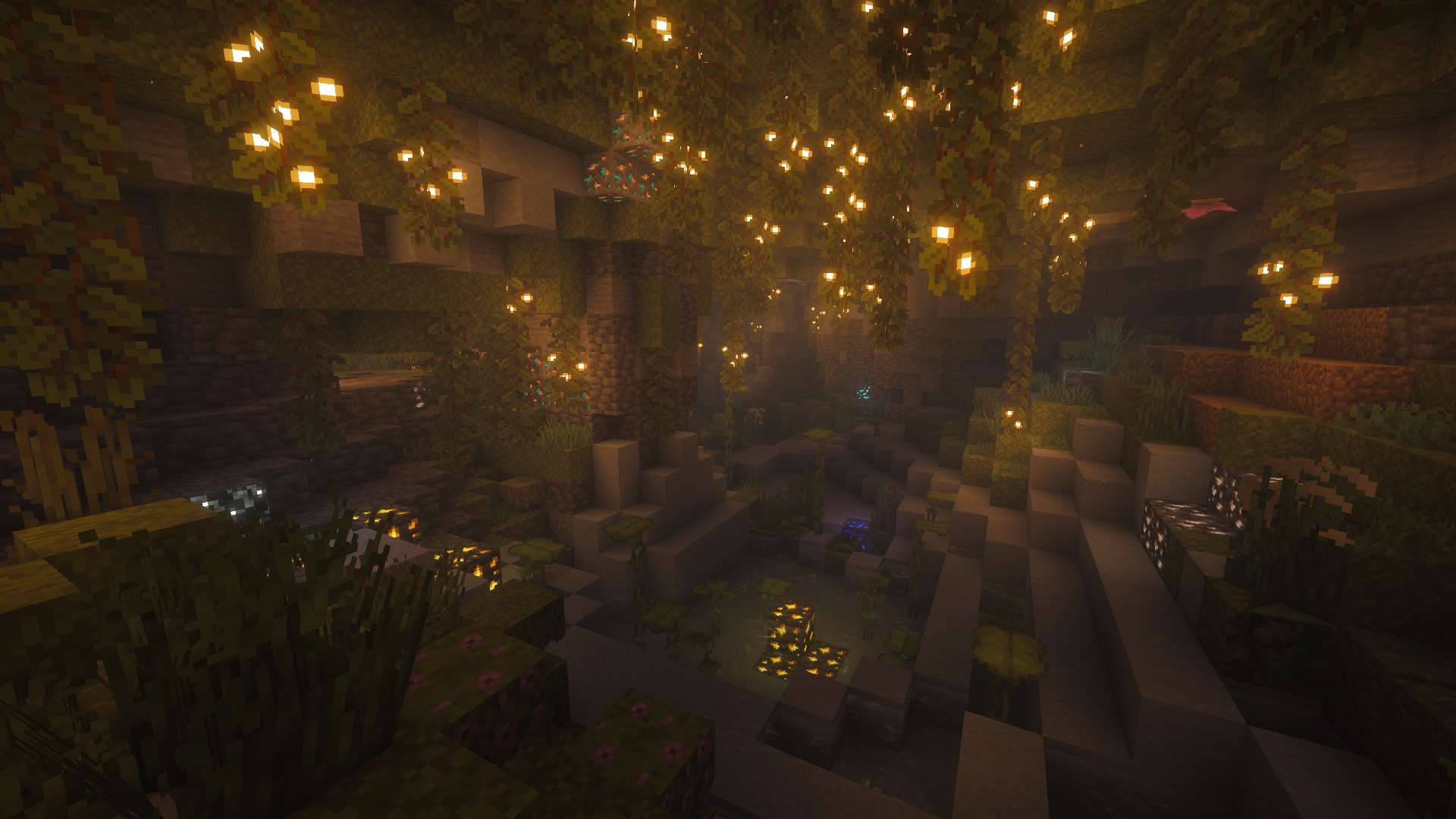
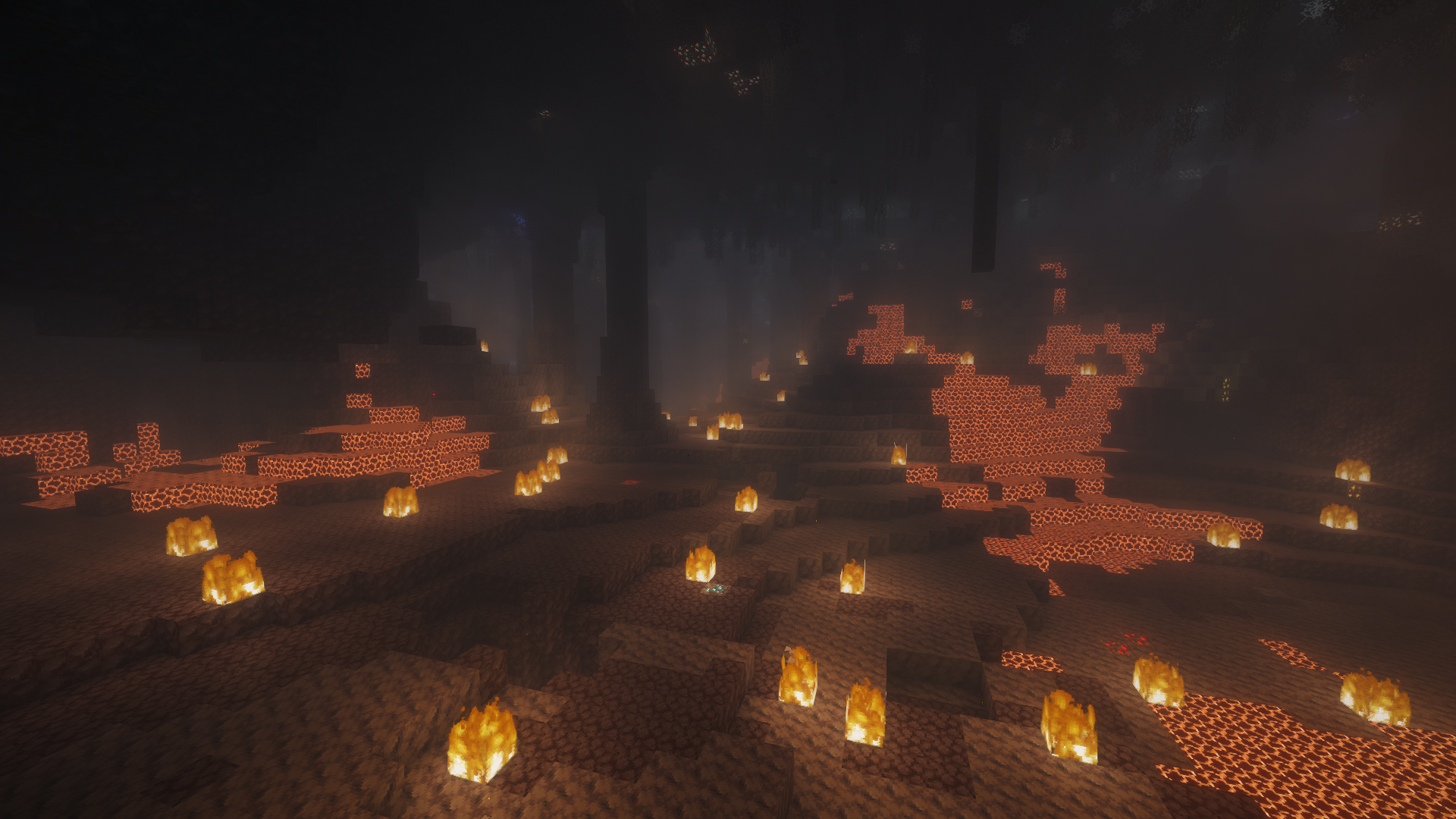


介绍

NOTE: Outerworlds is not being actively developed anymore. Updates will happen but with a lower frequency and less content. Don’t worry because it’s temporary and should go back to normal whenever I have time to. For more info, visit our Discord server.
A modpack designed for players seeking
extreme levels of exploration and a relaxing experience
Looting is essencial and exploration is obrigatory.
Look around and decide where are you going.
In this vast world, you decide your fate, so get going and begin your journey.
Features 🎭 [NEW]
 Just like Vanilla Minecraft with more!
- 🌍 Modified World Generation!
- 🌴 New Biomes scattered across all dimensions!
- 🏃♀️➡️ A more satisfying experience with Better Animations!
- ✨ Feel the world alive with better Visual Effects !
- 🔊 Immersive experience with new Sound Effects and In-game Music!
- 📷 Playable Third Person View camera mode!
- 🎮 Controller friendly!
- 🖼️ Smooth framerate while still having good visuals (and runs on potato Pcs).
- 📱 Simpler and more intuitive UI.
FAQ ❓
Q: Does Outerworlds support Multiplayer?:
A: Yes, it does but with a few notes. For it to work, some mods have to be added to the server and all the players need to have the same mods and their respective versions.
Q: Will the modpack get updated to later Minecraft Updates?:
A: Yes, it is planned to but it requires patience. Some mods that plays big parts of Outerworlds are not available for 26.0 or above, so I prefer to wait and ship a full package instead of uploading a half-baked one.
Q: Is there a way to report bugs or ask for help?:
A: Yes, you can open an issue on GitHub or a ticket in Outerworld’s Discord Server
Also, DO NOT UPDATE SODIUM AND EUPHORIA PATCHES! They might cause compatibility issues (aka: launch erorrs, crashes/low framerate and visual glitches)
Known Issues ❗
Issue: JVM/Java Arguments warning when launching (Patched in v1.3.0):
Solution: In your launcher, find the profile settings, search for JVM/Java Arguments and paste this:
“–add-modules jdk.incubator.vector”
Issue: Strong stutters when using the Spyglass:
Solution: This is an issue caused by Voxy and it’s unlikely to be fixed by now. In this case, don’t move the camera too much when using the Spyglass
包含的模组 145 个
 (Bee's) Fancy Crops
 3D Skin Layers
 [EMF] Entity Model Features
 [ETF] Entity Texture Features
 Advancement Plaques
 Alternate Current
 Ambient Environment
 苹果皮
 Architectury API
 Async Logger
 Async Pack Scan
 Atmosfera
BadOptimizations
 Balm
 Better Advancements
 Better Block Entities
 BetterF3
 超多生物群系
 Borderless Fullscreen
 Bushy pink petals, wildflowers & leaf litter
 Camera Overhaul
 Chat Heads
 Cherished Worlds
 Cloth Config API
 Clumps
 Complementary Shaders - Reimagined
 Concurrent Chunk Management Engine (Fabric)
 Continuity
 Controlify (Controller support)
 Cool Rain
 CorgiLib
 Cosy Critters & Creepy Crawlies
 Drip Sounds
 Durability Tooltip
 Enchantment Descriptions
 Enchantment Outlines
 实体剔除
 Euphoria Patches
 Even Better Enchants
 Explorify
展开全部 145 个
 Explosive Enhancement
 Fabric API
 Fabric Language Kotlin
 Fancy World Animations [FWA]
 FancyMenu
 Fast IP Ping
 Fast Noise
 FastChest
 FastQuit
 FerriteCore
 Flower Clusters
 Food Effect Tooltips [Fabric / NeoForge]
 FootprintParticle
 Forge Config API Port
 Fresh Animations
 Fresh Animations: Emissive
 Fresh Animations: Player Extension
 Fzzy Config
 Geckolib
 Gentler Weather Sounds
 GlitchCore
 Gnetum
 Hardcore Revival
 Held Item Info
 Hold My Items
 Hold Up Lanterns
 Iceberg
 Icons
 ImmediatelyFast
 Immersive Hotbar
 Immersive Optimization
 Immersive Storms
 Immersive UI
 Incendium Legacy
 Inventory Management
 Iris Shaders
 Item Borders
 Item Highlighter
 Ixeris
 Konkrete
 Krypton
 LambdaBetterGrass
 LambDynamicLights - Dynamic Lights
 Language Reload
 Larger biomes
 LibJF
 锂
 Lithostitched
 Low On Fire
 Make Bubbles Pop
 Melody
 模组菜单
 ModernFix-mVUS
 More Culling
 鼠标微调
 MRU
 Not Enough Animations
 Nullscape
 Oh The Biomes We've Gone
 Oh The Trees You'll Grow
 OptiGUI
 Os' Colorful Grasses
 Packet Fixer
 Paginated Advancements & Custom Frames
 Particle Core
 Particle Effects
 Particle Rain
 Particular ✨ Reforged
 Perception
 Polytone
 Presence Footsteps
 Prickle
 Prism
 quick pack
 RailOptimization
 Resource Pack Overrides
 Resourceful Config
 ScalableLux
 Screenshot Viewer
 ServerCore
 ShatterLib | OctoLib
 Shoulder Surfing Reloaded
 Shulker Box Tooltip
 Smart Particles
 Smooth Third Person Camera (STPC)
 钠
 Sounds
 Status Effect Bars
 Structure Layout Optimizer
 Subtle Effects
 SuperMartijn642's Config Lib
 TerraBlender
 Terralith
 Text Placeholder API
 The Immersive Music Mod
 Theone's Eating Animation Pack
 Tightfire
 Unique Dark
 Vanilla Refresh
 Very Many Players (Fabric)
 Visuality
 voxy
 Voxygen
 XXL Packets
 YetAnotherConfigLib (YACL)
绿色边框的模组本站有收录,点进去看中文介绍;其余跳转到 Modrinth。
常见问题
Outerworlds 支持哪些 Minecraft 版本?
Outerworlds 基于 Minecraft Java 版 1.21.11,使用 Fabric 加载器。
Outerworlds 怎么安装?
点本页「前往下载」拿到整合包文件(Modrinth 的是 .mrpack,CurseForge 的是 .zip),在 PCL2 或 HMCL 启动器里选择「导入整合包」,启动器会自动装好 Minecraft、加载器和全部模组。这个整合包有 145 个模组,建议在启动器里给游戏分配 4–6 GB 内存。
Outerworlds 开服需要多大内存?
推荐服务器内存 12 GB。在线人数多、或者建了大量机器和区块加载器时,可以再加 2–4 GB。
怎么和朋友一起玩 Outerworlds?
点本页的「一键开服」,选好配置后会自动安装 Outerworlds 的服务端,几分钟就能开好。把服务器地址发给朋友,大家用同一个版本的整合包连进去就行。
评论
登录后评论和评分