
RubidiumQuest Restoration Project
An unofficial fan project to fix and restore a forgotten PlayStation game.
截图
介绍
The RubidiumQuest Restoration Project
Minecraft is a game that needs no introduction – beginning as a niche indie game in the early 2010s, it quickly became extremely popular for its wide-open sandbox-style gameplay and is currently the best-selling video game of all time.
What very few people know, however, is that Minecraft is actually not an original title. Those who followed it since its early development would quickly chime in to respond that it was inspired by Infiniminer, and had early stints as seemingly-placeholder games such as “RubyDung”. The truth, however, lies deeper than that:
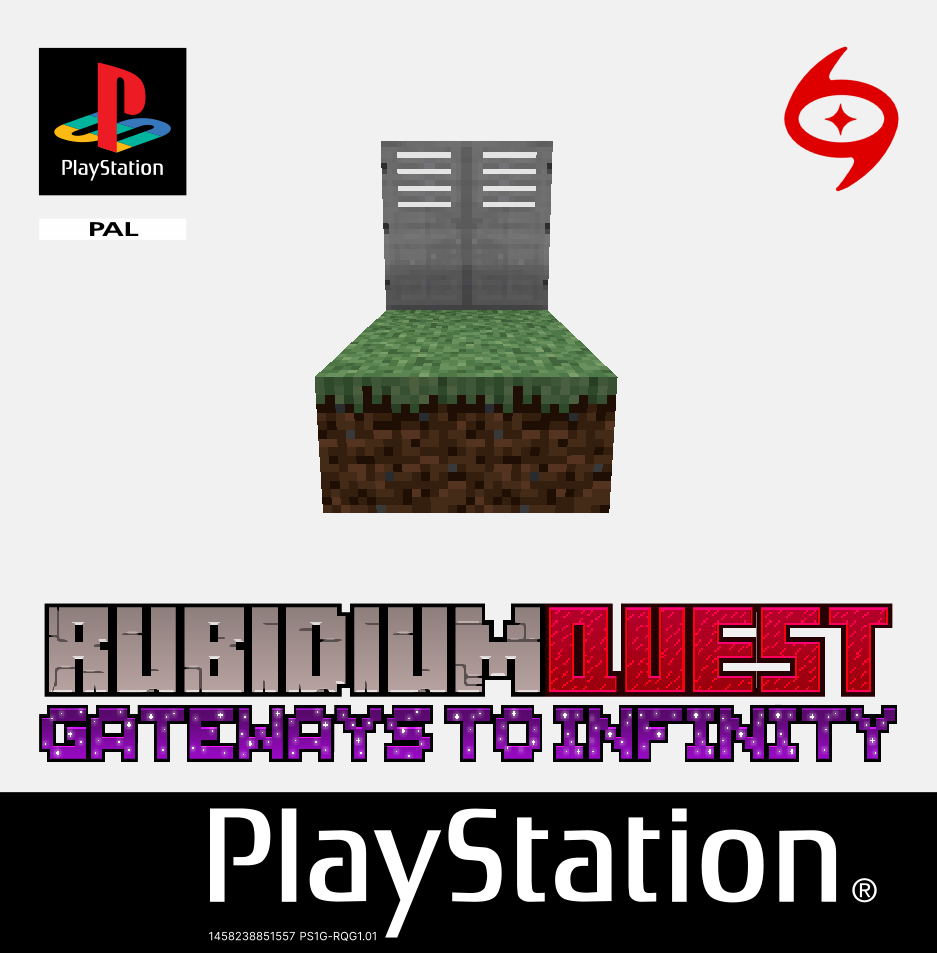
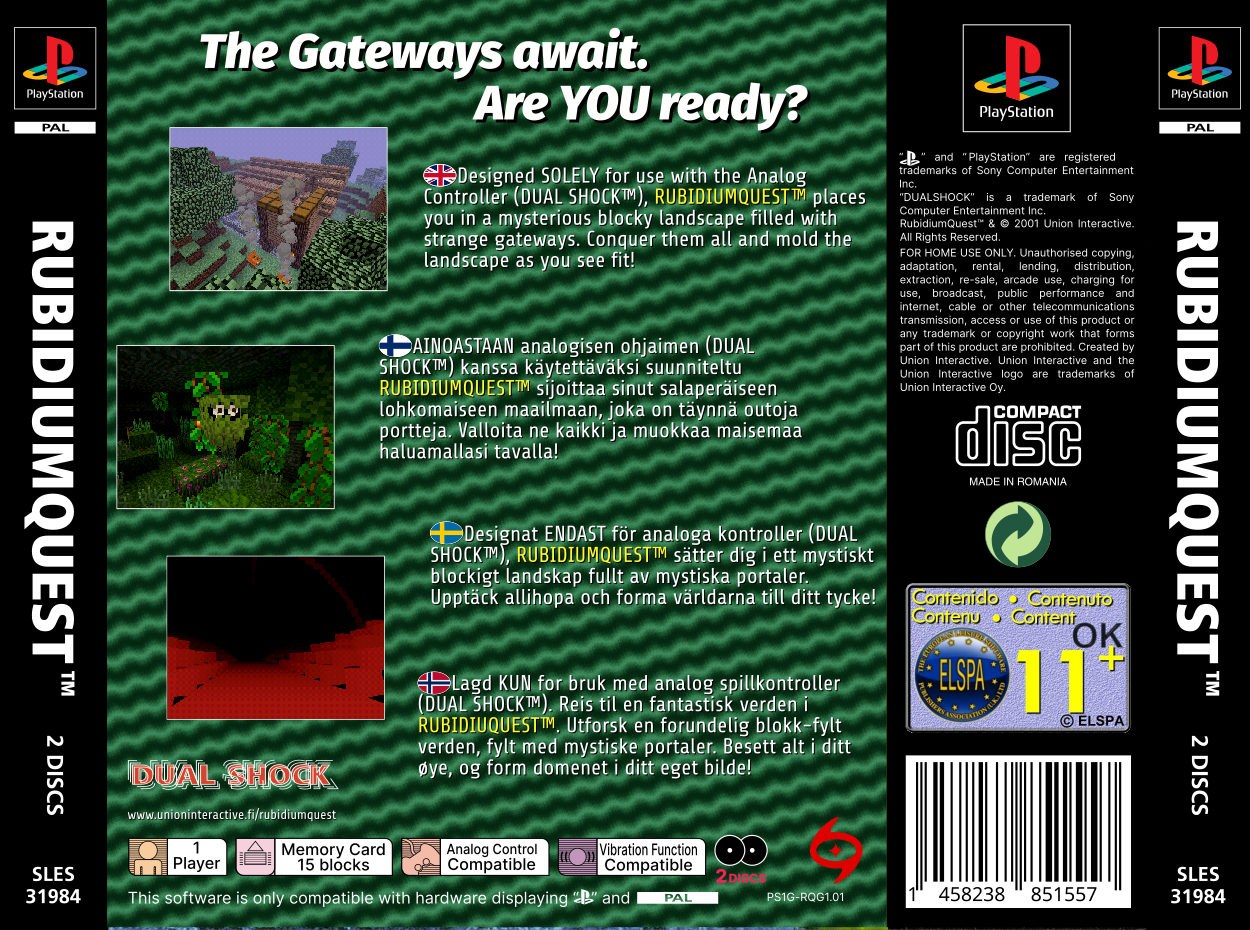
| Front Cover | Back Cover |
|———————|———————|
| | |
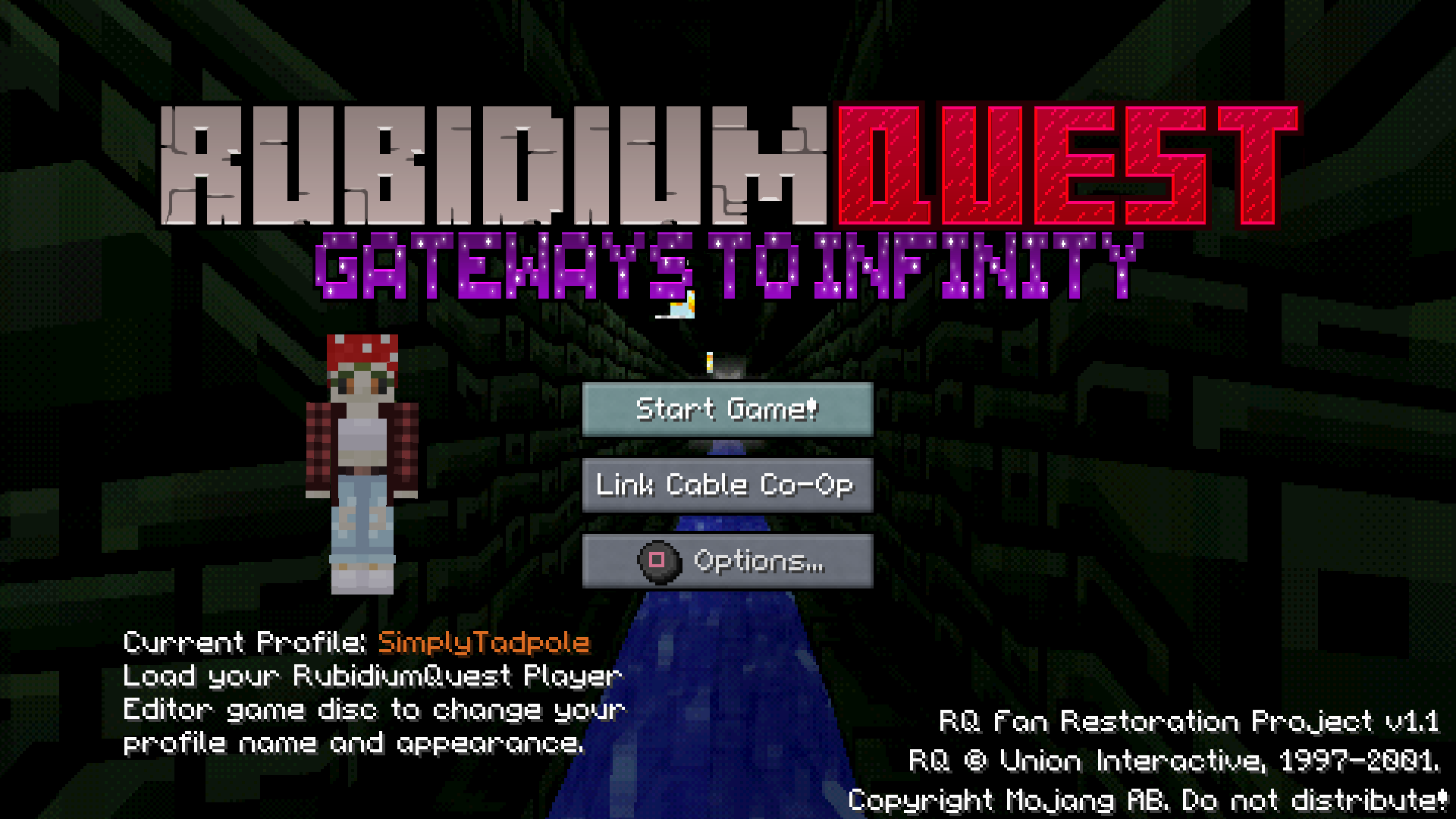
Long story short: Back in mid-2020, fueled by COVID lockdown-induced boredom, a small group of retro gaming enthusiasts stumbled upon an incredibly obscure video game titled _RubidiumQuest: Gateways to Infinity_, which released for the original PlayStation in October 7th, 2001. Thanks to extremely troubled development, it never released outside its native Finland and Sweden (despite being a PAL release, it lacked German, French and Italian localizations, and had an extremely rushed English localization), and very few CD copies were printed out before the studio behind it went bankrupt.
When playing the game and streaming gameplay footage of it, we quickly found out two things:
1. The game has a striking resemblance to Minecraft, both visually and mechanically, which is unusual considering this game was published eight years before Minecraft’s development begun;
2. The game is very, VERY buggy. Game-breaking glitches were common, the game ran at a slow framerate and took many minutes to load levels, and upon dumping the CD’s contents into a digital .ISO file, would not run in even the most accurate PSX emulators.
Nevertheless, the curious appeal of an obscure game bearing stark similarities to another game that only begun its development almost a decade later was too strong to ignore, and we informally decided to datamine the game and attempt to create an unofficial patch to fix the absurd issues, finish the English localization, and get it to successfully run in an emulator.
The prospect, however, turned out to be far more complicated than we expected it to be. Although RubidiumQuest is now safely playable in the DuckStation emulator after nearly four years of hard work (provided a specific configuration is followed), the process involved unearthing a lot of bizarre and, in the words of the lead programmer, “downright creepy” things buried deep in the game’s code.
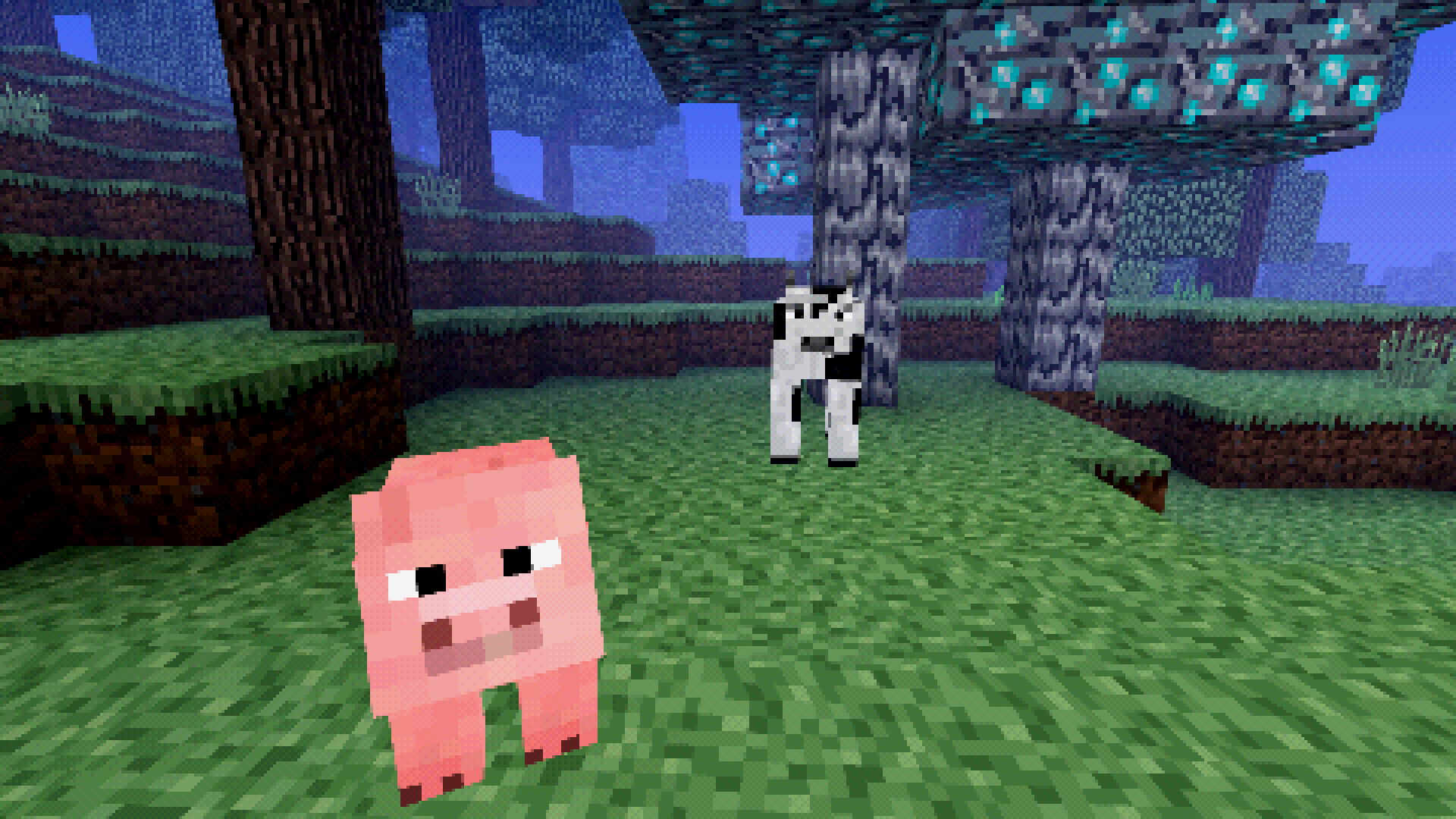
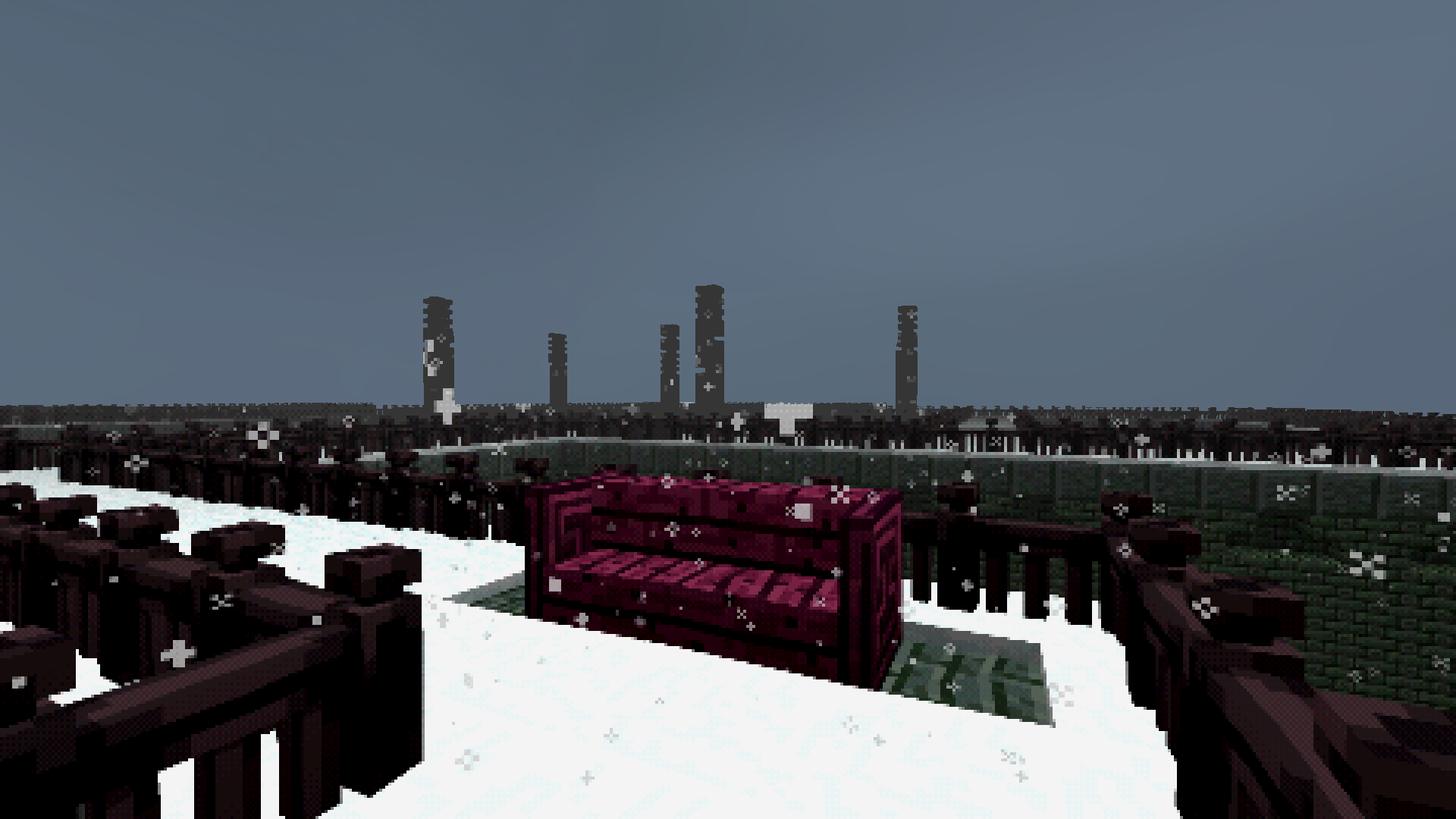
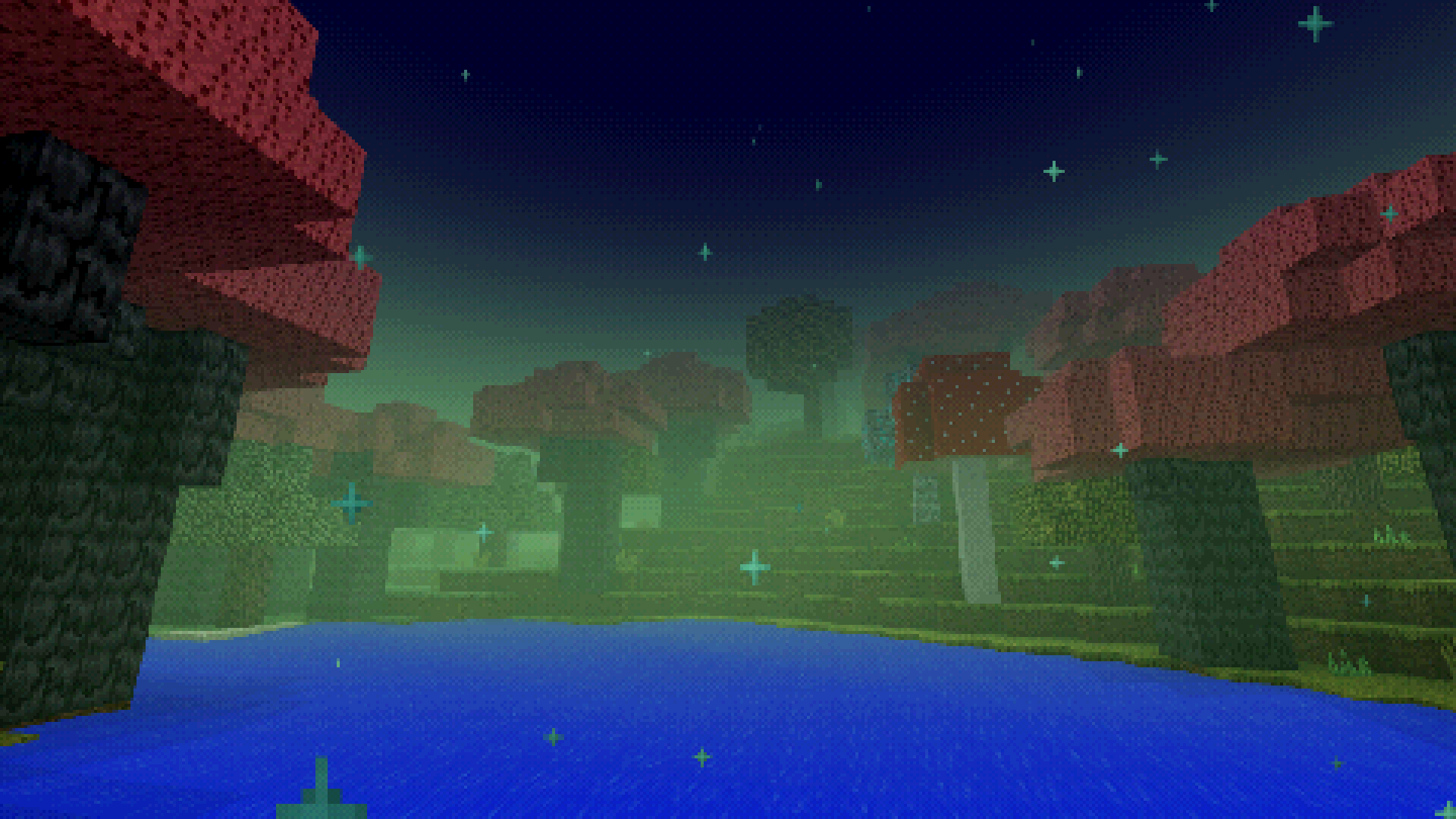
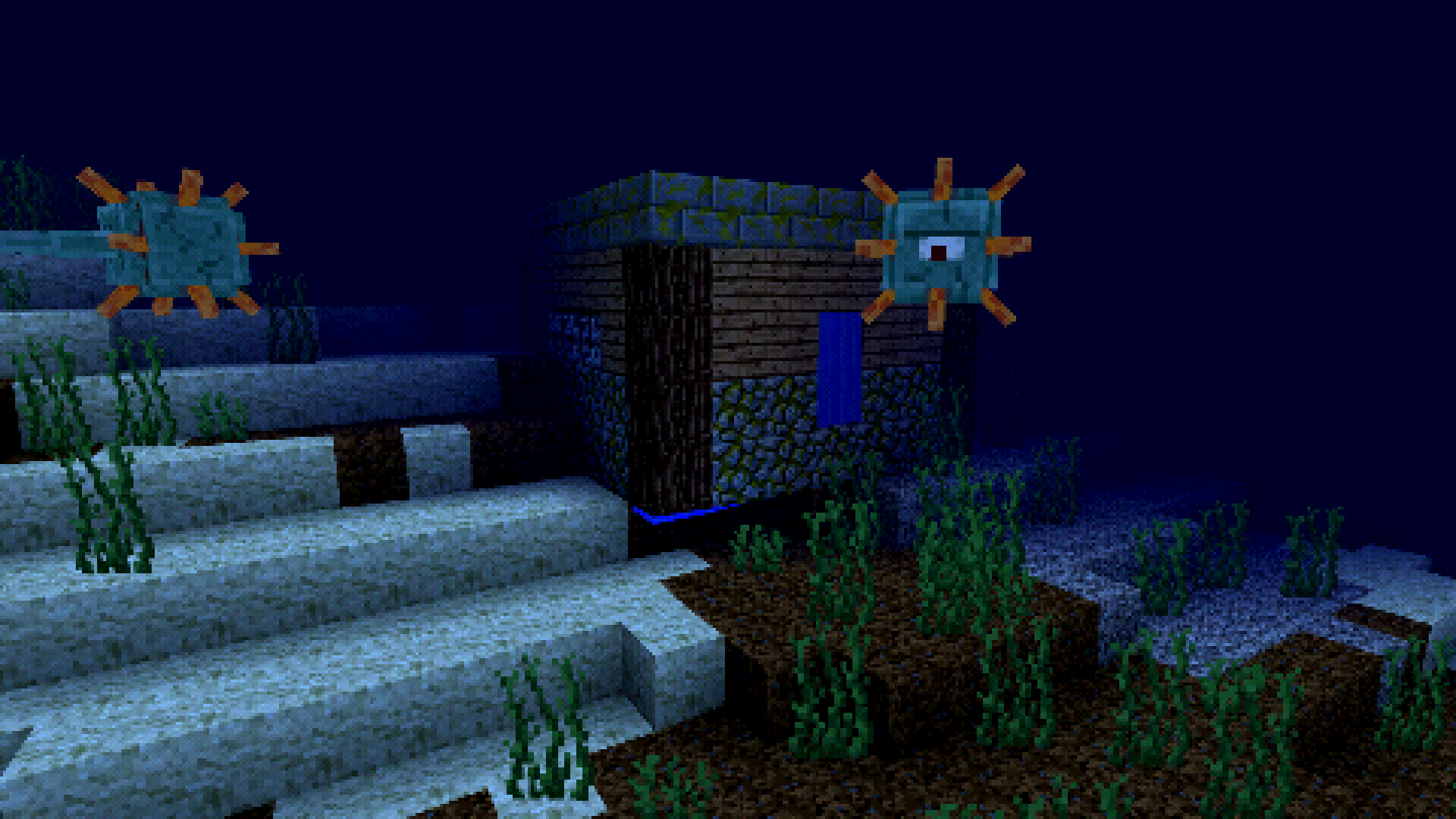
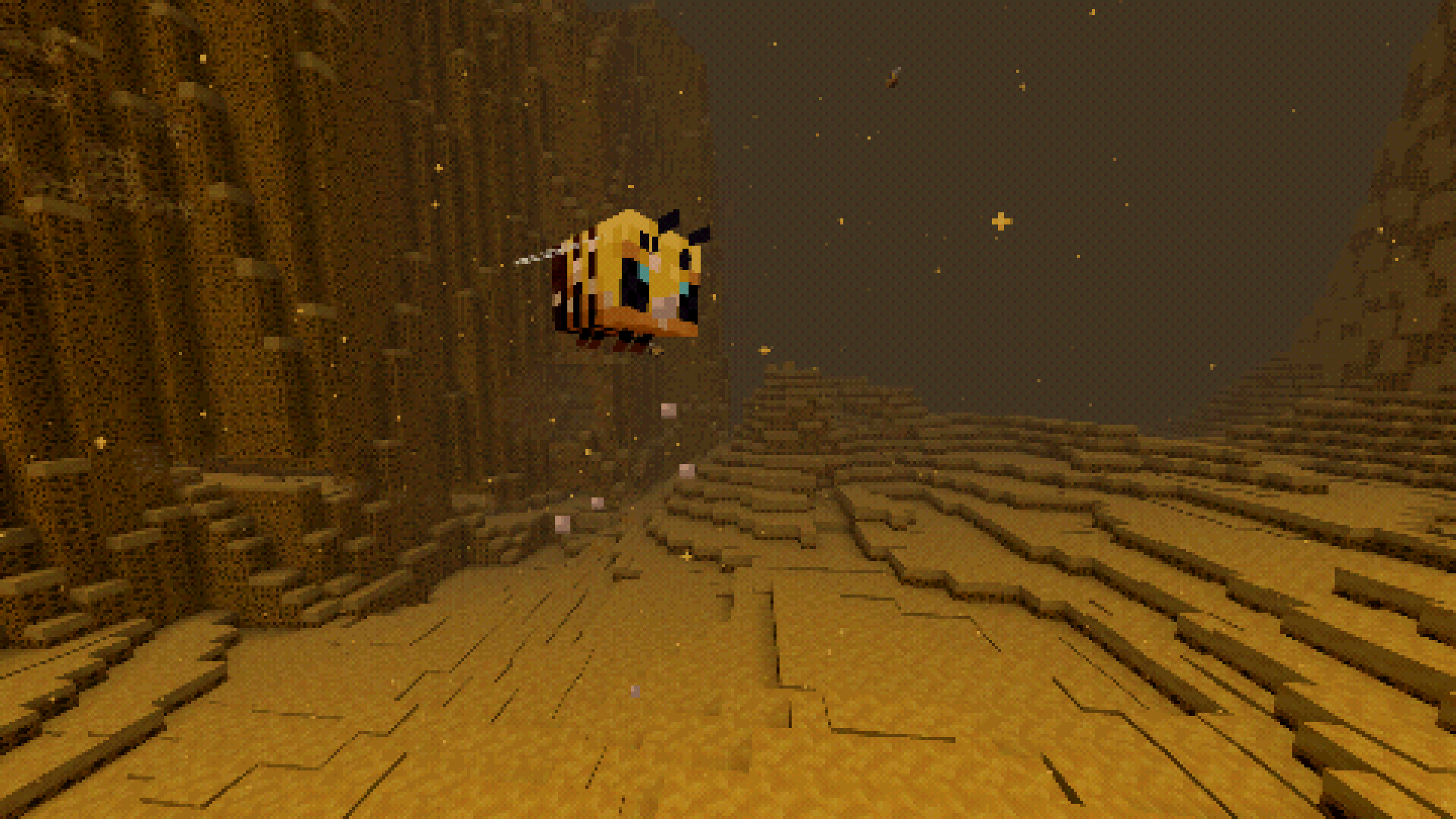
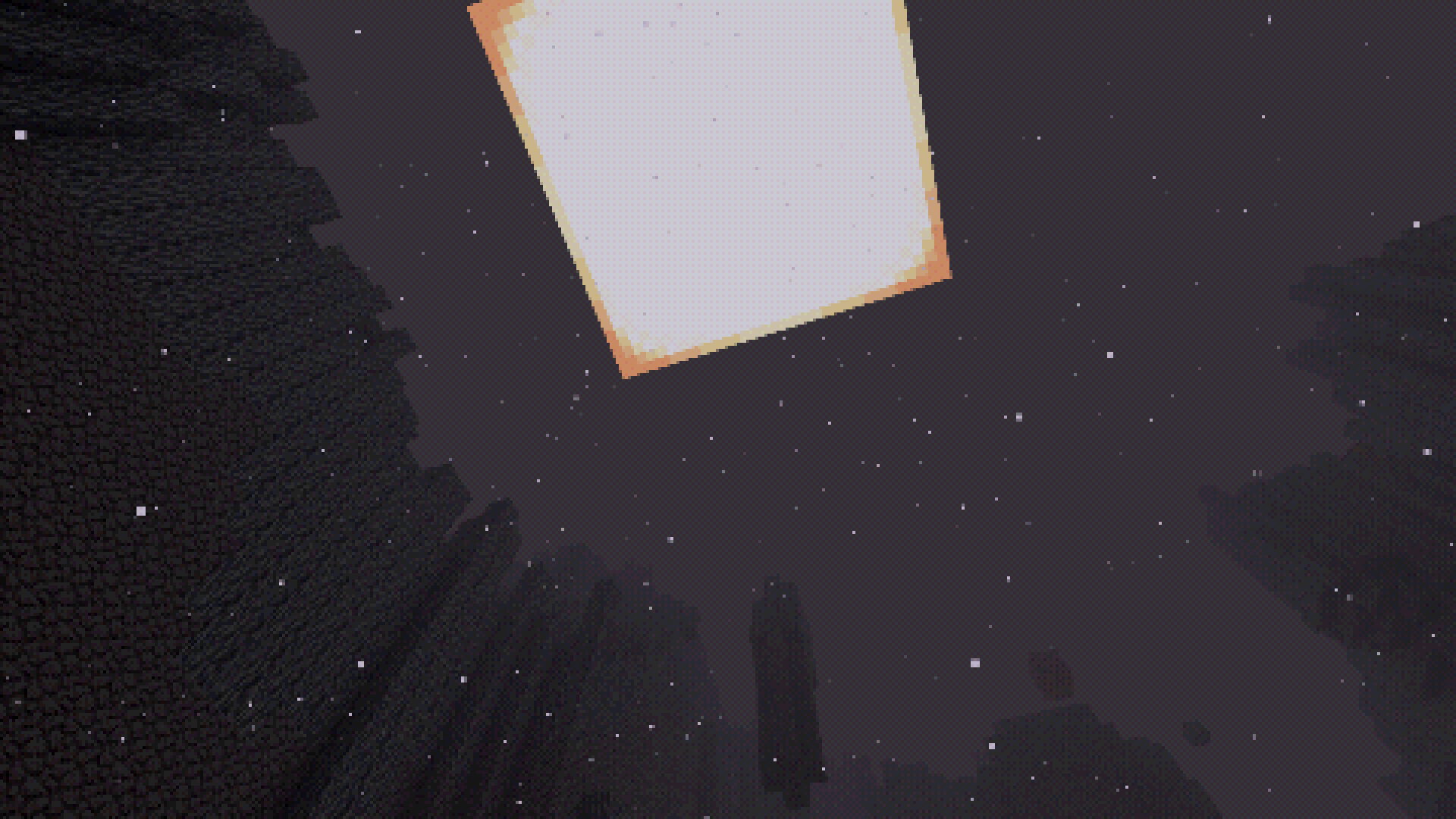
To claim the game is haunted would be disingenuous, but… many members of the group effort have since refused to work on this game, as they believe it to be so – whatever we have done while fixing it made the game start changing itself. The original build of RubidiumQuest was fairly straightforward in accessing new worlds that look like your standard natural Overworlds from Minecraft, but now it frequently creates worlds that are extremely artificial and unusually creepy-looking. Sometimes you can still find normal worlds through it, but it’s also equally possible for it to take you to bizarre alien landscapes, or to just shattered-looking structures floating in black voids.
This is merely the tip of the iceberg – the consensus among people who worked on the fan patch is that they are worried the game may have somehow turned into a virus of some sort. Even those who don’t think the game itself is dangerous still felt too uncomfortable to continue working on it due to its odd nature, and the popular consensus was to simply abandon the restoration project.
However, I disagree.
Not only were four whole years spent on reaching this far in restoring RubidiumQuest to a playable state – years I refuse to let go to waste – I also firmly believe that there is more to this game than this. There is a story to be told here, and everyone deserves to know what truly happened in 2001. I am likely burning my bridges with the many friends I’ve made in the last four years by going against their backs for this, but it’s something that needs to be done.
I urge you to solve this mystery, and give this game closure once and for all.
Gameplay Tips
RubidiumQuest functions similar to Minecraft most of the time, but differs in some key aspects:
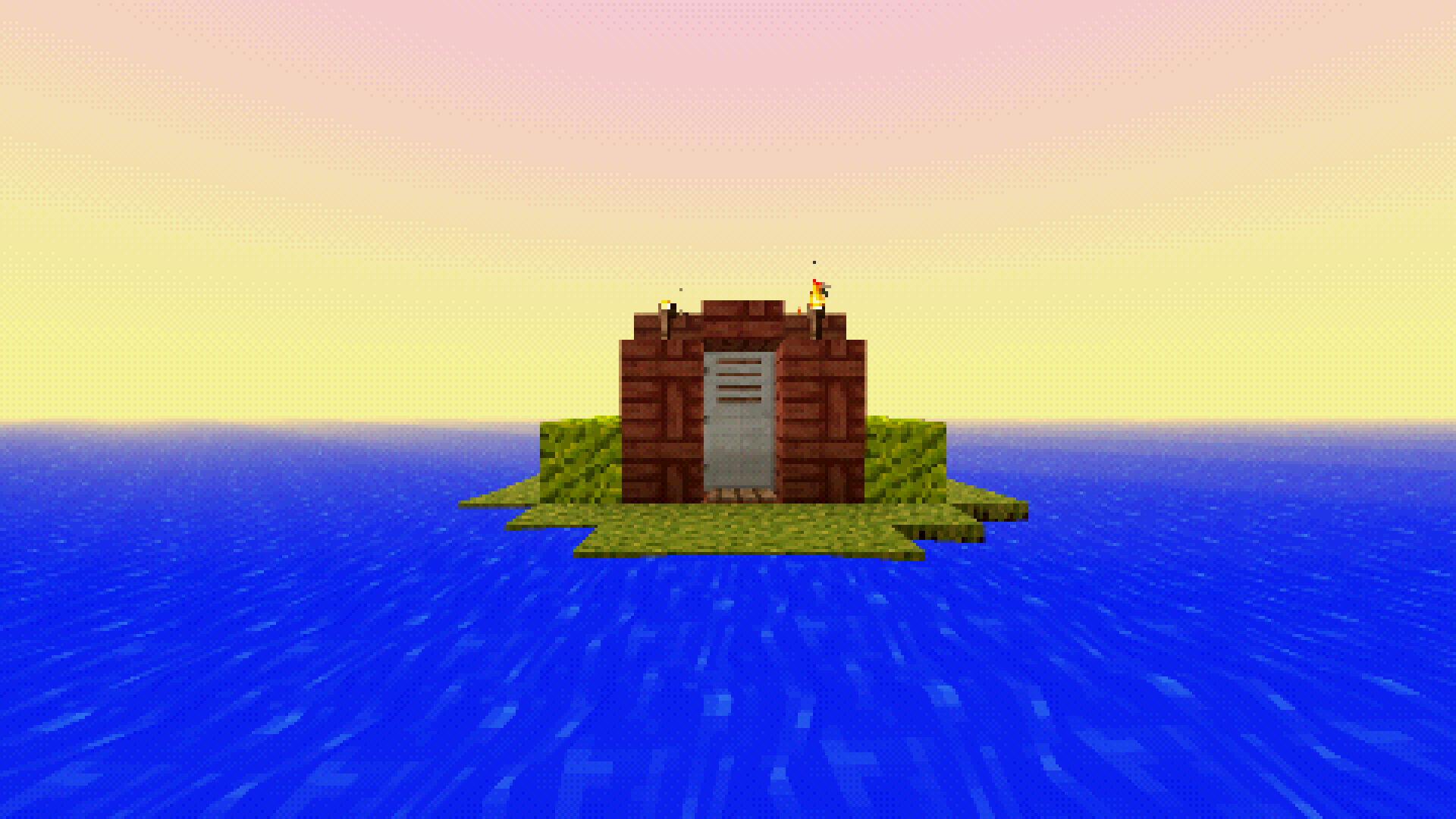
- You will always spawn on a fixed structure containing three paintings, which will lead you to other worlds;
- Strongholds do not exist – the sole portal to the Night Dragon is located in the structure you spawn on;
- Tools and armour do not have durability, and you never lose your items in death;
- Post-Stone gear progression is different – instead of Iron -> Diamond -> Netherite, it goes as Fool’s Gold -> Palladium -> Rubidium -> Obsidian;
- Note that Fool’s Gold pickaxes, similar to Gold pickaxes, are only as strong as Wooden pickaxes and cannot mine ores – use them only for their fast mining speeds;
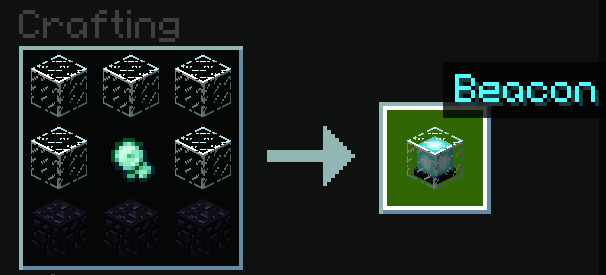
- Several items have different crafting recipes, which are listed in the Gallery tab;
- Worlds have a size limit of ~800 blocks;
- Hunger is not a factor, and sprinting instead consumes stamina;
- Enchantments and Villagers do not exist;
- Piglins, Ghasts and Spiders are Passive instead of Hostile, and Cave Spiders replace Spiders when underground;
- Beds are only used to set your respawn point, and cannot skip the night;
- You have a Respawn Charm that can teleport you back to your spawn point, if you’re in the same world as it, and once lost, cannot be obtained again.
Modpack Information
Out-of-Universe wall-of-text incoming! Also has spoilers for the modpack!
Background
So, first of all: RubidiumQuest is NOT an actual game, and this is not a real PlayStation 1 game, merely a Minecraft modpack designed to resemble one.
RubidiumQuest was heavily inspired by two Minecraft ARGs I am a huge fan of – Minecraft Alpha 1.0.16 Versions, and Minecraft: PSX Edition. However, both of them have things I’d have done differently were I their creator, and I liked imagining how they’d have been like if they were combined. I’ve been mostly busy working on an unrelated big group modding project for another game, and was dealing with a writer’s block on it, so I decided to work on RubidiumQuest as a side project to help stimulate my brain.
It was originally going to be a private pack for me and a few friends of mine to play with, but over time, I noticed I had put so much work into refining it and making it feel cohesive that I felt it could be nice to share it publicly.
Design Philosophy
While the description likely comes off as one, RubidiumQuest is not necessarily a Horror modpack. While it does feature creepy moments, and many of its levels and features are designed to make you feel uneasy and on edge, horror is not its primary focus, with its scary elements being purely environmental – it does not, and will never feature jumpscares and/or Dwellers.
It is primarily designed to be a modpack that focuses on the feelings, aesthetics and mysteries commonly associated with Liminal Spaces, lost betas and obscure/abandonware/bootleg video games, and empty/abandoned worlds in general, where you frequently feel you are being watched, but can’t tell for sure. Because of those factors, RubidiumQuest heavily borrows features from Alpha and Beta Minecraft versions, seeking to evoke some feelings of nostalgia that players acquainted with such versions may have, as well as some of the uneasiness many of us experienced whilst alone in those old worlds.
The omission of Villagers and even villages in general was a key feature for this, as it’s done not only to minimize the ability to acquire easy food and loot, but to reinforce your sense of loneliness – you will seldom see other intelligent lifeforms in the game, barring few exceptions (as Piglins are still present).
These factors mean that RubidiumQuest will likely only appeal to a certain set of Minecraft players – if you prefer faster-paced gameplay, stronger focus on horror, and/or don’t care much for Old Minecraft nostalgia, you will probably not like this modpack. And that’s okay. It was designed for a pretty specific set of interests.
If you do enjoy atmospheric games, “lost media”-style ARGs, and gameplay elements of older versions of Minecraft, RubidiumQuest was likely designed for you, and I sincerely hope that you enjoy it.
Known Issues & Glitches
Unfortunately, there are a handful of issues with the modpack that I cannot fix, due to them being issues with a mod it is using and thus out of my control.
They are generally manageable if you know what you’re doing, so please keep them in mind while you play:
- It is possible to place blocks in the starter structure, which you will then be unable to mine/destroy. This means you could easily softlock yourself by blocking exits with dirt blocks. Avoid placing blocks in there at all costs.
- Likewise, it is possible to destroy the paintings that take you to other worlds. If you do so, you will need to manually place them again and ignite them with Flint and Steel or a Fire Charge.
- Because it is currently impossible to set a global configuration for the Controlify mod, you will have bad default settings if you play with a controller. For the intended experience, go to the Controller options and set button prompt guides to show on the Bottom half of the screen, and disable the on-screen keyboard (which currently does not work).
There are also some other unfixable issues that I decided to roll as “features”, because they are mostly cosmetic. I’d rather you not check them out to keep the mystery, but if you really want to know:
“It’s not a bug, it’s a feature!”:
- Sometimes, the sky becomes black. I don’t know how to fix it, and decided to roll it as being an in-game “event”.
- It is not possible to sleep, because Minecraft never advances the time of day if you sleep in a dimension other than the Overworld. One of my beta testers suggested to roll it as a feature via a mod that displays messages when you try to sleep. It also helps keep the night challenging, as you can no longer skip it.
- Occasionally, the game will try spawning Villagers in houses you build, which will then immediately die, creating footstep sounds and a puff of smoke. I have no clue what is causing this, but it really fueled my paranoia and feeling of being watched, which is exactly what I want, so I decided to keep it.
Credits
Naturally, as a modpack creator, I’m standing on the shoulders of giants, as the heavy lifting was done by modders and resource pack creators far more skilled than me. I urge you to check them out:
Mods
- Affectionate, by LambdAurora
- Animatica, by FoundationGames
- Apathy, by quaternary & whizzball1
- Architectury, by shedaniel
- Bedrockify, by juancarloscp52 & lonefelidae16
- Beta Nether, by Pigzone00
- Boats on Lilypads, by JuanTonio
- The Bumblezone, by TelepathicGrunt
- Calm down, dog!, by F14M3
- CIT Resewn, by SHsuperCM
- Cloth Config, by shedaniel
- Cloth Gamerules, by Estecka
- Preferred Gamerules
- Collective, by Serilum
- Cave Spider Spawn
- Crying Ghast
- Custom Credits
- Difficulty Lock
- Double Doors
- Healing Campfire
- Inventory Totem
- Mooshroom Spawn
- Mooshroom Tweaks
- No Animal Tempt Delay
- No Hostiles Around Campfire
- Overworld Piglins
- Passive Shield
- Random Sheep Colours
- Starter Kit
- Starter Structure
- Surface Mushrooms
- What Durability?
- Communism, by trash-panda
- Console Sounds, by Hattozo, continued by TechSupportRed
- Controlify, by isXander
- Convenient Mob Griefing, by Neecko5b84
- Convenient Name Tags, by Mim1q
- Copper Nugget, by Mars
- The Corners, by LudoCrypt
- Cubes Without Borders, by Kir_Antipov
- Dimensional Doors, by StevenRS11, Waterpicker & others
- Dimensional Weather, by crafter312
- Disable Custom Worlds Advice, by rdvdev2
- Disable Villagers, by Stratecide
- Dungeons and Taverns, by NovaWostra & Walls
- DynamicFPS, by juliand665
- EmuNO, by RyanCaoDev
- Enchantment Disabler, by pajic
- Energizer, by Gaura
- Entity Model & Texture Features, by Traben
- FabricSkyboxes, by AMereBagatelle
- FancyMenu, by Keksuccino
- Drippy Loading Screen
- Konkrete
- Melody
- FerriteCore, by malte0811
- Friends & Foes, by Faboslav
- Ghast Direction, by Roundaround
- GolemF, by StoneLabs
- Ice Boat Nerf, by supersayansubtlety
- ImmediatelyFast, by RK_01
- Indium, by comp500
- Inmis, by Draylar
- Insomnia, by moehreag
- Inventory Pause, by umollu & Yipeekiyaay
- Iris, by coderbot
- Necronomicon, by ElocinDev
- Item Obliterator
- Kiwi Library, by Snownee
- Nimble
- Per-Dimension Game Rules
- LambDynamicLights, by LambdAurora
- LazyDFU, by tuxed
- LIMBO Dimensional Datapack, by Reppeti
- Lithium, by jellySquid & 2No2Name
- Log Cleaner, by altrisi
- Magic Mirror, by quitrin_dev
- MidnightLib, by TeamMidnightDust
- Mob Filter, by pcal
- Mod Menu, by Prospector, haykam821 & TerraformersMC
- Model Gap Fix, by Mehvahdjukaar
- Moderner Beta, by BlueStaggo & bespectacled
- Multi World Borders, by Potatoboy9999
- NetherSheep, by An Sar
- No Bed Explosions, by DerpDerpling
- No Chat Reports, by Aizistral
- No LAN Cheating, by bl4ckscor3
- No Menu Music, by ItsProfessional
- No More Purple, by PepperoniJabroni
- No More Ruined Portals, by millennIumAMbiguity
- No Night Vision Flickering, by semper-idem
- No Portals, by Kevinthegreat
- No Resource Pack Warnings, by Space Walker
- No Stronghold, by mineLdiver
- No Telemetry, by kb1000
- No Void Structures, by Quidvio
- Nostalgic Tweaks, by Adrenix
- No Wither, by Dev0Louis
- ocelotfix, by Partonetrain
- OptiGUI, by opekope2
- owolib, by glisco, BasiqueEvangelist & Noaaan
- Paperdoll, by tr7zw
- Path Under Fence Gates, by Steveplays28
- Pickup Notifications, by Roundaround
- Pling, by haykam821
- Polytone, by MehVahdJukaar
- Postmortal Particles, by Superkat32
- Presence Footsteps, by Hurricaaane & Sollace
- Red’s More Structures, by redstonegamesb
- Remove Bloat Stones, by MultiBana
- Rotten Flesh to Leather, by CrebboElodie
- Silk Touch-less Enderchest, by Walls
- Sit, by bl4ckscor3
- Snuffles, by Suel_ki
- Sodium, by jellysquid3
- Sodium Extra, by FlashyReese
- Reese’s Sodium Options
- Sound Physics Remastered, by Sonic Ether, vlad2305m & Max Henkel
- Sparse Structures, by MaxenceDC
- StepItUp, by spoorn
- Timeless, by Rader
- Tiny Item Animations, by Trivaxy
- True End: Out of the Dream, by JustMili
- YetAnotherConfigLib, by isXander
- YOSBR, by shedaniel
- YUNG’S API, by YUNGNICKYOUNG
- Paxi
Datapacks
- Dungeon Revamp, by ProGameBot
- From the Fog, by Lunar Eclipse
Resource Packs
- Alpha 1.0.16 Versions Textures, by the AlphaVers team (making them), Bolternon, Marioood & Lylythii (arranging them in a modern Minecraft-compatible resource pack)
- Golden Days, by PoeticRainbow
- Border Makeover, by WaveAOE
- Pumpkin Head Iron Golem, by memostardust
- TNT-Head Creeper, by piramiduss
- Illager Humanoid Models, by arkfeathers
- Illager Knight Textures, by DarkNinja887
Shader Packs
- Minecraft PSX Shader, by Ninjamike & ckosmic
Box Art Design
- hazelnot
Datapack Command Assistance
- Eir
- Wonder
- Alice
Beta Testing & Writing Assistance
- MissAlexis
- PanDulce
包含的模组 130 个,另有 1 个其他文件
 [EMF] Entity Model Features
 [ETF] Entity Texture Features
 Affectionate
 Animatica
 Apathy
 Architectury API
 BedrockIfy
 Beta Nether 2.0
 Boats On Lilypads
 Calm down, dog!
 Cave Spider Spawn
 CIT Resewn
 Cloth Config API
 Cloth Gamerules
 Collective
 Communism
 Controlify (Controller support)
 Convenient mobGriefing
 Convenient Name Tags
 Copper Nugget
 Crying Ghasts
 Cubes Without Borders
 Custom Credits
 Difficulty Lock
 Dimensional Doors
 Dimensional Weather
 Disable Custom Worlds Advice
 Disable Villagers
 双开门
 Drippy Loading Screen
 Dungeons and Taverns
 Dynamic FPS
 EmuNO
 Enchantment Disabler
 Energizer⚡
 FancyMenu
 FerriteCore
 Friends&Foes (Fabric/Quilt)
 Ghast Direction
 golemf
展开全部 130 个
 Healing Campfire
 Ice Boat Nerf
 ImmediatelyFast
 Indium
 Inmis
 Insomnia
 Inventory Pause
 Inventory Totem
 Iris Shaders
 Item Obliterator
 Kiwi 🥝
 Konkrete
 LambDynamicLights - Dynamic Lights
 LazyDFU
 Legacy Console Sounds
 LIMBO Dimension Datapack
 锂
 Log Cleaner
 Magic Mirror
 Melody
 MidnightLib
 Mob Filter
 模组菜单
 Model Gap Fix
 Moderner Beta
 Mooshroom Spawn
 Mooshroom Tweaks
 Multi World Borders
 Necronomicon API
 Nether Sheep
 Nimble
 No Animal Tempt Delay
 No Bed Explosions
 No Chat Reports
 No Hostiles Around Campfire
 No LAN Cheating
 No Menu Music
 No More Purple
 No More Ruined Portals
 No Night Vision Flickering
 No Portals
 No Resource Pack Warnings
 No Stronghold
 No Telemetry
 No Void Structures
 No Wither
 Nostalgic Tweaks
 Nuit
 OcelotFix
 OptiGUI
 Overworld Piglins
 oωo (owo-lib)
 Paper Doll
 Passive Shield
 Path Under Fence Gates
 Paxi
 Per-Dimension Game Rules
 Pickup Notifications
 Pling
 Polytone
 Postmortal Particles
 Preferred Gamerules
 Presence Footsteps
 Quilt Kotlin Libraries (QKL)
 Quilted Fabric API (QFAPI) / Quilt Standard Libraries (QSL)
 Random Sheep Colours
 Red’s More Structures
 Reese's Sodium Options
 Remove Bloat Stones
 Rotten flesh to Leather (Fabric/Quilt)
 Silk Touch-less Enderchest
 Sit
 Snuffles (Fabric)
 钠
 Sodium Extra
 Sound Physics Remastered
 Sparse Structures
 Starter Kit
 Starter Structure
 StepItUp
 Surface Mushrooms
 The Bumblezone - Fabric
 The Corners
 Timeless
 Tiny Item Animations
 True End
 What Durability?
 YetAnotherConfigLib (YACL)
 Your Options Shall Be Respected (YOSBR)
 YUNG's API
绿色边框的模组本站有收录,点进去看中文介绍;其余跳转到 Modrinth。
常见问题
RubidiumQuest Restoration Project 支持哪些 Minecraft 版本?
RubidiumQuest Restoration Project 基于 Minecraft Java 版 1.20.1,使用 Quilt 加载器。
RubidiumQuest Restoration Project 怎么安装?
点本页「前往下载」拿到整合包文件(Modrinth 的是 .mrpack,CurseForge 的是 .zip),在 PCL2 或 HMCL 启动器里选择「导入整合包」,启动器会自动装好 Minecraft、加载器和全部模组。这个整合包有 130 个模组,建议在启动器里给游戏分配 4–6 GB 内存。
RubidiumQuest Restoration Project 开服需要多大内存?
推荐服务器内存 12 GB。在线人数多、或者建了大量机器和区块加载器时,可以再加 2–4 GB。
怎么和朋友一起玩 RubidiumQuest Restoration Project?
点本页的「一键开服」,选好配置后会自动安装 RubidiumQuest Restoration Project 的服务端,几分钟就能开好。把服务器地址发给朋友,大家用同一个版本的整合包连进去就行。
评论
登录后评论和评分