
Pino 3
It is a tech orientated modpack with mods such as Create, Mekanism and Applied Energistics 2.
截图
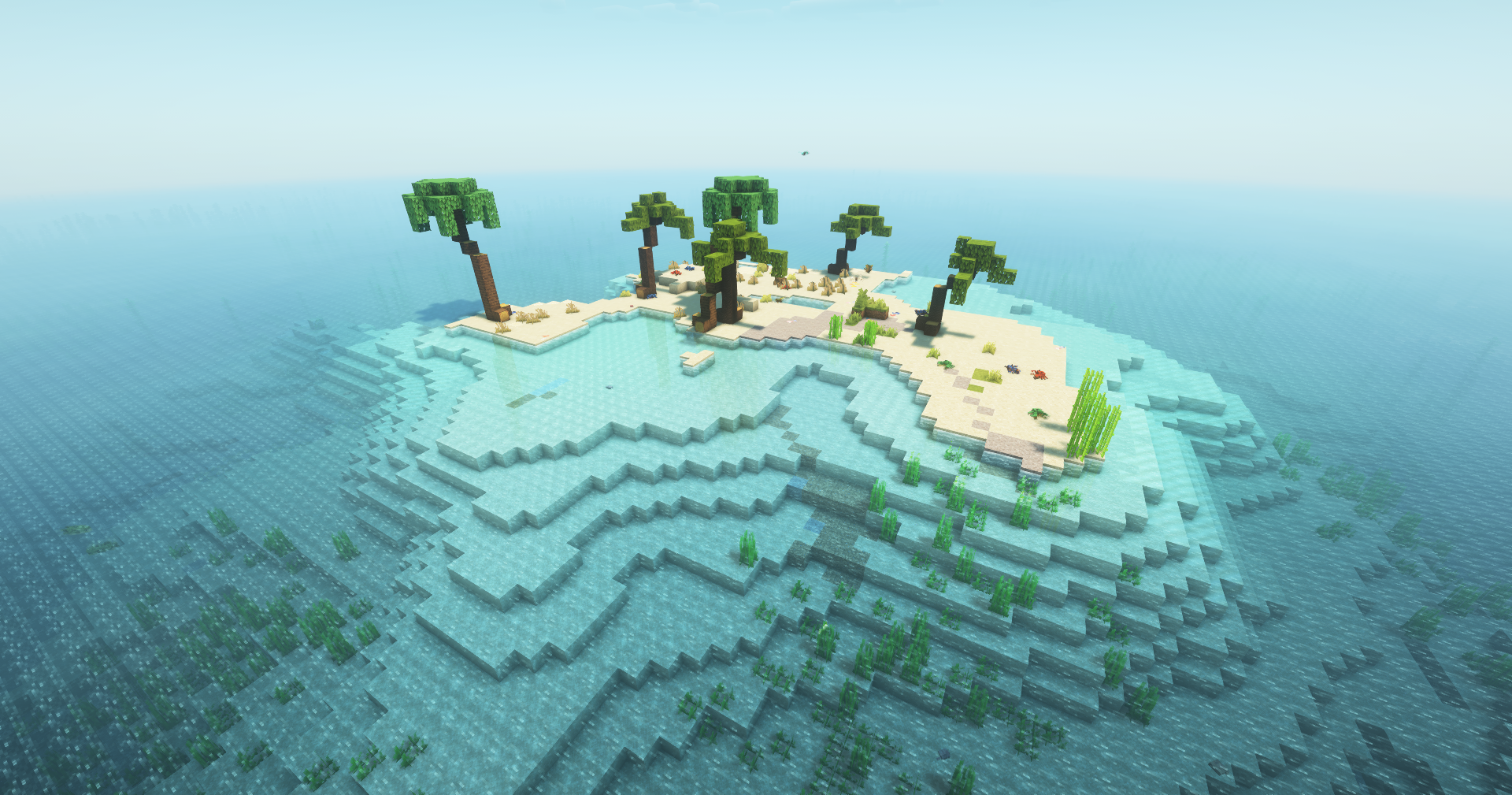
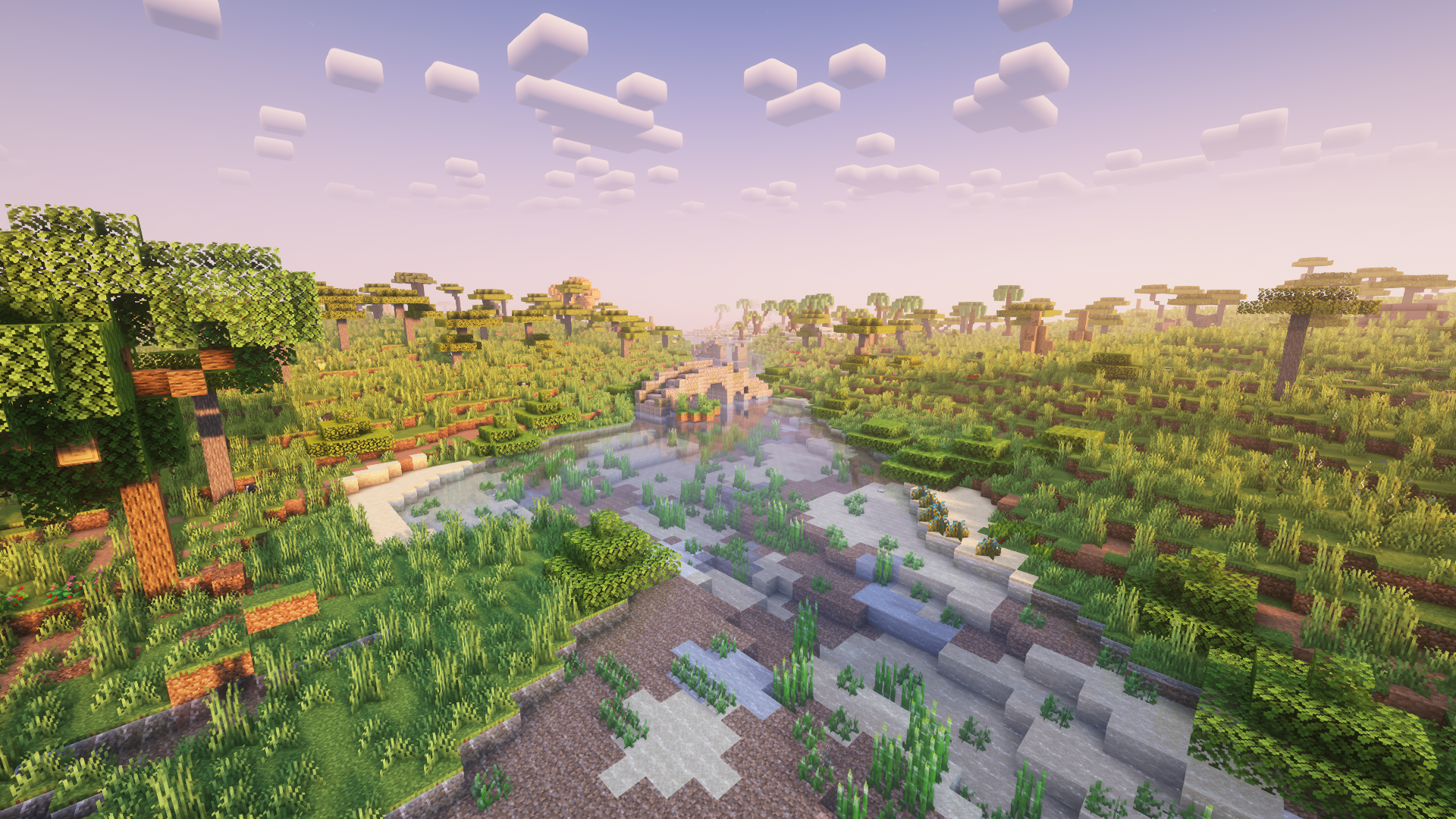
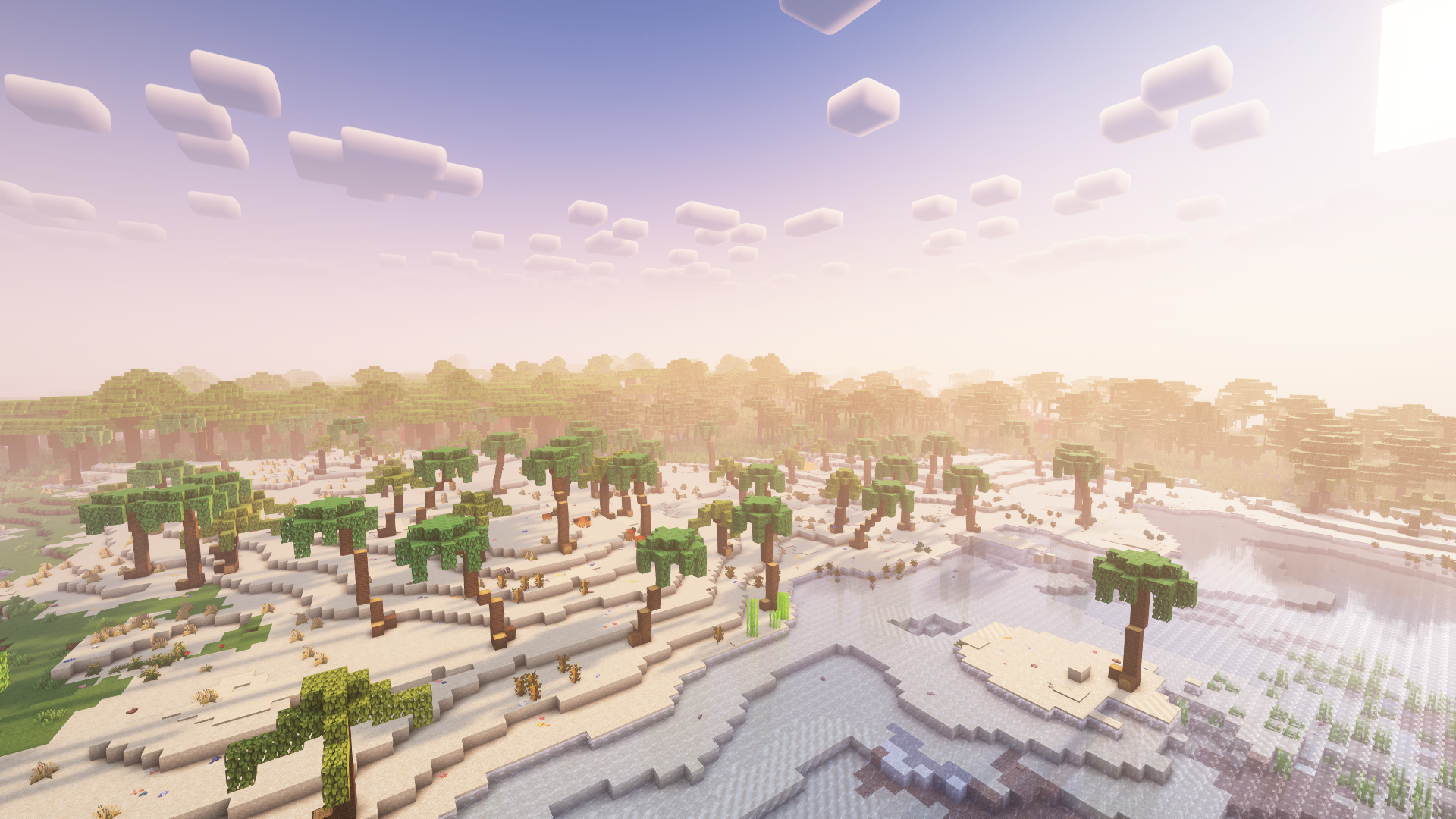
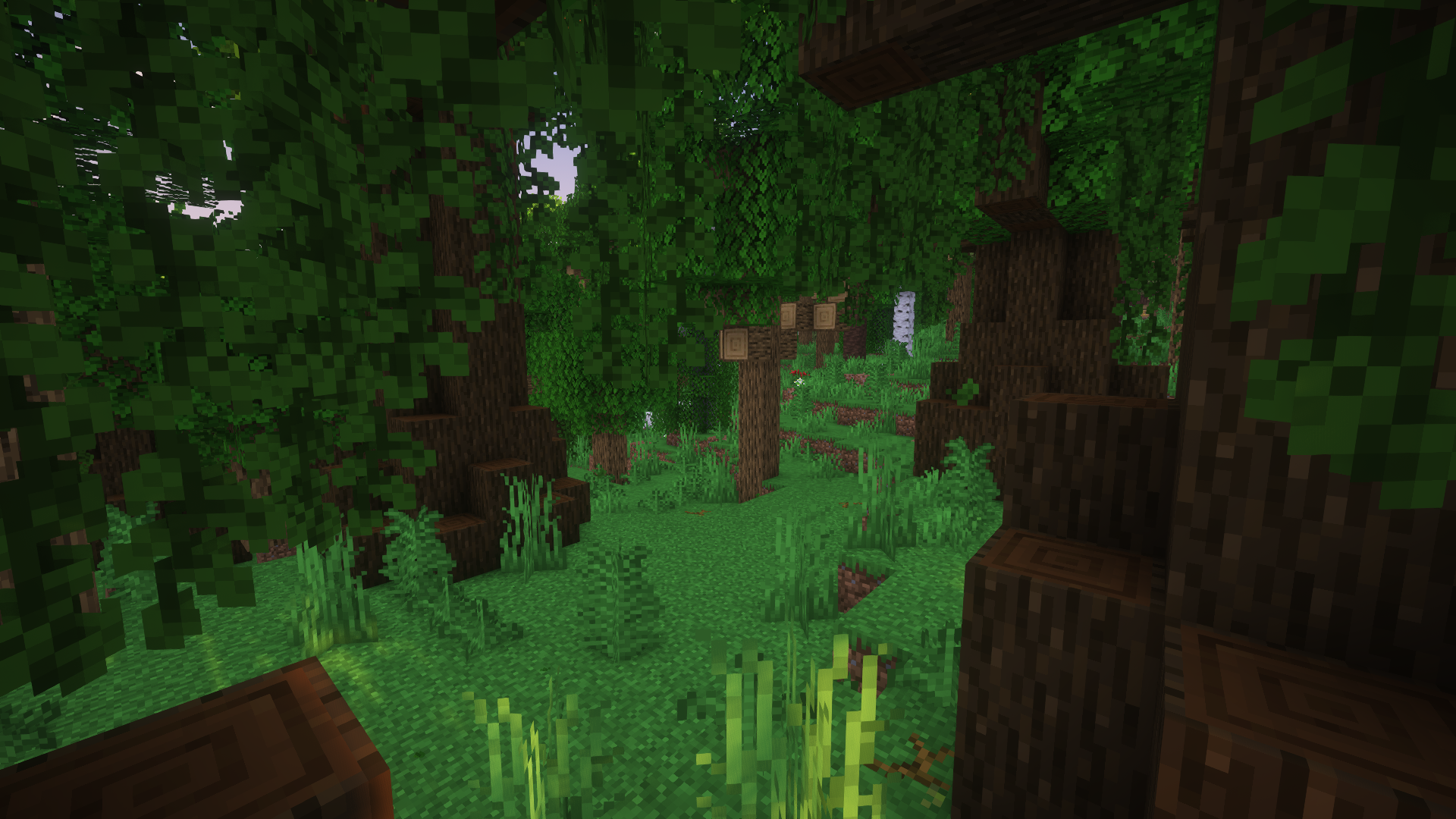
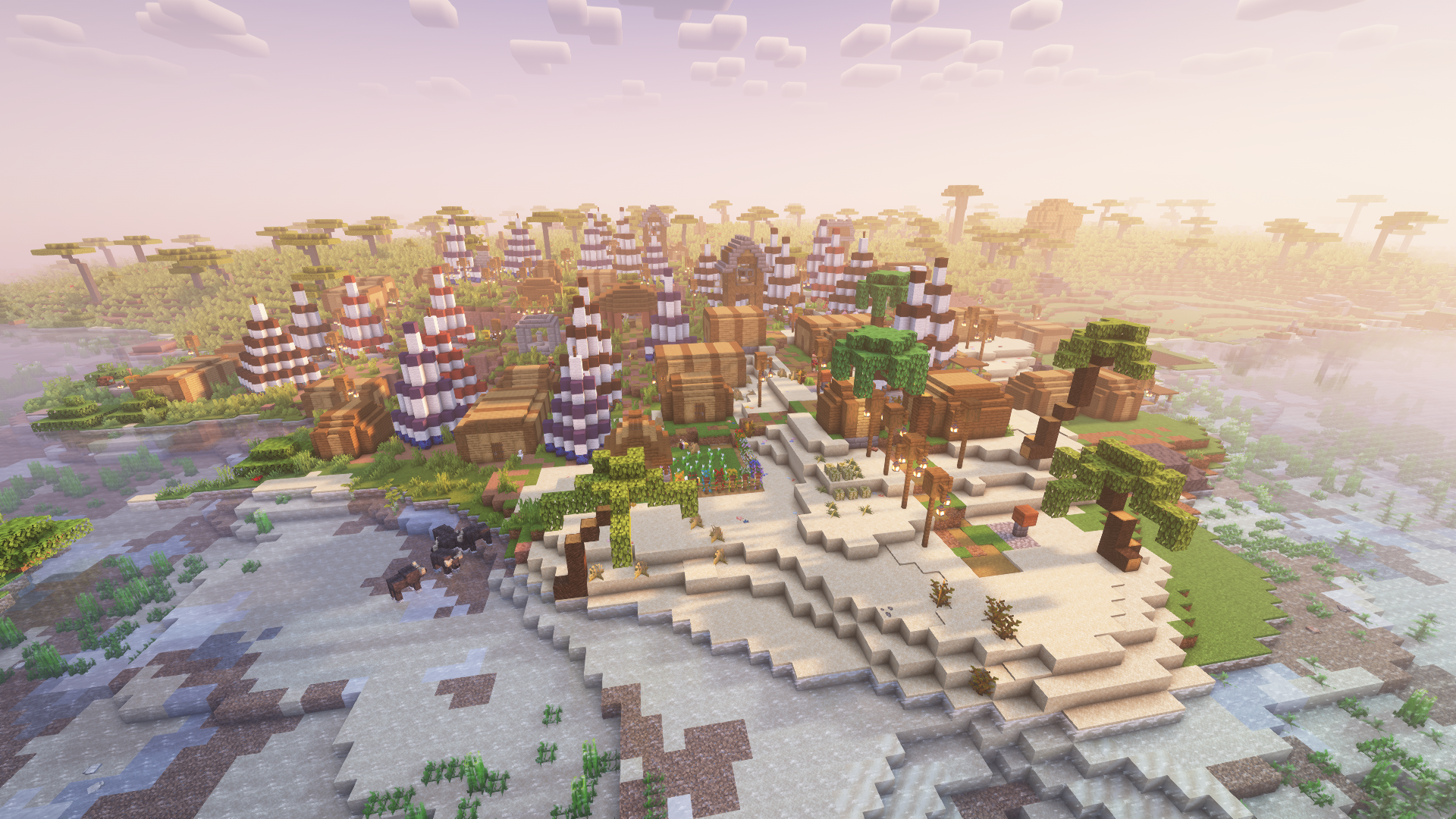
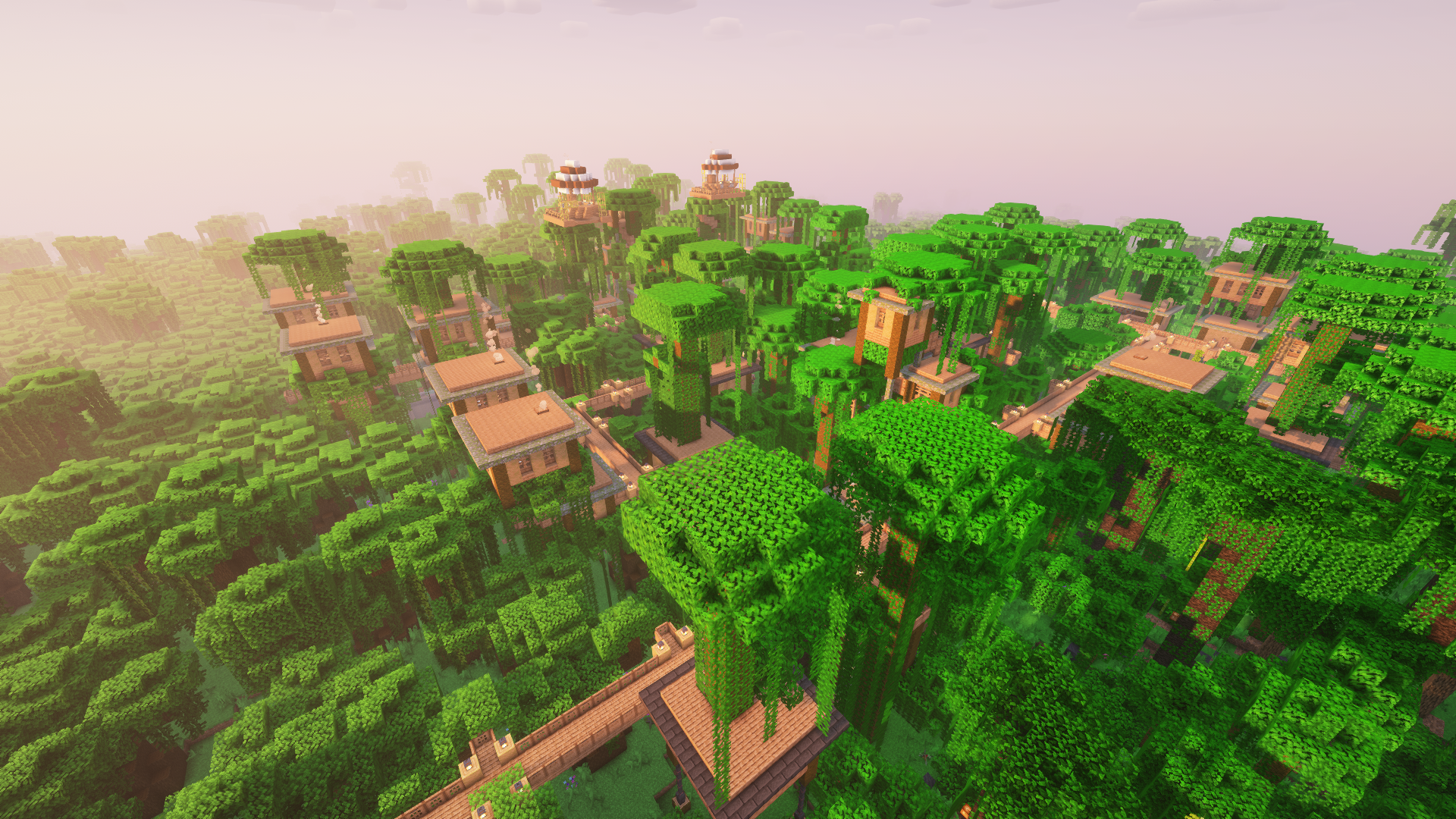
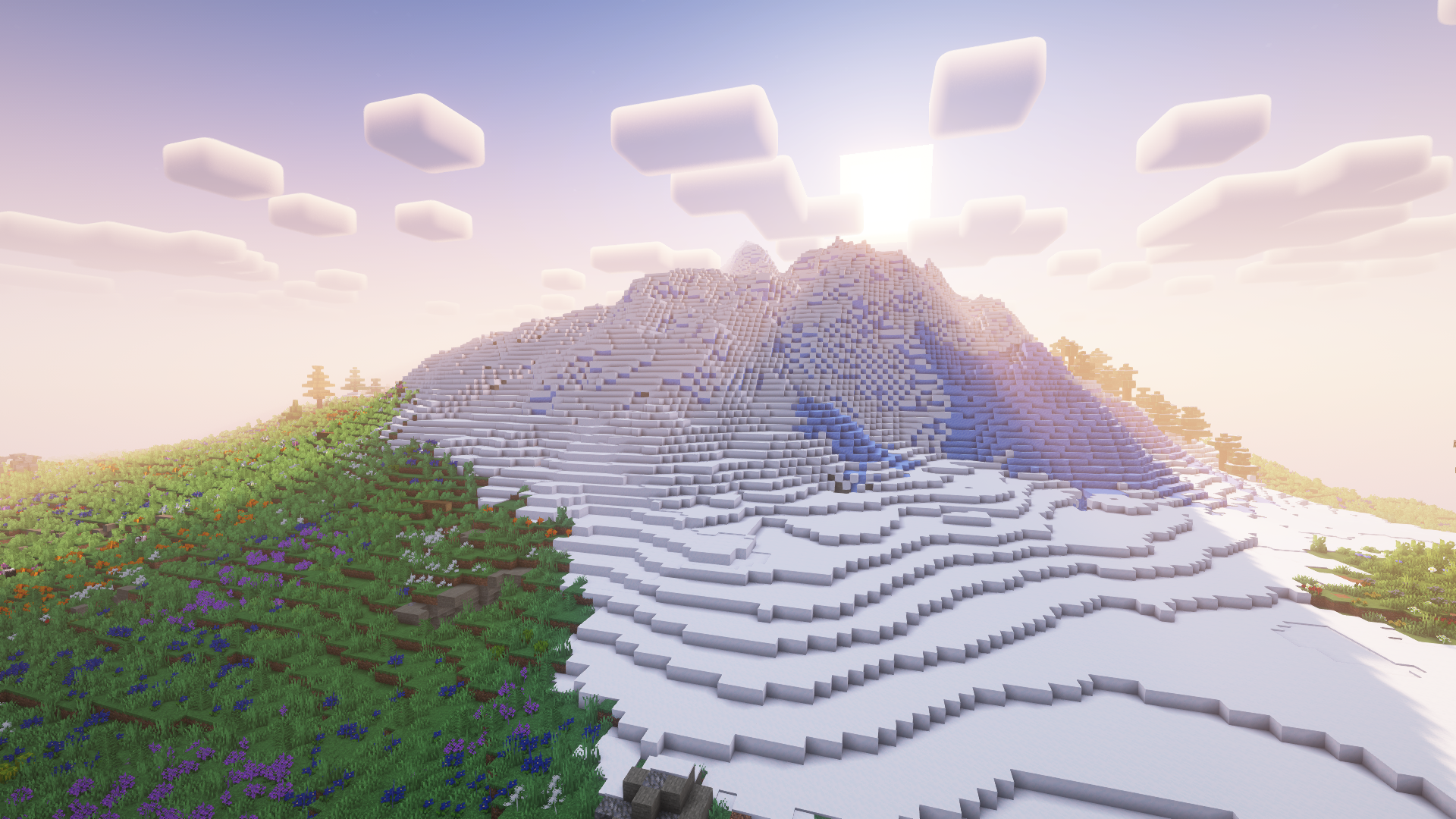
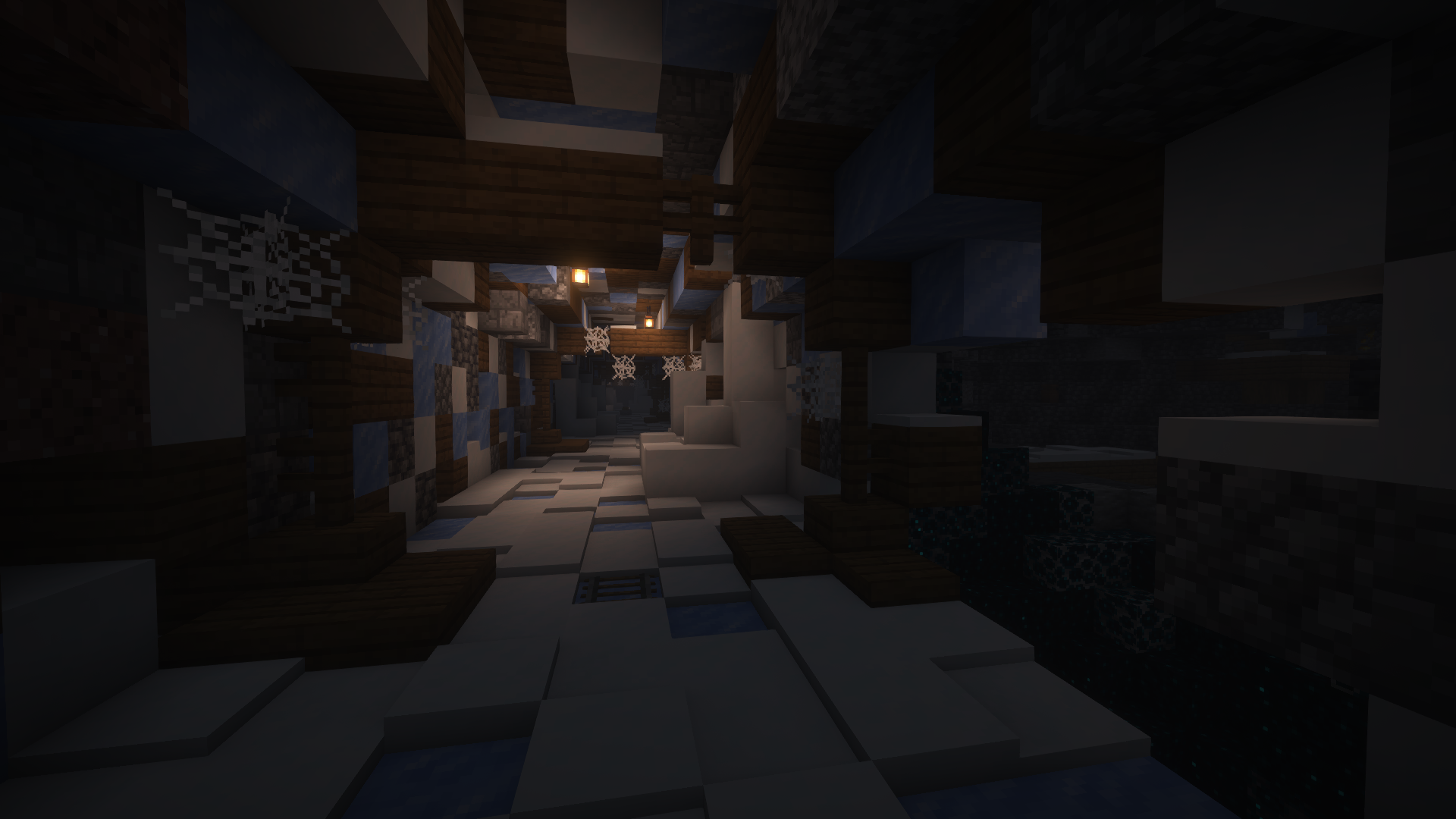
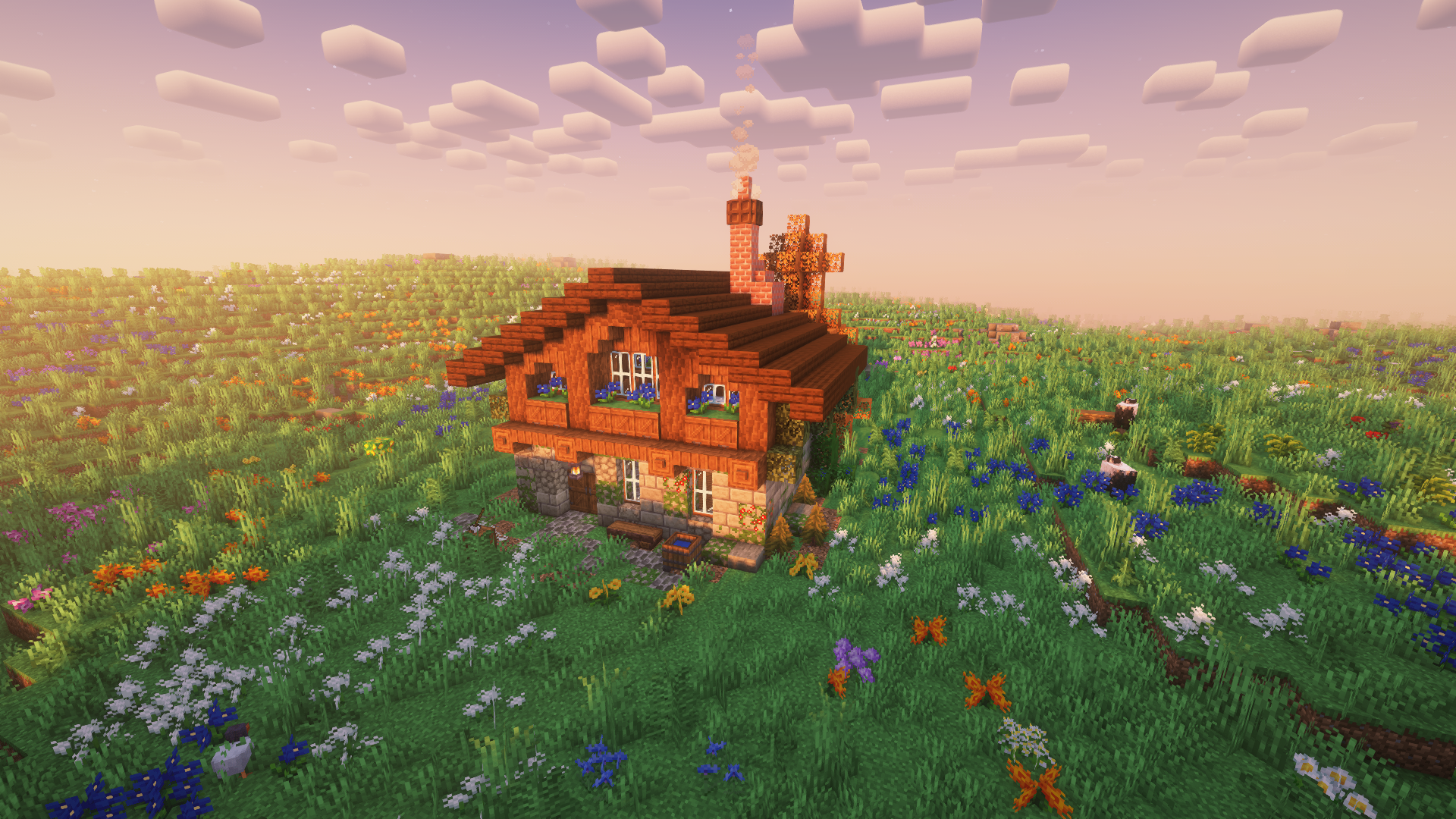
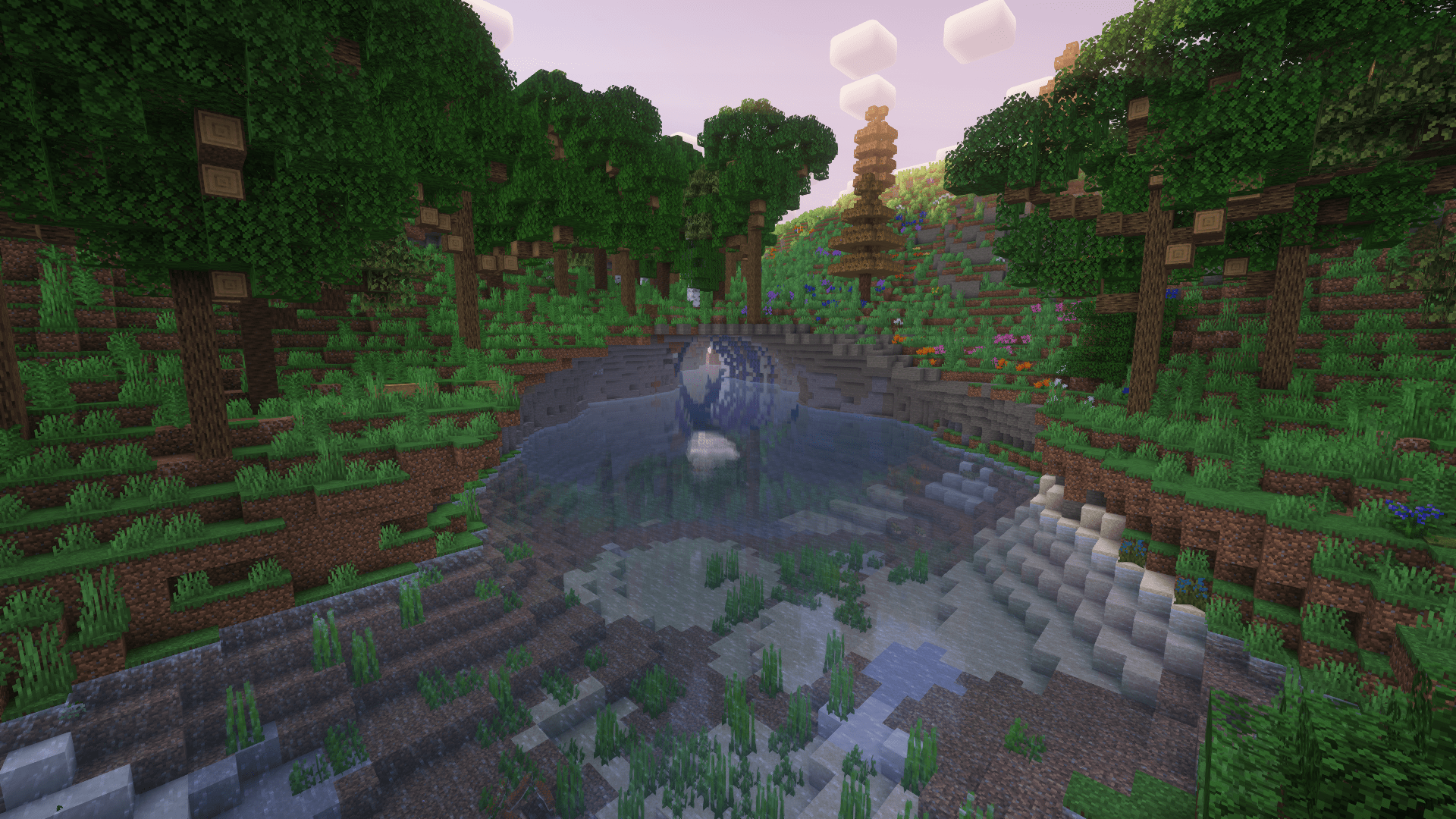
介绍
The final verion of the modpack was uploaded! It won’t receive any further updates!
It is a modpack with over 230 mods.
It’s mainly about automating items and building farms with mods like Applied Energistics 2, Create, Mekanism and Immersive Engeneering.
With Applied Energistics 2 and Refined Storage you can build large storage systems, automate many items and more.
With Create and the addons for Create, you can build simple farms, e.g. a wheat farm.
But you can also build complicated factories with this mod, e.g. a strawberry ice cream factory.
With Mekanism you can, for example, build a simple smelting furnace or a complicated factory for increasing ore.
If you like building large factories to automate items, this is the perfect modpack for you.
Here is a tutorial on how to install Pino 3 as a server:
-> Download the installer for Neoforge 47.1.106.
-> Open the installer, click on Install server, set the file path where the server should be installed and click on proceed.
-> Open user_jvm_args.txt and remove # from the 9th line and replace the 4 with 8.
-> Copy the following folders from your modpack profile to the folder in which you previously installed the server: mods, config, defaultconfig, kubejs.
-> Open the mods folder and delete the following mods. These are only required for the client:
- AdvancementPlaques-1.20.1-forge-1.6.7.jar
- appleskin-forge-mc1.20.1-2.5.1.jar
- BetterF3-7.0.2-Forge-1.20.1.jar
- Controlling-forge-1.20.1-12.0.2.jar
- create-train-perspective-1.0.0+mc1.20.1.jar
- create_tab_fix-1.0.0+forge-1.20.1. jar
- CullLessLeaves-Reforged-1.20.1-1.0.5.jar
- dynamic-fps-3.7.7+minecraft-1.20.0-forge.jar
- embeddium-0.3.31+mc1.20.1.jar
- EnchantmentDescriptions-Forge-1. 20.1-17.1.19.jar
- entity_model_features_forge_1.20.1-2.2.6.jar
- entity_texture_features_forge_1.20.1-6.2.9.jar
- entityculling-forge-1. 7.2-mc1.20.1.jar
- essential_1-3-5-3_forge_1-20-1.jar
- Fallingleaves-1.20.1-2.1.0.jar
- fancymenu_forge_3.3.2_MC_1.20.1.jar
- fusion-1. 1.1-forge-mc1.20.1.jar
- jeimultiblocks-1.20.1-1.0.2.jar
- journeymap-1.20.1-5.10.3-forge.jar
- JustEnoughMekanismMultiblocks-1.20.1-4.6. jar
- JustEnoughProfessions-forge-1.20.1-3.0.1.jar
- melody_forge_1.0.3_MC_1.20.1-1.20.4.jar
- modelfix-1.15.jar
- notenoughcrashes-4.4.7+1.20. 1-forge.jar
- oculus-mc1.20.1-1.7.0.jar
- searchables-forge-1.20.1-1.0.3.jar
- skinlayers3d-forge-1.7.4-mc1.20.1.jar
- starlight-1.1.2+forge.1cda73c.jar
-> Execute the start.bat
-> After a short time eula.txt is created. Open it and replace “false” with “true”
-> Execute the start.bat again
-> Done! The server should now work.
包含的模组 241 个
 3D皮肤层
 [EMF] Entity Model Features
 [ETF] Entity Texture Features
 [Let's Do] API
 [Let's Do] Bakery - Farm&Charm Compat
 [Let's Do] Beachparty
 [Let's Do] BloomingNature
 [Let's Do] Brewery - Farm&Charm Compat
 [Let's Do] Camping
 [Let's Do] Candlelight - Farm&Charm compat
 [Let's Do] Farm & Charm
 [Let's Do] Furniture
 [Let's Do] HerbalBrews
 [Let's Do] Meadow
 [Let's Do] NetherVinery
 [Let's Do] Vinery
 [Let's Do] WilderNature
 Ad Astra
 Advancement Plaques
 Almost Unified
 AmbientSounds
 Amendments
 苹果皮
 应用能源2
 Applied Energistics 2 Wireless Terminals
 Architect's Palette
 Architectury API
 Argentina's Delight Reborn
 Armor Statues
 Athena
 AttributeFix
 Automobility
 Balm
 Beautify!
 Better Archeology
 BetterF3
 Bookshelf
 Botany Pots
 Botany Trees
 Botarium
展开全部 241 个
 Bushier Flowers
 Butcher's Delight
 Carry On
 Casualness Delight
 Chipped
 ChoiceTheorem's Overhauled Village
 Chunk Loaders
 Chunky
 Clockwork
 Cloth Config API
 Clumps
 Coffee Delight
 Compressed Creativity
 建筑法杖
 Controlling
 机械动力
 Create Big Cannons
 Create Crafts & Additions
 Create Deco
 Create Mechanical Extruder
 Create Optical
 Create PCs
 Create Railways Navigator
 Create Ratatouille
 Create Slice & Dice
 Create Stuff 'N Additions
 Create Tab Fix
 Create Track Map
 Create: Addon Compatibility
 Create: Bitterballen
 Create: Central Kitchen
 Create: Connected
 Create: Copycats+
 Create: Design n' Decor
 Create: Diesel Generators
 Create: Dreams & Desires
 Create: Enchantment Industry
 Create: Garnished
 Create: Interiors
 Create: Misc and Things
 Create: New Age
 Create: Numismatics
 Create: Old Infrastructure
 Create: Power Loader
 机械动力:蒸汽与铁路
 Create: Structures
 Create: The Factory Must Grow
 Create: Trading floor
 Create: Train Perspective
 Create: Vintage Improvements
 CreativeCore
 CTOV - Beautify Compat
 CTOV - Create: Structures
 CTOV - Farmer Delight Compat
 CTOV - Friends and Foes Compat
 CTOV - Immersive Engineering Compat
 CTOV - PneumaticCraft: Repressurized compat
 Cull Less Leaves Reforged
 Curios API
 Dawn of Time
 Delightful
 Destroy
 Diagonal Fences
 Diagonal Walls
 Dynamic FPS
 Earth2Java
 Embeddium
 Enchantment Descriptions
 末影接口
 实体剔除
 Essential Mod
 Eureka! Ships! for Valkyrien Skies (Forge/Fabric)
 Expanding Technologies
 Exposure
 Falling Leaves (NeoForge/Forge)
 FancyMenu
 农夫乐事
 FerriteCore
 Festive Delight - Christmas eve
 Friends&Foes (Forge/NeoForge)
 Fruits Delight
 Fusion (Connected Textures)
 Gaming Consoles
 Garnished Botany Pots
 Geckolib
 Good Ending
 GraveStone Mod
 Handcrafted
 Iceberg
 ImmediatelyFast
 Immersive Aircraft
 沉浸工程
 Industrial Foregoing
 Infinity Buttons
 铁箱子
 Items Displayed [NeoForge]
 JAOPCA
 旅行地图
 Just Enough Immersive Multiblocks
 JEI物品管理器
 Just Enough Mekanism Multiblocks
 Just Enough Professions (JEP)
 Just Outdoor Stuffs
 Konkrete
 Kotlin for Forge
 KubeJS
 KubeJS Create
 Lithostitched
 Macaw's Bridges
 Macaw's Doors
 Macaw's Fences and Walls
 Macaw's Furniture
 Macaw's Holidays
 Macaw's Lights and Lamps
 Macaw's Paintings
 Macaw's Paths and Pavings
 Macaw's Roofs
 Macaw's Trapdoors
 Macaw's Windows
 Man of Many Planes
 Max Health Fix
 McJtyLib
 通用机械
 Mekanism Additions
 Mekanism Generators
 Mekanism Tools
 Mekanism: Ad Astra Ores
 Melody
 Memory Leak Fix
 Miner's Delight
 Model Gap Fix
 ModernFix
 Moonlight Lib
 More Delight (for Farmer's Delight)
 Naturalist
 自然指南针
 下界乐事
 Not Enough Crashes
 Oculus
 Pam's HarvestCraft 2: Food Core
 帕秋莉手册
 Plushie Mod
 气动工艺:重制版
 Polymorph
 Polymorphic Energistics
 Powah!
 Productive Bees
 Puzzles Lib
 QoM: Excavein
 夸克
 Re:Deco
 Rechiseled
 Rechiseled: Create
 Refined Polymorphism
 精致存储
 Refined Storage Addons
 Resourceful Config
 Resourceful Lib
 RFTools Base
 Rhino
 Searchables
 ServerCore
 Simple Voice Chat
 Smarter Farmers (farmers replant)
 spark
 Starlight (Forge)
 储物抽屉
 STRAYED FATES: Forsaken
 SuperMartijn642's Config Lib
 SuperMartijn642's Core Lib
 锦致装饰
 Supplementaries Squared
 Tectonic
 TerraBlender
 The One Probe
 Titanium
 Tom's Simple Storage Mod
 TorchMaster
 Trackwork
 Traveler's Backpack
 True Ending - Ender Dragon Overhaul
 Twigs
 Valkyrien Skies
 Vegan Delight
 传送石碑
 XNet
 XNet Gases
 YetAnotherConfigLib (YACL)
 YUNG's API
 YUNG's Better Desert Temples
 YUNG's Better Dungeons
 YUNG's Better End Island
 YUNG's Better Jungle Temples
 YUNG's Better Mineshafts
 YUNG's Better Nether Fortresses
 YUNG's Better Ocean Monuments
 YUNG's Better Strongholds
 YUNG's Bridges
 YUNG's Extras
 Zeta
 Zetter — Painting Mod
绿色边框的模组本站有收录,点进去看中文介绍;其余跳转到 Modrinth。
常见问题
Pino 3 支持哪些 Minecraft 版本?
Pino 3 基于 Minecraft Java 版 1.20.1,使用 NeoForge 加载器。
Pino 3 怎么安装?
点本页「前往下载」拿到整合包文件(Modrinth 的是 .mrpack,CurseForge 的是 .zip),在 PCL2 或 HMCL 启动器里选择「导入整合包」,启动器会自动装好 Minecraft、加载器和全部模组。这个整合包有 241 个模组,建议在启动器里给游戏分配 6–8 GB 内存。
Pino 3 开服需要多大内存?
推荐服务器内存 12 GB。在线人数多、或者建了大量机器和区块加载器时,可以再加 2–4 GB。
怎么和朋友一起玩 Pino 3?
点本页的「一键开服」,选好配置后会自动安装 Pino 3 的服务端,几分钟就能开好。把服务器地址发给朋友,大家用同一个版本的整合包连进去就行。

评论
登录后评论和评分