
截图
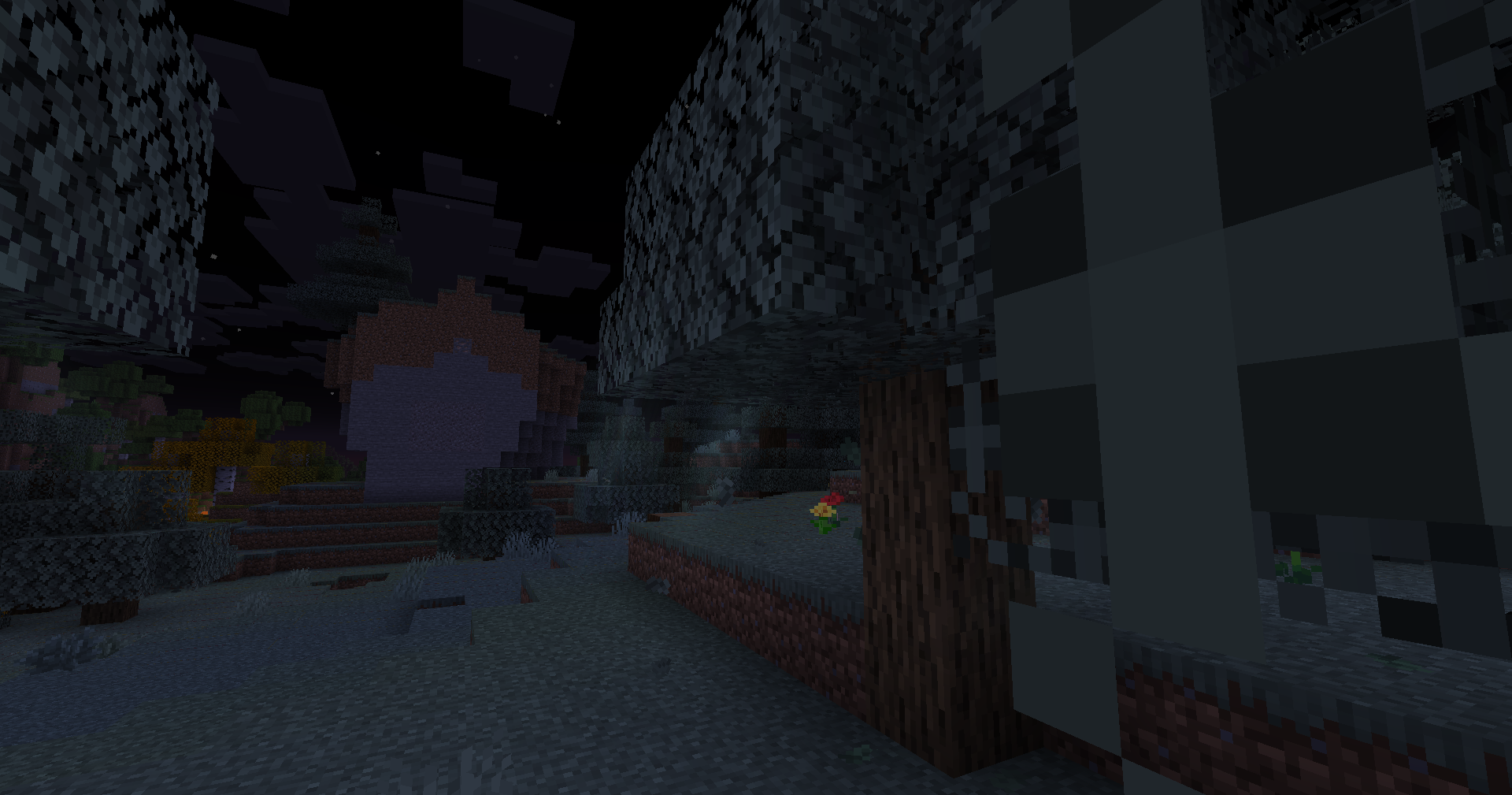
介绍

Vivid Motions: Java Edition
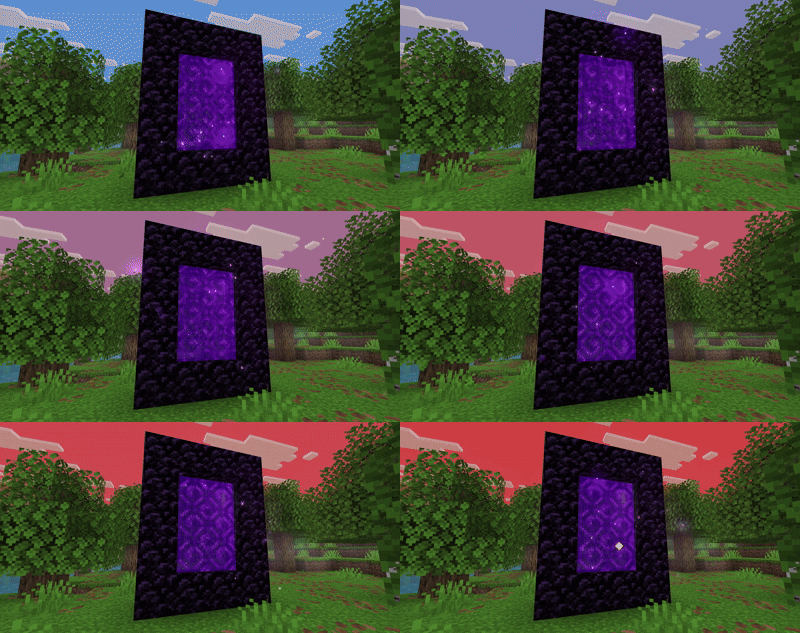
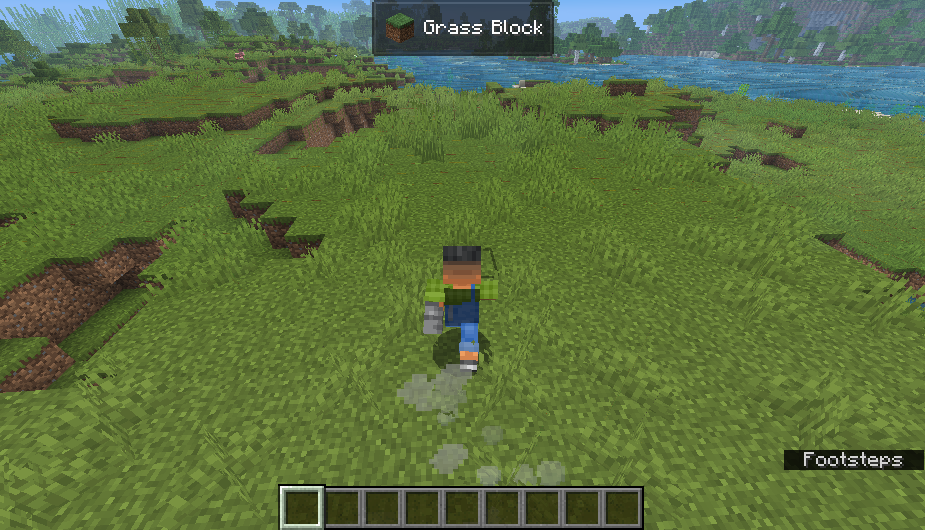
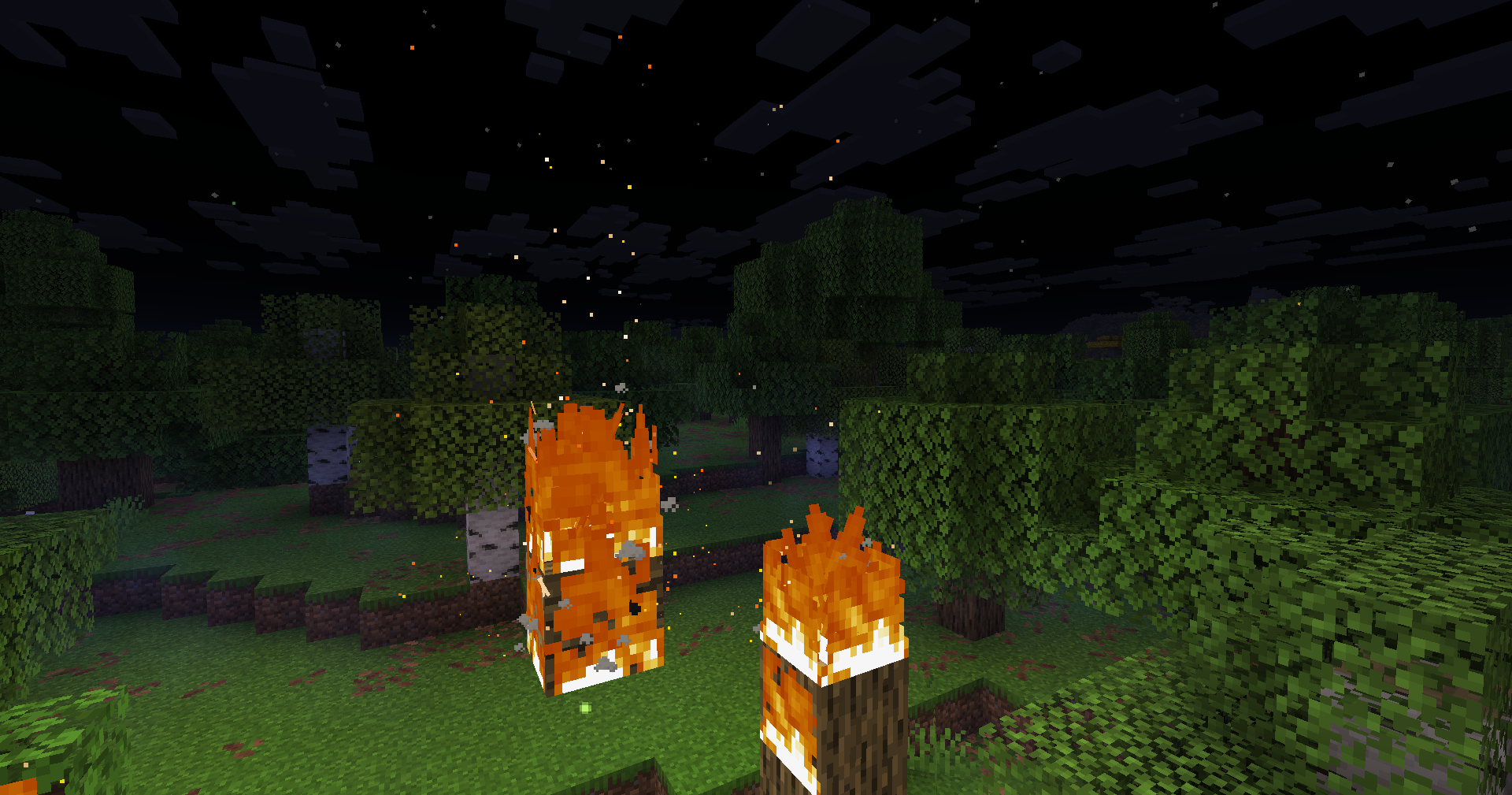
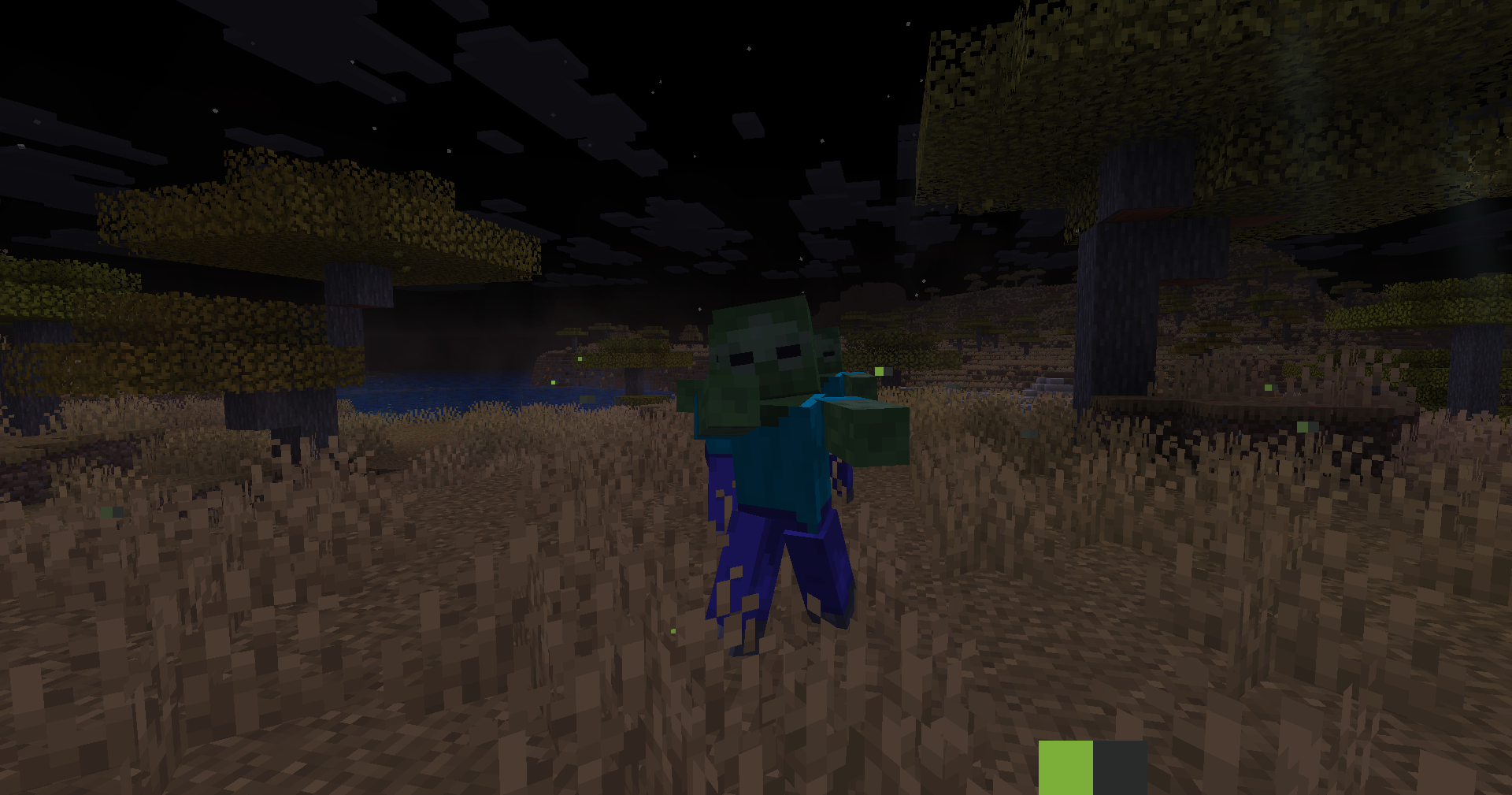
Every move feels real
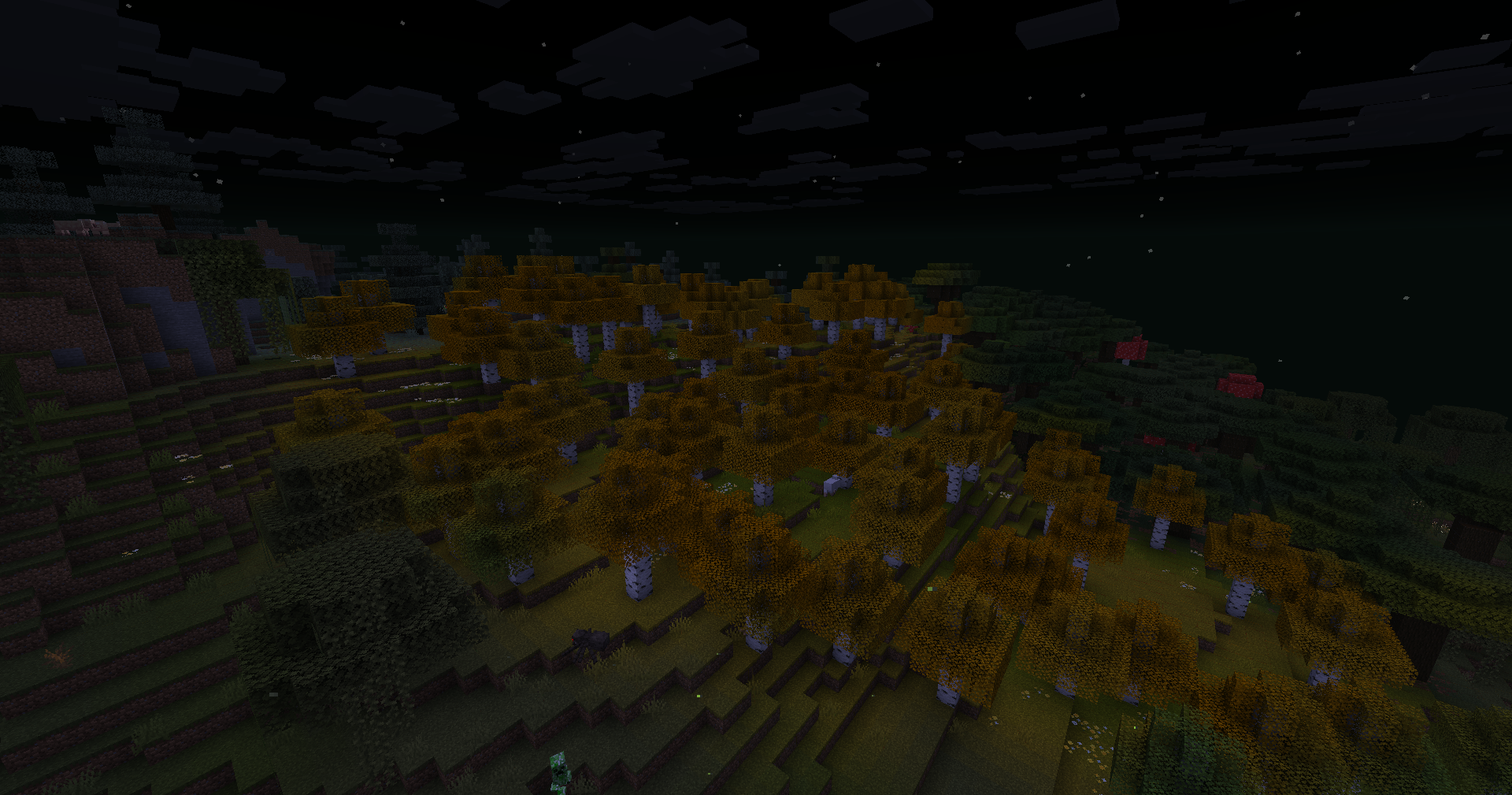
Vivid Motions makes Minecraft Java feel alive.
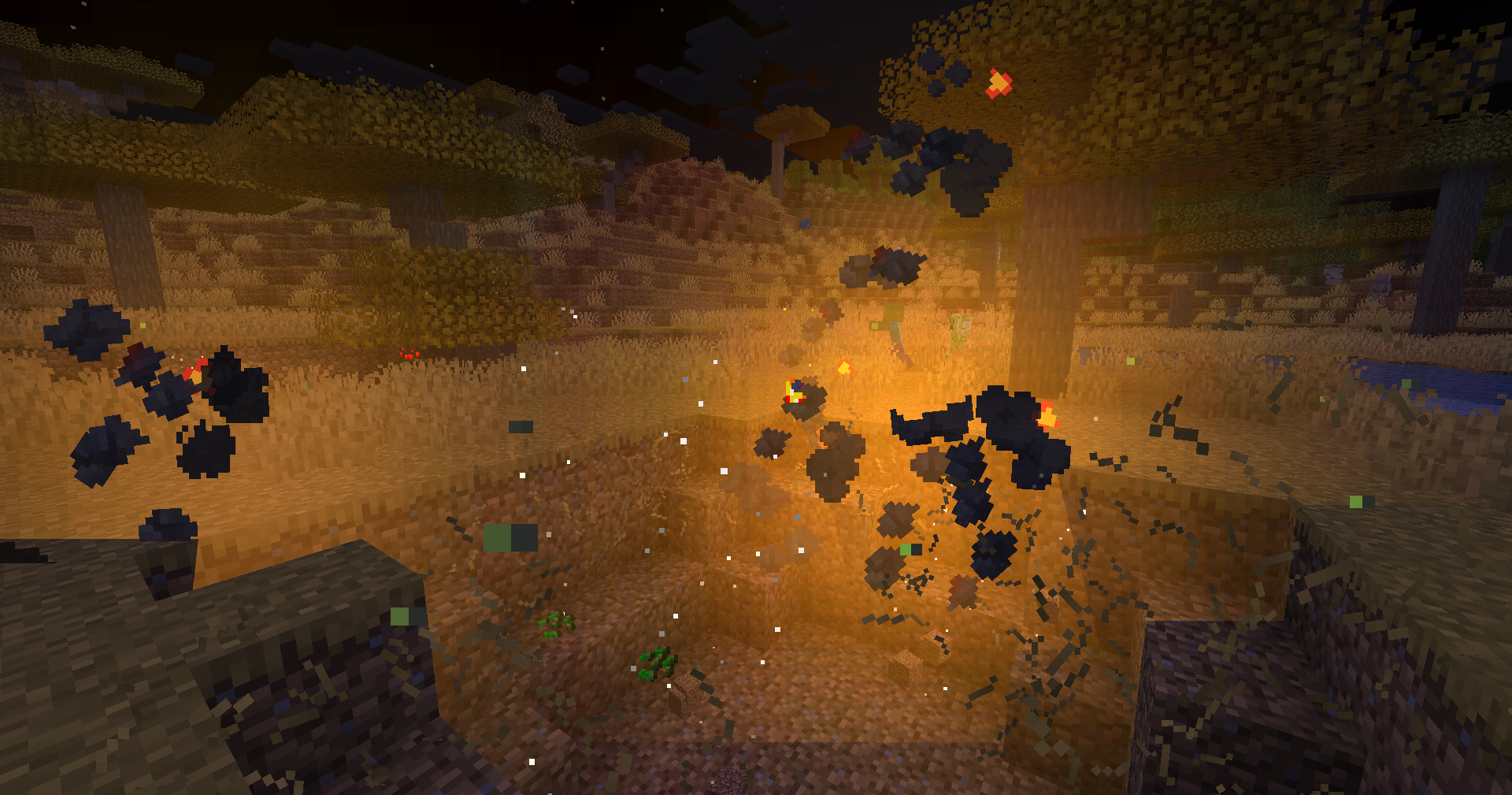
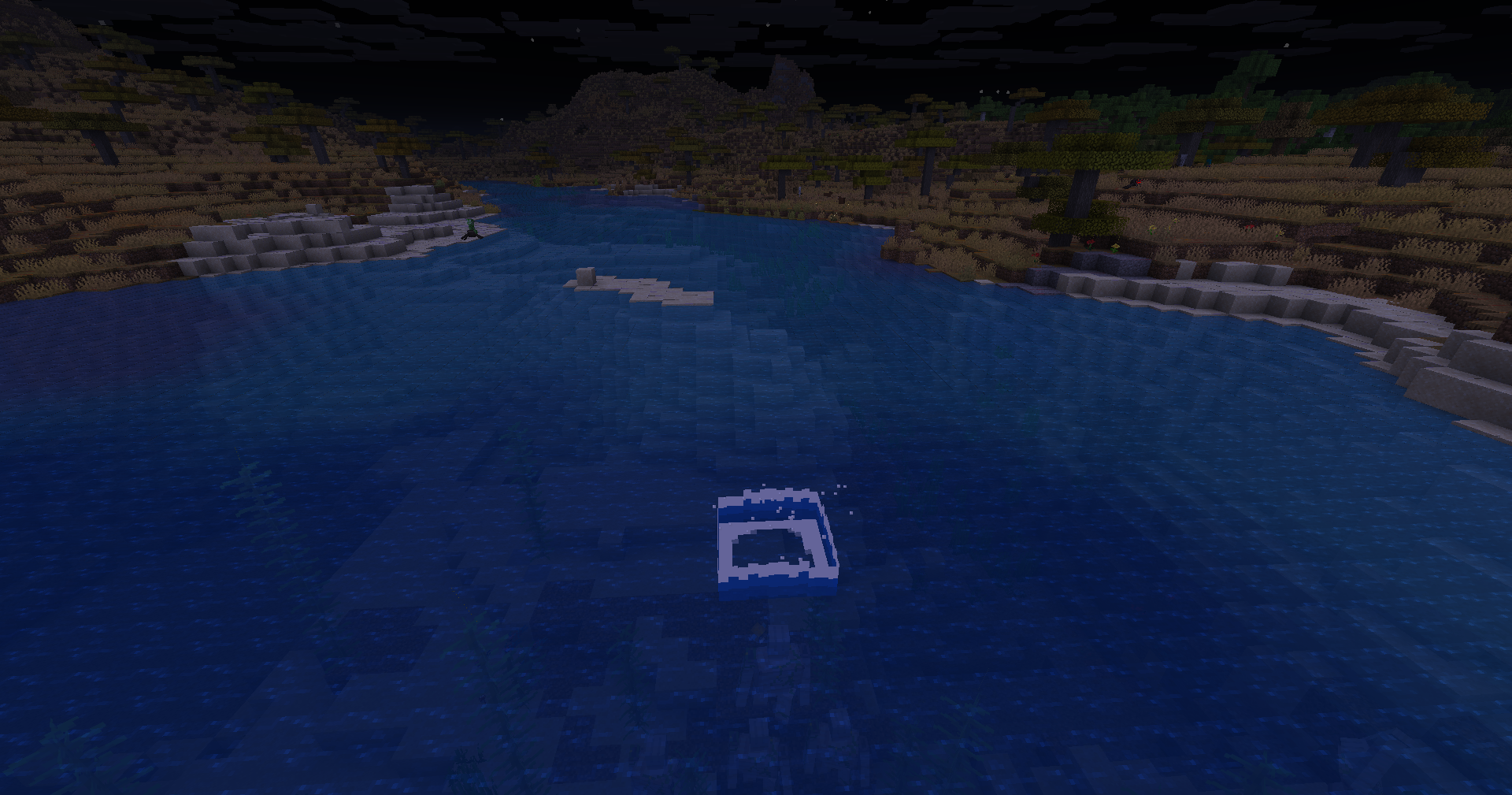
Your character moves smooth. Tools swing with weight. Eating looks real. Mobs act alive. Everything just feels better.
What it does:
- You move naturally — no stiff arms or legs
- Items in your hand look 3D and move when you do
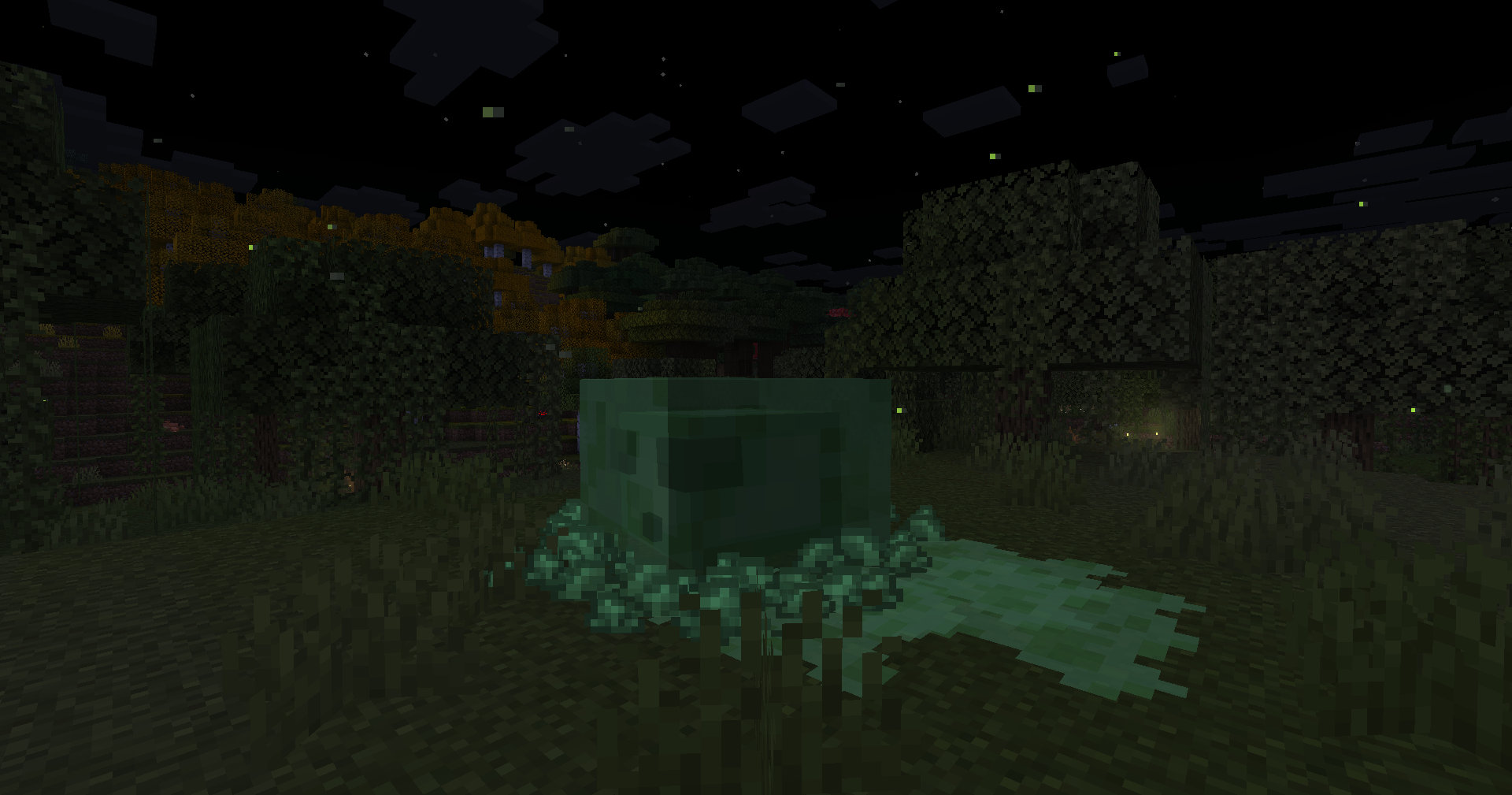
- Mobs walk, bounce, and react like real animals
- Lights are smooth, like in optifine
Mods and Resource-packs used:
Expand Full List
- [Chat Animation [Smooth Chat]](https://modrinth.com/mod/chatanimation/version/1.0.6)
- Enchantment Glows
- Fresh Animations
- Hold My Items
- Subtle Effects
- Fabric Language Kotlin
- Lithium
- AppleSkin
- Not Enough Animations
- Cloth Config API
- Tiny Pickup Animation
- Jade 🔍
- Fzzy Config
- Visual Effects+
- Fancy Toasts | Better Advancements
- Colourful containers GUI
- YetAnotherConfigLib (YACL)
- [[ETF] Entity Texture Features](https://modrinth.com/mod/entitytexturefeatures/version/7.0.2)
- [[EMF] Entity Model Features](https://modrinth.com/mod/entity-model-features/version/3.0.1)
- oωo (owo-lib)
- Visuality
- Mod Menu
- Particular ✨ Reforged
- Particle Effects
- Particle Interactions
- Fabric API
- Polytone
- Model Gap Fix
- Smooth Bow Animations
- Smooth Swapping
- Smooth Gui
- Better Animations
- VTDownloader
- Fresh Buckets
- Animated Items
- Mouse Tweaks
- LambDynamicLights – Dynamic Lights
- Animated Typing
- Boat Item View
- Effect Timer Plus
- 3D Armor
- Better Statistics Screen
- Drodi’s Illagers x Fresh Animation
- Cave Dust
- Tiny Item Animations
- BetterF3
- Blur+
- Enchantment Descriptions
- Shulker Box Tooltip
- Better Third Person
- Accurate Block Placement Reborn
- Sound Physics Remastered
- Wavy Water
- Better Mount HUD
- Eating Animation
- Creeper Recrafted:FA
Steps to install:
Modrinth App [Recommended]
- Open the Modrinth App and log in if needed.
- Click the “+” (Add Instance) button in the top-left.
- Select “Import Modpack” from the dropdown.
- Browse your files and select the .mrpack file.
- Choose your Minecraft version (if prompted) and click “Import.”
- Once done, launch the new instance from the main list.
_The launchers below require a zip file, then an .mrpack.
Please use an online converter for them._
Curseforge App
- Open the CurseForge App > Minecraft tab.
- Click “Create Custom Profile” (top-right, next to the search bar).
- In the pop-up, select “Import” > Choose “From .zip file”.
- Browse to your .zip (e.g., VividMotions.zip) > Select it.
- Name the profile (e.g., “Vivid Motions”) > Click “Create”.
- Review mods in the profile editor if needed (e.g., tweak configs) > Hit “Play”
Prism Launcher
- Open Prism Launcher.
- Click “Add Instance” (or right-click in the instances list > Create Instance).
- In the dialog, go to the “Import from zip” tab.
- Paste the URL to the .mrpack (if online) or click the folder icon to select your local .mrpack file.
- Select the Minecraft version if prompted, then click “OK” to import.
- Edit mods/configs if needed, then launch.
ATLauncher
- Open ATLauncher.
- Go to the “Packs” tab on the left sidebar.
- Click “Import” at the bottom of the packs list.
- Select “Local Pack” or “From File,” then browse and choose your .mrpack file.
- ATLauncher will detect it as a modpack—name the instance and click “Import.”
- Wait for download/extraction, then launch from the instances list.
MultiMC / PolyMC
- Open MultiMC (or PolyMC fork).
- Click “Add Instance” > Select “Import from zip.”
- Enter the local path to your .mrpack file.
- MultiMC will parse the .mrpack—confirm Minecraft version and click “OK.”
- The instance appears in the list—edit jars/mods if prompted, then launch.
Other Launchers(Buttons may vary)
- Convert .mrpack to .zip
- Extract the .zip file
- Open %appdata% and go to .minecraft
- Drag the files in the Resource pack folder from the .zip to the Resource pack folder in .minecraft
- Drag the files in the Mods folder from the .zip to the Mods folder in .minecraft
- Open your launcher and create a new instance
- Select your version and click “Play”
Download Vivid Motions now and feel the difference.
Copyright ©
_We do not own the mods. All credit goes to the mod creators. I just put them together._
包含的模组 93 个
 3D Armor
 3D Skin Layers
 [EMF] Entity Model Features
 [ETF] Entity Texture Features
 Accurate Block Placement Reborn
 Animated Items
 苹果皮
 AR1 Animated Typing
 BaguetteLib
 Better Animations
 Better Mount HUD
 Better Statistics Screen
 BetterF3
 Blur+
 Boat Item View
 Cave Dust Rethinking
 Chat Animation [Smooth Chat]
 Cherished Worlds
 CICADA
 Cloth Config API
 Clumps
 Colourful containers GUI
 Creeper Recrafted:FA
 Custom Glow Enchantment Outline
 Cut Through
 Delete Worlds To Trash
 遥远的地平线
 Do a Barrel Roll
 Drodi's Illagers x Fresh Animation
 Eating Animation
 Effect Timer Plus
 Enchantment Descriptions
 实体剔除
 Fabric API
 Fabric Language Kotlin
 Fancy Door Animations - Hold My Doors
 Fancy Toasts | Better Advancements
 Fast Better Grass
 FerriteCore
 First-person Model
展开全部 93 个
 Forge Config API Port
 Fresh Animations
 Fresh Buckets
 Fzzy Config
 Iceberg
 ImmediatelyFast
 Iris Shaders
 Item Highlighter
 Jade 🔍
 LambDynamicLights - Dynamic Lights
 LibJF
 锂
 模组菜单
 鼠标微调
 Not Enough Animations
 oωo (owo-lib)
 Packed Packs
 Particle Effects
 Particle Interactions
 Particle Rain
 Particular ✨ Reforged
 Pick Up Notifier
 Pickup Animations: Subtle, Tiny, Satisfying Inventory Item QoL
 Polytone
 Presence Footsteps
 Prickle
 Punchy!
 Puzzles Lib
 Remove Reloading Screen
 Resourcify
 Respackopts
 RP Renames
 Shulker Box Tooltip
 Smooth Gui
 钠
 Sodium Extra
 Sound Physics Remastered
 Subtle Effects
 TCDCommons API
 Text Placeholder API
 Third Person Death Continued
 Torches Reimagined
 Torturable Healthbars
 Torturable Healthbars x Fresh Animations
 uku's Armor HUD
 ukulib
 Visual Effects+
 Visuality
 VTDownloader
 Wakes
 YDM's Weapon Master
 YetAnotherConfigLib (YACL)
 Zoomify (Zoom)
绿色边框的模组本站有收录,点进去看中文介绍;其余跳转到 Modrinth。
常见问题
Vivid Motions 支持哪些 Minecraft 版本?
Vivid Motions 基于 Minecraft Java 版 26.2、1.21.5,使用 Fabric 加载器。
Vivid Motions 怎么安装?
点本页「前往下载」拿到整合包文件(Modrinth 的是 .mrpack,CurseForge 的是 .zip),在 PCL2 或 HMCL 启动器里选择「导入整合包」,启动器会自动装好 Minecraft、加载器和全部模组。这个整合包有 93 个模组,建议在启动器里给游戏分配 4–6 GB 内存。
Vivid Motions 开服需要多大内存?
推荐服务器内存 12 GB。在线人数多、或者建了大量机器和区块加载器时,可以再加 2–4 GB。
怎么和朋友一起玩 Vivid Motions?
点本页的「一键开服」,选好配置后会自动安装 Vivid Motions 的服务端,几分钟就能开好。把服务器地址发给朋友,大家用同一个版本的整合包连进去就行。
Redresso2 Studios 的其他作品
查看全部 →
Minecraft Dumb Ideas (MDI)
Ever wanted to throw bricks at villagers, drink Redbull and levitate, or brew the world’s longest-named Starbucks drink from a custom coffee machine? No? Well too bad. This mod adds that — and a whole lot of regret.

Better Baby Villagers
Fixes the cut-off baby villagers in the new Minecraft update

Redresso2’s Throwable Explosives (RTE)
A collection of throwable explosives, which include TNT, fireballs and even Creepers.

Minceraft Always
A lightweight resource pack that permanently features the rare “Minceraft” logo on the title screen. In vanilla Minecraft, this typo appears randomly with a 0.1% chance, but with this pack, the Easter egg is always visible.
评论
登录后评论和评分