
RealismCraft
A high-fidelity survival and technical experience pushing the limits of terrain generation and mechanical engineering on NeoForge 1.21.1.
截图
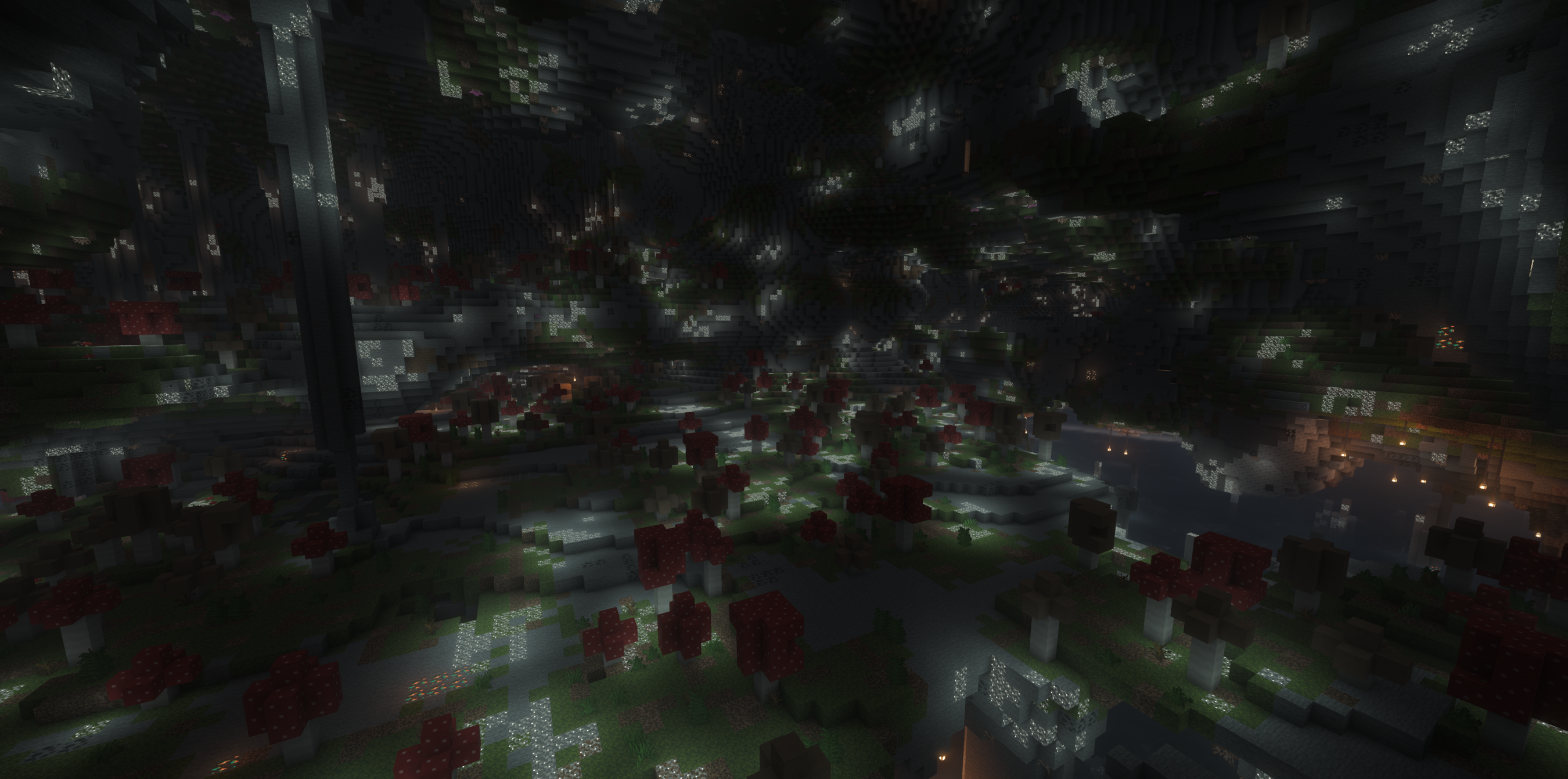
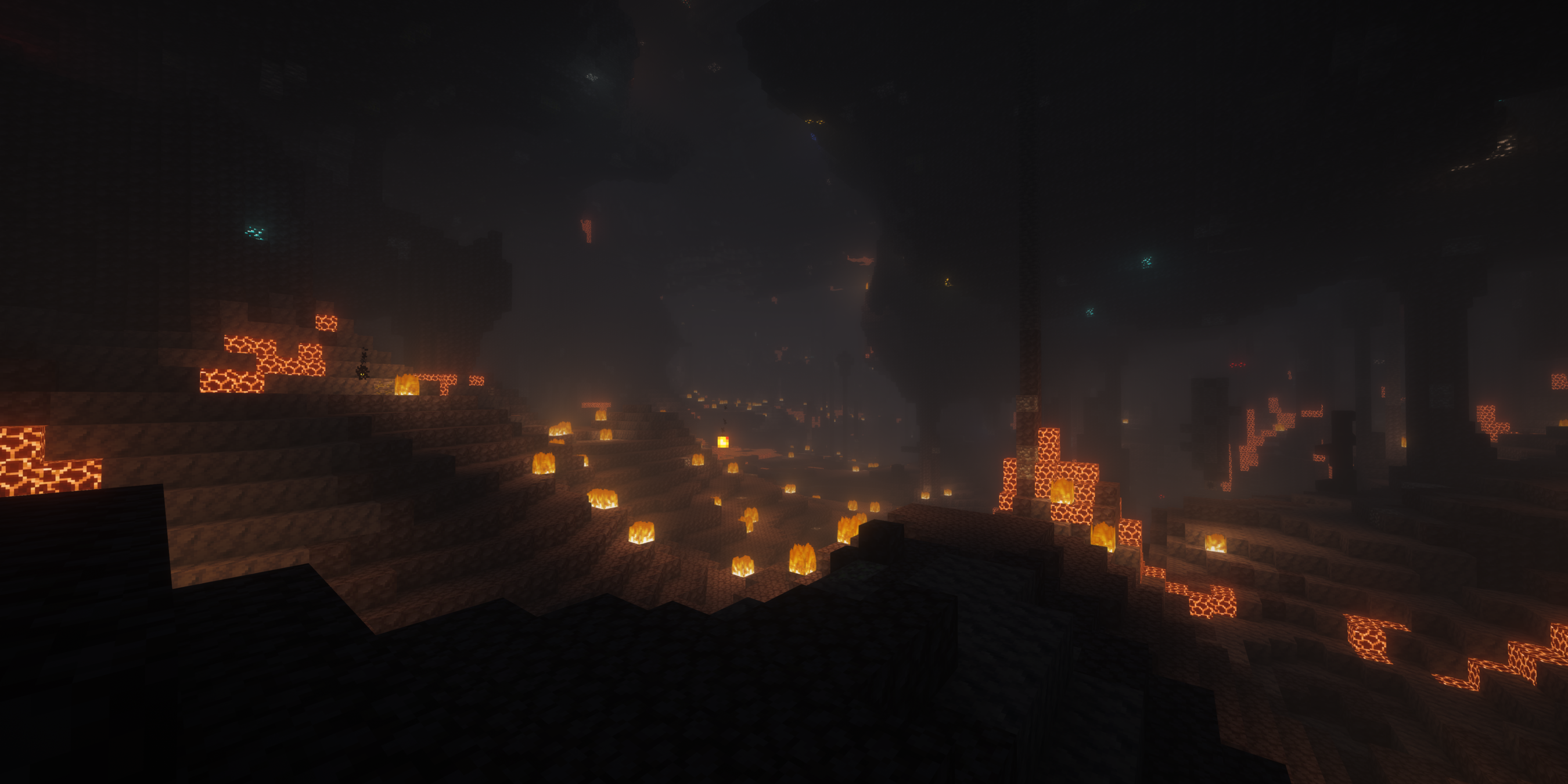
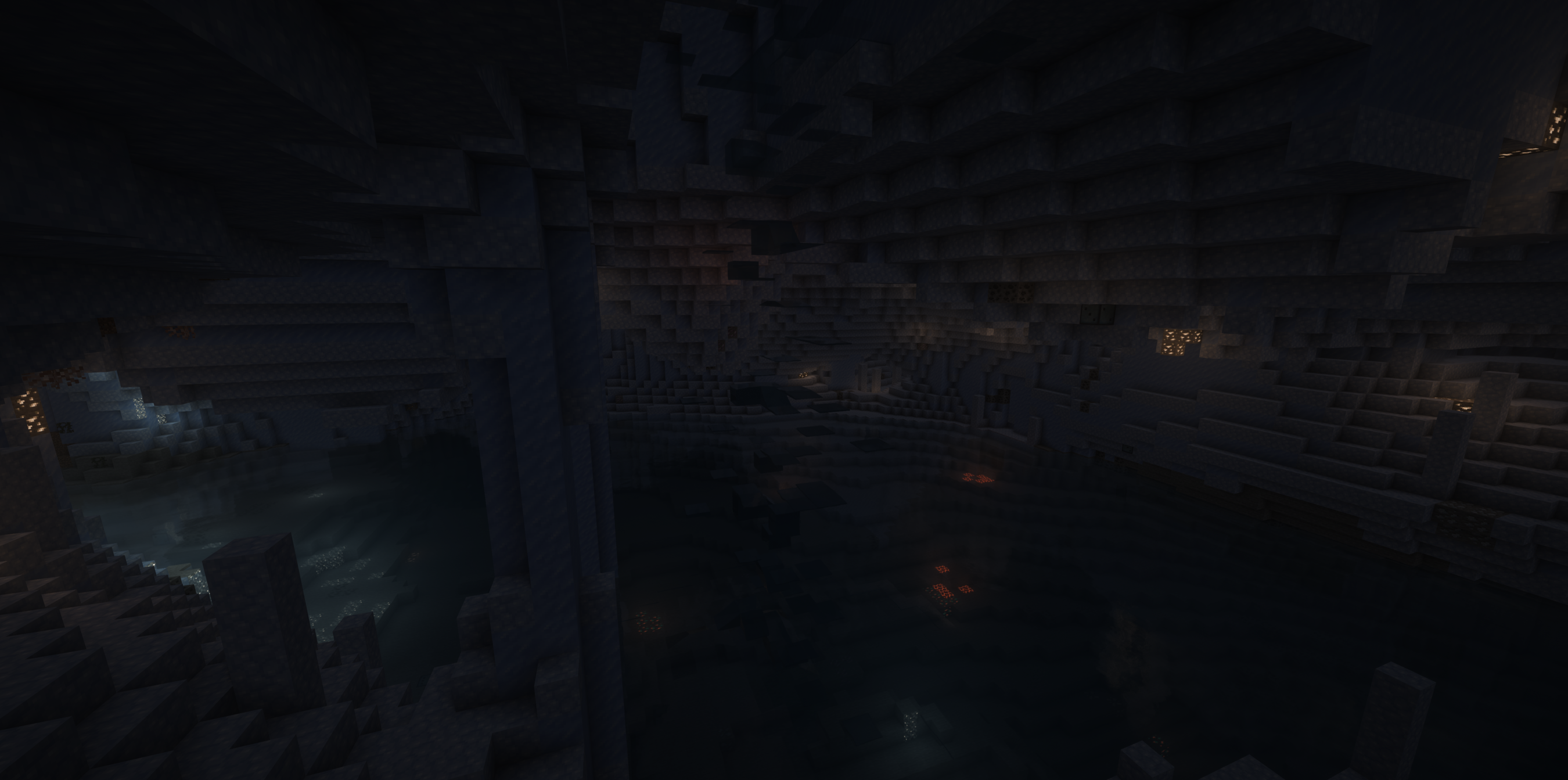
介绍
Official Multiplayer Server
Don’t want to face the harsh elements alone? RealismCraft features its very own official dedicated server! Jump into a persistent world where you can collaborate with other players on massive cross-continent rail networks, form alliances to survive brutal Horde Nights, and trade resources to conquer the elemets faster. The server details are pre-loaded right into your multiplayer menu, so you can start playing with the community immediately.
The World Scale
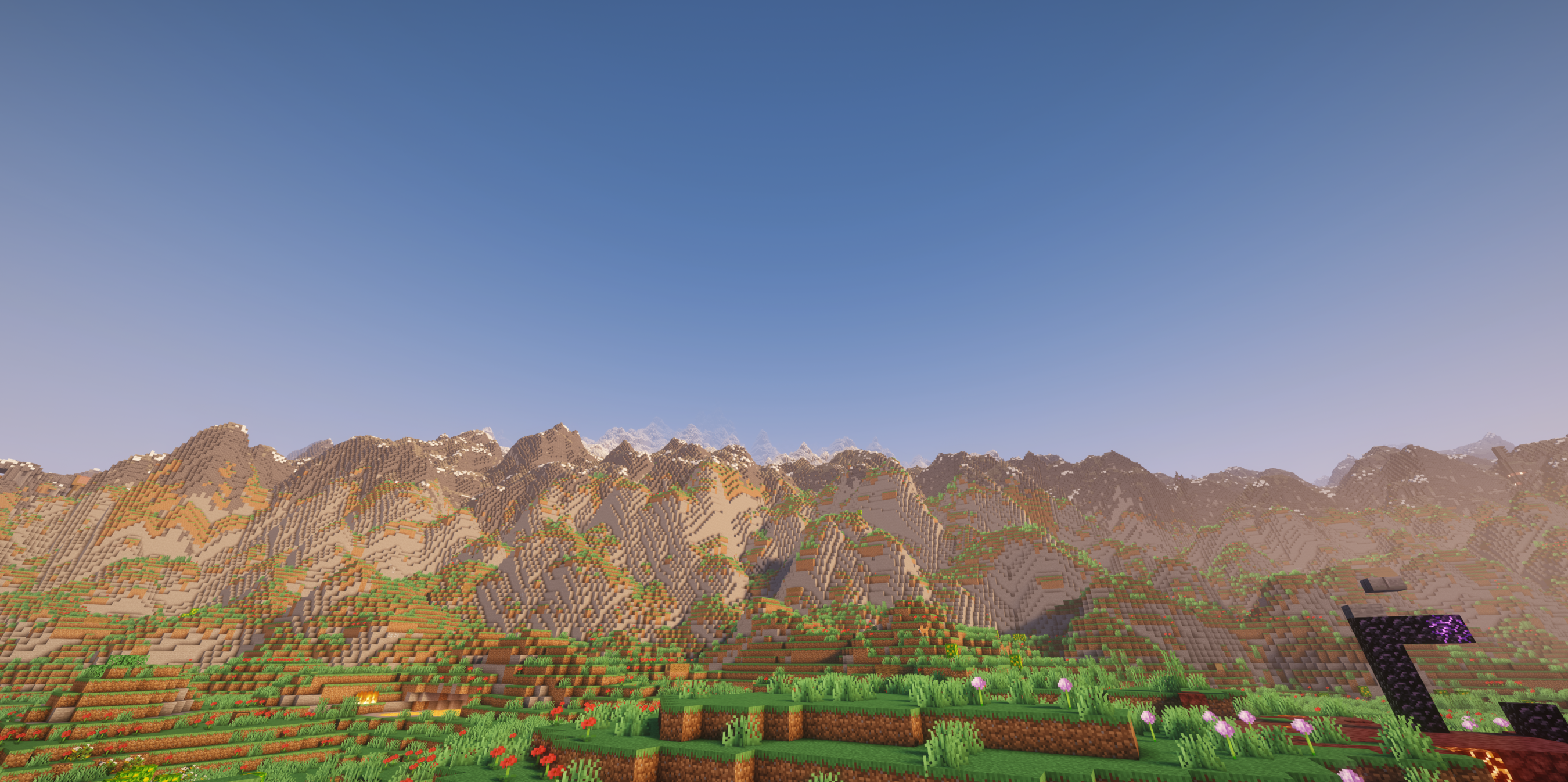
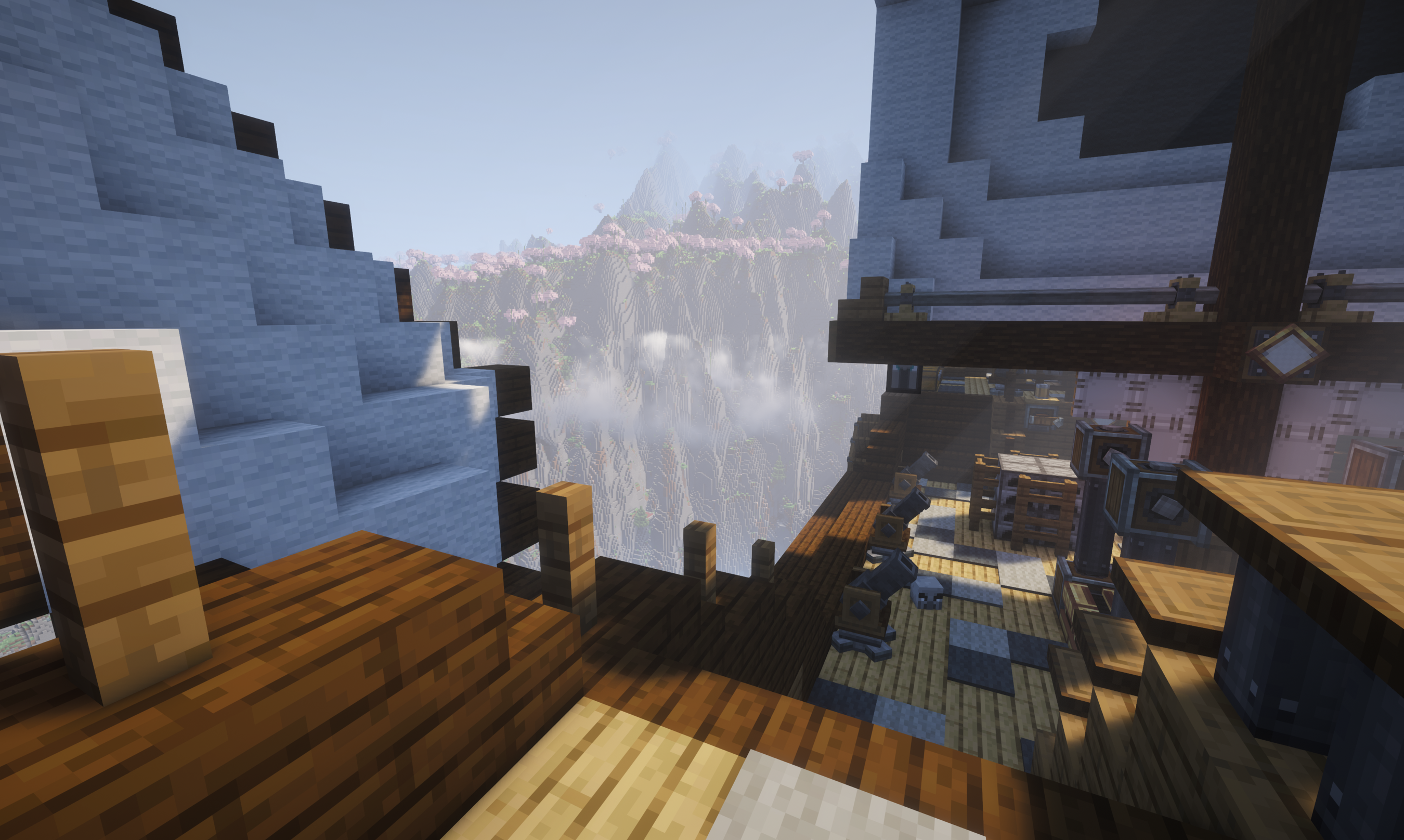
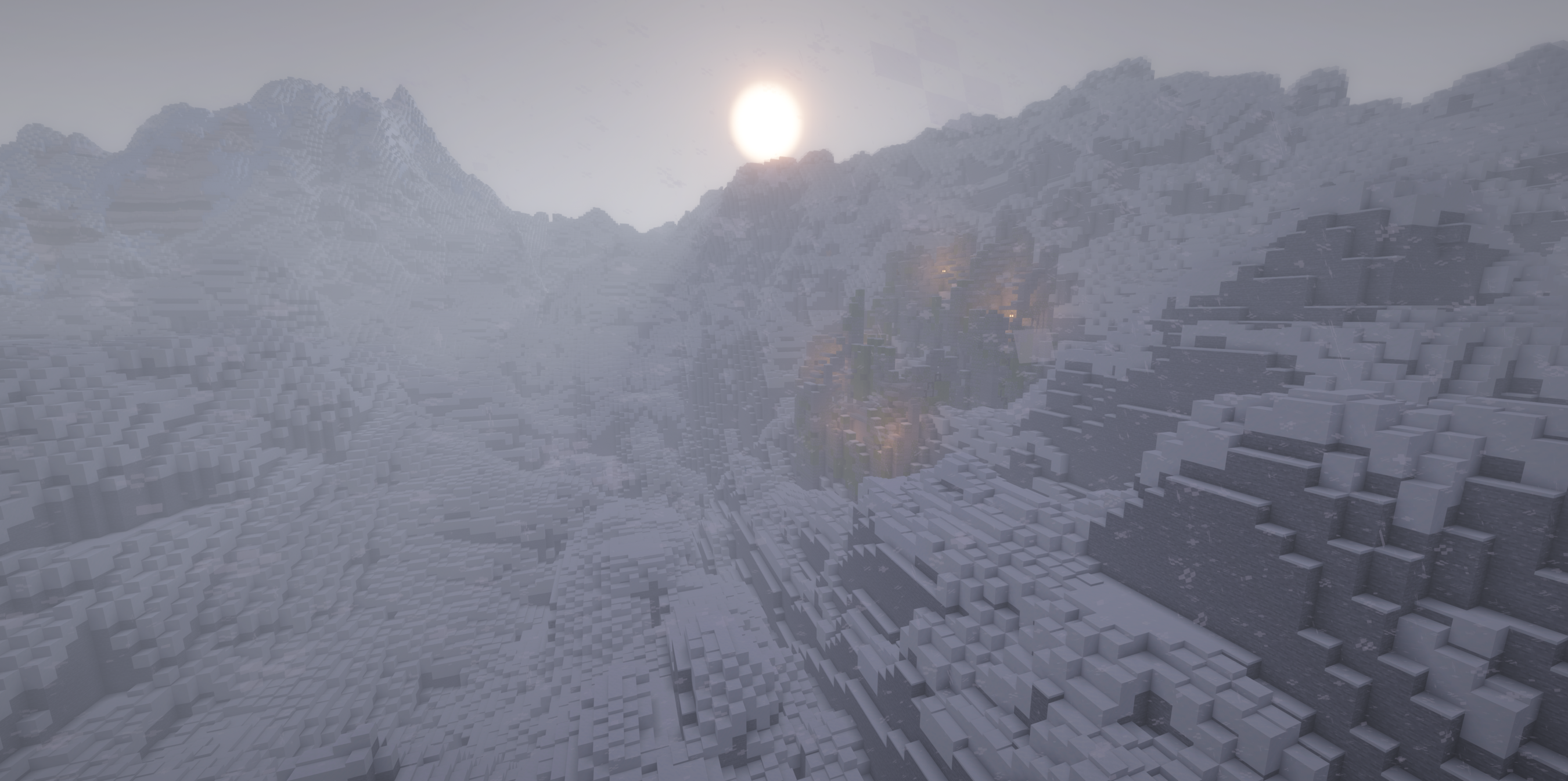
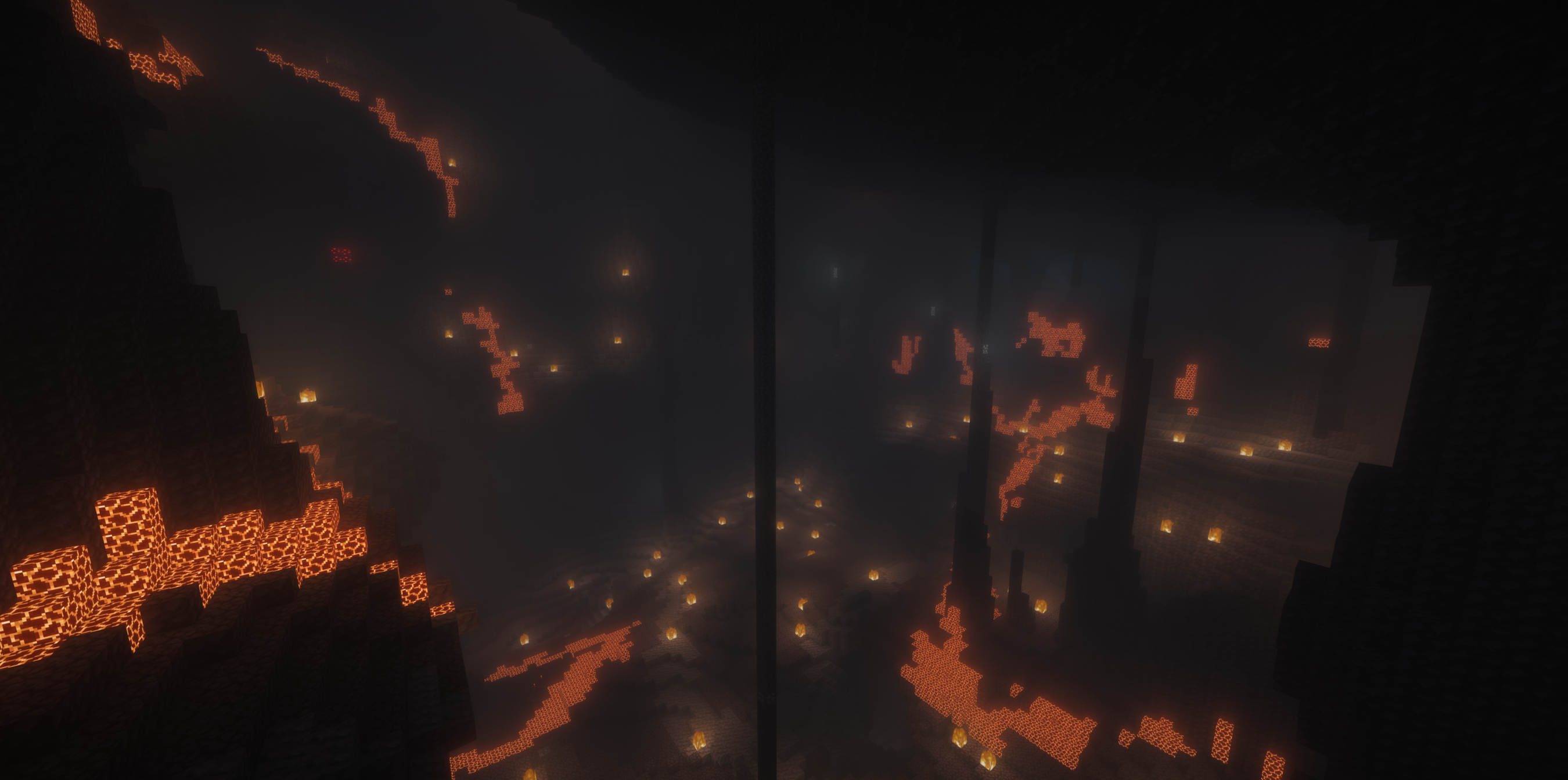
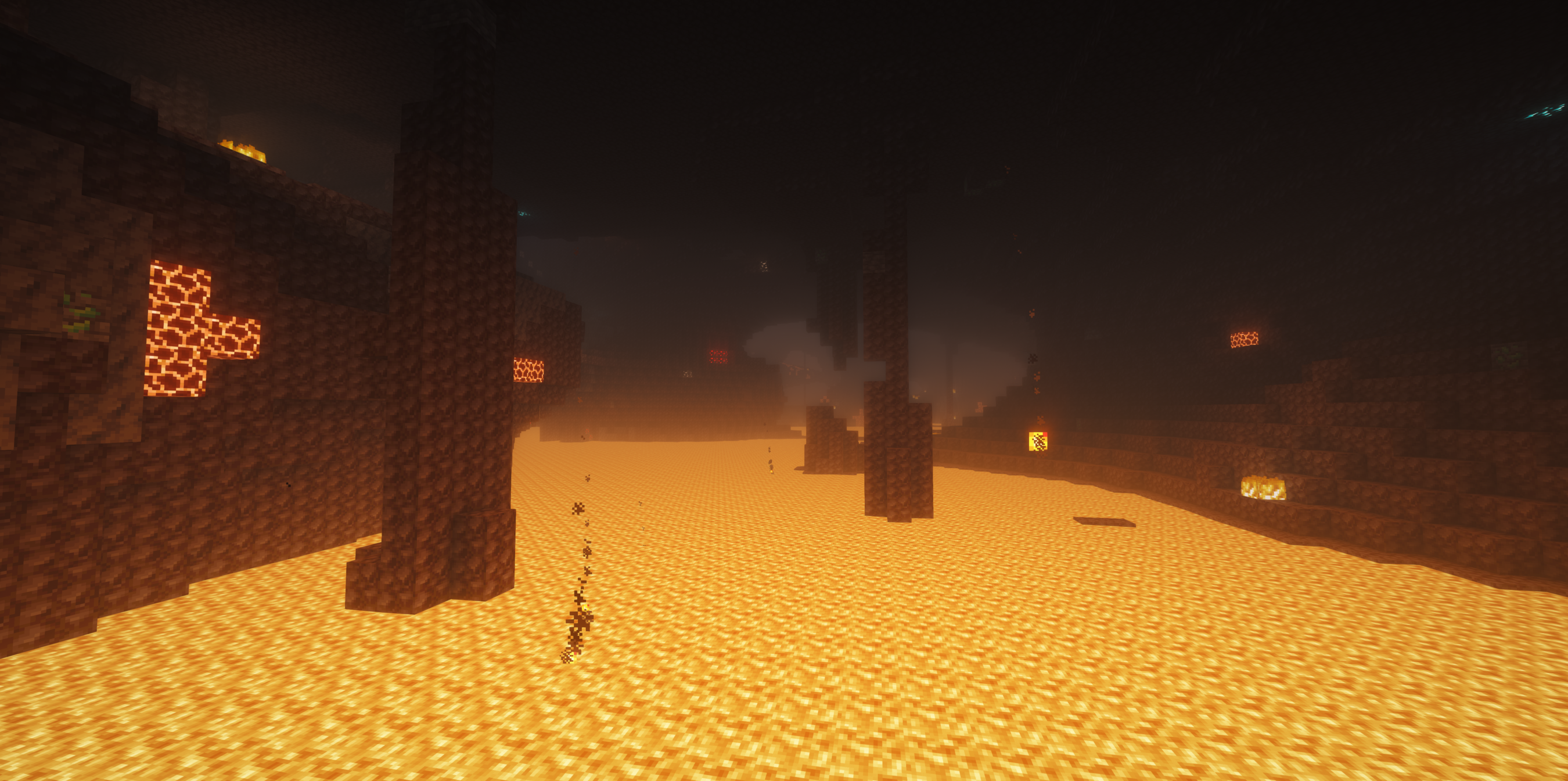
RealismCraft is designed to push the Minecraft engine to its absolute breaking point. Using Tectonic 3.0, we’ve completely unlocked the world’s verticality, stretching the build limits from -256 all the way up to 1024. This isn’t just about taller mountains; it’s about a world that feels physically massive. You’ll explore vast, realistic continents separated by deep oceans, with terrain that transitions from sprawling flat plains to mountain ranges that take real time to summit.
The Underground
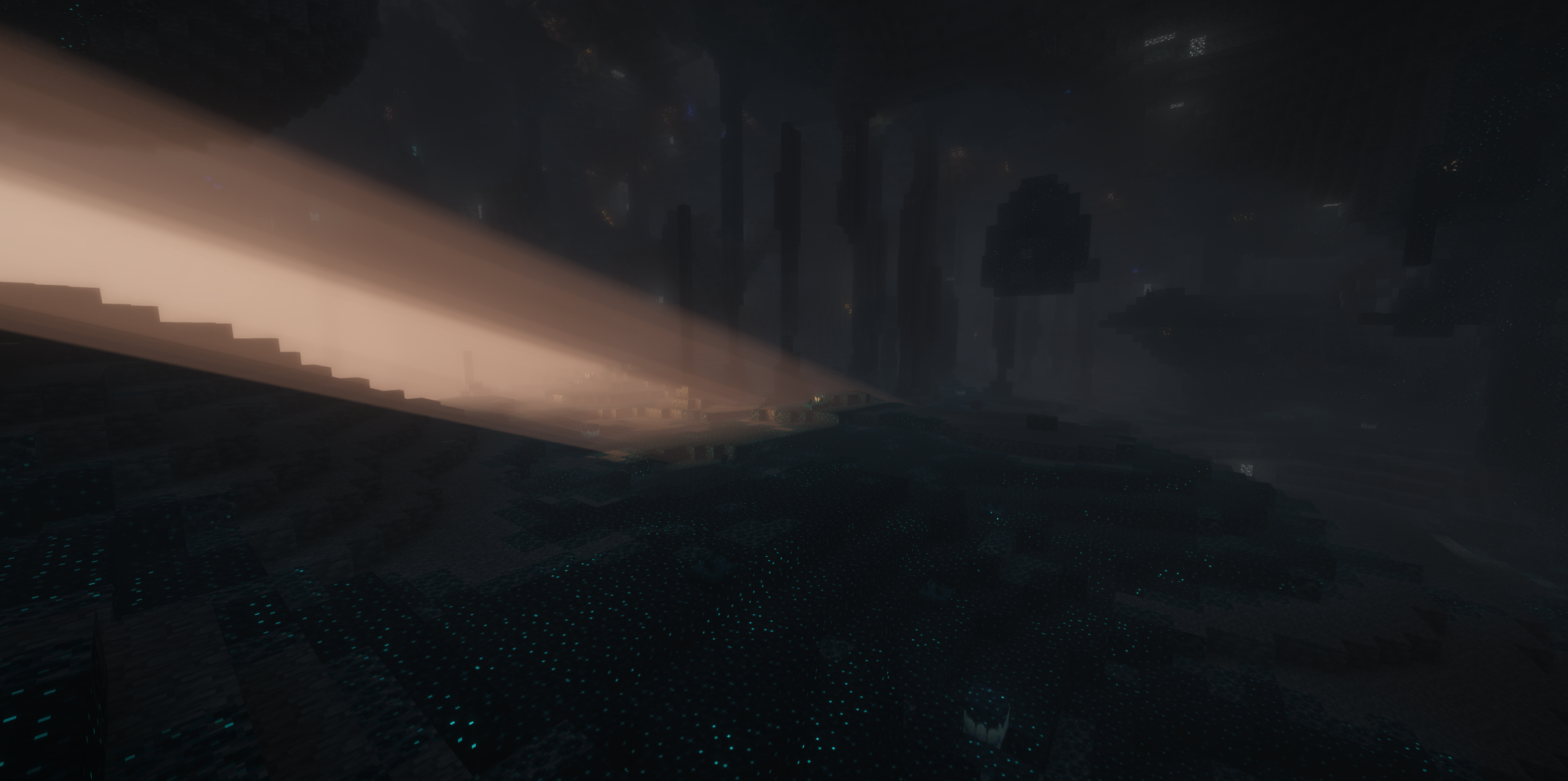
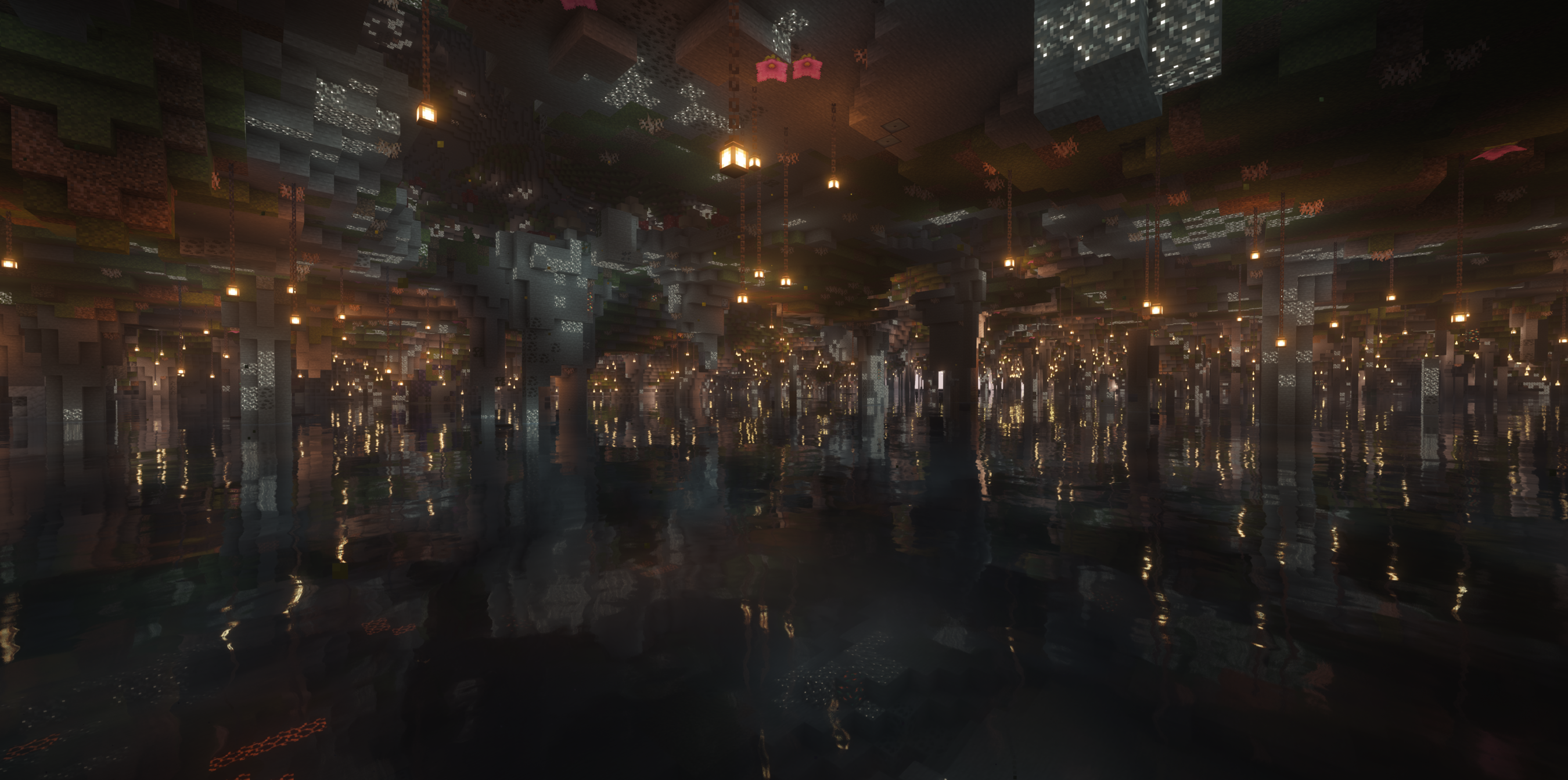
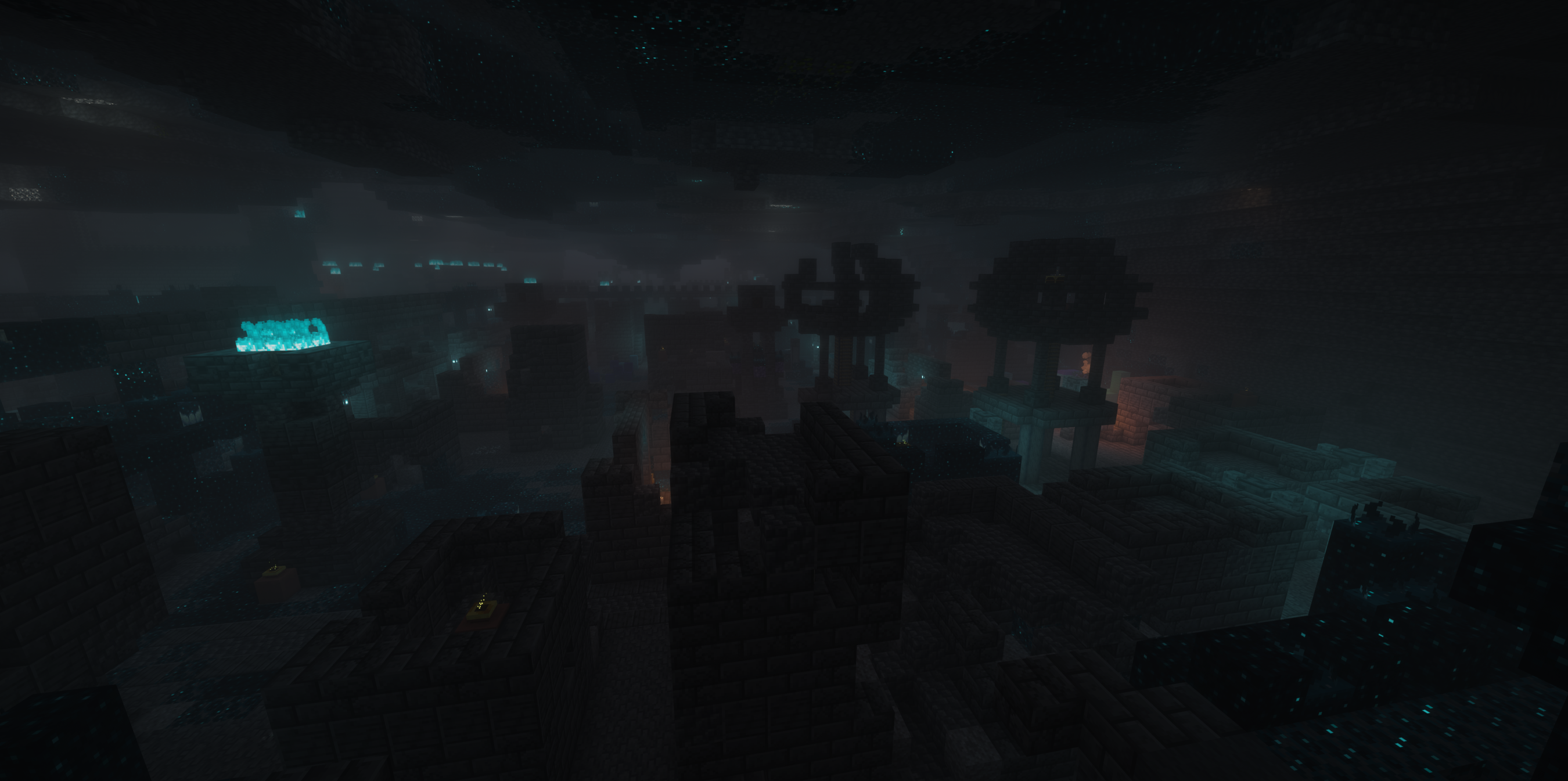
To fill the massive vertical space beneath your feet, the underground has been completely overhauled. Using mods like Galosphere and Quark, we’ve ensured that your descent into the deep-earth caverns is constantly varied. You’ll encounter unique crystal formations, glowing biomes, and varied stone types that make exploration all the way to -256 blocks feel rewarding rather than repetitive.
Survival & Realism
In RealismCraft, survival is a logistical challenge. One of the biggest shifts is the removal of infinite water sources. With the Finite Water mod, you can no longer rely on a 2×2 hole in the ground for unlimited supply. Every drop matters. Between your own thirst management via Tough as Nails and the water requirements of your farms, you will quickly find that manual bucket hauling isn’t enough. You’ll need to establish real infrastructure, using Create or Immersive Engineering to build long-distance pipelines and high-pressure pumps to bring water from rivers or oceans to your base.
The environment is a constant factor in your survival. Serene Seasons changes the world around you, affecting crop growth and temperature. You’ll need to prepare for harsh winters and scorching summers, utilizing technical solutions to keep your environment stable. Combined with realistic liquid physics and falling trees, the world reacts to your presence in a way that demands respect.
The Threat: Zombie Awareness
The monsters in RealismCraft are no longer predictable. With Zombie Awareness, mobs have become intelligent hunters. They can track the scent of your blood if you’re injured, hear the sound of your tools hitting stone, and spot the glow of your torches in the dark. You are never truly safe in your base if you aren’t careful with your noise and light. This threat peaks during Horde Nights, where massive waves of undead will test the defenses of your factory or bunker.
Technical Engineering To thrive, you’ll need to master the technical progression of Create, Immersive Engineering, and Mekanism. In a world this large, automation isn’t just a hobby, it’s a necessity. Moving resources across continents requires massive rail networks, and extracting the materials needed for high-tier tech requires establishing deep-core mining rigs that can reach the bottom of the world.
⚙️ Hardware & Performance Guide
RealismCraft is designed to be scalable across different systems.
High-End Systems (RTX 3080/4070+ / 50-series):
You can fully unleash the pack. Push your render distance to 24 or 32 to see the 1,000-block peaks from miles away. We recommend allocating 16GB to 32GB of RAM to handle the massive vertical chunk data.
Mid-Range Systems (RTX 2060 / 3060 tier):
The pack remains beautiful and playable! We suggest a render distance of 12 to 16. This keeps your GPU buffer clear while still allowing the scale of the Tectonic mountains to dominate the horizon. Allocate 10GB to 12GB of RAM for the best balance of stability and speed.
Essential Setup (Don’t skip this!):
To prevent stuttering and memory errors, you MUST use these JVM flags in your launcher:
-XX:+UseZGC -XX:+ZGenerational -XX:+AlwaysPreTouch
GPU/VRAM Note: Because chunks are over 1,200 blocks tall, your video memory is the main bottleneck. If you see “GL_OUT_OF_MEMORY” messages, simply turn your render distance down by 4-6 chunks to free up address space on your graphics card.
包含的模组 228 个,另有 1 个其他文件
 [EMF] Entity Model Features
 [ETF] Entity Texture Features
 AddonsLib
 Advanced Peripherals
 AE2 Import Export Card
 苹果皮
 应用能源2
 Applied Energistics 2 Wireless Terminals
 Applied Mekanistics
 Applied Pneumatics
 Architectury API
 AttributeFix
 Backported Spears
BadOptimizations
 BaguetteLib
 Balm
 Barbeque's Delight [Forge/NeoForge]
 Better Advancements
 Bookshelf
 Bookshelf Inspector
 Brewin' And Chewin'
 CB Multipart
 CC: Tweaked
 Chance Cubes
 Chunky
 Cloth Config API
 Cocktails Delight
 CodeChicken Lib
 Coffee Delight
 Complementary Shaders - Reimagined
 Controlling
 Corn Delight
 CoroUtil
 Corpse
 Corpse x Curios API Compat
 Crate Delight
 机械动力
 Create Crafts & Additions
 Create Deco
 Create Ore Excavation
展开全部 228 个
 Create Slice & Dice
 Create Train Lights
 Create Train Parts
 Create Train Physics
 Create Train Tank Mod
 Create Train Utilities (Create Train Doors)
 Create-PBR
 Create: Applied Kinetics
 Create: Bells & Whistles
 Create: CC Better Recipes
 Create: CC Total Logistics
 Create: Compatible Storage
 Create: Copper & Zinc
 Create: Copycats+
 Create: Design n' Decor
 Create: Double Ores
 Create: Dreams & Desires
 Create: Food
 Create: Framed
 Create: Interiors
 Create: Let The Adventure Begin
 Create: Liquid Fuel
 Create: New Age
 Create: Overbalanced
 Create: Oxidized
 Create: Structures Arise
 Create: The Factory Must Grow
 Create: Threaded Trains
 Create: Trading floor
 Create: Ultimate Factory
 CreativeCore
 Creeper Overhaul
 Cucumber Library
 Curios API
 Disconnect Packet Fix
 Display Delight
 DragonLib
 Drip Sounds
 Drippy Early Loading Module
 Drippy Loading Screen
 Dungeons and Taverns
 Dungeons and Taverns Ancient City Overhaul
 Dungeons and Taverns Desert Temple Overhaul
 Dungeons and Taverns Jungle Temple Overhaul
 Dungeons and Taverns Nether Fortress Overhaul
 Dungeons and Taverns Ocean Monument Overhaul
 Dungeons and Taverns Pillager Outpost Overhaul
 Dungeons and Taverns Stronghold Overhaul
 Dungeons and Taverns Swamp Hut Overhaul
 Dungeons and Taverns Woodland Mansion Overhaul
 Egg Delight
 EMI
 Enchantment Descriptions
 End's Delight
 Engineered Compatibility
 Engineers Delight
 Expanded Delight
 Faithful 64x
 砍树
 FancyMenu
 农夫乐事
 Farmer's Knives
 Fast Better Grass
 FerriteCore
 FindMe
 Flowing Fluids
 Fright's Delight
 Fruits Delight
 Fusion (Connected Textures)
 Galosphere
 Geckolib
 GlitchCore
 GuideME
 Horde Nights
 ImmediatelyFast
 Immersive Energistics
 沉浸工程
 Immersive Snow
 Inventory Profiles Next
 Iris Shaders
 ItemPhysic
 Jade 🔍
 旅行地图
 Just Enough Effect Descriptions (JEED)
 Konkrete
 Kotlin for Forge
 LambDynamicLights - Dynamic Lights
 libIPN
 锂
 Lithostitched
 Load My F***ing Tags
 Lootr
 Macaw's Bridges
 Macaw's Doors
 Macaw's Fences and Walls
 Macaw's Furniture
 Macaw's Lights and Lamps
 Macaw's Paintings
 Macaw's Quark
 Macaw's Roofs
 Macaw's Stairs
 Macaw's Trapdoors
 Macaw's Windows
 McJtyLib
 ME Requester
 通用机械
 Mekanism Additions
 Mekanism Curios
 Mekanism Generators
 Mekanism The Factory Must Grow Compatibility
 Mekanism Tools
 Mekanism Unleashed
 Melody
 ModernFix
 Modonomicon
 More Delight (for Farmer's Delight)
 More Mekanism Processing
 鼠标微调
 My Nether's Delight
 Mysterious Mountain Lib
 Mystical Agradditions
 Mystical Agriculture
 No Chat Reports
 Not Enough Animations
 Ocean's Delight
 oωo (owo-lib)
 帕秋莉手册
 Pineapple Delight
 Pizza Delight
 PneumaticCraft: Repressurized
 Polymorph
 Prickle
 Primity
 Project Red Core
 Project Red Expansion
 Project Red Exploration
 Project Red Fabrication
 Project Red Illumination
 Project Red Integration
 Project Red Transmission
 Puzzles Lib
 夸克
 Quark Oddities
 Rechiseled
 Rechiseled: AE2
 Rechiseled: Create
 Reese's Sodium Options
 Resourceful Config
 Resourceful Lib
 RFTools Base
 RFTools Builder
 RFTools Control
 RFTools Dimensions
 RFTools Power
 RFTools Storage
 RFTools Utility
 Rustic Delight
 Schematic Energistics
 Searchables
 Seed Delight
 静谧四季
 Smithing Template Viewer
 钠
 Sodium Extra
 Solas Shader
 精妙背包
 Sophisticated Core
 Sound Physics Remastered
 spark
 Spice of Life Onion
 Storage Delight
 SuperMartijn642's Config Lib
 SuperMartijn642's Core Lib
 Tectonic
 Terralith
 Theurgy
 TooManyRecipeViewers
 Tough as Mekanism
 意志坚定
 Tough As Nails - Compatibility Pack
 Tough As Nails - Vanilla Pack
 Tough As Nails Create Addon
 True Darkness Biomes
 Visual Workbench
 Wavey Capes
 传送石碑
 Zeta
 Zombie Awareness
绿色边框的模组本站有收录,点进去看中文介绍;其余跳转到 Modrinth。
常见问题
RealismCraft 支持哪些 Minecraft 版本?
RealismCraft 基于 Minecraft Java 版 1.21.1,使用 NeoForge 加载器。
RealismCraft 怎么安装?
点本页「前往下载」拿到整合包文件(Modrinth 的是 .mrpack,CurseForge 的是 .zip),在 PCL2 或 HMCL 启动器里选择「导入整合包」,启动器会自动装好 Minecraft、加载器和全部模组。这个整合包有 228 个模组,建议在启动器里给游戏分配 6–8 GB 内存。
RealismCraft 开服需要多大内存?
推荐服务器内存 12 GB。在线人数多、或者建了大量机器和区块加载器时,可以再加 2–4 GB。
怎么和朋友一起玩 RealismCraft?
点本页的「一键开服」,选好配置后会自动安装 RealismCraft 的服务端,几分钟就能开好。把服务器地址发给朋友,大家用同一个版本的整合包连进去就行。
评论
登录后评论和评分