
EinsZwanzigEins
Create modpack for explorers and builders. Many QoL mods. Needs slightly > 4GB Ram in Java Memory. 1.20.1 is the most recent MC version which supports the Create mod. This modpack has Create and some follow-up mods. The pack can be installed on a server.
截图
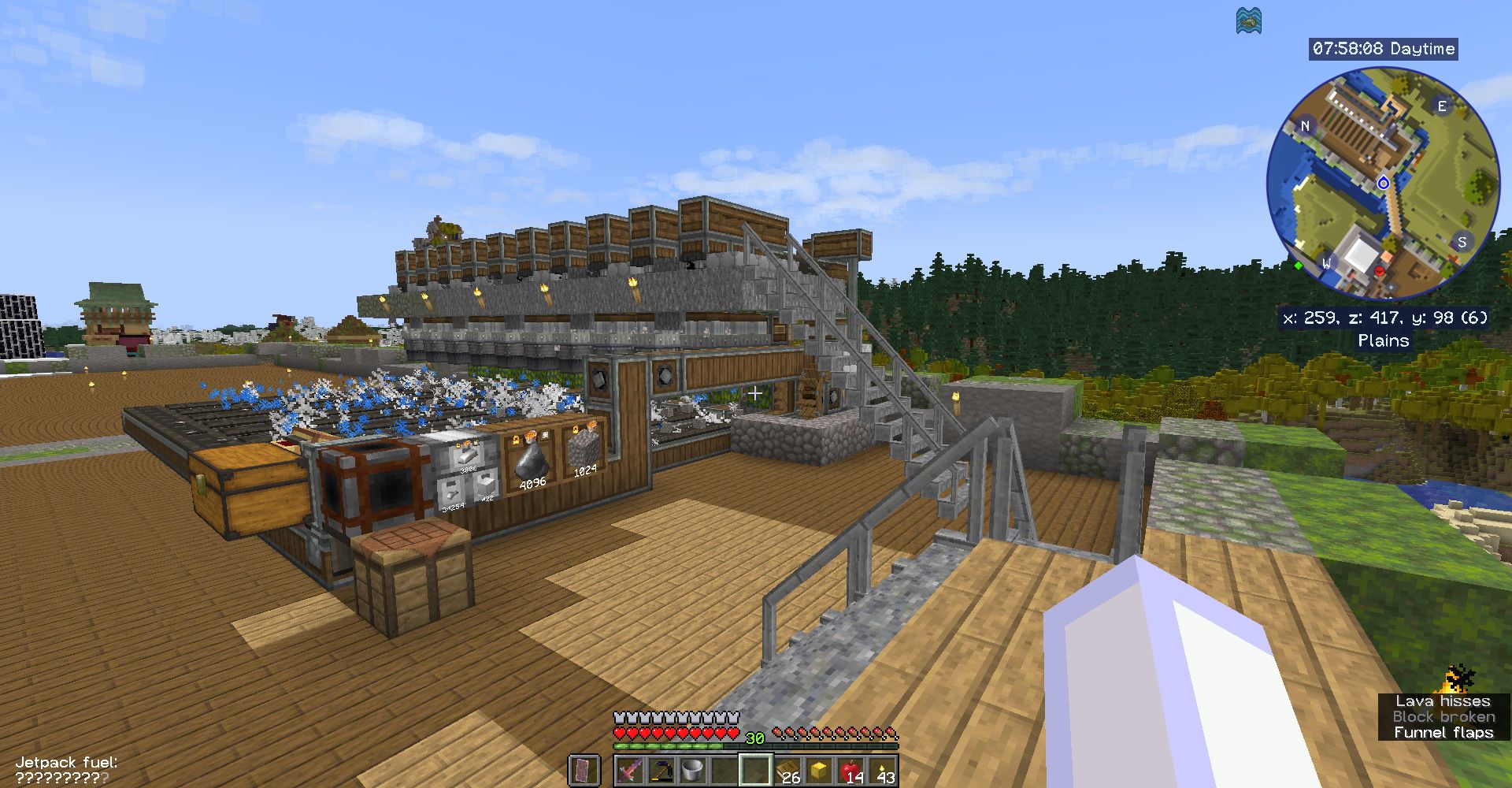
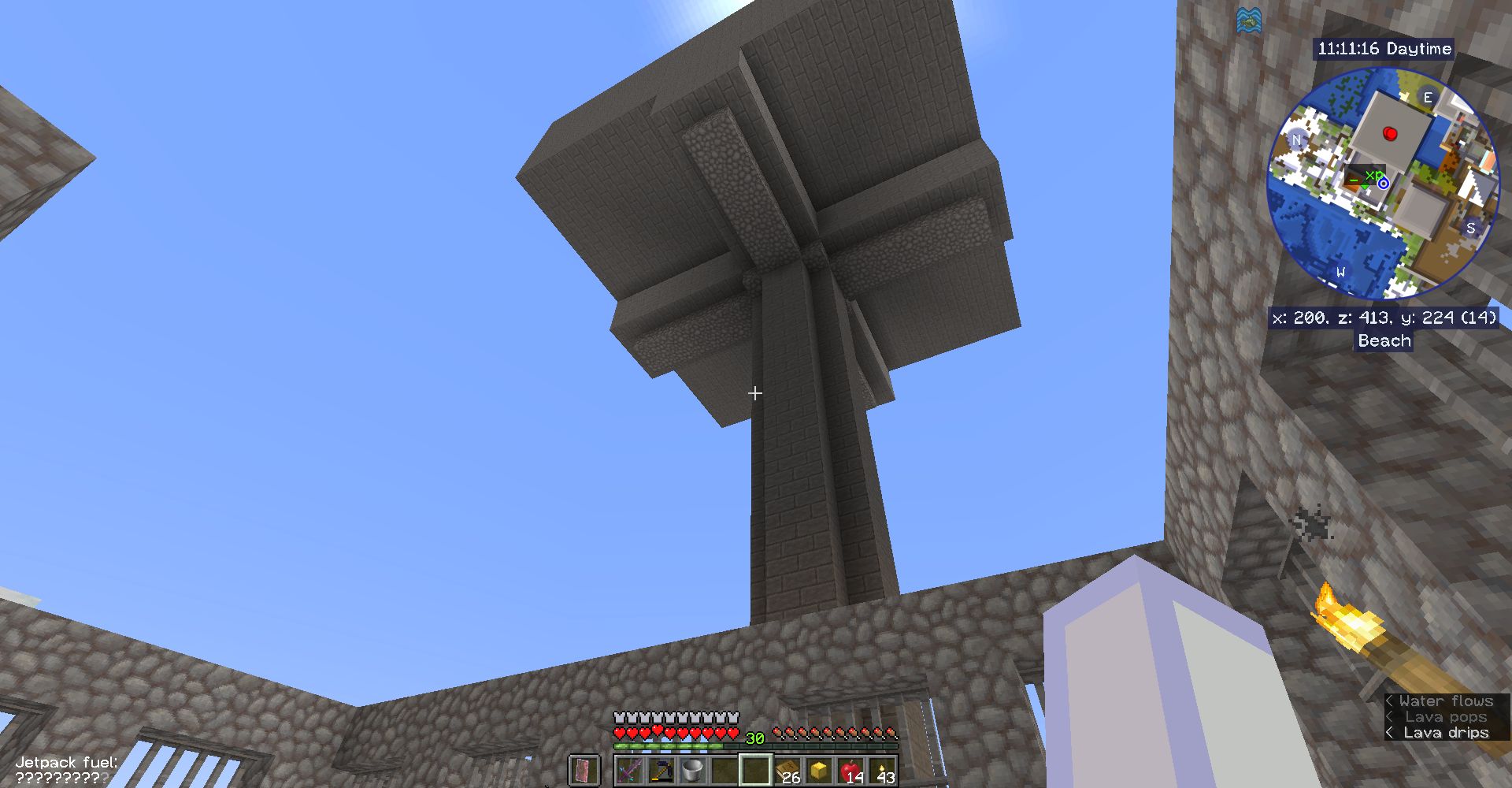
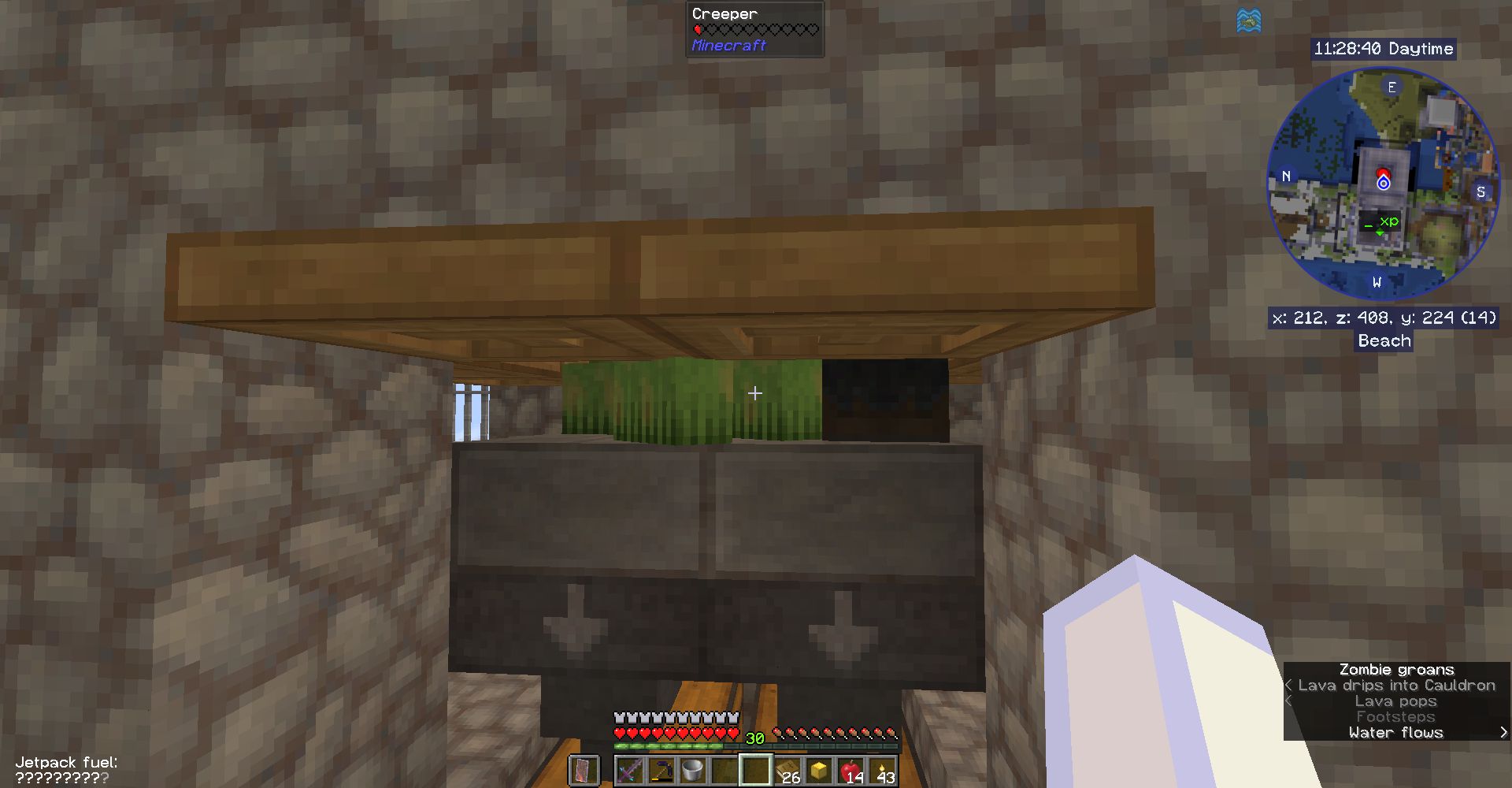
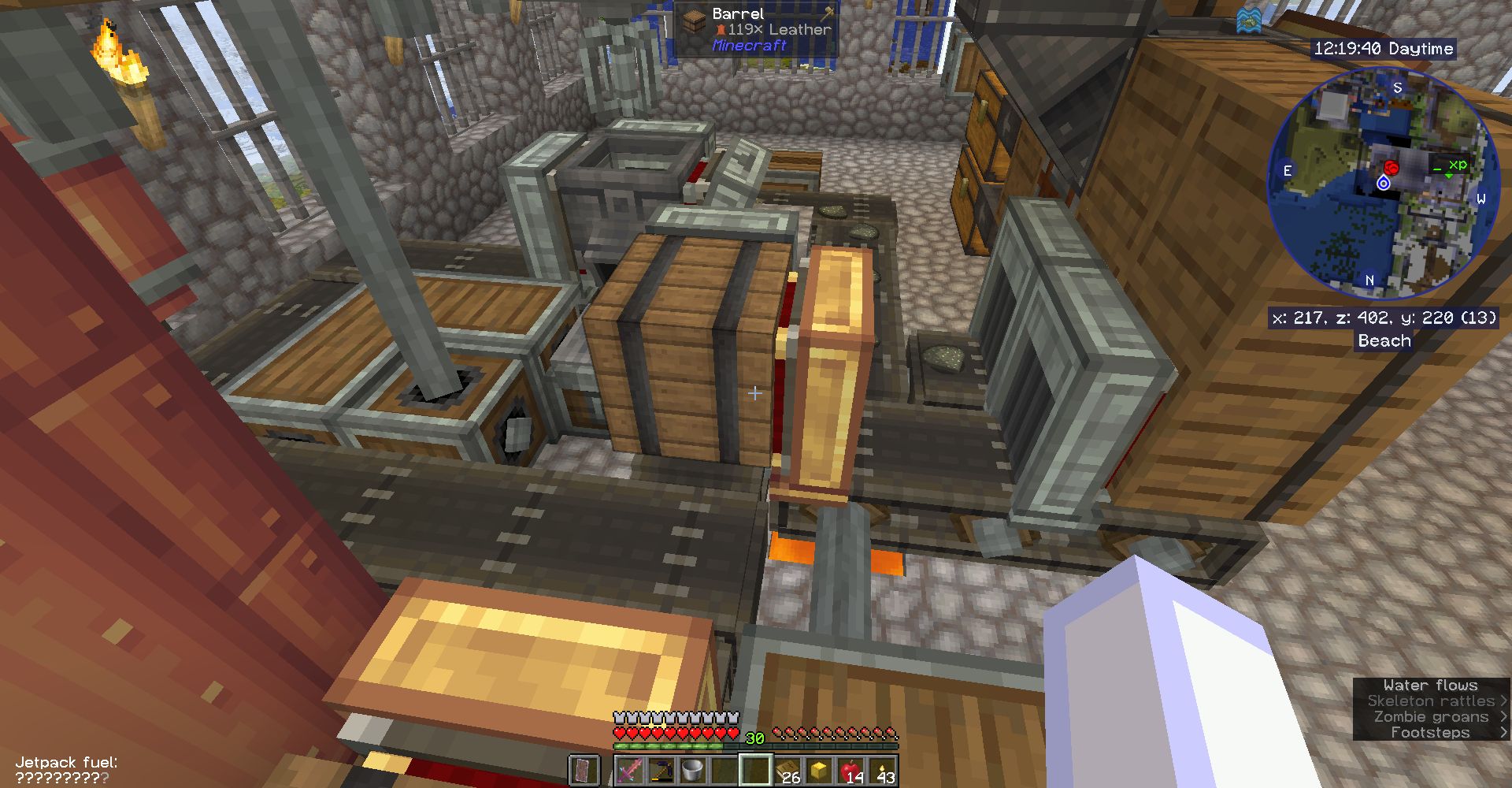
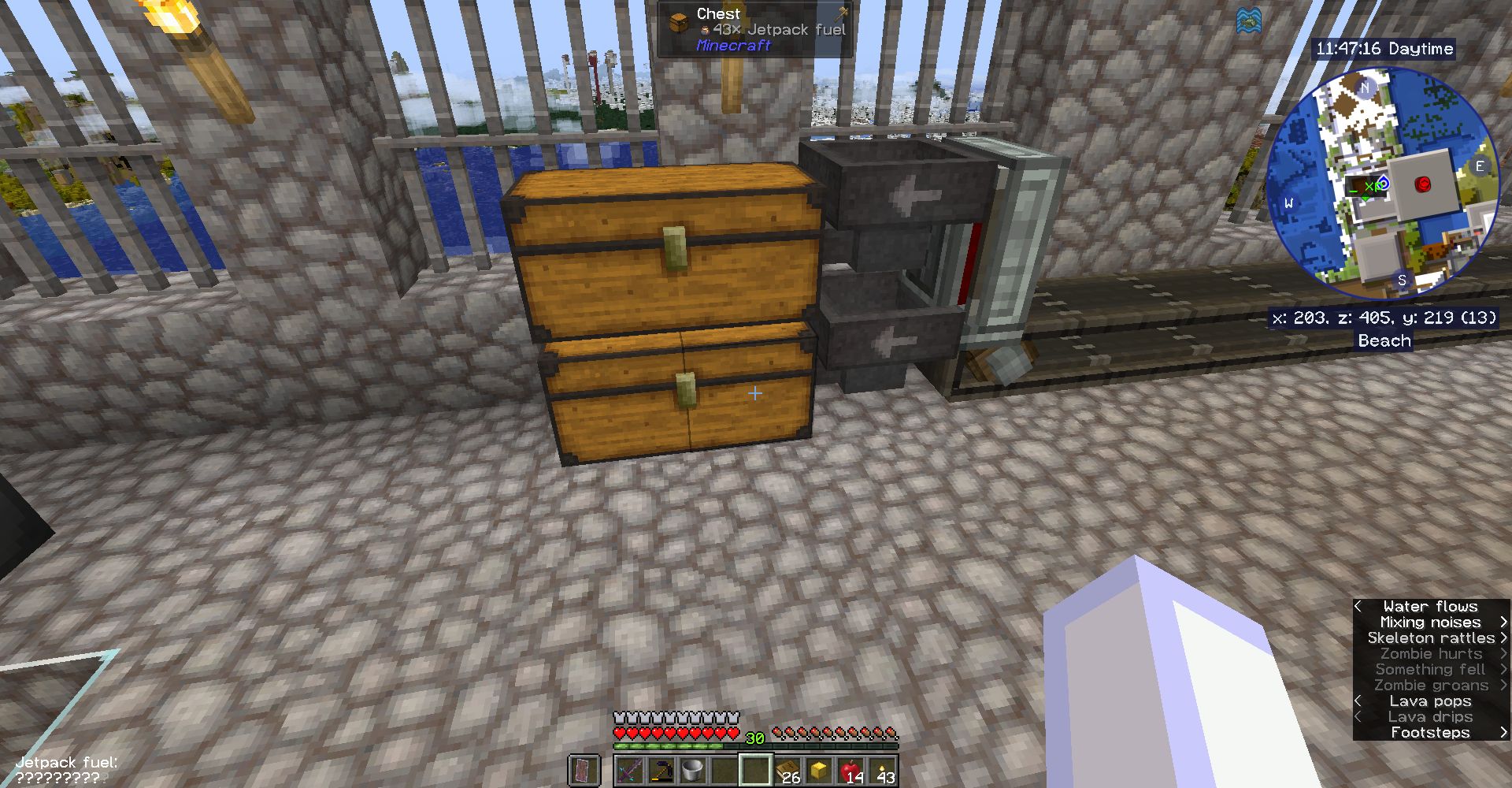
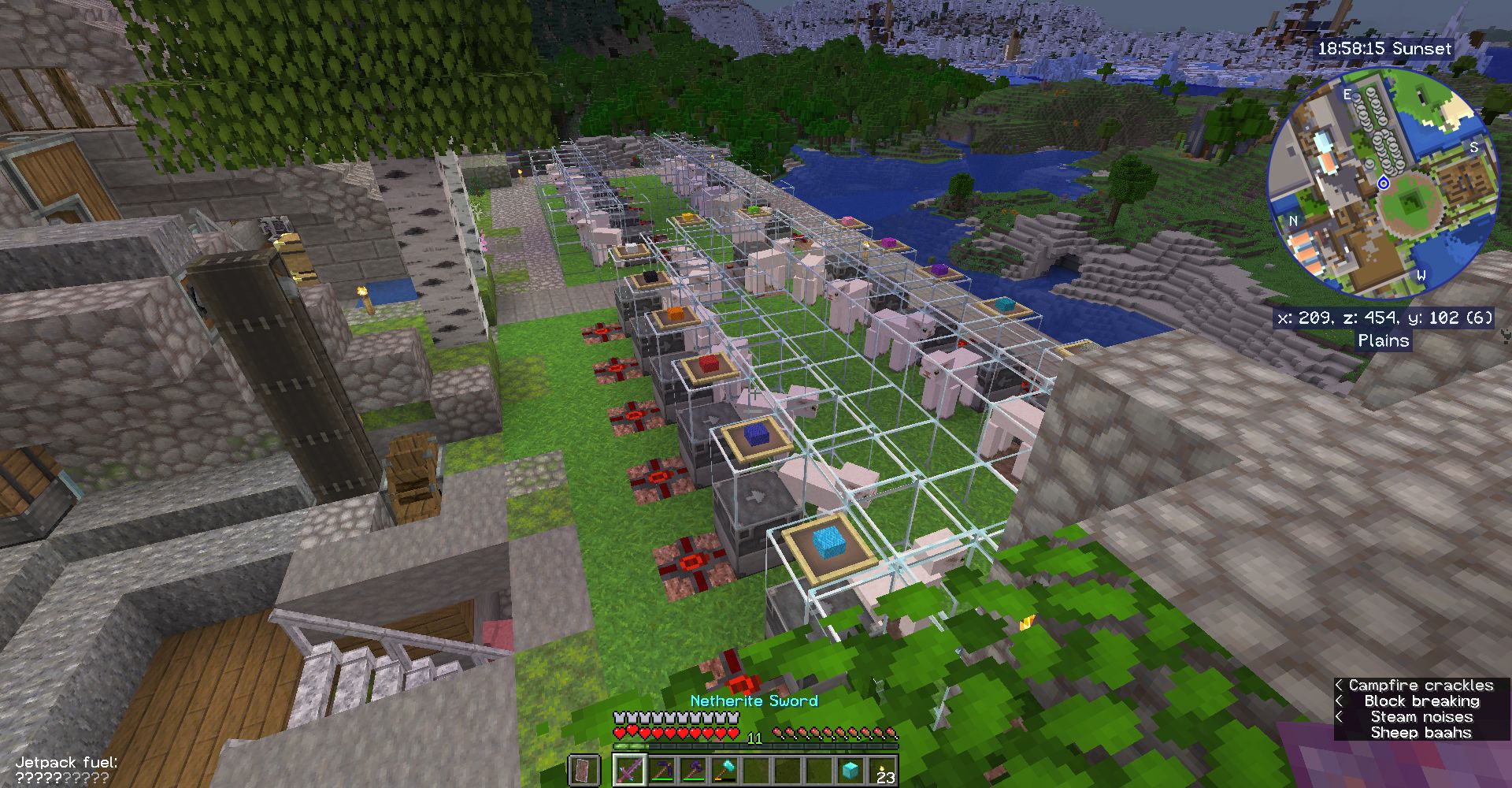
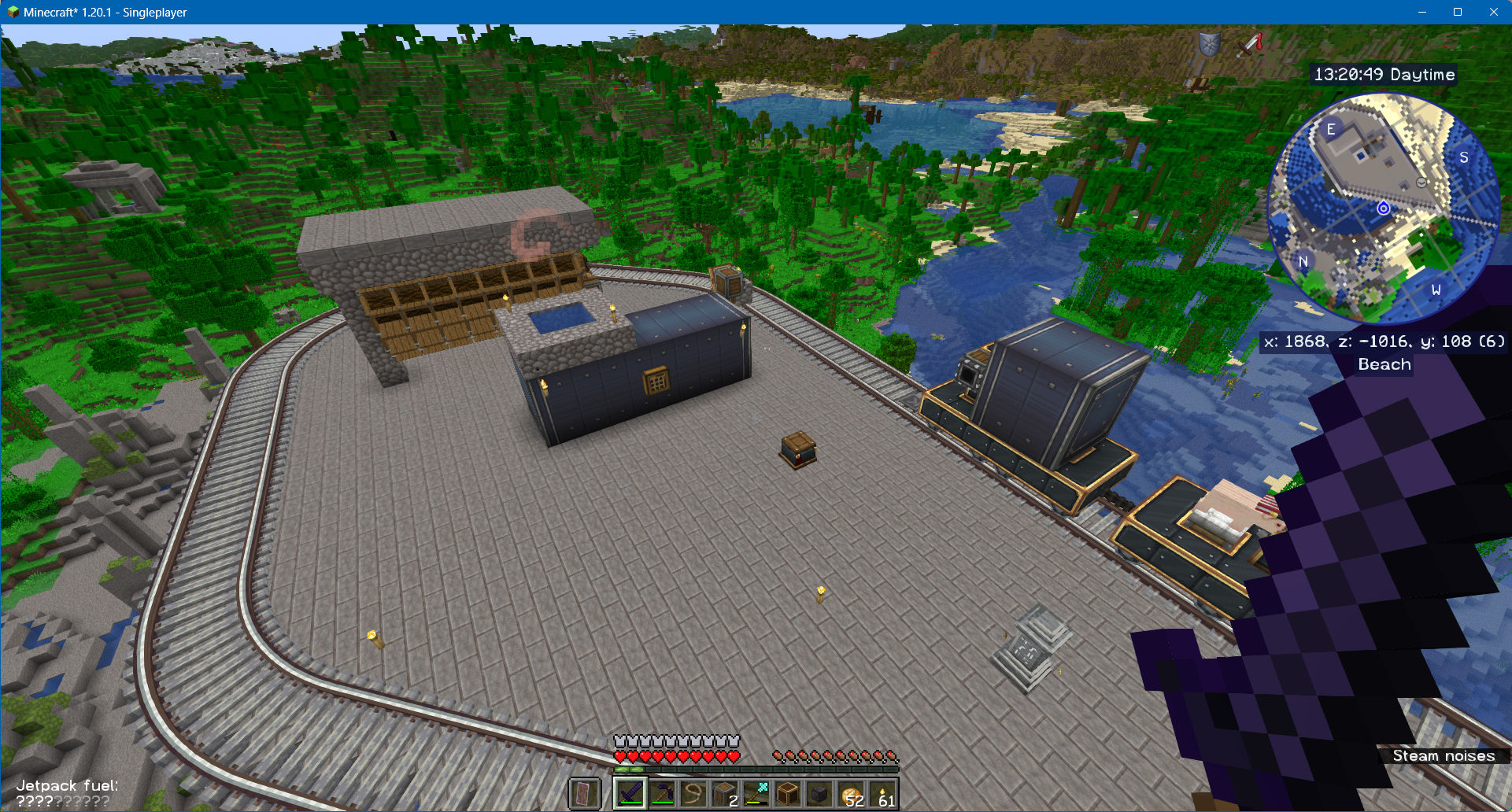
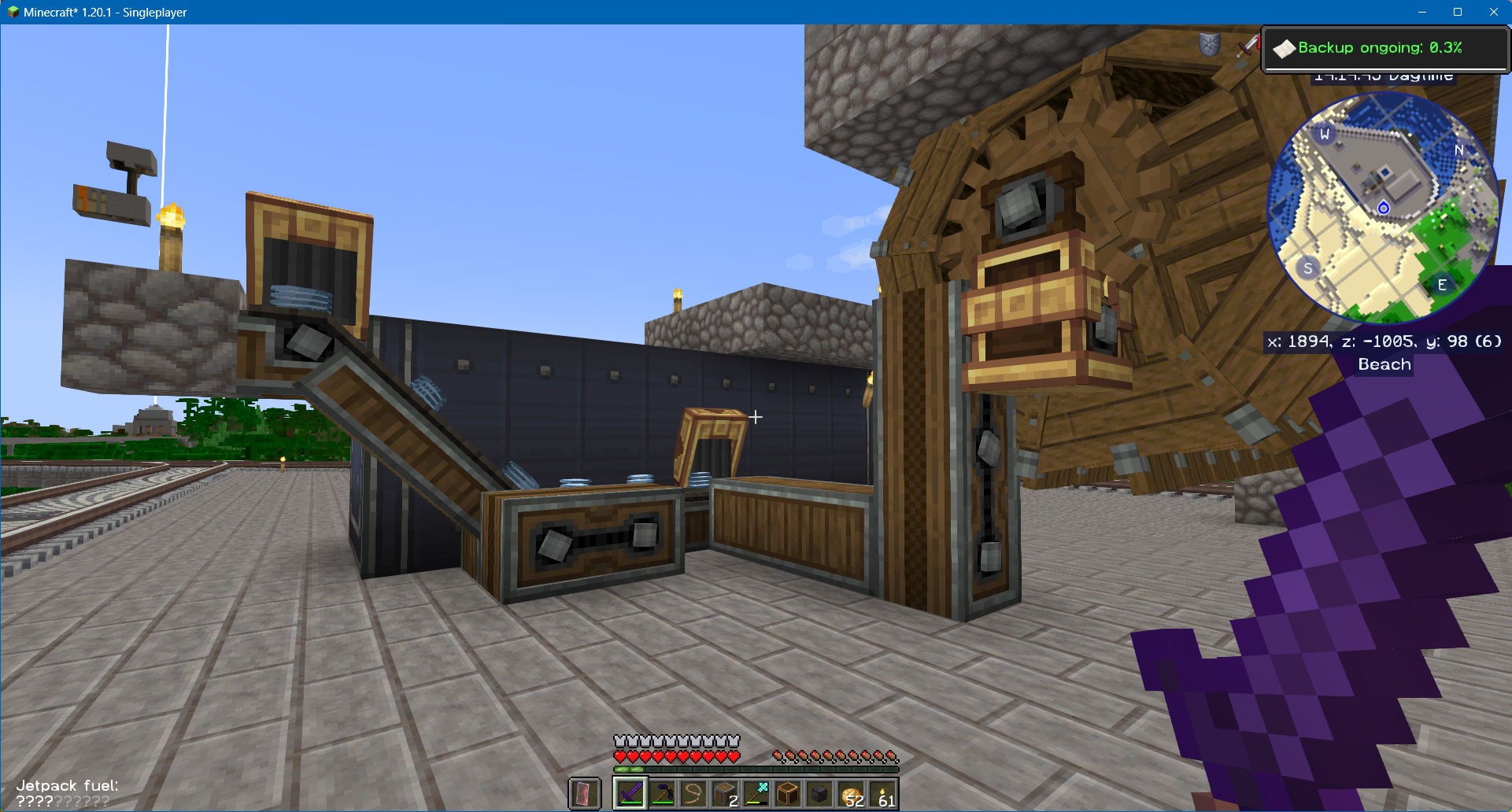
介绍
Project discontinued. Impossible to update.Fun with Create
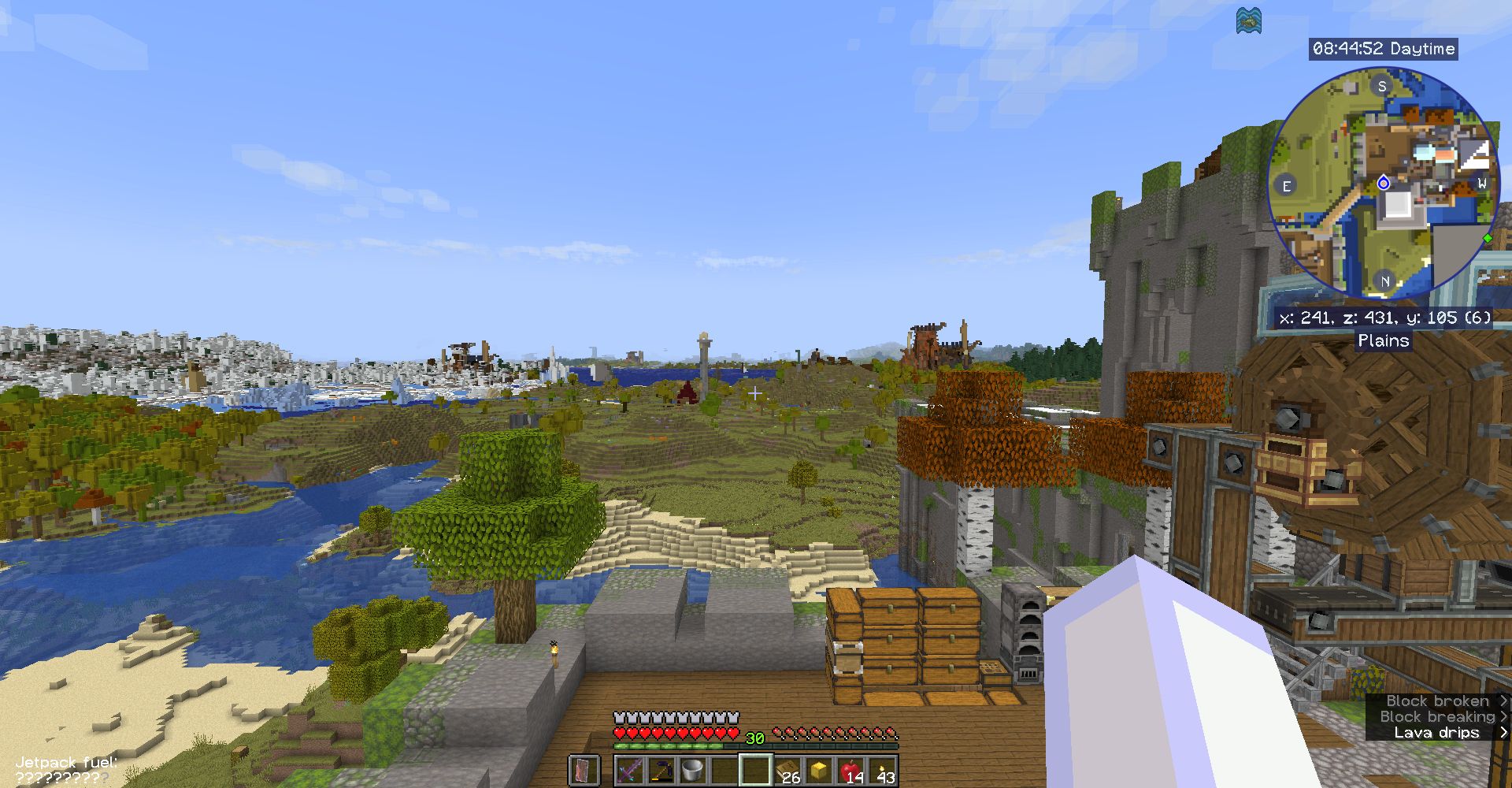
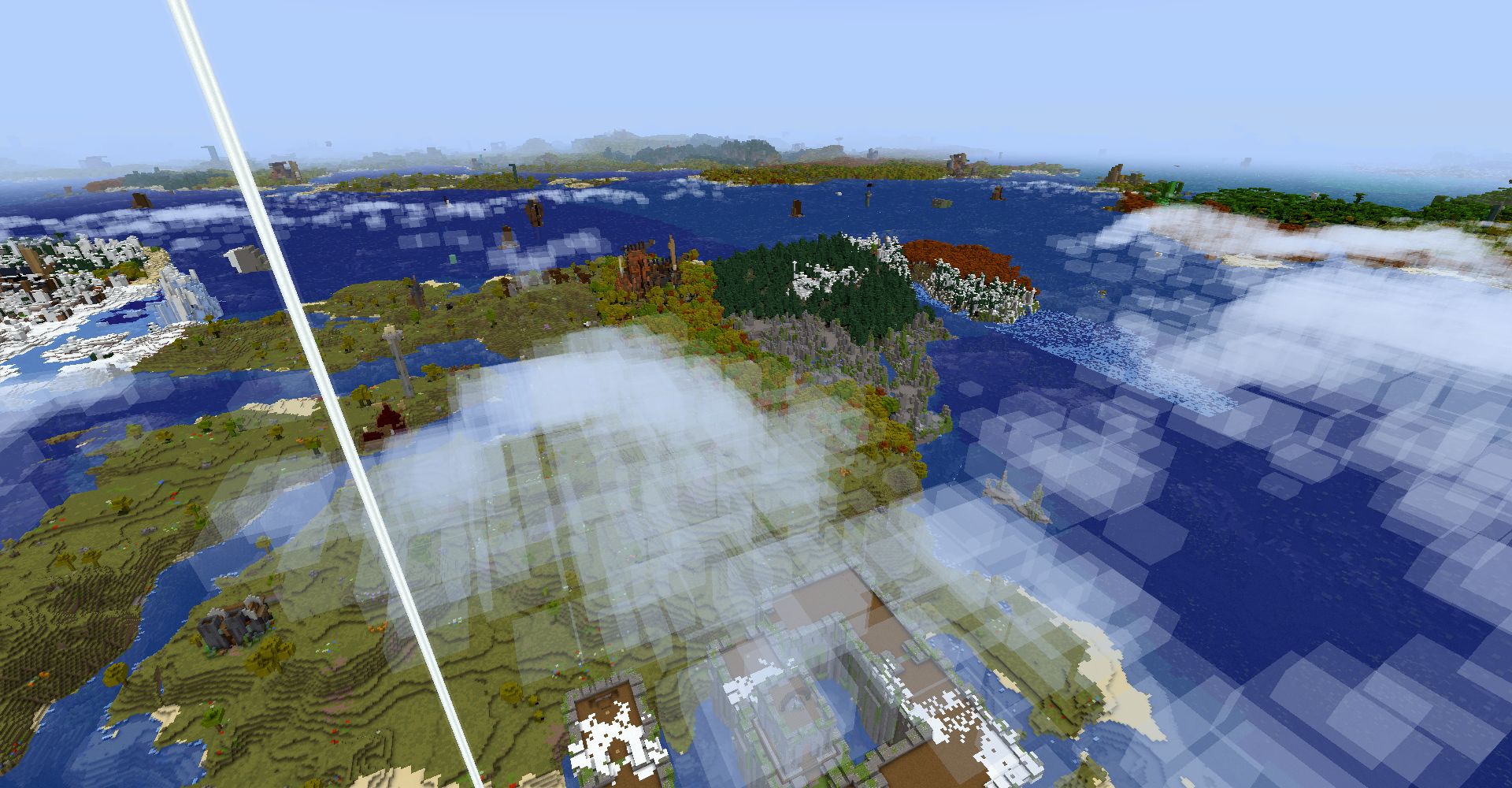
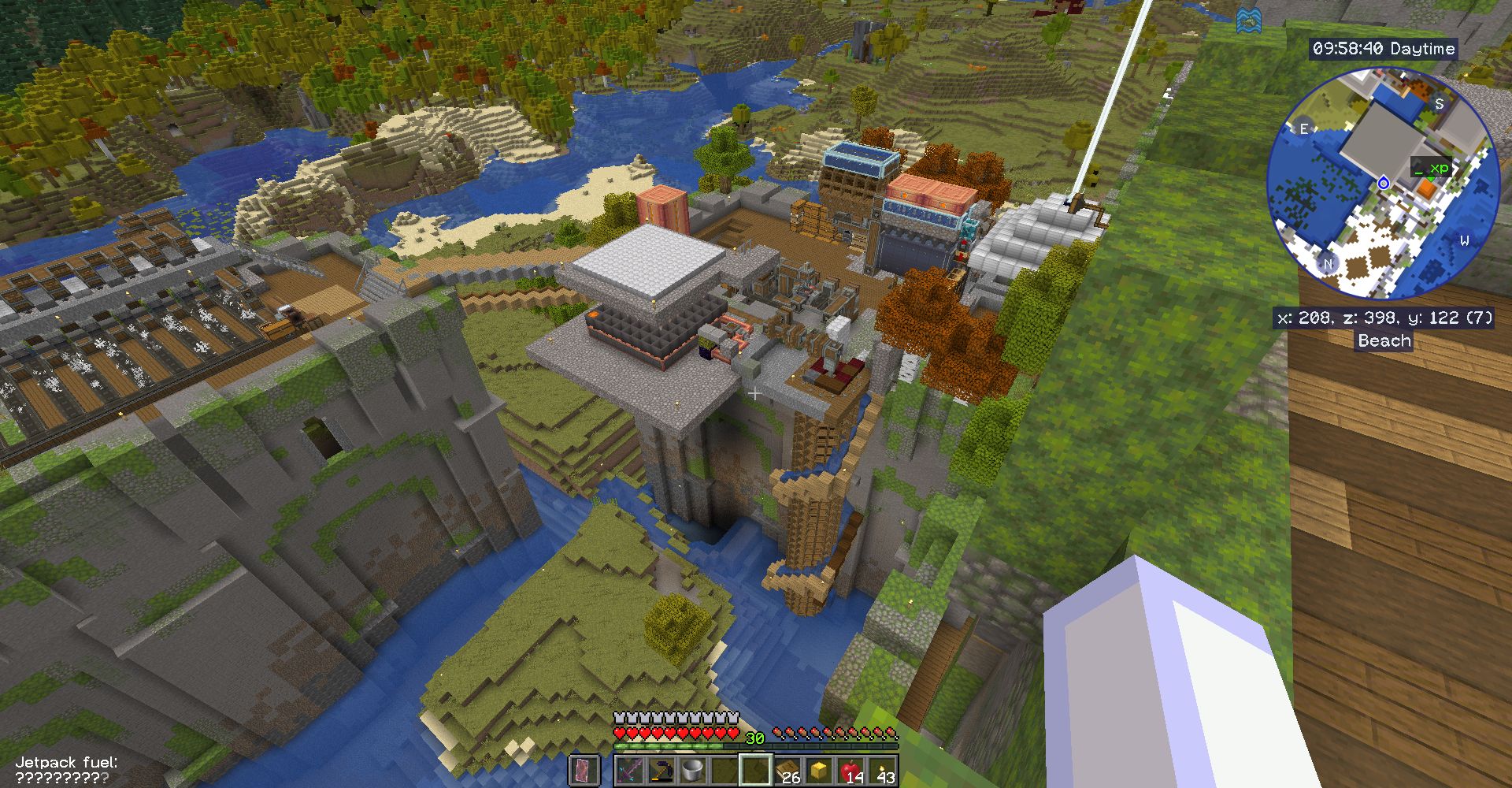
This is a modpack for the CREATE mod. It is a little bit – but not too much – overpowered. And it has some Create-related-follow-up-mods and some low-level storage mods and AE2. The “Applied Energistics 2” machines will be powered by steam engines and alternators from the Create Crafts & Additions mod. There are multiple ways to fly, glide and teleport with devices. But there is no more teleporting with commands like “tp” or “home”. Boats are unseaworthy but you have ships and planes to cross an ocean. A lot of new structures with Create-stuff and loot inside wait to become visited by you.
You will be able to make redstone dust from netherrack but ultimatively you will build a train and harvest it from your ore excavation redstone drill in the far distance.
Which Create mods are inside?
- Create Contraption Terminals
- Create Crafts & Additions
- Create Deco
- Create Enchantment Industry Fabric
- Create Fabric Sodium Fix
- Create Goggles
- Create Man of Many Planes
- Create Ore Excavation
- Create Railways Navigator
- Create Slice & Dice
- Create Utilities
- Create: Big Contraptions
- Create: Bitterballen
- Create: Copycats+
- Create: Deepslate Processing
- Create: Dreams & Desires
- Create: Enchantable Machinery
- Create: Garnished
- Create: Let The Adventure Begin
- Create: Power Loader (Fabric)
- Create: Steam ‘n’ Rails
- Create: Structures
- Create: Ultimate Factory
In the 1.0.34 update “Create: Dreams and Desires” and also “Create: Garnished” were added. Existing worlds need to be explored on their boundaries to find tin ore and nut trees. Or you start over again with a new world. The test server world (45.89.143.193:20486) is freshly set up with a new world.
Inventory boosters
Have a backpack and use the “bank” (successor to “dank”???) to free your precious inventory slots. Chest sorting included.
Storage and Autocrafting
When starting you will chose which storage system to take to begin with. There are “Only need 1 chest” and “Tom’s simple storage system”. Later you have enough resources to go pro and use “Applied Energistics 2” to automate. “Extended Drawers” and “Sophisticated Storage” support your storage efforts.
Magic
Find fantastic rings and charms and craft some minor ones. Explore the world. The rings that can be found are worth a raid on some Husk or Skeleton – infested structures. Enchant those drills or crushing wheels for more efficiency and deal with xp fluid from your automated xp farm.
Waystones and Map Teleporting
Find or craft waystones to go to points of interest. Waystones are scattered all over the map and you will find them in the field, in villages and mostly on top of abandoned towers. Harvest and replace a waystone to give it a name.
Teleport to what you see on the map on your own risk. Have the pickaxe in hand to prevent suffocating. Be prepared to fall through blocks. Teleporting via journeymap is allowed as you cannot escape from a tough situation by just pressing a key. Yes: no homes-mod anymore. This is still a little “cheaty” as in single player the game pauses when you call the waypoint-GUI to pick a destination. In multi player there is no pause. You have to allow map teleporting in the journeymap config because at first start this option is disabled. On a server you have to “op” yourself to be allowed to change admin options in the journeymap mod.
Backup and Restore
After losing a world due to a “minecart contraption” obtained by the simple uncrafting table * I decided to introduce a backup mod. The backup mod is for single player worlds. If you have a server it normally comes with a backup solution already builtin. The additional backup from this modpack will eat up your payed storage space rather quickly. Stay with the host’s backup solution if you have a server. Delete the backup mod from the server’s mods folder.
* _The simple uncrafting table has been replaced with another uncrafter mod which does not allow that deep uncrafting and is less OP and too expensive to have it in early game._
Memory > 4 Gigabyte
The memory usage for the client side (player) goes slightly over 4 Gigabyte. Setting the “Java Memory” in the options of this modpack to about 5000 should be safe.
My online server used between 7 and 8 GB of RAM before FerriteCore was put into the mods folder. Now it is between 4 and 6 GB of RAM.
How to install your own Fabric online server
To install a Fabric online server you first install an empty Fabric environment on your Server. Make sure to have the version with the correct Fabric Loader for that modpack installed. Then start it up to create the folders. After shutting down you simply upload the content of your mods folder to the server’s mods folder. Then you delete 5 mod files from the server’s mod folder:
Distant horizons, sodium, indium, iris and “early loading screen”.
Then you think about it: Do you really want a 2nd backup system which will fill up your payed storage space? If the answer is “Noooh” then you also delete the “advanced backup” file from your server’s mods folder.
Restart your server.
Maybe you want to protect your server’s buildings against one-click harvesting with the VeinDigging mod which is in this modpack. Just put the VeinDigging Global Blacklist datapack into the datapack folder of your world and restart the server. Works also for single player worlds on your computer.
The global blacklist datapack is a ZIP-file in your local mods folder where it will not work. To have it work it has to be copied into a world’s datapack folder.
Summary
This modpack shall keep up interest in playing as things are not too easy but still fun to play with. For each resource you need yet another contraption to be build. You will probably always have an idea about what to build next. And what to go out and explore for next.
包含的模组 192 个
 OpenBlocks Elevator (Fabric)
 [DEPRECATED]Create Enchantment Industry - Fabric Legacy
 Additional Structures
 Advanced Backups
 AdvancementInfo
 AE2 EMI Crafting Integration
 Always a Wither Skull
 Amendments
 Anvil Restoration
 应用能源2
 Applied Energistics 2 Wireless Terminals
 Architectury API
 ATi Structures
 Automatic Doors
 Aviator Dreams
 Balm
 Bank Storage
 Better Clouds
 Biome Compass: Maya Edition
 Bookshelf
 丰饶
 Builders Jetpack
 Building Wands
 Cardinal Components API
 CastleBlocks
 Cave Survey
 Charm of Undying
 Collective
 Command Keys
 Common Network
 Craftable Gunpowder
 Craftable Smithing Templates (Armor Trims)
 Create Additions Electrum Block
 Create Contraption Terminals
 Create Crafts & Additions
 Create Deco
 Create Fabric
 Sodium Fix
 Create Goggles
 Create Man of Many Planes
展开全部 192 个
 Create Ore Excavation
 Create Railways Navigator
 切片与丁丁
 Create Utilities
 Create: Big Contraptions
 Create: Bitterballen
 Create: Copycats+
 Create: Deepslate Processing
 Create: Dreams & Desires
 Create: Enchantable Machinery
 Create: Garnished
 Create: Let The Adventure Begin
 Create: Power Loader (Fabric)
 机械动力:蒸汽与铁路
 Create: Structures
 Create: Structures Arise
 Create: Ultimate Factory
 Cristel Lib
 Delightful Creators
 Discord Integration
 遥远的地平线
 Distracting Trims
 Early Loading Screen
 Easy Rename
 EMI
 EMI: Create Schematics
 Enchanting Infuser
 Enchantment Descriptions
 Enchantment Transfer
 Extended Drawers
 Fabric API
 Fabric Language Kotlin
 Fabric Seasons
 Fabric Seasons: Delight Compat
 Fabric Seasons: Extras
 Farmer's Delight Refabricated
 FerriteCore
 Fixed Anvil Repair Cost
Flesh to Leather
 Forge Config API Port
 funcy's more wandering trader trades
 Geophilic
 Gliders
 GravelMiner
 Gravestones
 Guard Villagers (Fabric/Quilt)
 Healing Campfire
 Here be no Dragons!
 Horse Armor Craft
 ImmediatelyFast
 沉浸式飞机
 沉浸式盔甲
 Immersive Paintings
 Immersive Redstone Display 3D
 Indium
 Integrated API
 Integrated Stronghold
 Integrated Villages
 Inventory Management
 Iris Shaders
 Jade Addons (Fabric)
 Jade 🔍
 旅行地图
 Just Hammers
 K-Turrets
 Kambrik
 Krypton
 Leaves Be Gone
Lights
 Lighty
 Lithos
 Lithos:Font
 Lithostitched
 Lootery
 Macaw's Bridges
 Macaw's Doors
 Macaw's Fences and Walls
 Macaw's Furniture
 Macaw's Lights and Lamps
 Macaw's Paintings
 Macaw 的小径和路面
 Macaw's Roofs
 Macaw's Windows
 Magnet Command
 卓越火炬
 Man of Many Planes
 Mine Spawners
 Mineral Chance
 模组菜单
 ModernFix
 Moonlight Lib
 More Density Functions
 Moving Elevators
 MVS - Moog's Voyager Structures
 No Hostiles Around Campfire
 Noisium
 Not Enough Trinket Slots (NETS)
 NotHighEnough
 Obsidian Armor
 Obsidian Equipment
 Obsidian Torture
 Only Need One Chest
 OverpoweredMending
 oωo (owo-lib)
 Passive Shield
 帕秋莉手册
 Player Plates (Obsidian Plates)
 PneumonoCore
 Polymorph
 Polymorphic Energistics
 Potion Rings - Reforged
 Puzzles Lib
 Reinforced Obsidian
 Repurposed Structures - Fabric
 Resourceful Config
 Resourceful Lib
 Rings of Ascension
 Satako
 Seamless Loading Screen
 Server Sleep
 Slime
 Small Ships
 Smart Villagers Follow Emeralds
 钠
 精妙背包
 Sophisticated Core (Unofficial Fabric port)
 Sophisticated Storage (Unofficial Fabric port)
 Stack Refill
 Stendhal
 Structory
 Structory: Towers
 SuperMartijn642's Config Lib
 SuperMartijn642's Core Lib
 锦致装饰
 汤姆的简易存储
 Too Fast
 Towers of the Wild Modded
 Towns and Towers
 Trade Cycling
 Trank-O-Mat
 Trash Cans
 Trinkets
 Uncrafter
 Unseaworthy
 Useful Slime
 VeinDigging
 VeinDigging Global Blacklist
 Wandering Collector
 传送石碑
 WITS (What Is This Structure?)
 World Preview
 YetAnotherConfigLib (YACL)
左侧绿标的模组本站有收录,点进去看中文介绍;其余跳转到 Modrinth。
常见问题
EinsZwanzigEins 支持哪些 Minecraft 版本?
EinsZwanzigEins 基于 Minecraft Java 版 1.20.1,使用 Fabric 加载器。
EinsZwanzigEins 怎么安装?
点本页「前往下载」拿到整合包文件(Modrinth 的是 .mrpack,CurseForge 的是 .zip),在 PCL2 或 HMCL 启动器里选择「导入整合包」,启动器会自动装好 Minecraft、加载器和全部模组。这个整合包有 192 个模组,建议在启动器里给游戏分配 6–8 GB 内存。
EinsZwanzigEins 开服需要多大内存?
推荐服务器内存 12 GB。在线人数多、或者建了大量机器和区块加载器时,可以再加 2–4 GB。
怎么和朋友一起玩 EinsZwanzigEins?
点本页的「一键开服」,选好配置后会自动安装 EinsZwanzigEins 的服务端,几分钟就能开好。把服务器地址发给朋友,大家用同一个版本的整合包连进去就行。
Konitor 的其他作品
查看全部 →
Create: Nerfad
补全 Create Fly 中大部分缺失的配方。

Einseinundzwanzig
Early modpack for 1.21. Many structures to explore, ore generation and low tech storage systems are available. Vein mining gives ores and building blocks. CC turtles.

EinsEinundzwanzigEins
Minecraft Create + QoL Building & Exploring
VeinDigging Global Blacklist
A datapack to introduce a global blacklist which may help in preventing one-click-base-destroying if the VeinDigging mod is installed.
评论
登录后评论和评分