
EinsEinundzwanzigElf
Play the Create mod on 1.21.11 version of Minecraft. Multiplayer tested.
截图
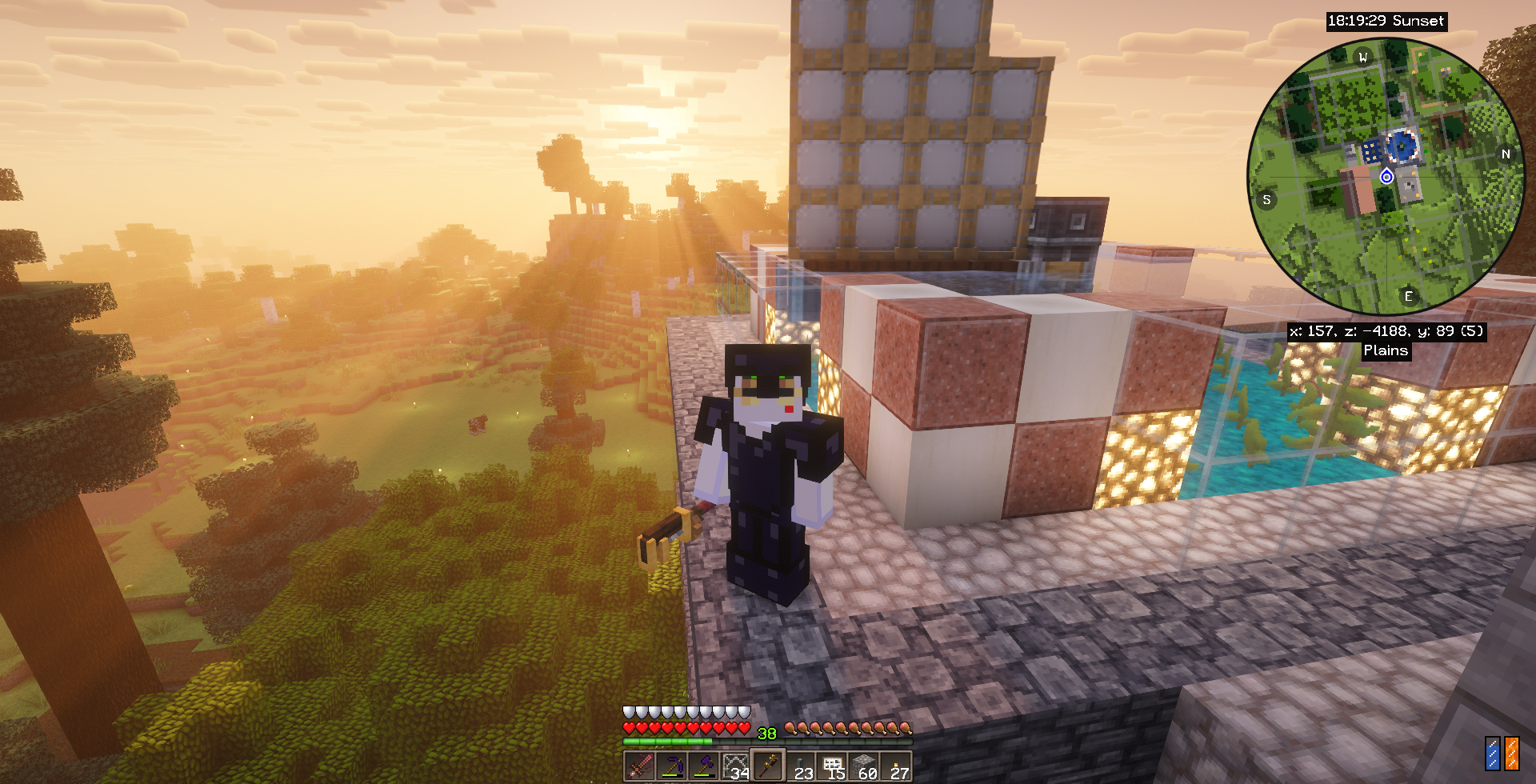
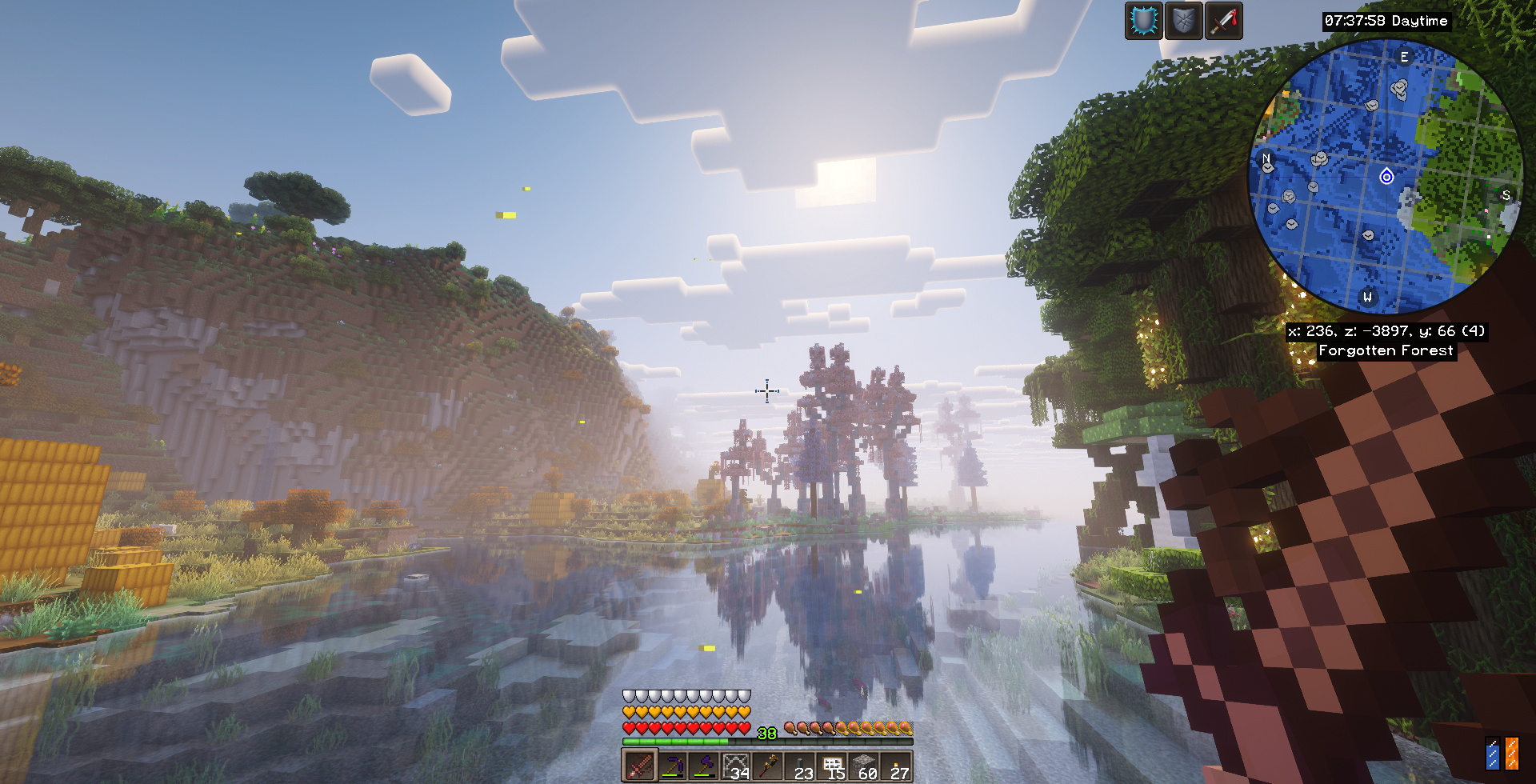
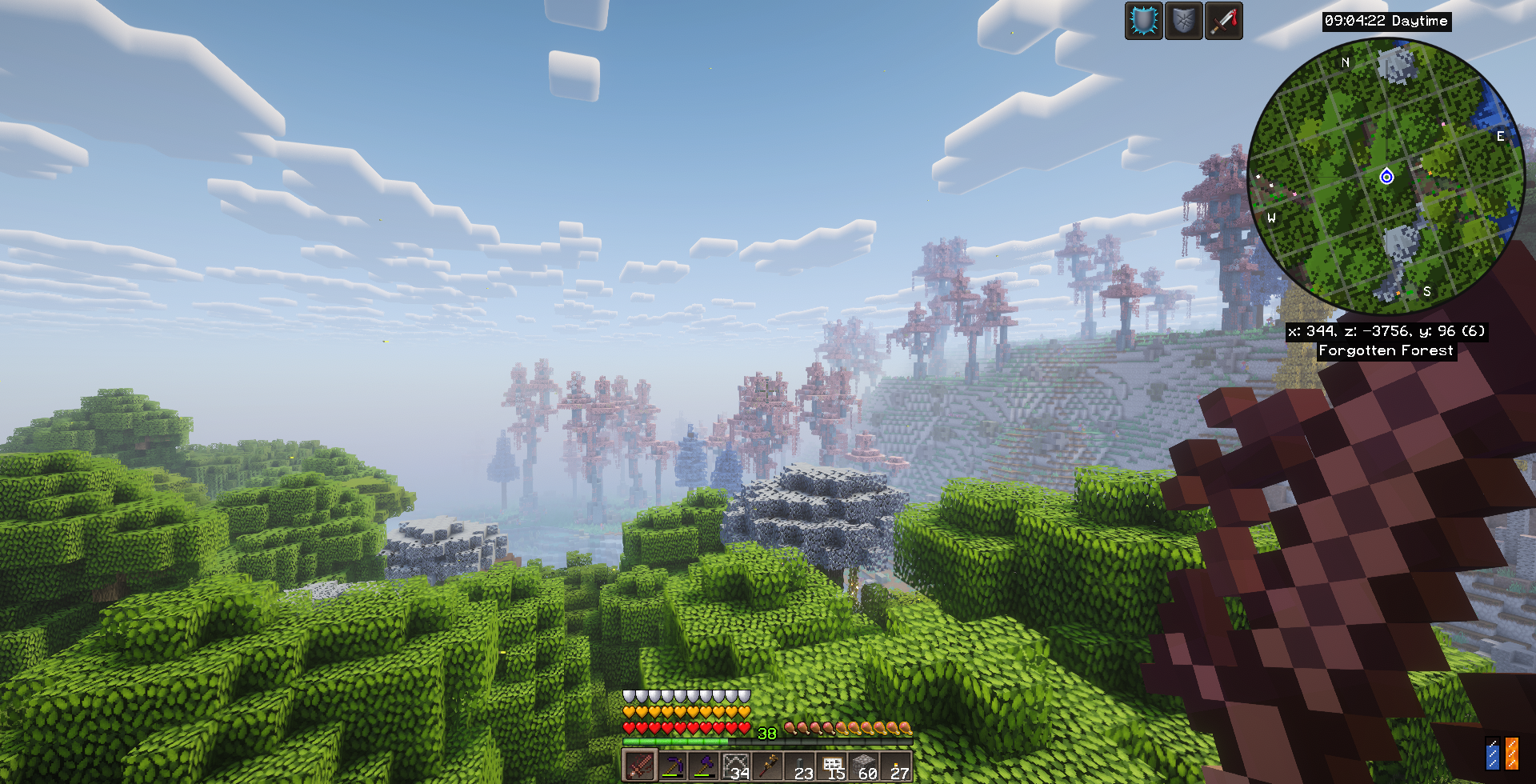
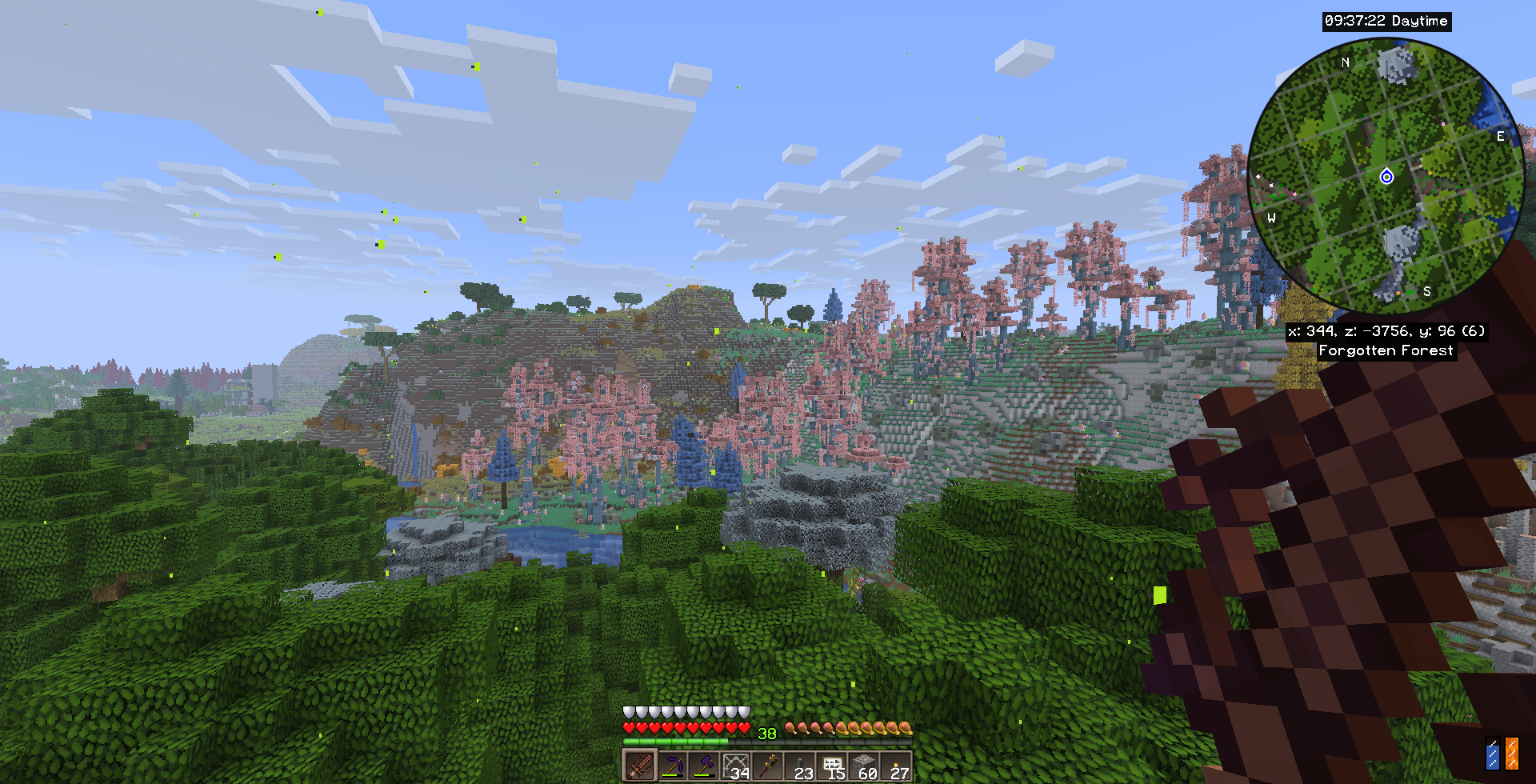
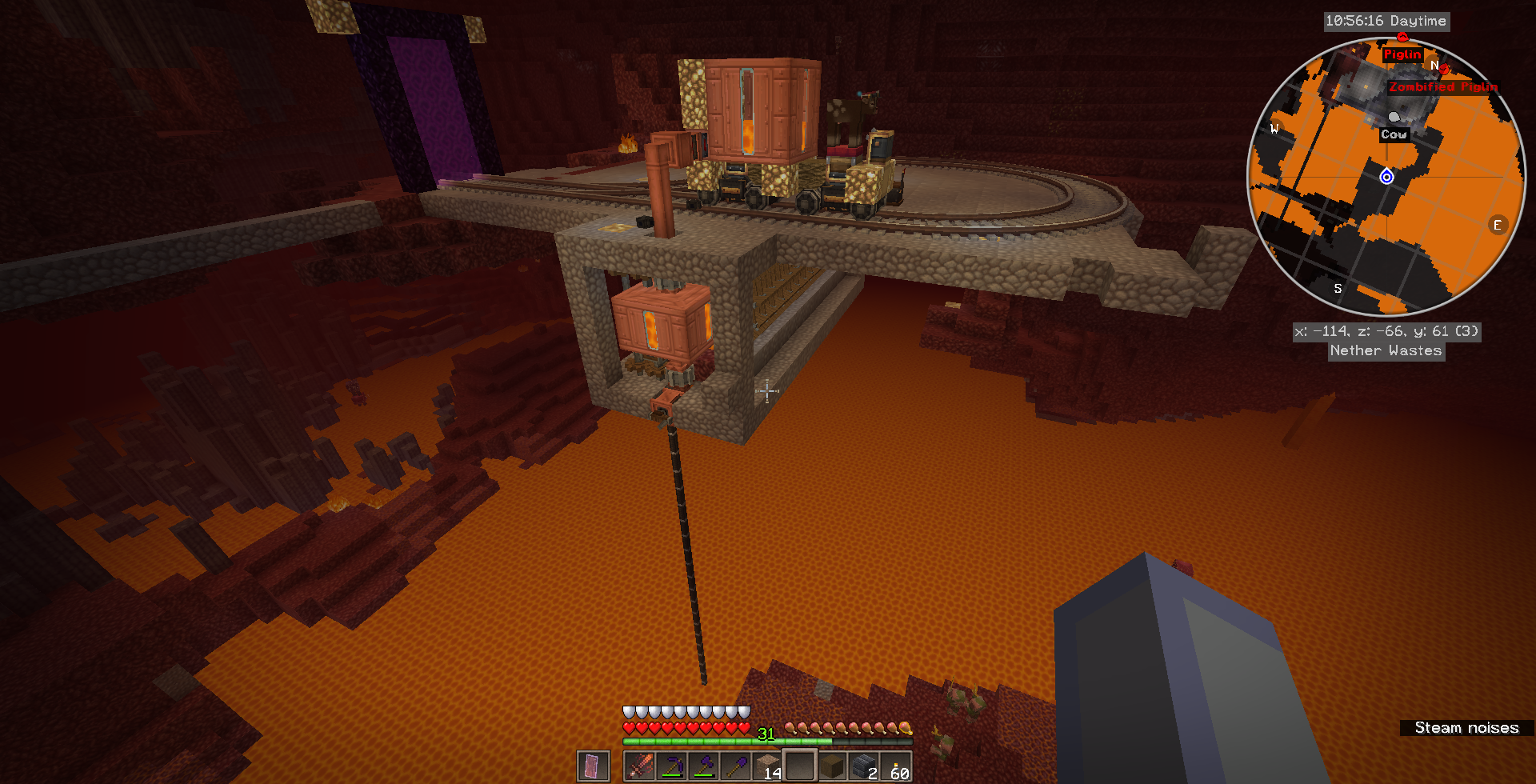

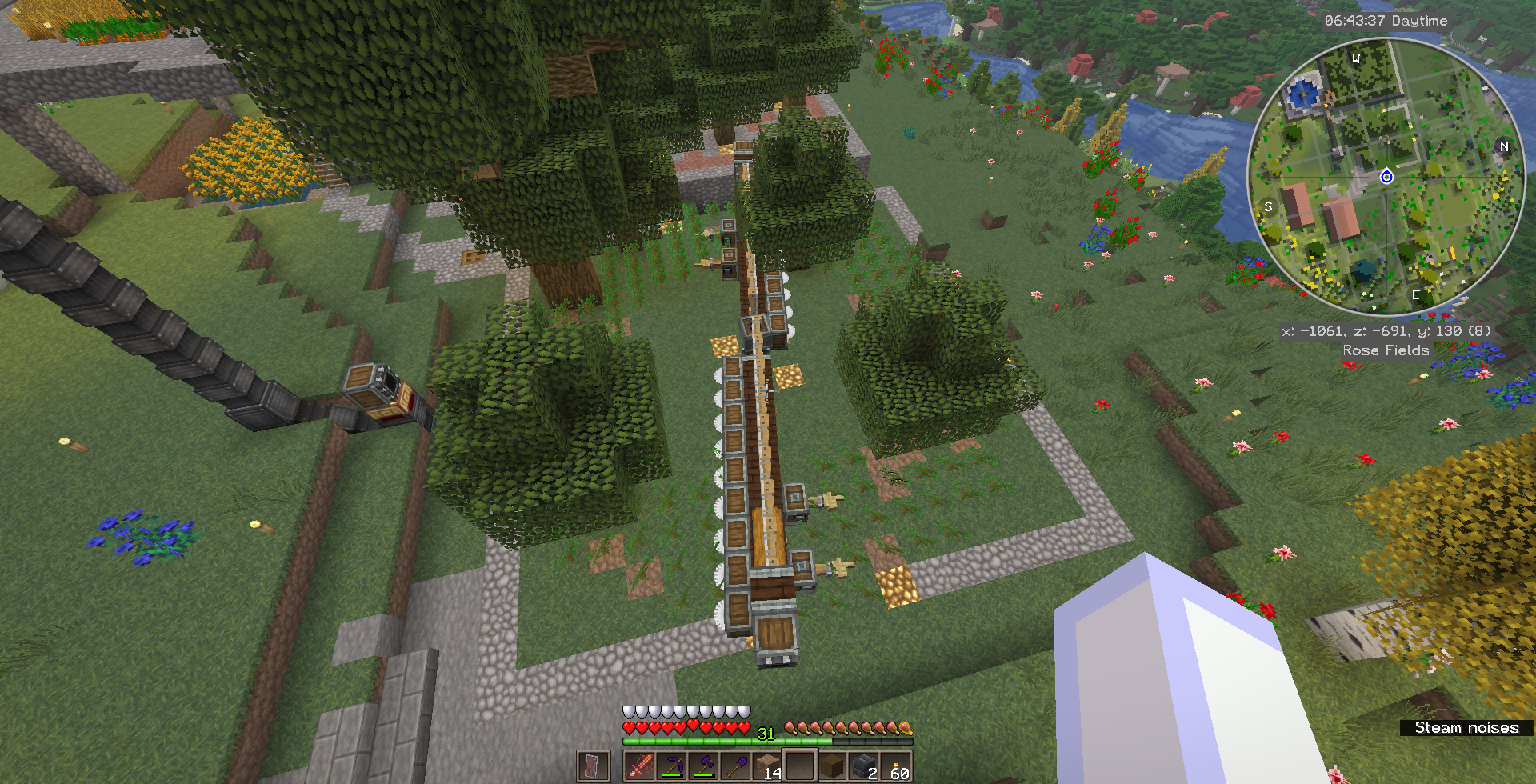
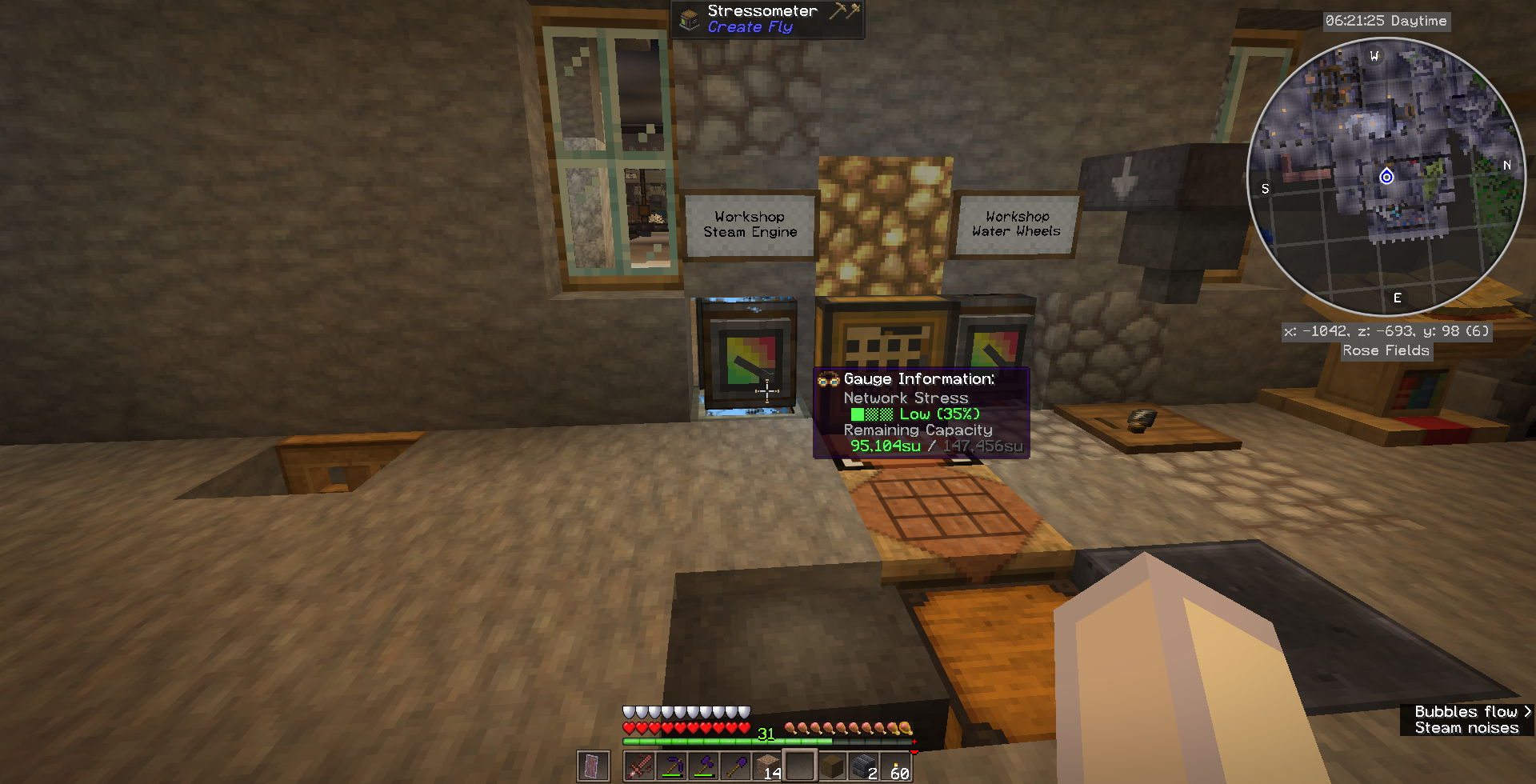
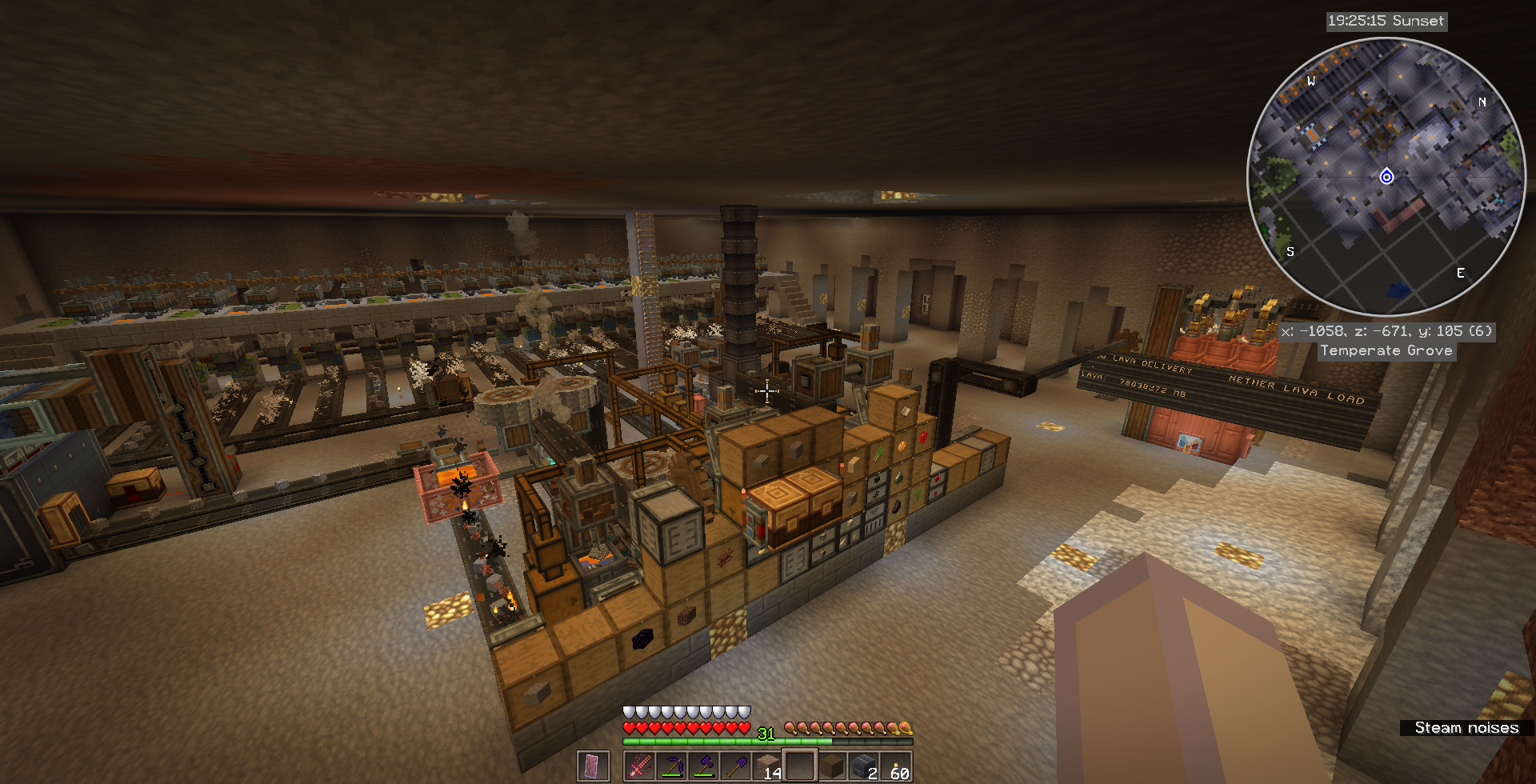
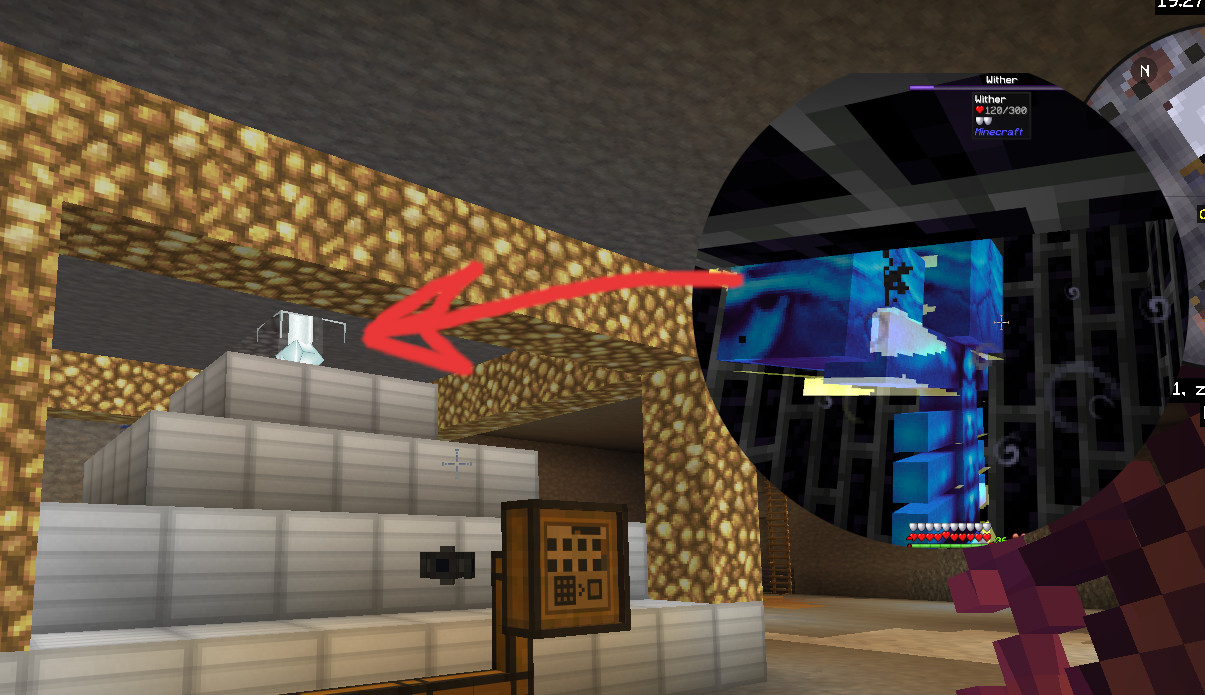
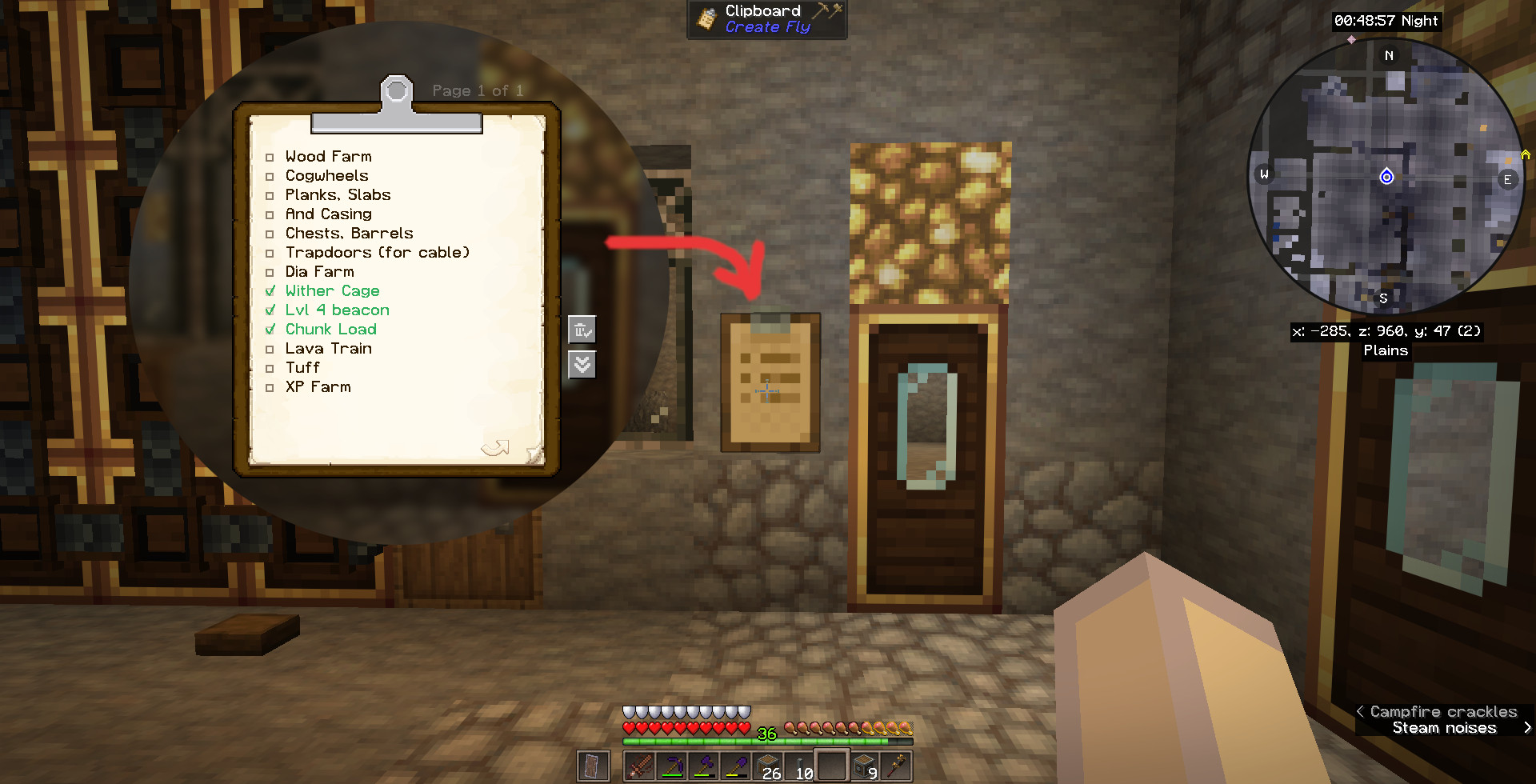

介绍
TL;DR
Version 2.1.9 Update (Voxy Server)
There is a new mod named “Voxy Server” in the mods folder.
The voxy mod is now needed on the server, too. Before having the “voxy server” mod the mod “voxy” had to be deleted from the server’s mods folder. Both have to be present in the mods folder to speed up chunking even more.
Version 2.1.0 Update (RoadWeaver)
Fully compatible with old worlds but roads are not visible on already discovered land.
RoadWeaver roads do only generate “in mind” when the chunk is already discovered.
They will not be rendered. The special RoadWeaver Road Map (“H”) will show them but you will never see them being there.
To have roads being woven it is recommended to start over with a fresh world.
Version 2 Update: Starter-Kit Warning!
If you do not want to start a new world with this then before updating do the following:
Put everything you wear or have in your inventory into chests. The Starter Kit mod will overwrite all of your armor with empty space when it runs the first time. You’ll get a bed and a waystone, a wooden sword and 9 breads.
6GB of RAM needed
The biomes mod and all of the structures along with the optimizations and QoL mods want to have more RAM than usual.
The standard value of 0.5GB just is not enough.
With 6GB you are fine. 4GB may possibly work, too.
Shield Hint
The new shield mechanics eats 50% of each damage event away. But fumbling with interactive blocks and equipped shield not always works.
For configuring Storage Drawers or peal logs and casing them with ingots this only works when the shield is taken off.
Village Hint: Don’t be a thief
Breaking blocks, taking things out of chests in a “protected area” and being seen doing so will bring down your reputation quickly. The villagers will not trade with you anymore. And worse, they will chase and kill you. You can see your status approaching a villager with an emerald held. Learn more about this in the
“https://modrinth.com/mod/thief” description.
Setting up your own server
In summary you first set up your single player installation as usual. Then copy it to the server and then delete some client-only mods. That was it.
Now in detail:
- Install the correct Fabric version on your server (Server Hosts do have scripts for this. You simply click on the right button.)
- Run the server and visit the world. Stop the server.
- Upload the mods folder and the config folder of your tested local installation into the server’s mods and config folders. I use “FileZilla” for that. (filezilla-project.org)
- Delete the client-only .jar files from the server’s mods folder:
- CrashAssistant (if in this version)
- lighty
- sfcr (if in this version)
- voxy ( delete it only if the modpack version is smaller than 2.1.9)
- yet another config lib (if in this version, lib for better clouds)
- Change some values in the server.properties file:
- allow-flight=true
- force-gamemode=true
- online-mode=true
- simulation-distance=5
- motd=what your friends see in the server list
- Run
More mods to come
There were some mods in my older modpack which I am waiting for to come to 1.21.11:
- [ ] Bank
- [ ] Tank
- [ ] Curvy Pipes
- [ ] Sophisticated Storage
- [ ] Sophisticated Backpacks
- [x]
RoadWeaver(2026-03-13 in version 2.1.0) - [x]
Thief(2026-02-28 in version 2.0.0) - [x]
Immersive Aircraft(2026-06-07 in version 2.1.13) - [ ] Polymorph
As soon as one of those makes it to 1.21.11 Fabric it will become part of this modpack.
What is the meaning of the word “EinsEinundzwanzigElf”?
Glad you asked. These are 3 words, camelcased.
- Eins = 1 (one)
- Einundzwanzig = 21 (twenty-one)
- Elf = 11 (eleven)
These are German words for the numbers 1, 21 and 11.
It indicates that this modpack is for MC 1.21.11.
Modpack purpose: Everything is craftable with “Create Fly” and “Nerfad“. No waiting for the blocks right in front of you to become manifest: With Sodium and Voxy the new world is generated further away and not right before your next step.
The project “Create Fly” has ported the Create mod in its newest version to Minecraft 1.21.11. Profit from all the new Minecraft features and build your Create-factory. With the Voxy mod you may be too distracted and just explore the world as you can see structures from far away. For the beginning with the Create mod dripstone caves, slimes and lava lakes need to be found. Exploring the world is as important as enjoyable.
Mass storage systems are Tom’s Simple Storage and the new Create storage system as well.
The world looks beautifully with the “Oh The Biomes We’ve Gone” mod and holds lots of treasures for you.
In addition to the standard iron and andesite alloy production chains with the “Create: Nerfad” mod you can now also generate minecraft goods like diamonds, glowstone, quartz and even netherite scrap or wither skeleton skulls in your Create factory.
With some little modifications the working single player setup will run on your server. Look into the spoiler “Setting up your own server”.
The test server for EinsEinundzwanzigElf is
konitor-mc.de(A thousand thanks to Google AI for big help in setting the server up)
Not Enough Players. You are invited to help testing.
We have good armor made of obsidian and super elemental swords. Waypoint teleporting and gliders. With everlasting abilities you will finally become a fire resistant bird. Craft waystones and connect your base to the nether and your trusted librarian. With mineral chance no strip mining is needed to start: Just dig out the cellar of your base to get diamonds and other stuff. Many QoL mods help you to focus on the main thing:
Building your factory.
包含的模组 162 个,另有 1 个其他文件
 AdoraBuild: Structures
 Advancements Fullscreen
 Advancements Search
 Aeroboots (Slow Fall Boots)
 Aluna's Pocket Realms
 Amber
 Amethyst Elevator
 Anvil Restoration
 苹果皮
 Architectury API
 ATi Structures
 ATi Structures - Vanilla Edition
 autofishhy
 Automatic Doors
 Balm
 Better Statistics Screen
 Biome Spawn Point
 BSL Shaders
 Building Wands
 Capability Proxy
 Castle Shift
 Chunk Loaders
 Chunky
 Clarity
 Clean View
 Clear Water/Lava/PowderSnow
 Cloth Config API
 Collective
 Colorful Redstone Lamps
 Colossal Chests
 Command Keys
 Complementary Shaders - Reimagined
 Complementary Shaders - Unbound
 Configurable Despawn Timer
 Controlling
 CorgiLib
 Crash Assistant
 Create Fly
 Create: Nerfad
 Cyclops Core
展开全部 162 个
 Defensive Measures Mod
 Enchantment Overhaul
 实体剔除
 Everlasting Abilities
 Explorer's Compass
 Fabric API
 Fabric Language Kotlin
 Farmer's Delight Refabricated
 Farming for Blockheads
 FerriteCore
 Fixed Anvil Repair Cost
 Forge Config API Port
 Formations (Structure Library)
 Formations Nether
 Formations Overworld
 Four Elemental Swords
 FrozenLib
 Fzzy Config
 Geckolib
 Gilded Armor
 Gnetum
 GravelMiner
 Grim kingdoms: Lost structures & ruins
 Guard Villagers (Fabric/Quilt)
 Hang Glider
 Happy Ghast Improvements
 Healing Campfire
 Horse Armor Craft
 Immersive Aircraft
 Immersive structures
 Incendium Legacy
 Incendium Translation Fix
 InfChest
 Inventive Inventory
 Inventory Essentials
 Inventory Mending
 Iris Shaders
 Item Rename
 Jade 🔍
 Jauml
 旅行地图
 JEI物品管理器
 Just Hammers
 Konfig
 Large Iron Sign
 Leaves Be Gone
 Lighty
 Liteminer
 Liteminer Extra Shapes
 锂
 Lithos
 Little Joys
 LuckPerms
 Luki's Grand Capitals
 Magnum Torch
 Medieval Buildings
 MES - Moog's End Structures
 Midnight Thoughts
 Mineral Chance
 MNS - Moog's Nether Structures
 Mob Locator
 模组菜单
 Moog's Structure Lib (moogs_structures)
 MTR - Moog's Temples Reimagined
 Much More Dungeons
 自然指南针
 Nether Archives
 No Hostiles Around Campfire
 Oh The Biomes We've Gone
 Oh The Trees You'll Grow
 Packed Up (Backpacks)
 Passive Shield
 Philips Ruins
 Photon Shaders
 Puzzles Lib
 Red’s More Structures
 Reinforced Obsidian
 Repurposed Structures - Fabric
 RoadWeaver
 Ronco Record Vault
 Ruins and Towers
 Searchables
 Shut Up Dead Entities
 Simple Magnets
 Sleep
 Slime
 钠
 Stack Refill
 Starter Kit
 Storage Delight
 储物抽屉
Subtitles Visualizer
 Super Enchants
 SuperMartijn642's Config Lib
 SuperMartijn642's Core Lib
 TCDCommons API
 TerraBlender
 Thief
 Tiered Backpacks
 Tom's Simple Storage Mod
 Tools and armor of Obsidian
 Torch Toss
 Trash Cans
 Traveler's Backpack
 Trek
 Trinkets Continued
 True Stars
 TrueLightFX
 Uncraft Everything
 Vanilla Permissions
 Villager Death Messages
 Villager Trade Reroll
 Visiting Villagers
 VisualKeys
 voxy
 Voxygen
 Wabi-Sabi Structures
 Wandering Trader May Leave
 Wandering Trader Revamp
 传送石碑
 WITS (What Is This Structure?)
 Your Items Are Safe
绿色边框的模组本站有收录,点进去看中文介绍;其余跳转到 Modrinth。
常见问题
EinsEinundzwanzigElf 支持哪些 Minecraft 版本?
EinsEinundzwanzigElf 基于 Minecraft Java 版 1.21.11,使用 Fabric 加载器。
EinsEinundzwanzigElf 怎么安装?
点本页「前往下载」拿到整合包文件(Modrinth 的是 .mrpack,CurseForge 的是 .zip),在 PCL2 或 HMCL 启动器里选择「导入整合包」,启动器会自动装好 Minecraft、加载器和全部模组。这个整合包有 162 个模组,建议在启动器里给游戏分配 6–8 GB 内存。
EinsEinundzwanzigElf 开服需要多大内存?
推荐服务器内存 12 GB。在线人数多、或者建了大量机器和区块加载器时,可以再加 2–4 GB。
怎么和朋友一起玩 EinsEinundzwanzigElf?
点本页的「一键开服」,选好配置后会自动安装 EinsEinundzwanzigElf 的服务端,几分钟就能开好。把服务器地址发给朋友,大家用同一个版本的整合包连进去就行。
Konitor 的其他作品
查看全部 → Create: Nerfad
Most missing recipes for Create Fly

EinsZwanzigEins
Create modpack for explorers and builders. Many QoL mods. Needs slightly > 4GB Ram in Java Memory. 1.20.1 is the most recent MC version which supports the Create mod. This modpack has Create and some follow-up mods. The pack can be installed on a server.
Einseinundzwanzig
Early modpack for 1.21. Many structures to explore, ore generation and low tech storage systems are available. Vein mining gives ores and building blocks. CC turtles.

EinsEinundzwanzigEins
Minecraft Create + QoL Building & Exploring
评论
登录后评论和评分