
Wabi-Sabi Structures
A collection of unique, quality structures based on the Wabi-Sabi philosophy
截图

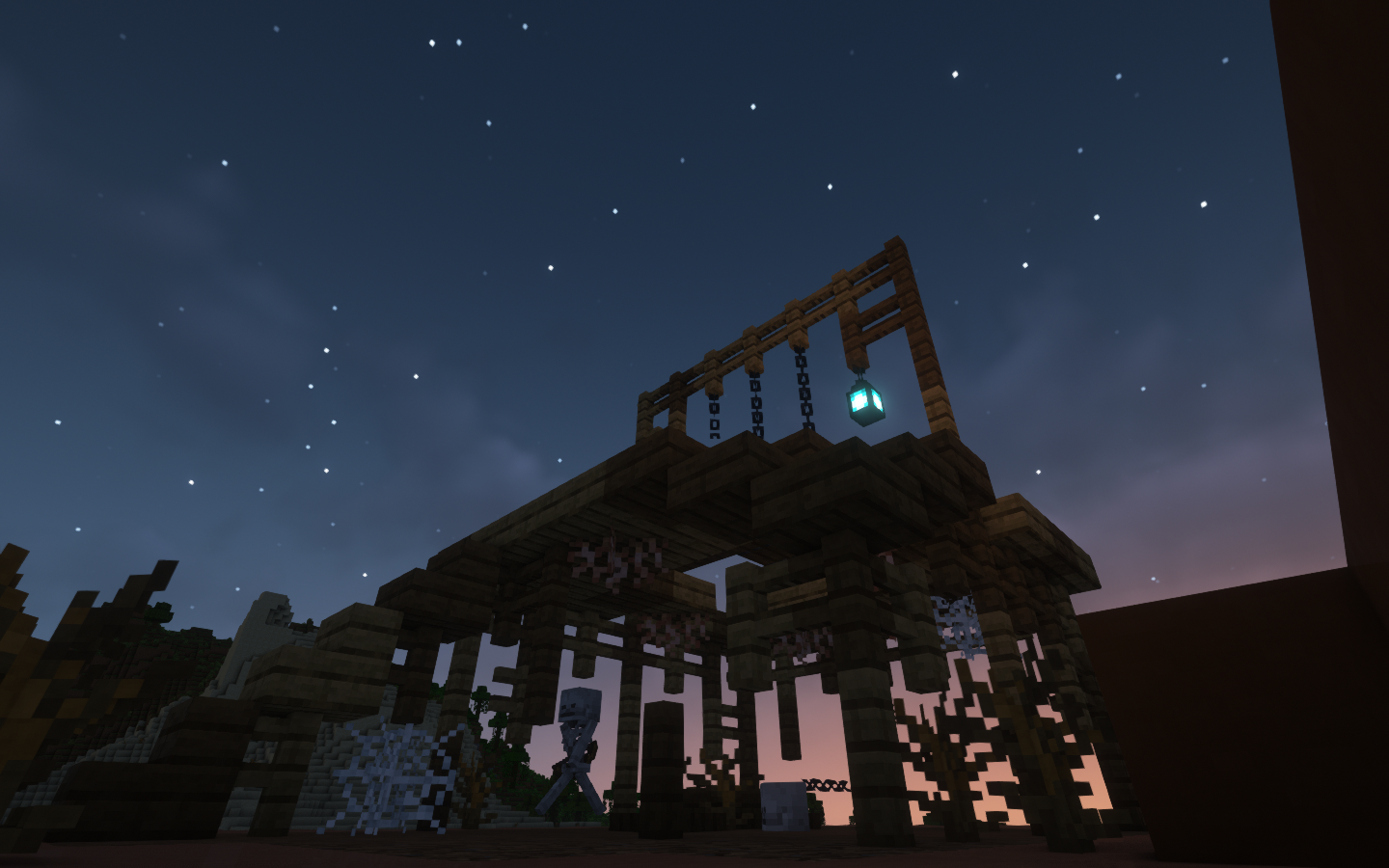
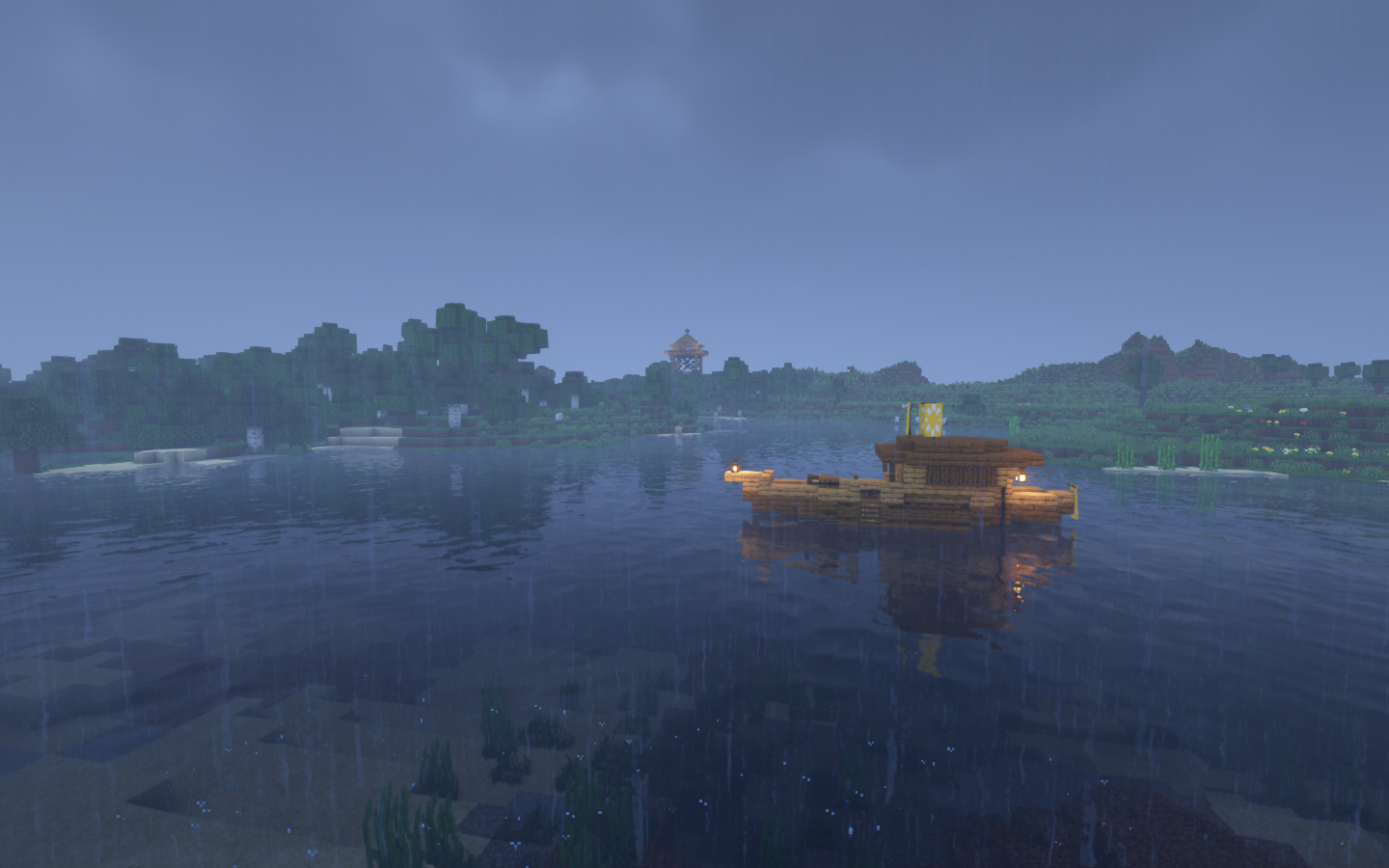
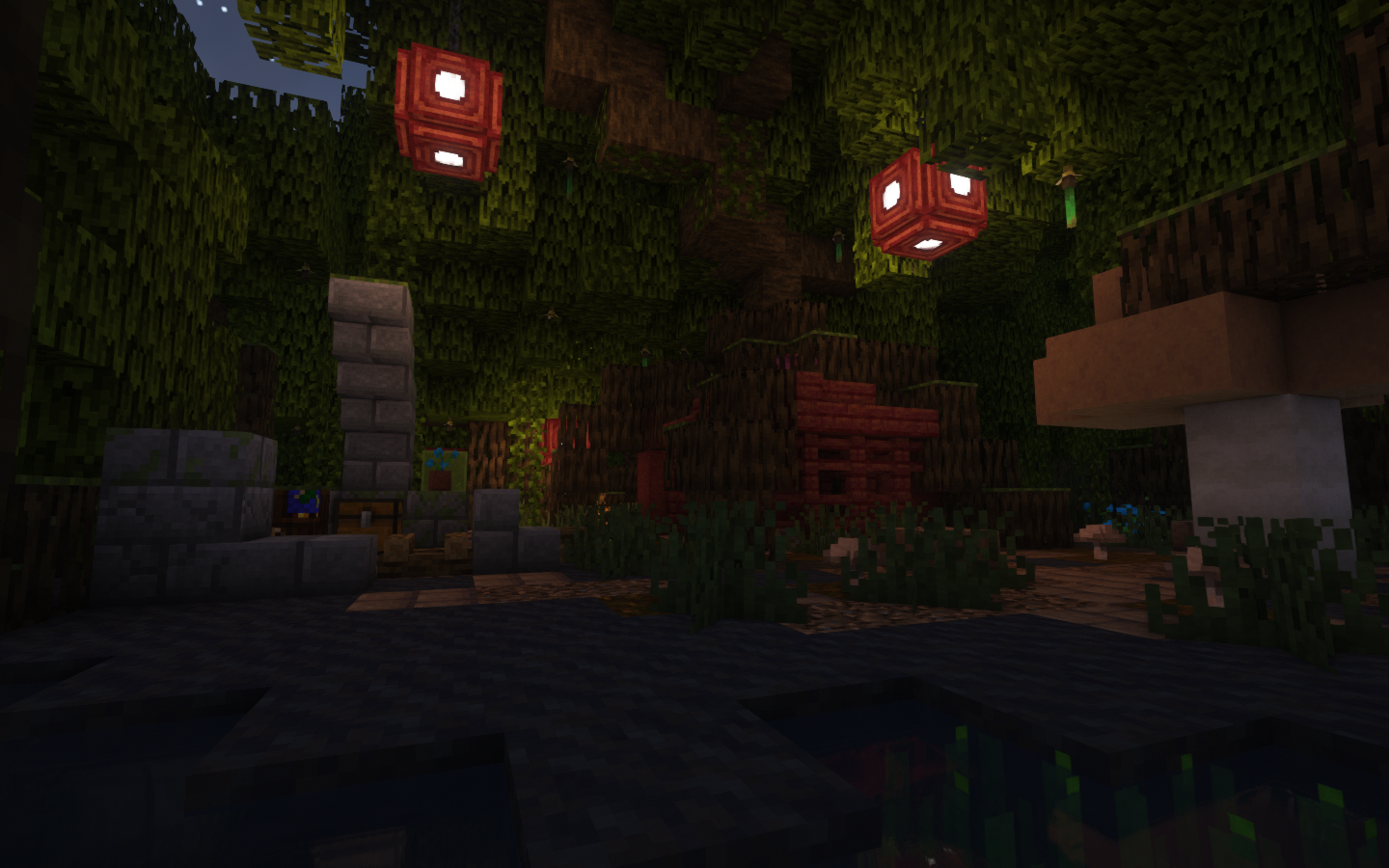
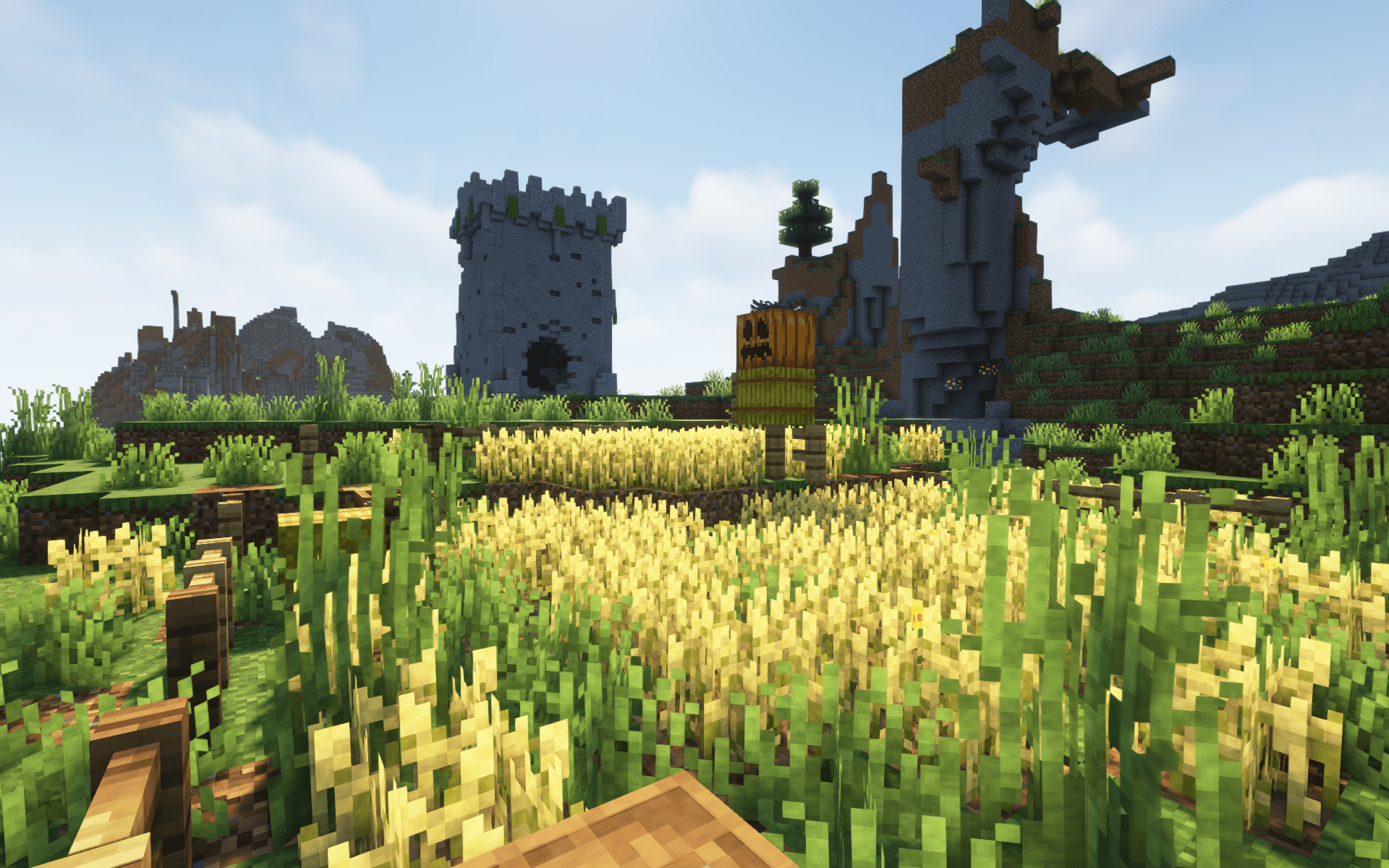
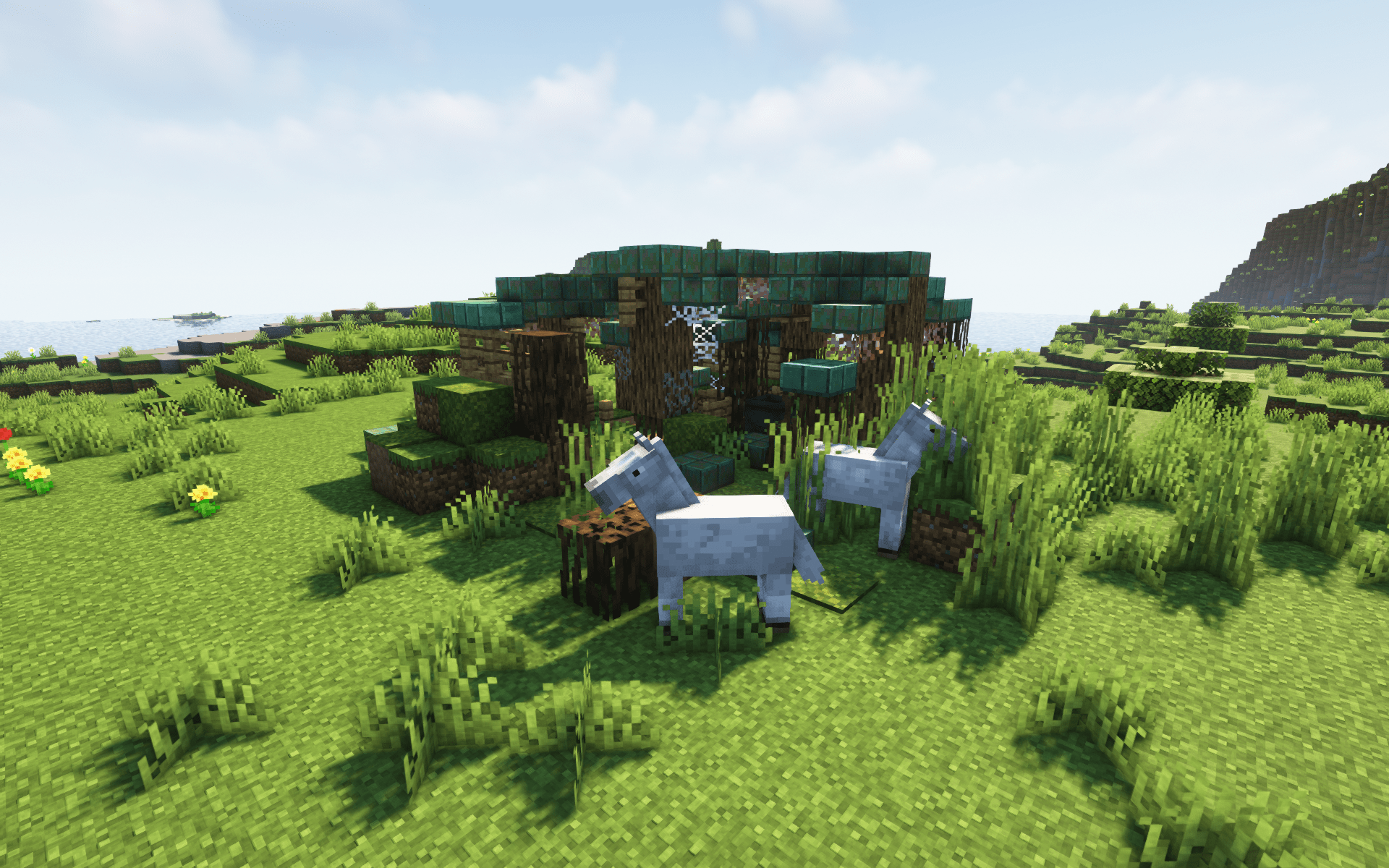
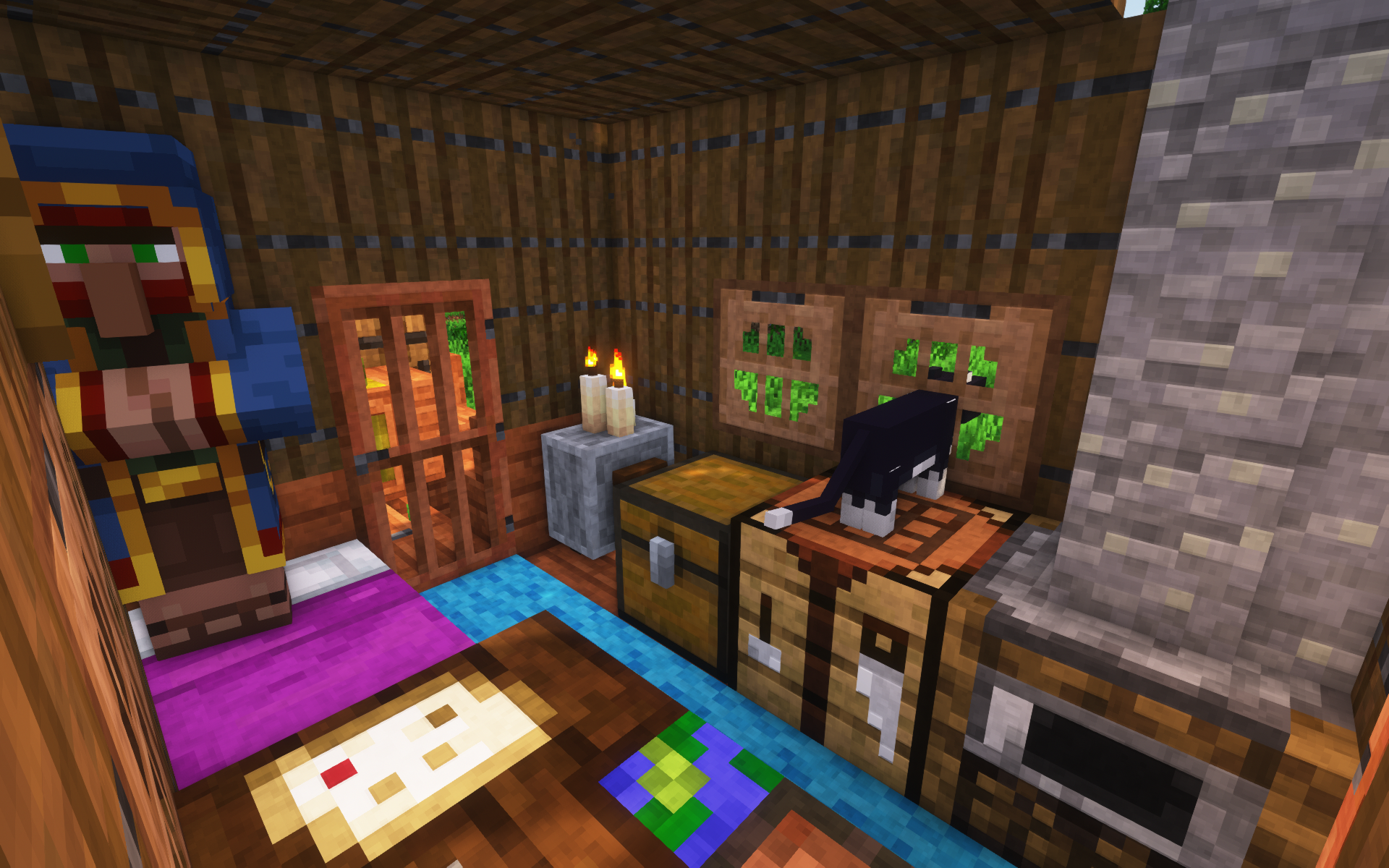
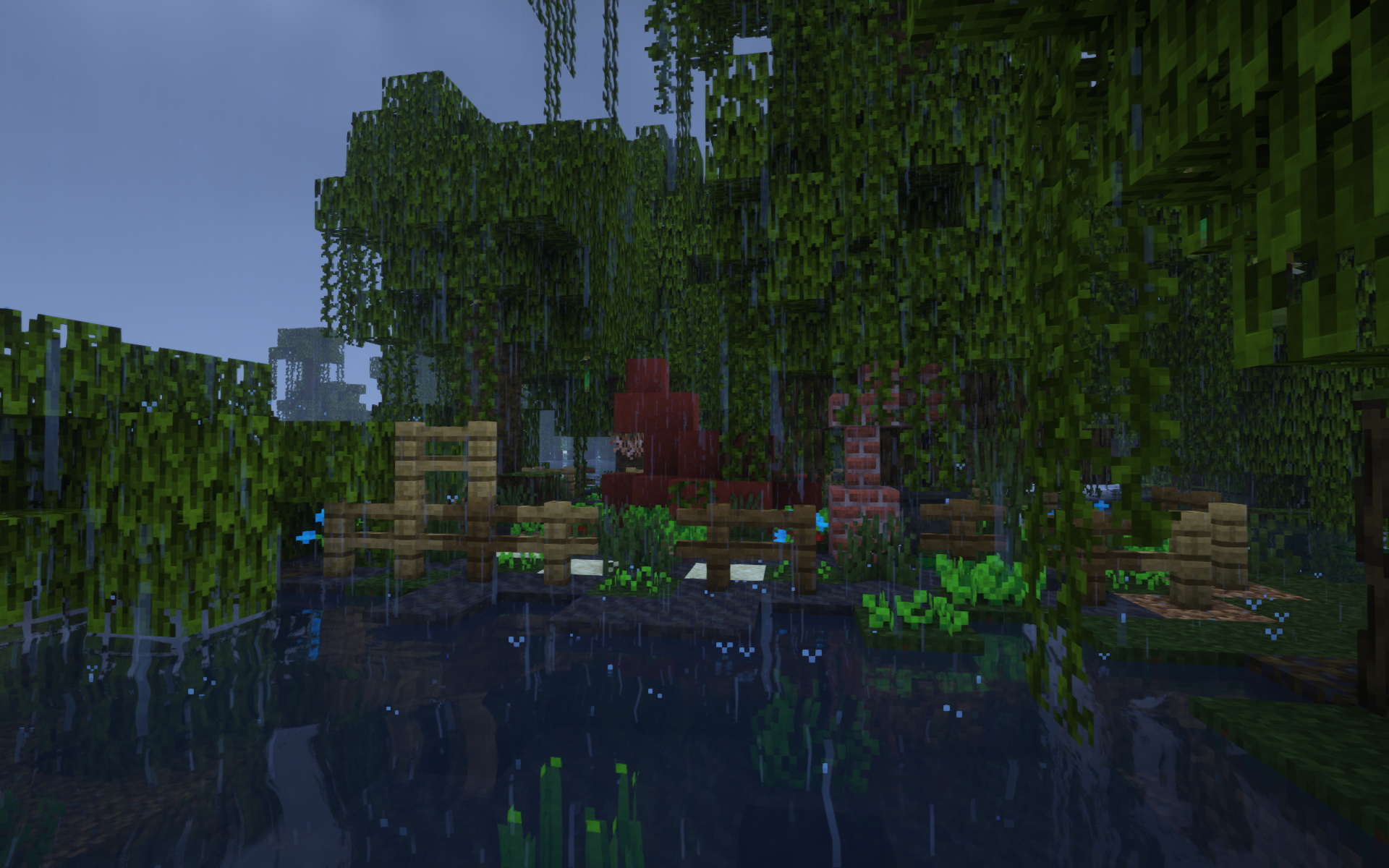
介绍

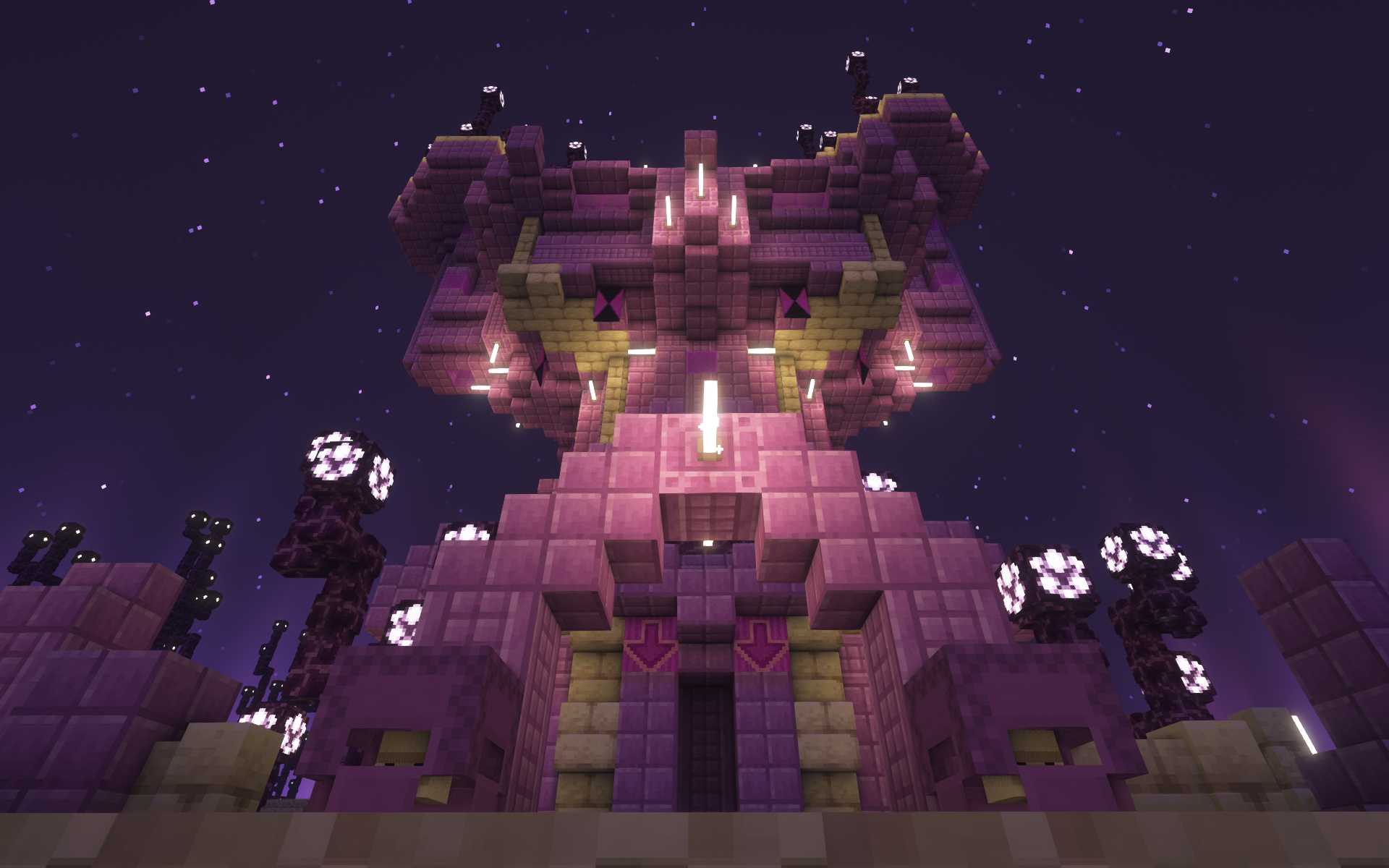
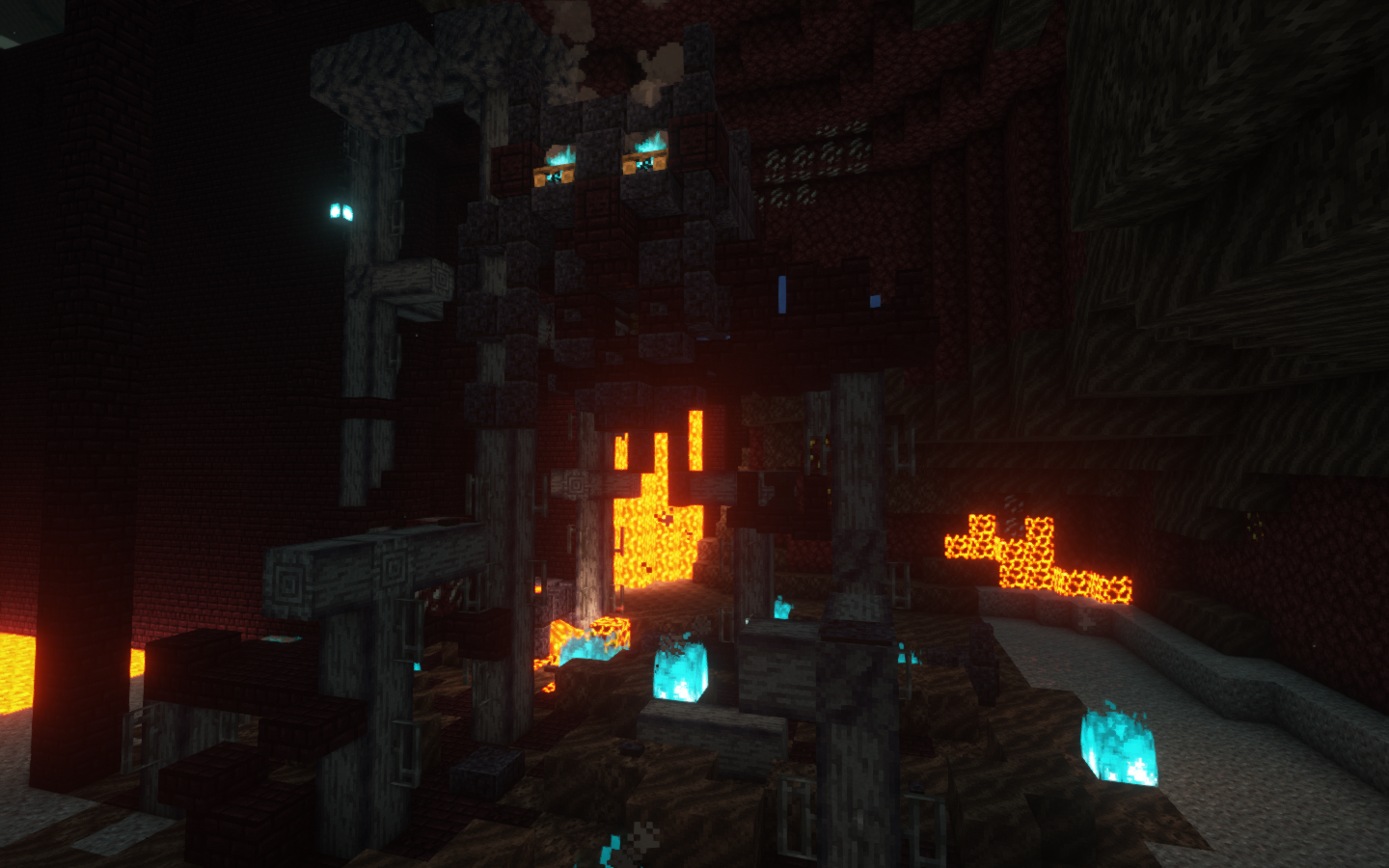
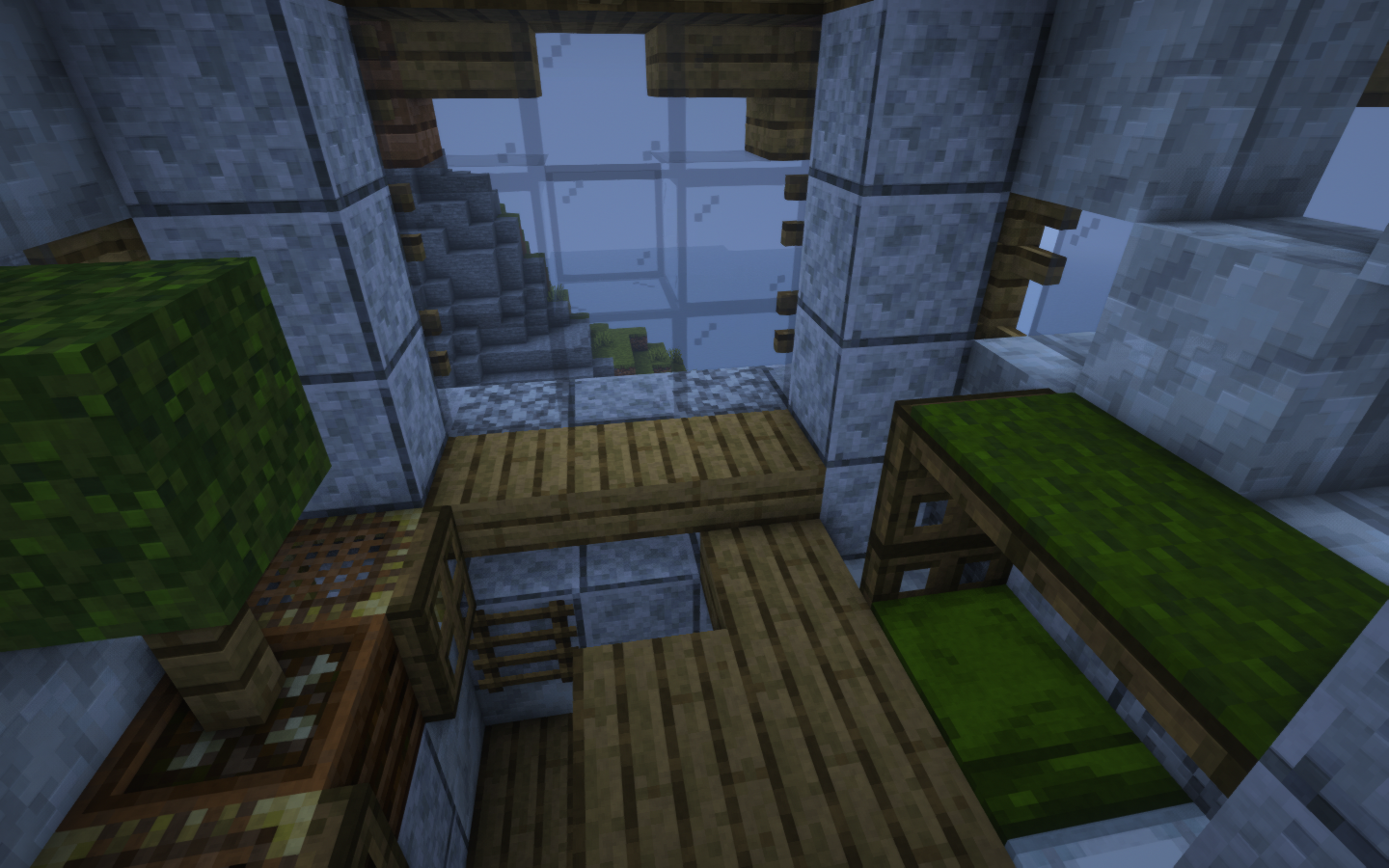
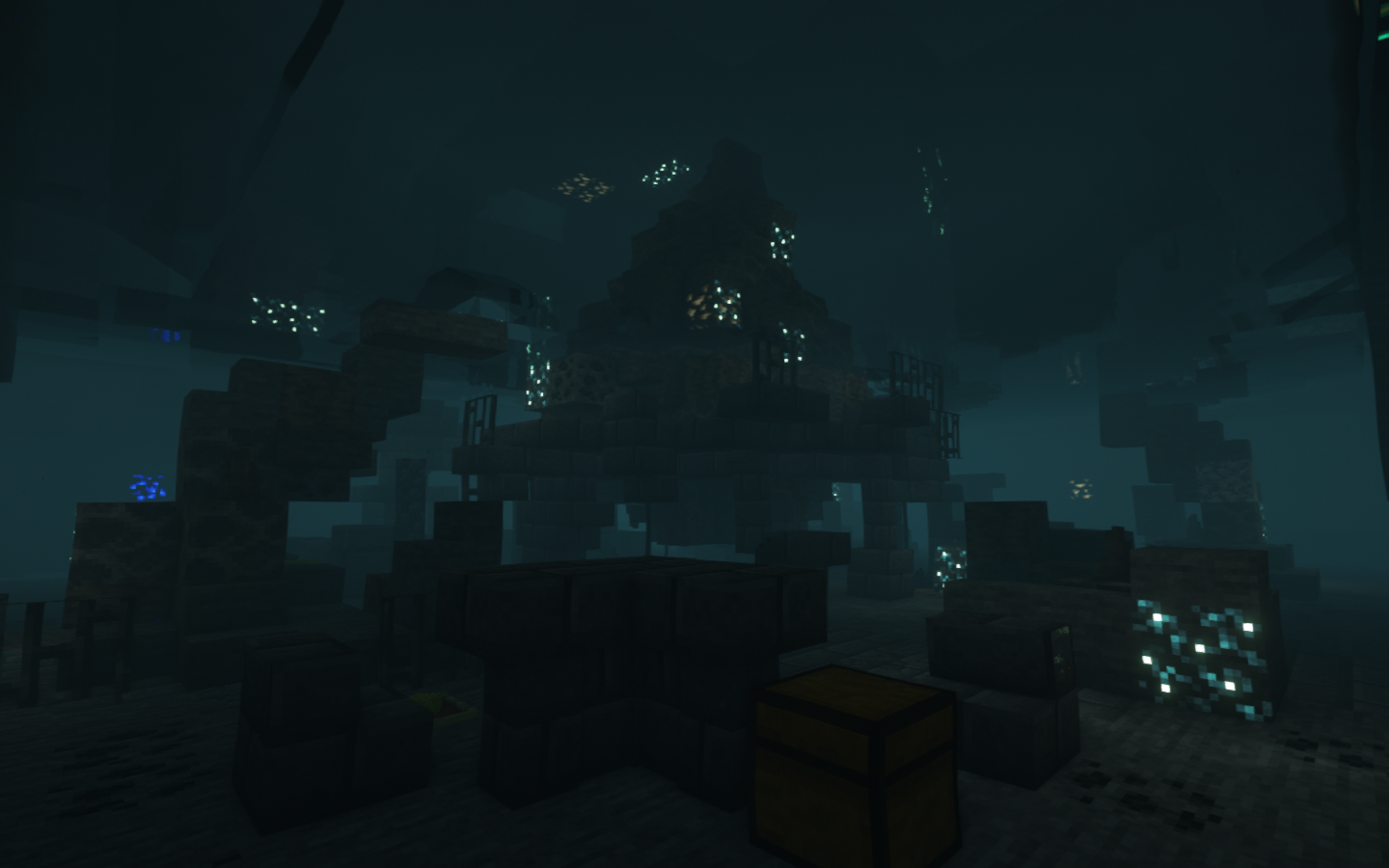
Wabi-Sabi Structures adds a plethora of new structures that generate throughout your Minecraft world, all designed with the Japanese philosophy of “Wabi-Sabi” in mind – embracing imperfection while still being aesthetically interesting.
Our structures uniquely complement Minecraft’s generation with little extra spices. Expect anything from patches of natural crops, to various cozy cabins, degraded stables, dangerous towers, ominous monoliths, underground eggs of mysterious creatures, and more. Our aim is to provide newfound excitement in exploring new terrain, in a way that allows each world, biome, and dimension to have enhanced variety.
Features
Currently, Wabi-Sabi Structures contains over 70 new structures, including several in the Nether and End. Variants, loot, and block randomization are present for many structures to increase variability in generation.
In addition, many of our structures utilize mechanics present in vanilla Minecraft in order to showcase these features to players or alleviate issues in the base game – a tower in the Forest that teaches lighting and extinguishing Campfires, factory ruins in the Nether with a Basalt generator, an orchard in the End featuring different Note Block instruments, to name just a few. The loot found in certain structures might also include items that cannot be obtained otherwise in survival Minecraft, but in a way that is not game-breaking.
Compatibility
As of the 1.1.1 update, Wabi-Sabi Structures supports the following biome mods:
The mod will work alongside other mods that add new biomes, but currently our new structures will not spawn in the modded biomes. We plan to add full support for more popular biome mods in the future.

Installation
Fabric

- Download the Fabric installer.
- Install a version of Fabric Loader compatible with the version of the mod you are using.
- Locate your .minecraft directory. If there is a “mods” folder inside open it, otherwise create one and open it.
- Download Fabric API and Wabi-Sabi Structures and place their .jar files inside the mods folder.
- Launch Minecraft with the newly created Fabric installation.
Forge

- Download and install a version of Forge compatible with the version of the mod you are using.
- Locate your .minecraft directory. If there is a “mods” folder inside open it, otherwise create one and open it.
- Download Wabi-Sabi Structures and place the .jar file inside the mods folder.
Launch Minecraft with the newly created Forge installation.
Frequently Asked Questions
Q&A
Q: When is the next update coming out???
**Q**: Will you port to version X.Y.Z??
Q: Is the mod required on the client to join a server with it?
**Q**: Where can I report a bug?
Q: I have a super awesome structure idea! Where can I put my suggestion?
**Q**: Can I put this in my modpack?
Q: Can I make a video with this mod?
**Q**: Can I upload this on another website?
Credits
- Wpgradford: Project lead, Main builder, Pack scripter, Discord / X setup
- Wight of Shadows: Main builder, Pack scripter / Mod compiler, Title card artist, GitHub / Modrinth setup
- Wilva: Builder, Logo artist
- Nate Pinkston: Composed music and helped with recording / editing for the trailers
Special thanks to _mathgeniuszach_ for help with the Fabric mod
 Pale Formations
 Revamped Shipwrecks
 Unwrecked Ships
评论
登录后评论和评分