
截图


介绍

The all-in-one Minecraft client built for everyone.
Whether you’re a redstone engineer, PvP warrior, builder, or casual player—Dynamic Client** gives you the ultimate experience with performance boosts, modern visuals, redstone tools, PvP features, and more.**
⭐️ What Makes It Special?
Dynamic Client packs together:
- ⚡ Performance Enhancements (Sodium-based)
- 🔴 Redstone Tweaks
- 🗡️ PvP Features (like keystrokes & status timers)
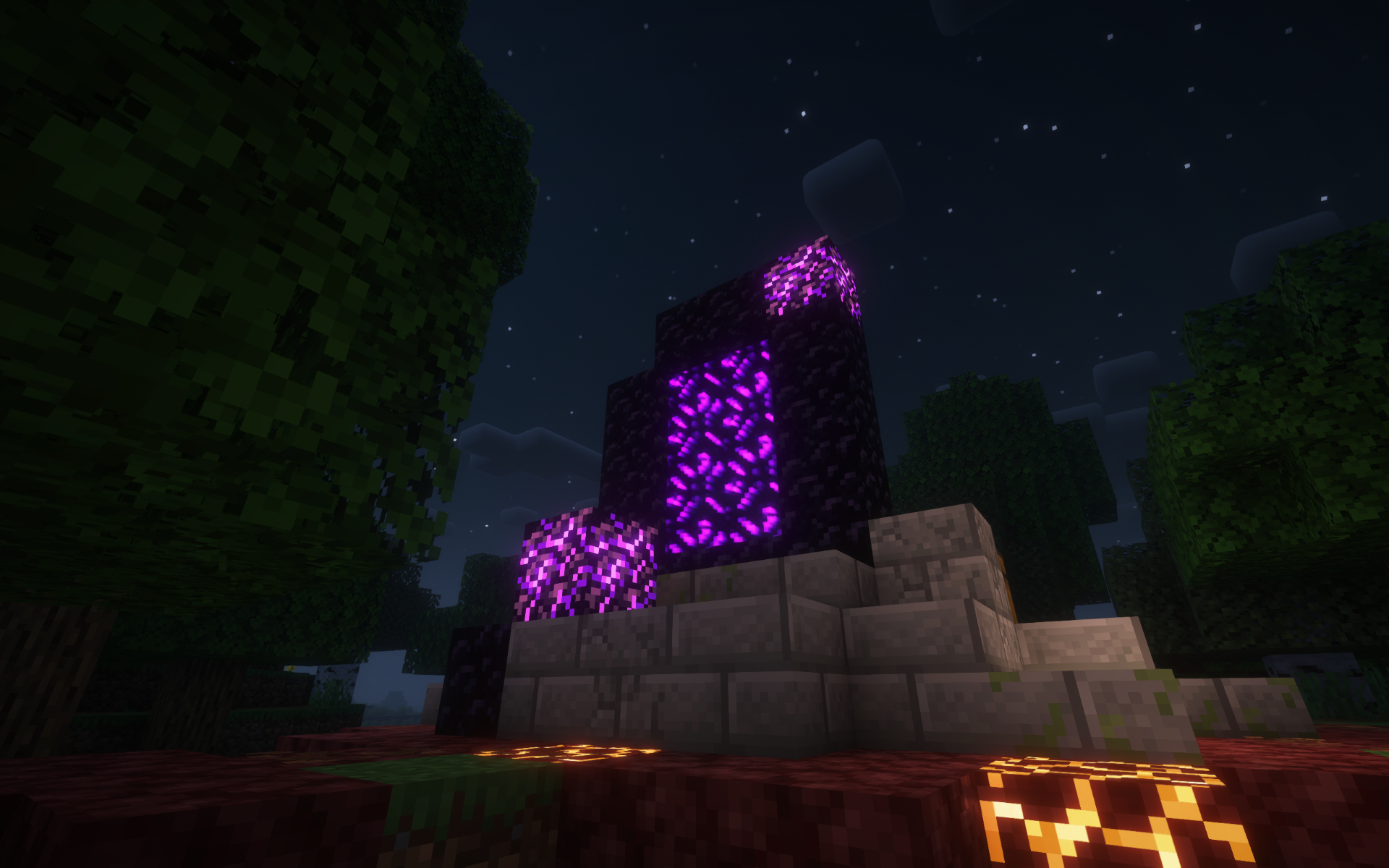
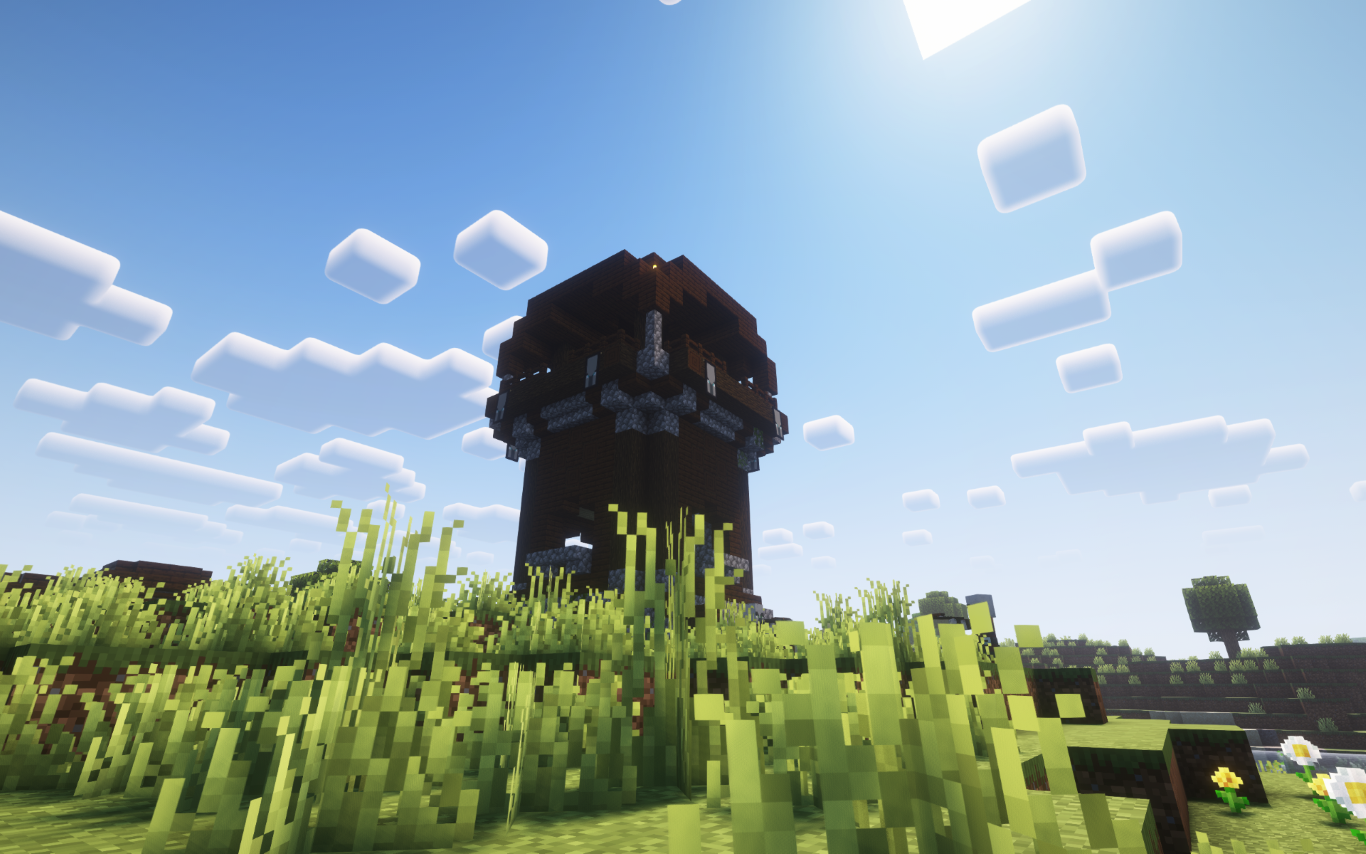
- 🎨 Visual & General Upgrades (shaders, UI, resource packs)
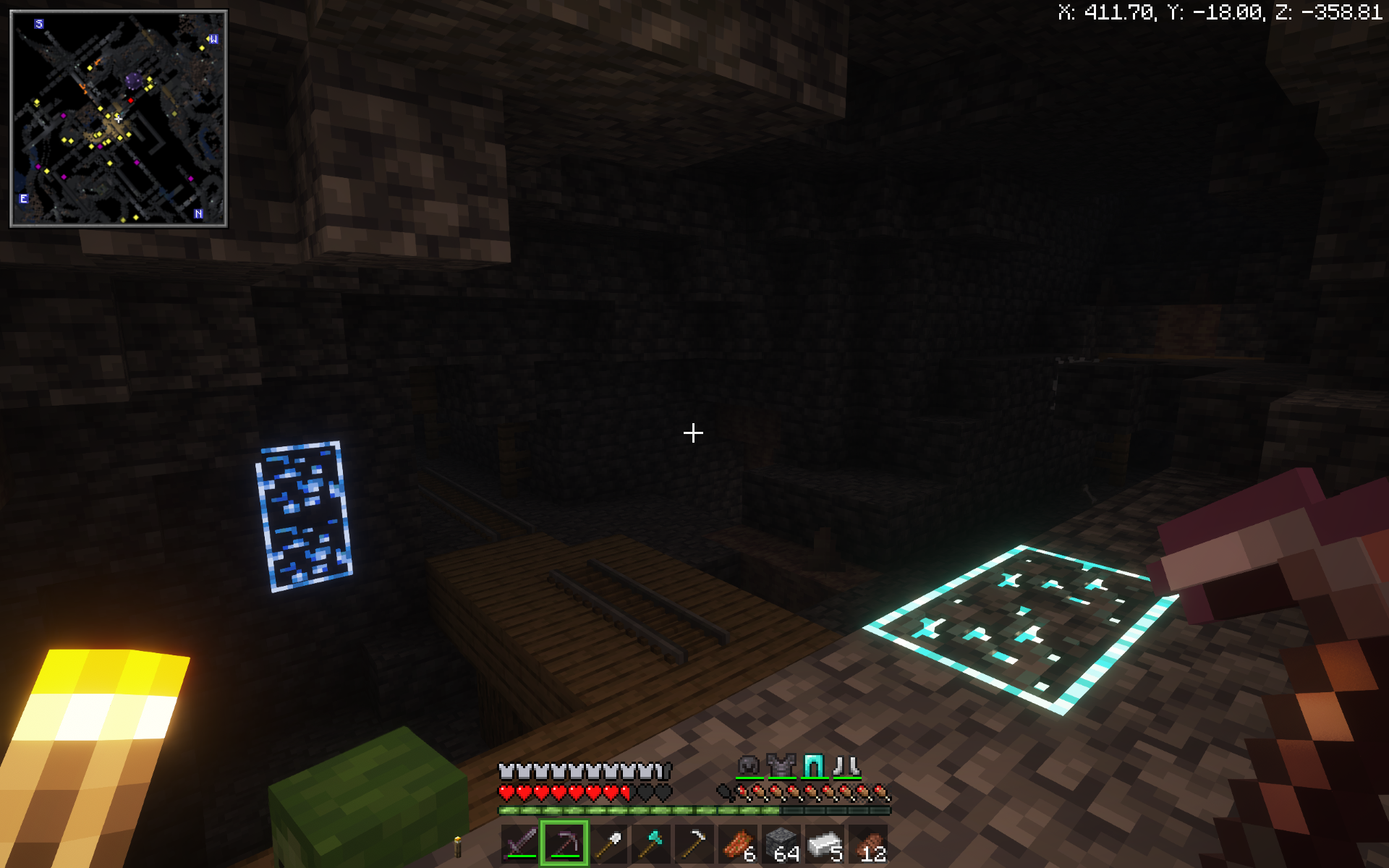
- 🗺️ Built-in Minimap and World Map
- 🛠️ Tools like Replay Mod, Jade, World Edit, and more!
🔧 General Improvements
- ✨ Shaders support — immersive lighting and graphics
- 🖼️ Built-in resource pack installer — drag & drop made easy
- 💡 Dynamic Lights — light up the world with items in hand
- 🧾 Jade HUD — see block/item info instantly
- 📹 Replay Mod — record and replay your gameplay
- 📦 OptiFine-like features — without the mess
- 🧱 WorldEdit — creative building made powerful
- 🧭 Minimap and World Map — never get lost again
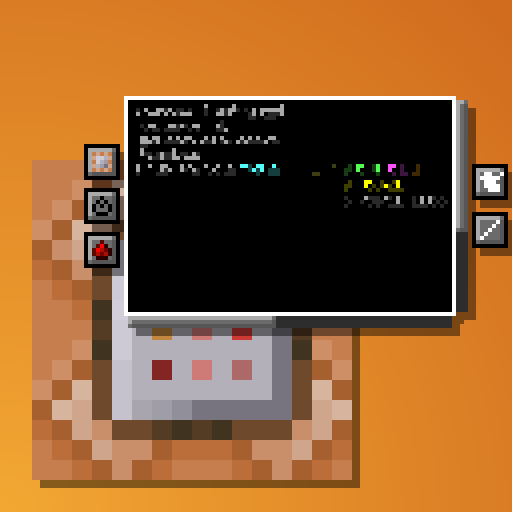
- 📜 Improved command block UI — cleaner and more functional
- 🌐 Join servers from older or newer Minecraft versions seamlessly.
⚡ Performance Improvements
- 🧪 Built on Sodium, Lithium and more for max FPS
- 🔄 Smooth gameplay on low-end PCs and high-end rigs alike
🔴 Redstone Improvements
- ⏩ Redstone Tweaks — improve redstone usability and behavior
- 🕹️ Game4speed to slow down and see your builds
🗡️ PvP Improvements
- ⌨️ Keystrokes overlay (disabled by default — toggle on if needed by pressing f10)
- ⏱️ Status effect timers — know when your buffs/debuffs end
- 🎯 UI changes like lower fire and shields to see your opponets while protecting yourself
🎮 But here’s the best part:
Dynamic Client is a hybrid modpack-client, meaning:
- You can add your own favorite mods (like a mod that adds more mobs).
- You can install your own resource packs or data packs to match your vibe.
- You can tweak it, customize it, and truly make it your Minecraft.
- And you can do all these IN GAME!
🔧 How to Install the Dynamic Client on Modrinth
There are two ways to install the Dynamic Client depending on whether you have the Modrinth App installed or not. Follow the guide below for your case:
✅ Case 1: You Have the Modrinth AppInstalled
- Open modrinth app.
- Click on the browse icon on the bar on the left.
- Search for “Dynamic Client”.
- Click “install”.
- Once installed, click “Play” in the Modrinth App and enjoy the Dynamic Client!
🚫 Case 2: You Don’t Have the Modrinth App
- Go to the modrinth website and download the Modrinth App .
- Once downloaded run the installation file.
- After installation Open the Modrinth app.
- Sign into your minecraft/microsoft account
- Click on the browse icon on the bar on the left.
- Search for “Dynamic Client”.
- Click “install”.
- Once installed, click “Play” in the Modrinth App and enjoy the Dynamic Client!
🙌 Credits
- Massive thanks to all the mod developers whose amazing work powers this client.
Dynamic Client
2025 Core Studios
_All Rights Reserved_
包含的模组 84 个,另有 1 个其他文件
 3D Default
 3D Skin Layers
 [EMF] Entity Model Features
 [ETF] Entity Texture Features
 苹果皮
 Architectury API
 Better Command Block UI
 Better Ore Borders
 Better Statistics Screen
 Better Third Person
 BetterF3
 BetterHurtCam
 Capes
 Chat Animation [Smooth Chat]
 Chat Heads
 Chat Reporting Helper
 Chunks fade in
 Chunky
 Cloth Config API
 Clumps
 Complementary Shaders - Reimagined
 Complementary Shaders - Unbound
 Continuity
 Creative Fly
 Debugify
 Duck Totem
 Dynamic FPS
 Dynamic Lights
 Even Better Enchants
 Fabric API
 Fabric Language Kotlin
 Falling Leaves
 FastQuit
 FerriteCore
 Forge Config API Port
 Freecam
 Freelook
 Fresh Animations
 G4mespeed
 ImmediatelyFast
展开全部 84 个
 Iris Shaders
 Jade 🔍
 Krypton
 LibJF
 锂
 Low On Fire
 Low Shield
 Main Menu Credits
 MidnightControls
 模组菜单
 Model Gap Fix
 More Chat History
 More Culling
 No Pumpkin Blur
 No Resource Pack Warnings
 Noisium
 Not Enough Animations
 OptiGUI
 Polytone
 Puzzle
 Redstone Tweaks
 Reese's Sodium Options
 Remove Reloading Screen
 ReplayMod
 Resourcify
 Respackopts
 REI物品管理器
 Shulker Box Tooltip
 Simple Armor Hud
 Simple Voice Chat
 钠
 Sodium Extra
 Status Effect Timer
 TCDCommons API
 Text Placeholder API
 TipTapShow
 ukulib
 ViaFabricPlus
 Visual Trapped Chests
 WorldEdit
 Xaero Zoomout
 Xaero的小地图
 Xaero的世界地图
 YetAnotherConfigLib (YACL)
绿色边框的模组本站有收录,点进去看中文介绍;其余跳转到 Modrinth。
常见问题
Dynamic Client 支持哪些 Minecraft 版本?
Dynamic Client 基于 Minecraft Java 版 1.21.5、1.21,使用 Fabric 加载器。
Dynamic Client 怎么安装?
点本页「前往下载」拿到整合包文件(Modrinth 的是 .mrpack,CurseForge 的是 .zip),在 PCL2 或 HMCL 启动器里选择「导入整合包」,启动器会自动装好 Minecraft、加载器和全部模组。这个整合包有 84 个模组,建议在启动器里给游戏分配 4–6 GB 内存。
Dynamic Client 开服需要多大内存?
推荐服务器内存 12 GB。在线人数多、或者建了大量机器和区块加载器时,可以再加 2–4 GB。
怎么和朋友一起玩 Dynamic Client?
点本页的「一键开服」,选好配置后会自动安装 Dynamic Client 的服务端,几分钟就能开好。把服务器地址发给朋友,大家用同一个版本的整合包连进去就行。

评论
登录后评论和评分