
Client Compressed
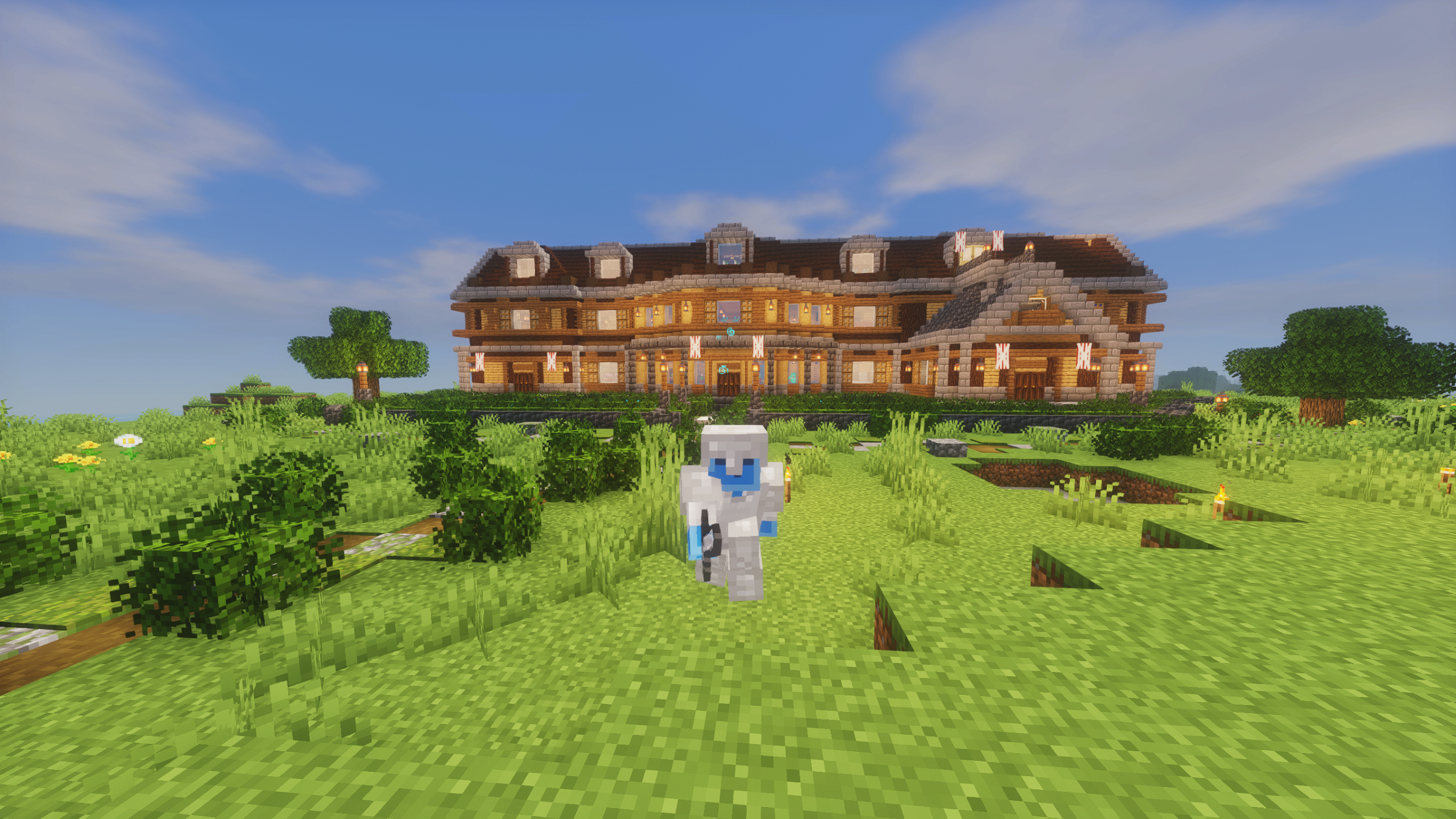
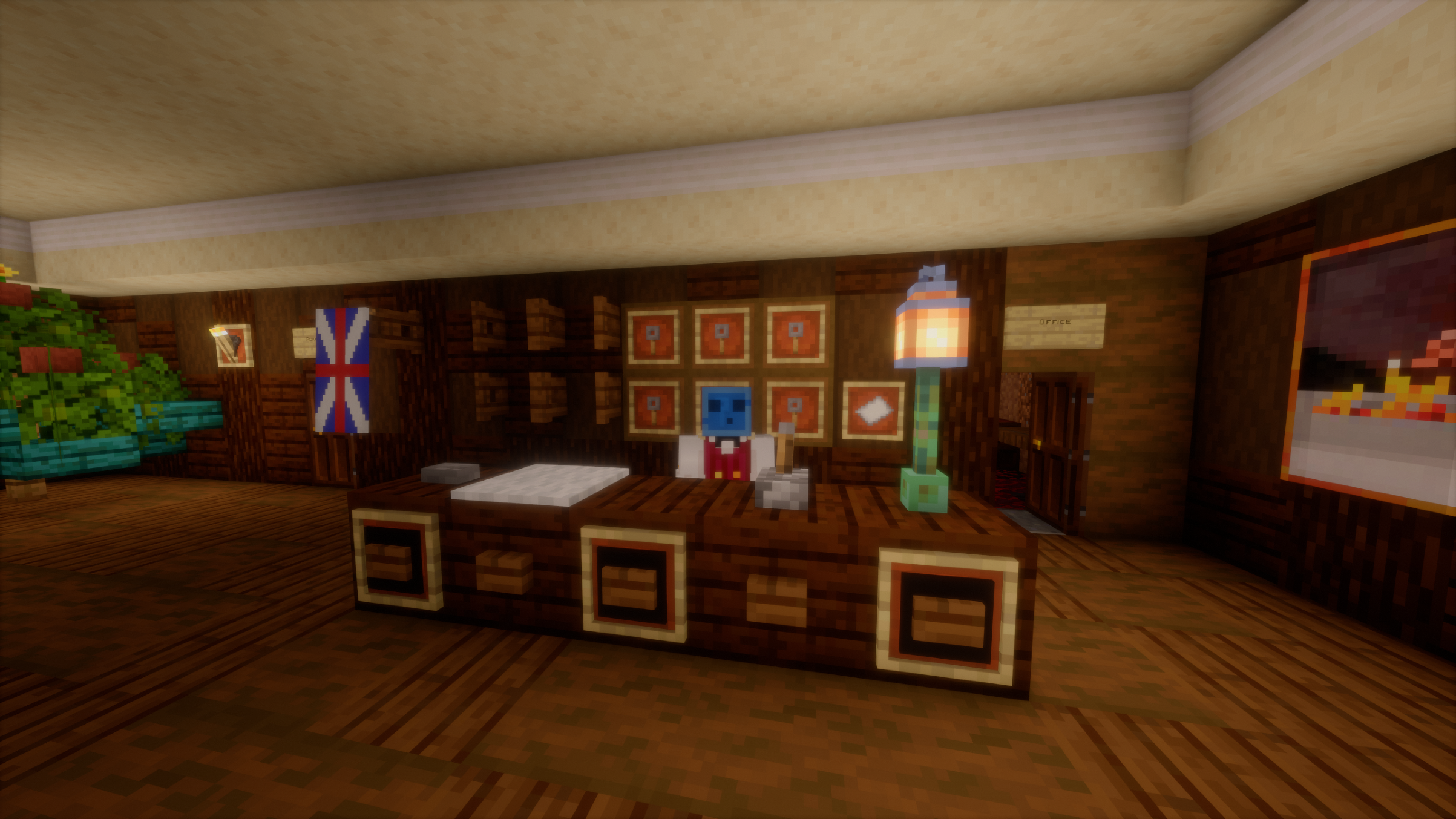
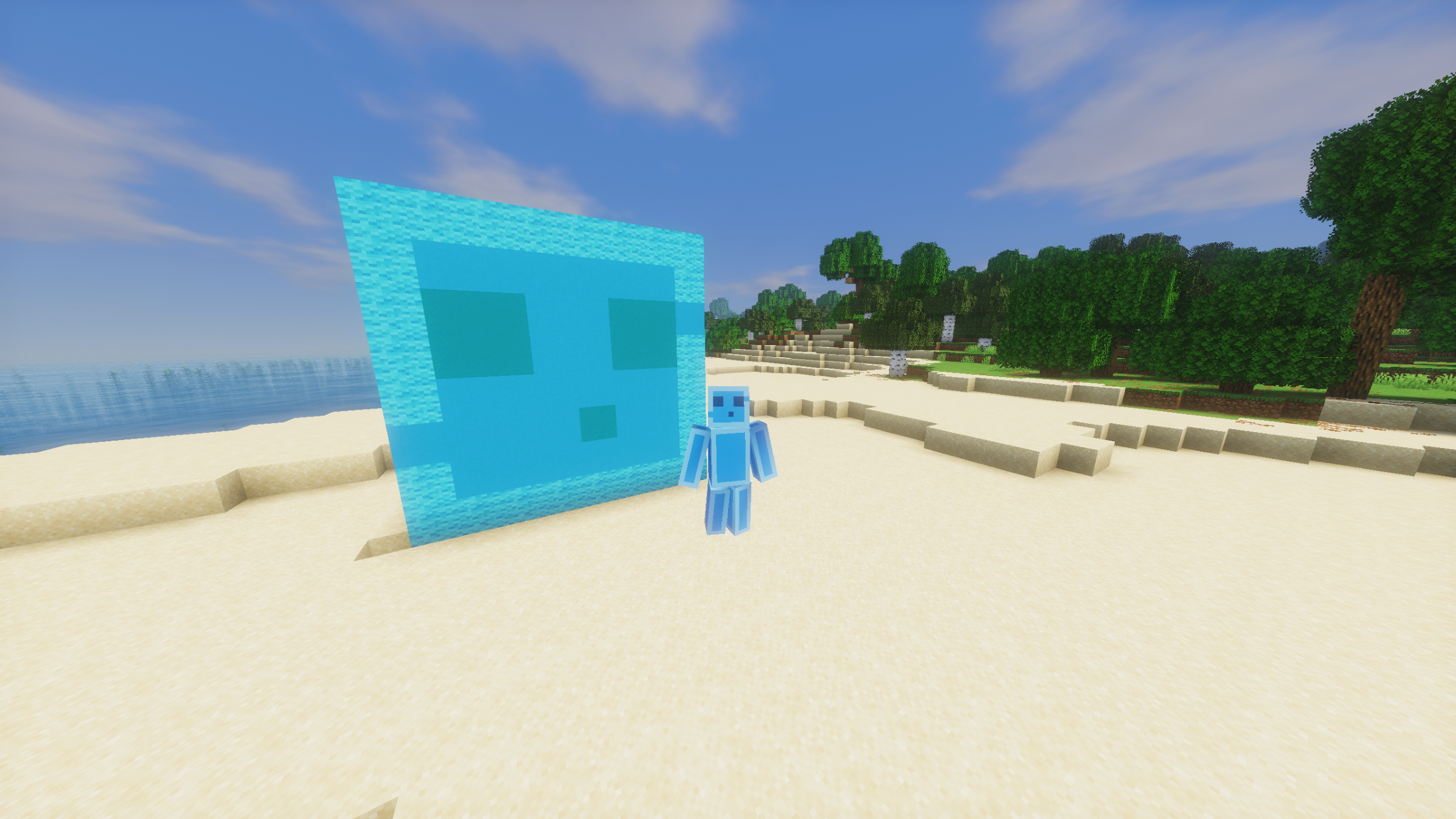
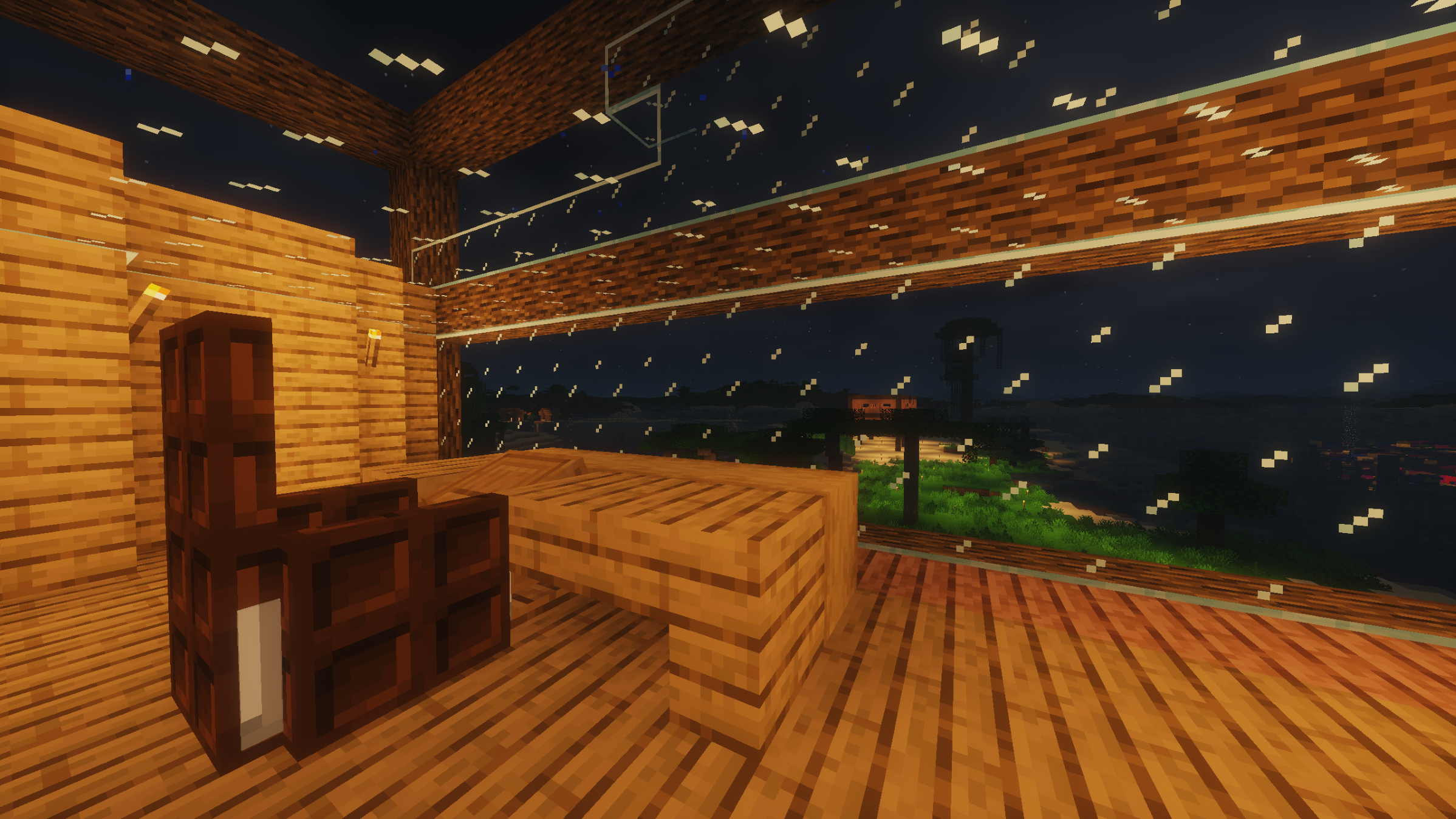
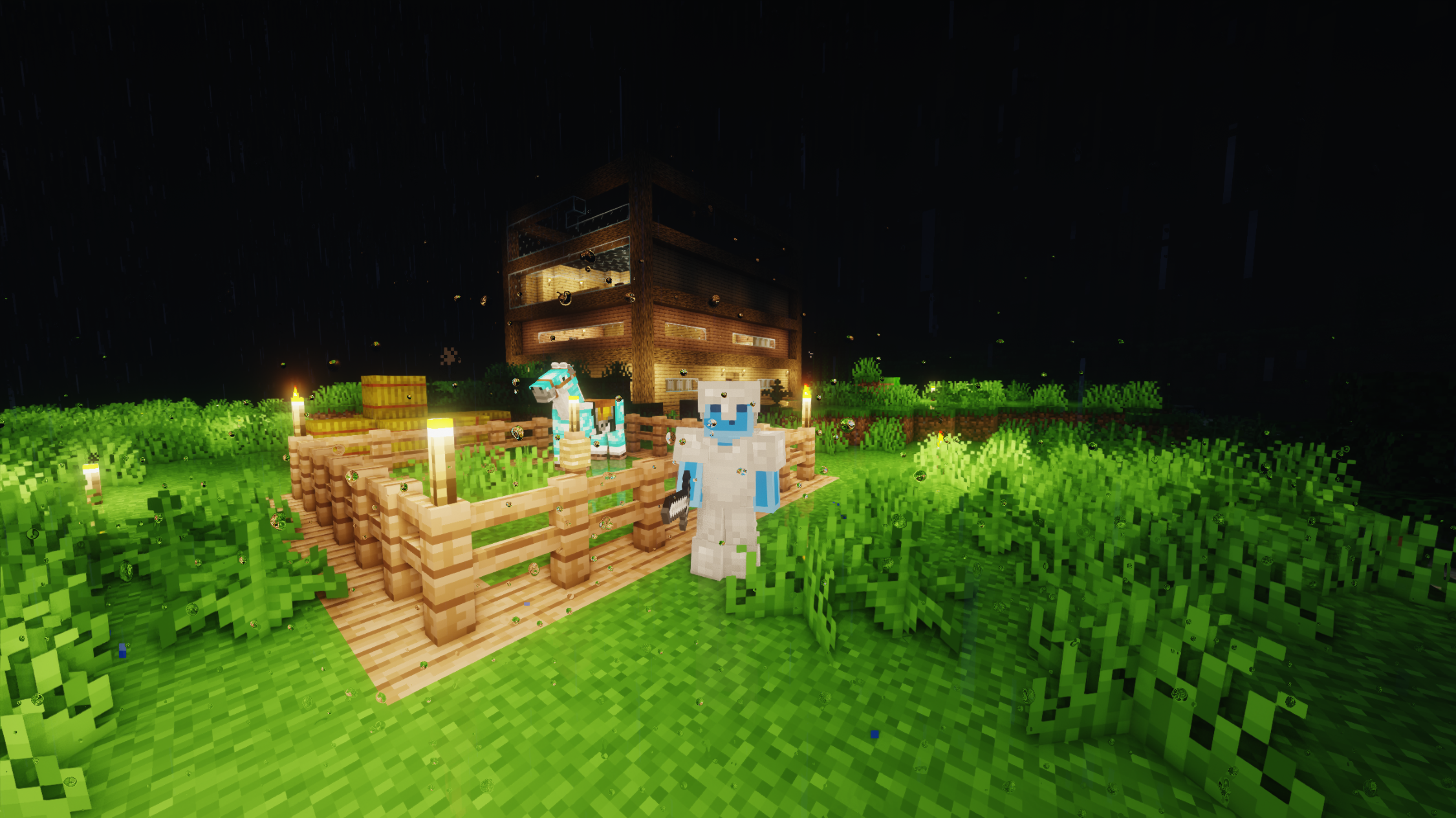
...Is a fully client-sided Optimisation & QOL modpack, adding shaders and other cool effects.
截图


介绍
_Client Compressed_ is a fully Client-sided modpack for the latest version of Minecraft, aiming to optimise the game for better performance along with adding things like ambient effects and shaders. It is heavily inspired by _Fabulously Optimised_. _Client Compressed_ is being actively developed by NJS-Studios along with its leader _NJS_.
We recommend it to people who wish for a well-optimised experience, but also want to make the game feel more alive and vibrant.

PLEASE NOTE:
-_Client Compressed_ is still in very early development. Don’t expect everything to be perfect yet.
-_Client Compressed_ is being worked on by one person, so updates might take a while to come out.
FULL LIST OF FEATURES:
⚡ Performance & Optimization
_Sodium_: Replaces the rendering engine for massive FPS increases.
_Sodium Extra_ & _Reese’s Sodium Options_: Unlocks expanded graphics settings and cleans up the Sodium options menu.
_Lithium_: Optimizes physics, chunk loading, mob AI, and tick rates.
_FerriteCore_: Dramatically reduces RAM/memory usage.
_ImmediatelyFast_: Optimizes HUD, text, inventory, and entity rendering speed.
_Dynamic FPS_: Automatically lowers FPS and frees up system resources when the game is minimized or out of focus.
_Entity Culling_ & _MoreCulling_: Skips rendering hidden blocks, block entities, and off-screen/wall-blocked entities to save processing power.
_Remove Reloading Screen_: Eliminates or speeds up texture reloads when applying resource packs or tweaking settings.
🎨 Visuals, Lighting & Shaders
_Iris_: Modern, high-speed shader pack support fully integrated with _Sodium_.
_3D Skin Layers_: Turns flat skin layers (jackets, hats, sleeves) into detailed 3D models.
_Distant Horizons_: Massively increases render distance without harming performance.
_Animatica Refabricated_: Adds support for custom animated textures in resource packs.
_BetterGrassify_ & _Continuity_: Connects grass sides, glass, sandstone, and terrain textures smoothly.
_Entity Model Features_ (EMF) & _Entity Texture Features_ (ETF): Enables custom mob models, random entity textures, and OptiFine visual pack support.
_First-person Model_: Renders your full character model from a true first-person perspective.
_LambDynamicLights_: Held or dropped glowing items (torches, glowstone) emit real-time light around you.
_NotEnoughAnimations_: Smooths out eating, drinking, boat rowing, and ladder climbing animations in third-person.
_Skyboxify_: Supports custom resource pack skyboxes and fog effects.
_Sodium Shadowy Path Blocks_: Restores ambient shading and lighting fixes for dirt paths and farmland.
_Cape Provider_: Displays capes from multiple custom cape providers.
🛠️ Gameplay Utilities & Tools
_Litematica_: Advanced structure schematic viewer, builder tool, and blueprint system.
_Tweakeroo_: Packed with client-side utility toggles like freecam, fast placement, flex zoom, and placement restriction.
_Flashback_: In-game replay and cinematic recording tool.
_e4mc_: Hosts singleplayer worlds to friends over the internet instantly without port forwarding.
_Cubes Without Borders_: Enables seamless borderless fullscreen display mode.
_Crash Assistant_: Helps diagnose and format crash logs clearly if game errors occur.
🖥️ UI, HUD & Quality of Life
_AppleSkin_: Displays saturation, exhaustion levels, and precise food restoration stats on your HUD.
_Better Mount HUD_: Displays mount health and jump charge without hiding your own stats.
_Detail Armor Bar Reconstructed_ & _uku’s Armor HUD_: Displays equipment durability, material tiers, and held items on screen.
_Status Effect Bars_, _PotionCounter_ & _TotemCounter_: Tracks potion durations, effect timers, and Totem of Undying popping counters.
_Controlify_ & _Controlling_: Adds full gamepad/controller support with radial menus, plus keybind searching and conflict detection.
_ClientSort_ & _Mouse Tweaks_: Adds drag-to-click controls, scroll wheel movement, and one-click chest/inventory sorting.
_Language Reload_: Switches in-game languages instantly without freezing or reloading textures.
_More Chat History_: Extends the chat message log limit and saves history across reloads.
_Paginated Advancements & Custom Frames_: Converts the advancements menu into a clean, paginated, easily readable layout.
_EclipseUI_, _Main Menu Credits_ & _Cursors Extended_: Customizes main menus, adds modpack branding, and supports custom mouse cursors.
_Boat Item View_: Adjusts camera angles while sitting in boats so held items stay visible.
_Scribble_: In-game note-taking interface.
🔊 Sound & Audio
_Sound Physics Remastered_: Realistic audio reverberation, echoes, and sound dampening through walls.
_Presence Footsteps_: Adds deep, realistic surface-dependent footstep acoustics.
_Simple Voice Chat_: Proximity voice chat system for multiplayer servers with push-to-talk and audio settings.
(Please note, that in the scenario where a player using _Client Compressed_ plays with a completely vanilla client, _Simple Voice Chat_ will remain usable for all players who have the mod installed, but those who don’t will not be able to use its features. However, the mod will not interfere with the game in any other way.)
🧩 Libraries & Engine Frameworks
_Cloth Config_, _Config Manager_, _Forge Config API Port_, _Searchables_, _YACL_: Clean, searchable settings menus for all installed mods.
_Mod Menu_: In-game menu listing all installed mods with direct config access.
_Fabric API_, _Fabric Language Kotlin_, _MaLiLib_, _ukulib_, _MRU_, _Ixeris_: Essential background code libraries required to run the modpack smoothly.
Join our Discord server here: NJS-Studios on Discord
包含的模组 83 个
 3D皮肤层
 [EMF] Entity Model Features
 [ETF] Entity Texture Features
 Animatica Refabricated
 苹果皮
 AstraLex Shaders
 Better Block Entities
 BetterGrassify
 Bliss Shaders
 Boat Item View
 BSL Shaders
 Cape Provider
 Client Sort
 Cloth Config API
 Complementary Shaders - Reimagined
 Complementary Shaders - Unbound
 Config Manager
 Continuity
 Controlify (Controller support)
 Controlling
 Crash Assistant
 Cursors Extended
 Detail Armor Bar Reconstructed
 遥远的地平线
 Dynamic FPS
 e4mc
 EclipseUI
 实体剔除
 Essential Mod
 Fabric API
 Fabric Language Kotlin
 FerriteCore
 First-person Model
 Flashback
 Forge Config API Port
 Fresh Animations
 Fresh Animations: Extensions
 Fresh Animations: Player Extension
 Hysteria Shaders
 ImmediatelyFast
展开全部 83 个
 Iris Shaders
 Ixeris
 LambDynamicLights - Dynamic Lights
 Litematica
 锂
 Main Menu Credits
 MakeUp - Ultra Fast
 MaLiLib
 MC VHS
 Mellow
 模组菜单
 More Chat History
 More Culling
 Motschen's Better Leaves
 鼠标微调
 MRU
 Not Enough Animations
 Photon Shaders
 PotionCounter
 Presence Footsteps
 Puzzle
 qrafty's Capitalized Font
 qrafty's Subtle Crosshair
 Recolourful Containers GUI + HUD
 Reese's Sodium Options
 Scribble
 Searchables
 Simple Voice Chat
 Skyboxify
 钠
 Sodium Extra
 Sodium Shadowy Path Blocks (SSPB)
 Solas Shader
 Sound Physics Remastered
 Status Effect Bars
 Text Placeholder API
 TotemCounter
 Translations for Sodium
 Tweakeroo
 uku's Armor HUD
 ukulib
 v1pe's Capitalized Font
 YetAnotherConfigLib (YACL)
绿色边框的模组本站有收录,点进去看中文介绍;其余跳转到 Modrinth。
常见问题
Client Compressed 支持哪些 Minecraft 版本?
Client Compressed 基于 Minecraft Java 版 26.3、26.2,使用 Fabric 加载器。
Client Compressed 怎么安装?
点本页「前往下载」拿到整合包文件(Modrinth 的是 .mrpack,CurseForge 的是 .zip),在 PCL2 或 HMCL 启动器里选择「导入整合包」,启动器会自动装好 Minecraft、加载器和全部模组。这个整合包有 83 个模组,建议在启动器里给游戏分配 4–6 GB 内存。
Client Compressed 开服需要多大内存?
推荐服务器内存 12 GB。在线人数多、或者建了大量机器和区块加载器时,可以再加 2–4 GB。
怎么和朋友一起玩 Client Compressed?
点本页的「一键开服」,选好配置后会自动安装 Client Compressed 的服务端,几分钟就能开好。把服务器地址发给朋友,大家用同一个版本的整合包连进去就行。
评论
登录后评论和评分