
SMPCaves Clientside Modpack
• our allowed mods • nice to have QoL Mods • Performance enhancing Mods • Modpack is used by the Community of the SMPCaves.de Minecraft Server •
截图
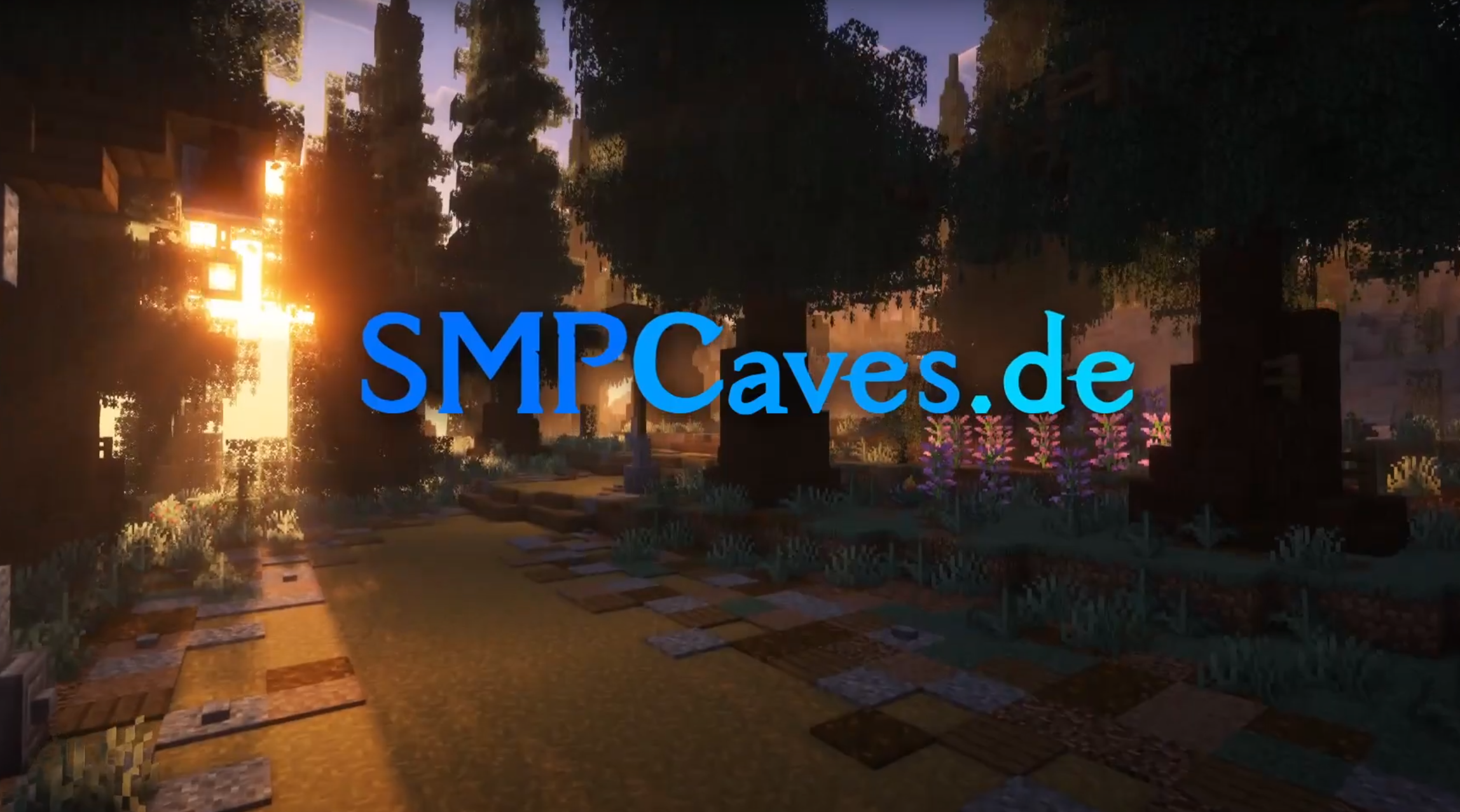
介绍
SMPCaves Clientside Modpack
contains:
- allowed mods
- QoL Mods
- Performance Mods
More Details about SMPCaves:
Server Version: 1.21.10
Server IP: SMPCaves.de
✓ _no Mods (optional Clientside Modpack)_
✓ _Custom Texturepack_
✓ _Additional Enchantments_
✓ _Advanced Structures (Ancient Cities, Bastions)_
✓ _Enhanced Biomes_
✓ _Open worlds: Overworld, (Nether & End will be opened at some point later)_
✓ Discord
✓ _small and friendly community_
✓ _Events (Minigames, Build Projects, etc.)_
Installation Guide:
Modrinth setup
(If you already used Modrith you can skip the following steps)
- Download the Modrinth App and install it
- Sign in with your Microsoft-Account you use for playing Minecraft
- In the Modrinth App, go to _Settings_->_Java Settings_ and click on “
install recommended“ for both java locations
Modpack setup:
- Download the newest version
- In the Modrinth App click on “
Create Profile`and then on`From File“ - Click on “
Import from file“ and upload your downloaded .mrpack file - Before starting, you might have to adjust your Java Memory at _Libary_->_ModpackName_->_Options_->_Java_ for better performance
- Click Play 🙂
Update Guide:
(Do this if you are updating this Modpack to a newer version)
Automatic Modpack Update:
If you dont need to change any mods just leave the modpack locked and it will update automatically.
Manual Modpack Update:
If you want change mods and also update the modpack while keeping your old keybinds, worldmap, settings etc. do the following:
- Do all steps from the Modpack setup above
- for keybinds and vanilla options copy the “
<YourOldModProfileFolder>\options.txt`to`<YourNewModProfileFolder>“ - for worldmap and waypoints copy the “
<YourOldModProfileFolder>\xaero`folder,`<YourOldModProfileFolder>\XaeroWorldmap`folder,`<YourOldModProfileFolder>\XaeroWaypoints`folder to`<YourNewModProfileFolder>`and the`<YourOldModProfileFolder>\config\xaerominimap.txt`file,`<YourOldModProfileFolder>\config\xaeroworldmap.txt`file,`<YourOldModProfileFolder>\config\xaeroworldmap-common.txt`file to the`<YourNewModProfileFolder>\config“ folder - for all other mod settings copy “
<YourNewModProfileFolder>\config`folder to`<YourNewModProfileFolder>“ folder - for saved servers copy “
<YourOldModProfileFolder>\servers.dat`file to“ - for world saves copy “
<YourOldModProfileFolder>\saves`folder to`<YourNewModProfileFolder>“
Important News:
- Some Mods aren’t updated to “
1.21.10“ yet. You might have to enable them at some point later.
Note:
- _deactivated mods are not updated to “
1.21.10“ yet_ - _You might have to adjust your keybinds_
Old Season 3 Trailer:
Currently in Season 4 (opened October 2025)
包含的模组 112 个
 [EMF] Entity Model Features
 [ETF] Entity Texture Features
 AmbientSounds
 Animated Mojang Logo
 Anvian's Lib
 苹果皮
 Architectury API
 AutumnPack
 AutumnPack: Fall Vibes Only
 bad packets
BadOptimizations
 Bare Bones
 Better Advancements
 Better Clouds
 Better F1 Reborn
 Better Flame Particles
 Better Mount HUD
 BetterF3
 BetterVanillaBuilding
 BSL Shaders
 Capes
 Chat Animation [Smooth Chat]
 Cherished Worlds
 Cloth Config API
 Cloth Gamerules
 Complementary Shaders - Reimagined
 Complementary Shaders - Unbound
 Concurrent Chunk Management Engine (Fabric)
 Continuity
 Controlling
 CreativeCore
 Default Dark Mode
 Default Dark Mode: Expansion
 Default-Style Fall Pack
 Durability Tooltip
 Dynamic FPS
 实体剔除
 Essential Mod
 Euphoria Patches
 Even Better Enchants
展开全部 112 个
 Fabric API
 Fabric Language Kotlin
 Falling Leaves
 Fast IP Ping
 FerriteCore
 Forge Config API Port
 Gamma Utils (Fullbright)
 Glow Squids Actually Glow
 Held Item Info
 ImmediatelyFast
 Immersive Storms
 InventoryHUD+
 Iris Shaders
 Iris/Oculus Shader Folder
 Just Enough Breeding (JEBr)
 JEI物品管理器
 LambDynamicLights - Dynamic Lights
 Language Reload
 Litematica
 Litematica Enderchest Materials
 锂
 Low Fire Reborn
 Low Shield
 Main Menu Credits
 MaLiLib
 Melody
 MiniHUD
 模组菜单
 Model Gap Fix
 More Chat History
 More Culling
 鼠标微调
 MRU
 Not Enough Animations
 oωo (owo-lib)
 Packet Fixer
 Palladium
 Photon Shaders
 Pick Up Notifier
 Presence Footsteps
 Puzzles Lib
 Reese's Sodium Options
 Remove Reloading Screen
 RenderPearl
 ReplayMod
 Searchables
 Shulker Box Tooltip
 Simple Voice Chat
 Skyboxify
 Smooth Gui
 钠
 Sodium Extra
 Sodium Extra Information
 Sodium Shadowy Path Blocks (SSPB)
 Solas Shader
 Sound Physics Remastered
 Sounds
 Spooklementary
 Stylish Effects
 SuperMartijn642's Config Lib
 Text Placeholder API
 ToadLib
 Uniforms
 Visuality
 Wavey Capes
 World Play Time
 WTHIT
 Xaero Zoomout
 Xaero的小地图
 Xaero的世界地图
 YetAnotherConfigLib (YACL)
 Zoomify (Zoom)
绿色边框的模组本站有收录,点进去看中文介绍;其余跳转到 Modrinth。
常见问题
SMPCaves Clientside Modpack 支持哪些 Minecraft 版本?
SMPCaves Clientside Modpack 支持 Minecraft Java 版 1.20.2–1.21.10,共 4 个版本,可用的加载器:Fabric。下载时注意选择和你游戏版本一致的文件。
SMPCaves Clientside Modpack 怎么安装?
点本页「前往下载」拿到整合包文件(Modrinth 的是 .mrpack,CurseForge 的是 .zip),在 PCL2 或 HMCL 启动器里选择「导入整合包」,启动器会自动装好 Minecraft、加载器和全部模组。这个整合包有 112 个模组,建议在启动器里给游戏分配 4–6 GB 内存。
SMPCaves Clientside Modpack 开服需要多大内存?
推荐服务器内存 12 GB。在线人数多、或者建了大量机器和区块加载器时,可以再加 2–4 GB。
怎么和朋友一起玩 SMPCaves Clientside Modpack?
点本页的「一键开服」,选好配置后会自动安装 SMPCaves Clientside Modpack 的服务端,几分钟就能开好。把服务器地址发给朋友,大家用同一个版本的整合包连进去就行。
评论
登录后评论和评分