
OptiClient
⚡High FPS, lots of supported optifine features, free custom capes, controller support, and much more!⚡ 1.21.8 beta!
截图


介绍
This project has been archived because I don’t have time to maintain it.
.
.






🔥OptiClient: The ultimate minecraft optimization!🔥
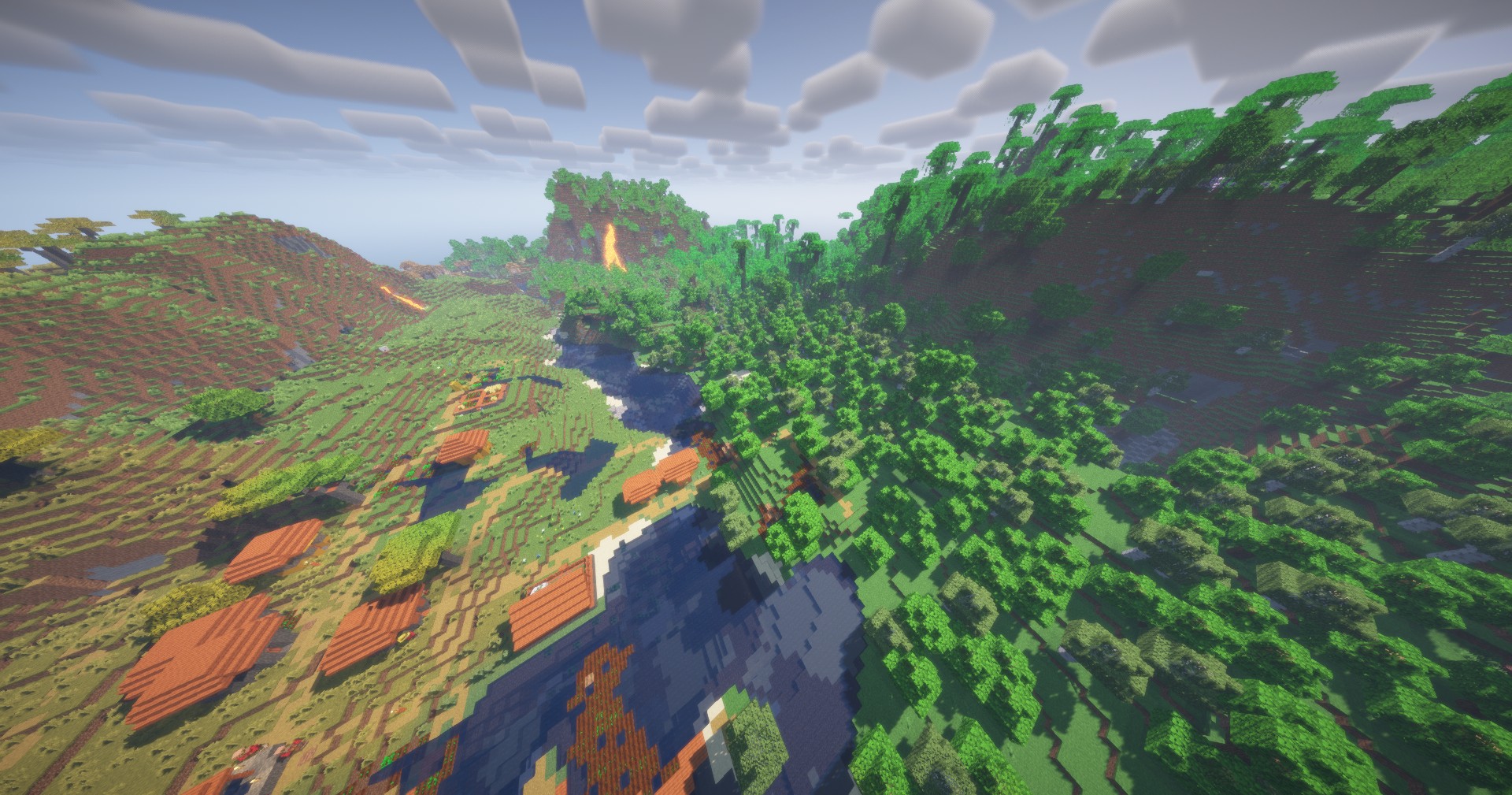
⚡The OptiClient is a modpack designed to replace OptiFine: higher FPS, lots of supported OptiFine features, and extras like minimap, world map, and free capes.
Why OptiClient and why is it better than OptiFine?
- ⚡Huge FPS increase compared to Vanilla game and OptiFine.
- ✔️Almost all OptiFine features are supported.
- 🔝OptiClient includes over 90 optimization mods, whereas Fabulously Optimized contains only 40 to 50.
- ➕There are also some extra features compared to OptiFine, such as minimap, world map, chat heads, controller support, and many more! All of them can be disabled or enabled depending on what you need.
- 🚀Free, custom capes!
🔍If you are looking for mods to complement OptiClient, check out this collection.
⚙️You can change the settings of the mods or disable the mods by clicking on the mods button and searching for the mod you want with the search bar, then clicking on change settings.
❔Who is it for?
It’s ideal for players with older or lower-end hardware, but also great for anyone who wants higher FPS or better graphics settings. Honestly, it’s a great fit for everyone—because who doesn’t love more FPS?
⚡FPS test
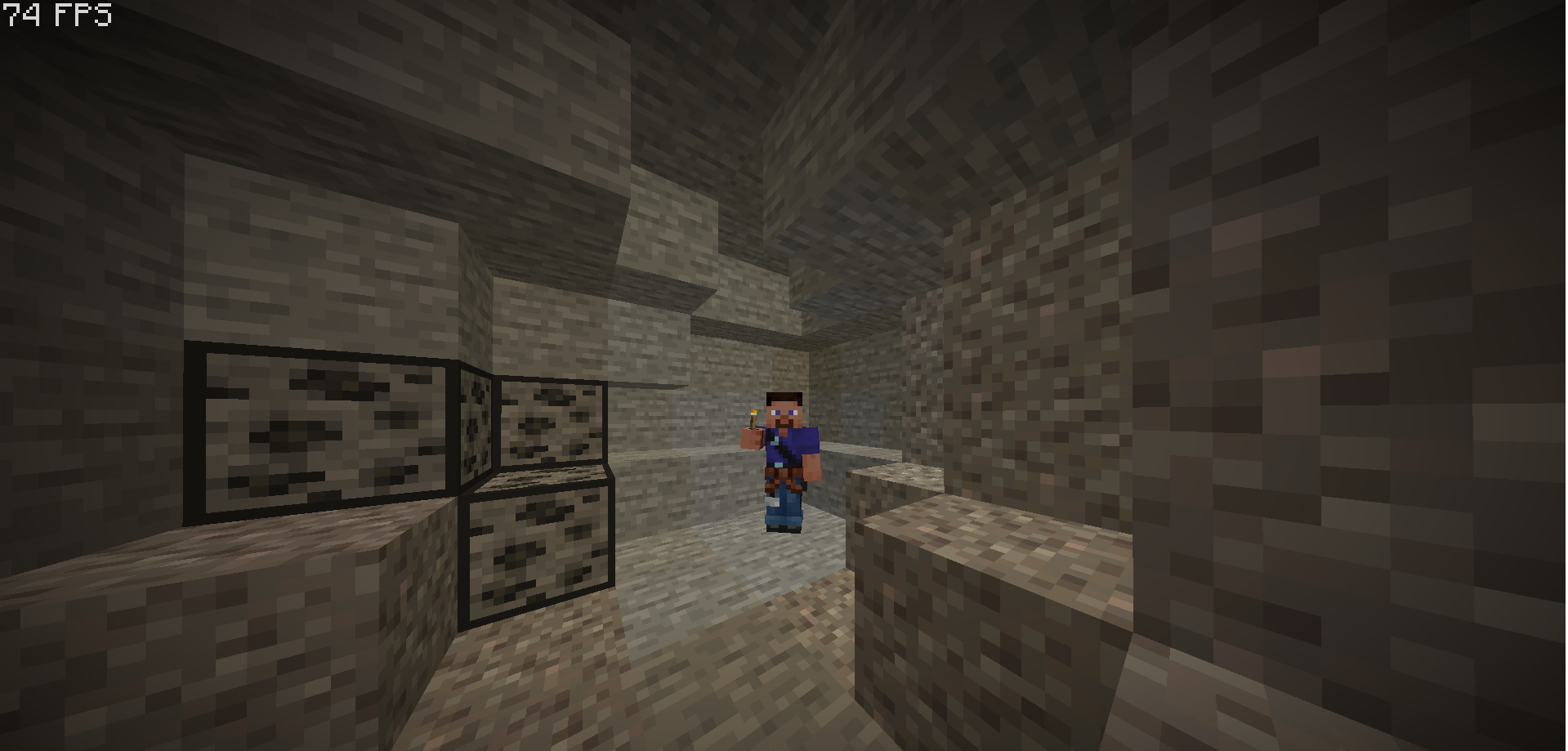
FPS with vanilla Minecraft:

FPS with OptiFine:

FPS with OptiClient: ***

| Vanilla | OptiFine | OptiClient |
|———————|:———————:|———————:|
| 1-40 FPS | 49-72 FPS | 90-240 FPS |
Hardware: CPU: Intel Core I5 8400 2.80Ghz, RAM: 4gb DDR4 (48gb system ram), GPU: NVIDIA GeForce GT 710
*The smallest number indicates the lowest and the largest number indicates the highest FPS
**FPS test is done on my very low-end computer. FPS may vary depending on hardware and graphics settings.
⚙️ List of mods
Mods:
- Appleskin
- Architectury API
- BadOptimizations
- Better Mount HUD
- Boat Item View
- CalcMod
- Chat Heads
- Cloth Config API
- Continuity
- Crash Assistant
- Cull Leaves
- Debugify
- Distant Horizons
- Dynamic FPS
- e4mc
- [[EMF] Entity Model Features](https://modrinth.com/mod/entity-model-features)
- [[ETF] Entity Texture Features](https://modrinth.com/mod/entitytexturefeatures)
- Entity Culling
- Entity View Distance
- Fabric API
- Fabric Language Kotlin
- Fast IP Ping
- FerriteCore
- FPS – Display
- GpuTape
- Held Item Info
- ImmediatelyFast
- Iris Shaders
- LambDynamicLights
- Language Reload
- lazy-language-loader
- LibJF
- Lithium
- MidnightLib
- MixinTrace
- Model Gap Fix
- ModernFix
- Mod Menu
- More Chat History
- More Culling
- No Chat Reports
- Not Enough Animations
- OptiGUI
- Puzzle
- Reese’s Sodium Options
- ReplayMod
- Server Resourcepack Checker
- Roughly Enough Items (REI)
- Shulker Box Tooltip
- Sodium Extra
- Sodium Extra Information
- Sodium
- Super Fast Math
- ViaFabricPlus
- Wavey Capes
- Xaero’s Minimap
- Xaero’s World Map
- YetAnotherConfigLib (YACL)
- Zoomify
- Very Many Players (Fabric)
- Noisium
- Chunky
- Better Beds
- Skip Transitions
- RenderScale
- Particle Core
- Controlify
- Enhanced Block Entities
- Noxesium
- Smooth Scrolling
- Sodium Options Mod Compat
- Palladium
- ToadLib
- Fzzy Config
- TxniLib
- Sodium Options API
- Cool Elytra Roll
- Variants-CIT
- Text Placeholder API
- Anvian’s Lib
- Forge Config API port
- Bedrodium Refabricated
- Reflex AntiLag
- ScalableLux
- ThreadTweak
- Main Menu Credits
- Capes
- FastQuit
- Paginated Advancements & Custom Frames
- MoreMcmeta
- BetterGrassify
- Polytone
Texture packs:
My other projects
- ## No java edition subtitle Removes the “java edition” label from the main menu! Link
- ## Pigstep serto mix Replaces Pigstep mono mix with Serto mix. Link
If you like the modpack, please support it by leaving feedback on the project’s github page or on the Discord server. If you send a picture, it may be included in the gallery!
Anyone can join the development, just let us know on Github or on the Discord server! Whether it’s testing the modpack or updating to a newer or an older version!
Currently, only version 1.1.0 is available on the github page.
FAQ
Q: Zoom is not working, what should I do?
A: You may need to enable zoom manually: go to mods, type “Zoomify” in the search box, click on it on the left, then click on “Configure” on the right. Then switch to the “Misc” tab, click on “Default Apply Preset”, then click on “Done”.
Q: Something is broken, or something needs to be added!
Q: How do I enable controller support?
A: Go to mods, then type “controlify” in the search box. Click on it, then click on the “Configure” button. This is where you can pair your controller.
Q: The modpack will only make my FPS even lower.
A: You may have Distant Horizons enabled. This is a mod that allows for a larger field of view, but may cause problems on lower-end hardware.
To disable this mod: Go to Options, then click the button next to FOV in the top left corner. Disable the “Enable rendering” option, then click Done.
Q: How can I change the settings of other mods?
A: Go to the Mods button, then search for the mod you want.
Q: I have more questions or would like to chat.
A: Come on over to my discord server!
***(v 1.1.0, There may have been an FPS increase since then compared to the latest version.)
****The Minecraft logo is a trademark of Mojang AB.
包含的模组 82 个,另有 2 个其他文件
 [EMF] Entity Model Features
 [ETF] Entity Texture Features
 Anvian's Lib
 苹果皮
 Architectury API
BadOptimizations
 Better Mount HUD
 BetterGrassify
 Boat Item View
 CalcMod
 Capes
 Chat Heads
 Cloth Config API
 Clumps
 Continuity
 Controlify (Controller support)
 Crash Assistant
 Cull Leaves
 Debugify
 Default Dark Mode
 遥远的地平线
 Dynamic FPS
 实体剔除
 Entity View Distance
 Fabric API
 Fabric Language Kotlin
 Fabrishot
 Fast IP Ping
 FastQuit
 FerriteCore
 Forge Config API Port
 FPS - Display
 Fzzy Config
 GPUBooster
 Held Item Info
 ImmediatelyFast
 Iris Shaders
 LambDynamicLights - Dynamic Lights
 Language Reload
 lazy-language-loader
展开全部 82 个
 LibJF
 锂
 Main Menu Credits
 MidnightLib
 模组菜单
 Model Gap Fix
 More Chat History
 More Culling
 No Chat Reports
 No java edition subtitle
 No Telemetry
 Noisium
 Not Enough Animations
 Noxesium
 OptiGUI
 Outlined Ores
 Paginated Advancements & Custom Frames
 Particle Core
 Pigstep stereo mix
 Puzzle
 Redstone Tweaks
 Reese's Sodium Options
 ReplayMod
 REI物品管理器
 ScalableLux
 Server Resourcepack Checker
 Shulker Box Tooltip
 Smooth Scrolling
 钠
 Sodium Extra
 Sodium Extra Information
 Substrate
 Text Placeholder API
 Translations for Sodium
 Variants-CIT
 Very Many Players (Fabric)
 ViaFabricPlus
 Wavey Capes
 Xaero的小地图
 Xaero的世界地图
 YetAnotherConfigLib (YACL)
 Zoomify (Zoom)
绿色边框的模组本站有收录,点进去看中文介绍;其余跳转到 Modrinth。
常见问题
OptiClient 支持哪些 Minecraft 版本?
OptiClient 支持 Minecraft Java 版 1.21.1–1.21.8,共 5 个版本,可用的加载器:Fabric。下载时注意选择和你游戏版本一致的文件。
OptiClient 怎么安装?
点本页「前往下载」拿到整合包文件(Modrinth 的是 .mrpack,CurseForge 的是 .zip),在 PCL2 或 HMCL 启动器里选择「导入整合包」,启动器会自动装好 Minecraft、加载器和全部模组。这个整合包有 82 个模组,建议在启动器里给游戏分配 4–6 GB 内存。
OptiClient 开服需要多大内存?
推荐服务器内存 12 GB。在线人数多、或者建了大量机器和区块加载器时,可以再加 2–4 GB。
怎么和朋友一起玩 OptiClient?
点本页的「一键开服」,选好配置后会自动安装 OptiClient 的服务端,几分钟就能开好。把服务器地址发给朋友,大家用同一个版本的整合包连进去就行。
评论
登录后评论和评分