
editon’s Modpack
A Modpack that aim to find a balance between optimization mods (Optifine like) + QOL (Quality of Life) with a small Vanilla + (Action and Stuff) feeling.
截图
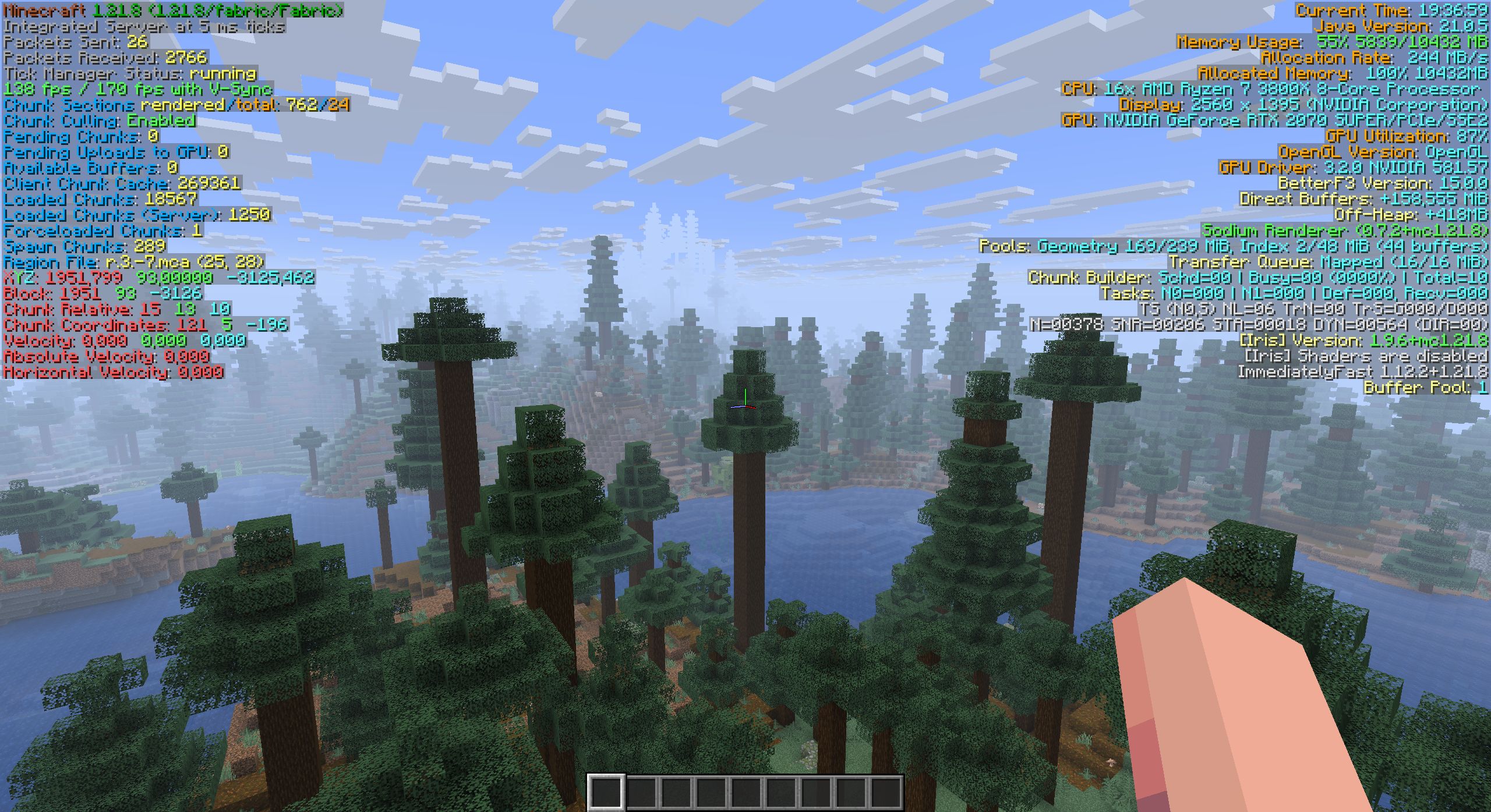
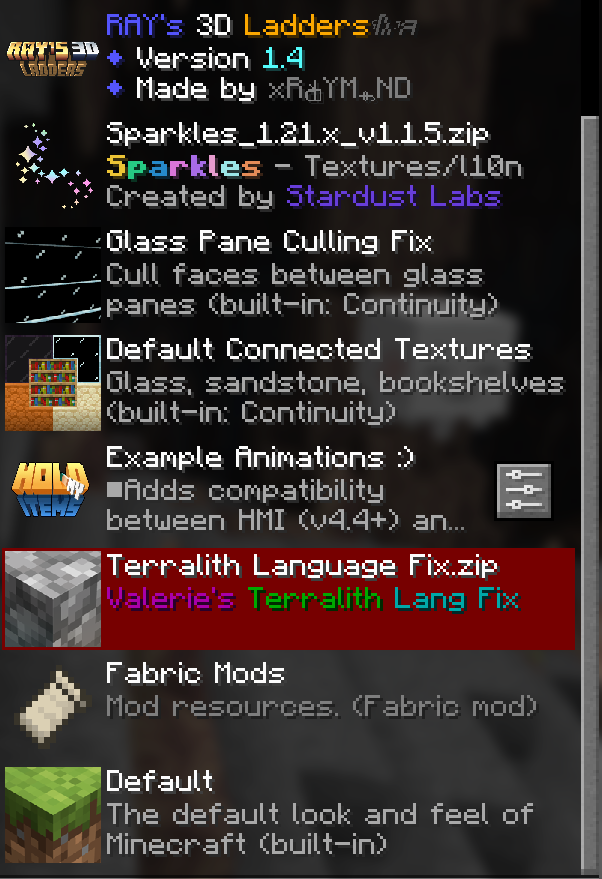
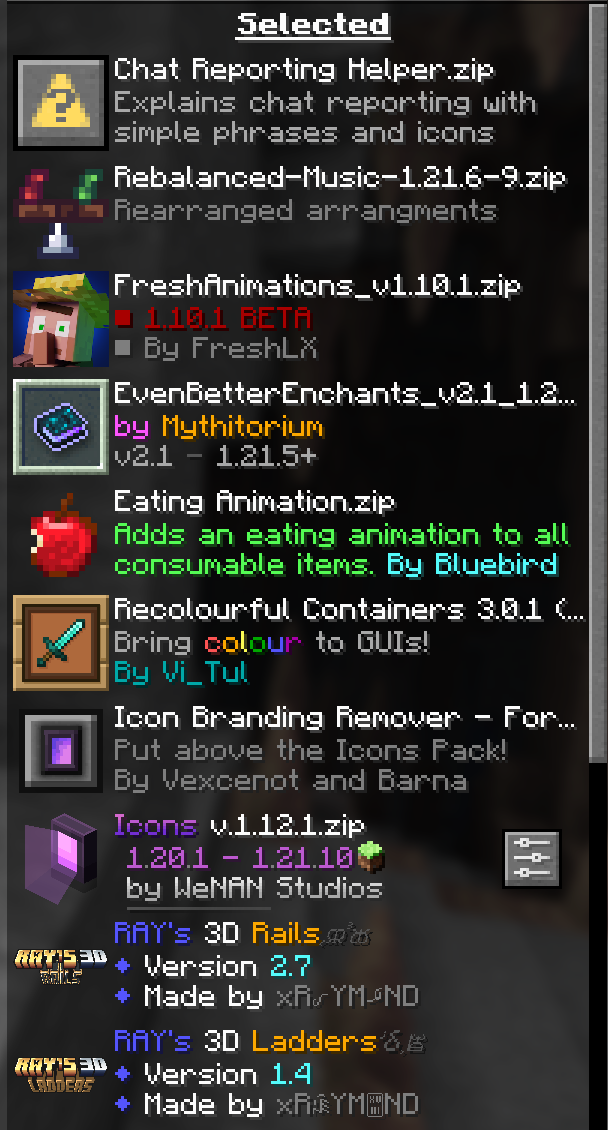
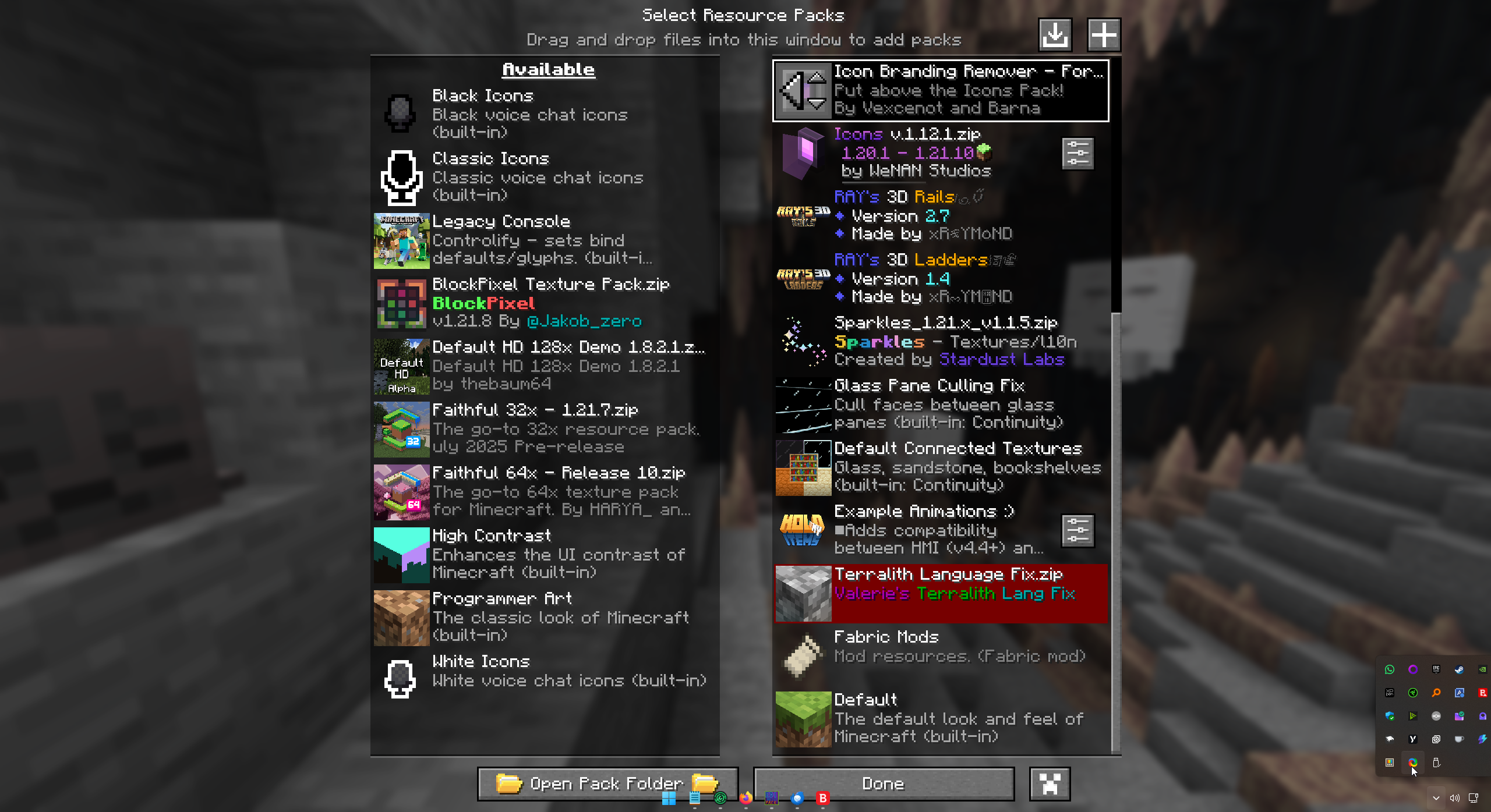
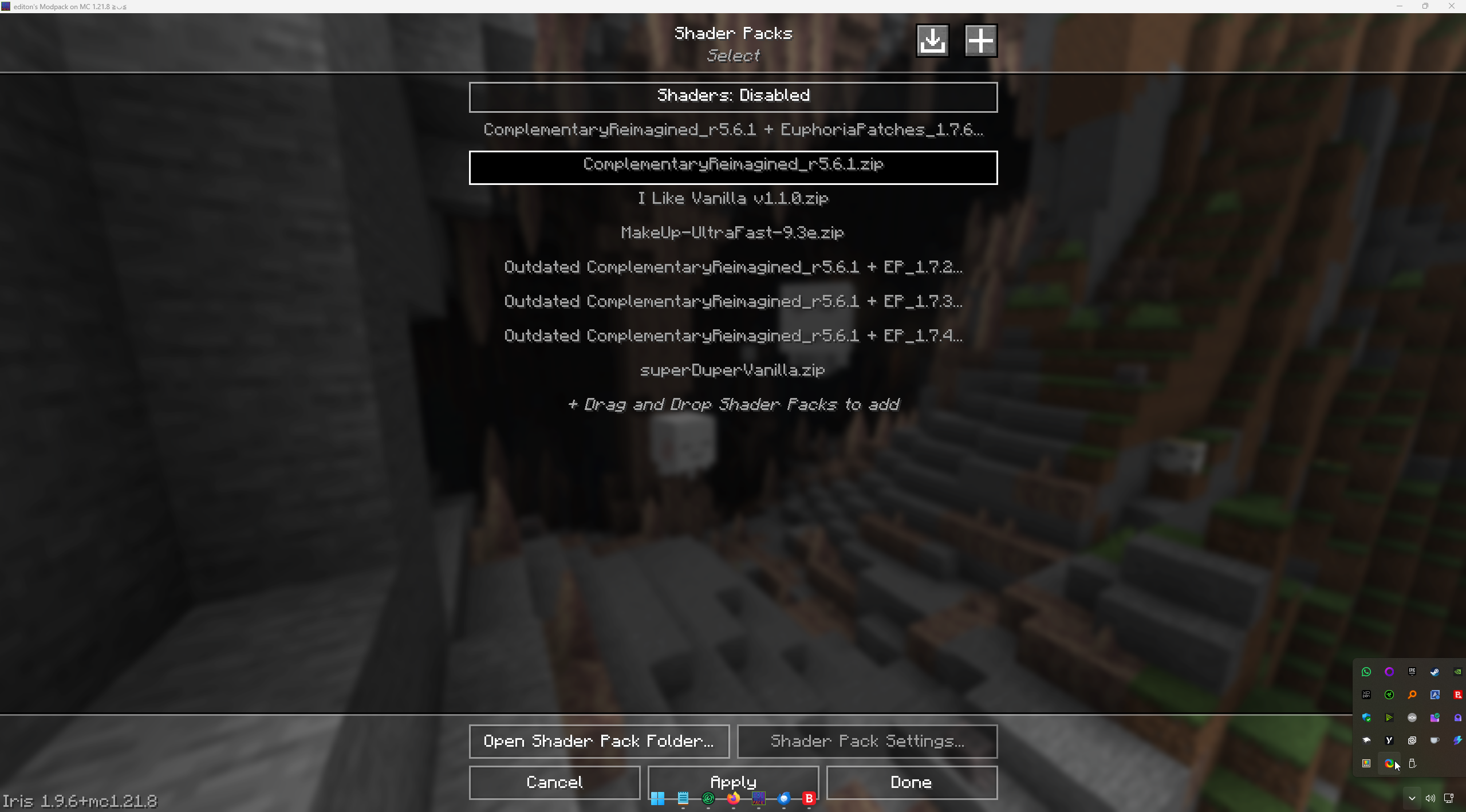
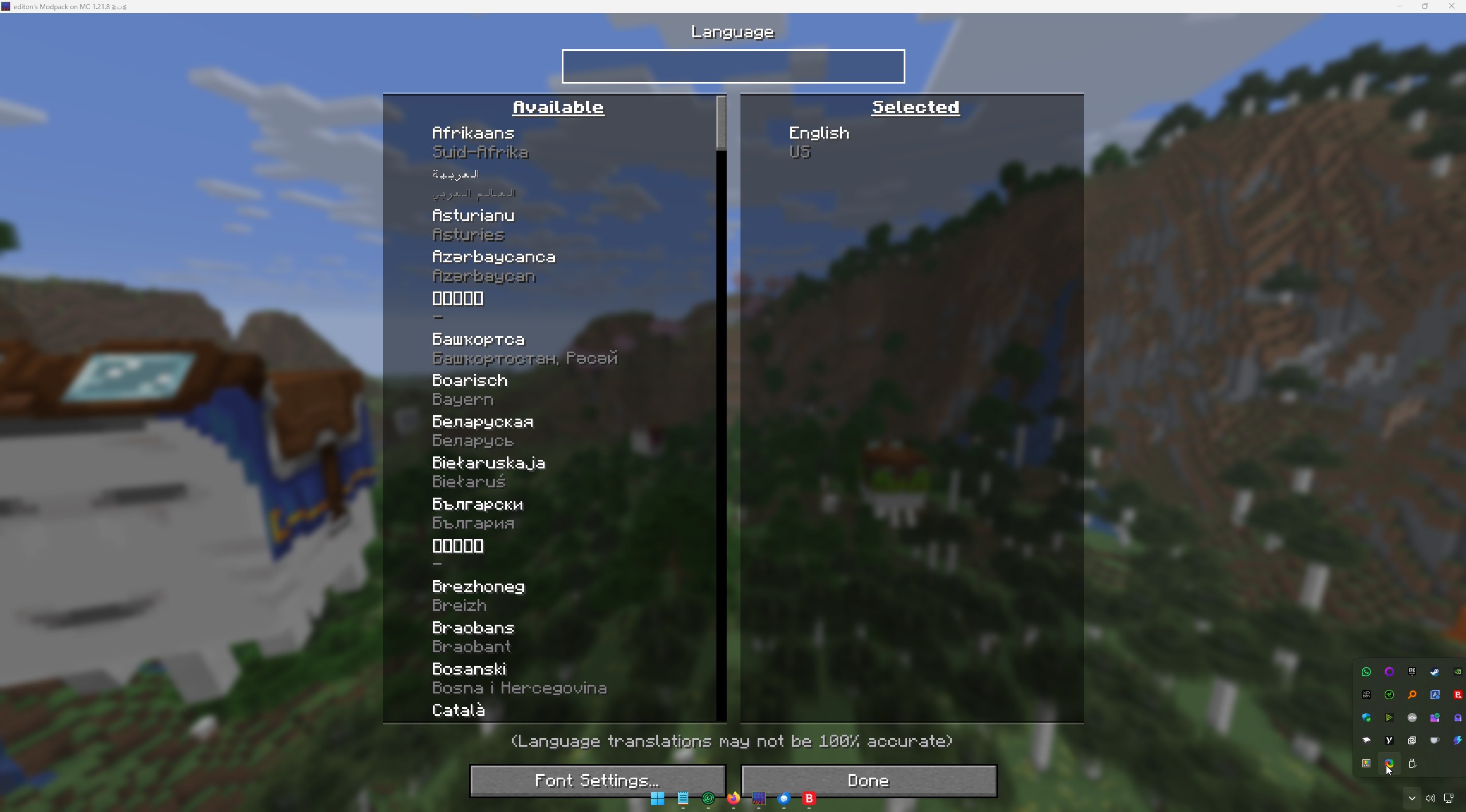
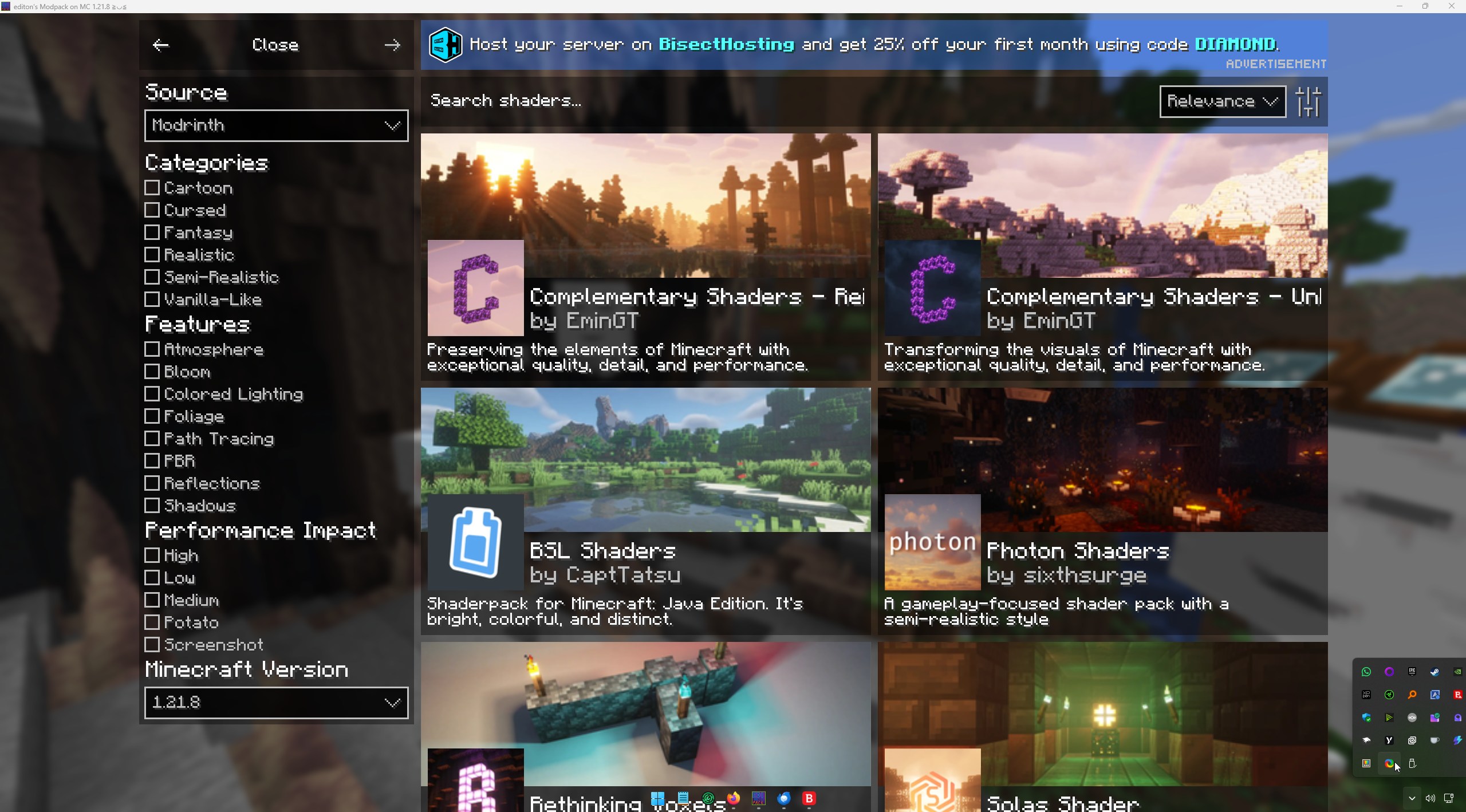

介绍

This Modpack are built on Fabric and should work with Quilt too!
I keep that up to date and add over the time other mods.


It was Originally created for a Minecraft Server Project I’m working on for a cobble of years alone.
But I want to share this, so here we are!
This pack is inspired by Modpacks that make optimizations.
The main motivation for creating this Optimization / Vanilla Plus / QOL Modpack is to
enhance the Minecraft experience for me, the community, and for sharing the joy of discovery with others while keeping it true to its roots.
If you want to contact me send a Mail to editon96(at)pm.me
Basic settings explanation
This Modpack is pre-configured for a setup for min. 5 GB of ram on a Mid-PC to get the 60 fps.
I test it with my Potato Pc. It works with that too.
Worked with:
- Nvidea 710m and Intel Core 3230m
- RTX 2070 Super and Ryzen 7 3800x
I have an AMD Radeon RX 9070xt and a AMD Ryzen 9 5950x and test it with that.
I get my Launcher 16 GB of Ram.
Feel free to change the Settings form the Game to get that what you want.

Here is a List with Mods and other that are In use and need to be linked.
- Xaero’s Minimap – https://modrinth.com/mod/xaeros-minimap
- Xaero’s World Map -https://modrinth.com/mod/xaeros-world-map
- Terralith – https://modrinth.com/mod/terralith (1)
- Structory – https://www.curseforge.com/minecraft/mc-mods/structory (1)
- Structory Towers – https://www.curseforge.com/minecraft/mc-mods/structory-towers (1)
- Nullscape – https://modrinth.com/mod/nullscape (1)
- Incendium – https://modrinth.com/mod/incendium (1)
- Continents – https://modrinth.com/datapack/continents (1)
- Essential Mod – https://essential.gg/download (2)
- Fancy Menu – https://modrinth.com/mod/fancymenu
- Better Third Person – https://modrinth.com/mod/better-third-person
- Client Tweaks – https://modrinth.com/mod/client-tweaks
- ImmersiveUI – https://modrinth.com/mod/immersive-ui
- Improved Crash Reports – https://modrinth.com/mod/improvedcrashreports
- Just Enought Book – https://modrinth.com/mod/justenoughbook
- Simpel Voice Chat – https://modrinth.com/plugin/simple-voice-chat
- Sounds – https://modrinth.com/mod/sound
- Fresh Animations – https://modrinth.com/resourcepack/fresh-animations
- Third Person (f5) – https://modrinth.com/mod/thirdperson
- Simpel Menu – https://modrinth.com/mod/simple-menu
- Punchy! – https://modrinth.com/mod/punchy-fpa
- InteractiveStuff – https://modrinth.com/mod/interactivestuff
- Cool Rain – https://modrinth.com/mod/coolrain
- Tightfire – https://modrinth.com/mod/tightfire
- Worldedit CUI – https://github.com/EngineHub/WorldEditCUI (used only in the 1.19.x versions)
- Zoomify – https://modrinth.com/mod/zoomify (not in use since 0.2.3)
- FOG – https://modrinth.com/mod/fog (not in use since 1.0.4)
- Hold my Iteams – https://modrinth.com/mod/hold-my-items (not in use since 1.1.0)
Recommendations
Spoiler
Mods:
- Charm + Strange from https://modrinth.com/user/svenhjol [V+,-M]
- Friends&Foes – https://modrinth.com/mod/friends-and-foes [V+,-M]
- Carry on – https://modrinth.com/mod/carry-on [V+,-M]
- Dungeons and Taverns – https://modrinth.com/mod/dungeons-and-taverns [V+,-M]
- Distant Horizons – https://modrinth.com/mod/distanthorizons [V+]
- Voxy – https://modrinth.com/mod/voxy [V+,-S]
- Voxy Extra – https://modrinth.com/mod/voxy-extra [V+,-S]
- Iteam Landing Sound – https://modrinth.com/mod/item-landing-sound [V+]
- Reactive Music – https://modrinth.com/mod/reactive-music [V+]
- Custom Tab – https://modrinth.com/mod/custab [V+]
- Lexikon – https://modrinth.com/mod/lexikon [V+,F]
- Hide Item Frame – https://modrinth.com/mod/hide-item-frame [V+]
- Merchant Markers – https://modrinth.com/mod/merchant-markers [V+]
- Clear despawn reworked https://modrinth.com/mod/clear-despawn-reworked [V+]
- Supplementaries – https://modrinth.com/mod/supplementaries [V+]
- Flow – https://modrinth.com/mod/flow [V+]
- Spawm Animation – https://modrinth.com/datapack/spawn-animations [V+]
- geophilic – https://modrinth.com/datapack/geophilic [V+]
- Clear Despawn – https://modrinth.com/mod/clear-despawn-reworked [V+]
- Supplementaries – https://modrinth.com/mod/supplementaries [V+]
- Immersive Winds – https://modrinth.com/mod/immersive-winds [V+]
- Perception – https://modrinth.com/mod/perception [V+]
- Windy – https://modrinth.com/mod/windy [V+]
- Smooth Swapping – https://modrinth.com/mod/smooth-swapping [V+]
- Tools on my Back – https://modrinth.com/mod/tools-on-my-back [V+]
- Cinematic Respawn – https://modrinth.com/mod/cinematic-respawn [V+]
- Skin Craft – https://modrinth.com/mod/skincraft [V+]
- Craftify – https://modrinth.com/mod/craftify [F]
- Spoticraft – https://modrinth.com/mod/spoticraft-2 [F]
- Nekomusic Client – https://modrinth.com/mod/nekomusic-client [F]
- FPS Drop when it hurts – https://modrinth.com/mod/fps-drop-when-you-hurt [F]
- Notes – https://modrinth.com/mod/notes [F]
- Media Toasts – https://modrinth.com/mod/mediatoast [F]
- Startup Timer – https://modrinth.com/mod/startup-timer [F]
- TAS – https://modrinth.com/mod/tas [F]
- Kineticfd – https://modrinth.com/mod/kineticfd [F,O]
- Hide Item Frame – https://modrinth.com/mod/hide-item-frame [O]
- Client Crafting – https://www.curseforge.com/minecraft/mc-mods/client-crafting [O]
- Connectivity – https://www.curseforge.com/minecraft/mc-mods/connectivity [O]
- Recipe Essentials – https://www.curseforge.com/minecraft/mc-mods/recipe-essentials-forge-fabric [O]
- NotsoEssential – https://modrinth.com/mod/notsoessential
- Clothesless – https://modrinth.com/mod/clothesless
- Client ID – https://modrinth.com/plugin/client-id
- Reimagined Intro – https://modrinth.com/mod/reimagined-intro
- Custom Credits – https://modrinth.com/mod/custom-credits
Textures:
- Bare Bones – https://www.curseforge.com/minecraft/texture-packs/bb
- Faithful 64x – https://modrinth.com/resourcepack/faithful-64x
- Block Pixel – https://modrinth.com/resourcepack/blockpixel
- BD Craft – https://bdcraft.net/ (love the Vanilla Like BD Craft the moste)
- Villager Variety – https://modrinth.com/resourcepack/villager-variety
- with the Fresh Animations Addon
- Reimagined – https://modrinth.com/resourcepack/reimagined
- Reimagined FA Patch – https://modrinth.com/resourcepack/reimagined-fresh-animations-patch
- Sparkles – https://modrinth.com/resourcepack/sparkles/version/1.0.7
- xali’s Enhanced Vanilla – https://modrinth.com/resourcepack/xalis-enhanced-vanilla
- xali’s Enchanted Books – https://modrinth.com/resourcepack/xalis-enchanted-books
- xali’s Potions – https://modrinth.com/resourcepack/xalis-potions
- sun and moon circular – https://modrinth.com/resourcepack/sun-and-moon-circular
- immersive interfaces – https://modrinth.com/resourcepack/shrimps-immersive-interfaces
- everything animated! – https://modrinth.com/resourcepack/everything-animated!
- flower pots + – https://modrinth.com/resourcepack/flower-pots
- fresh player animations – https://modrinth.com/resourcepack/fresh-player-animations
- Hide Iteam Frames – https://modrinth.com/mod/hide-item-frame
- Torches – https://modrinth.com/resourcepack/weskersons-torches
- Immersive Interfaces – https://modrinth.com/resourcepack/shrimps-immersive-interfaces
- Nautilus3D – https://modrinth.com/resourcepack/nautilus3d
Shaderpacks:
- Complementary Shaders – Reimagined – https://modrinth.com/shader/complementary-reimagined
- Super Duper Vanilla – https://modrinth.com/shader/super-duper-vanilla
- Pastel Shaders – https://www.curseforge.com/minecraft/shaders/pastel-shaders
- Vanilla Plus Shader – https://modrinth.com/shader/vanilla-plus-shader
Hall of FAME
- FreshLX – https://modrinth.com/user/FreshLX
- YUNGS STUFF – https://modrinth.com/organization/refresh-studios
Important words:
- Simple Voice Chat (should be also on the Server to work), if you don’t need them deactivate it!
- If you want to use your Texture pack, add them over the default pack in the load order
- WATCH OUT IF YOU UPDATE to newer versions, it can happen that your WORLD BRICKS, so make backups!
- It exists problems with Friends and Foes on some multiplayer Servers, deactivate them if you’re on 1.20.x and have problems with connection
Legend:
(1) Stardust Labs: https://www.stardustlabs.net/downloads
(2) BUT DON’T BUY Cosmetics, you can get it in other way by searching 😉
[V+] – Vanilla +;
[-M] – No playing on Multiplayer Server beside the Essentials hosted (you);
[O] – Optimization;
[-S] – Not all shaders are Working;
[F] – FUN
包含的模组 165 个,另有 1 个其他文件
 3D Ladder
 3D皮肤层
 [EMF] Entity Model Features
 [ETF] Entity Texture Features
 Almost Vanilla Potions
 Alternate Current
 AmbientSounds
 Animatica Refabricated
 苹果皮
 Architectury API
BadOptimizations
 Balm
 Better Advancements
 Better Block Entities
 Better Mount HUD
 更好的统计信息界面
 BetterF3
 BlockPixel
 Bookshelf Inspector
 Cape Provider
 Chat Heads
 Chat Patches
 Chat Reporting Helper
 Cherished Worlds
 Chunky
 Client Tweaks
 Cloth Config API
 Clumps
 Collective
 Complementary Shaders - Reimagined
 Concurrent Chunk Management Engine (Fabric)
 Config Manager
 Continents
 Continuity
 Controlify (Controller support)
 Controlling
 Cool Rain
 Crash Assistant
 CreativeCore
 Cubes Without Borders
展开全部 165 个
 Debugify
 Default HD 128x
 Detail Armor Bar Reconstructed
 Drigo 3D Lantern`s x Punchy
 Dynamic Crosshair
 Eating Animation Resource Pack
 EclipseUI
 实体剔除
 Essential Mod
 Euphoria Patches
 Even Better Enchants
 Fabric API
 Fabric Language Kotlin
 Faithful 32x
 Faithful 64x
 Fancy World Animations [FWA]
 FancyMenu
 FerriteCore
 Forge Config API Port
 Fresh Animations
 Fresh Animations: Creepers
 Fresh Animations: Details
 GUI Scaler
 Here 'n' There
 Hidden Armour
 Hold That Chunk V2
 I Like Vanilla
 I see you over there!
 Icons
 Icons Removed ADS
 ImmediatelyFast
 Immersive Hotbar
 Incendium Legacy
 InteractiveStuff
 Iris & Oculus Search
 Iris Shaders
 Iris/Oculus Shader Folder
 Ixeris
 Just Enough Book
 Konkrete
 Krypton
 LambdaBetterGrass
 LambDynamicLights - Dynamic Lights
 Language Reload
 LibJF
 锂
 Lithostitched
 MacOS Input Fixes
 MakeUp - Ultra Fast
 Melody
 MidnightLib
 MixinTrace Unofficial-TT-Port
 Mod Loading Screen
 模组菜单
 ModernFix-mVUS
 More Culling
 MRU
 New Visual Keybing
 No Chat Reports
 NoisiumForked
 Not Enough Animations
 Nuit
 Nuit Interop
 Nullscape
 OptiGUI
 Packed Packs
 Packet Fixer
 Particle Effects
 Peek
 Pick Up Notifier
 Ping Wheel
 Polytone
 Punchy!
 Puzzle
 Puzzles Lib
 Random World Names
 RAY's 3D Rails
 Real Arrow Tip
 Rebalanced Music
 Recolourful Containers GUI + HUD
 Recolourful Containers GUI + HUD (DARK)
 Reese's Sodium Options
 Remove Stardust Labs Intro Message
 Resourcify
 Respackopts
 ScalableLux
 Scribble
 Searchables
 Server Pinger Fixer
 ShatterLib | OctoLib
 Simple Datapacks
 Simple GUI API
 Simple Menu
 Simple Voice Chat
 Skin Shuffle
 Smooth Scrolling
 钠
 Sodium Extra
 Sodium Shadowy Path Blocks (SSPB)
 Sound Control
 Sound Physics Remastered
 Sounds
 spark
 Sparkles: Stardust Labs Resourcepack
 Status Effect Bars
 Stfu
 Structory
 Structory: Towers
 Super Duper Vanilla
 TCDCommons API
 Terralith
 Language Fix
 Text Placeholder API
 Third Person (F5)
 Tightfire
 Variants-CIT
 Very Many Players (Fabric)
 Visuality
 Whimscape
 Whimscape x Fresh Animations
 Windy
 World Play Time Reborn
 Xaero的小地图
 Xaero的世界地图
 YetAnotherConfigLib (YACL)
左侧绿标的模组本站有收录,点进去看中文介绍;其余跳转到 Modrinth。
常见问题
editon’s Modpack 支持哪些 Minecraft 版本?
editon’s Modpack 支持 Minecraft Java 版 1.19.3–26.2,共 15 个版本,可用的加载器:Fabric / Quilt。下载时注意选择和你游戏版本一致的文件。
editon’s Modpack 怎么安装?
点本页「前往下载」拿到整合包文件(Modrinth 的是 .mrpack,CurseForge 的是 .zip),在 PCL2 或 HMCL 启动器里选择「导入整合包」,启动器会自动装好 Minecraft、加载器和全部模组。这个整合包有 165 个模组,建议在启动器里给游戏分配 6–8 GB 内存。
editon’s Modpack 开服需要多大内存?
推荐服务器内存 12 GB。在线人数多、或者建了大量机器和区块加载器时,可以再加 2–4 GB。
怎么和朋友一起玩 editon’s Modpack?
点本页的「一键开服」,选好配置后会自动安装 editon’s Modpack 的服务端,几分钟就能开好。把服务器地址发给朋友,大家用同一个版本的整合包连进去就行。
评论
登录后评论和评分