
截图


介绍
中文介绍正在准备中,下面暂时显示原文。
## VANILLA FPS (VF+) ⚡
### Get More FPS Than Vanilla With Better Visuals.
Modpack Updated To 26.3 ⬆️ [[ DOWNLOAD!!! ]](https://modrinth.com/modpack/vanilla-fps-plus/version/1.4.4)
- 🖥️ Tested on:
Intel i5-5600U, 8GB DDR3, Intel HD 5500
With Vanilla: 20-40 FPS (unplayable)
With The ModPack: 60-120 FPS (better and smooth)- 🖥️ Tested on:
Intel i7-1355U (13th), 16GB DDR4, Intel Iris Xe
With Vanilla: 90-140 FPS (good)
With The ModPack: 100-500 FPS (better and smooth)
Get ready for the smoothest Minecraft experience you’ve ever had.
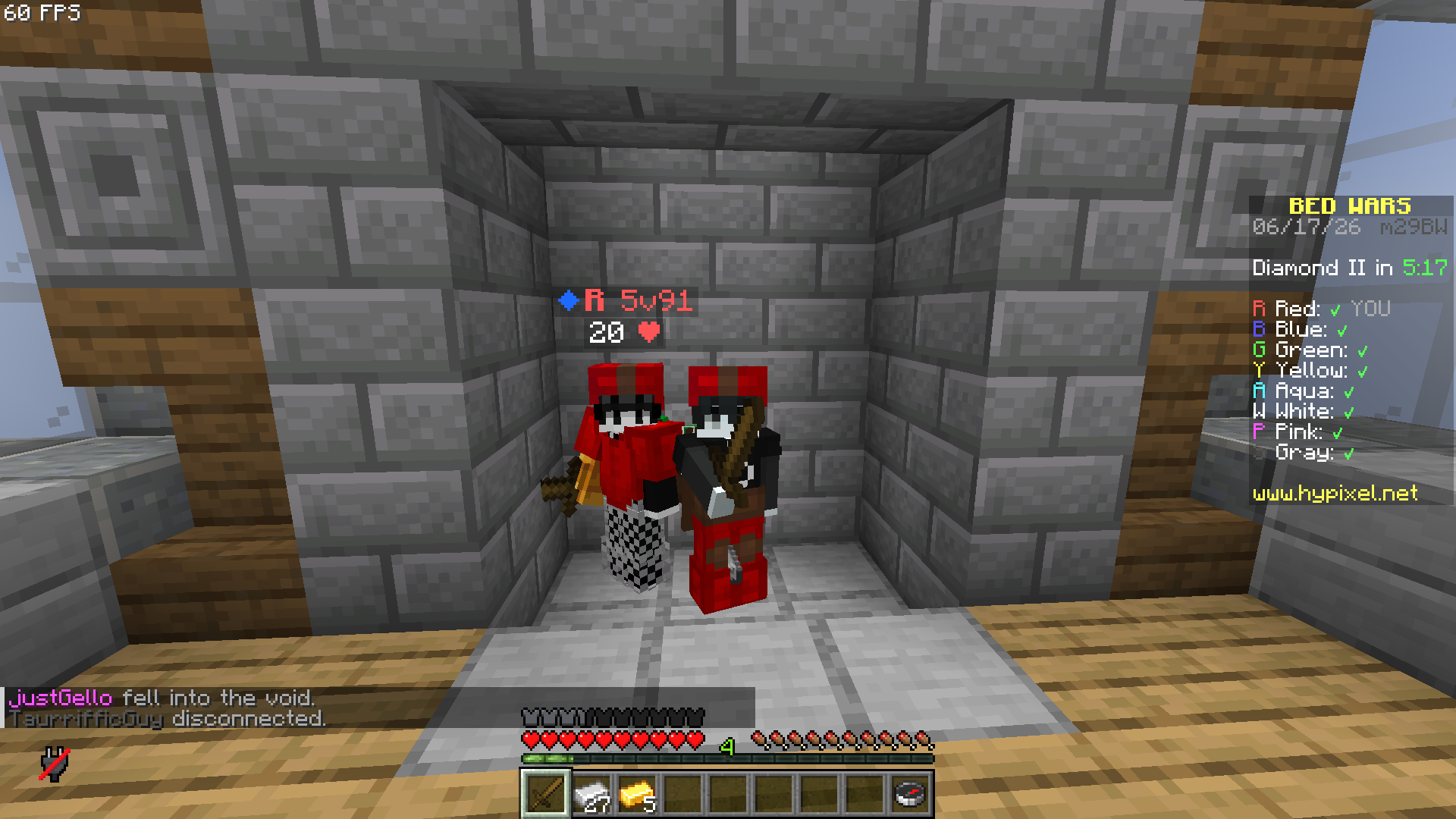
- Key Features
- Massive FPS Boost — Optimized rendering, chunk loading, and memory management
- No Stutters — Minimized lag spikes during exploration and combat
- Zero Config — Install and play instantly
- Vanilla Compatible — Works on all servers (Realms, Hypixel, etc.)
- Lightweight — with with light visuals mods makes your gameplay feel better, performance
包含的模组 56 个
 3D Skin Layers
 [EMF] Entity Model Features
 [ETF] Entity Texture Features
 Actually 3D Stuff
 苹果皮
BadOptimizations
 BetterF3
 Chat Animation [Smooth Chat]
 Chat Heads
 Cloth Config API
 Concurrent Chunk Management Engine (Fabric)
 Continuity
 e4mc
 Enchantment Outlines
 实体剔除
 Fabric API
 Fabric Language Kotlin
 Falling Leaves
 Fast IP Ping
 FastQuit
 FerriteCore
 Fresh Animations
 Fzzy Config
 Gamma Utils (Fullbright)
 Glowing 3D Armor
 Iceberg
 ImmediatelyFast
 Iris Shaders
 Item Highlighter
 LambDynamicLights - Dynamic Lights
 锂
 模组菜单
 ModernFix-mVUS
 鼠标微调
 No Chat Reports
 Not Enough Animations
 Particle Rain
 RAY's 3D Ladders
 RAY's 3D Rails
 Recolourful Containers GUI + HUD
展开全部 56 个











绿色边框的模组本站有收录,点进去看中文介绍;其余跳转到 Modrinth。
常见问题
VANILLA FPS+ 支持哪些 Minecraft 版本?
VANILLA FPS+ 支持 Minecraft Java 版 1.21.10–26.3,共 7 个版本,可用的加载器:Fabric / NeoForge。下载时注意选择和你游戏版本一致的文件。
VANILLA FPS+ 怎么安装?
点本页「前往下载」拿到整合包文件(Modrinth 的是 .mrpack,CurseForge 的是 .zip),在 PCL2 或 HMCL 启动器里选择「导入整合包」,启动器会自动装好 Minecraft、加载器和全部模组。这个整合包有 56 个模组,建议在启动器里给游戏分配 4–6 GB 内存。
VANILLA FPS+ 开服需要多大内存?
推荐服务器内存 12 GB。在线人数多、或者建了大量机器和区块加载器时,可以再加 2–4 GB。
怎么和朋友一起玩 VANILLA FPS+?
点本页的「一键开服」,选好配置后会自动安装 VANILLA FPS+ 的服务端,几分钟就能开好。把服务器地址发给朋友,大家用同一个版本的整合包连进去就行。
评论
登录后评论和评分