
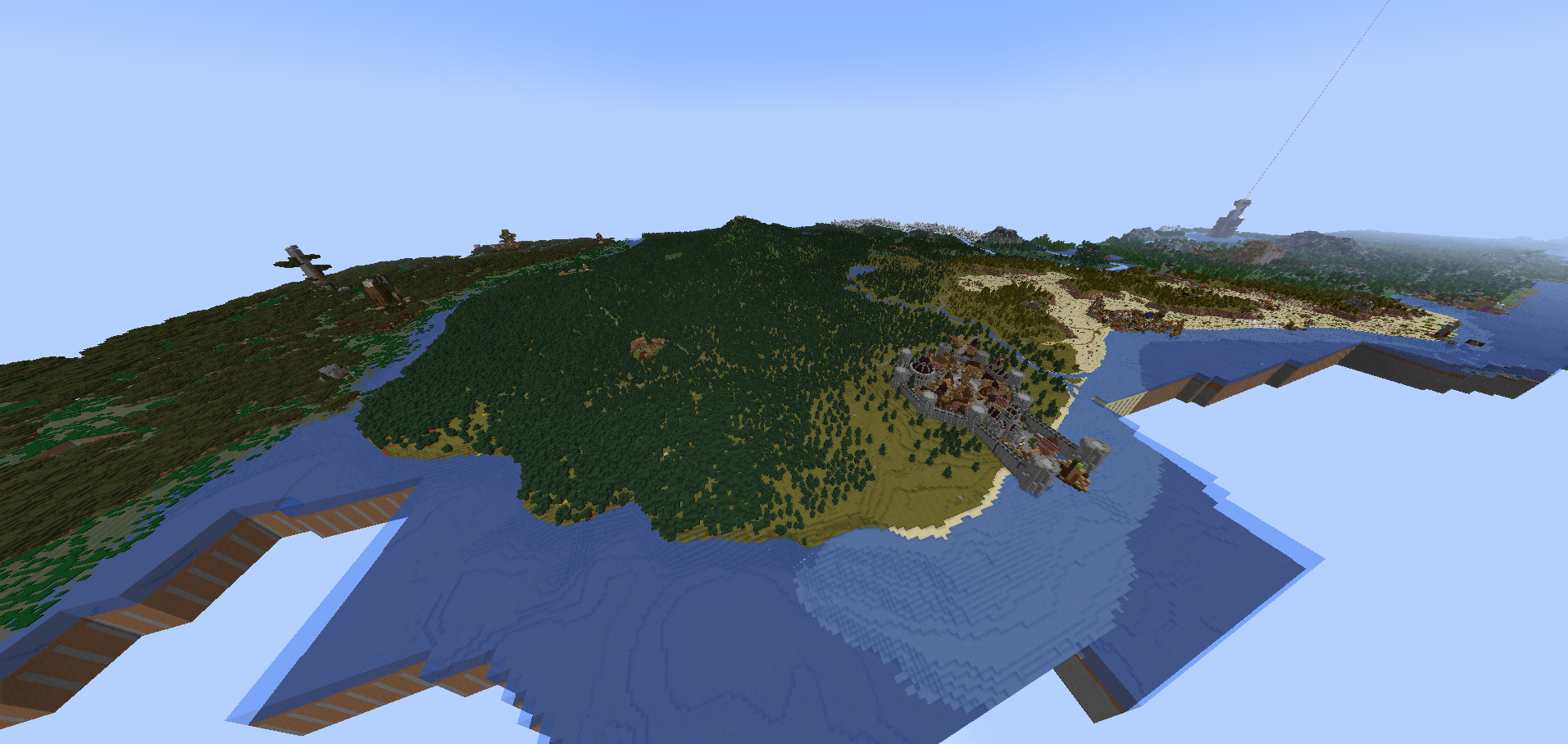
截图

介绍
MineZ Modpack for Shotbow Server
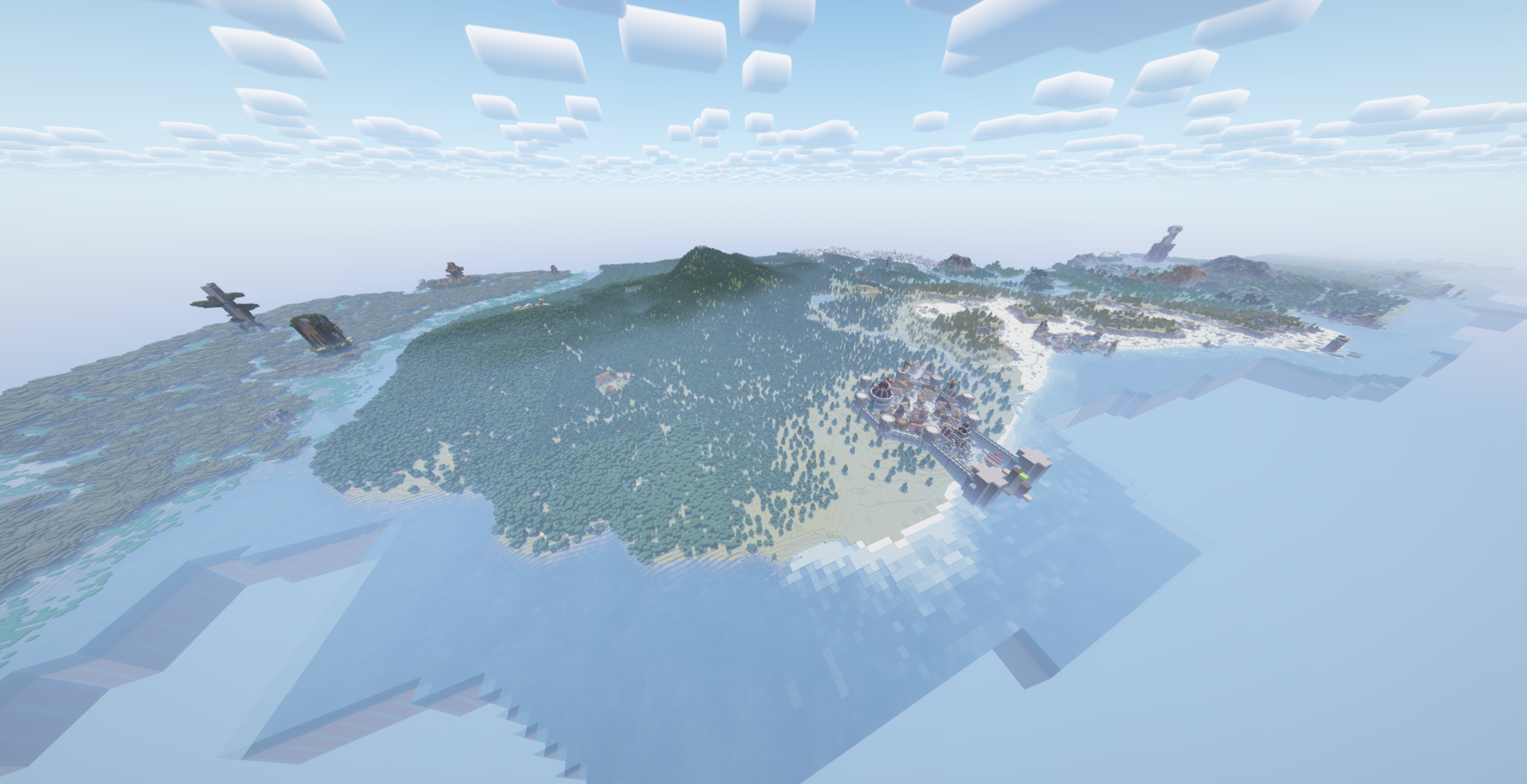
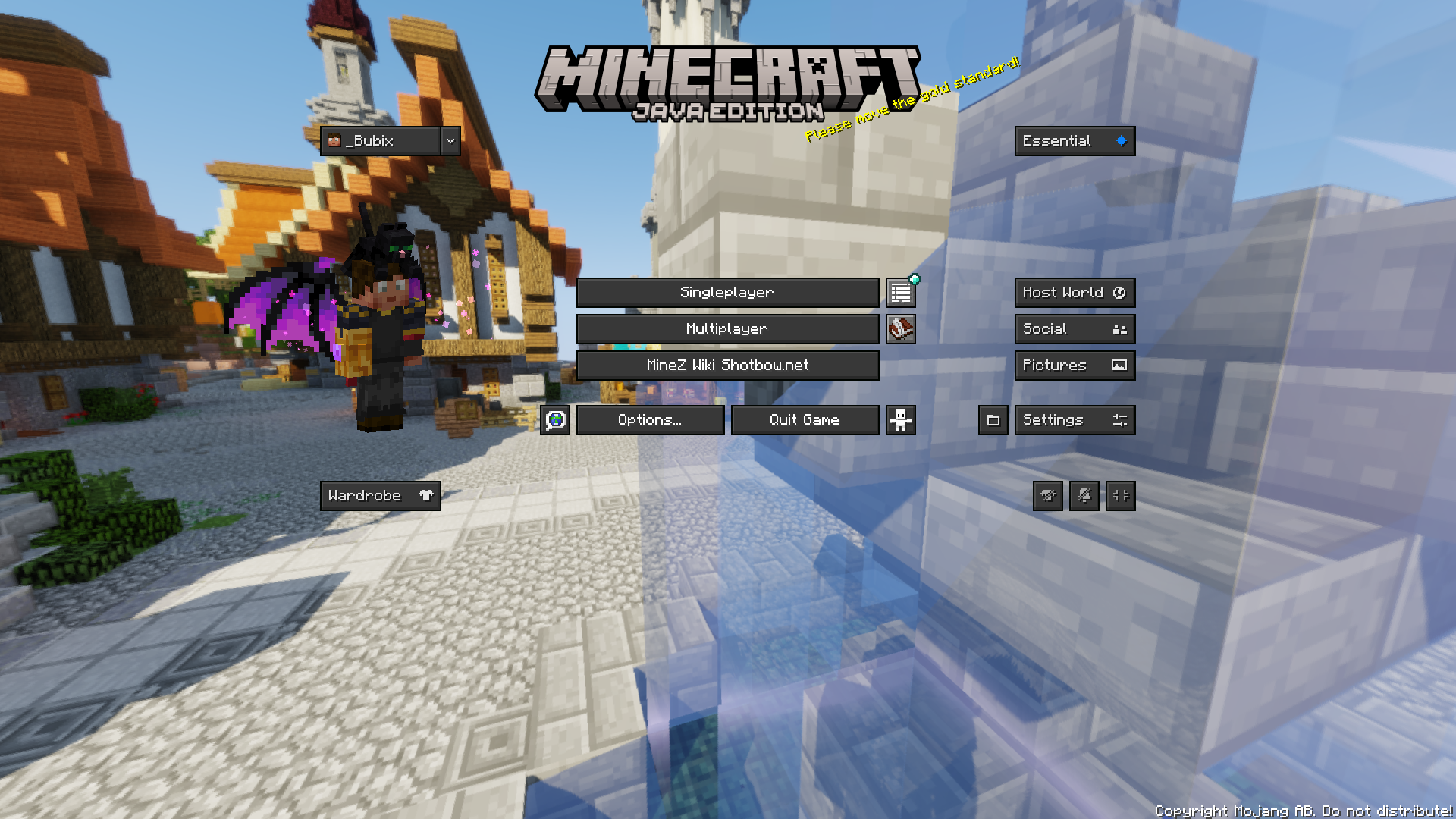
This modpack is designed for players on the MineZ server hosted by Shotbow. Its goal is to provide optimizations for smoother gameplay and enhance the experience with specially tailored mods and configurations.
What’s included in the modpack?
- Game Optimization:
The modpack includes performance-boosting tools such as Sodium, and other optimization mods, enhancing the game’s performance across a wide range of hardware. With these optimizations, gameplay remains smooth even during intense interactions and large-scale exploration.
- Minimap with Marked Locations:
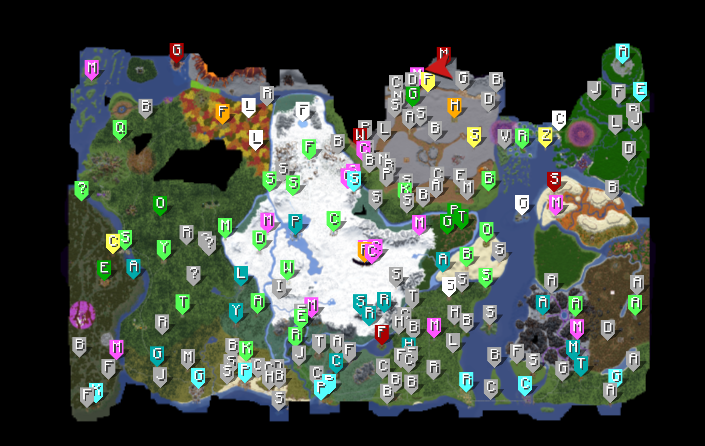
This modpack integrates a custom minimap (Xaero’s Minimap and Xaero’s Worldmap), specifically configured for MineZ gameplay. Key locations, such as towns, outposts, shrines, and hidden resource spots, are marked on the map. Each location is carefully labeled to help players navigate the MineZ world and locate critical points, shelters, and important resource areas.
Most locations are already marked, if any are missing please contact us. Through our discord server Discord Server Link
- HUD and User Interface Improvements:
Additional mods, like EssentialGUI and BetterF3, enhance the user interface to make exploration more intuitive. Modified HUD elements give better access to critical gameplay information.
- Visual and Audio Enhancements:
The modpack includes optimized texture and sound packs that match the atmosphere of MineZ. Textures retain the dark and immersive style of the game world, while sounds add ambiance and provide audio cues for threats or helpful spatial orientation.
- Configurations for the MineZ Server:
All mods and settings are optimized for the shotbow.net server to ensure full compatibility and prevent any synchronization or stability issues. Everything is designed to maximize and enhance the experience of exploring and surviving in the MineZ world.
!!! Distant Horizons Map render !!!
Note if you play on version that has `Distant Horizons mod.<br>
We recommend turning off the Distant Horizons` mod when entering the dungeons and before teleportation to Meridian (Spawn Island) because currently mod does not distinguish that these are different worlds and displays them together!
Below is the instructions on how to do it:
Distant Horizons ON/OFF instruction
- Mod Disabling instructions
Press the `
ESCThen buttonsOptions`
Then, next to the FOV changing belt, there will be a button with the icon, click it.
In the menu that opens, change the value of `
Enable RenderingtoFalse`
- Mod enabling instructions
Press the `
ESCThen buttonsOptions`
Then, next to the FOV changing belt, there will be a button with the icon, click it.
In the menu that opens, change the value of `
Enable RenderingtoTrue`
Information about Modpack
This modpack has been approved by the Shotbow.net’s Staff team and fully complies with its the server’s rules, however it has not been created nor maintained by them.
Controls
- `
U` – Mods settings
- `
Y` – Essential Emote Wheel
- `
C` – Zoom
- `
M` – World Map
- `
-` – Zoom In Minimap
- `
=` – Zoom Out In Minimap
- `
L` – Waypoint List
- `
+` – New Waypoint
- `
N` – Minimap display settings
- `
O` – Shaderpack Screen
- `
G` – Gamma On/Off
Waypoint Sets (Hold N key to switch)
!!! Not all are added yet !!!
- default (All cities, towns, houses, towers, castles, ruins and some more)
- Dungeons (All entrances and exits to dungeons)
- Winter Cave (All locations in Winter Cave system)
- Swamp Cave (All locations in Swamp Cave system) | Added since Ver: 1.1.1
- Bosses (All Bosses spawn locations)
- Others (Locations not assigned to other categories or temporary designations)
Resourcepack (4) & Shaders (1)
Cubic Sun & Moon by JoeFly
Essential UI by KartoffelChipss
Fast Better Grass 1.21 by Fabulously Optimized
MineZ-1.2.0-official Original download location: [github.com]
since modpack version 1.2.0 `
MineZ-1.2.0-officialreplaced withprereleaseMineZ_Official_Textures-1.2.1`
BSL Shaders by CaptTatsu
Complementary Reimagined
包含的模组 94 个,另有 1 个其他文件
 3D皮肤层
 [EMF] Entity Model Features
 [ESF] Entity Sound Features
 [ETF] Entity Texture Features
 Almanac
 Animatica
BadOptimizations
 Better Third Person
 BetterF3
 Bookshelf
 BSL Shaders
 Capes
 Chat Heads
 CIT Resewn
 Cloth Config API
 Collective
 Colorful Subtitles
 Complementary Shaders - Reimagined
 Complementary Shaders - Unbound
 Concurrent Chunk Management Engine (Fabric)
 Continuity
 Controlling
 CoroUtil
 CreativeCore
 Cubes Without Borders
 Cubic Sun & Moon
 Dark Loading Screen
 Debugify
 Default Dark Mode
 遥远的地平线
 Enhanced Block Entities
 实体剔除
 Essential Mod
 Essential UI
 EssentialGUI
 Fabric API
 Fabric Language Kotlin
 Fabrishot
 Falling Leaves
 Fast Better Grass
展开全部 94 个
 Fast IP Ping
 Faster Random
 FastQuit
 FerriteCore
 Forge Config API Port
 Hidden Recipe Book
 Iceberg
 ImmediatelyFast
 Indium
 Iris Shaders
 Item Highlighter
 KeybindsGalore Plus
 LambDynamicLights - Dynamic Lights
 Language Reload
 Let Me Despawn
 锂
 Loot Beams Up
 Low Fire
 MaLiLib
 MineZ Help Menu
 MixinTrace
 模组菜单
 Model Gap Fix
 ModernFix
 ModpackUtils
 More Chat History
 More Culling
 MRU
 No Chat Reports
 Noisium
 Not Enough Animations
 Nuit
 Pick Up Notifier
 Presence Footsteps
 Prickle
 Puzzle
 Puzzles Lib
 Raise Sound Limit Simplified
 Scoreboard Overhaul
 Searchables
 Simple Menu
 钠
 Sodium Extra
 Solas Shader
 Sound Physics Remastered
 ThreadTweak
 ViaFabricPlus
 Visuality
 Xaero Zoomout
 Xaero的小地图
 Xaero的世界地图
 Xander's Sodium Options
 YetAnotherConfigLib (YACL)
 Your Options Shall Be Respected (YOSBR)
绿色边框的模组本站有收录,点进去看中文介绍;其余跳转到 Modrinth。
常见问题
Shotbow MineZ Modpack 支持哪些 Minecraft 版本?
Shotbow MineZ Modpack 基于 Minecraft Java 版 1.21.1,使用 Fabric 加载器。
Shotbow MineZ Modpack 怎么安装?
点本页「前往下载」拿到整合包文件(Modrinth 的是 .mrpack,CurseForge 的是 .zip),在 PCL2 或 HMCL 启动器里选择「导入整合包」,启动器会自动装好 Minecraft、加载器和全部模组。这个整合包有 94 个模组,建议在启动器里给游戏分配 4–6 GB 内存。
Shotbow MineZ Modpack 开服需要多大内存?
推荐服务器内存 12 GB。在线人数多、或者建了大量机器和区块加载器时,可以再加 2–4 GB。
怎么和朋友一起玩 Shotbow MineZ Modpack?
点本页的「一键开服」,选好配置后会自动安装 Shotbow MineZ Modpack 的服务端,几分钟就能开好。把服务器地址发给朋友,大家用同一个版本的整合包连进去就行。

评论
登录后评论和评分