
截图
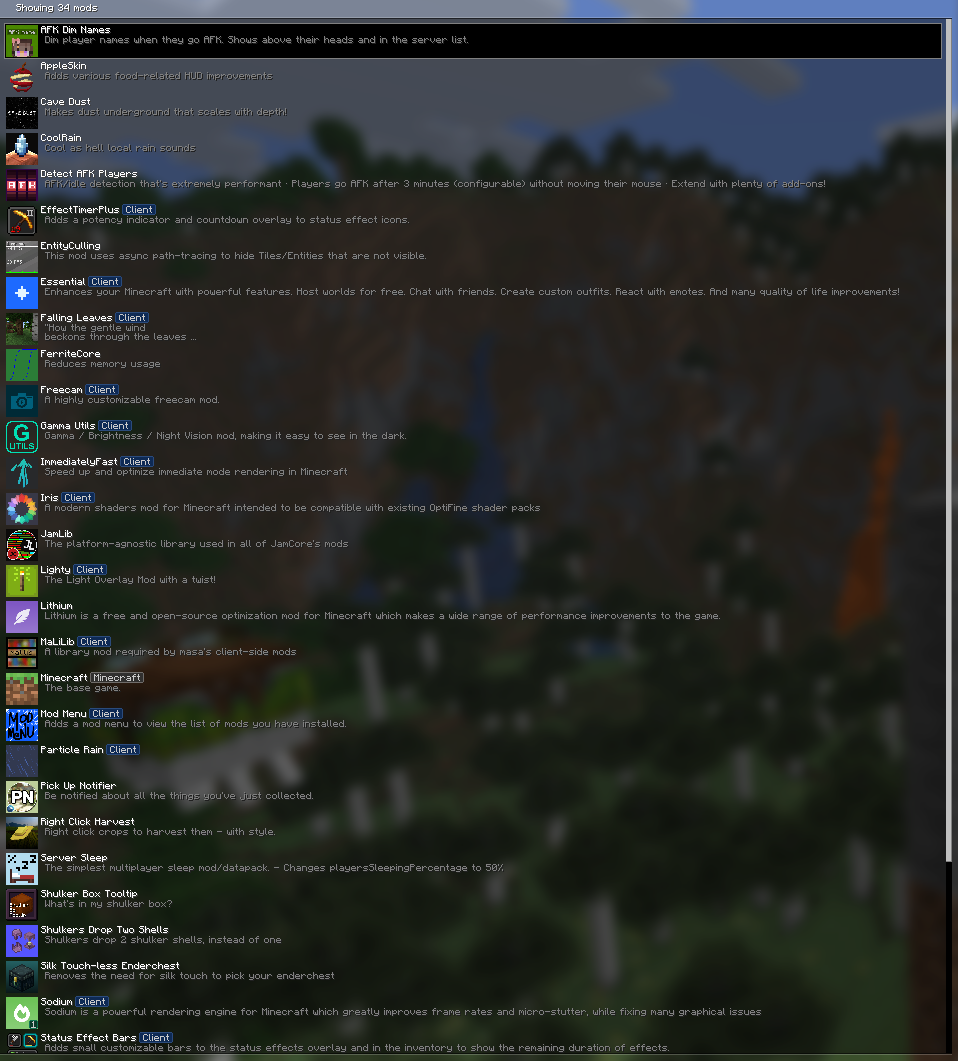

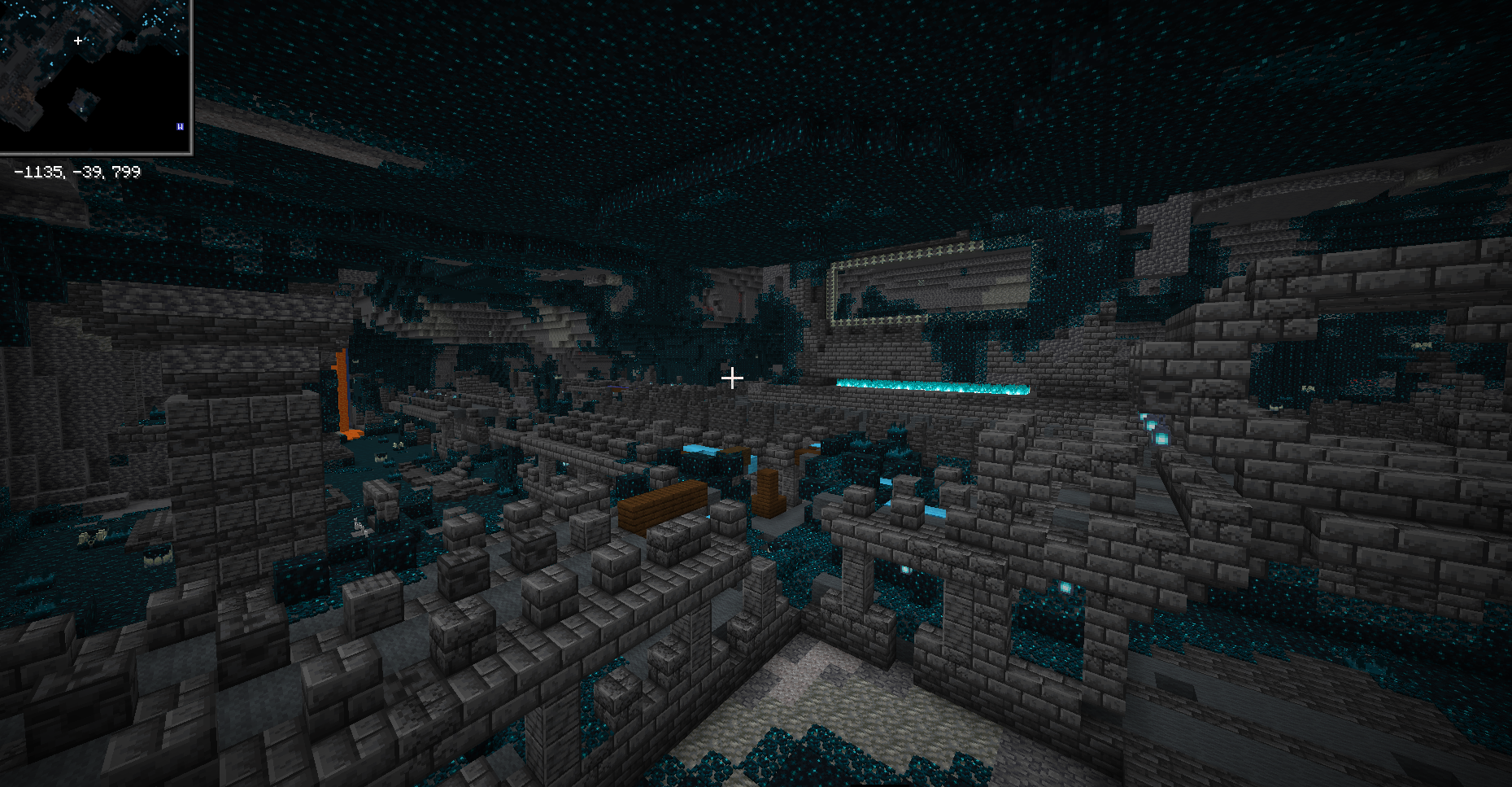
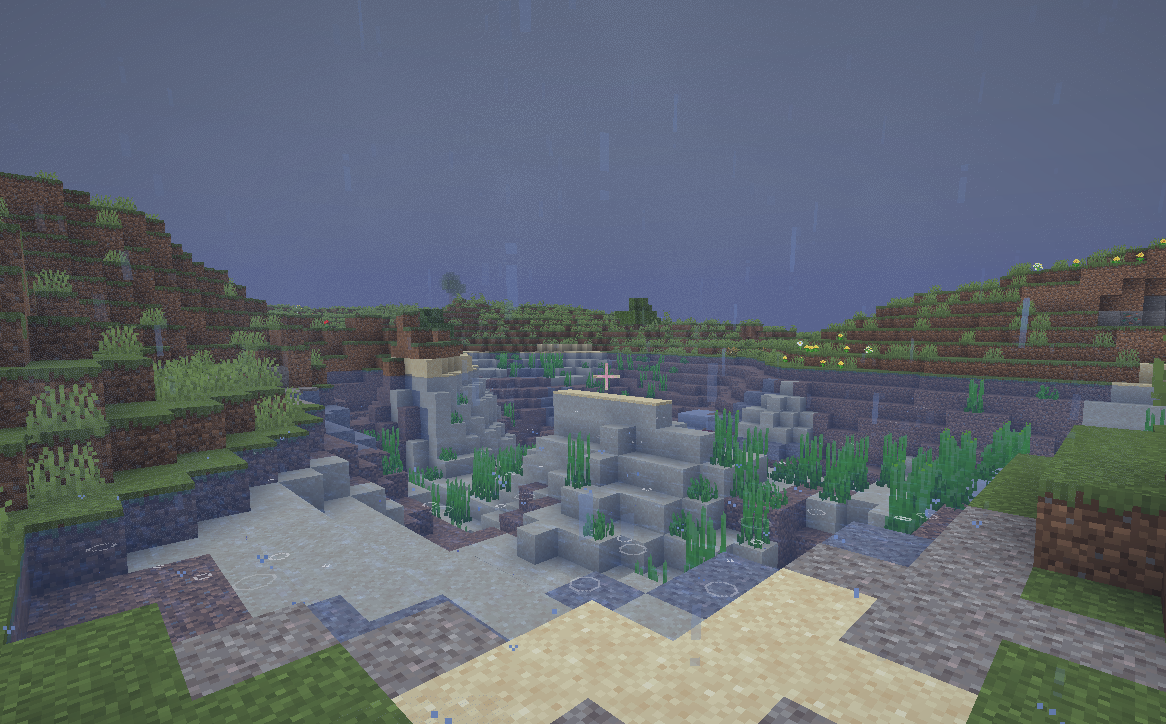
介绍
The Modpack
This modpack is designed for seamless single-player gameplay as well as merging multiple multi-players. Their prime emphasis is on performance, visuality, and quality-of-life changes. Each mod is designed to promote gameplay in Minecraft while maintaining its original look, feel, and gameplay.
Performance & Optimization
For the purpose of offering the desired number of FPS and optimal performance, the pack comes with optimized versions of mods such as Sodium, Lithium, FerriteCore, and ImmediatelyFast. Additionally, Entity Culling serves to enhance performance further and avoid the rendering of entities that are not in the screen.
A further level of performance and configuration optimization is offered by Sodium Extra, Reese’s Sodium Options, and Yet Another Config Lib (YACL), which enable players to tweak the graphics options to suit their systems.
Graphics & Visual Enhancements
Visual improvements increase atmosphere without venturing away from Minecraft’s traditional aesthetic. The Iris Shaders mod allows full functionality of shaders in Minecraft, complete with additional shader packs to choose from like Complementary Reimagined, Complementary Unbound, Bliss, Bloop, and Rethinking Voxels.
The amount of environmental detail can be improved with the Cool Rain, Particle Rain, and Falling Leaves plugins, the latter often beneficial in forests. No Fog increases the range of vision, whereas Gamma Utils (Fullbright) enables brightness settings.
The VanillaTweaks resource packs that are provided will help to optimize visual areas while minimizing audio clutter. The resource pack called Blue Netherite will provide a visual advancement to equipment in the latter stages of the game.
Quality-of-Life
This pack comes with various quality of life mods that make life easier for the player:
AppleSkin makes hunger and saturation easier to see
Shulker Box Tooltip enables the display of contents without the box being opened
Light Overlay displays where the blocks can be spawned.
Zoomify added a seamless and variable zoom
Effect Timer Plus and Pick Up Notifier enhance HUD feedback.
Inventory and gathering management via Simply Harvesting, Tree Harvester, as well as bundle mods including Best Bundles, Bundle Inventory, Bundles Beyond, and Bundled, are excellent additions that work to make storage in the early and mid-game easier.
Villager interactions are optimized with Villager Pickup, Trade Cycling, and Enchanting Infuser to avoid frustration with these interactions.
Survival & Multiplayer Features
Survival gameplay has been improved by Graves, which prevents items from dropping when a player dies, and Shulkers Drop Two Shells, which improves the endgame experience. Silk Touch-less Enderchest prevents the need for Silk Touch when gathering ender chests.
Multiplayer convenience is enhanced through Server Sleep, which offers support to skip nights without all players sleeping. The player visibility feature in multi-player environment is enhanced through Detect AFK Players and AFK Dim Names.
The Essential Mod ensures seamless and easy multiplayer gaming with friends without the need for an Internet server.
Utilities & Libraries
The modpack has been designed to incorporate all the required libraries and APIs in order to enable compatibility and ease of configuration, and hence includes the following:
Fabric API, Architectury API, Cloth Config API, Forge Config API Port, MaLiLib, Puzzles Lib, Collective, Text Placeholder API, Fabric Language Kotlin, and Mod Menu.
These libraries allow for smooth interaction between the mods, as well as easy customization.
Instructions:
#1 Install a Mod Launcher
You may use any launcher you prefer, but Prism Launcher is recommended for its flexibility and ease of use.
Download it here:
https://prismlauncher.org/
After installing, create a new Fabric instance matching the modpack’s Minecraft version.
#2 Copy Your Old Settings (Optional)
When launching the modded instance for the first time, Minecraft creates a new options.txt.
If you want to keep your existing settings:
Open your vanilla .minecraft folder
Copy the contents of options.txt
Paste them into the new instance’s options.txt
This preserves controls, FOV, sensitivity, and other preferences.
#3 Enable Resource Packs
Go to Options → Resource Packs and enable:
VanillaTweaks_R1.21_TyMP.x.zip
VanillaTweaks_R1.21_Quiet.Mobs.x.zip
Blue Netherite
These packs improve visuals and reduce sound clutter while keeping gameplay vanilla.
#4 Configure Mods
Open the Mods menu (via Mod Menu) to review all installed mods.
Most of the mods offer user-configurable options, which include performance settings, graphical settings, and HUD components. Also, other mods, like Freecam, must be applied prior to loading the game world for proper functionality.
#5: Set Keybind
Go to Options → Controls → Key Binds and resolve any conflicts.
If two actions share a key, then the key will act. Choose one. Press Esc to unbind. This avoids conflicts among the mods.
Source links:
https://vanillatweaks.net/
https://prismlauncher.org/
包含的模组 111 个,另有 2 个其他文件
 3D Skin Layers
 5555ff-lib
 [EMF] Entity Model Features
 [ETF] Entity Texture Features
 AFK Dim Names
 AL's Creepers Revamped
 Aluna's Villagers Plus
 AmbientSounds
 苹果皮
 Architectury API
 Atmosfera
 Bare Bones
 Bare Bones PBR x128
 Bare Bones x Eating Animation
 Bare Bones x Fresh Animations
 Bee GUI
 Better Than Mending
 BetterF3
 Bliss Shaders
 Bloop Shaders
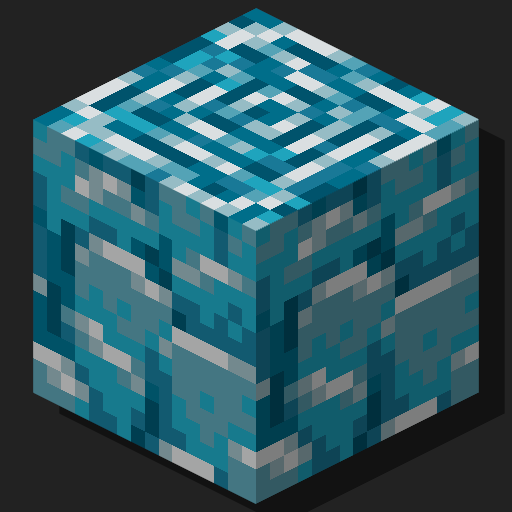 Blue Netherite
 BSL Shaders
 Bundles Beyond
 Caged and Boxed
 Call Your Horse
 Call Your Nautilus
 CICADA
 Cloth Config API
 Collective
 Complementary Shaders - Reimagined
 Complementary Shaders - Unbound
 Cool Rain
 Crawl
 CreativeCore
 Creeper Tweaks
 Cubes Without Borders
 Death Finder
 Detect AFK Players
 遥远的地平线
 Double Doors
展开全部 111 个
 Eating Animation Resource Pack
 Effect Timer Plus
 Elytra Contrails Mod
 Enchanting Infuser
 实体剔除
 Essential Mod
 Fabric API
 Fabric Language Kotlin
 Falling Leaves
 Fancy World Animations [FWA]
 FancyMenu
 Fantasy Shaders Unbound
 Farmer's Delight Refabricated
 FerriteCore
 Forge Config API Port
 Freecam
 Fresh Animations
 Gamma Utils (Fullbright)
 Geophilic
 Golems Kill Creepers
 Graves
 I Like Vanilla
 ImmediatelyFast
 Iris Shaders
 JamLib
 JEI物品管理器
 Konkrete
 LambDynamicLights - Dynamic Lights
 Lenient Creepers
 Light Overlay
 Litematica
 锂
 Lithostitched
 magnetic
 MaLiLib
 Map Distance Fix
 Melody
 模组菜单
 New Glowing Ores
 No Fog
 OverlayLib
 Particle Rain
 Pick Up Notifier
 Puzzles Lib
 Recolourful Containers GUI + HUD
 Reese's Sodium Options
 Rethinking Voxels
 RightClickHarvest
 Server Sleep
 Shulker Box Tooltip
 Shulkers Drop Two Shells
 Silk Touch-less Enderchest
 Simple Voice Chat
 Sleeping Bags
 Smelting Enchantment
 Smooth Swapping
 钠
 Sodium Extra
 Solas Shader
 Terralith
 Terrastorage
 Text Placeholder API
 Trade Cycling
 Tree Harvester
 uku's Armor HUD
 ukulib
 Visuality
 Waddles
 Xaero的世界地图
 YetAnotherConfigLib (YACL)
 Zoomify (Zoom)
绿色边框的模组本站有收录,点进去看中文介绍;其余跳转到 Modrinth。
常见问题
Flynn’s Modpack 支持哪些 Minecraft 版本?
Flynn’s Modpack 基于 Minecraft Java 版 26.1.2、1.21.11、1.21.8,使用 Fabric 加载器。
Flynn’s Modpack 怎么安装?
点本页「前往下载」拿到整合包文件(Modrinth 的是 .mrpack,CurseForge 的是 .zip),在 PCL2 或 HMCL 启动器里选择「导入整合包」,启动器会自动装好 Minecraft、加载器和全部模组。这个整合包有 111 个模组,建议在启动器里给游戏分配 4–6 GB 内存。
Flynn’s Modpack 开服需要多大内存?
推荐服务器内存 12 GB。在线人数多、或者建了大量机器和区块加载器时,可以再加 2–4 GB。
怎么和朋友一起玩 Flynn’s Modpack?
点本页的「一键开服」,选好配置后会自动安装 Flynn’s Modpack 的服务端,几分钟就能开好。把服务器地址发给朋友,大家用同一个版本的整合包连进去就行。
评论
登录后评论和评分