
A Designers Excessive Overdose.
A modpack containing a magnitude of decorations/blocks and extensive tools to help you build.
截图
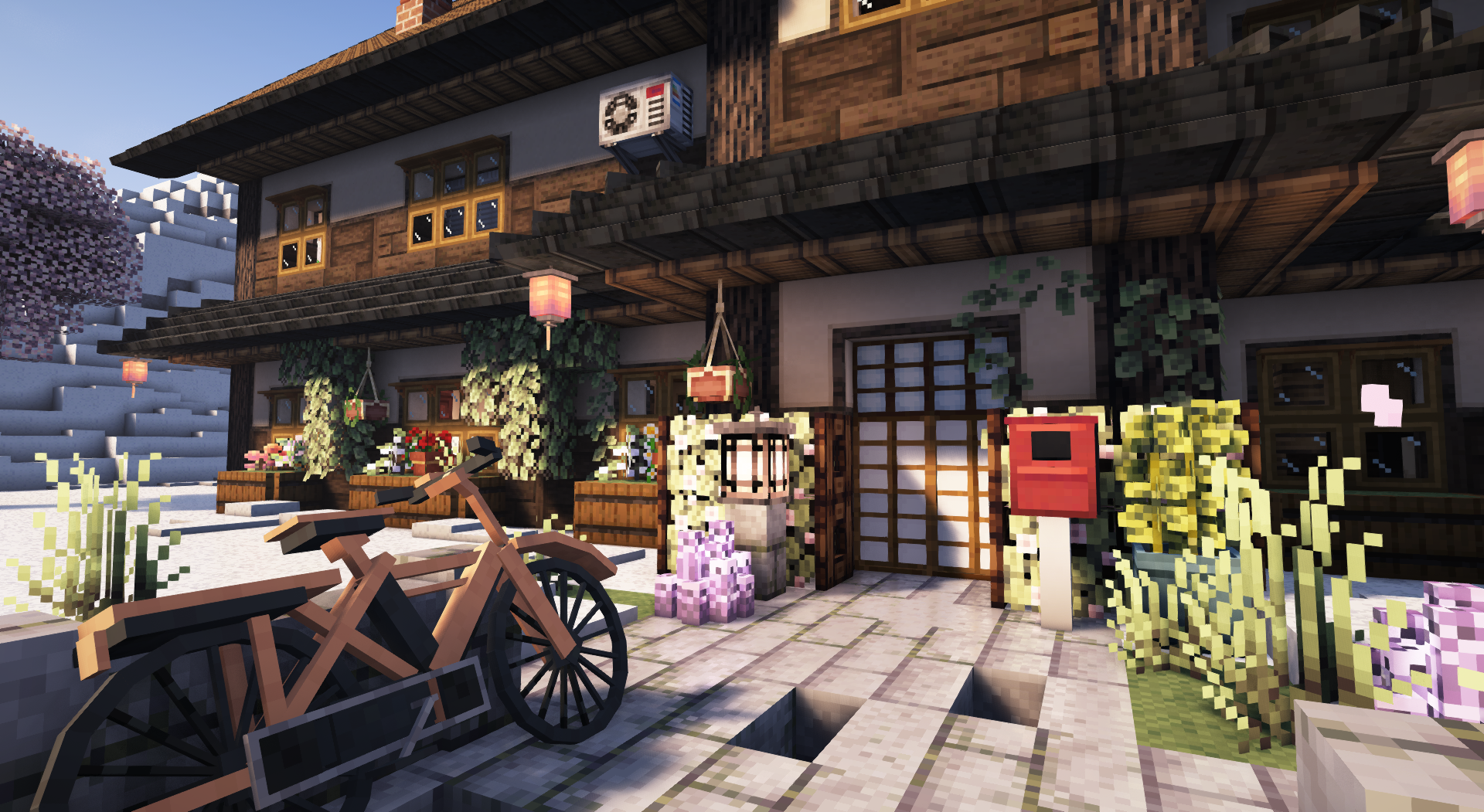
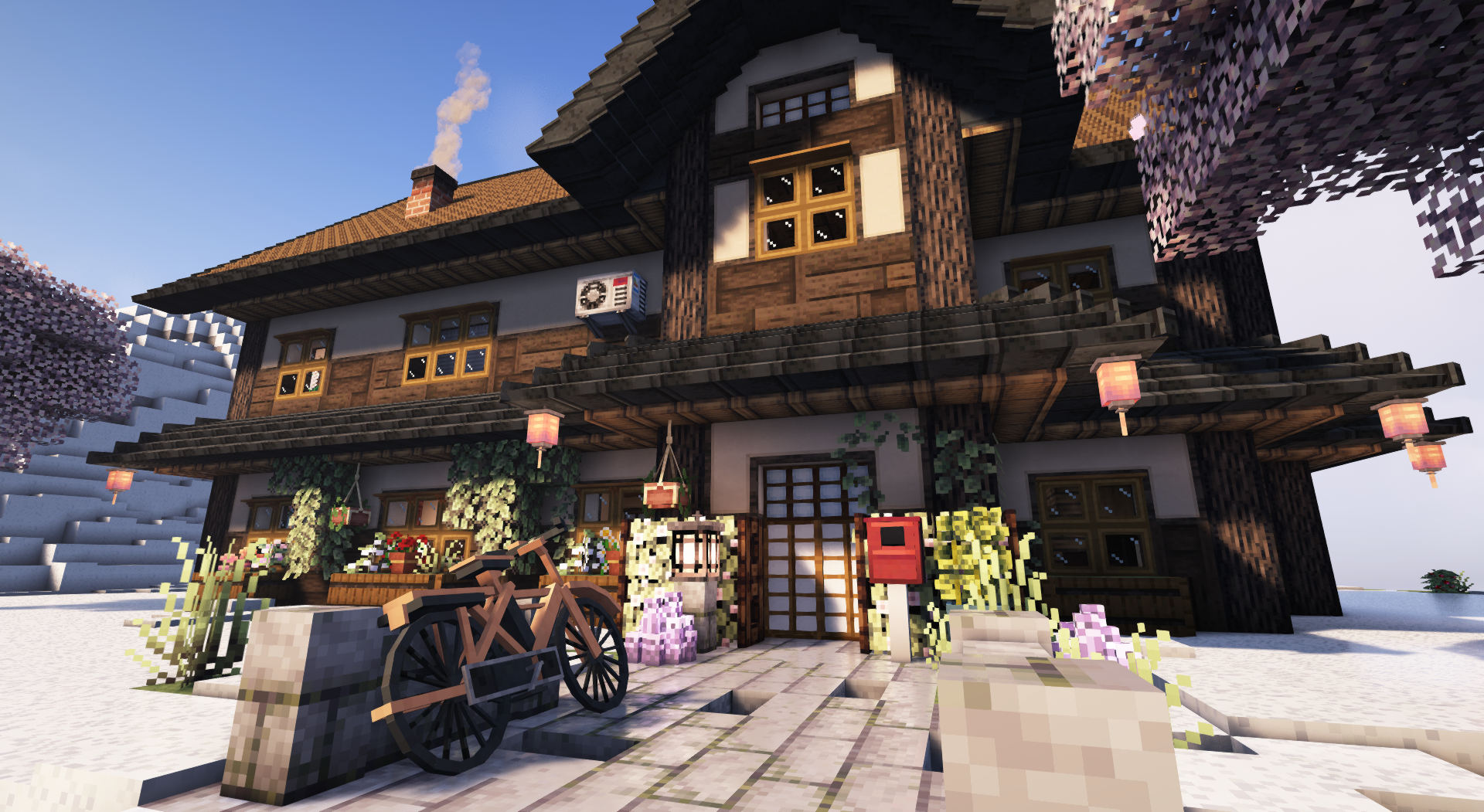
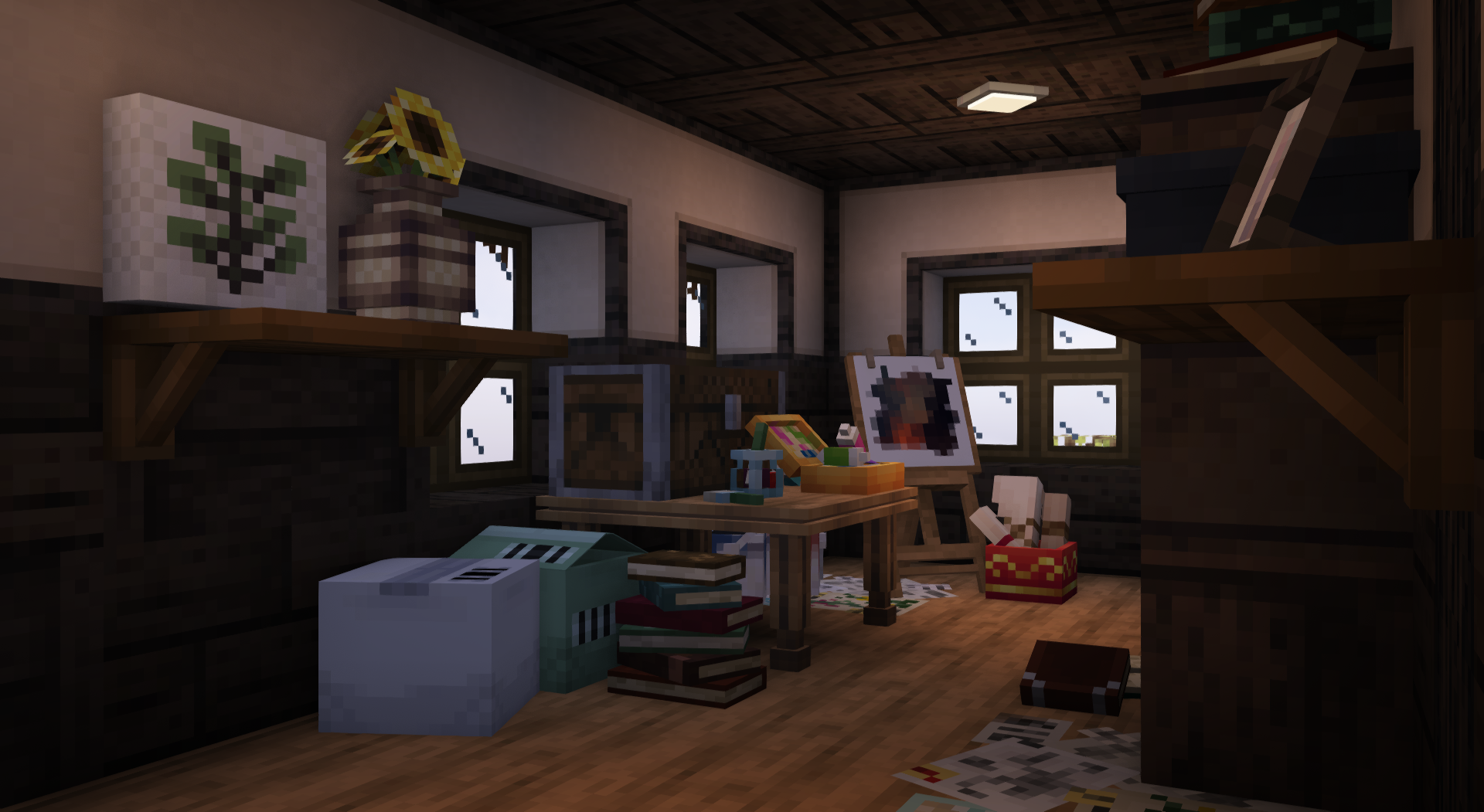
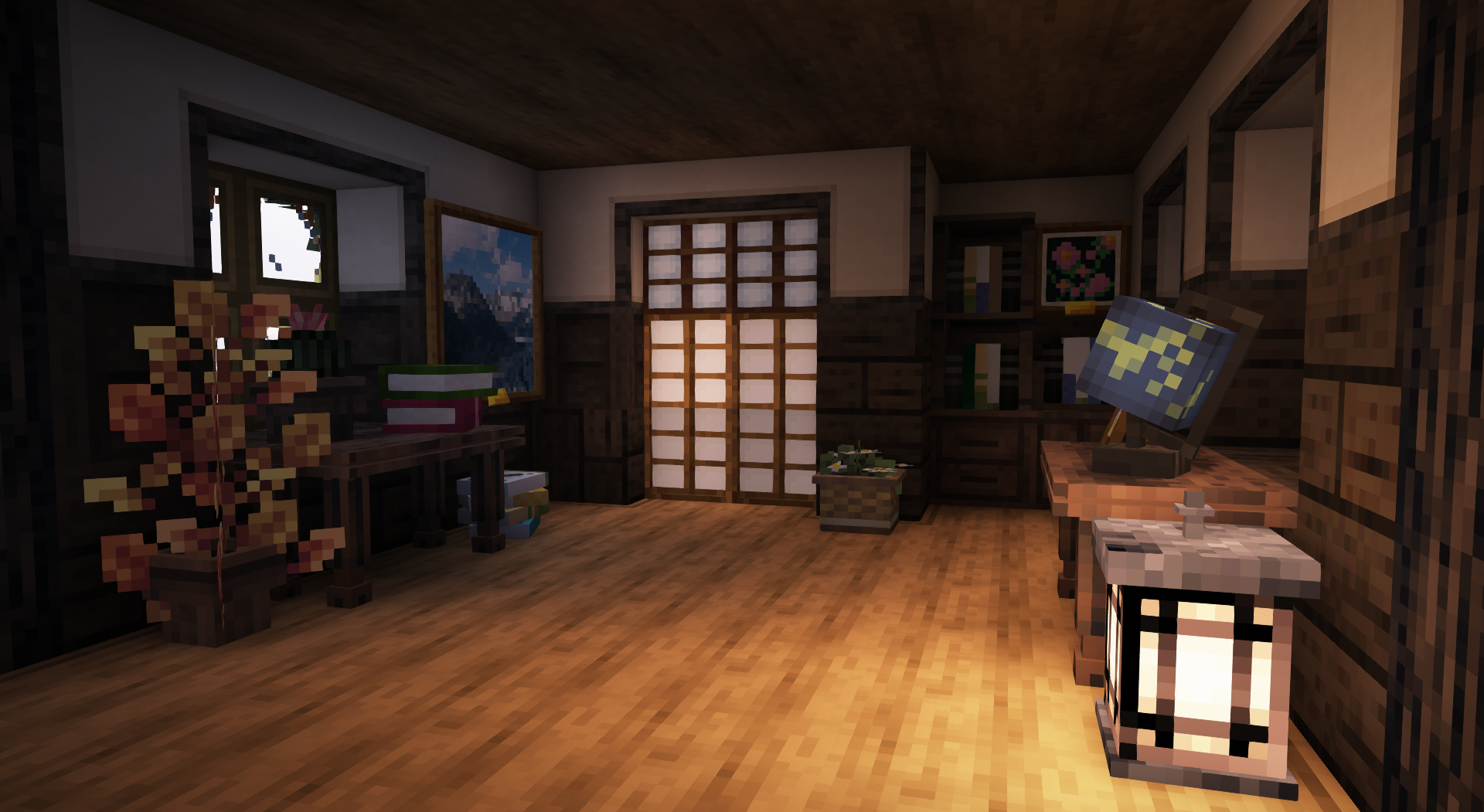
介绍
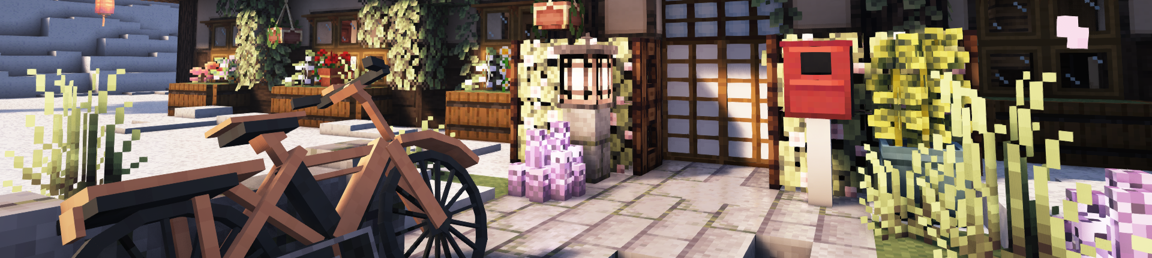
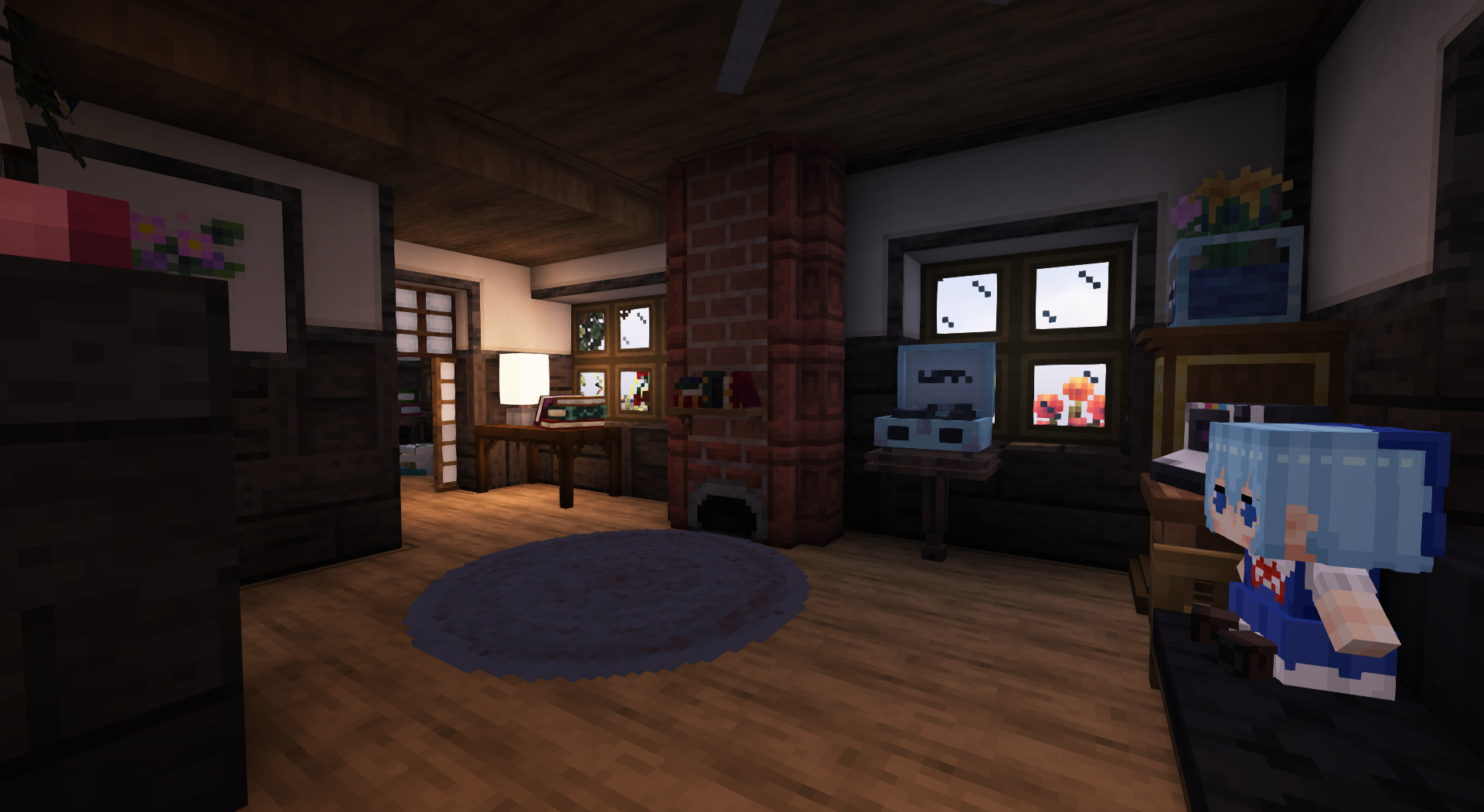
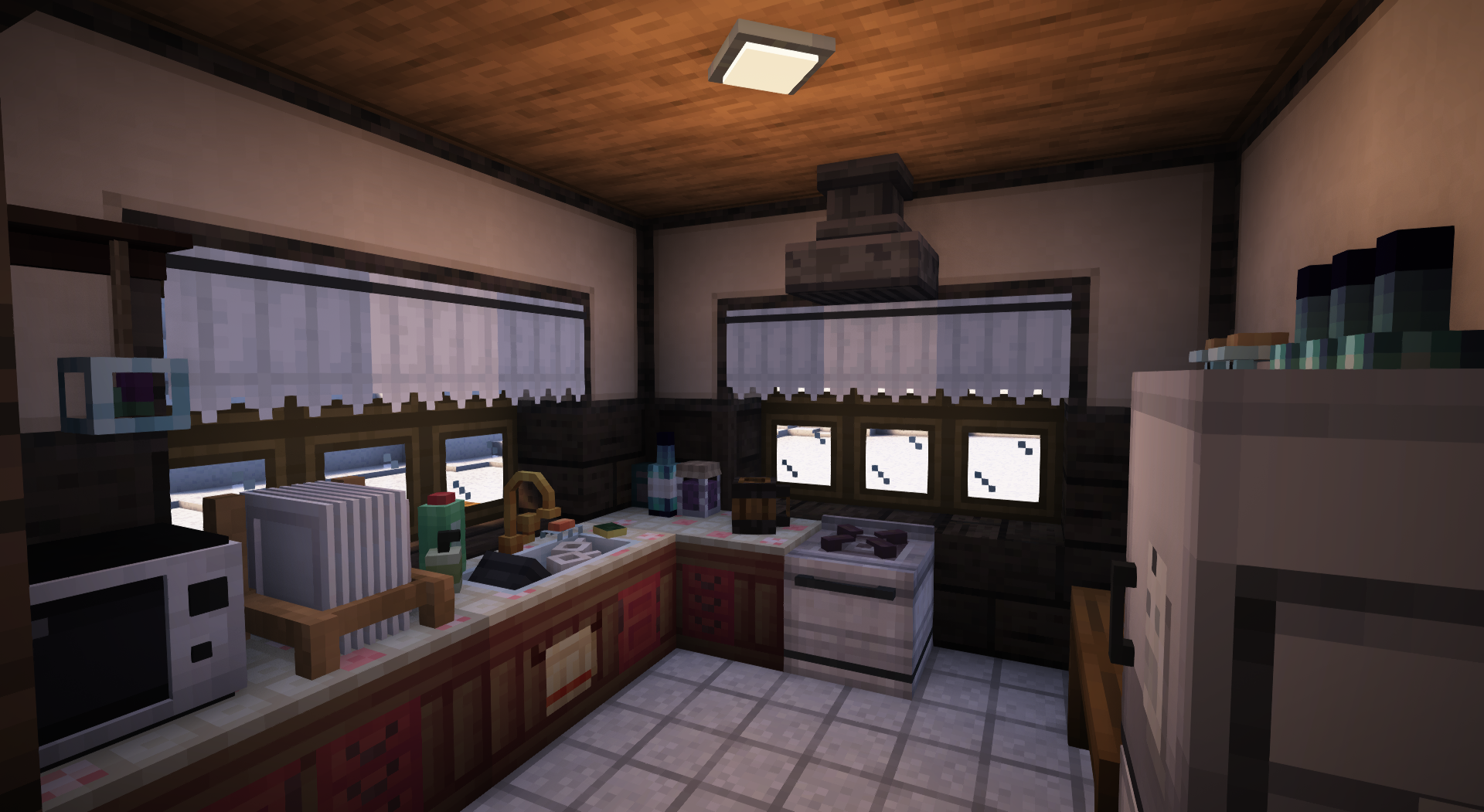
A Designer’s Excessive Overdose, AKA: “ADEO” is a modpack containing 192 mods designed to be a builder’s paradise.
Allocate atleast 7GB of RAM.Performance is good with Complimentary Shaders. An average 140 FPS. (depending on PC setup)
[Sidenote: I realized my FPS fluctuation was due to old AMD drivers.] Multiplayer is possible via e4mc mod, Similar to "Essential" but lightweight, visit the modpage to see how it works.It takes about 2 minutes 30 seconds to load the pack + 1 minute 12 seconds to generate a world. So please be patient.The main aspect of ADEO is to provide blocks/decor for nearly any type of build, While providing powerful tools such as Yuushya Modelling and Axiom, which can allow you to manipulate decor in various ways, along with terraforming, cloning, block replace, Fast place and much more. I suggest watching a tutorial on Axiom.
As for Yuushya Modelling, There isn’t much info on how to use it but I shall provide some basic info here: You first need the Gourd of Entitilization. You can use that item to right click mostly any block/decoration, This will turn it into a block entity. From here you can use any of the “Entity Block Layer” tools. Then right/left click to move the position/rotation/size (Depending on the tool you hold). To change the axis, put any of the “Layer” tools in your offhand and right click, they will change color according to axis colors.
Sidenote: Changes you make in multiplayer using Yuushya Modelling tools won’t apply to other players.
For world/structure generation, I have chosen Tectonic + ChoiceTheorem’s Overhauled Village.
Trobleshooting:
Shaders are enabled by default, try disabling shaders in the main menu if a crash occurs when loading a world.Reset Axiom's tutorial: Right Shift > Help (top left) > Reset Tutorial > Introduction.Change Axiom keybinds: Right Shift > Help > Keybinds.Vanilla flight: Hold Left ALT > Red Toolbox (bottom right) > Change momentum (75%-85%) and Flight Direction to "horizontal".Additional Notes:
The modpack is designed for creative mode. Survival mode has not been tested.Yuushya's resource pack is enabled by default, keep in mind it allows connected textures for Yuushya's modded blocks.A little showcase of what can be done, using this modpack:
If you encounter a bug, crash, or just want to leave feedback in general.
The easiest way is to open the video above this text within youtube and just leave a comment.
包含的模组 198 个,另有 1 个其他文件
 Abridged
 Another Furniture
 Architectury API
 Auth Me
 Automobility
 Axiom
 Balm
 Beautify: Refabricated
 Better Ladders
 Blockus
 Blur+
 Brick Variety
 Built
 Camerapture
 ChoiceTheorem's Overhauled Village
 Chunky
 Cloth Config API
 Clumps
 Clutter
 Cluttered
 Collective
 Complementary Shaders - Reimagined
 CompleteConfig
 Concurrent Chunk Management Engine (Fabric)
 Connected Glass
 Connectible Chains [Fabric]
 Construction
 Continuity
 Controlling
 Convenient Decor
 Couplings
 Cozy
 Create Deco
 Create Deco Additions
 Create Fabric
 Create: Bells & Whistles
 Create: Copycats+
 Create: Design n' Decor
 Create: Dreams & Desires
 Create: Extended Cogwheels
展开全部 198 个
 Create: Interiors
 机械动力:蒸汽与铁路
 CTOV - Beautify Compat
 Cycle Paintings
 Dark Loading Screen
 Diagonal Fences
 Diagonal Walls
 Diagonal Windows
 Diggus Maximus
 Ding
 Disable Custom Worlds Advice
 Dynamic FPS
 e4mc
 EMI
 EMI Addon: Extra Mod Integrations
 EMI Loot
 Enchanted Vertical Slabs
 Enhanced Block Entities
 实体剔除
 Euphoria Patches
 Every Compat (Wood Good)
 Excessive Building
 Exposure
 Extended Drawers
 Fabric API
 Fabric Language Kotlin
 Fabrishot
 Fancy Glass
 Farmer's Delight Refabricated
 Fast Backups
 Fast Better Grass
 Fast Paintings
 FastAnim
 FerriteCore
 Forge Config API Port
 FPS - Display
 Fumo
 Furnish
 Fusion (Connected Textures)
 Geckolib
 Glassential (Fabric/Quilt)
 GUI Revision
 Handcrafted
 Hearth & Home
 Hexed
 Iceberg
 Illumine Blocks
 Indium
 Infinity Buttons
 Inmis
 Inventory Management
 Inventory Sorting
 Iris Shaders
 Items Displayed [Fabric]
 ItemSwapper
 Jade Addons (Fabric)
 Jade 🔍
 JamLib
 Joy of Painting
 Just Outdoor Stuffs
 Kaleidos
 KilnReborn
 Lampcrafting
 Language Reload
 LazyDFU
 Let Me Despawn
 锂
 Lithostitched
 Macaw's Bridges
 Macaw's Doors
 Macaw's Fences and Walls
 Macaw's Furniture
 Macaw's Holidays
 Macaw's Lights and Lamps
 Macaw's Paintings
 Macaw 的小径和路面
 Macaw's Roofs
 Macaw's Trapdoors
 Macaw's Windows
 Memory Leak Fix
 microDurability
 Miniature Shader
 模组菜单
 Model Gap Fix
 ModernFix
 Moonlight Lib
 More Culling
 More Culling Extra
 Mossier Deepslate
 鼠标微调
 MultiBeds
 Mwti's Stone Expansion
 自然指南针
 Nether Chested
 NetherPortalFix
 No Telemetry
 Noisium
 OrigamiKings API
 OrigamiKings Enhancement Mod
 oωo (owo-lib)
 Pack It Up!
 Paladin's Furniture Mod
 Panda's Falling Trees
 PandaLib
 Pastell's Clapboards
 帕秋莉手册
 Paxi
 Pigment
 Polymer
 Polymorph
 Portable Crates
 Portfolio
 Pottery
 Puzzles Lib
 Quad
 Reacharound
 Reese's Sodium Options
 Resourceful Config
 Resourceful Lib
 RightClickHarvest
 锯木厂
 Scholar
 Searchables
 Shearable Vines
 ShetiPhianCore
 Shutters
 钠
 Sodium Extra
 Softer Pastels
 Sooty Chimneys for Fabric
 Starlight (Fabric)
 Stoneworks
 Storage Labels
 SuperMartijn642's Config Lib
 SuperMartijn642's Core Lib
 Tall Flower Pots
 Tectonic
 Thaumon
 ThreadTweak
 Tiny Item Animations
 Trinkets
 Universal Graves
 Variant Vanilla Blocks
 Video Tape
 Vollkorn
 Wallpapers
 Wand of Better Building
 Why stacks of 16?
 Windchimes
 Wolf Port
 Wraith Waystones
 YetAnotherConfigLib (YACL)
 Your Options Shall Be Respected (YOSBR)
 YUNG's API
 Yuushya 16x
 Yuushya Modelling
 Yuushya Townscape
 Zume
左侧绿标的模组本站有收录,点进去看中文介绍;其余跳转到 Modrinth。
常见问题
A Designers Excessive Overdose. 支持哪些 Minecraft 版本?
A Designers Excessive Overdose. 基于 Minecraft Java 版 1.20.1,使用 Fabric 加载器。
A Designers Excessive Overdose. 怎么安装?
点本页「前往下载」拿到整合包文件(Modrinth 的是 .mrpack,CurseForge 的是 .zip),在 PCL2 或 HMCL 启动器里选择「导入整合包」,启动器会自动装好 Minecraft、加载器和全部模组。这个整合包有 198 个模组,建议在启动器里给游戏分配 6–8 GB 内存。
A Designers Excessive Overdose. 开服需要多大内存?
推荐服务器内存 12 GB。在线人数多、或者建了大量机器和区块加载器时,可以再加 2–4 GB。
怎么和朋友一起玩 A Designers Excessive Overdose.?
点本页的「一键开服」,选好配置后会自动安装 A Designers Excessive Overdose. 的服务端,几分钟就能开好。把服务器地址发给朋友,大家用同一个版本的整合包连进去就行。
Golaxi 的其他作品
查看全部 →
KawaiiRPG
An RPG set in a kawaii-like setting~

Piink’s Quantum Theory Pack.
A dark cyber/future themed pack.

Golaxi’s: The Crown
My rendition of "The Crown" from Adventure Time!

JADE TIME!
An RPG modpack inspired by Adventure Time and built around the the concepts of Minecraft itself.
评论
登录后评论和评分