
WGame
This build is designed to maximize Minecraft performance when using mods. It is ideal for both weak computers and medium-level systems, allowing you to achieve stable FPS even with a large number of assets, the build contains decorative mods that you will
截图


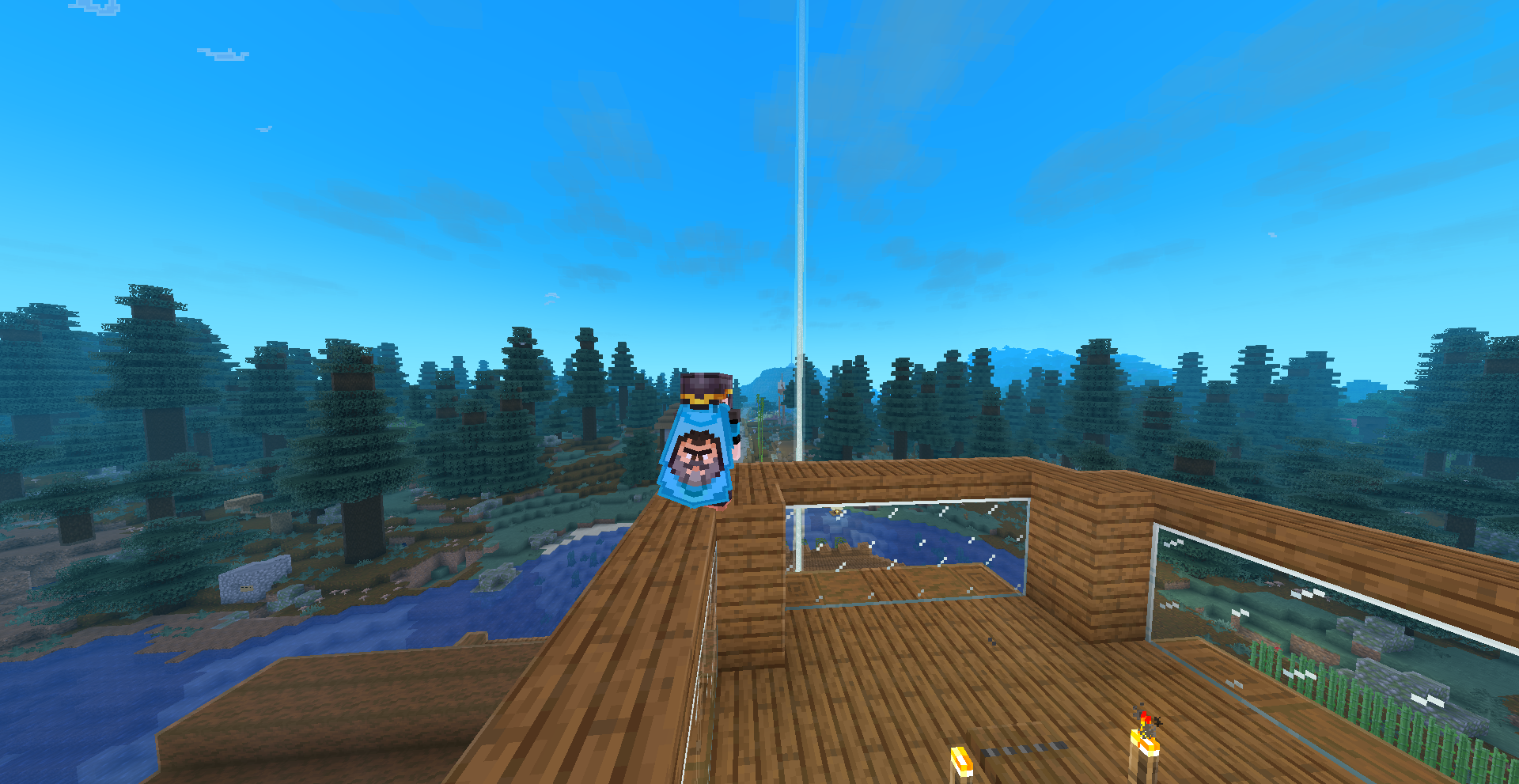
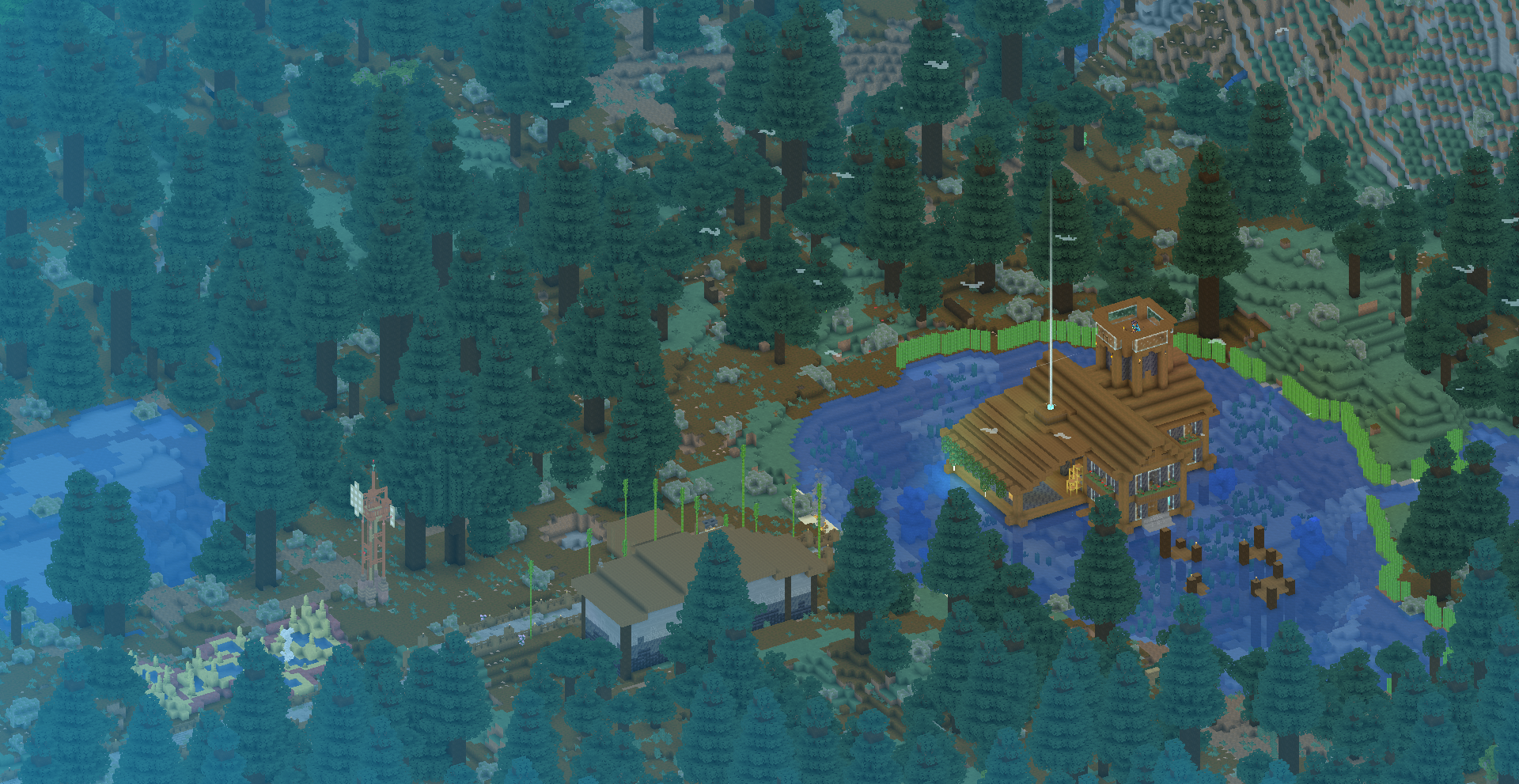
介绍
WGame is here
**This build will give you a more immersive gaming experience. You’ll notice a huge boost in optimization, with every detail meticulously crafted, beautiful animations, and cool functionality. Some versions offer the ability to play on servers running older versions, a rare feature. Animations for eyes, players, mobs, and various blocks are also included. Builders, we’ve also found plenty of cool features for you. With this build, you can try out the Axiom mod. A mod has also been added to some versions that allows you to place blocks more evenly. Server fans rejoice! Communication via the Simple Voice and Plasmo Voice mods is guaranteed and you can add emoticons using the Stendhal mod!
This build expands Minecraft, making it more interesting, beautiful, and functional. You’ll be able to hear birds, seething water, and much more. The Particular mod will make the world even more atmospheric. Unfortunately, not all of these features work on all versions of the build.
If you want to love Minecraft, then this build is for you!**
Today availble the 6.1.0 version
This mod pack adds atmosphere to the game, making it beautiful while still preserving the game’s style.
Screenshots from game without shaders


For users with nvidia grafics
There is also a version for users with an NVIDIA graphics card that uses the nvidium mod. When the mod is enabled, optimization improves significantly, but the entire atmosphere — fog, special glow — disappears. This version is for those who want a purely visually appealing, optimized version.
包含的模组 120 个,另有 3 个其他文件
 3D Harnesses x Fresh Animations
 [EMF] Entity Model Features
 [ETF] Entity Texture Features
 AmbientSounds
 Animated Mojang Logo
 苹果皮
 Architectury API
 ATMOSPHERICS
 Axiom
BadOptimizations
 Balm
 Better Advancements
 Better Clouds
 BetterF3
 BetterGrassify
 Boat Item View
 Chat Heads
 Chunky
 ClickThrough Plus
 Cloth Config API
 Compacting
 Complementary Shaders - Reimagined
 Continuity
 Cool Rain
 CreativeCore
 Cubes Without Borders
 CustomSkinLoader
 DualBar
 Dynamic FPS
 Elytra Contrails Mod
 Emotecraft
 实体剔除
 Entity View Distance
 Explosive Enhancement
 Fabric API
 Fabric Language Kotlin
 Falling Leaves
 Far Block Entity Rendering
 FerriteCore
 Flashback
展开全部 120 个
 Forge Config API Port
 FPS Reducer
 Fresh Animations
 Fresh Animations: Emissive
 Fresh Animations: Objects
 Fresh Animations: Player Extension
 Fzzy Config
 Head in the Clouds
 Held Item Info
 I Like Vanilla
 ImmediatelyFast
 Infinite Zoom
 Inventory Blur
 Inventory Particles
 Inventory Profiles Next
 Iris Shaders
 LambDynamicLights - Dynamic Lights
 Language Reload
 libIPN
 LibJF
 Litematica
 锂
 Locator Heads
 Low Shield
 MaLiLib
 Marlow's Crystal Optimizer
 Mob Watching
 模组菜单
 More Chat History
 More Culling
 MossyLib
 Motschen's Better Leaves
 鼠标微调
 MRU
 No Resource Pack Warnings
 Not Enough Animations
 Not Enough Crashes
 OptiGUI
 Packed Packs
 Packet Fixer
 Particle Core
 Physics Mod
 Picture Mode
 Ping View
 Plasmo Voice
 Player Animation Library
 Polytone
 Punchy!
 Reese's Sodium Options
 Resourcify
 Respackopts
 Screenshot Viewer
 Shoulder Surfing Reloaded
 Shulker Box Tooltip
 Simple Voice Chat
 Skin Shuffle
 Smart Block Placement
 Smooth Scrolling
 钠
 Sodium Extra
 Sodium Shadowy Path Blocks (SSPB)
 Sound Physics Remastered
 Sounds
 Status Effect Bars
 Stendhal
 Stfu
 Text Placeholder API
 TimelessLib
 Unobtrusive Beacons
 VeinMiner
 ViaBackwards
 ViaFabric
 ViaVersion
 Visuality
 Wakes
 WaxyVision
 Windy
 Xaero的小地图
 Xaero的世界地图
 YetAnotherConfigLib (YACL)
绿色边框的模组本站有收录,点进去看中文介绍;其余跳转到 Modrinth。
常见问题
WGame 支持哪些 Minecraft 版本?
WGame 支持 Minecraft Java 版 1.21.1–26.2,共 6 个版本,可用的加载器:Fabric。下载时注意选择和你游戏版本一致的文件。
WGame 怎么安装?
点本页「前往下载」拿到整合包文件(Modrinth 的是 .mrpack,CurseForge 的是 .zip),在 PCL2 或 HMCL 启动器里选择「导入整合包」,启动器会自动装好 Minecraft、加载器和全部模组。这个整合包有 120 个模组,建议在启动器里给游戏分配 4–6 GB 内存。
WGame 开服需要多大内存?
推荐服务器内存 12 GB。在线人数多、或者建了大量机器和区块加载器时,可以再加 2–4 GB。
怎么和朋友一起玩 WGame?
点本页的「一键开服」,选好配置后会自动安装 WGame 的服务端,几分钟就能开好。把服务器地址发给朋友,大家用同一个版本的整合包连进去就行。

评论
登录后评论和评分