
Miku vs Horror
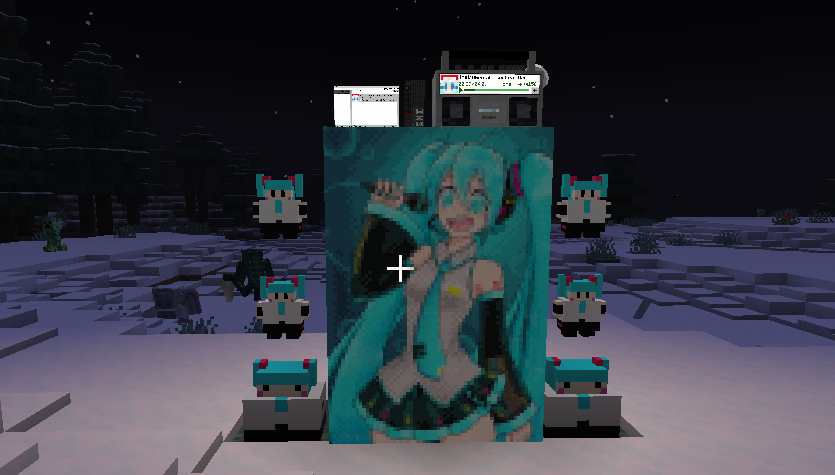
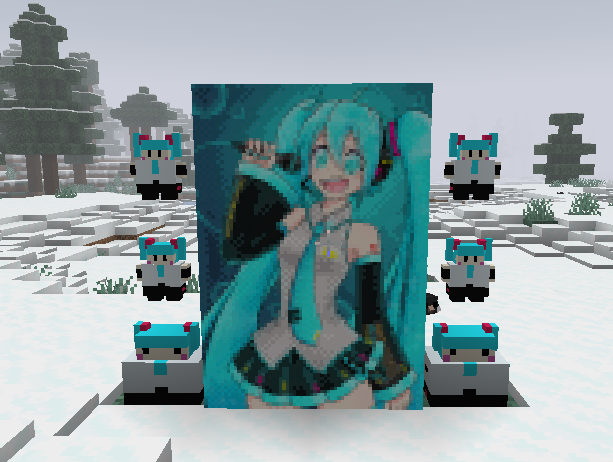
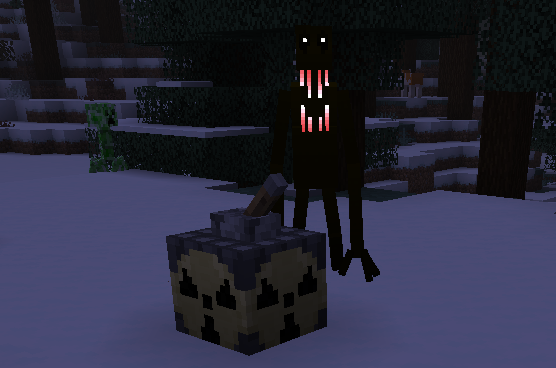
Miku is having troubles now that the horror apocalypse has come! You must develop better technology and new weapons in order to tell the various mysterious and horrifying creatures that infest your world whose world it is! (It is Miku’s world) 🩵
截图

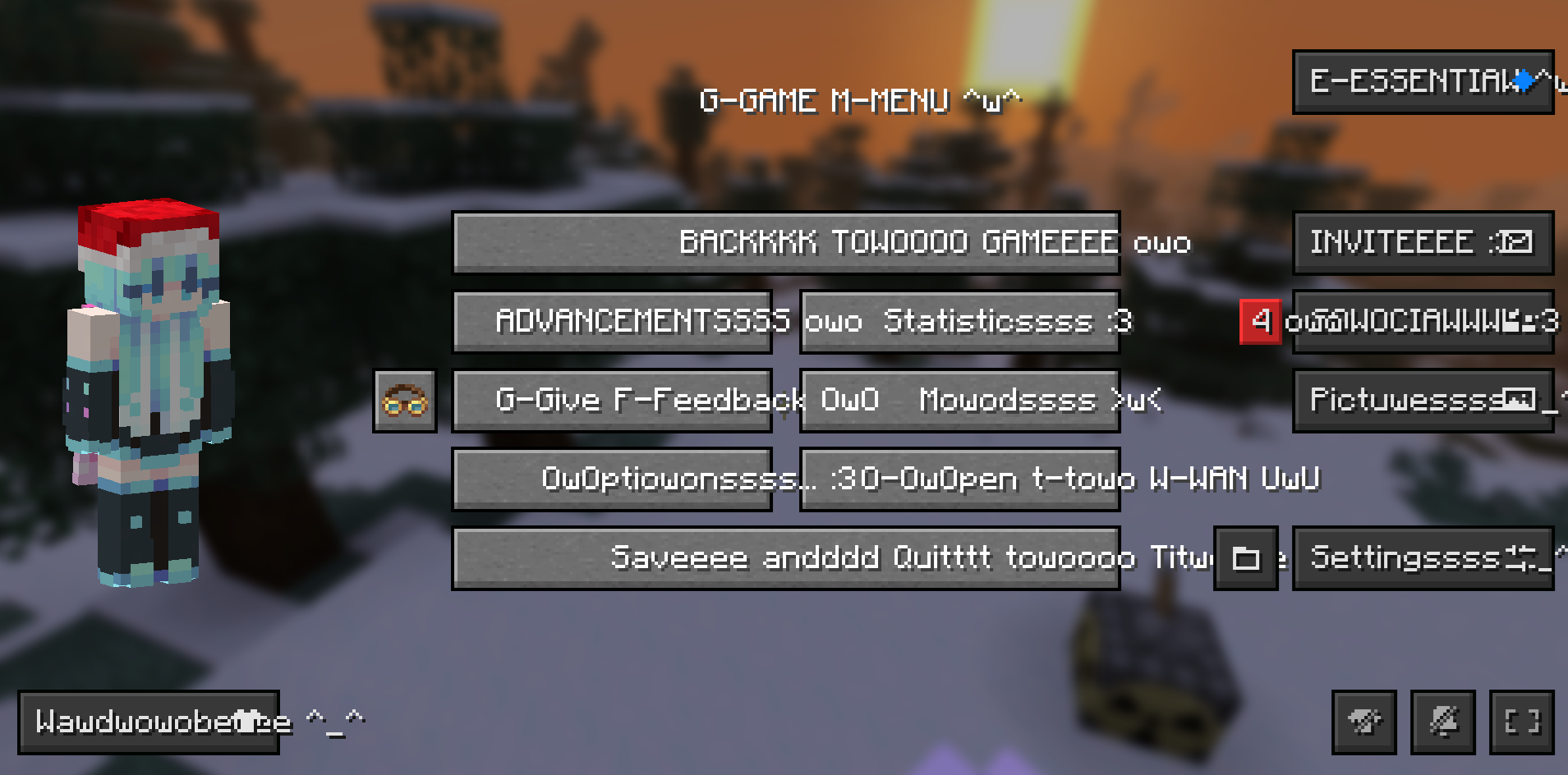
介绍
Hatsune Miku fights off horror creatures! Based on the modpack HorrorCraft, with more mods added: https://modrinth.com/modpack/horror-craft/version/V1
It is recommended to install Cupboard and SmoothChunkSave to reduce lag.
Goal of the Modpack
You must develop technology and advanced weapons, preferably with the help of your friends, in order to defeat or negate the effect of the various horror creatures roaming your world.
Who is Hatsune Miku?
Hatsune Miku is the creator of Minecraft and also the owner of the entire universe! More seriously, Hatsune Miku is a vocaloid created in 2007. A vocaloid is basically a type of voice-synthesizing software designed for making singing vocals. You can get a Hatsune Miku plushie in-game thanks to Boiler’s mod!
Horror?
Yes. The world has been infested with mysterious and horrifying beings. Make sure to hide at night or bad things will happen to you. Always stay on the lookout, always keep your guard up. Make sure to always be on the move or they will find you. Eventually, you may be able to defeat these creatures using your own ingenuity.
Tips
- Use JEI to help find the recipes for things. Press “r” over items to find out how to craft them.
- Build an underground base, and make sure you’re underground during night time.
- Don’t stay too close near spawn.
- Craft iron with coal, then smelt it in a blast furnace.
- Craft a Timey-Wimey detector.
- Make a copper cauldron to purify water.
- Be careful in caves.
- Request help from your friends
- Use a backpack
- If you are lost above the bedrock layer, starve yourself to death by setting the game to Hard mode. If you are lost in the checkerboard dimension, break the block below you and fall into the void.
Known Bugs
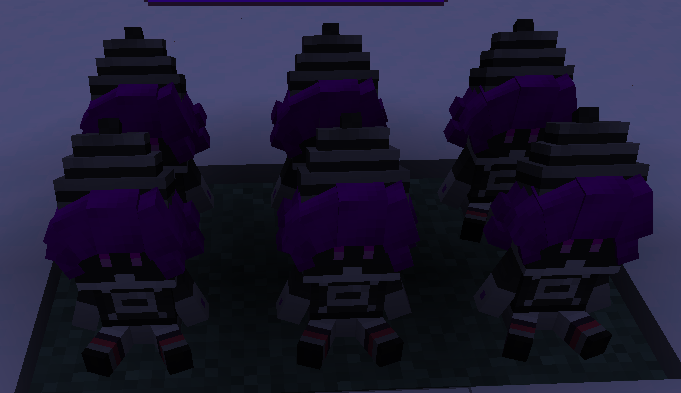
- Don’t right-click Murder Drones plushies it won’t end well.
- Search doesn’t work in the creative menu anymore, I’m not sure why. Just use JEI for searching stuff.
- Emptying a stack of water bottles into water leaves you with just one empty bottle.
Contact Us
- Do you have any questions?
- Do you need people to join your world for help?
- Have you found a bug?
- Are you having trouble figuring out what to do?
- Have you gotten stuck in a death-loop?
- Or do you just want to chat with others?
Then join the discord server!!! https://discord.gg/25QHFRkQ3h
包含的模组 182 个,另有 3 个其他文件
 3D皮肤层
 80% Abandoned Villages
 [DEPRECATED]Create Enchantment Industry - Fabric Legacy
 A Man With Plushies
 Additional Structures
 Adorn
 Advanced Netherite
 AmbientSounds
 Amendments
 Architectury API
 AzureLib
 bad packets
BadOptimizations
 BCLib
 Better Third Person
 Biome Makeover
 BLAST
 Bliss Shaders
 Blur+
 Boiler's Mod
 Botarium
 Camera Overhaul
 Camera Utils
 Cave Dust
 Cave Dweller Evolved (Fabric)
 Cave Dweller Fabric
 CC: Tweaked
 Chat Heads
 Chunky
 Cloth Config API
 Clumps
 Collective
 Comforts
 Complementary Shaders - Reimagined
 Complementary Shaders - Unbound
 Concurrent Chunk Management Engine (Fabric)
 Continents
 Create Big Cannons
 Create Crafts & Additions
 Create Deco
展开全部 182 个
 Create Fabric
 Create Jetpack
 Create: Big Contraptions
 Create: Copycats+
 Create: Diesel Generators [Fabric]
 Create: Dreams & Desires
 Create: Food
 Create: Garnished
 Create: New Age
 Create: Nuke
 Create: Oxidized
 Create: Power Loader (Fabric)
 机械动力:蒸汽与铁路
 Create: Ultimate Factory
 CreativeCore
 Dark Enchanting [NeoForge/Fabric]
 Dark Loading Screen
 Dark Waters
 Dawn API
 Deeper and Darker
 Dehydration
 Distant Friends
 Doctor Who: Weeping Angels
 Dynamic FPS
 Eating Animation
 Enhanced Block Entities
 EnhancedVisuals
 实体剔除
 Epoch
 Essential Mod
 Estrogen
 Etcetera
 Every Compat (Wood Good)
 Exordium
 Exposa Shaders
 Exposure
 Fabric API
 Fabric Language Kotlin
 Fabric Seasons
 Fabric Seasons: Delight Compat
 Fabrishot
 Falling Leaves
 Farmer's Delight Refabricated
 Farmer's Knives
 FastAnim
 FastPBR
 Female Gender Mod
 FerriteCore
 First-person Model
 Fog
 Forge Config API Port
 From Another World
 From The Fog
 FromAnotherLibrary
 Galosphere
 Geckolib
 Gigeresque
 Haunted Harvest
 Headed
 Iam Music Player
 ImmediatelyFast
 Immersive Paintings
 Incendium Legacy
 Indium
 Infinity Cave
 Insanity Shader
 InvMove
 Iris Shaders
 JEI物品管理器
 Just Player Heads
 Kappa Shader
 Kiwi 🥝
 Krypton
 LambDynamicLights - Dynamic Lights
 LazyDFU
 Leaves Be Gone
 锂
 Lychee
 Make Bubbles Pop
 Memory Leak Fix
 MidnightLib
 模组菜单
 ModernFix
 Moonlight Lib
 More Culling
 More Mob Variants
 MRU
 Naturalist
 自然指南针
 Noisium
 Not Enough Animations
 Nullscape
 Nyf's Spiders
 Omnixerio Modding Library
 Otyacraft Engine
 oωo (owo-lib)
 帕秋莉手册
 Plush Drones
 Polymorph
 Presence Footsteps
 Promenade
 Puzzles Lib
 Reacharound
 Realistic Bees
 Realistic Campfires
 Reese's Sodium Options
 Regions Unexplored
 Resourceful Config
 Resourceful Lib
 Rethinking Voxels
 Sawmill
 SCP: Sharp
 ServerCore
 Simple Animated Guns (Fan Retextured)
 Simple Voice Chat
 SmartBrainLib
 Snowy Spirit
 钠
 Sodium Extra
 精妙背包
 Sophisticated Core (Unofficial Fabric port)
 Spelunkery
 Starlight (Fabric)
 StutterFix
 锦致装饰
 Supplementaries Squared
 TerraBlender
 Terralith
 The Man From The Fog - Fabric
 Thigh highs etc.
 Trinkets
 Twigs
 Visual Workbench
 Wavey Capes
 Wildlife [Fabric]
 WTHIT
 Xaero的小地图
 YetAnotherConfigLib (YACL)
 YoFPS
 YUNG's API
 YUNG's Bridges
 Zoomify (Zoom)
绿色边框的模组本站有收录,点进去看中文介绍;其余跳转到 Modrinth。
常见问题
Miku vs Horror 支持哪些 Minecraft 版本?
Miku vs Horror 基于 Minecraft Java 版 1.20.1,使用 Fabric 加载器。
Miku vs Horror 怎么安装?
点本页「前往下载」拿到整合包文件(Modrinth 的是 .mrpack,CurseForge 的是 .zip),在 PCL2 或 HMCL 启动器里选择「导入整合包」,启动器会自动装好 Minecraft、加载器和全部模组。这个整合包有 182 个模组,建议在启动器里给游戏分配 6–8 GB 内存。
Miku vs Horror 开服需要多大内存?
推荐服务器内存 12 GB。在线人数多、或者建了大量机器和区块加载器时,可以再加 2–4 GB。
怎么和朋友一起玩 Miku vs Horror?
点本页的「一键开服」,选好配置后会自动安装 Miku vs Horror 的服务端,几分钟就能开好。把服务器地址发给朋友,大家用同一个版本的整合包连进去就行。
miyuwi.author 的其他作品
查看全部 →
Miku-topia!
Welcome to Mikutopia! Not really, it isn't here yet. But you can make it hopefully! Advance your civilization until you are unstoppable!

Mariana Technology & Research Institute RP Pack
This project is a modpack which has a bunch of mods useful to roleplay and building.
Mariana Technology & Research Institute RP Pack
This project is a modpack which has a bunch of mods useful to roleplay and building.
评论
登录后评论和评分