
The Voxy VR Test Experience
This is the modpack I used in my video to see how well Vivecraft works with Voxy
截图
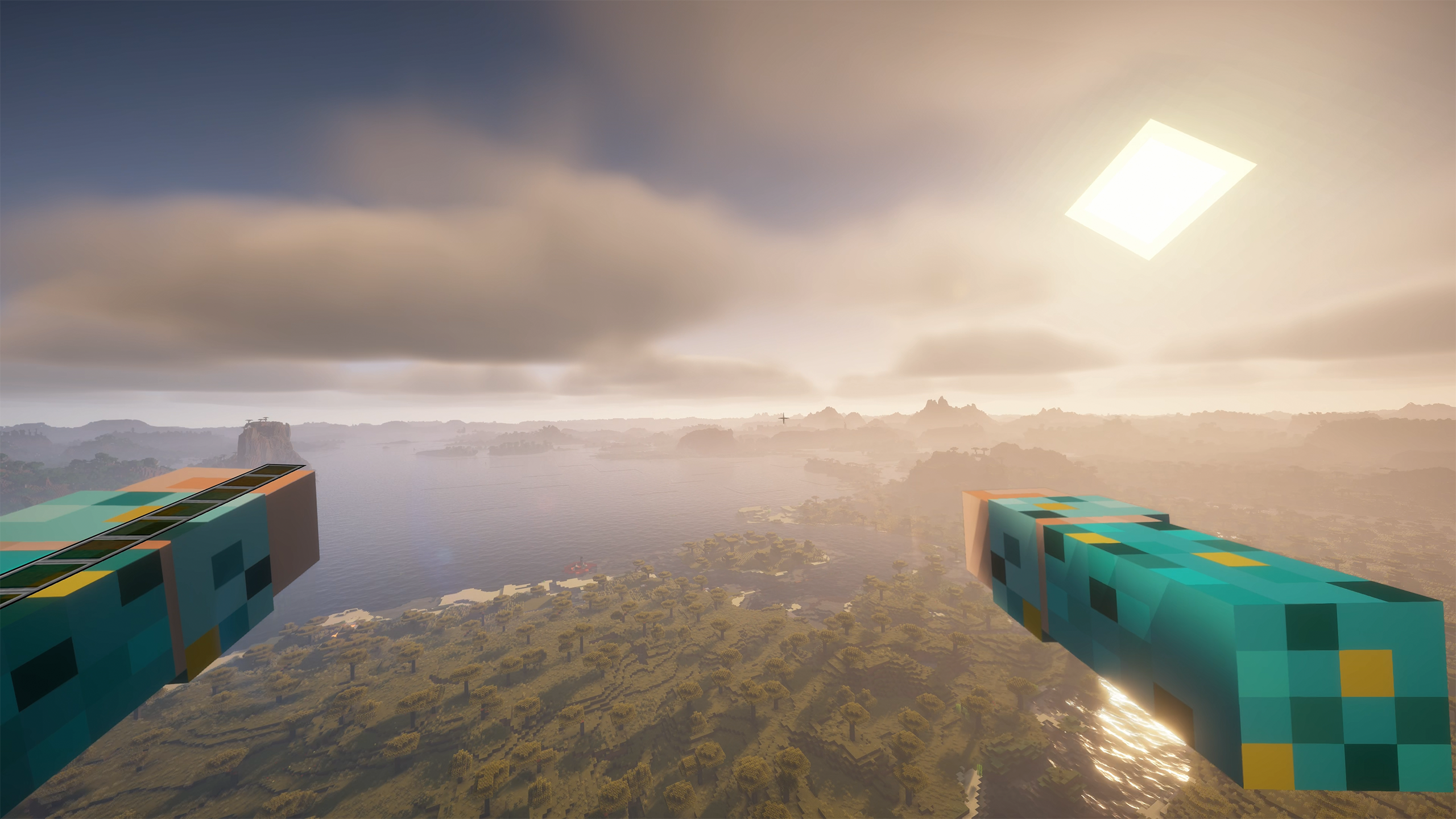
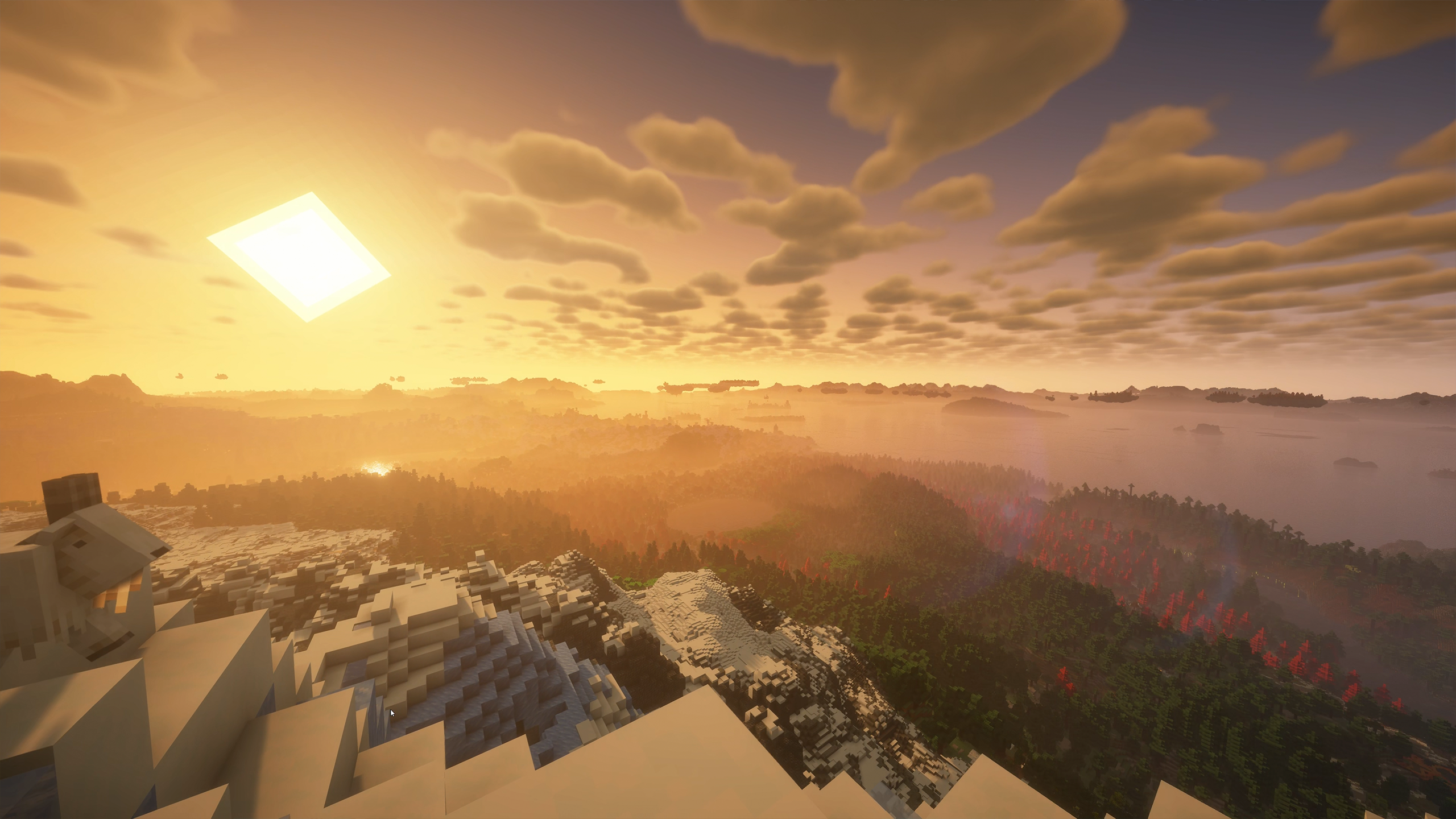
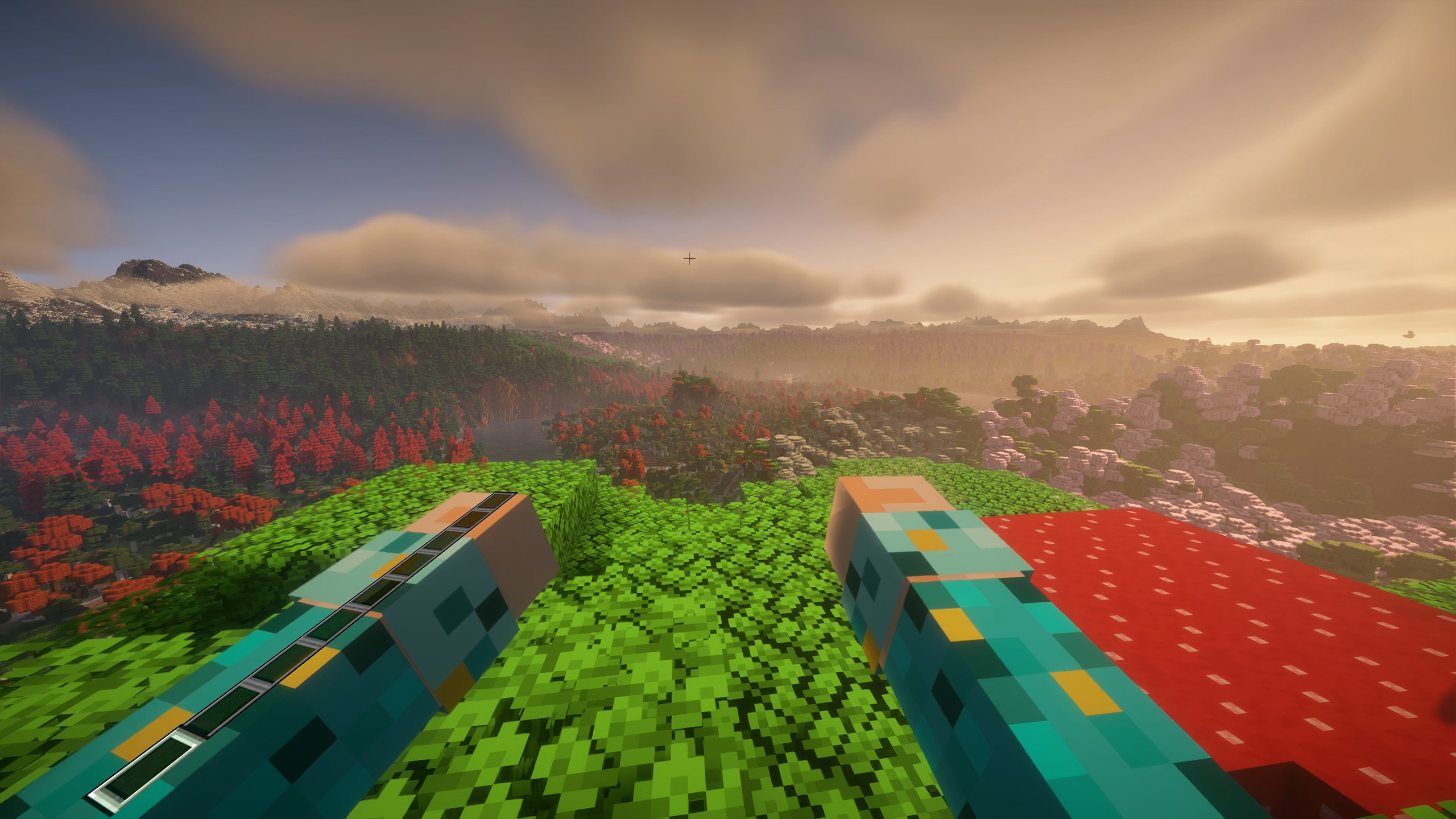
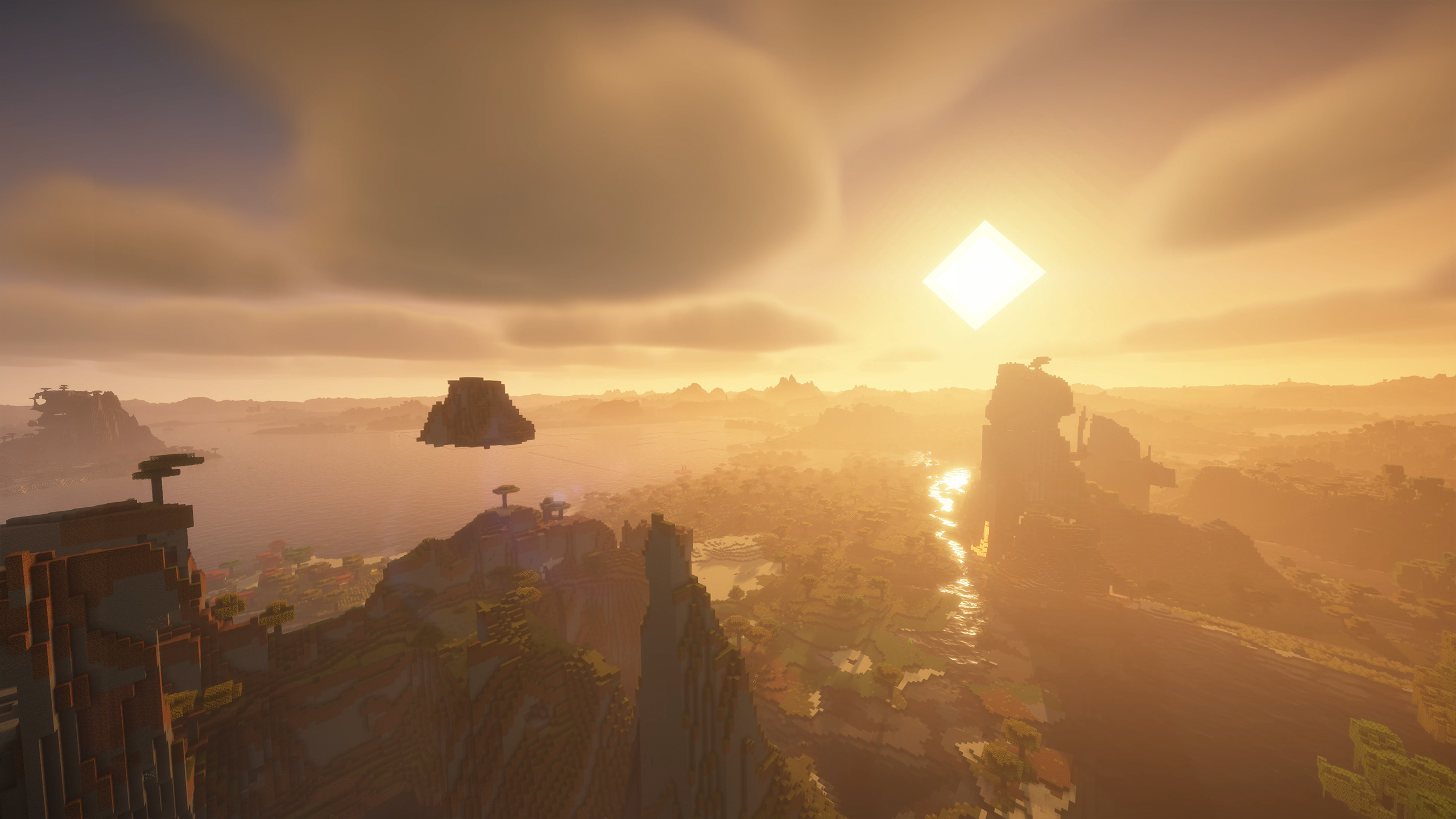
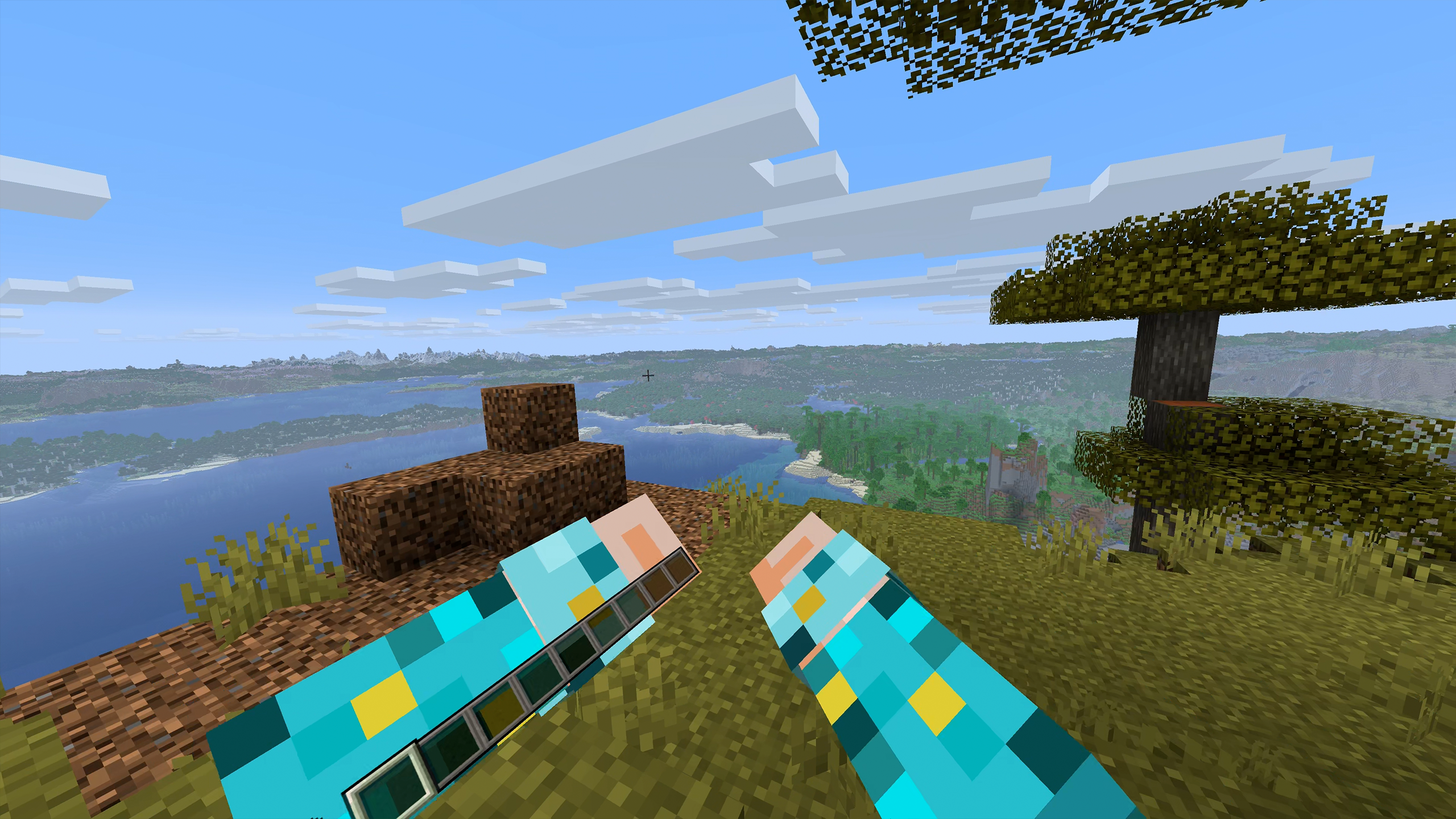
介绍
I made this modpack to test out how well the mod Voxy works with Vivecraft and Minecraft VR mods.
This pack contains mods that allow you to play in VR with Voxy and also modifies the terrain/world generation to maximise the wow factor of using a mod like this. I also added some preformance mods to maximise fps as much as possible.
I have a 5090 and 9950x3d so your results may vary especially if you try shaders but I think most can try this and will see a benefit with shaders disabled.
If you wish to follow what I did exactly then see below:
1 – disable vivecraft and voxy and start minecraft in flatscreen.
2 – Generate the world then enter these commands to get chunky to start loading the chunks:
/chunky shape circle
/chunky radius 512c
/chunky start
3 – When it finishes quit the game, turn on vivecraft and voxy, start the game again and load into the world.
4 – Start Voxy loading using this command: /voxy import world “your world name”
5 – Wait for it to load and if you feel like it then try turning on the BSL shader
Enjoy 🙂
包含的模组 53 个
 [EMF] Entity Model Features
 [ETF] Entity Texture Features
 Architectury API
BadOptimizations
 Bliss Shaders
 BSL Shaders
 Chunky
 Cloth Config API
 Cobweb
 Concurrent Chunk Management Engine (Fabric)
 Dungeons and Taverns
 实体剔除
 Fabric API
 Fabric Language Kotlin
 Falling Leaves
 Fast Noise
 FerriteCore
 Forge Config API Port
 Fresh Animations
 Fzzy Config
 Harvest with ease
 ImmediatelyFast
 ImmersiveMC
 Inventory Sorting
 Iris Shaders
 Ixeris
 LambdaBetterGrass
 LambDynamicLights - Dynamic Lights
 锂
 Lithostitched
 Luki's Grand Capitals
 模组菜单
 MRU
 oωo (owo-lib)
 Particle Core
 Particle Rain
 Particular ✨ Reforged
 Photon Shaders
 Presence Footsteps
 Reacharound
展开全部 53 个











左侧绿标的模组本站有收录,点进去看中文介绍;其余跳转到 Modrinth。
常见问题
The Voxy VR Test Experience 支持哪些 Minecraft 版本?
The Voxy VR Test Experience 基于 Minecraft Java 版 1.21.11,使用 Fabric 加载器。
The Voxy VR Test Experience 怎么安装?
点本页「前往下载」拿到整合包文件(Modrinth 的是 .mrpack,CurseForge 的是 .zip),在 PCL2 或 HMCL 启动器里选择「导入整合包」,启动器会自动装好 Minecraft、加载器和全部模组。这个整合包有 53 个模组,建议在启动器里给游戏分配 4–6 GB 内存。
The Voxy VR Test Experience 开服需要多大内存?
推荐服务器内存 12 GB。在线人数多、或者建了大量机器和区块加载器时,可以再加 2–4 GB。
怎么和朋友一起玩 The Voxy VR Test Experience?
点本页的「一键开服」,选好配置后会自动安装 The Voxy VR Test Experience 的服务端,几分钟就能开好。把服务器地址发给朋友,大家用同一个版本的整合包连进去就行。
TheRyanClifford 的其他作品
查看全部 →
Ryan Cliffords VR Expirence 2!
用这个整合包打造超棒的 Minecraft VR 体验,沉浸感更强,性能更出色!

Ryan Cliffords VR Experience 3
历时3年,我终于做出了下一款完整的 VR 整合包,敢说这是我目前最棒的一款!

Ryan Cliffords VR Experience 2
用这款整合包将 Minecraft 打造成出色的 VR 体验!现在沉浸感更强,性能也更好!

The Cave Dweller VR Experience!
想在 VR 中游玩 Cave Dweller Mod 吗?这个整合包能让你沉浸式体验,感受最惊悚的冒险!
评论
登录后评论和评分