
Prosperity Remodulated
Let the player be overpowered with technoligy, magic, and more! Optimized for servers.
截图

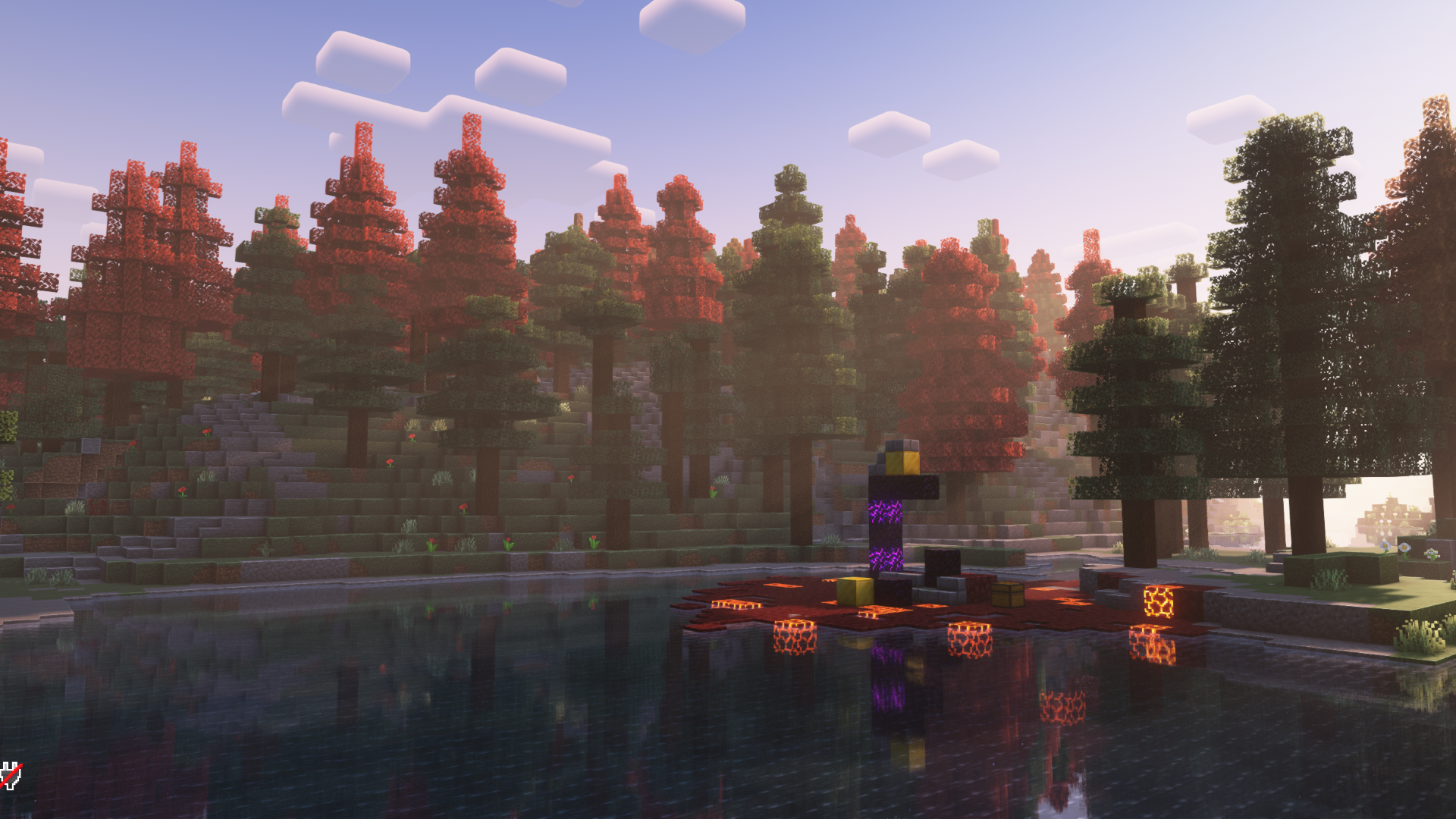
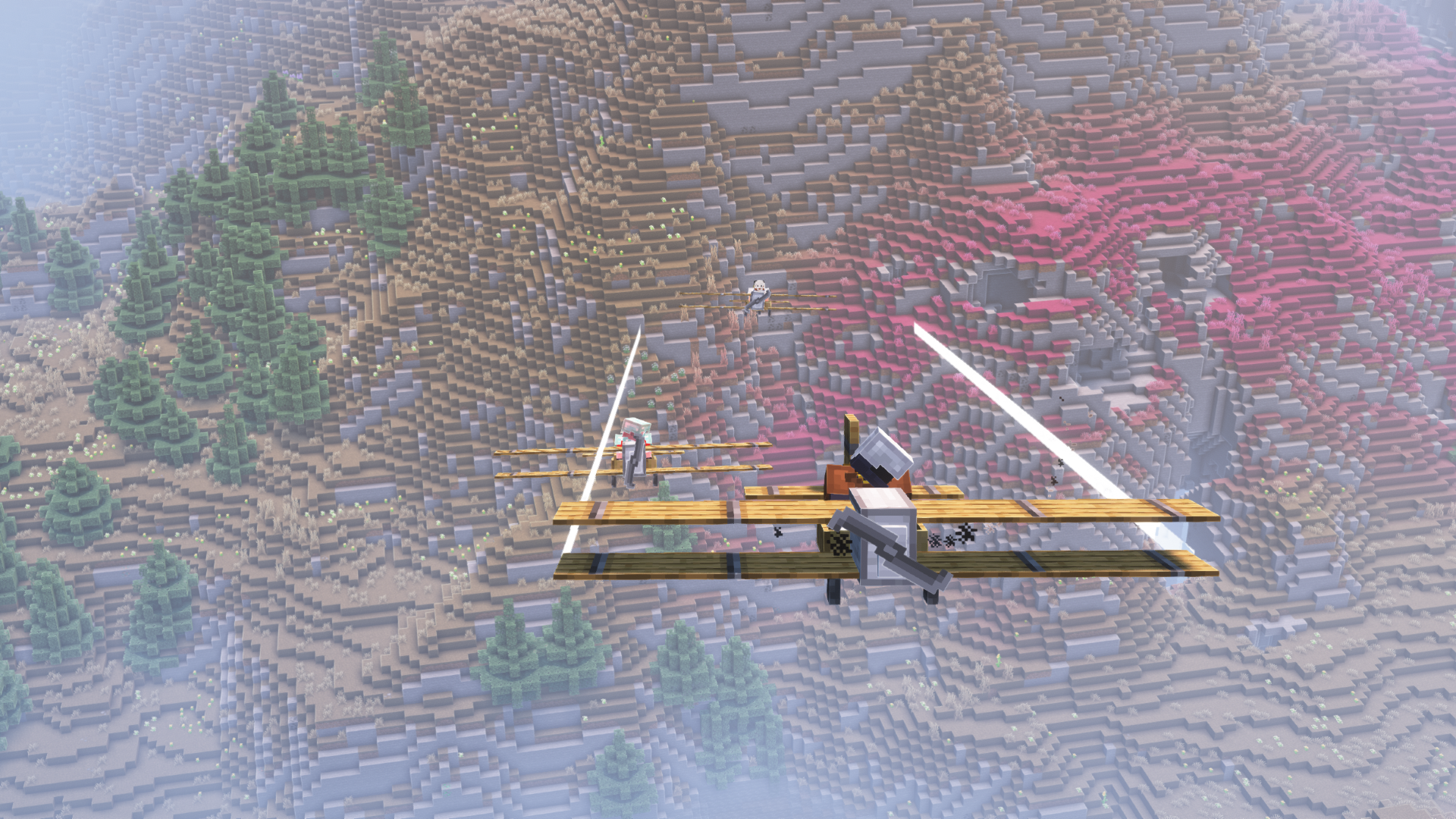
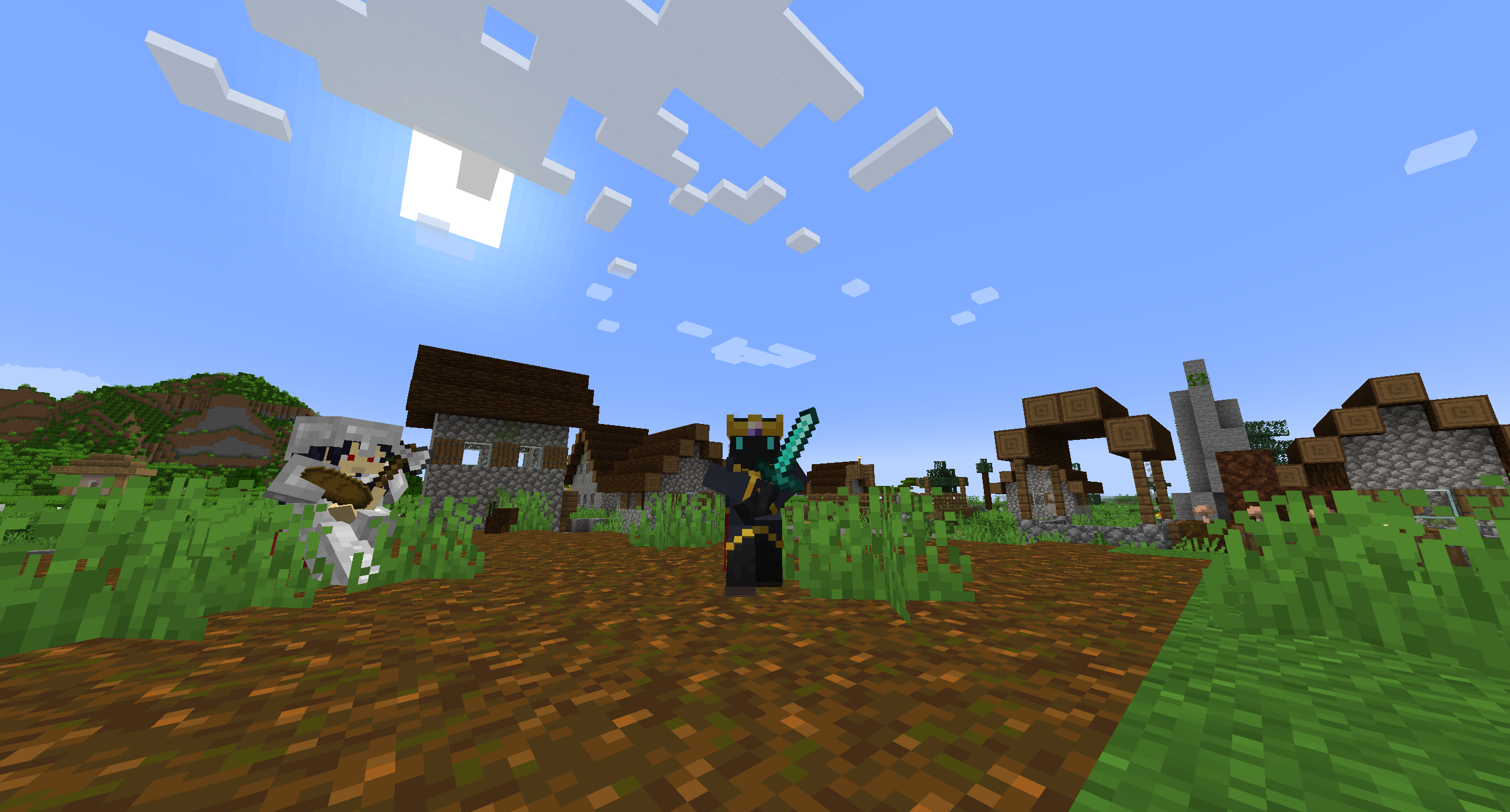
介绍
Prosperity Remodulated is a modpack for the Prosperity SMP server end-of-year event intended to bring the core concept of the vanilla server to the modded world. Let the player be overpowered!
This pack is primarily focused around the Create mod, which strikes a great balance between complexity and features with amazing visuals. In addition there are a number of other tech, magic, and exploration mods, as to give every type of player a good time. You can join the official Remodulated server from December 9th to January 9th, details on our Discord.
Mod List
- Additional Additions
- AdvancementInfo
- AfkDisplay
- Air Hop
- Alternate Current
- Animatica
- Arcanus
- Architectury API
- [Architect’s Palette [FABRIC]](https://modrinth.com/mod/architects-palette-fabric/version/2.2.1)
- bad packets
- [Better Ping Display [Fabric]](https://modrinth.com/mod/better-ping-display-fabric/version/1.19.2-1.1.1)
- Better Resource Pack Sorting
- Better Statistics Screen (Fabric)
- Bobby
- Bosses of Mass Destruction
- Cardinal Components API
- Carpet Discarpet
- Carpet TIS Addition
- Charmonium
- Charm
- ChoiceTheorem’s Overhauled Village
- Chunky
- Cloth Config API
- Collective
- Continuity
- Create Fabric
- Create: Crystal Clear Refabricated
- Cull Less Leaves
- Dawn API
- Emotecraft
- Enhanced Searchability
- EntityCulling
- Expanded Delight
- ExtraSounds
- Fabric API
- Fabric Language Kotlin
- Falling Leaves
- FallingTree
- [Farmer’s Delight [Fabric]](https://modrinth.com/mod/farmers-delight-fabric/version/1.3.9)
- Fastload
- FerriteCore
- Friends&Foes (Fabric)
- Geckolib
- Halfdoors
- Happiness (is a) Warm Gun
- Iceberg
- Immersive Aircraft
- Immersive Armors
- Immersive Paintings
- Indium
- Infusion Table
- Inv View
- InvMove
- Iris Shaders
- Item Model Fix
- ItemFlexer
- Krypton
- LambdaBetterGrass
- LambDynamicLights
- LazyDFU
- Ledger
- Legendary Tooltips
- Lithium
- LuckPerms
- MainMenuChanger
- MmmMmmMmmMmm
- Mod Menu
- Mod-erate Loading Screen
- More Axolotl Variants API
- More Axolotl Variants Mod
- Mouse Tweaks
- Neat
- Nether Chest
- No Enchant Cap
- No More Purple
- Nullscape
- Numismatic Overhaul
- oωo (owo-lib)
- Packages
- Patchouli
- Pick Up Notifier
- Piercing Paxels
- Pingspam
- Player Events
- Prism
- Puzzles Lib
- Rain Be Gone Ritual
- Raise Sound Limit Simplified
- Reasonable Sorting
- Reese’s Sodium Options
- ReplayMod
- Roughly Enough Items (REI)
- Scout
- ServerCore
- Simple Voice Chat
- Smooth Swapping
- Sodium Extra
- Sodium
- spark
- SquakeFabric
- Starlight (Fabric)
- StepUp
- Terralith
- Things
- Time Changer
- TimeOutOut
- Tom’s Simple Storage Mod
- ToolTipFix
- Trinkets
- Universal Ores
- Untitled Duck Mod
- VanitySlots
- Very Many Players (Fabric)
- Visuality
- WTHIT
- YetAnotherConfigLib
- Your Options Shall Be Respected (YOSBR)
- YUNG’s API
- YUNG’s Better Desert Temples
- YUNG’s Better Dungeons
- YUNG’s Better Mineshafts
- YUNG’s Better Ocean Monuments
- YUNG’s Better Strongholds
- YUNG’s Better Witch Huts
- YUNG’s Bridges
- YUNG’s Extras
- Zoomify
- 🔨 Frame API
- 🪵 Twigs
External mods:
- CurseForge: Carpet
- CurseForge: Decorative Blocks
- CurseForge: Illuminations 🔥
- CurseForge: [Small Ships [Fabric & Forge]](https://www.curseforge.com/minecraft/mc-mods/small-ships)
- CurseForge: TerraBlender
- CurseForge: William Wythers’ Overhauled Overworld
- CurseForge: WorldEdit
- CurseForge: Xaero’s Minimap
- CurseForge: Xaero’s World Map
Performance And Optimization
As this modpack is based on Fabric we have a number of performance mods to choose from, and we’re running the majority of the stable ones, however none of this is magic and performance is far from optimal.
- For clients playing in singleplayer we recommend 4 GB – 8 GB of RAM.
- For clients playing on a server you can likely get away with less than 4 GB.
- For servers we recommend 6 GB of RAM minimum and 8 GB to 12 GB for the optimal experience in addition to at least 2 dedicated CPU cores.
As a server owner or in singleplayer you have a number of optimization opportunities you can take advantage of. We recommend taking some time to configure ServerCore and Carpet to get the best performance.
Pro-Tips
- Craft a biplane or other aircraft as quick and easy early game transportation. This is especially useful when you get to the end.
- Learn how to bunnyhop! This feature is added by the Squake mod by default and allows for rapid, skill-based, on foot transport.
- Start bunnyhopping by holding space with some forward momentum.
- Continue to hold space while letting go of the forward key and pressing down a left or right movement key.
- Slowly turn your mouse left or right to increase your speed while holding a side movement key and space.
- Crouch while you’re in the air to convert your momentum to a jump.
- You can disable this entire feature in the
/config/squake.cfgfile.
For Server Owners
- Make sure to set your gamerules for No Enchant Cap.
- We recommend disabling the vanilla anti-cheat with the command
/carpet setDefault antiCheatDisabled trueto fix players rubberbanding.
Defaults
This pack ships with a number opinionated defaults, which are what is running on the official server. If you don’t like them you can delete your /config folder and options.txt, then restart the game which will generate default configuration files for all the mods.
If you only wish to revert the controls then only delete options.txt.
FAQ
How do I play the pack?
We recommend you read the Modrinth help page.
Why are there so many errors when starting the game?
With a modpack this time there will doubtless be a number of errors and exceptions thrown. But if your game starts then you’re probably good.
Why do I keep getting the message “Trying to authenticate voice connection”
Either the server you are connecting to has Simple Voice Chat configured incorrectly or doesn’t have it at all. If you don’t intend on using this mod we recommend you simply uninstall Simple Voice Chat.
How do I update the pack?
Many launcher support downloading Modrinth packs, but some don’t support updating them. Notably this includes Prism Launcher and MultiMC. Unfortunately updating a modpack is quite the process, you can follow these instructions to see how to do it:
- Check the changelog on the latest release! There may be warnings about world corruption or specific update instructions!
- Create a new instance and download the version of the modpack you desire.
- Copy the
options.txtfile to the new instance, this contains your controls and various in game settings. - Copy your
/savesfolder to the new instance, this contains your worlds. - If you have any custom mod configurations you will need to manually copy the old files to the new instance one by one.
- Copy anything else you want to keep from your old instance to the new one.
- Make a backup of your worlds and servers and test that the pack works.
I have another issue…
Reach out to me (@CarbonGhost#5183) on the Prosperity Discord server.
包含的模组 128 个,另有 9 个其他文件
 农夫乐事
 Additional Additions: Vanilla+ QoL, Sniffers, Music, Food
 AdvancementInfo
 AfkDisplay
 Air Hop
 Alternate Current
 Animatica
 Arcanus: Legacy
 Architect's Palette [Fabric]
 Architectury API
 bad packets
 Better Ping Display [Fabric]
 Better Resource Pack Sorting
 Better Statistics Screen
 Bobby
 Bosses of Mass Destruction
 Cardinal Components API
 Carpet Discarpet
 Carpet TIS Addition
 Charm
 Charmonium
 ChoiceTheorem's Overhauled Village
 Chunky
 Cloth Config API
 Collective
 Continuity
 Create Fabric
 Create: Crystal Clear Refabricated
 Cull Less Leaves
 Dawn API
 Emotecraft
 Enhanced Searchability
 实体剔除
 Expanded Delight
 ExtraSounds
 Fabric API
 Fabric Language Kotlin
 Falling Leaves
 FallingTree
 Fastload
展开全部 128 个
 FerriteCore
 Friends&Foes (Fabric/Quilt)
 Geckolib
 Halfdoors
 Happiness (is a) Warm Gun
 Iceberg
 Immersive Aircraft
 Immersive Armors
 Immersive Paintings
 Indium
 Infusion Table
 Inv View
 InvMove
 Iris Shaders
 Item Model Fix
 ItemFlexer
 Krypton
 LambdaBetterGrass
 LambDynamicLights - Dynamic Lights
 LazyDFU
 Ledger
 Legendary Tooltips
 锂
 LuckPerms
 MainMenuChanger
 MmmMmmMmmMmm
 模组菜单
 Mod-erate Loading Screen
 More Axolotl Variants API
 More Axolotl Variants Mod
 鼠标微调
 Neat
 Nether Chest
 No Enchant Cap
 No More Purple
 Nullscape
 Numismatic Overhaul
 oωo (owo-lib)
 Packages
 帕秋莉手册
 Pick Up Notifier
 Piercing Paxels ⚒️
 Pingspam
Player Events
 Prism
 Puzzles Lib
 Rain Be Gone Ritual
 Raise Sound Limit Simplified
 Reasonable Sorting
 Reese's Sodium Options
 ReplayMod
 REI物品管理器
 Scout
 ServerCore
 Simple Voice Chat
 Smooth Swapping
 钠
 Sodium Extra
 spark
 Starlight (Fabric)
 StepUp
 Terralith
 Things
 Time Changer
 TimeOutOut
 Tom's Simple Storage Mod
 ToolTipFix
 Trinkets
 Twigs
 Universal Ores
 Untitled Duck Mod
 VanitySlots
 Very Many Players (Fabric)
 Visuality
 WTHIT
 YetAnotherConfigLib (YACL)
 Your Options Shall Be Respected (YOSBR)
 YUNG's API
 YUNG's Better Desert Temples
 YUNG's Better Dungeons
 YUNG's Better Mineshafts
 YUNG's Better Ocean Monuments
 YUNG's Better Strongholds
 YUNG's Better Witch Huts
 YUNG's Bridges
 YUNG's Extras
 Zoomify (Zoom)
 🔨 Frame API
绿色边框的模组本站有收录,点进去看中文介绍;其余跳转到 Modrinth。
常见问题
Prosperity Remodulated 支持哪些 Minecraft 版本?
Prosperity Remodulated 基于 Minecraft Java 版 1.19.2、1.18.2,使用 Fabric 加载器。
Prosperity Remodulated 怎么安装?
点本页「前往下载」拿到整合包文件(Modrinth 的是 .mrpack,CurseForge 的是 .zip),在 PCL2 或 HMCL 启动器里选择「导入整合包」,启动器会自动装好 Minecraft、加载器和全部模组。这个整合包有 128 个模组,建议在启动器里给游戏分配 4–6 GB 内存。
Prosperity Remodulated 开服需要多大内存?
推荐服务器内存 12 GB。在线人数多、或者建了大量机器和区块加载器时,可以再加 2–4 GB。
怎么和朋友一起玩 Prosperity Remodulated?
点本页的「一键开服」,选好配置后会自动安装 Prosperity Remodulated 的服务端,几分钟就能开好。把服务器地址发给朋友,大家用同一个版本的整合包连进去就行。
CarbonGhost 的其他作品
查看全部 →
Prosperity Client
The official modpack for the Prosperity Minecraft community.
Prosperity Client
The official modpack for the Prosperity Minecraft community.

Prosperity Server
The server side mods used on the Prosperity server.
Prosperity Server
The server side mods used on the Prosperity server.
评论
登录后评论和评分