
截图


介绍


An “alternative” to Mod Menu that’s a lot less usable. (full feature parity not included)
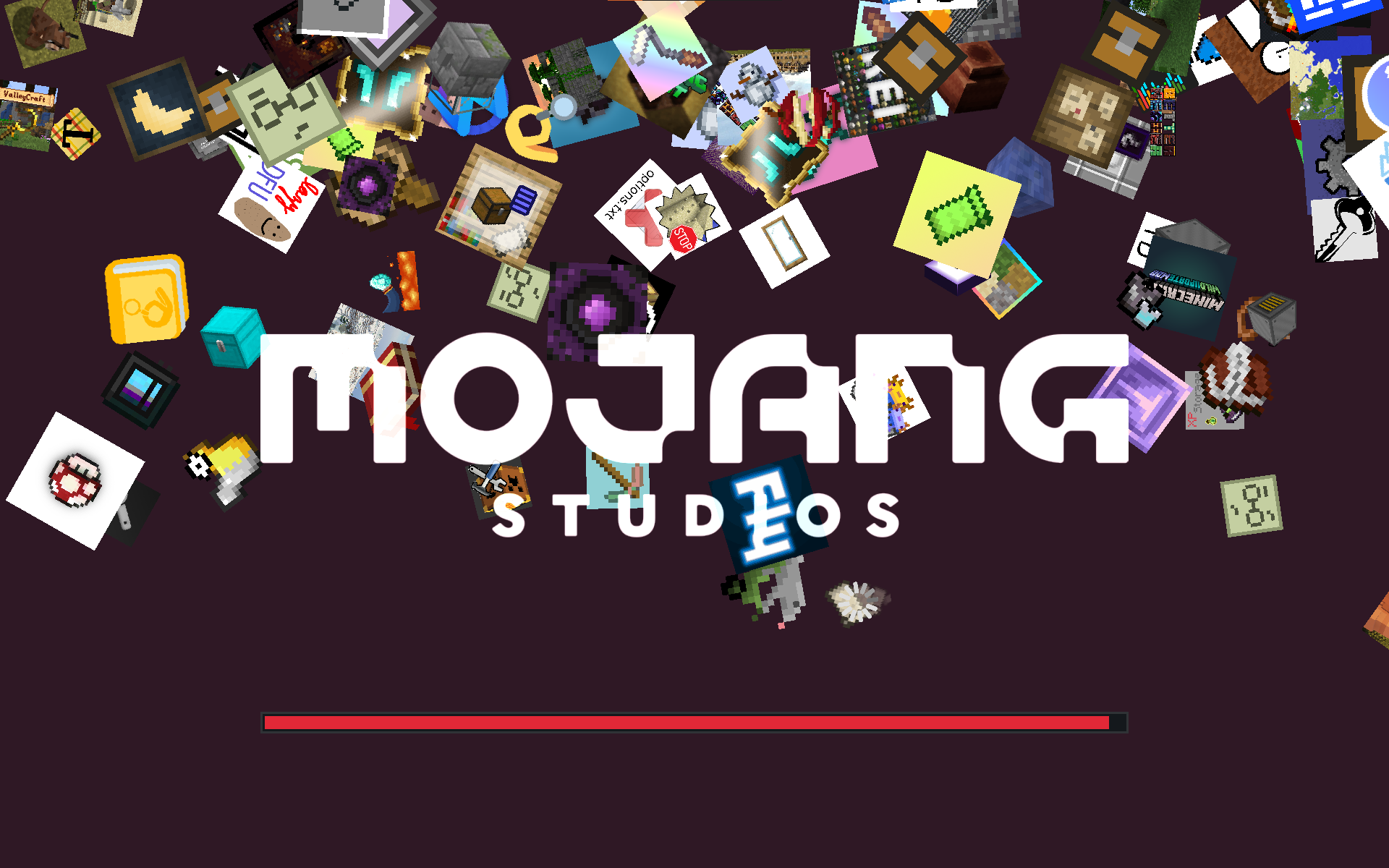
Makes the icons of installed mods fall down the loading screen like snowflakes.
Includes a few configuration options like showing every mod only once,
hiding libraries, and changing the background color.
I’d recommend installing the actual Mod Menu mod to access the configs.
Example of snowflakes mode on the [Benchmark II] modpack with modified background color:
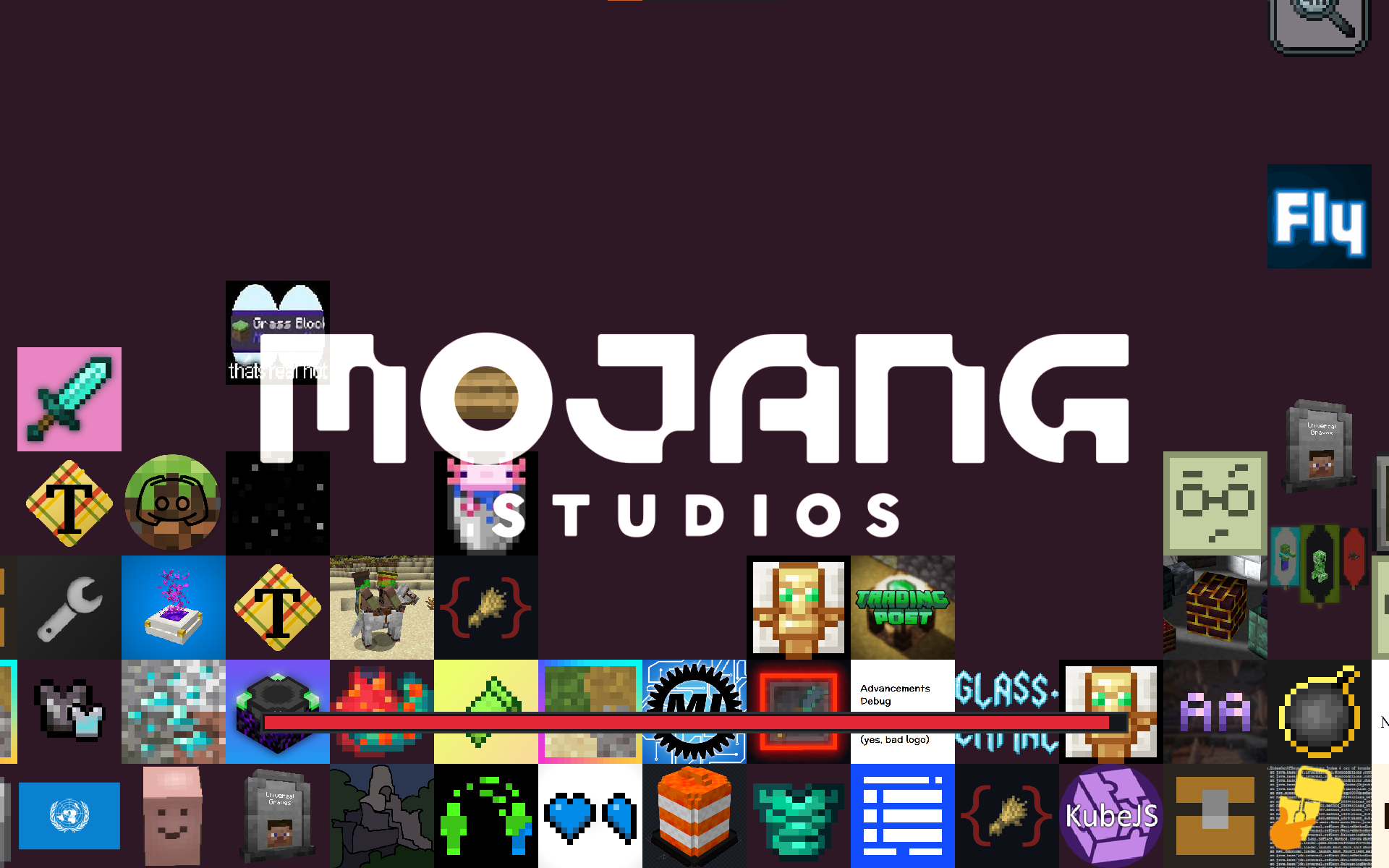
Example of stacking mode, also on [Benchmark II]:
Heavily based on and inspired by Quilt Loading Screen
常见问题
Mod-erate Loading Screen 支持哪些 Minecraft 版本?
Mod-erate Loading Screen 支持 Minecraft Java 版 1.17–1.21.4,共 22 个版本,可用的加载器:Fabric。下载时注意选择和你游戏版本一致的文件。
Mod-erate Loading Screen 怎么安装?
先用 PCL2 或 HMCL 启动器安装对应版本的 Fabric,再把下载的 .jar 文件放进游戏目录的 mods 文件夹,重新启动游戏即可。开启了版本隔离的,mods 文件夹在 versions/版本名 下面。运行环境:仅客户端。
enjarai 的其他作品
查看全部 →
Do a Barrel Roll
Minecraft 鞘翅版微软飞行模拟器。

CICADA
令人困惑、有趣且相当中立的开发辅助工具
Show Me Your Skin!
隐藏或自定义盔甲显示效果的模组。
Show Me Your Skin! (Hide armor)
一款可隐藏或自定义盔甲显示效果的模组。
评论
登录后评论和评分