
QUTMC Quick
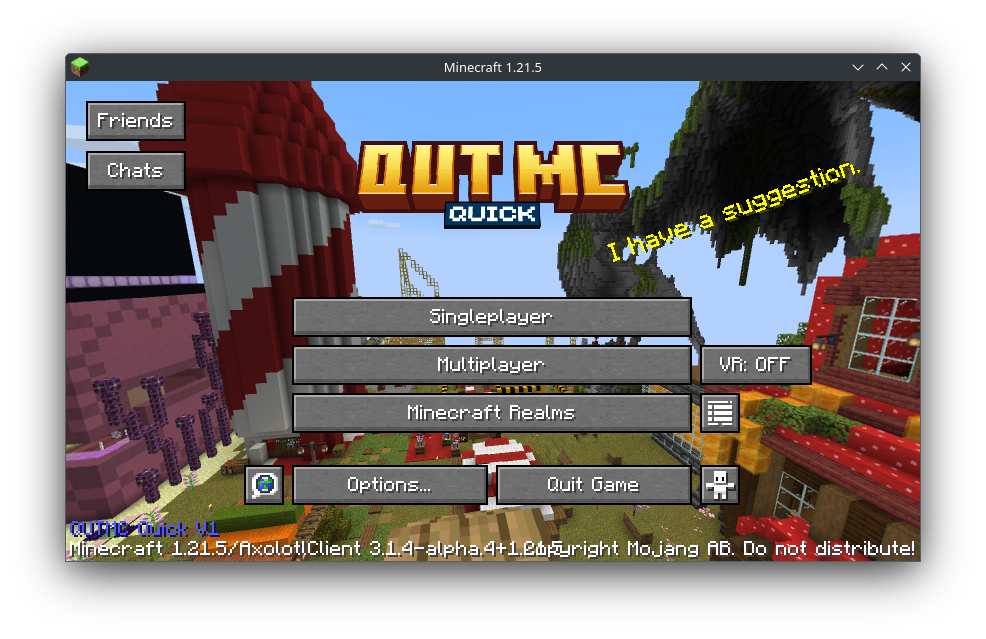
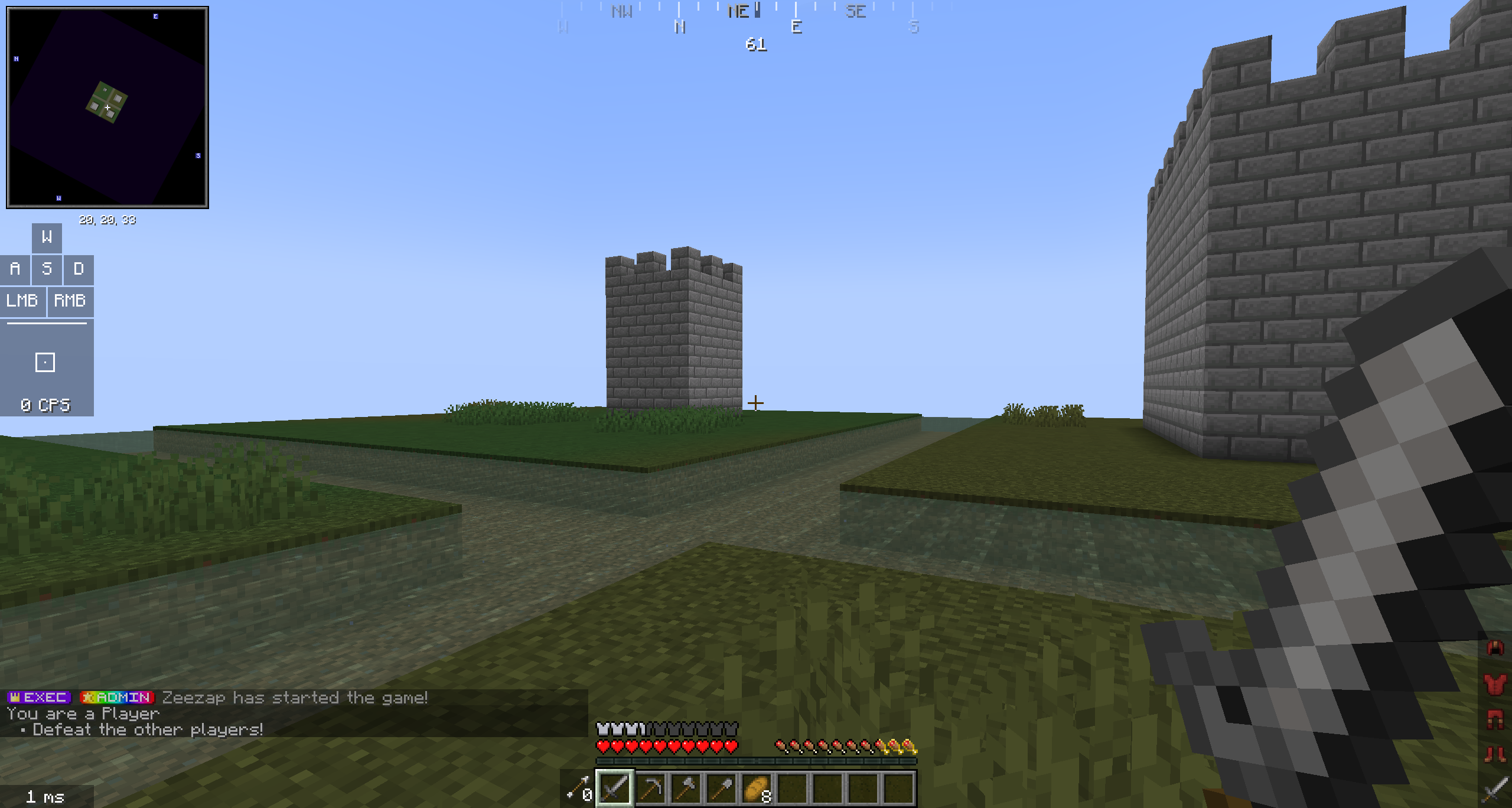
QUTMC Quick is a PVP and building client based on the popular Additive performance pack, it includes compatibility with most optifine features and enhances the gameplay on our server network. This client also includes qutmc.club's server side mods.
截图
介绍


QUTMC Quick is a PVP and building client based on the popular Additive performance pack, it includes compatibility with most optifine features and enhances the gameplay on our server network. This client also includes the server side mods allowing you to use polydecor and such in a singleplayer world.
⭐ Features
🔗 Integration with QUTMC Club
This modpack is designed to provide a performant and enjoyable experience on our server network. It includes multiple integrations on the server side to this client such as inventory sorting, maps and minimaps, litematica and tweakaroo. It also serves as a baseline for the mods we have approved for usage on the server.
🎤 Voice chat
QUTMC Quick includes plasmo voice chat which is installed on the qutmc.club network allowing for push to talk in game!
🪑 Server mods on client
QUTMC quick includes all of the server side mods from qutmc.club. This means you can play around with chairs, tables, plushies and more as you plan out your next major build in creative or just play with friends!
🧑🤝🧑 Multiplayer features
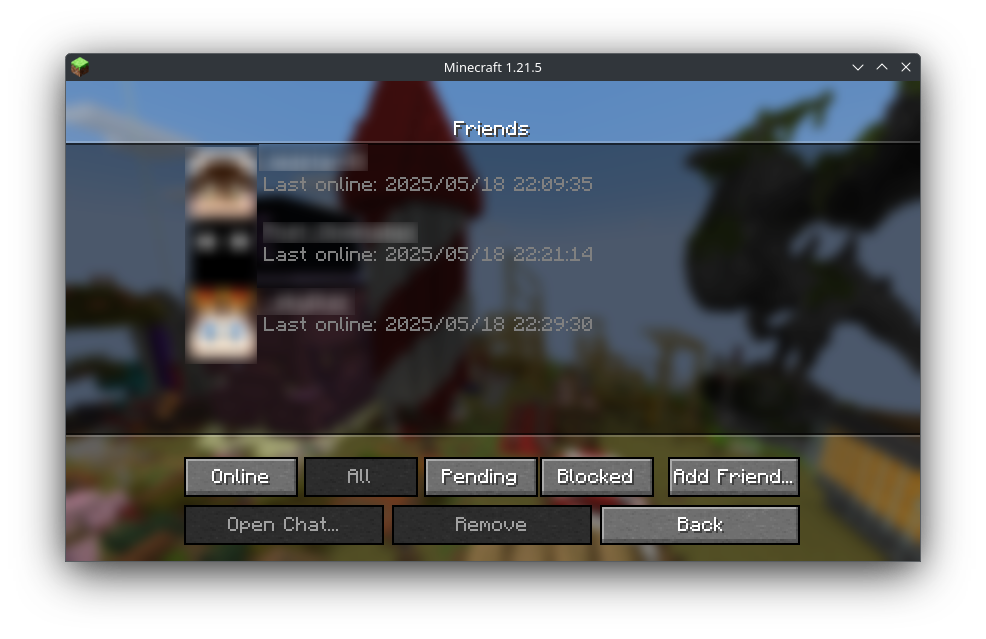
QUTMC Quick utlizes Axolotl Client and e4mc including a seamless friends system which allows you to join eachothers singleplayer worlds, share screenshots, chats and identify other QUTMC Quick (and Axolotl) users in multiplayer servers.
🚀 Major performance improvement
QUTMC Quick is based on Additive which is based on and kept in sync with the Adrenaline modpack. Adrenaline’s aim is to significantly improve rendering and game logic performance, along with memory and hardware usage, without compromising on the game’s looks or features in any way. This is done with various optimization mods that are actively tested for stability and improvement. Some mods are also pre-configured. Adrenaline wouldn’t exist without projects like Sodium, so I advise you to donate to mod authors and contributors if you can.
For the list of performance mods that are included, see this wiki page.
🔍 OptiFine alternatives
QUTMC Quick includes Additive‘s various mods that offers the same features that OptiFine did while also being modular so that you can remove features you don’t want or features that are incompatible with other mods. This includes, but is not limited to:
- Major performance boost from Adrenaline
- OptiFine resource pack features
- Built-in shaders support
- Dynamic lighting from held objects
- Better grass and snow
- OptiFine donator capes (and free capes)
- All OptiFine features and more information on the wiki
⚙️ Mod Sourcing
QUTMC Quick attempts to provide mods that make their source available or are open source however there is excpetions such as the Xaero’s map mods. You can view the source for QUTMC Quick on our github
✅ Hardware Compatibility
QUTMC Quick supports the use of graphics cards with drivers that are compatible with OpenGL 4.6. Most graphics cards released in 2010 or later are compatible. This includes the following hardware:
- Intel HD Graphics 500 Series (Skylake) or newer
- Nvidia GeForce 400 Series (Fermi) or newer
- AMD Radeon HD 7000 Series (GCN 1) or newer
In some cases, older graphics cards may also work (as long as they have drivers which support OpenGL 3.3) but they are not officially supported and may not be compatible in the future.
Android devices that use OpenGL translation layers (such as GL4ES, ANGLE, etc) are not supported and will likely not work with QUTMC Quick’s set of mods. These translation layers do not implement required functionality and suffer from underlying driver bugs which cannot be worked around.
If you are running into problems, you should make sure that your graphics drivers are up-to-date. I also recommend taking a look at this page on the Sodium wiki.
The majority of this was taken from Addivites compatibility section which was taken from Sodium’s hardware compatibility section. I’ll update this accordingly if anything is changed.
🐛 How to Report Issues
Experiencing bugs, crashes, or other issues? Feel free to open an issue on the issue tracker. Be sure to include necessary information like your hardware/software (e.g. GPU and CPU, modpack version and OS) so that it’s easier for us to find issues and resolve them.
❓ Frequently Asked Questions
For a few frequently asked questions, along with tons of other information, consider visiting the documentation. It has a few other helpful resources that I suggest you read, such as troubleshooting info and more. This wiki is often updated with new information.
包含的模组 65 个,另有 2 个其他文件
 [EMF] Entity Model Features
 [ETF] Entity Texture Features
 苹果皮
 Architectury API
 Armor Stand Editor
 Athena
 AxolotlClient - Customizable HUD & Client QoL Features
BadOptimizations
 BetterGrassify
 CalcMod
 Chat Reporting Helper
 Cloth Config API
 Controlify (Controller support)
 Cubes Without Borders
 Dynamic FPS
 e4mc
 Ears
 实体剔除
 Fabric API
 Fabric Language Kotlin
 FastQuit
 FerriteCore
 Fix Keyboard on Linux
 Horse Statistics
 ImmediatelyFast
 Inventory Sorting
 Iris Shaders
 Krypton
 LambDynamicLights - Dynamic Lights
 Language Reload
 Litematica
 锂
 Main Menu Credits
 MaLiLib
 MidnightLib
 模组菜单
 Model Gap Fix
 鼠标微调
 No Chat Reports
 OptiGUI
展开全部 65 个
 PolyDecorations
 Polydex
 Polymer
 Puzzle
 Reese's Sodium Options
 REI物品管理器
 Scribble
 ServerCore
 Shulker Box Tooltip
 Simple Resource Loader
 Simple Voice Chat
 钠
 Sodium Extra
 StackDeobfuscator
 Styled Chat
 styled renaming
 Text Placeholder API
 ThreadTweak
 Tweakeroo
 Universal Shops
 Vivecraft
 Xaero的小地图
 Xaero的世界地图
 YetAnotherConfigLib (YACL)
 Your Options Shall Be Respected (YOSBR)
绿色边框的模组本站有收录,点进去看中文介绍;其余跳转到 Modrinth。
常见问题
QUTMC Quick 支持哪些 Minecraft 版本?
QUTMC Quick 基于 Minecraft Java 版 1.21.8、1.21.7、1.21.5,使用 Fabric 加载器。
QUTMC Quick 怎么安装?
点本页「前往下载」拿到整合包文件(Modrinth 的是 .mrpack,CurseForge 的是 .zip),在 PCL2 或 HMCL 启动器里选择「导入整合包」,启动器会自动装好 Minecraft、加载器和全部模组。这个整合包有 65 个模组,建议在启动器里给游戏分配 4–6 GB 内存。
QUTMC Quick 开服需要多大内存?
推荐服务器内存 12 GB。在线人数多、或者建了大量机器和区块加载器时,可以再加 2–4 GB。
怎么和朋友一起玩 QUTMC Quick?
点本页的「一键开服」,选好配置后会自动安装 QUTMC Quick 的服务端,几分钟就能开好。把服务器地址发给朋友,大家用同一个版本的整合包连进去就行。
评论
登录后评论和评分