截图
介绍
Armor Stand Editor

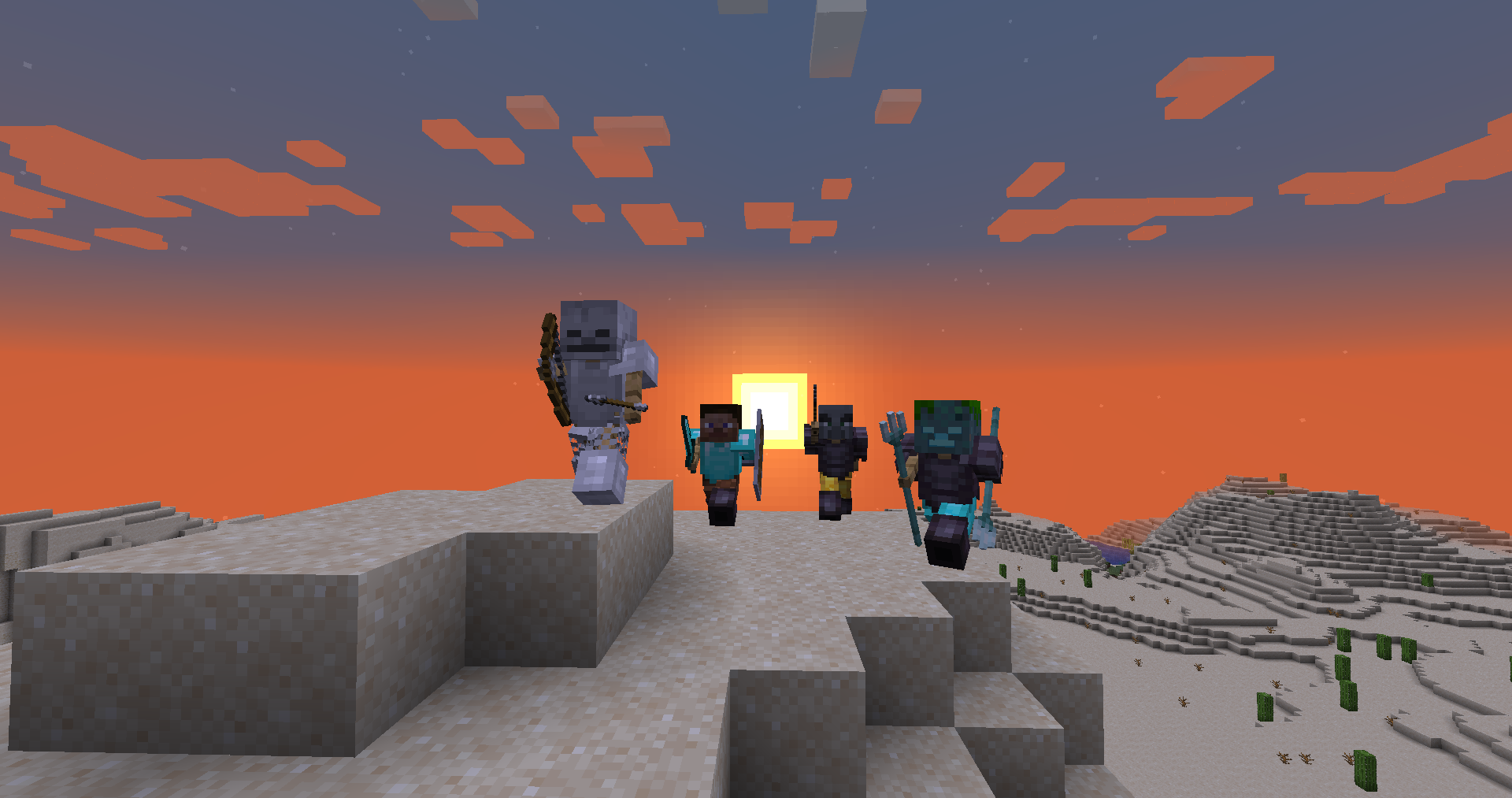
Armor Stand Editor a simple to use mod, allowing you to pose/modify Armor Stand in game,
without need to use commands or external websites.
It was designed with survival usage in mind, so you can use it on your survival world/server without having
to worry about it breaking the experience.
It is compatible with Fabric and Quilt and can work purely server side, allowing vanilla
players to use all capabilities of it, while still being fully functional in singleplayer.
Usage
First you need to get flint (or other configured item). Then you just click with it Armor Stand
you want to modify. Your hotbar will get replaced with setting selector (only visually, your inventory is untouched).
By using right mouse button (use/place action), you can enter/activate action bound to it (which is described
in its name). To change angle/value of movement/pose related options, sneak while having it selected and use scroll
to change value up or down.

To go back you can click the barrier/icon on right side.
To close it completely, press Q (drop item).

Showcase
- Showcase by Patbox: https://www.youtube.com/watch?v=E7eCwKVZeqY
- Polish showcase by Patbox: https://www.youtube.com/watch?v=6aqd5d9NkeU
Config
{
  "CONFIG_VERSION_DONT_TOUCH_THIS": 2,
  "armorStandTool": "minecraft:flint",   // Item that acts as editor, can be from a mod
  "requireIsArmorStandEditorTag": false, // Makes item require nbt tag isArmorStandEditor of item
  "holdingToolSpawnsParticles": true,    // If true, player will see particles around armor stand while holding tool
  "useLegacyUiByDefault": false,         // Forces usage of legacy ui, not recommended
  "blackListedBuildInPresets": [],       // Removes default presets
  "allowedByDefault": [/*...*/]          // Actions allowed by default
}
Permissions
Additionally, command /armorstandeditor uses armorstandeditor.commands.<subcommand or main>.
Format of editors permissions looks like armorstandeditor.edit.<type>, look at this file
For Armor Stand Editing you can give players armorstandeditor.use permission and for Item Flames armorstandeditor.useItemFrame
If you want to allow others to modify entities disguised as Armor Stands, give them armorstandeditor.useDisguised permission,
By default, players can edit them as they want.
常见问题
Armor Stand Editor 支持哪些 Minecraft 版本?
Armor Stand Editor 支持 Minecraft Java 版 1.16.5–26.3,共 35 个版本,可用的加载器:Fabric / Quilt。下载时注意选择和你游戏版本一致的文件。
Armor Stand Editor 怎么安装?
先用 PCL2 或 HMCL 启动器安装对应版本的 Fabric / Quilt,再把下载的 .jar 文件放进游戏目录的 mods 文件夹,重新启动游戏即可。开启了版本隔离的,mods 文件夹在 versions/版本名 下面。运行环境:仅服务端。
Patbox 的其他作品
查看全部 →
Text Placeholder API
用于 Minecraft 模组的占位符与文本处理前置库。
Universal Graves
可自定义的 Fabric 死亡墓碑模组!

Polymer
用于创建更好的服务端内容的前置库!

Better Nether Map
让地图在下界和其他洞穴维度中运行得更好。
评论
登录后评论和评分