
截图




介绍

Supported Versions
- 1.21
- 1.21.4
- 1.21.5
- 1.21.8
About
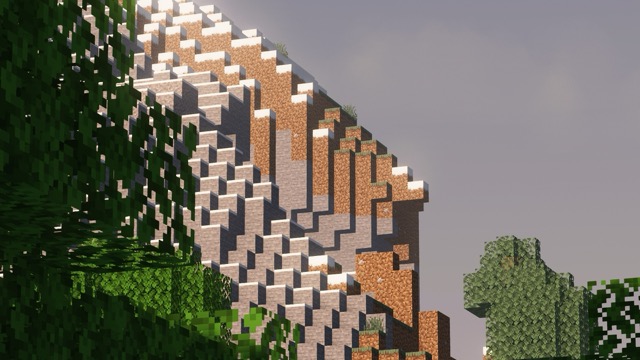
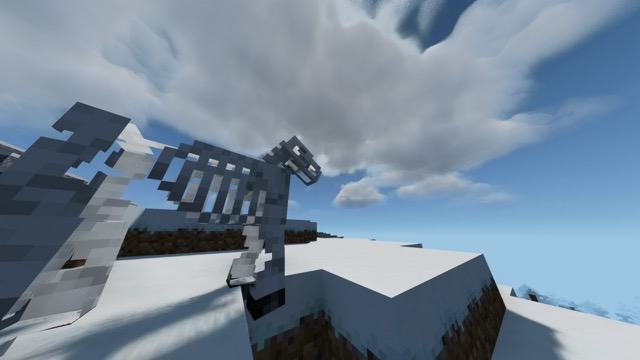
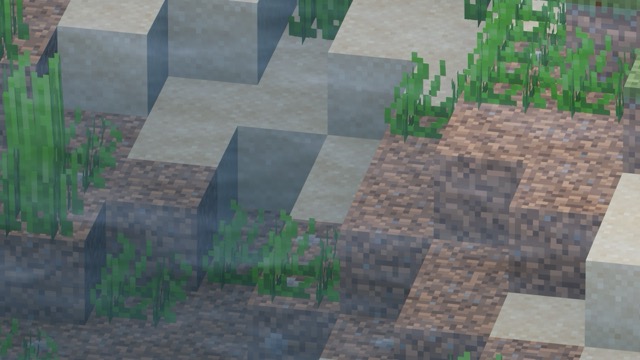
Fast and Beautiful is a modpack that lets you have an amazing-looking game while keeping superb performance.
Each mod in this pack has been hand-picked for maximum performance. As said, I have also made it look pretty good, with built-in shader support and some mod cross-compatibility.
I use this pack every time I play because of its features. I have never encountered issues with the current release version.
Not only that, but I will also make sure to keep it up to date with the latest versions of Minecraft, as soon as all the mod dependencies have been double-checked.
After testing it on my low-end laptop, I got a consistent 60 frames, for a 15-year-old laptop – amazing! Bringus (Studios) would be proud.
Installation
First Path: Downloading Automatically
- Make sure you have a Modrinth pack browsing and installing Minecraft launcher. (Modrinth App, Prism Launcher)
- Add a new instance by looking up Fast and Beautiful on the Modrinth search function
Second Path: Downloading Manually
- Make sure you have a Modrinth-pack compatible Minecraft launcher. (Modrinth App, Prism Launcher, MultiMC)
- Download the pack with the .mrpack file on the side of your screen.
- Run the file.
- You should see some install pop up. Follow the steps.
- Congratulations! You now have Fast and Beautiful installed.
包含的模组 54 个
 3D Skin Layers
 [EMF] Entity Model Features
 [ETF] Entity Texture Features
 苹果皮
 Architectury API
 Armor HUD Numbers
 Axiom
BadOptimizations
 Better Animations Collection
 Chat Heads
 Cloth Config API
 Clumps
 Collective
 Continuity
 DBTools for Axiom
 实体剔除
 Essential Mod
 Fabric API
 Fabric Language Kotlin
 FerriteCore
 Flashback
 Forge Config API Port
 Freecam
 Gamma Utils (Fullbright)
 GUI Effect Timer
 ImmediatelyFast
 Immersive UI
 Iris Shaders
 Jade 🔍
 锂
 模组菜单
 More Culling
 No Chat Reports
 Noisium
 Puzzles Lib
 Reese's Sodium Options
 ScalableLux
 ShatterLib | OctoLib
 Simple Voice Chat
 钠
展开全部 54 个










绿色边框的模组本站有收录,点进去看中文介绍;其余跳转到 Modrinth。
常见问题
Fast and Beautiful 支持哪些 Minecraft 版本?
Fast and Beautiful 支持 Minecraft Java 版 1.21–1.21.8,共 4 个版本,可用的加载器:Fabric。下载时注意选择和你游戏版本一致的文件。
Fast and Beautiful 怎么安装?
点本页「前往下载」拿到整合包文件(Modrinth 的是 .mrpack,CurseForge 的是 .zip),在 PCL2 或 HMCL 启动器里选择「导入整合包」,启动器会自动装好 Minecraft、加载器和全部模组。这个整合包有 54 个模组,建议在启动器里给游戏分配 4–6 GB 内存。
Fast and Beautiful 开服需要多大内存?
推荐服务器内存 12 GB。在线人数多、或者建了大量机器和区块加载器时,可以再加 2–4 GB。
怎么和朋友一起玩 Fast and Beautiful?
点本页的「一键开服」,选好配置后会自动安装 Fast and Beautiful 的服务端,几分钟就能开好。把服务器地址发给朋友,大家用同一个版本的整合包连进去就行。


评论
登录后评论和评分