
介绍
A custom Cobblemon Modpack for our CobbleValley Server.
🌄 Welcome to CobbleValley! 🌄
Looking for a fresh Cobblemon adventure? We have opened our CobbleValley server not long ago and would love you to join us!
✨ What’s waiting in the Valley:
• 🌍 Tons of biomes to explore with endless discoveries
• 🏞️ A cozy community from the very start
• ⚔️ Gym challenges, tournaments & events (once we settle in!)
• 🧱 Building, trading & exploring together
• 🎮 Casual AND competitive battles
• 🚫 100% No pay to win everyone’s on equal ground
Whether you want to become a champion, fill your Pokédex, or just vibe with friends CobbleValley is the perfect place to start.
Credits –
Emote Craft – https://modrinth.com/mod/emotecraft
Mythic Upgrades – https://modrinth.com/mod/mythic-upgrades
Pure Amethyst Tools – https://modrinth.com/mod/pureamethysttools
Pokeblocks – https://modrinth.com/mod/pokeblocks
Explorify – https://modrinth.com/datapack/explorify
包含的模组 142 个,另有 11 个其他文件
 3D皮肤层
 [EMF] Entity Model Features
 [ETF] Entity Texture Features
 [Let's Do] Bakery - Farm&Charm Compat
 [Let's Do] Brewery - Farm&Charm Compat
 [Let's Do] Farm & Charm
 [Let's Do] HerbalBrews
 [Let's Do] Vinery
 Accessories
 AetherMon
 AllTheMons x Mega Showdown
 AmbientSounds
 Anti Entity Grief
 苹果皮
 Architectury API
 Artifacts
 Athena
 Auction House Cobb
 Balm
 BanHammer
 Bobby
 Camerapture
 Chat Heads
 Chipped
 Chunky
 Cloth Config API
 Clutter
 CobbledGacha v.3 [Cobblemon 1.7] [Fabric/NeoForge 1.21.1]
 CobbleDollars [Cobblemon Addon]
 CobbleFurnies
 Cobbleloots: Loot Balls and More!
 Cobblemon
 Cobblemon Alpha Project
 Cobblemon Battle Tower
 Cobblemon Capture XP
 Cobblemon Economy
 Cobblemon Fight or Flight Reborn
 Cobblemon Integrations
 Cobblemon Journey Mounts
 Cobblemon PokeNav
展开全部 142 个
 Cobblemon Quests Reloaded
 Cobblemon Raid Dens
 Cobblemon Size Variations
 Cobblemon Spawn Notification
 Cobblemon Tim Core
 Cobblemon Trainer Battle Commands
 Cobblemon: Infinite Riding Stamina [1.8]
 Cobblemon: Mega Showdown
 Cobblemon: PlayerXP
 Cobblemon: SafePastures
 CobblemonLoot
 Cobbreeding
 Collective
 Colour My Servers
 Controlling
 CorgiLib
 CraftTweaker
 CreativeCore
 Dungeons and Taverns
 Easy NPC
 Easy NPC: Config UI
 Easy NPC: Core
 实体剔除
 Fabric API
 Fabric Custom Names
 Fabric Essentials
 Fabric Language Kotlin
 Fast Item Frames
 Faster Random
 Faux Custom Entity Data
 Flan
 Flan Cobblemon Extension
 Forge Config API Port
 Fzzy Config
 Geckolib
 Hold That Chunk
 HT's TreeChop
 iCommon API
 Illager Invasion
 ImmediatelyFast
 Immersive Melodies
 旅行地图
 JEI物品管理器
 锂
 Lootr
 Lootrmon: Lootr & Cobblemon Gilded Chest Compatibility
 LuckPerms
 Maxi's JourneyMap Cobblemon Minimap Icons
 模组菜单
 ModernFix
 MoreCobblemonTweaks
 Mythic Upgrades
 Navas ZA Megas
 Night Lights
 No Enderman Grief
 Noisium
 Oh The Biomes We've Gone
 Oh The Trees You'll Grow
 Only Bottle Caps
 Only Hammers And Excavators
 oωo (owo-lib)
 Player Roles
 PlayerShop
 Pokeblocks
 Puzzles Lib
 Radical Cobblemon Trainers API
 Resourceful Lib
 ScalableLux
 Scoreboard Overhaul
 Searchables
 Server I18n API
 ServerCore
 Silk
 Simple Hats
 Simple Menu
 Simple Voice Chat
 SimpleTMs: TMs and TRs for Cobblemon
 Simply Swords
 Simply Tooltips
 精妙背包
 Sophisticated Core (Unofficial Fabric port)
 Sophisticated Storage (Unofficial Fabric port)
 spark
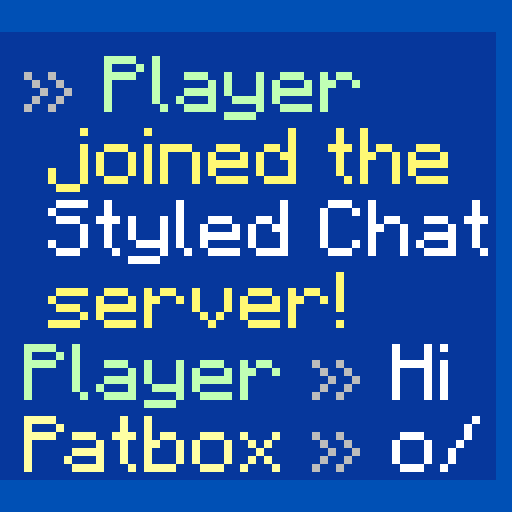 Styled Chat
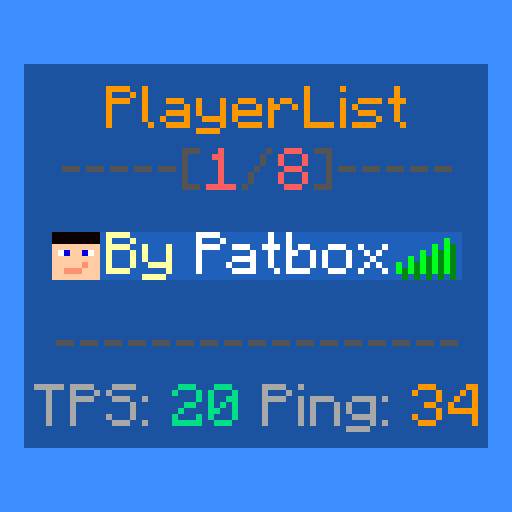 Styled Player List
 SuperMartijn642's Config Lib
 TerraBlender
 Terralith
 Text Placeholder API
 天境
 ThreadTweak
 Tom's Simple Storage Mod
 Too Fast
 Trinkets
 Very Many Players (Fabric)
 传送石碑
 Wild Battle API
 World Weaver
 WorldEdit
 YetAnotherConfigLib (YACL)
 Zoomify (Zoom)
 【Cobblemon】BadgeBox
绿色边框的模组本站有收录,点进去看中文介绍;其余跳转到 Modrinth。
常见问题
CobbleValley 支持哪些 Minecraft 版本?
CobbleValley 基于 Minecraft Java 版 1.21.1,使用 Fabric 加载器。
CobbleValley 怎么安装?
点本页「前往下载」拿到整合包文件(Modrinth 的是 .mrpack,CurseForge 的是 .zip),在 PCL2 或 HMCL 启动器里选择「导入整合包」,启动器会自动装好 Minecraft、加载器和全部模组。这个整合包有 142 个模组,建议在启动器里给游戏分配 4–6 GB 内存。
CobbleValley 开服需要多大内存?
推荐服务器内存 12 GB。在线人数多、或者建了大量机器和区块加载器时,可以再加 2–4 GB。
怎么和朋友一起玩 CobbleValley?
点本页的「一键开服」,选好配置后会自动安装 CobbleValley 的服务端,几分钟就能开好。把服务器地址发给朋友,大家用同一个版本的整合包连进去就行。
评论
登录后评论和评分