
Actions & Everything
A Fabric modpack that makes Minecraft feel fresh again while staying true to vanilla.
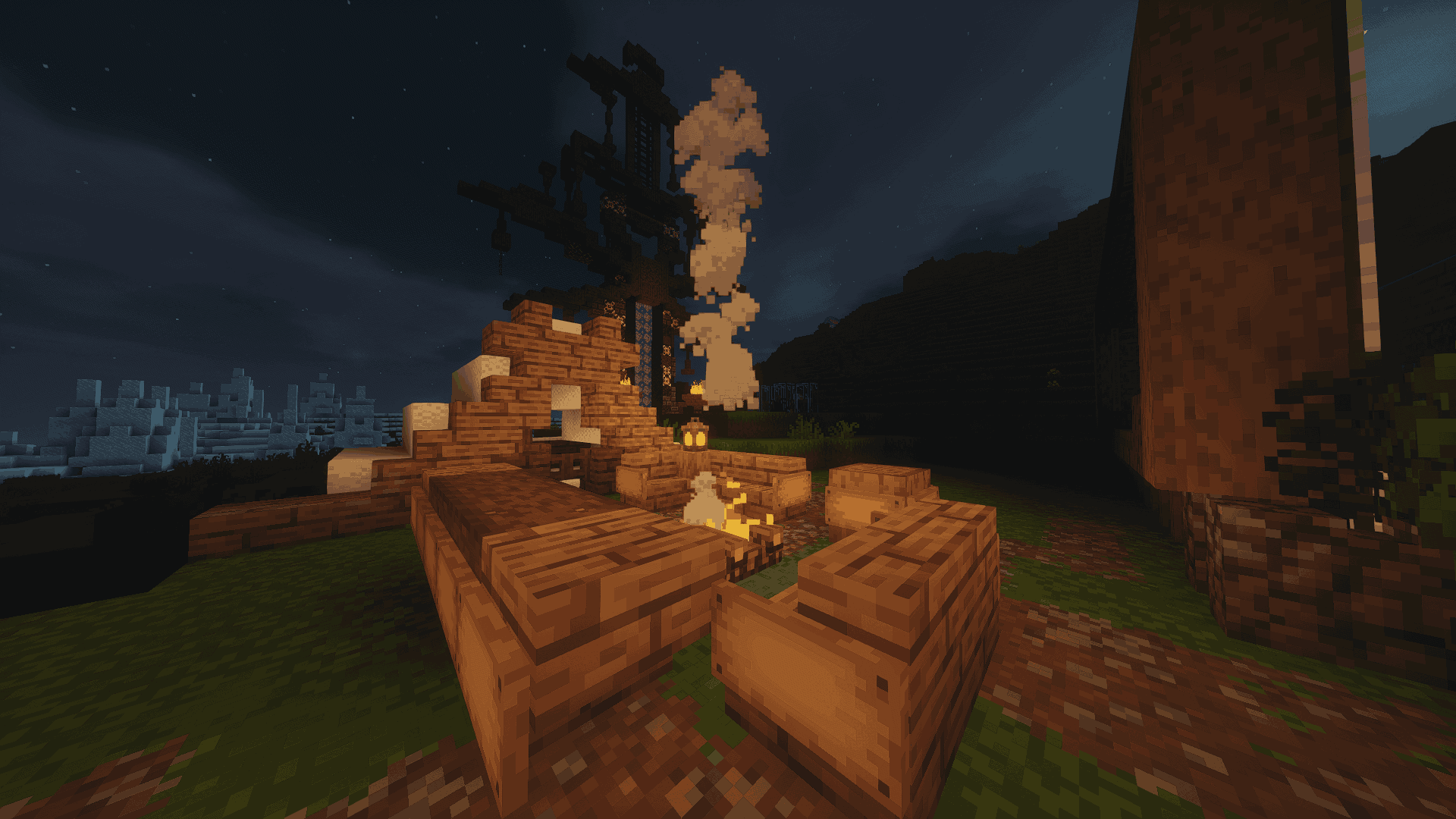
截图


介绍
Make sure to enable all resource packs before playing, if textures are broken, try rearranging resource pack order, an example is if animal textures are broken, put an animal related texture packs higher up on the list of resource packs(this is because minecraft resource packs are priority based, meaning that packs higher up on the list override ones lower on the list).
This Modpack is meant to be used with classic tools fusion of curseforge but due to content rules I cannot put it in the modpack
Actions & Everything
This modpack was created to enhance Minecraft’s immersive and enjoyable aspects without drastically altering the game. It focuses on improving movement and player interactions, incorporating quality-of-life enhancements, visual upgrades, and performance optimizations through a carefully selected set of Fabric mods. The goal is to restore a fun, pressure-free gameplay experience, reminiscent of vanilla Minecraft while avoiding over-the-top features. The collection consists of mods and resource packs designed to make the game feel more alive and engaging.
How to install Classic Tools Fusion
- Search for “Classic Tools Fusion”
- Click on the link that says “Classic Tools Fusion-CTF 1 (NOT Classic Tools Fusion Compats)
- Get corresponding version and place in resource pack folder
- Enable in Minecraft settings
包含的模组 50 个
 [EMF] Entity Model Features
 [ETF] Entity Texture Features
 苹果皮
 Ashen + Appleskin Support
 Ashen 16x
 BaguetteLib
 Balm
 CICADA
 Cloth Config API
 Complementary Shaders - Reimagined
 Continuity
 Day Counter Plus
 Deimos
 实体剔除
 Fabric API
 Fabric Language Kotlin
 FerriteCore
 Forge Config API Port
 Freecam
 Fresh Animations
 Fresh Animations: Details
 Fresh Animations: Player Extension
 Geckolib
 Glowing 3D Buckets
 Hyper Punchy
 Icon Fresh
 ImmediatelyFast
 Iris Shaders
 Jerm's Better Leaves
 LambDynamicLights - Dynamic Lights
 锂
 MaLiLib
 Mellow
 模组菜单
 ModernFix-mVUS
 More Culling
 New Glowing Ores
 Not Enough Animations
 Punchy!
 Puzzles Lib
展开全部 50 个







绿色边框的模组本站有收录,点进去看中文介绍;其余跳转到 Modrinth。
常见问题
Actions & Everything 支持哪些 Minecraft 版本?
Actions & Everything 基于 Minecraft Java 版 26.3、26.2、26.1.2,使用 Fabric 加载器。
Actions & Everything 怎么安装?
点本页「前往下载」拿到整合包文件(Modrinth 的是 .mrpack,CurseForge 的是 .zip),在 PCL2 或 HMCL 启动器里选择「导入整合包」,启动器会自动装好 Minecraft、加载器和全部模组。这个整合包有 50 个模组,建议在启动器里给游戏分配 4–6 GB 内存。
Actions & Everything 开服需要多大内存?
推荐服务器内存 12 GB。在线人数多、或者建了大量机器和区块加载器时,可以再加 2–4 GB。
怎么和朋友一起玩 Actions & Everything?
点本页的「一键开服」,选好配置后会自动安装 Actions & Everything 的服务端,几分钟就能开好。把服务器地址发给朋友,大家用同一个版本的整合包连进去就行。
评论
登录后评论和评分