Haze – Realistic fog
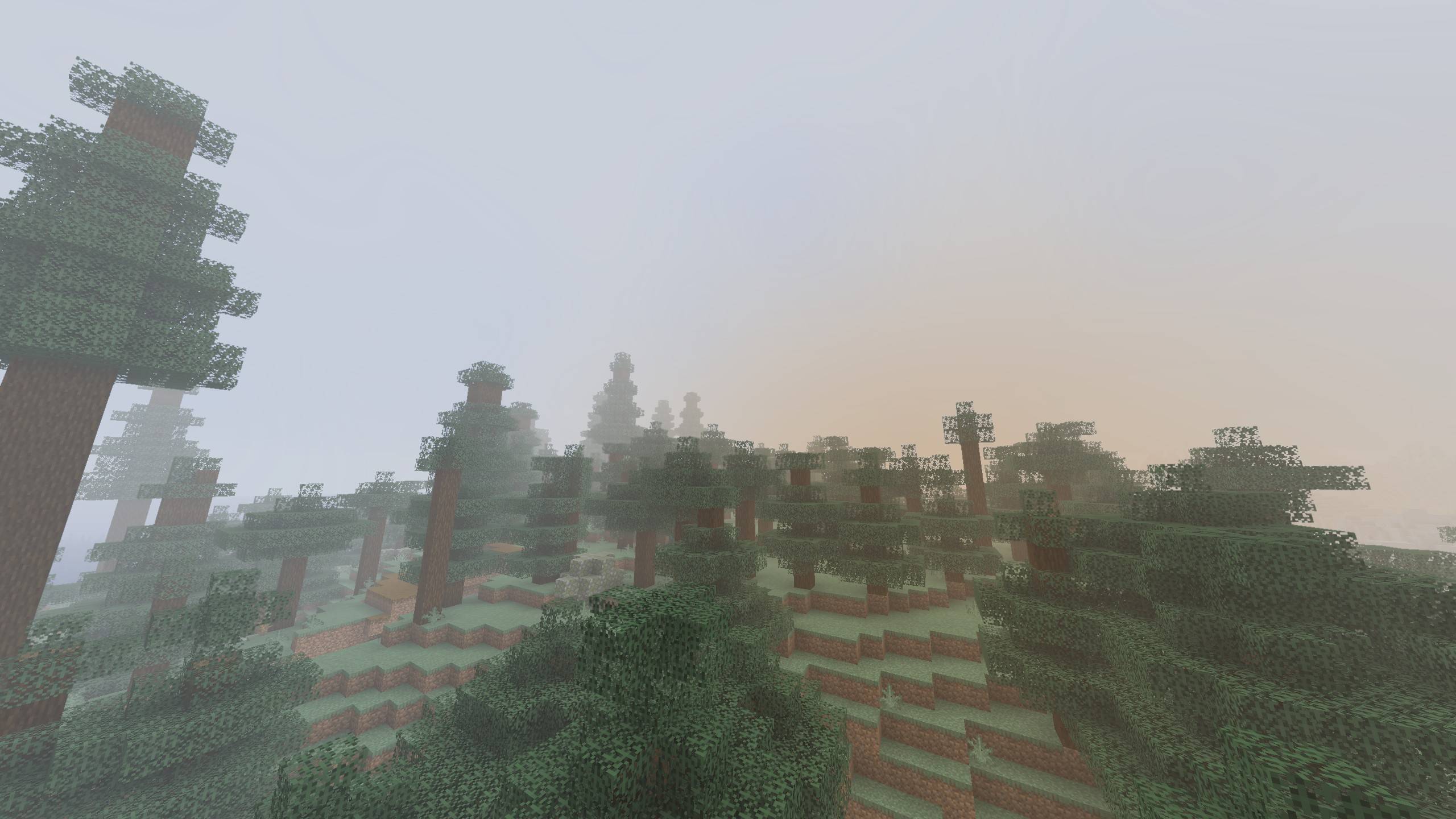
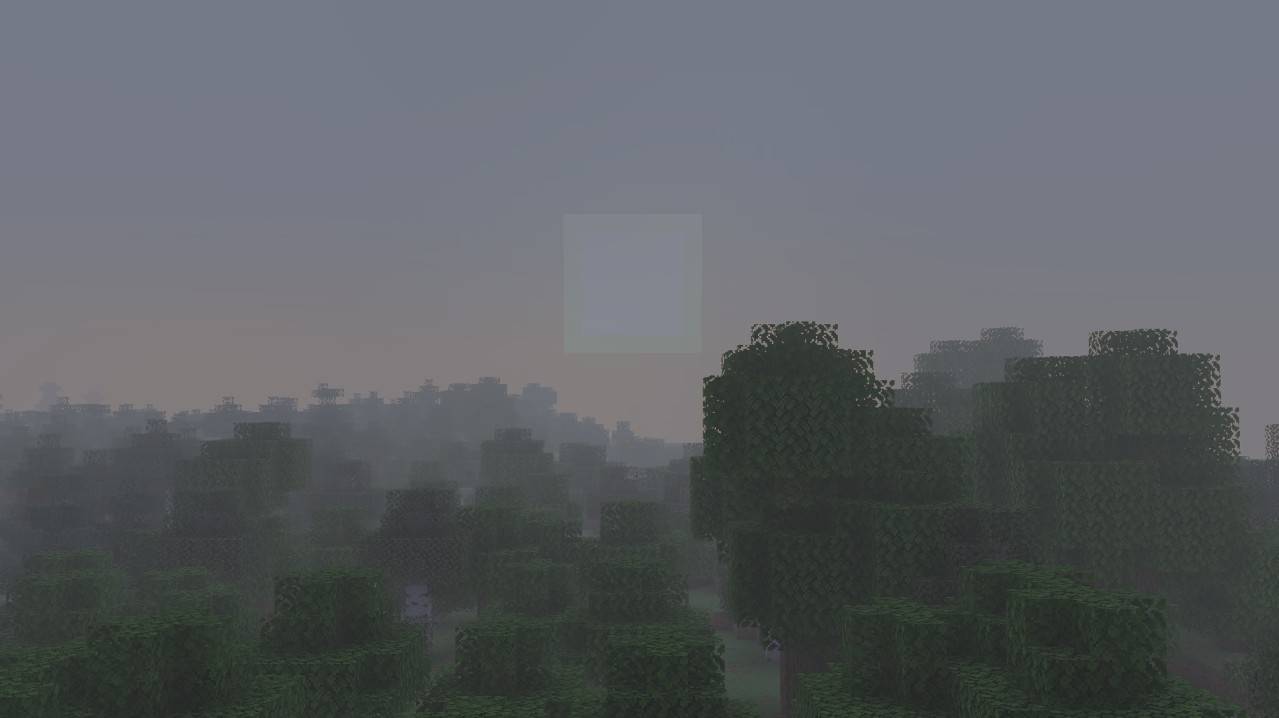
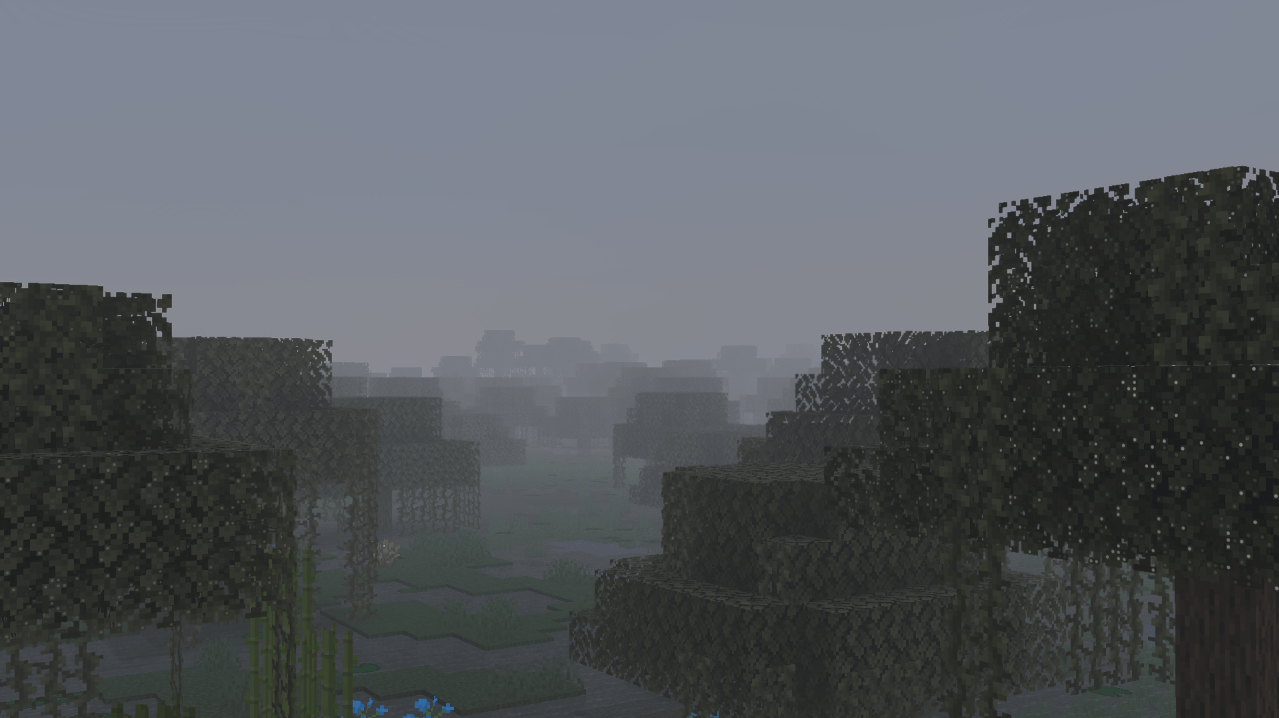
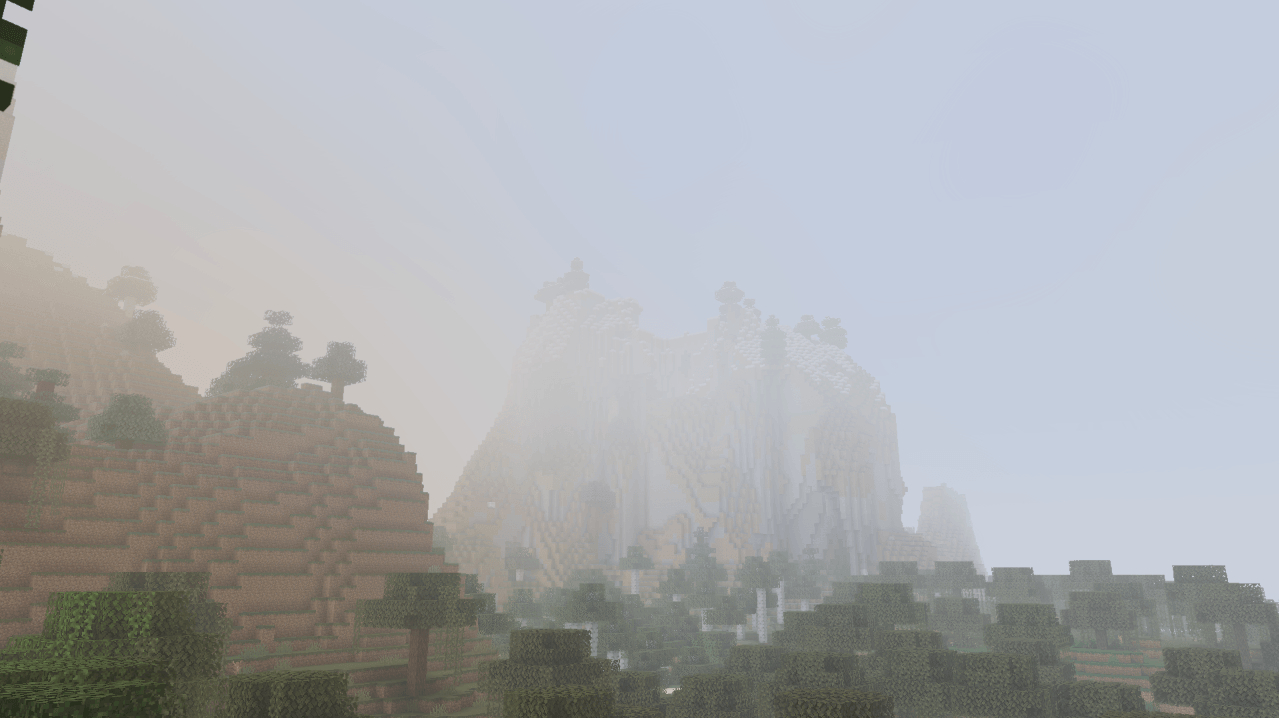
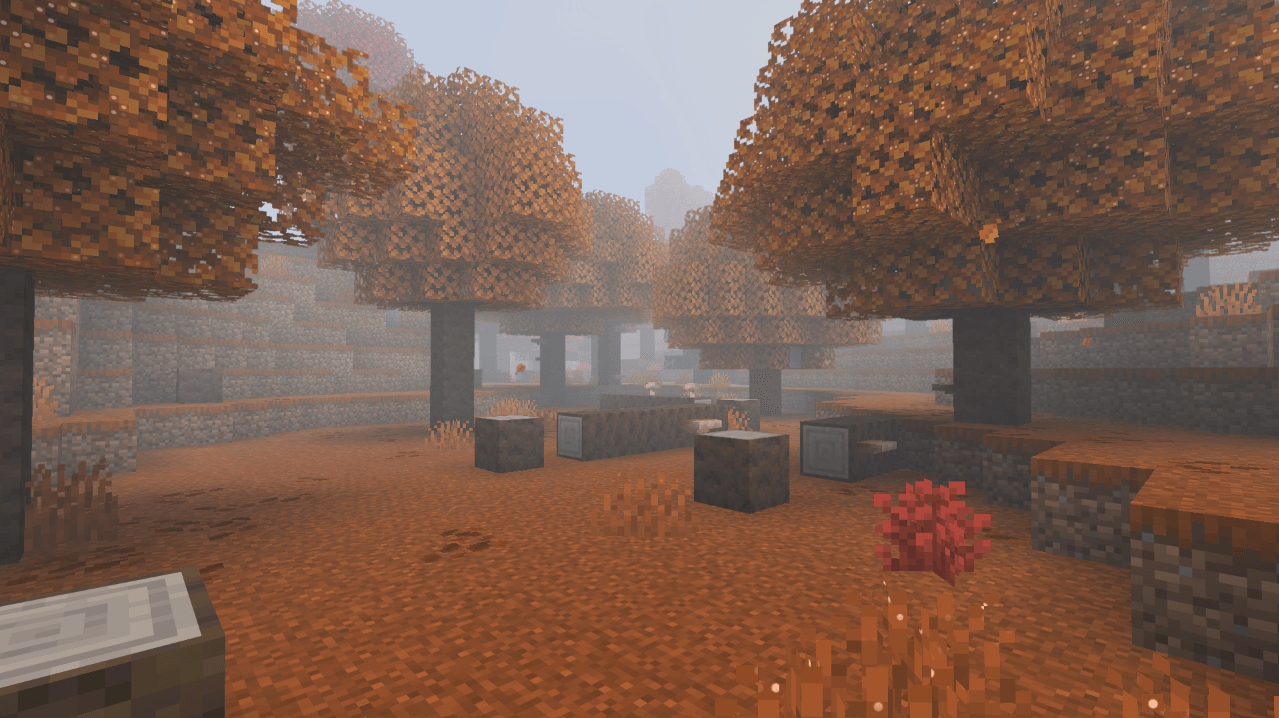
Realistic fog: on some calm mornings fog settles into the valleys and glows in the sunrise, rain leaves a grey mist and swamps stay misty. Client-side.
截图
介绍
Haze
Mornings worth waking up for.
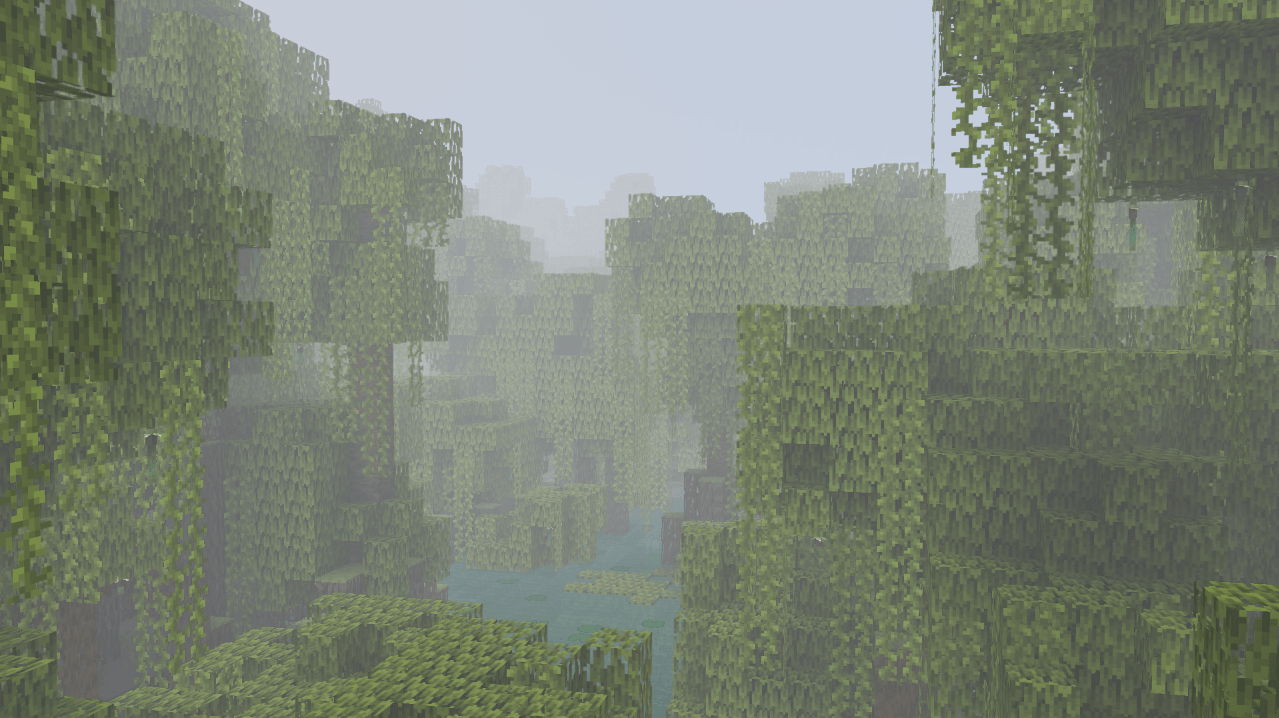
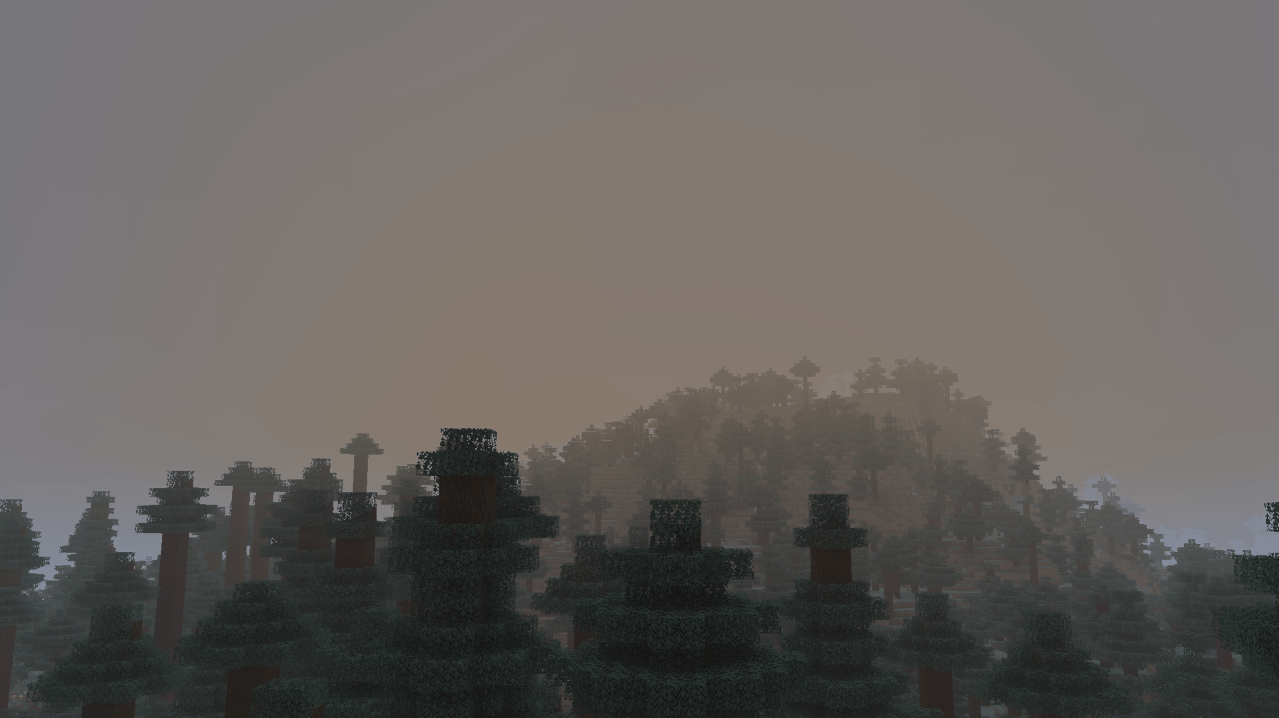
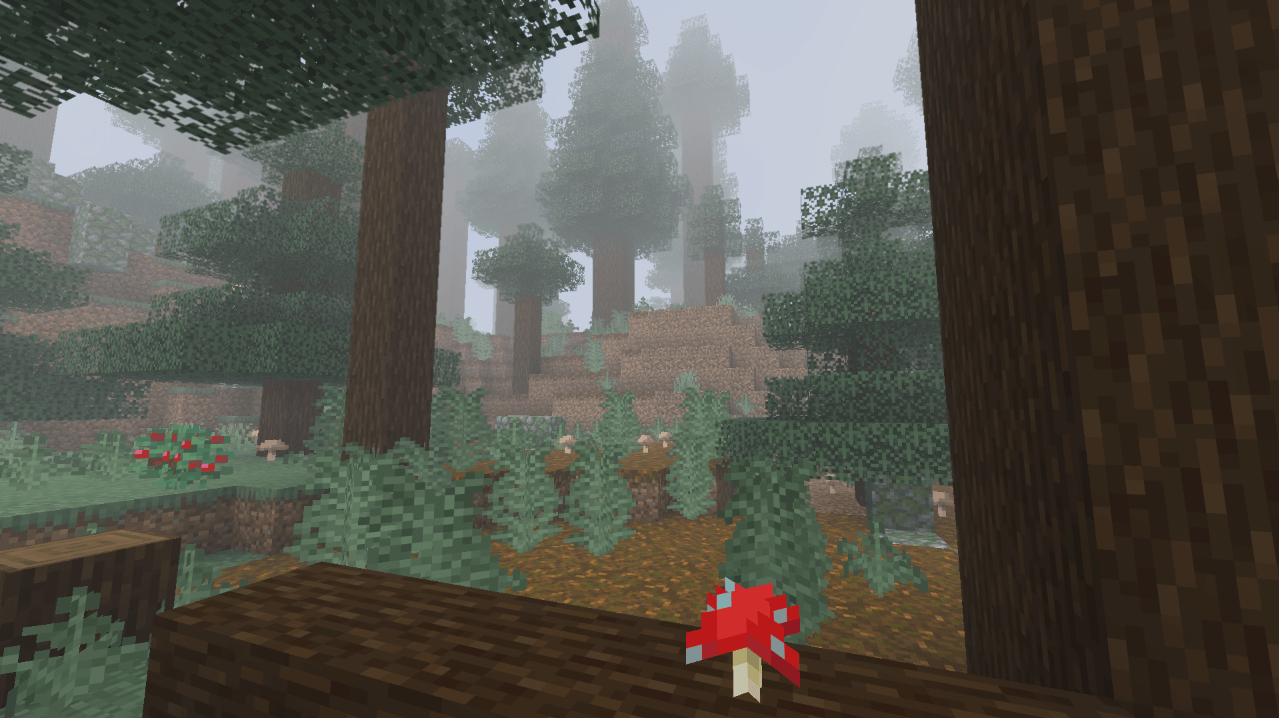
Haze adds realistic fog and mist to Minecraft. On calm nights fog settles into the valleys, thickens toward dawn and glows warm when the sun comes up, then slowly burns off over the morning. Rain leaves a grey mist hanging in the air, swamps stay misty all day.
Haze is client-side only. Install it and join any server, vanilla or modded.
Features
Morning fog
- Not every morning is foggy. Each calm night has its own chance, so a foggy sunrise feels like an event.
- Fog builds through the night, is thickest around sunrise and burns off later the thicker it is.
- It’s more likely after rain and in humid biomes, and never forms in deserts or other dry places. Cold biomes get lighter fog.
- The fog lies low over the land and thins out with height, so hilltops and mountains rise out of it.
Sun glow
- Where the low morning sun shines through the fog, the fog glows warm orange.
Rain mist
- A light grey mist hangs in the air while it rains.
- The mist lingers for a little while after the rain stops.
Swamp mist
- Swamps and mangroves always have a low mist, heavier at night.
Wisps
- The fog drifts in slow, uneven wisps instead of lying as one flat layer.
Settings
Open the settings from Mod Menu (Fabric) or the Mods list (NeoForge / Forge), or set a key for it under Controls.
| Setting | What it does | Default |
|---|---|---|
| Haze | Turn all fog and mist on or off | On |
| Thickness | How thick the fog gets when it rolls in | 100% |
| Foggy Mornings | How often a calm night ends in a foggy morning | 100% |
| Fog Depth | How high the fog layer reaches above the lowlands | 24 blocks |
| Morning Fog | Fog in the valleys on some mornings | On |
| Rain Mist | Mist while it rains and shortly after | On |
| Swamp Mist | Low mist in swamps and mangroves | On |
| Sun Glow | Warm glow where the low sun shines through fog | On |
| Wisps | Fog drifts in slow, uneven wisps | On |
Two keys can be set under Controls: one to toggle Haze and one to open the settings. They aren’t bound by default.
Supported versions
| Loader | Minecraft |
|---|---|
| Fabric | 1.20 – 26.3 (needs Fabric API) |
| NeoForge | 1.21 – 26.3 |
| Forge | 1.20.1 |
FAQ
Does it work on servers?
Yes. Haze is client-side only.
Does it work with Sodium and Iris?
Yes. Haze works with Sodium, and with Iris when no shader pack is loaded. When a shader pack is on, Haze turns its fog off and lets the shader pack handle the look, so you never get double fog.
Can I make it rarer or thicker?
Yes. Turn Foggy Mornings down for fewer foggy mornings or up for more, and use Thickness and Fog Depth to change how heavy and how deep the fog gets.
Can I use it in my modpack?
Yes, go ahead. A link back is appreciated.
Found a bug?
Report it on the issue tracker with your Minecraft version, loader, and what you saw. A screenshot helps a lot.
常见问题
Haze – Realistic fog 支持哪些 Minecraft 版本?
Haze – Realistic fog 支持 Minecraft Java 版 1.16.5–26.3,共 27 个版本,可用的加载器:Fabric / Forge / NeoForge。下载时注意选择和你游戏版本一致的文件。
Haze – Realistic fog 怎么安装?
先用 PCL2 或 HMCL 启动器安装对应版本的 Fabric / Forge / NeoForge,再把下载的 .jar 文件放进游戏目录的 mods 文件夹,重新启动游戏即可。开启了版本隔离的,mods 文件夹在 versions/版本名 下面。
comedy 的其他作品
查看全部 →
Starlit – Better Sky, Stars, Auroras, Galaxies, Shooting Stars, Planets.
A better night sky: thousands of colored twinkling stars, the Milky Way, nebulae, galaxies, shooting stars, meteor showers, comets and northern lights, plus sunsets, halos and rainbows by day. Client-side, for Fabric, NeoForge and Forge. Shader Compatible!
Heartline – Health Bars & Damage Numbers
Health bars above every mob, damage numbers with gold crits and combo stacking, and a target panel that shows how many hits are left. 11 bar styles, pet alerts, fully configurable. Client-side, Fabric, NeoForge and Forge.

Identify – What Am I Looking At?
Point at anything to see what it is, from blocks, mobs and crops to machine info from 25 mods. Client-side.

Limn – Colored Block Outlines
Recolor the box drawn around the block you're looking at: any solid color you like, or a Rainbow that flows along the edges. Adjust opacity and line thickness . Client-side only, works with Mod Menu.
评论
登录后评论和评分