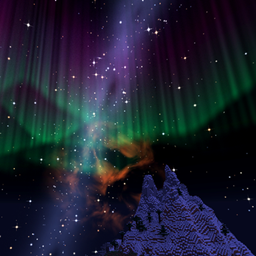
Starlit – Better Sky, Stars, Auroras, Galaxies, Shooting Stars, Planets.
A better night sky: thousands of colored twinkling stars, the Milky Way, nebulae, galaxies, shooting stars, meteor showers, comets and northern lights, plus sunsets, halos and rainbows by day. Client-side, for Fabric, NeoForge and Forge. Shader Compatible!
截图
介绍
Starlit
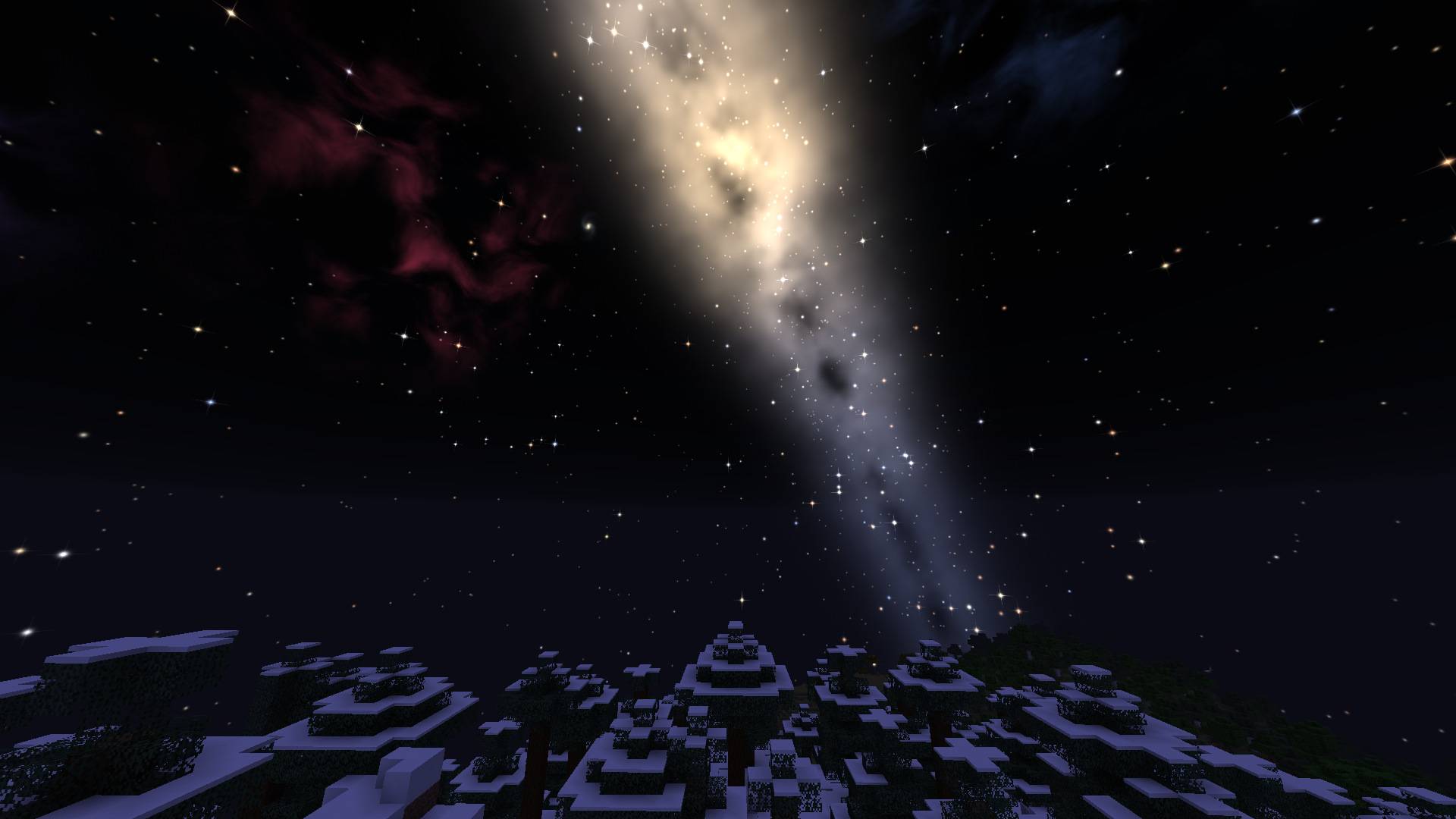
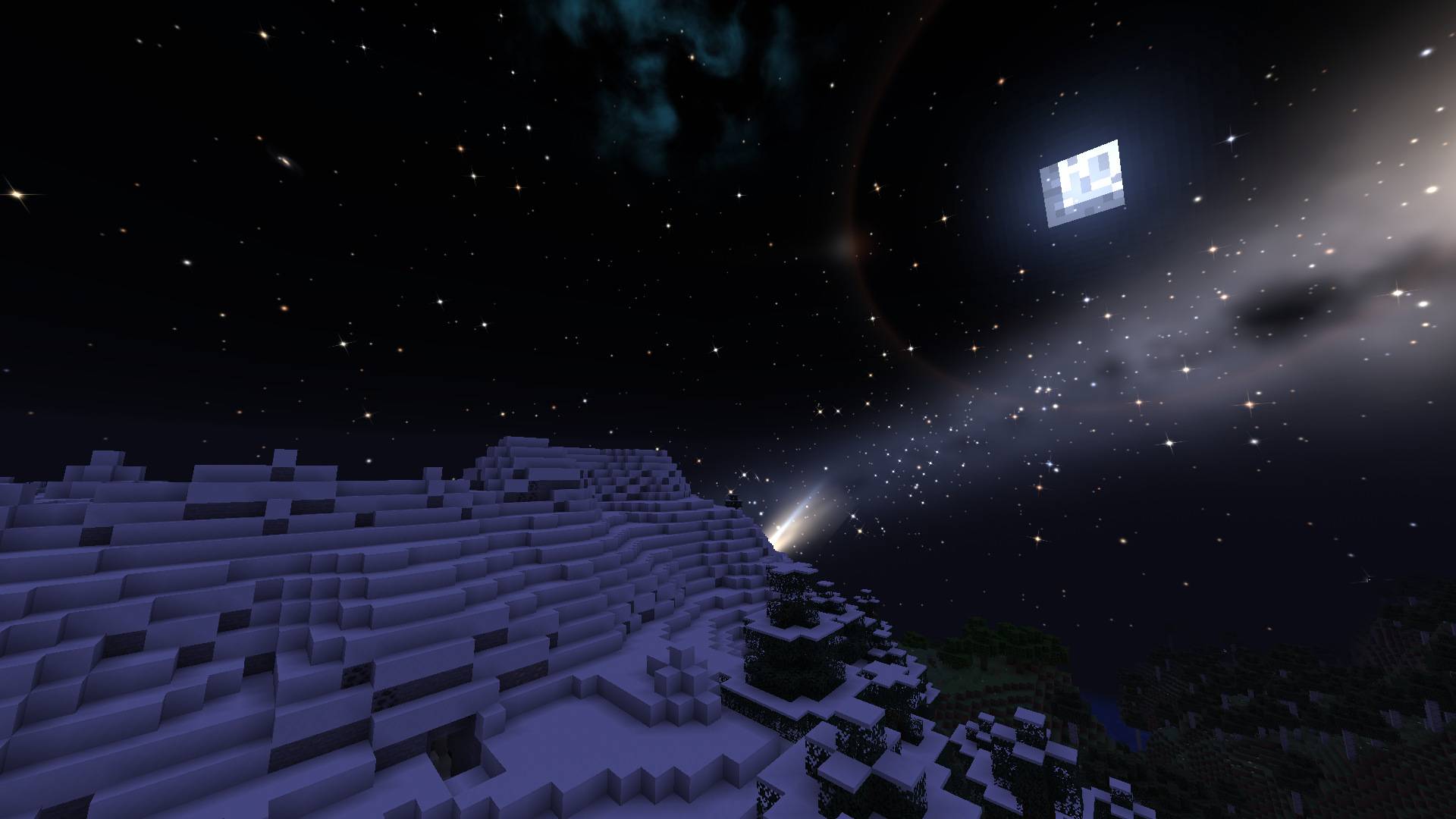
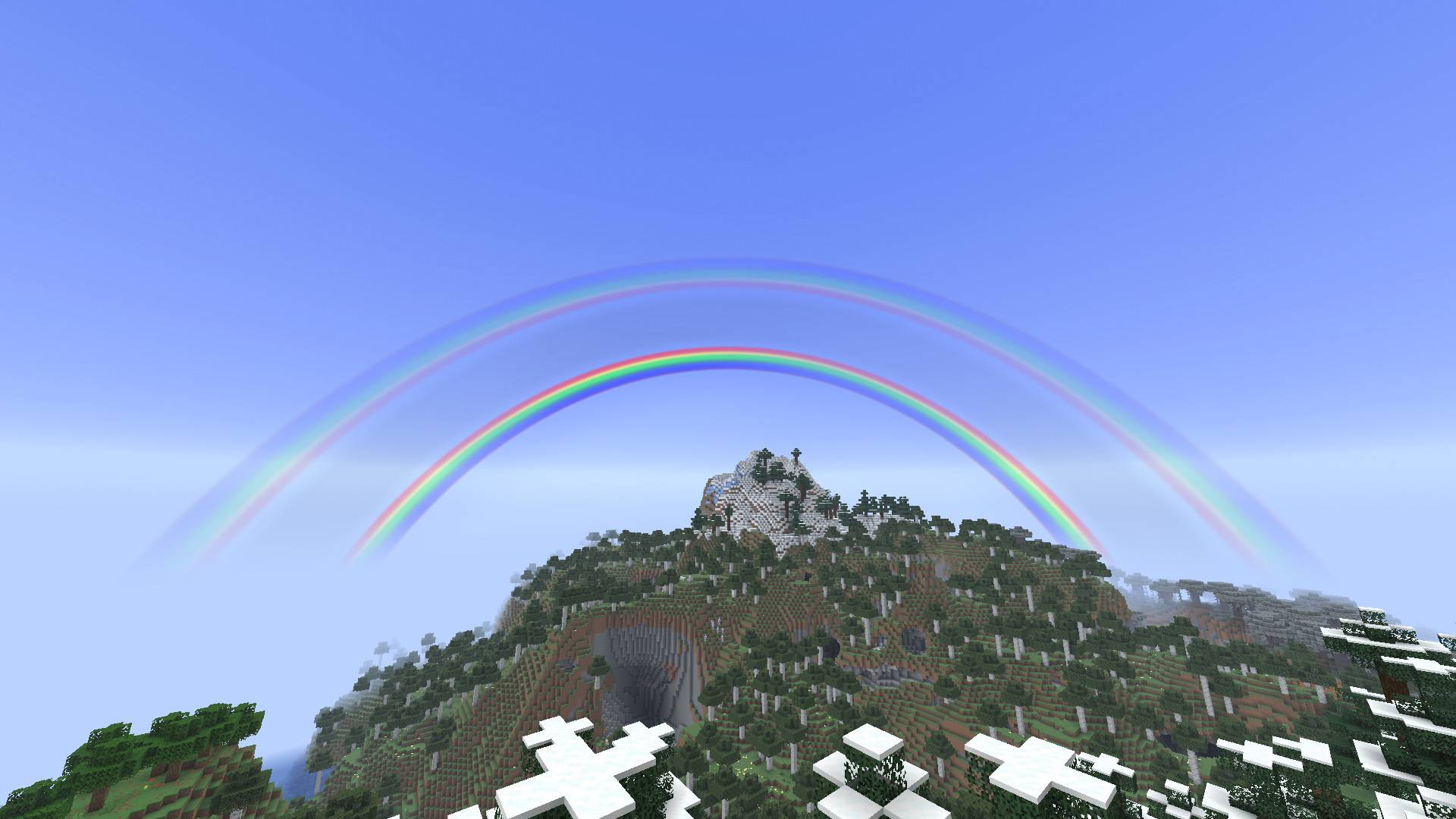
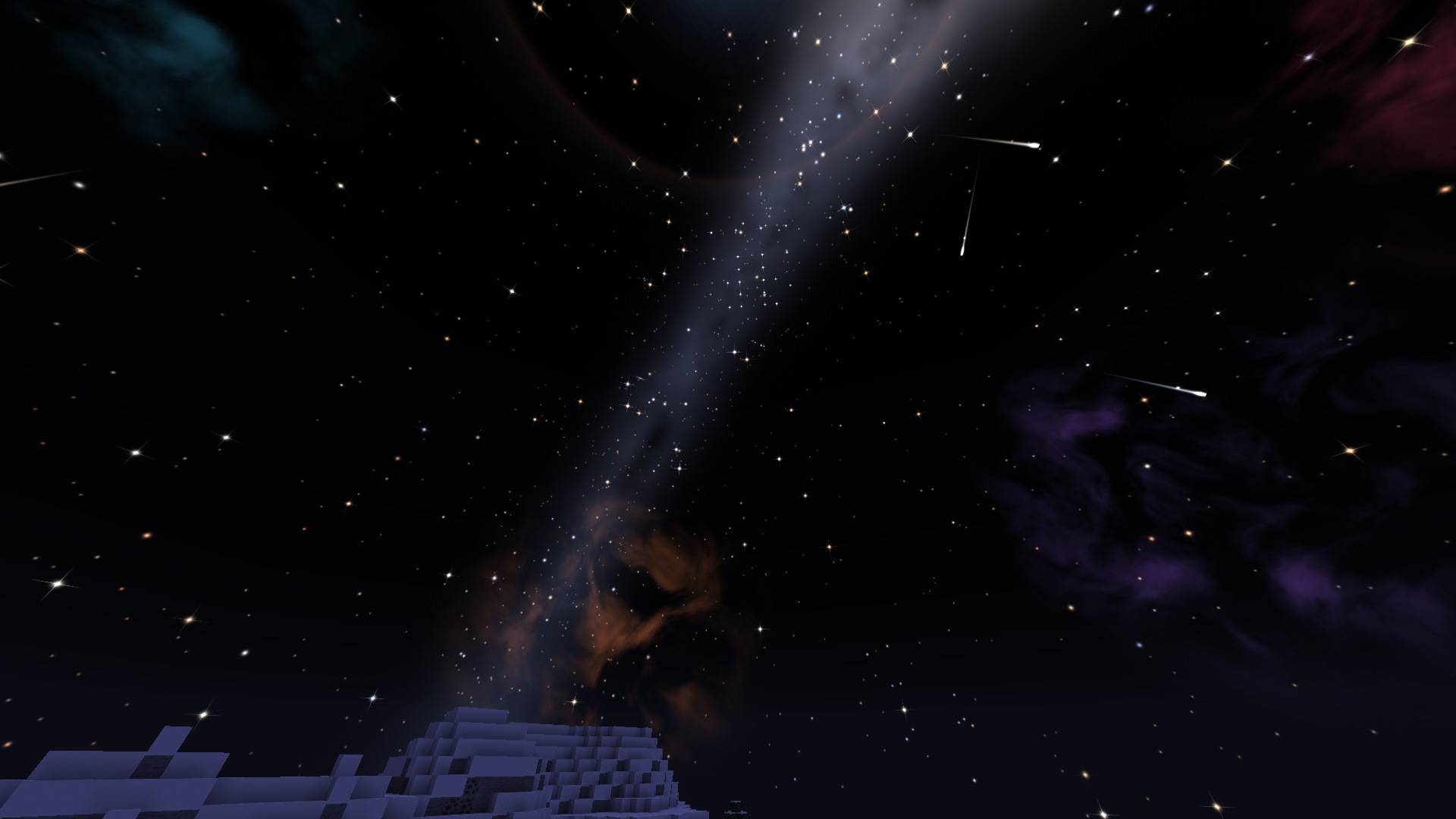
Turns Minecraft’s sky into something worth looking up at. At night you get thousands of colored, twinkling stars, a glowing Milky Way, nebulae, distant galaxies, wandering planets, shooting stars, meteor showers, comets and northern lights. By day you get a deeper blue sky, fiery sunsets, halos around the sun and rainbows after the rain.
Works with shaders. Starlit’s sky shows up with Iris and Oculus shader packs, either in place of the pack’s sky or on top of it.
Starlit is a client-side mod for Fabric, NeoForge and Forge, from Minecraft 1.18.2 to 26.3. Nothing needs to be installed on the server, and it works in singleplayer and on any server. Every effect can be switched off or turned down on its own.
Stars
- Thousands of stars – from 500 up to 12,000, in place of Minecraft’s 1,500 grey dots.
- Real star colors – hot blue-white stars, yellow suns and cool orange-red giants.
- Twinkling – stars shimmer gently. A slider sets how much.
- Star sparkle – the brightest stars get soft four-pointed sparkles.
- Stars at dusk – the brightest stars come out early in the evening and fade late at dawn.
- Hidden constellations – a Creeper, a Sword, a Pickaxe, a Heart and a Ghast are hidden among the stars. Can you find them? Turn on Constellation Lines if you need a hint.
- Spyglass stargazing – look through a spyglass to bring out fainter stars, galaxies and nebulae.
Deep sky
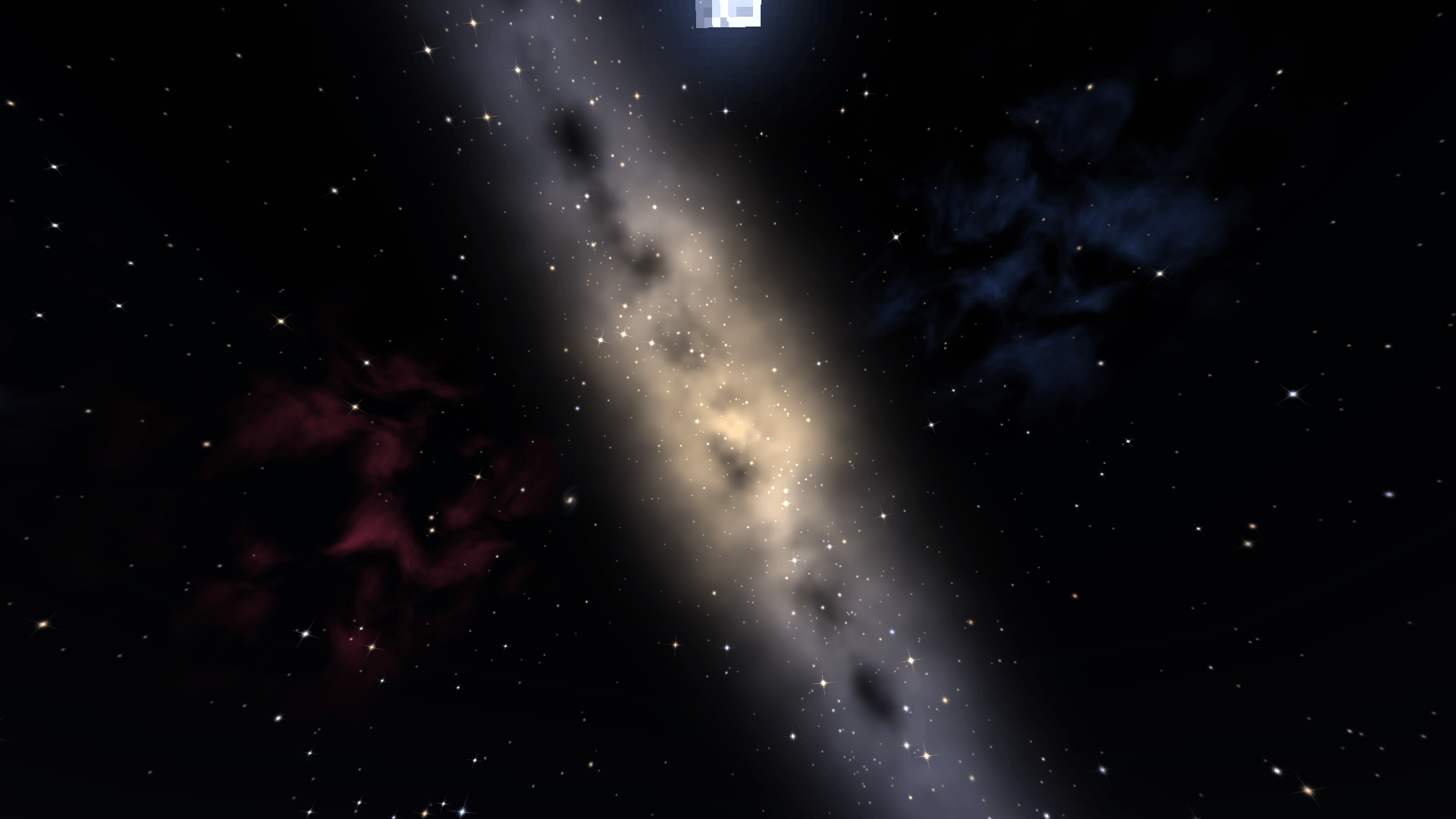
- The Milky Way – a glowing band of distant stars across the sky, crossed by dark dust lanes.
- Nebulae – faint colored gas clouds scattered across the sky.
- Galaxies – distant spiral and elliptical galaxies, best on dark nights.
- Planets – three bright planets that wander slowly along the sun’s path from night to night.
- Moon glow – a soft halo around the moon, brightest at full moon.
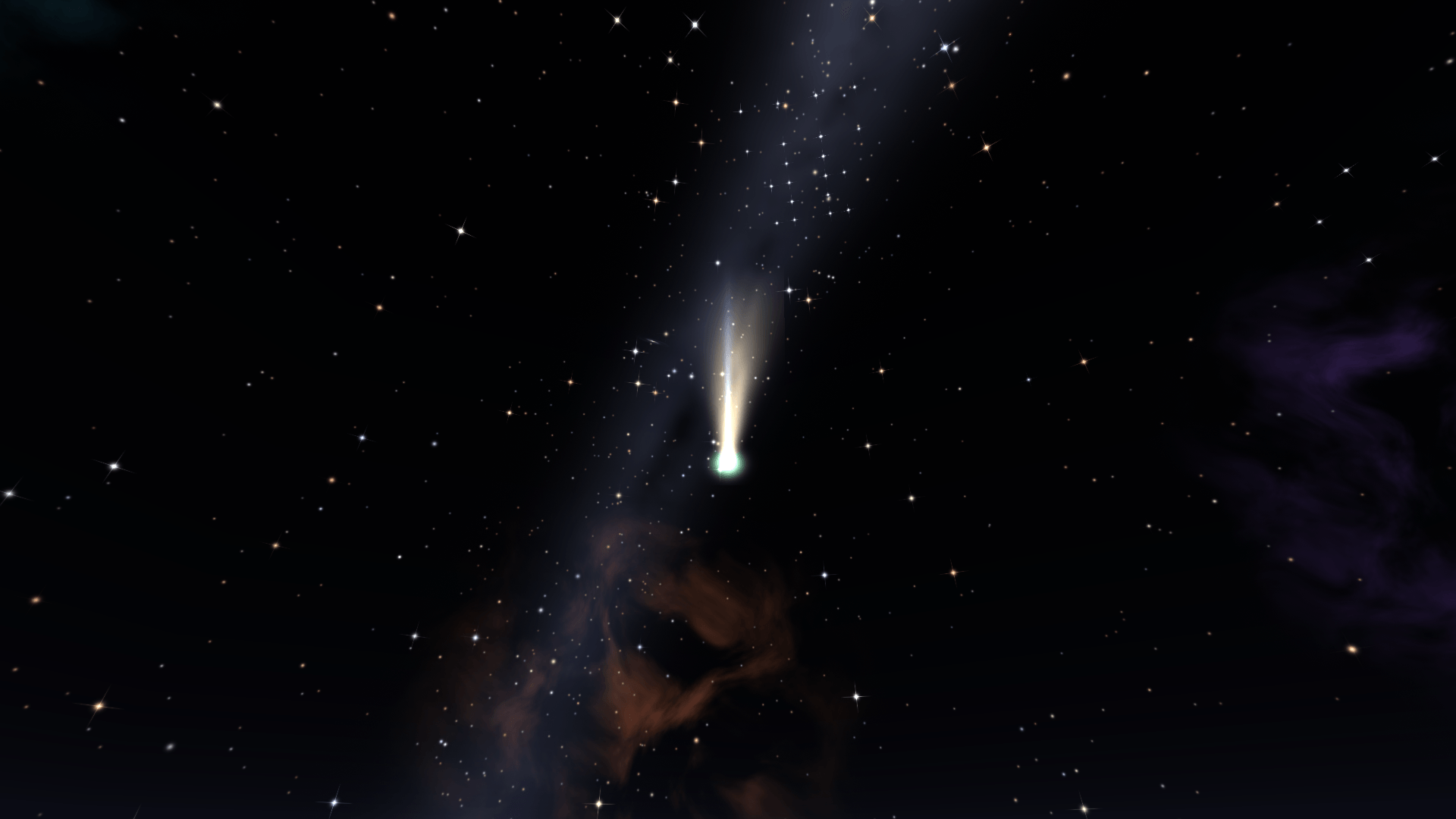
- Comets – every so often a comet visits for several nights, growing brighter and then fading away.
Shooting stars
- Shooting stars – streak across the sky every night. A slider sets how often.
- Meteor showers – some nights bring a shower, with dozens of meteors racing out from one point of the sky. It peaks in the small hours.
- Fireballs – now and then a meteor is a big, slow, colorful fireball.
- Make a wish – catch a shooting star in the middle of your view and you make a wish.
- Sky announcements – at dusk you are told when a meteor shower, a comet or a strong aurora is on the way.
Aurora
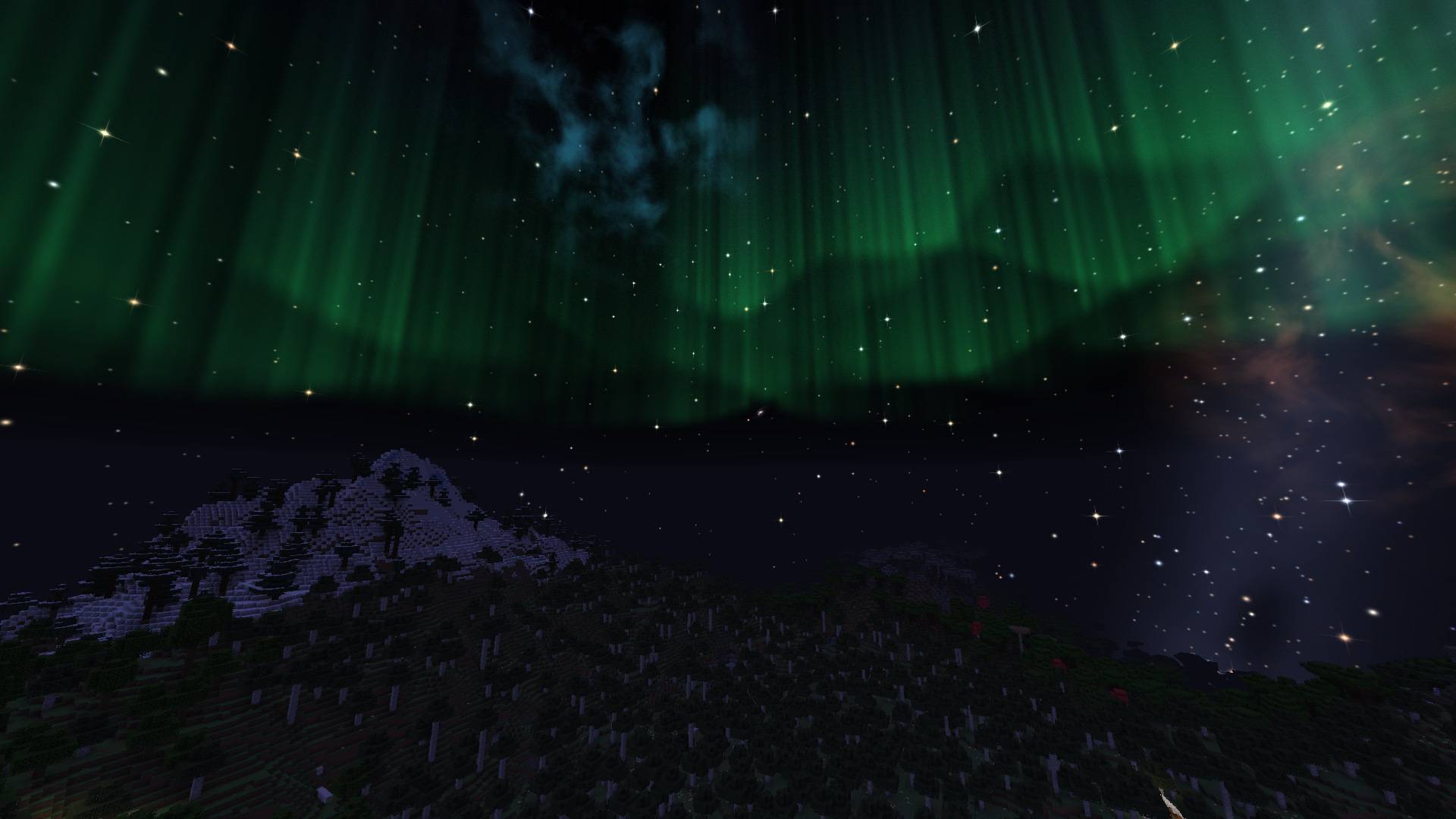
- Northern lights – curtains of light that ripple and drift across the sky. By default they show in snowy biomes, and on rare stormy nights everywhere. You can also turn them off or show them always.
- Four color sets – Classic, Vivid, Crimson and Ice.
Day sky
- Atmosphere – a deeper blue overhead, a soft haze at the horizon and a warm glow around the sun.
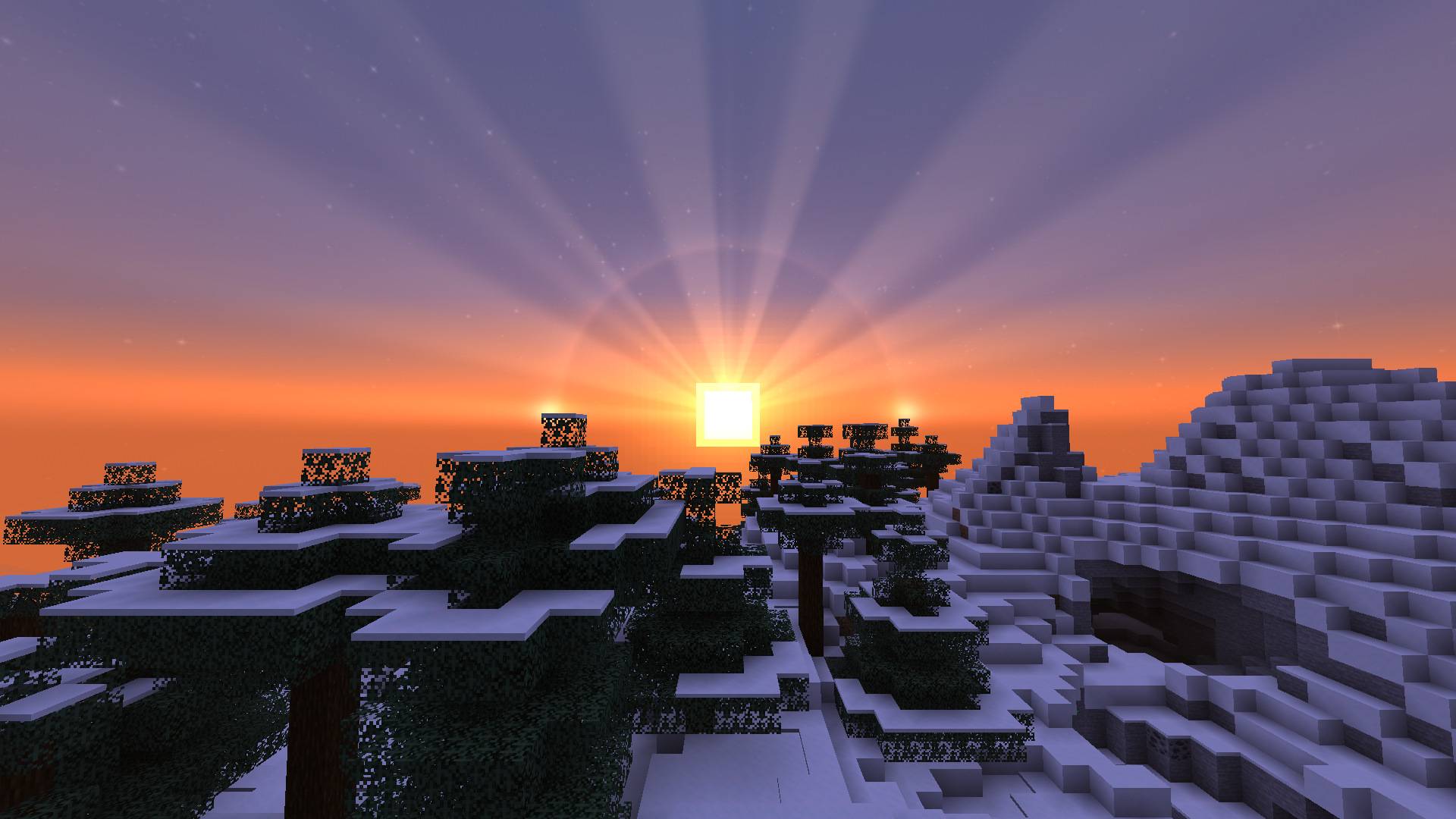
- Rich sunsets – fiery horizons, sunbeams, a pink afterglow and Earth’s shadow rising on the other side of the sky.
- Halos and sun dogs – rings of light around the sun with bright spots beside it. Common in cold biomes and rare elsewhere, and a halo around the moon on some nights.
- Rainbows – a rainbow appears opposite the sun for a while after the rain stops.
- Birds – flocks of birds fly across the daytime sky now and then.
The End
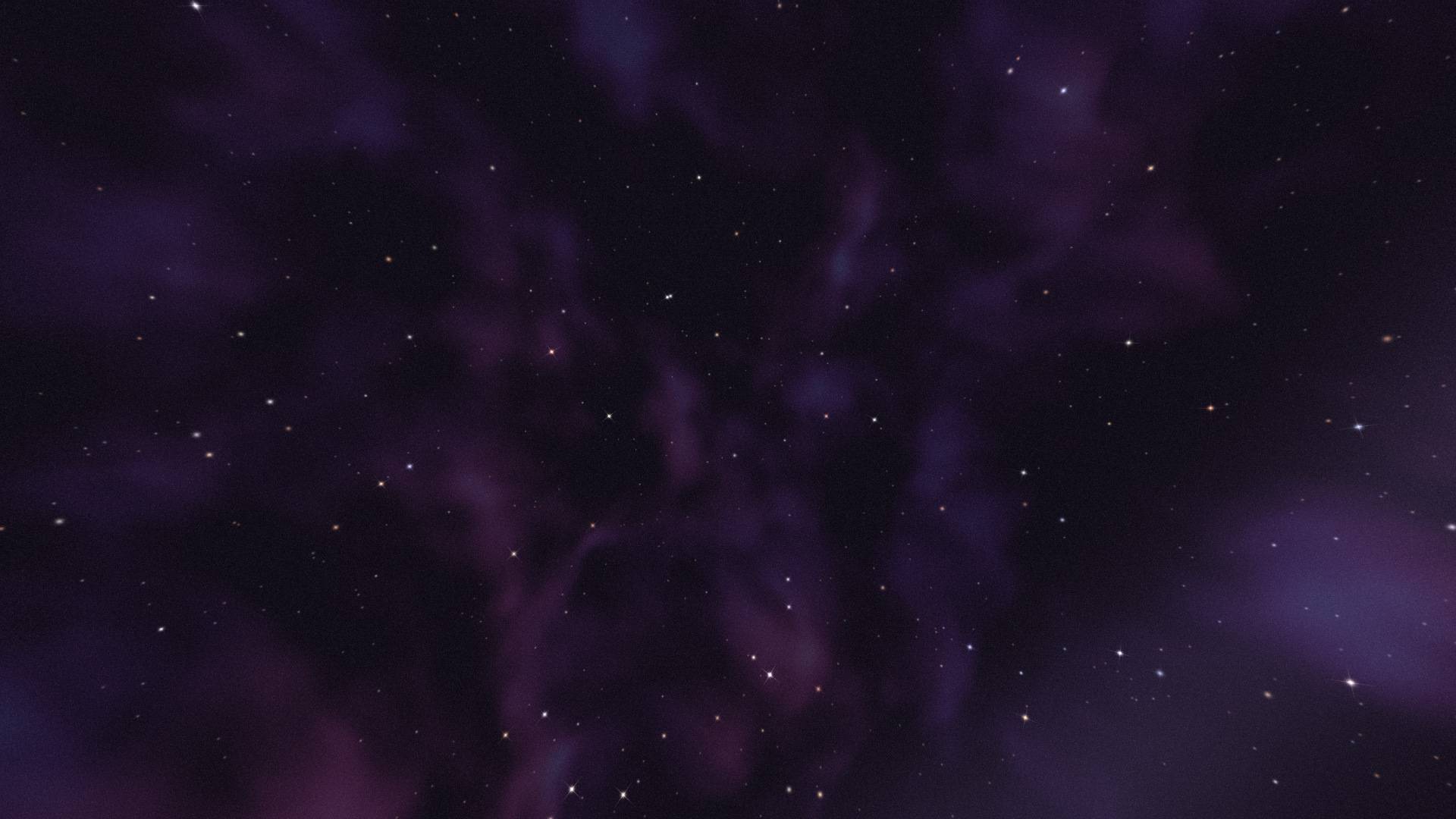
- End sky – the sky of the End fills with slowly swirling violet nebulae and strange stars.
Shaders
Starlit works with Iris and Oculus shader packs. The With Shaders setting picks what happens while a shader pack is on:
- Replace (default) – Starlit’s sky takes the place of the shader pack’s sky, while the pack still does its lighting, shadows and water.
- Overlay – the shader pack keeps its own sky, and Starlit draws its stars and effects on top.
- Off – Starlit steps aside and leaves the sky to the shader pack.
Some shader packs draw clouds that don’t hide what is behind them, so a few stars can show through those clouds.
Supported versions
| Loader | Minecraft versions |
|---|---|
| Fabric | 1.18.2, 1.19.2, 1.20 to 26.3 |
| NeoForge | 1.21 to 26.3 |
| Forge | 1.18.2, 1.19.2, 1.20.1 |
Install
Fabric: put Fabric API and the Fabric Starlit jar for your version in your mods folder. Add Mod Menu to get the settings screen (Mods > Starlit > Configure).
NeoForge and Forge: put the Starlit jar for your loader and version in your mods folder. No other mods are needed. The settings screen is in Mods > Starlit > Config.
Shaders: install Iris (Fabric, NeoForge) or Oculus (Forge) as usual. Starlit needs nothing extra.
Controls
| Key | Default | What it does |
|---|---|---|
| Toggle Starlit sky | not bound | Switch between the Starlit sky and the vanilla sky |
| Open Starlit settings | not bound | Open the Starlit settings screen |
Set them in Options > Controls > Key Binds, or with the Key Binds… button in Starlit’s settings.
Settings
| Setting | Range | Default | What it does |
|---|---|---|---|
| Starlit Sky | on / off | on | Every Starlit effect. Off shows the vanilla sky |
| Sky Brightness | 10% – 200% | 100% | How bright all Starlit effects are |
| Stars | Vanilla, 500 – 12,000 | 5,000 | How many stars fill the night sky |
| Twinkle | off – 100% | 50% | How much the stars twinkle |
| Star Colors | on / off | on | Real star colors |
| Stars at Dusk | on / off | on | Bright stars come out earlier and stay longer |
| Constellations | on / off | on | The five hidden constellations |
| Constellation Lines | on / off | off | Faint lines between the stars of each constellation |
| Star Sparkle | on / off | on | Sparkles on the brightest stars |
| Spyglass Stargazing | on / off | on | A spyglass brings out fainter sky objects |
| Milky Way | off – 200% | 100% | How bright the Milky Way is |
| Nebulae | on / off | on | Colored gas clouds |
| Galaxies | on / off | on | Distant galaxies |
| Planets | on / off | on | Three wandering planets |
| Moon Glow | on / off | on | A halo around the moon |
| Comets | off – 100% | 10% | How often a comet visits |
| End Sky | on / off | on | Nebulae and stars in the End |
| Atmosphere | on / off | on | Deeper blue sky, horizon haze, glow around the sun |
| Rich Sunsets | on / off | on | Fiery horizons, sunbeams and afterglow |
| Halos & Sun Dogs | on / off | on | Rings of light around the sun and moon |
| Rainbows | on / off | on | Rainbows after rain |
| Birds | on / off | on | Flocks of birds by day |
| Shooting Stars | off – 100% | 50% | How often shooting stars appear |
| Meteor Showers | off – 100% | 15% | How often a night brings a meteor shower |
| Fireballs | on / off | on | Some meteors are big fireballs |
| Sky Announcements | on / off | on | A message at dusk about tonight’s sky |
| Wishes | on / off | on | Make a wish on a shooting star |
| Aurora | Off / Cold Biomes / Always | Cold Biomes | Where the northern lights show |
| Aurora Colors | Classic / Vivid / Crimson / Ice | Classic | The color of the northern lights |
| Aurora Brightness | 10% – 200% | 100% | How bright the northern lights are |
| With Shaders | Replace / Overlay / Off | Replace | What Starlit does while a shader pack is on |
Settings are saved in config/starlit.json.
License
MIT
常见问题
Starlit – Better Sky, Stars, Auroras, Galaxies, Shooting Stars, Planets. 支持哪些 Minecraft 版本?
Starlit – Better Sky, Stars, Auroras, Galaxies, Shooting Stars, Planets. 支持 Minecraft Java 版 1.18.2–26.3,共 26 个版本,可用的加载器:Fabric / Forge / NeoForge。下载时注意选择和你游戏版本一致的文件。
Starlit – Better Sky, Stars, Auroras, Galaxies, Shooting Stars, Planets. 怎么安装?
先用 PCL2 或 HMCL 启动器安装对应版本的 Fabric / Forge / NeoForge,再把下载的 .jar 文件放进游戏目录的 mods 文件夹,重新启动游戏即可。开启了版本隔离的,mods 文件夹在 versions/版本名 下面。
comedy 的其他作品
查看全部 →
Heartline – Health Bars & Damage Numbers
Health bars above every mob, damage numbers with gold crits and combo stacking, and a target panel that shows how many hits are left. 11 bar styles, pet alerts, fully configurable. Client-side, Fabric, NeoForge and Forge.

Identify – What Am I Looking At?
Point at anything to see what it is, from blocks, mobs and crops to machine info from 25 mods. Client-side.
Limn – Colored Block Outlines
Recolor the box drawn around the block you're looking at: any solid color you like, or a Rainbow that flows along the edges. Adjust opacity and line thickness . Client-side only, works with Mod Menu.
Swinging Hanging Signs
Hanging signs sway in the wind, swing harder in rain and thunderstorms, and get pushed around when players, mobs or minecarts brush past them, then slowly settle again. Client-side, works on any server.
评论
登录后评论和评分