
Froster’s QOL
Various Client-Sided QOL changes and Technical Additions in a single, easy to use bundle.
截图
介绍
Tweakeroo
- Adds Optifine-style zoom with adjustable FOV.
- Adds the ability to offset a block placement by 1 block in any direction from the face.
- Adds the ability to specify a block’s rotation reguardless of player position.
- Adds precise angle snapping. Useful for placing ice boats or other straight-line AFK travel.
- Adds a right-click spam button useful for certain farms where an AFK player is needed.
- Adds free-cam useful for just about everything.
MiniHUD
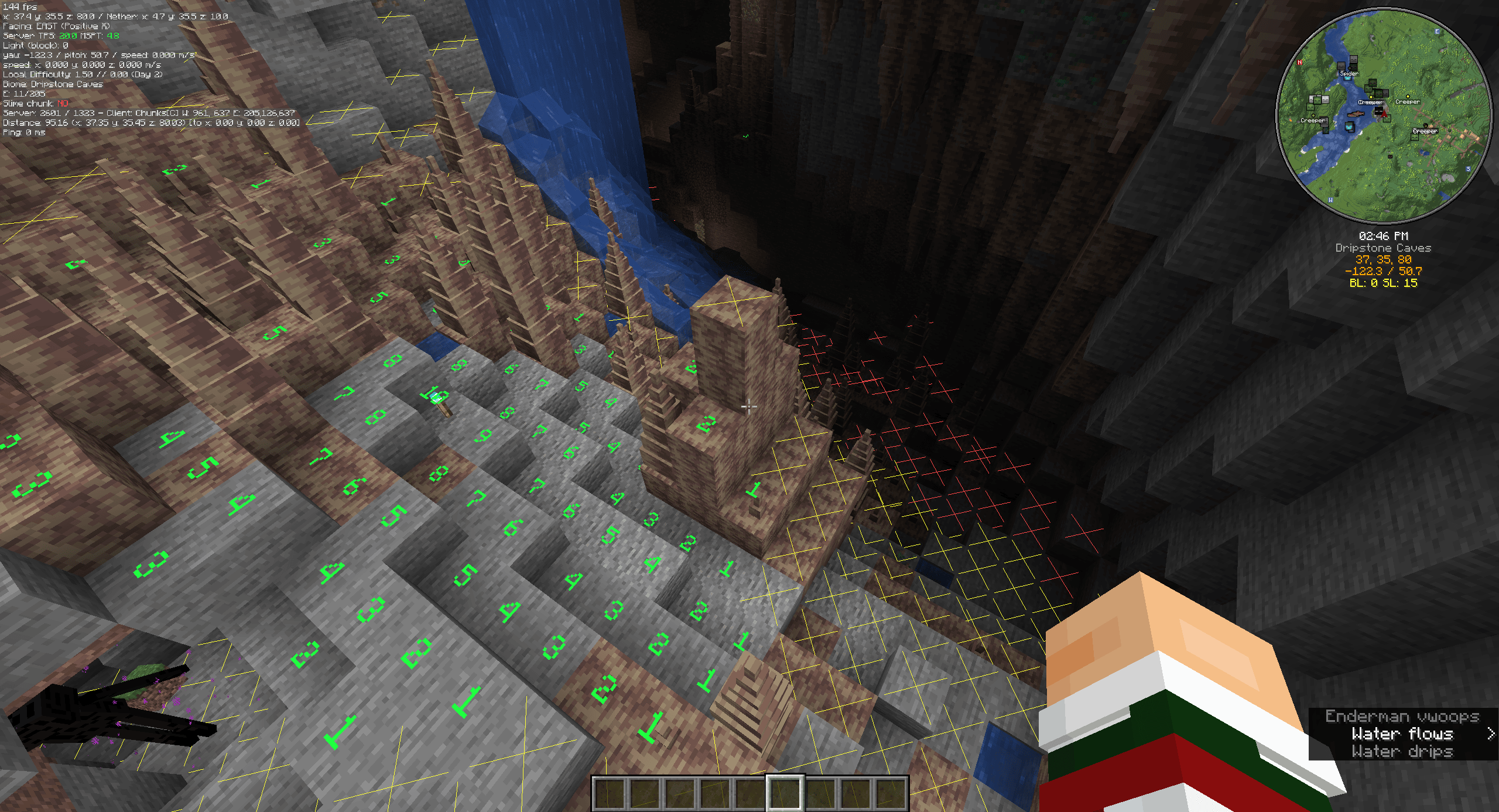
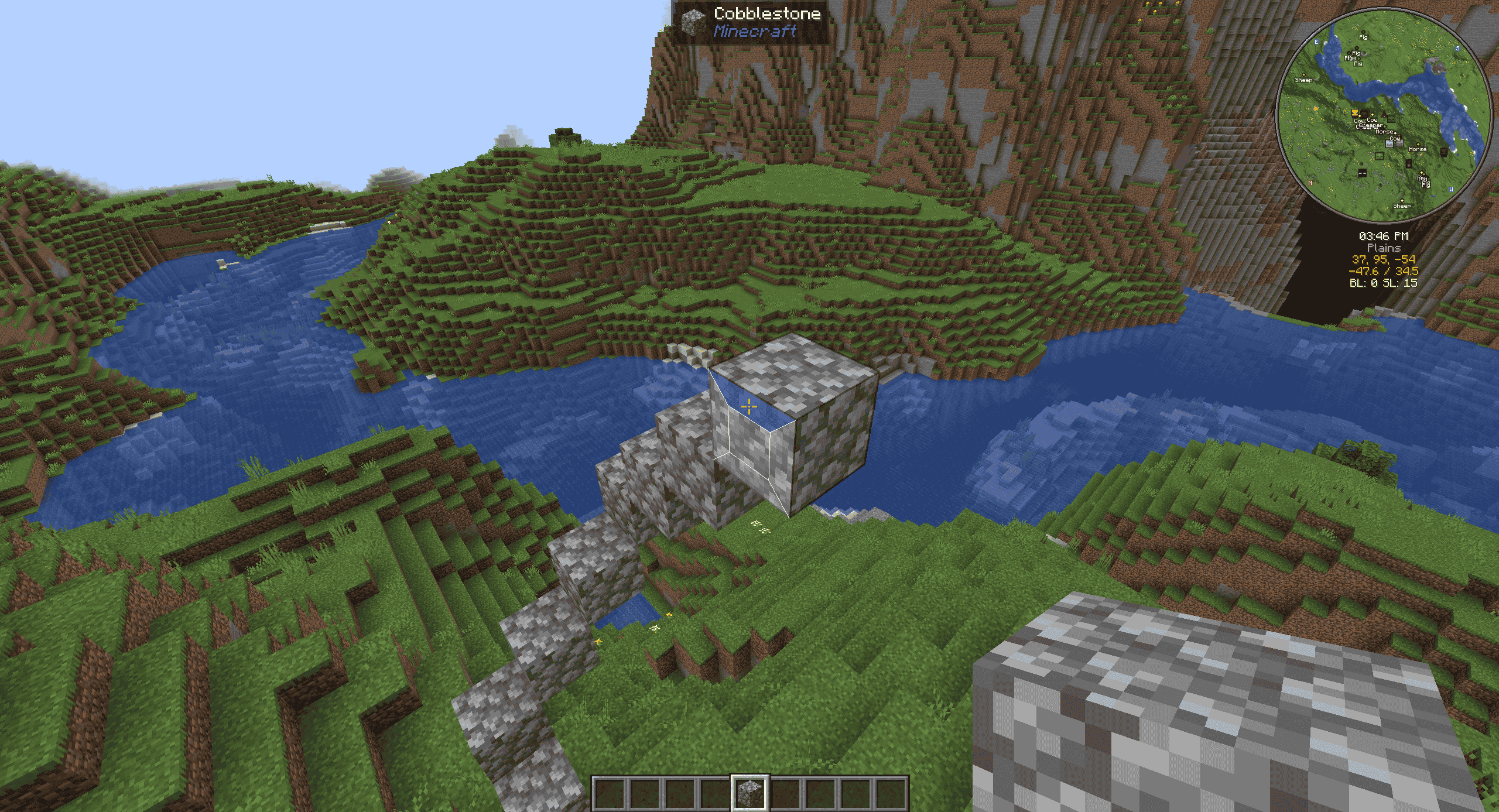
- Adds a light-level overlay on relevant blocks. Red X means mobs can spawn reguardless of skylight. Yellow X means mobs can spawn at night. No X means mobs cannot regularly spawn.
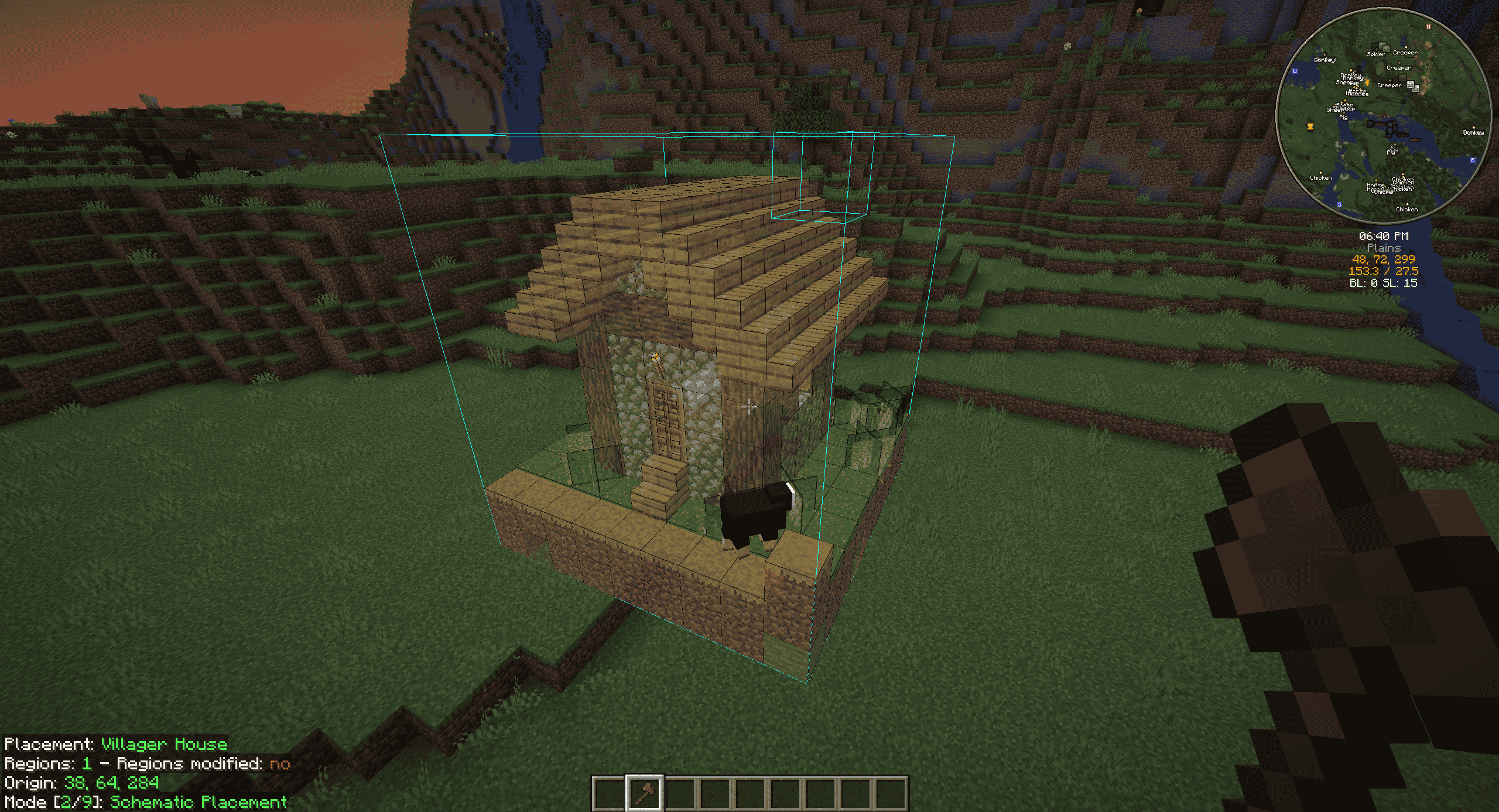
- Adds a structure bounding-box visualizer to allow you to properly place and size farms.
- Adds the ability to render shapes through the config menu. Useful for spawning spheres.
BetterF3
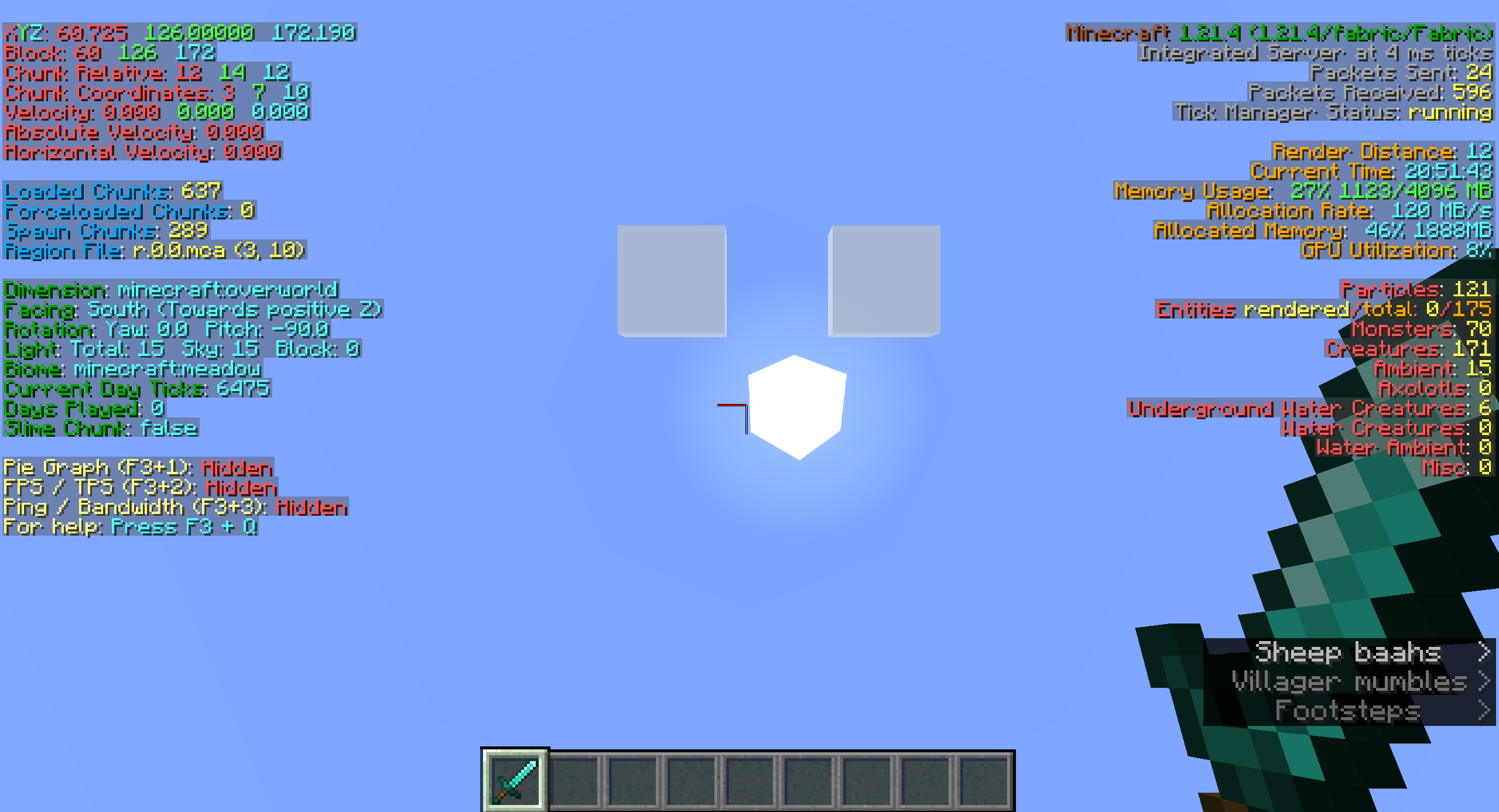
- Improves the F3 menu to be less terrible.
Item Scroller
- Allows vastly better inventory/container management by utilizing the scroll wheel.
Replay Mod
- Allows the user to record gameplay. Most keybinds are deactivated since pause menu operation exists. Feel free to override this if you use this mod often.
Vanilla Tweaks Resource Pack
- Adds a variety of toggle-able resource packs to enhance UI, visibility, accessibility, etc.
- Vanilla Tweaks Official Website
- Credits: Vanilla Tweaks: https://vanillatweaks.net/
Other
- Xaero’s Minimap/Worldmap
- EMF/ETF
- 3D Skins
- AppleSkin
- Better Mount Hud
- Boat Item View
- Capes
- Chat Heads
- Do a Barrel Roll (disabled by default)
- Shulker and Durability Tooltips
- Held Item Tooltips
- Status Effect Bars
- Iris Shaders
- Jade
- Dynamic Lights
- Mod Menu
- No Chat Reports
- Many Additional Animations (including Not Enough Animations)
- ReplayMod
- Many performance/fix mods
Keybinds
Many keybinds are unbound to reduce complexity. To open a mod’s config, first pause, then go to mods, then click the mod’s icon.
Description : Bind : Mod
Zoom : C : Tweakeroo
Adjust Zoom Amount : C+SCRL : Tweakeroo
Offset Block Placement : LALT : Tweakeroo
Specific Block Rotation : R : Tweakeroo
Angle Snap : V : Tweakeroo
Fast Right Click : B : Tweakeroo
Free Cam : N : Tweakeroo
Light/Structure Render : H : MiniHUD
Structure Render : G : MiniHUD
View Container Contents : LSHFT : MiniHUD
MiniHUD Config : H+C : MiniHUD
Drag to Transfer : SHFT+LMB+Drag : Item Scroller
Transfer Item To/From : SCRLUP/DN : Item Scroller
Transfer Stack To/From : SHFT+SCRLUP/DN : Item Scroller
Minimap Enlarge : Z : Xaero’s Minimap
Open Worldmap : M : Xaero’s Worldmap
Litematica Render : L : Litematica
Litematica Operation : CTRL+SCRL : Litematica
Litematica Menu : END : Litematica
Litematica Execute Op. : `(GRAVEACCENT) : Litematica
Next/Prev. Struct. Layer : PGUP/PGDN : Litematica
Shader Enable/Disable : K : Iris
Pause/Play Replay : P : ReplayMod
Tip: From the MiniHUD Config, use the dropdown in the top-right to access other configs.
包含的模组 64 个,另有 6 个其他文件
 3D皮肤层
 [EMF] Entity Model Features
 [ETF] Entity Texture Features
 苹果皮
 Authentic Shadows
 Better Flame Particles
 Better Mount HUD
 BetterF3
 Boat Item View
 BSL Shaders
 BSL Shaders - Classic
 Capes
 Chat Heads
 CICADA
 Cloth Config API
 Complementary Shaders - Reimagined
 Complementary Shaders - Unbound
 Do a Barrel Roll
 Durability Tooltip
 Enhanced Block Entities
 实体剔除
 Fabric API
 Fabric Language Kotlin
 FerriteCore
 Forge Config API Port
 Fresh Animations
 Fresh Moves
 Held Item Tooltips
 ImmediatelyFast
 Iris Shaders
 Item Scroller
 Jade 🔍
 LambDynamicLights - Dynamic Lights
 Litematica
 锂
 MakeUp - Ultra Fast
 MaLiLib
 Miniature Shader
 MiniHUD
 模组菜单
展开全部 64 个
 Model Gap Fix
 ModernFix
 No Chat Reports
 No Resource Pack Warnings
 Nostalgia Shader
 Not Enough Animations
 Photon Shaders
 Puzzles Lib
 Reese's Sodium Options
 ReplayMod
 Rethinking Voxels
 Shrimple
 Shulker Box Tooltip
 钠
 Solas Shader
 Status Effect Bars
 SuperMartijn642's Config Lib
 Text Placeholder API
 Tweakeroo
 Vanilla Animated Food
 Xaero Zoomout
 Xaero的小地图
 Xaero的世界地图
 YetAnotherConfigLib (YACL)
绿色边框的模组本站有收录,点进去看中文介绍;其余跳转到 Modrinth。
常见问题
Froster’s QOL 支持哪些 Minecraft 版本?
Froster’s QOL 基于 Minecraft Java 版 1.21.4,使用 Fabric 加载器。
Froster’s QOL 怎么安装?
点本页「前往下载」拿到整合包文件(Modrinth 的是 .mrpack,CurseForge 的是 .zip),在 PCL2 或 HMCL 启动器里选择「导入整合包」,启动器会自动装好 Minecraft、加载器和全部模组。这个整合包有 64 个模组,建议在启动器里给游戏分配 4–6 GB 内存。
Froster’s QOL 开服需要多大内存?
推荐服务器内存 12 GB。在线人数多、或者建了大量机器和区块加载器时,可以再加 2–4 GB。
怎么和朋友一起玩 Froster’s QOL?
点本页的「一键开服」,选好配置后会自动安装 Froster’s QOL 的服务端,几分钟就能开好。把服务器地址发给朋友,大家用同一个版本的整合包连进去就行。
评论
登录后评论和评分