
Loupe – Smooth Zoom
Hold a key to zoom in smoothly, scroll to zoom in or out, and let go to ease back out. The camera glides while you look around zoomed in. Client-side only. Compatible with Mod Menu.
截图
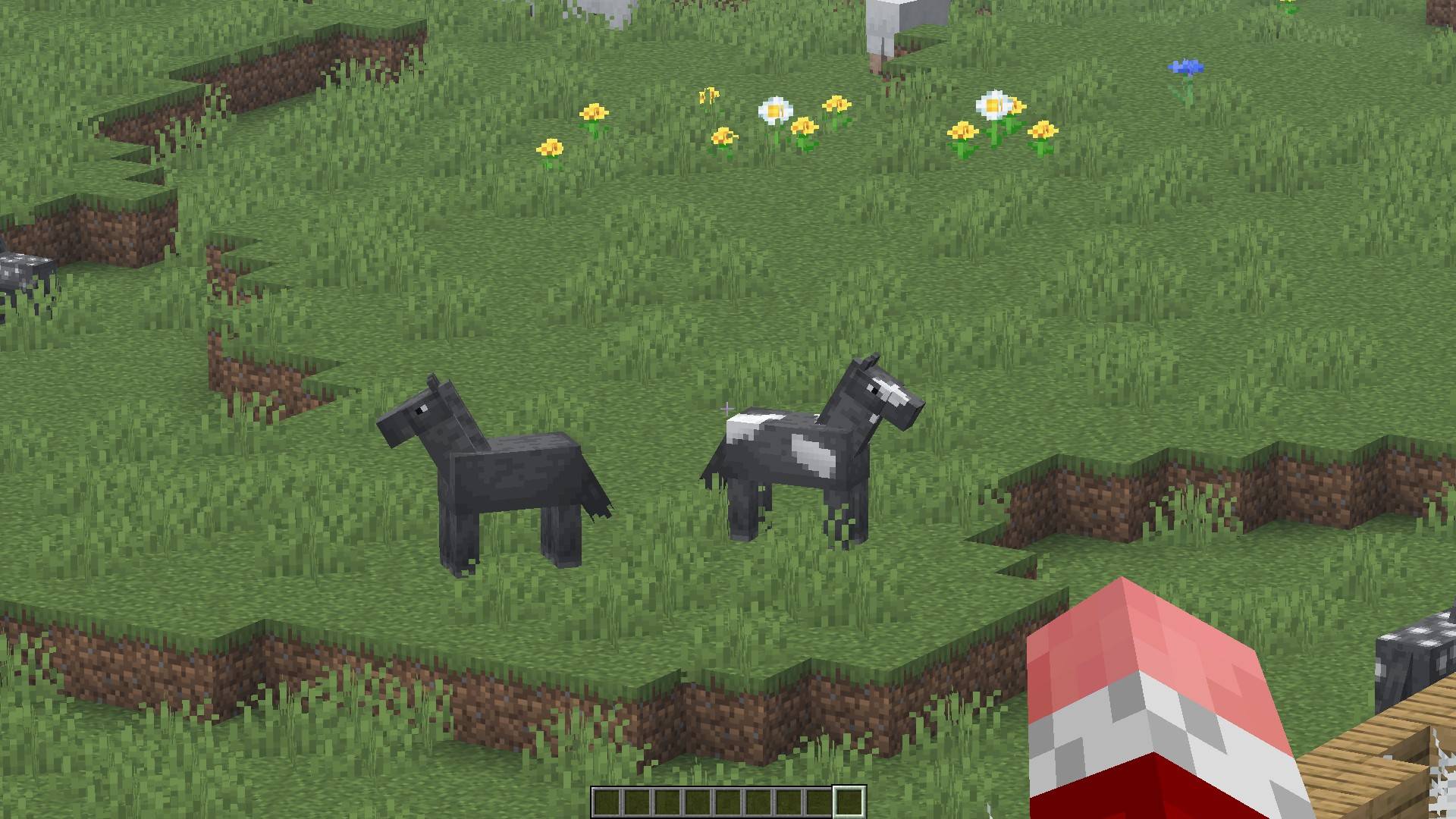
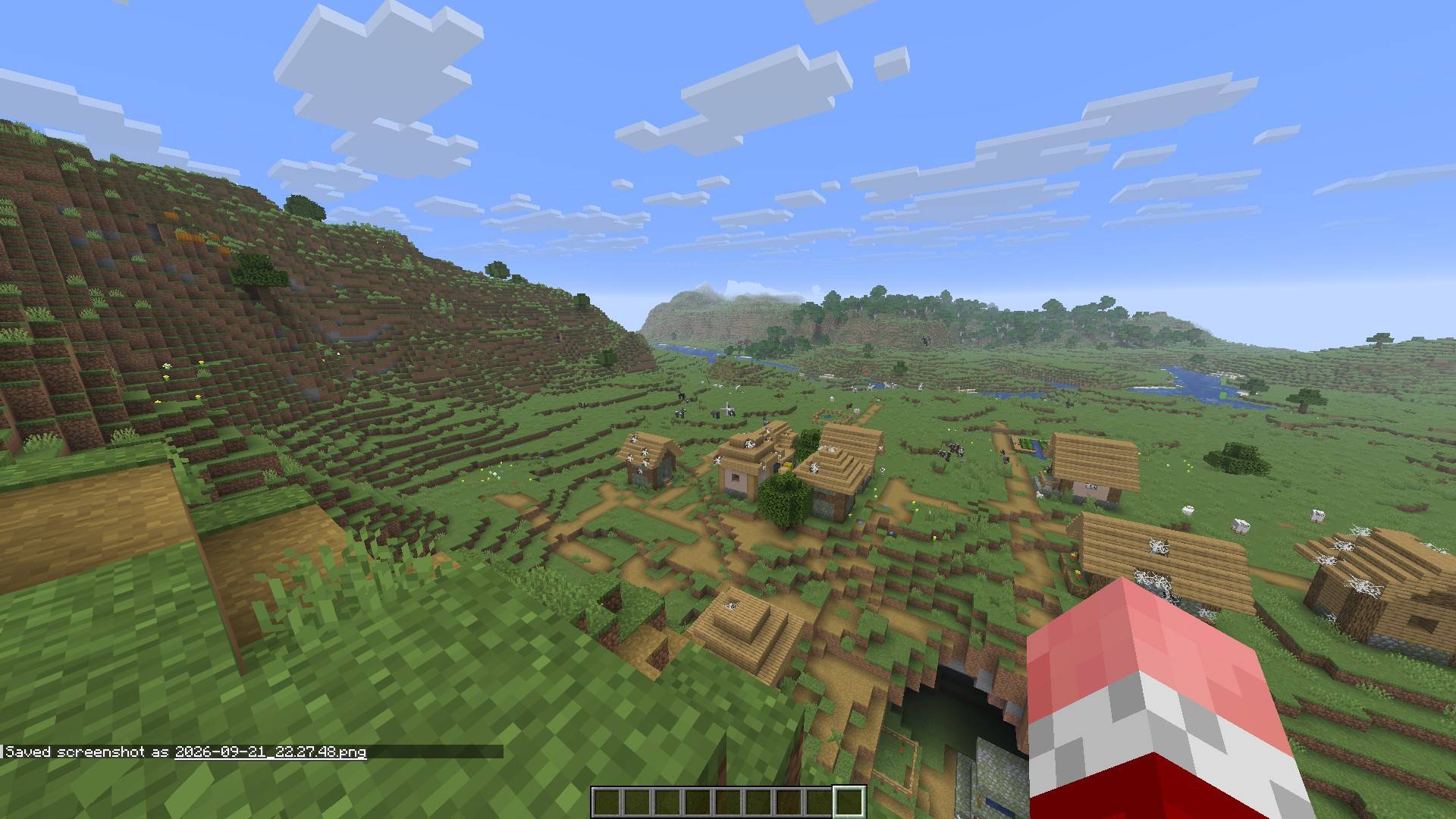
介绍
Loupe is a simple hold-to-zoom for Minecraft from 26.3 down to 1.21. Hold a key and the view eases in, scroll to zoom in or out, and let go to ease back out. Looking around while zoomed feels smooth too, because the camera builds up speed gradually and glides to a stop instead of snapping to your mouse.
Features
- Smooth zoom – eases in and out, and takes the same time at any frame rate.
- Smooth look – the camera glides while you look around zoomed in, more the further you zoom. Turn it down or off in the settings.
- Scroll to zoom – while you hold the key, the mouse wheel zooms closer or wider instead of changing your hotbar slot. Goes from about 1.1x up to 30x.
- Starts fresh every time – each zoom begins at your chosen amount, however far you scrolled last time.
- Your FOV setting is left alone – only the camera changes while you zoom.
- Any key or mouse button – it is a normal entry in Options > Controls, so you can rebind it (default C).
- Client-side only – nothing to install on a server.
Settings
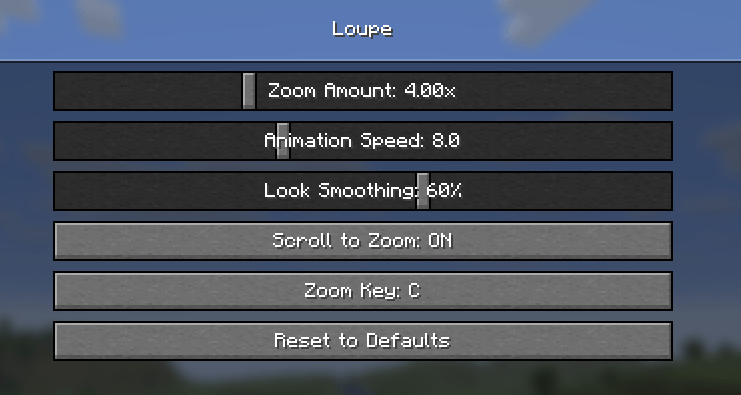
Install Mod Menu for a settings screen (Mods -> Loupe -> Configure), or edit config/loupe.json.
| Setting | Range | Default |
|---|---|---|
| Zoom Amount | 1.25x – 10x | 4x |
| Animation Speed | 1 – 20 | 8 |
| Look Smoothing | Off – 100% | 60% |
| Scroll to Zoom | on / off | on |
Requirements
- Minecraft 26.2 with Fabric Loader 0.19.3 or newer
- Fabric API
- Optional: Mod Menu for the settings screen
常见问题
Loupe – Smooth Zoom 支持哪些 Minecraft 版本?
Loupe – Smooth Zoom 支持 Minecraft Java 版 1.21–26.3,共 17 个版本,可用的加载器:Fabric / NeoForge。下载时注意选择和你游戏版本一致的文件。
Loupe – Smooth Zoom 怎么安装?
先用 PCL2 或 HMCL 启动器安装对应版本的 Fabric / NeoForge,再把下载的 .jar 文件放进游戏目录的 mods 文件夹,重新启动游戏即可。开启了版本隔离的,mods 文件夹在 versions/版本名 下面。
comedy 的其他作品
查看全部 →
Starlit – Better Sky, Stars, Auroras, Galaxies, Shooting Stars, Planets.
打造更出色的夜空:数千颗彩色闪烁的星星、银河、星云、星系、流星、流星雨、彗星和极光;白天还有日落、光晕和彩虹。仅限客户端,支持 Fabric、NeoForge 和 Forge。兼容光影!
Heartline – Health Bars & Damage Numbers
在所有生物头顶显示血条,显示伤害数字、金色暴击和连击数;目标面板还会显示击杀还需命中几次。提供 11 种血条样式、宠物提醒,支持完全自定义。客户端模组,支持 Fabric、NeoForge 和 Forge。

Identify – What Am I Looking At?
指向任意目标即可查看其信息,包括方块、生物、作物,以及 25 个模组中的机器信息。客户端模组。

Limn – Colored Block Outlines
重新为你注视的方块外框上色:可选任意纯色,或让彩虹沿着边缘流动。还可调整不透明度和线条粗细。仅限客户端,兼容 Mod Menu。
评论
登录后评论和评分